

Comparing the best AI Tools for Data Analytics of 2026 includes 1. ThoughtSpot 2. Databricks 3. Microsoft Power BI 4. Hex 5. Tableau 6. Looker 7. Snowflake 8. Sigma Computing 9. Domo 10. Zoho Analytics 11. Mode 12. Qlik Sense 13. Tellius 14. Julius AI 15. Zenlytic 16. Akkio 17. Polymer Search 18. AnswerRocket 19. DataLab by DataCamp 20. Omni Analytics.
TL;DR
- Best AI-native analytics for enterprise: ThoughtSpot Spotter, the most production-ready agentic analytics layer on real warehouse data at scale.
- Best for AI-embedded data platform: Databricks with Genie, the only pick where AI sits on the same lakehouse your engineers already run.
- Best AI analytics for Microsoft shops: Power BI Copilot, effectively free if you are on M365 E5 and Copilot for M365 is already deployed.
- Best for analytics-engineering teams: Hex Magic AI, where AI agents write SQL and Python inside the same notebook your team already uses for analysis.
- Best value AI analytics: Zoho Analytics with Zia AI, the clearest path to AI-assisted self-serve below $150/month for the whole org.
Twenty AI analytics platforms rated across natural-language querying depth, warehouse grounding, hallucination guard, and pricing reality. This is the AI-native angle on data analytics. For core BI without the AI angle, read our companion guide to the best BI tools.
What Are AI data analytics tools?
AI data analytics tools help analysts and business teams explore data in plain language, generating queries, surfacing trends, and building dashboards without heavy SQL or modeling.
Tools like ThoughtSpot, Databricks, Power BI, and Hex differ on natural-language search, scale, and how technical your team needs to be.
Best AI Tools for Data Analytics comparison: features, pricing and verdicts
| Tool | Best for | Starting price | Free trial | External rating |
|---|---|---|---|---|
Best agentic AI analytics for enterprise data teams | $25/user/mo | Free trial available | G2 4.4/5 (333 reviews) | |
Best AI analytics embedded in your data lakehouse | $0.07/DBU | Free trial available | G2 4.6/5 (658 reviews) | |
Best AI analytics inside Microsoft 365 | $14/user/mo | Free tier | G2 4.5/5 (1,635 reviews) | |
Best AI analytics for analytics-engineering teams | $36/mo | Free community tier | G2 4.5/5 (394 reviews) | |
Best AI analytics for self-serve visualization at scale | $15/user/mo | 14-day free trial | G2 4.4/5 (3,658 reviews) | |
Best AI analytics for governed enterprise metrics | ~$5,550/mo | Demo only | G2 4.4/5 (1,644 reviews) | |
Best AI analytics directly inside the data cloud | 6.7 | Free trial (Snowflake signup) | G2 4.5/5 (756 reviews) | |
Best AI analytics on warehouse data without SQL | Contact sales | Demo only | G2 4.4/5 (557 reviews) | |
Best AI analytics for non-technical executive teams | ~$30,000/yr | 30-day free trial | G2 4.3/5 (1,005 reviews) | |
Best value AI analytics for SMB and mid-market | $30/mo | 15-day free trial | G2 4.2/5 (287 reviews) | |
For data teams who live in SQL notebooks and want AI autopilot | Contact sales | Free trial available | G2 4.5/5 (330 reviews) | |
For enterprise teams who need AI on top of associative data models | Contact sales | 30-day free trial | G2 4.4/5 (924 reviews) | |
For pharma and finance orgs needing AI root-cause investigation | Contact sales | Demo only | G2 4.4/5 (22 reviews) | |
For individual analysts who need AI to work on uploaded spreadsheets fast | $22.99/mo | Free tier (limited) | ★ 7.7 | |
For ecommerce and DTC brands needing a self-serve AI analyst | Contact sales | 14-day trial (self-serve up to 10 users) | ★ 7.6 | |
For marketing and media orgs building no-code AI analytics workflows | Contact sales | Free trial | ★ 7.6 | |
For ops teams that need AI analytics directly on top of spreadsheet data | $10/mo | Free tier | ★ 7.5 | |
For CPG and retail teams needing AI analytics with causal investigation | Contact sales | Demo only | ★ 7.5 | |
For data science learners who want AI-assisted analysis on real datasets | $25/mo | Free tier (limited) | ★ 7.5 | |
For dbt-first data teams who want AI analytics without LookML overhead | Contact sales | Demo only | ★ 7.5 |
How we chose these tools
This is a research-led review, not a hands-on deployment guide. We synthesized G2 and Gartner Peer Insights reviews published between January and June 2026, read vendor documentation for each AI feature layer, cross-referenced pricing against live vendor pricing pages verified on June 10, 2026, and checked community discussion on r/dataengineering and r/BusinessIntelligence. Where G2 review counts were thin (under 30), we omit rating chips rather than cite numbers that could mislead. The focus throughout is AI as a primary analytics interface, not AI as a bolt-on summarization widget. Tools already covered in depth in our best BI tools guide are revisited here only for their AI layers.
How we weight ai tools for data analytics for the Topickz score
Every tool above is scored against the fixed rubric below and combined using these weights into the Topickz score on each card. The weights are set for ai tools for data analytics specifically, they are not copied from another category, and we publish them so you can see what moved a ranking and re-weight for your own priorities.
| Criterion | Weight | What we checked |
|---|---|---|
| Natural-language query quality | 25% | How well plain-language questions turn into correct SQL and answers, and whether the tool keeps context across follow-up questions. This is the AI-native angle, so it leads. |
| Warehouse grounding | 20% | Whether the AI answers off your governed warehouse data and a real semantic model, instead of guessing from a sample. |
| Hallucination guard | 17% | How the tool shows its work. We checked whether it cites the query it ran and lets an analyst verify a number before anyone trusts it in a board deck. |
| Model flexibility | 15% | Choice of underlying model, and whether you can point the tool at your own rather than one fixed provider. |
| Pricing reality | 13% | True cost once per-seat, per-query, or compute credits are counted, verified on the live vendor page. |
| Analyst adoption | 10% | Whether analysts and business users reach for it daily or quietly fall back to writing SQL by hand. |
| Total | 100% |
Read the full TopickZ.com testing methodology for how we run each test, score every criterion, and combine them into a single rating.
Detailed reviews
ThoughtSpot
Best agentic AI analytics for enterprise data teams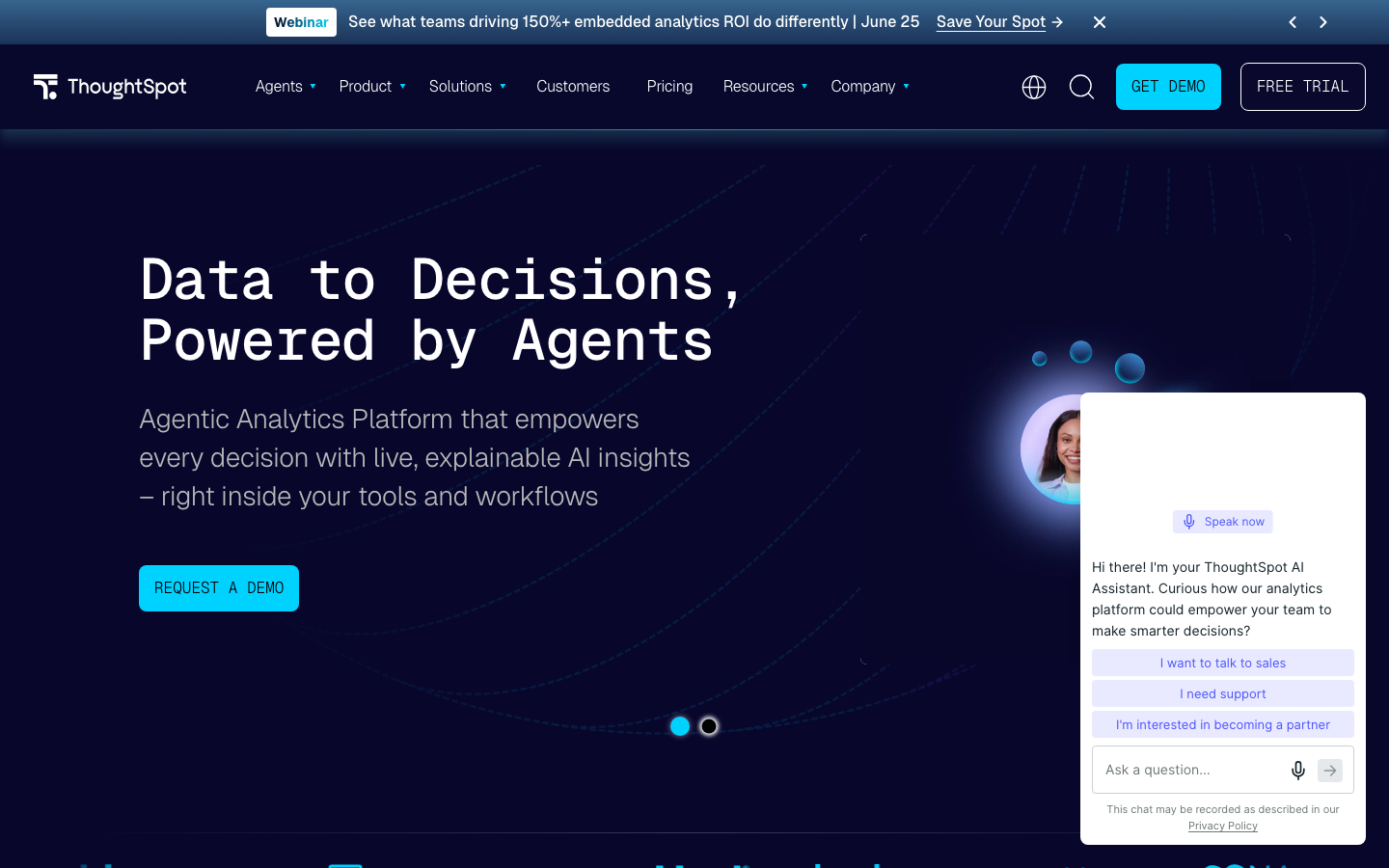
What's great
- Spotter AI agent on the Pro tier at $50/user/mo handles multi-step ad-hoc analysis via conversational prompts on up to 250 million rows of live warehouse data without a SQL handoff
- Search-first interface lets a non-technical exec type a business question and get a correct chart in under 10 seconds; it is the most mature natural-language-to-SQL layer in commercial analytics
- ThoughtSpot Embedded is a serious multi-tenant option for SaaS companies shipping customer-facing analytics; SDK, React components, and REST API all production-grade
Watch-outs
- Spotter AI agent is capped at 25 queries per user per month on Pro ($50/user/mo); heavier AI workloads require Enterprise with custom pricing
- Auto-generated charts are often too basic for board-level presentations; correct answer, weak visualization that needs additional polishing before sharing
- Requires a well-maintained semantic model to work accurately; if your data warehouse schema is messy or undocumented, the AI answers will be wrong in ways that are hard to catch
ThoughtSpot is the tool to evaluate when the primary problem is ’executives want answers, not pre-built dashboards.’ 333 G2 reviews average 4.4/5, with consistent praise for the search-first model and consistent complaints about visualization polish and the query cap on Pro. The Spotter AI agent is genuinely different from the bolt-on chat features most BI tools added in 2025: it maintains context across follow-up questions, can run comparative analysis across multiple data domains, and shows its SQL reasoning. ThoughtSpot’s published pricing page shows Pro at $50/user/mo billed annually with Spotter included at 25 queries per user per month. Enterprise pricing is custom. The honest filter is the semantic model prerequisite. Teams without a governed data layer in their warehouse will get confidently wrong AI answers, and ThoughtSpot won’t flag that for you automatically.
Pricing breakdown
| Plan | Price | Best for |
|---|---|---|
| Essentials | $25/user/mo | Teams up to 25 users, core search analytics |
| Pro | $50/user/mo | 25-1,000 users, Spotter AI Agent, 250M row limit |
| Enterprise | Custom | 1,000+ users, unlimited data, full governance |
| Embedded Analytics | Custom | SaaS companies shipping customer-facing dashboards |
Security & compliance
| Standard | Availability |
|---|---|
| SOC 2 Type II | yes |
| GDPR | yes |
| HIPAA | Enterprise |
| SSO / SAML | all tiers |
| Audit logs | Enterprise |
ThoughtSpot compliance summary: SOC 2 Type II is yes, GDPR is yes, HIPAA is enterprise, SSO/SAML is all tiers, and audit logs is enterprise.
Key integrations
| Integration | Type |
|---|---|
| Gmail | N/A |
| Outlook | N/A |
| Slack | native |
| LinkedIn Sales Navigator | N/A |
| Outreach / Salesloft | N/A |
ThoughtSpot integration summary: Gmail is not specified, Outlook is not specified, Slack is native, LinkedIn Sales Navigator is not specified, and Outreach or Salesloft is not specified.
Feature availability
| Feature | Status |
|---|---|
| Free tier | no |
| AI nlq | Pro+ |
| Embedded analytics | Embedded tier |
| Semantic model | required |
| Spotter agent | Pro (25 queries/user/mo) |
ThoughtSpot feature availability summary: Free tier (no), AI nlq (Pro+), Embedded analytics (Embedded tier), Semantic model (required), and Spotter agent (Pro (25 queries/user/mo)).
What reviewers say about ThoughtSpot
Recurring themes across ~330 G2 reviews (4.4/5) plus Capterra and BI review roundups, 2024-2026.
What reviewers praise
- Natural-language search is the defining strength: reviewers type questions in plain English and get answers, and cite the AI-driven search as what lets non-technical staff self-serve without building queries.
- Ease of use scores highly, users repeatedly call the interface intuitive and say business people generate insights and dashboards with little training.
- Genuine self-service is a recurring theme, most reviewers say it frees them from waiting on an analyst to run a report.
- Customer support is praised as strong, making implementation and troubleshooting fast and low-hassle.
- The AI and search layer is seen as a real differentiator from traditional drag-and-drop BI, especially for organizations pushing analytics to a broad audience.
What reviewers fault
- Visualization and customization are limited, reviewers cite fewer chart types, less styling control, and weaker dashboard-design flexibility than Tableau or Power BI.
- The learning curve is steeper than expected for teams coming from traditional BI, which dents early adoption despite the search-first pitch.
- Persistent bugs frustrate users, who say fixes take too long and disrupt day-to-day use.
- Consumption-based pricing (per query and per dashboard load) makes costs hard to predict, and reviewers say it runs expensive for mid-market budgets.
- Performance complaints appear around slow load times, especially for dashboards served to end customers in embedded scenarios.
Loading reviews…
Databricks
Best AI analytics embedded in your data lakehouse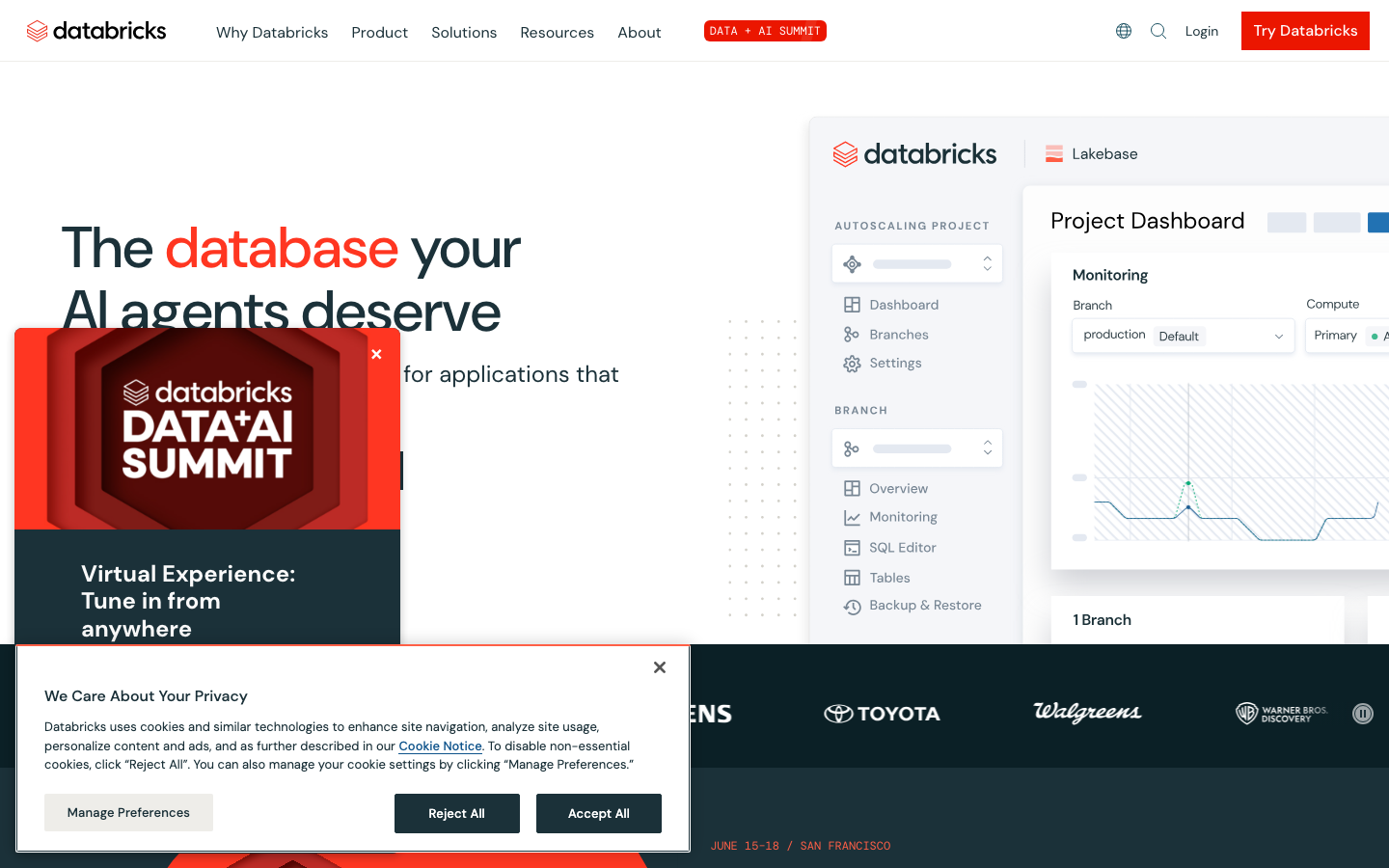
What's great
- Genie (AI/BI) lives inside the same lakehouse where your data engineering and ML pipelines run; no ETL to a separate BI layer, no data copy, no freshness lag between the pipeline output and what Genie answers
- Consumption-based pricing at $0.07/DBU for Genie queries means orgs with modest AI analytics usage pay almost nothing on top of existing Databricks compute spend
- Unity Catalog governs which data Genie can access at the column level; AI answers respect the same access controls your engineers already configured for notebook users
Watch-outs
- Genie requires Databricks Premium or above; teams on the Community Edition or Standard tier can not access AI/BI features
- The end-user experience is less polished than ThoughtSpot or Sigma; Genie is built for technical users and data analysts, not for the VP of Finance who wants to ask a freeform question without knowing the schema
- Pricing complexity compounds fast; DBU costs differ across compute types, clouds, and regions, and a monthly Genie bill is not predictable without careful capacity modeling
Databricks is the right call when your org already runs the lakehouse there. 801 G2 reviews average 4.6/5, the highest rating in this guide. AI/BI Genie ships as a natural-language analytics layer directly on Delta tables, with Unity Catalog enforcing column-level access so the AI never returns data a user is not authorized to see. The Databricks pricing page shows Genie starting at $0.07/DBU beyond free usage, and SQL Warehousing starting at $0.22/DBU for the underlying compute. For an engineering org that runs Spark, Delta, and MLflow on Databricks today, adding Genie is essentially a config toggle rather than a procurement event. For an org not already on Databricks, the DBU pricing model and setup overhead make it a longer evaluation than ThoughtSpot or Hex.
Pricing breakdown
| Plan | Price | Best for |
|---|---|---|
| Data Engineering | $0.15/DBU | Pipeline orchestration and batch processing |
| SQL / Data Warehousing | $0.22/DBU | BI queries and analytics workloads |
| Genie (AI/BI) | $0.07/DBU beyond free | Natural language analytics on Delta tables |
| AI and ML | $0.07/DBU | Model training and GenAI applications |
Security & compliance
| Standard | Availability |
|---|---|
| SOC 2 Type II | yes |
| GDPR | yes |
| HIPAA | Premium+ |
| SSO / SAML | all paid tiers |
| Audit logs | Premium+ |
Databricks compliance summary: SOC 2 Type II is yes, GDPR is yes, HIPAA is premium+, SSO/SAML is all paid tiers, and audit logs is premium+.
Key integrations
| Integration | Type |
|---|---|
| Gmail | N/A |
| Outlook | N/A |
| Slack | via webhook |
| LinkedIn Sales Navigator | N/A |
| Outreach / Salesloft | N/A |
Databricks integration summary: Gmail is not specified, Outlook is not specified, Slack is via webhook, LinkedIn Sales Navigator is not specified, and Outreach or Salesloft is not specified.
Feature availability
| Feature | Status |
|---|---|
| Free tier | Community Edition (no Genie) |
| AI nlq | Premium+ (Genie) |
| Ml platform | yes |
| Serverless compute | yes |
| Unity catalog | Premium+ |
Databricks feature availability summary: Free tier (Community Edition (no Genie)), AI nlq (Premium+ (Genie)), Ml platform (yes), Serverless compute (yes), and Unity catalog (Premium+).
What reviewers say about Databricks
Recurring themes across ~658 G2 reviews (4.6/5) of the Databricks Data Intelligence Platform and Capterra reviews, 2024-2026.
What reviewers praise
- Reviewers value that Databricks folds data engineering, SQL warehousing, and ML into one Lakehouse, so teams stop stitching separate tools together.
- The collaborative notebooks draw steady praise for real-time multi-language work across SQL, Python, and R on the same cluster.
- Performance on large-scale Spark jobs holds up well, with users citing stable, fast processing even on complex pipelines.
- Integration with cloud storage, BI dashboards, and orchestration tools is described as smooth once it is configured.
- Documentation, community resources, and support get credit for helping teams resolve issues quickly.
What reviewers fault
- Cost is the loudest complaint, with compute bills that spike unpredictably when workloads scale and DBU consumption goes unmonitored.
- New users hit a steep learning curve, and error messages are hard to trace during debugging.
- Setup, networking, and cluster configuration take real technical expertise that non-engineers struggle with.
- Managing multiple clusters and environments gets confusing around resource allocation.
- Pricing is hard to forecast, which makes budgeting for the platform difficult.
Loading reviews…
Microsoft Power BI
Best AI analytics inside Microsoft 365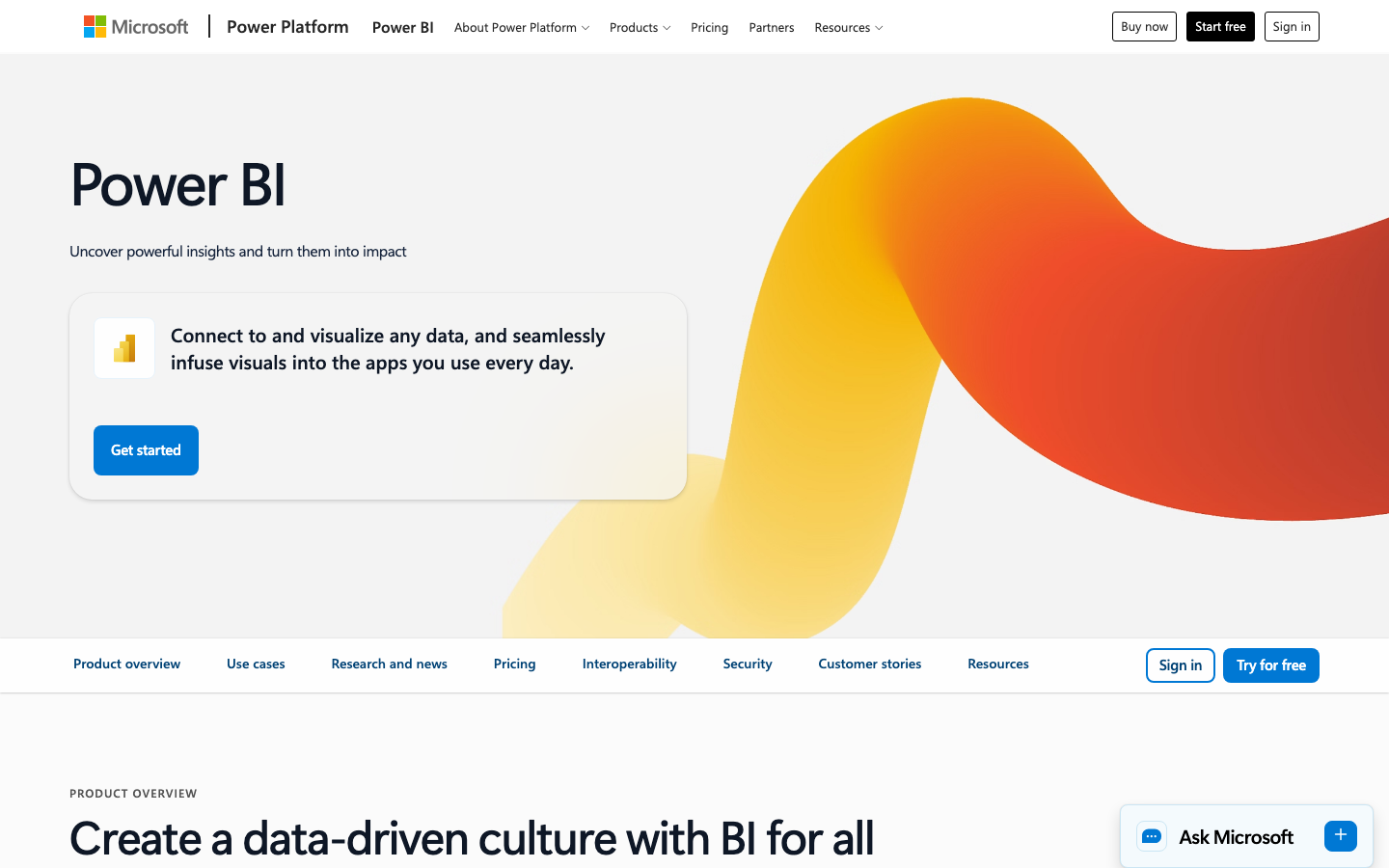
What's great
- Copilot for Power BI on Premium Per User ($24/user/mo) or Fabric capacity can write DAX measures, summarize report pages in natural language, and generate new visuals from a text prompt, without leaving the Power BI interface
- Orgs on Microsoft 365 E5 or Fabric capacity get the AI features at no incremental cost beyond what they already pay; that changes the build-vs-buy math significantly
- Q&A natural-language querying is available on Pro tier ($14/user/mo) and handles most common analytical questions against well-structured semantic models
Watch-outs
- Copilot for Power BI requires Premium Per User ($24/user/mo) or Fabric capacity; the Pro tier Q&A is less capable and frequently fails on complex multi-step questions
- DAX, the Power BI formula language, is genuinely hard to learn and AI-generated DAX from Copilot occasionally produces measures that look correct but compute wrong results on edge cases
- Microsoft raised Pro from $10 to $14 and Premium Per User from $20 to $24 in April 2025; for large orgs buying standalone, that's a meaningful cost jump without a corresponding AI capability increase
Power BI Copilot is the most cost-effective path to AI analytics for orgs already inside Microsoft 365. 1,635 G2 reviews average 4.5/5, the highest score at scale in this guide. The AI story splits by tier: Pro gets Q&A, which handles conversational querying against a structured semantic model. Premium Per User gets Copilot, which can write DAX, summarize reports, and generate visuals. Fabric capacity unlocks the full Microsoft AI stack. If your org is on M365 E5 and already paying for Copilot for Microsoft 365, Power BI Copilot is included. Microsoft’s pricing page confirms Pro at $14/user/mo and Premium Per User at $24/user/mo. Teams not in the Microsoft ecosystem will find the DAX learning curve and the tier-gated AI features frustrating compared to ThoughtSpot or Zoho Analytics.
Pricing breakdown
| Plan | Price | Best for |
|---|---|---|
| Free | $0 | Individual use only, no sharing or collaboration |
| Pro | $14/user/mo | Teams sharing reports; Q&A AI included |
| Premium Per User | $24/user/mo | Copilot AI, paginated reports, 48 daily refreshes |
| Fabric Capacity | Custom (F2+ SKU) | Enterprise workloads, full Copilot, embedded analytics |
Security & compliance
| Standard | Availability |
|---|---|
| SOC 2 Type II | yes |
| GDPR | yes |
| HIPAA | yes |
| SSO / SAML | all paid tiers |
| Audit logs | Premium+ |
Microsoft Power BI compliance summary: SOC 2 Type II is yes, GDPR is yes, HIPAA is yes, SSO/SAML is all paid tiers, and audit logs is premium+.
Key integrations
| Integration | Type |
|---|---|
| Gmail | N/A |
| Outlook | N/A |
| Slack | N/A |
| LinkedIn Sales Navigator | N/A |
| Outreach / Salesloft | N/A |
Microsoft Power BI integration summary: Gmail is not specified, Outlook is not specified, Slack is not specified, LinkedIn Sales Navigator is not specified, and Outreach or Salesloft is not specified.
Feature availability
| Feature | Status |
|---|---|
| Free tier | yes (no sharing) |
| AI nlq | Pro (Q&A) |
| Copilot AI | Premium Per User+ |
| Dax copilot | Premium Per User+ |
| Fabric integration | Fabric tier |
Microsoft Power BI feature availability summary: Free tier (yes (no sharing)), AI nlq (Pro (Q&A)), Copilot AI (Premium Per User+), Dax copilot (Premium Per User+), and Fabric integration (Fabric tier).
What reviewers say about Microsoft Power BI
Recurring themes across ~1,630 G2 reviews (4.5/5) plus Capterra and BI review roundups, 2024-2026.
What reviewers praise
- Tight integration with the Microsoft stack (Excel, Teams, Azure, SharePoint) is the top-cited advantage, with reviewers saying data flows in from tools they already run and reports land where colleagues already work.
- Low entry cost relative to Tableau and other enterprise BI comes up repeatedly as the reason teams picked it, especially the affordable per-user Pro license.
- The drag-and-drop report canvas lets non-technical users build dashboards and explore data without SQL, and reviewers praise how quickly Excel-literate staff get productive.
- Broad visualization options plus a marketplace of custom visuals give teams flexibility, and newer AI features like Copilot draw positive early mentions.
- Power Query for data prep and transformation is singled out as genuinely powerful for cleaning and shaping data before it hits a report.
What reviewers fault
- DAX is the most common frustration: the formula language behind any serious modeling is powerful but unintuitive, and reviewers describe a steep curve mastering measures and star-schema design.
- Performance slows on large datasets and complex data models, with sluggish refreshes and laggy dashboards flagged often.
- Licensing cost creeps up once you share reports widely or with external stakeholders, and Premium capacity pricing surprises teams that outgrow Pro.
- The Windows and Azure lean is a recurring gripe: Power BI Desktop is Windows-only and some sharing and auth workflows assume Azure Active Directory, which frustrates Mac and non-Microsoft shops.
- The gap between the easy report canvas and the hard modeling layer means reviewers underestimate the skill needed, and hit a wall when simple visuals give way to real data modeling.
Loading reviews…
Hex
Best AI analytics for analytics-engineering teams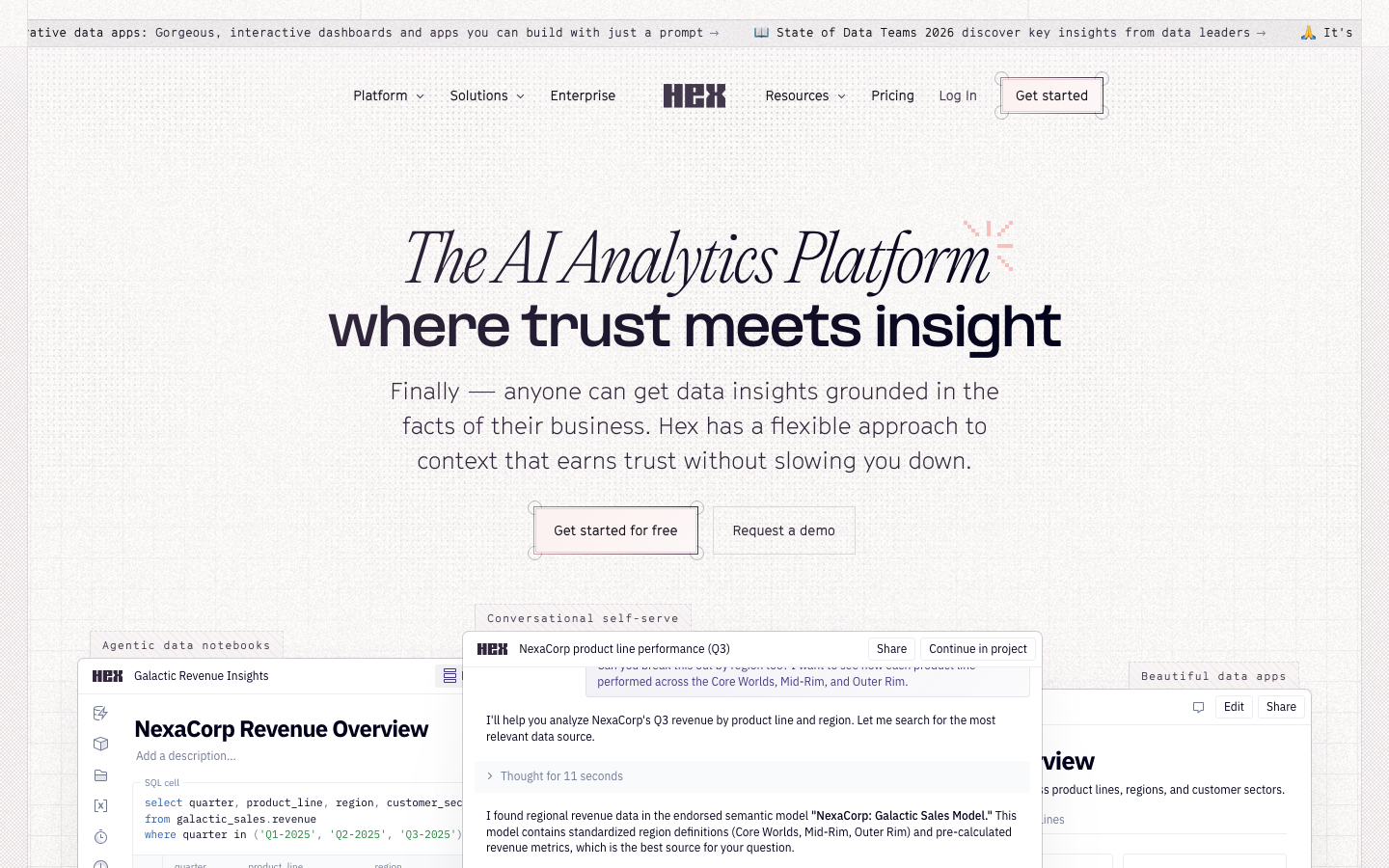
What's great
- Magic AI in the Team tier ($75/editor/mo) understands your dbt models and warehouse schema, writes SQL and Python cells against real definitions, and explains its reasoning inline; it is the most dbt-native AI layer in any analytics tool
- Notebook Agent automates multi-step analysis: give it a question, it plans the query sequence, writes the cells, runs them, and surfaces a summary, without you manually building each step
- SQL, Python, and R cells live in the same project; Magic AI can generate a SQL query, pass the result to a pandas transform, and drop it into a visualization without switching contexts
Watch-outs
- Team tier at $75/editor/mo is steep for larger analyst teams; a 10-editor team on Team costs $750/mo before viewer licensing, which adds up relative to Hex's BI-native competitors
- Viewer experience is weaker than ThoughtSpot or Sigma for business users who want to self-serve on ad-hoc questions; Hex apps are the right output format for analyst-built reports, not freeform exploration
- Magic AI occasionally hallucinates column names that exist in similar tables but not in the one the query is actually referencing; always verify the generated SQL on first run against an unfamiliar schema
Hex is what analytics engineers reach for when they need AI that understands the actual data model, not just the question. 394 G2 reviews average 4.5/5 with consistent praise for the multi-cell workflow and the dbt integration. The Magic AI agent in Team tier is the most technically capable AI analytics layer in this guide for teams that write SQL and Python daily. Hex’s pricing page puts Professional at $36/editor/mo and Team at $75/editor/mo. The Community tier is free for up to 5 notebooks. Magic AI is in the Team tier. For analytics teams at Series A to C companies where the data team owns both the transformation layer and the business-facing dashboards, Hex is the strongest pure AI analytics investment. It is not the pick if your primary use case is non-technical business users asking freeform questions.
Pricing breakdown
| Plan | Price | Best for |
|---|---|---|
| Community | $0 | Individual analysts, up to 5 notebooks |
| Professional | $36/editor/mo | Solo analysts, unlimited notebooks, scheduled runs |
| Team | $75/editor/mo | 2-10 analysts, Magic AI, dbt integration, GitHub sync |
| Enterprise | Custom | 10+ editors, SSO, audit logs, embedded analytics |
Security & compliance
| Standard | Availability |
|---|---|
| SOC 2 Type II | yes |
| GDPR | yes |
| HIPAA | Enterprise |
| SSO / SAML | Enterprise |
| Audit logs | Enterprise |
Hex compliance summary: SOC 2 Type II is yes, GDPR is yes, HIPAA is enterprise, SSO/SAML is enterprise, and audit logs is enterprise.
Key integrations
| Integration | Type |
|---|---|
| Gmail | N/A |
| Outlook | N/A |
| Slack | Team+ |
| LinkedIn Sales Navigator | N/A |
| Outreach / Salesloft | N/A |
Hex integration summary: Gmail is not specified, Outlook is not specified, Slack is team+, LinkedIn Sales Navigator is not specified, and Outreach or Salesloft is not specified.
Feature availability
| Feature | Status |
|---|---|
| Free tier | yes (5 notebooks) |
| Magic AI | Team+ |
| Notebook agent | Team+ |
| Python r sql | all tiers |
| Scheduled runs | Professional+ |
Hex feature availability summary: Free tier (yes (5 notebooks)), Magic AI (Team+), Notebook agent (Team+), Python r sql (all tiers), and Scheduled runs (Professional+).
What reviewers say about Hex
Recurring themes across ~393 G2 reviews (4.5/5) plus data-notebook review roundups, 2024-2026.
What reviewers praise
- Blending SQL and Python in one notebook is the headline strength: reviewers query data, transform it in Python, and hand results between cells without leaving the workspace.
- It collapses the usual toolchain, users say querying, analysis, and presentation live in one place instead of jumping between a SQL editor, a Jupyter notebook, and a separate BI dashboard tool.
- Collaboration features (shared projects, comments, version history) get repeated praise for making cross-functional and reproducible analysis easy.
- The reactive notebook feel is well-liked for fast ad hoc exploration, with reviewers comparing it favorably to a live, shareable Jupyter environment.
What reviewers fault
- The seat-plus-compute-minutes pricing is the most common frustration, reviewers say budgeting feels unpredictable and active teams get surprised by the monthly bill.
- Performance can lag on very large datasets or complex notebooks, particularly when many queries are chained together.
- Feature gaps come up around advanced libraries, limited R support, and raw computational power for heavier workloads.
- Some reviewers want stronger project-management and data-handling capabilities, noting limits on data size, filtering, and library compatibility.
Loading reviews…
Tableau
Best AI analytics for self-serve visualization at scale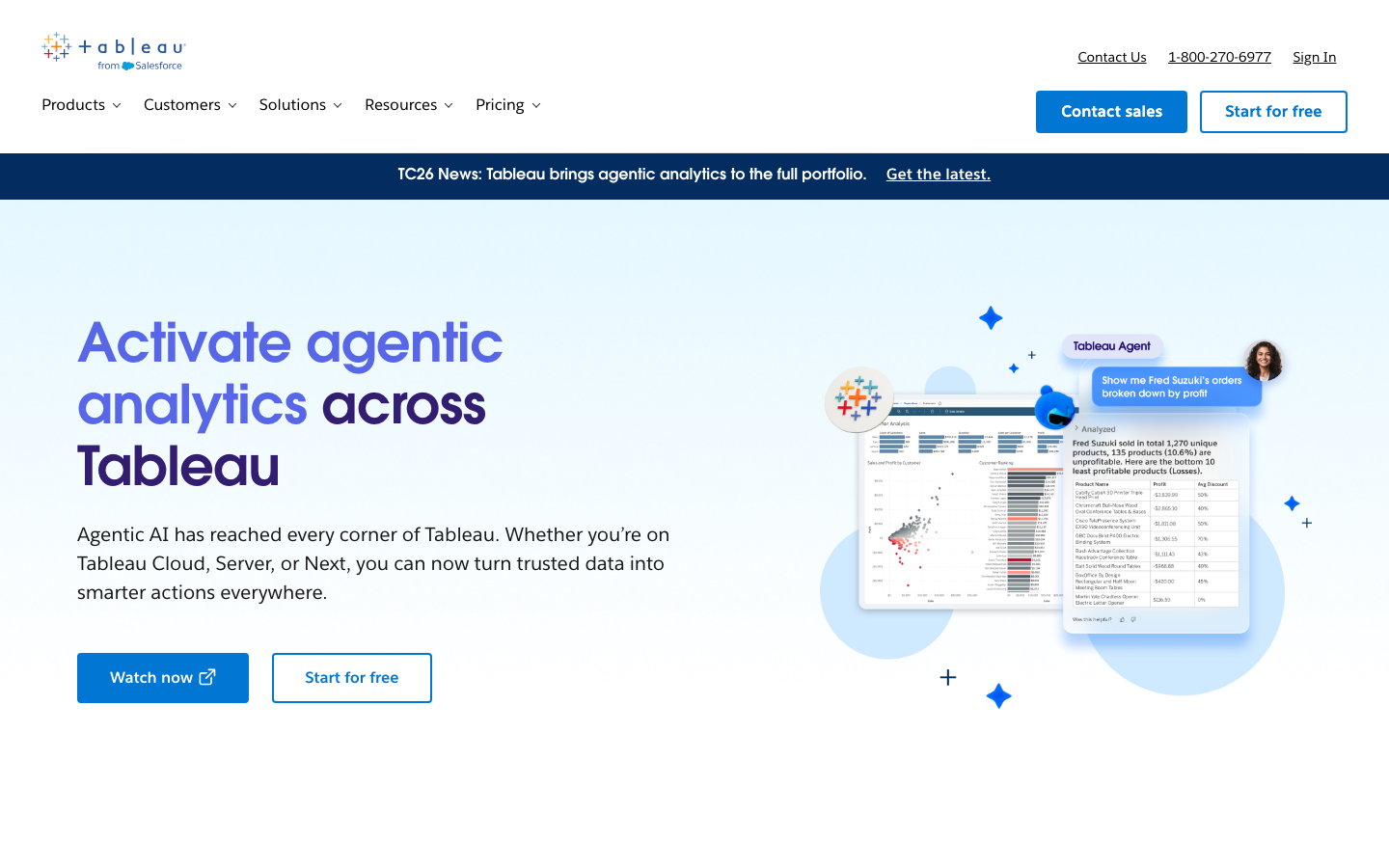
What's great
- Tableau Pulse delivers proactive AI-generated insight digests pushed to Slack or email; instead of waiting for a user to open a dashboard, the system flags anomalies and trends automatically
- Tableau Agent (in beta on Enterprise tier) handles multi-step analytical tasks via natural language and can create new calculations, filter data, and modify dashboards without the user touching a formula
- The largest installed base in the guide at 3,658 G2 reviews means the community, Stack Overflow coverage, and third-party tutorial ecosystem is far deeper than any alternative
Watch-outs
- Tableau Pulse and the full Tableau Agent are gated to Enterprise ($115/Creator/mo); the standard Creator tier at $75/mo gets the older Ask Data feature, which is less capable than Spotter or Genie
- Salesforce acquisition in 2019 has slowed core analytics investment; G2 reviewers in 2026 consistently note that newer AI features from ThoughtSpot and Hex ship faster
- The Creator-to-Viewer pricing cliff is steep: a 10-person team with 5 Creators and 5 Viewers on Enterprise costs $5,750/mo billed annually before implementation costs
Tableau is the safe enterprise pick when self-serve visualization depth matters more than pure AI speed. 3,658 G2 reviews average 4.4/5, the largest review corpus in this guide. Tableau Pulse ships AI anomaly detection to Slack and email without requiring users to log in and check dashboards. Tableau Agent handles conversational modification of existing views. The honest limitation: both features are Enterprise-only. Standard Creator ($75/mo) gets Ask Data, which handles basic natural-language questions but can not match Spotter’s multi-step reasoning depth. For large orgs that have already invested in Tableau Creator seats and want to add an AI layer without a platform migration, Tableau Pulse is the lowest-friction option in this list.
Pricing breakdown
| Plan | Price | Best for |
|---|---|---|
| Viewer (Standard) | $15/user/mo | Business users reading published dashboards |
| Explorer (Standard) | $42/user/mo | Analysts modifying existing workbooks |
| Creator (Standard) | $75/user/mo | Analysts building dashboards, Ask Data AI included |
| Creator (Enterprise) | $115/user/mo | Tableau Pulse, Tableau Agent, Slack integration |
Security & compliance
| Standard | Availability |
|---|---|
| SOC 2 Type II | yes |
| GDPR | yes |
| HIPAA | yes |
| SSO / SAML | all tiers |
| Audit logs | yes |
Tableau compliance summary: SOC 2 Type II is yes, GDPR is yes, HIPAA is yes, SSO/SAML is all tiers, and audit logs is yes.
Key integrations
| Integration | Type |
|---|---|
| Gmail | N/A |
| Outlook | N/A |
| Slack | Pulse alerts |
| LinkedIn Sales Navigator | N/A |
| Outreach / Salesloft | N/A |
Tableau integration summary: Gmail is not specified, Outlook is not specified, Slack is pulse alerts, LinkedIn Sales Navigator is not specified, and Outreach or Salesloft is not specified.
Feature availability
| Feature | Status |
|---|---|
| Free tier | no (14-day trial only) |
| Ask data AI | Creator+ |
| Prep builder | Creator+ |
| Tableau agent | Enterprise (beta) |
| Tableau pulse | Enterprise |
Tableau feature availability summary: Free tier (no (14-day trial only)), Ask data AI (Creator+), Prep builder (Creator+), Tableau agent (Enterprise (beta)), and Tableau pulse (Enterprise).
What reviewers say about Tableau
Recurring themes across ~3,653 G2 reviews (4.4/5) plus Capterra and BI review roundups, 2024-2026.
What reviewers praise
- The drag-and-drop visualization engine is the most-cited strength: reviewers build clean, interactive dashboards and drill down or filter in real time without writing code, which makes it a favorite for leadership reporting and data storytelling.
- Chart quality and design flexibility come up constantly, with users saying Tableau produces more polished, presentation-ready visuals than most competing BI tools.
- Broad data-source connectivity (Excel, cloud warehouses, databases, APIs) lets teams blend sources into one dashboard, and reviewers value how flexibly it slots into existing stacks.
- The interactivity, filters, drill-downs, and parameters, is praised for letting business users explore data themselves instead of waiting on an analyst to re-run a report.
- A large user community and deep learning resources mean answers to most problems are already documented, which reviewers say shortened their ramp-up.
What reviewers fault
- Cost is the single most repeated complaint: the per-role licensing (Creator, Explorer, Viewer) adds up fast, and small teams, nonprofits, and students frequently say they switched to or considered Power BI purely on price.
- Performance degrades on very large datasets and live connections, with dashboards taking noticeably long to load when data volumes climb.
- The pricing structure itself is called confusing, not just expensive, because buyers struggle to predict total cost across the different seat types.
- Building advanced or highly customized workflows often pushes users into external tools, and version control and collaborative development are weaker than in developer-oriented platforms.
- The learning curve for advanced features (LOD expressions, calculated fields, complex joins) is steep, and reviewers note that surface-level dashboards are easy but true mastery takes real time.
Loading reviews…
Looker
Best AI analytics for governed enterprise metrics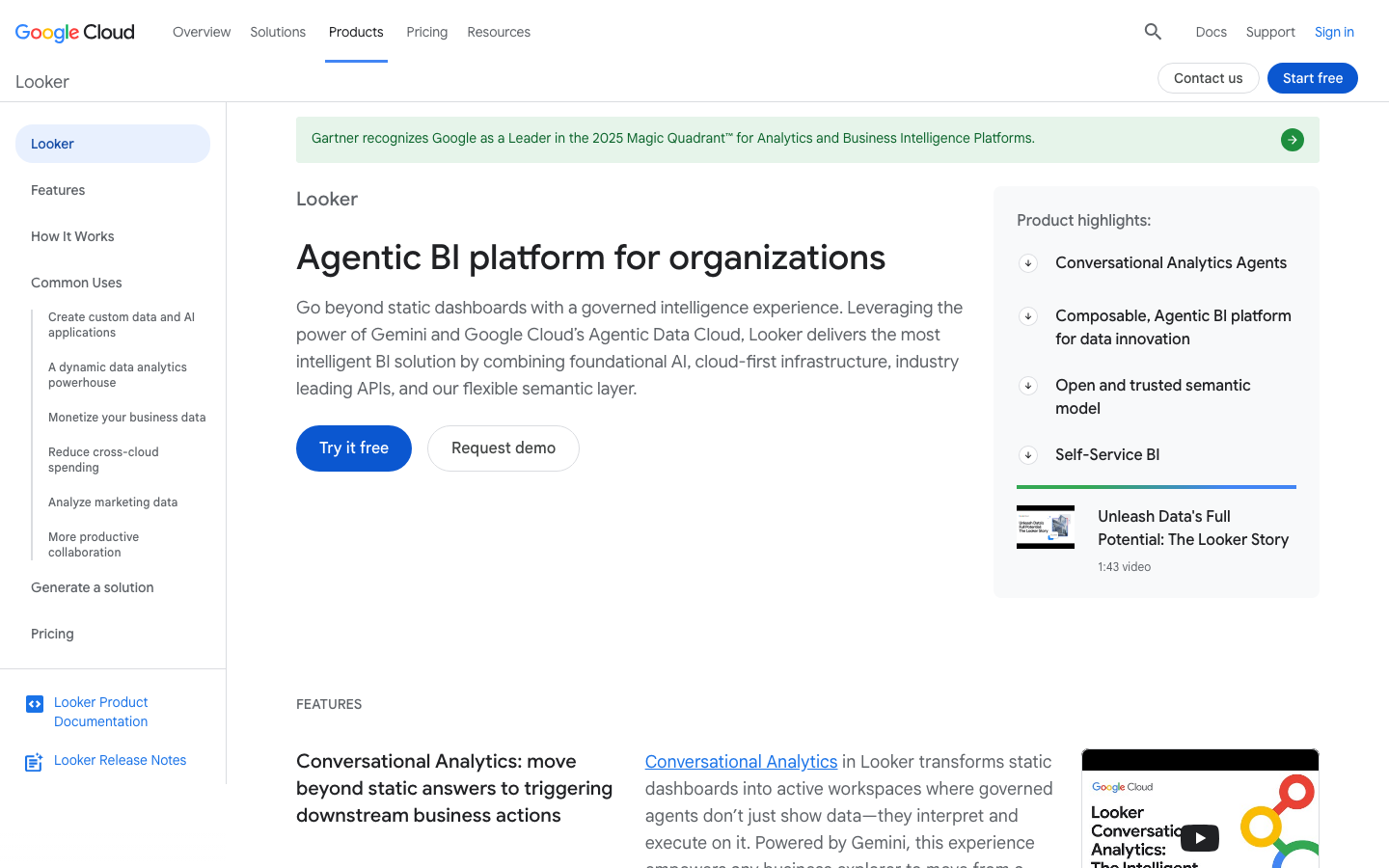
What's great
- Gemini in Looker (Google Cloud AI) generates LookML measures and dimensions from natural-language descriptions, making it the only tool in this guide where AI writes the semantic layer rather than sitting on top of it
- LookML governance means every AI-generated answer is grounded in version-controlled metric definitions; if Gemini generates a SQL answer, it uses the same metric a human analyst would use
- Looker Explore Assistant (open-source, built on Gemini) lets developers deploy a custom NL-to-LookML chat interface on top of an existing Looker instance without additional licensing cost
Watch-outs
- Standard edition starts around $66,600/year for 10 users; the most expensive entry point in this guide, and Gemini AI features are layered on top rather than included in the base price
- LookML has a learning curve resembling a new programming language; teams that skip proper LookML investment get incorrect AI answers because the semantic layer is incomplete
- Google Cloud acquired Looker in 2020 and some analytics engineers report tension between LookML and dbt Semantic Layer definitions when both coexist in the same stack
Looker with Gemini is the correct pick when metric governance is the hard requirement and the org is already on Google Cloud. 1,644 G2 reviews average 4.4/5, with analytics engineers consistently naming LookML as the differentiator. Gemini in Looker is architecturally different from every other AI layer in this guide: it generates LookML, not ad-hoc SQL. That means AI-generated answers inherit the same row-level security, access controls, and metric definitions already in the LookML model. The price filter is honest and hard. Standard edition requires approximately $66,600/year according to Holistics.io’s Looker pricing breakdown , before Gemini AI licensing. If that spend is justified by the governance requirement, Looker delivers something none of the cheaper tools can match. If it’s not, Sigma or Hex gets you 80% of the value at 20% of the cost.
Pricing breakdown
| Plan | Price | Best for |
|---|---|---|
| Standard (10 users + 2 developers) | ~$66,600/yr | Teams under 50 users on Google Cloud |
| Additional Standard User | $799/user/yr | Read-and-explore users |
| Additional Developer | $1,665/user/yr | LookML authors and data engineers |
| Enterprise/Embed | Custom | 100+ users or customer-facing embedded analytics |
Security & compliance
| Standard | Availability |
|---|---|
| SOC 2 Type II | yes |
| GDPR | yes |
| HIPAA | yes |
| SSO / SAML | all tiers |
| Audit logs | yes |
Looker compliance summary: SOC 2 Type II is yes, GDPR is yes, HIPAA is yes, SSO/SAML is all tiers, and audit logs is yes.
Key integrations
| Integration | Type |
|---|---|
| Gmail | N/A |
| Outlook | N/A |
| Slack | native |
| LinkedIn Sales Navigator | N/A |
| Outreach / Salesloft | N/A |
Looker integration summary: Gmail is not specified, Outlook is not specified, Slack is native, LinkedIn Sales Navigator is not specified, and Outreach or Salesloft is not specified.
Feature availability
| Feature | Status |
|---|---|
| Free tier | no |
| Embedded analytics | Embed tier |
| Explore assistant | open-source |
| Gemini in looker | add-on |
| LookmL generation | Gemini add-on |
Looker feature availability summary: Free tier (no), Embedded analytics (Embed tier), Explore assistant (open-source), Gemini in looker (add-on), and LookmL generation (Gemini add-on).
What reviewers say about Looker
Recurring themes across ~1,643 G2 reviews (4.4/5) plus Gartner Peer Insights and BI review roundups, 2024-2026.
What reviewers praise
- The LookML semantic layer is the defining strength reviewers cite: business logic and metric definitions live in version-controlled code, so everyone queries the same governed definitions and the multiple-versions-of-the-truth problem largely disappears.
- Deep integration with cloud warehouses, especially BigQuery, is praised for handling large data volumes well and keeping analysis close to the source.
- Once the model is built, business users get intuitive point-and-click exploration and self-serve reports without touching SQL, which reviewers value for reducing analyst bottlenecks.
- Dashboards are interactive and easy to share, and centralized governance and access controls make it a favorite of data teams that care about consistency and security.
- The governed, code-based modeling approach is repeatedly called a genuine differentiator from drag-and-drop BI tools for organizations that need metric consistency at scale.
What reviewers fault
- The LookML learning curve is the most repeated complaint: teams without SQL and modeling skills struggle, and reviewers note data requests still bottleneck with engineering because non-developers cannot self-serve model changes.
- Pricing is opaque and steep, all tiers are quote-only, and reported contracts routinely reach six figures a year, putting it out of reach for smaller teams.
- Visualization and charting feel dated and limited next to Tableau or Power BI, with reviewers wanting more chart types and formatting control.
- Query performance on complex analyses depends heavily on how the underlying warehouse is tuned, and users describe stakeholders left staring at loading spinners.
- Out-of-the-box AI and advanced-calculation features are thin, and reviewers note gaps in built-in calculations that force workarounds.
Loading reviews…
Snowflake
Best AI analytics directly inside the data cloud
What's great
- Cortex Analyst converts natural-language questions into SQL against Snowflake tables with zero data movement; the answer runs on the same Snowflake compute your data team already pays for
- Cortex comes bundled with Snowflake Enterprise Edition at the standard $3.00/credit rate, making it effectively zero incremental cost for orgs already on Enterprise with compute capacity to spare
- Snowflake Intelligence (launched 2026) combines Cortex Analyst, search, and agent orchestration into a unified AI analytics surface that competes directly with ThoughtSpot and Gemini in Looker
Watch-outs
- Cortex Analyst requires a semantic model YAML file to generate accurate SQL; teams without a structured semantic model get SQL that may technically run but answers the wrong question
- As of April 1, 2026, Snowflake introduced AI Credits as a separate billing currency at $2.00/credit, decoupling AI pricing from standard Snowflake credits in ways that require separate budget tracking
- Cortex Analyst is primarily for developers and data engineers who can set up the semantic model YAML; there is no self-serve onboarding path for business users who want to start asking questions without IT involvement
Snowflake Cortex Analyst is the most natural AI analytics extension for data teams already running Snowflake. 756 G2 reviews average 4.5/5, with strong ratings for the cloud-native architecture and the breadth of partner integrations. Cortex Analyst charges 6.7 credits per 100 messages, with AI Credits now at $2.00/credit as of April 2026 according to select.dev’s Cortex pricing analysis . For a Snowflake Enterprise customer with unused capacity, 10 Cortex Analyst questions cost approximately $2. The buy signal is simple: if your org is on Snowflake Enterprise and your data team can write semantic model YAML, Cortex Analyst is the lowest-overhead AI analytics addition in this guide. If you’re not on Snowflake, it’s not the entry point.
Pricing breakdown
| Plan | Price | Best for |
|---|---|---|
| Standard | Custom (per credit) | Basic data warehousing, limited Cortex access |
| Enterprise | Custom ($3/credit base) | Full Cortex Analyst, column-level security, governance |
| Business Critical | Custom | HIPAA, FedRAMP, Private Link, highest compliance tier |
| Cortex AI Credits | $2.00-$2.20/AI credit | AI function billing separate from standard credits |
Security & compliance
| Standard | Availability |
|---|---|
| SOC 2 Type II | yes |
| GDPR | yes |
| HIPAA | Business Critical |
| SSO / SAML | Enterprise+ |
| Audit logs | Enterprise+ |
Snowflake compliance summary: SOC 2 Type II is yes, GDPR is yes, HIPAA is business critical, SSO/SAML is enterprise+, and audit logs is enterprise+.
Key integrations
| Integration | Type |
|---|---|
| Gmail | N/A |
| Outlook | N/A |
| Slack | N/A |
| LinkedIn Sales Navigator | N/A |
| Outreach / Salesloft | N/A |
Snowflake integration summary: Gmail is not specified, Outlook is not specified, Slack is not specified, LinkedIn Sales Navigator is not specified, and Outreach or Salesloft is not specified.
Feature availability
| Feature | Status |
|---|---|
| Free tier | no (trial only) |
| Cortex analyst | Enterprise+ |
| Semantic model | YAML required |
| Snowflake intelligence | 2026 (new) |
| Time travel | yes |
Snowflake feature availability summary: Free tier (no (trial only)), Cortex analyst (Enterprise+), Semantic model (YAML required), Snowflake intelligence (2026 (new)), and Time travel (yes).
What reviewers say about Snowflake
Recurring themes across ~756 G2 reviews (4.5/5) and Capterra reviews, 2024-2026.
What reviewers praise
- Users repeatedly credit the separation of compute and storage for letting multiple teams query the same data without contention.
- Query speed on large datasets stays fast, with complex joins returning results quickly.
- Time Travel and secure data sharing get called out as genuinely useful for cross-team and cross-account collaboration.
- Scaling warehouses up and down is easy, and teams avoid managing infrastructure themselves.
- The pay-per-second model appeals to teams that want to pay only for what they actually run.
What reviewers fault
- Cost control is the top frustration, since credit consumption can climb fast under unpredictable or always-on workloads.
- Understanding how warehouses burn credits takes time, and some advanced settings are unclear at first.
- Newcomers to cloud warehousing face a learning curve despite the tidy interface.
- Billing by the second sounds cheap but adds up when apps need instant availability.
Loading reviews…
Sigma Computing
Best AI analytics on warehouse data without SQLWhat's great
- AI formula assistant writes Sigma formulas and SQL from natural-language descriptions in context with the column names and row values visible in the workbook, producing more accurate output than generic chat interfaces
- Ask Sigma (natural-language querying) answers questions against live Snowflake or BigQuery data without a data extract; business users get the same data freshness as the warehouse
- Push-down SQL means Sigma never copies data out of your warehouse; AI-assisted analysis runs entirely on the live table, preserving row-level security and data governance controls
Watch-outs
- Pricing is sales-led and negotiated; median annual contracts from third-party data land at $61,158 with wide variation depending on user count and tier, making budget forecasting difficult before a sales conversation
- Ask Sigma requires a well-structured warehouse schema with clear column naming; generic column names like 'col_3' or 'amt' produce AI answers that are technically correct but practically useless
- The spreadsheet mental model that makes Sigma accessible to business users can feel unfamiliar to data engineers who expect a SQL editor with version control and CI/CD hooks
Sigma is the pick for data teams that need to give finance and ops users access to live Snowflake or BigQuery data without teaching them SQL or building bespoke dashboards. 557 G2 reviews average 4.4/5, with consistent praise for the warehouse-native model and consistent friction around opaque pricing. Ask Sigma adds conversational querying on top of the spreadsheet interface, grounded in the live warehouse schema rather than a cached extract. For teams that already run dbt, Sigma surfaces dbt-defined metrics natively alongside the AI layer. The price reality: Vendr data cited by the BI tools review shows median contracts at $61,158/year, ranging from $17,500 to $131,453. That range is wide because user count and tier variation are large. Sigma earns its place in this guide for orgs that want warehouse-native AI exploration without a $50K/user ThoughtSpot contract.
Pricing breakdown
| Plan | Price | Best for |
|---|---|---|
| Core | Contact sales | Small analytics teams, basic exploration |
| Premium | Contact sales | Advanced modeling, workflow automation, Ask Sigma |
| Enterprise | Custom | 20+ users, embedded analytics, full governance |
| Typical contract (Vendr) | $17,500-$131,453/yr | Based on user count and tier from third-party data |
Security & compliance
| Standard | Availability |
|---|---|
| SOC 2 Type II | yes |
| GDPR | yes |
| HIPAA | Enterprise |
| SSO / SAML | Enterprise |
| Audit logs | Enterprise |
Sigma Computing compliance summary: SOC 2 Type II is yes, GDPR is yes, HIPAA is enterprise, SSO/SAML is enterprise, and audit logs is enterprise.
Key integrations
| Integration | Type |
|---|---|
| Gmail | N/A |
| Outlook | N/A |
| Slack | native |
| LinkedIn Sales Navigator | N/A |
| Outreach / Salesloft | N/A |
Sigma Computing integration summary: Gmail is not specified, Outlook is not specified, Slack is native, LinkedIn Sales Navigator is not specified, and Outreach or Salesloft is not specified.
Feature availability
| Feature | Status |
|---|---|
| Free tier | no |
| AI formula assist | yes |
| Ask sigma AI | Premium+ |
| Dbt metrics | yes |
| Warehouse native | yes |
Sigma Computing feature availability summary: Free tier (no), AI formula assist (yes), Ask sigma AI (Premium+), Dbt metrics (yes), and Warehouse native (yes).
What reviewers say about Sigma Computing
Recurring themes across ~557 G2 reviews (4.4/5) plus Capterra and BI review roundups, 2024-2026.
What reviewers praise
- The spreadsheet-style interface is the standout: analysts who know Excel formulas and pivot tables are productive in Sigma without learning SQL, which reviewers call the main reason business users adopt it.
- It queries the cloud warehouse live with no extracts or scheduled refreshes, so users repeatedly praise always working against current data instead of stale snapshots.
- Warehouse connectivity, especially to Snowflake, is described as quick and painless to set up, with key-pair or OAuth handled cleanly.
- Low training overhead comes up often: because the paradigm is familiar spreadsheets, teams skip the weeks of onboarding other BI tools require.
- Governed self-service is valued, business users explore and build in a spreadsheet feel while data stays in the warehouse under IT's controls.
What reviewers fault
- Performance lags on complex workbooks are the most common gripe: heavy dashboards with many elements or big datasets get sluggish, and slow filter changes push some users to export to Excel.
- Because every action runs against the warehouse, reviewers warn that concurrent users filtering dashboards can spike Snowflake or BigQuery compute bills in ways that are hard to predict.
- Visualization customization is limited, users say pixel-perfect chart styling is more constrained than in Tableau or Power BI.
- Some advanced features are unintuitive and under-documented, leaving users to figure them out on their own.
- Version and access management draws complaints, it is hard to keep everyone on the same version of a document or know in advance who can view it.
Loading reviews…
Domo
Best AI analytics for non-technical executive teams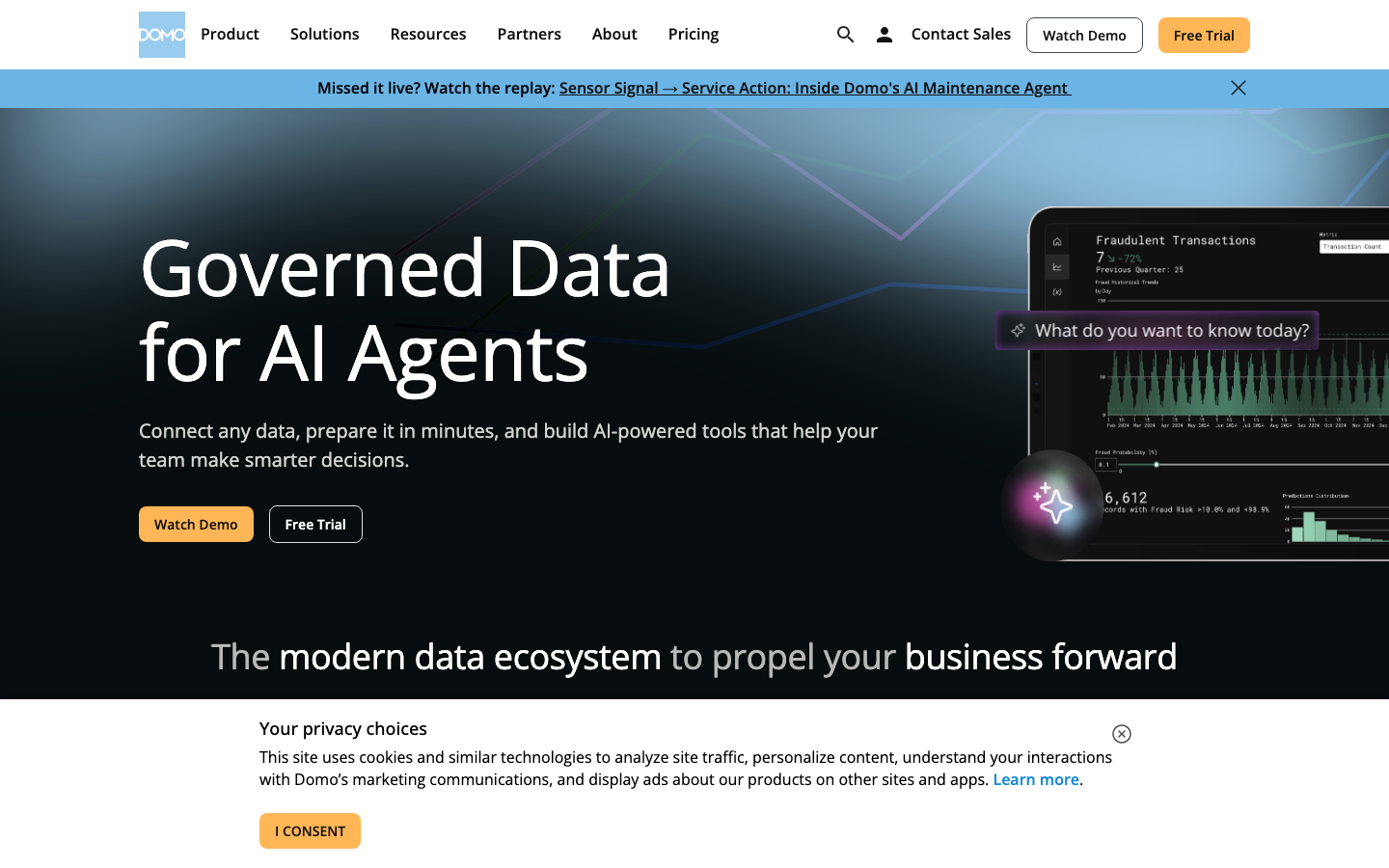
What's great
- Domo.AI ships an AI agent layer on top of the existing card-based dashboard interface; non-technical executives can type questions in plain English without ever opening a data model
- 1,000+ pre-built connectors including Salesforce, NetSuite, Google Ads, and Shopify let ops and marketing teams pull data without involving the data team; the AI layer works on any connected dataset
- Executive-facing card layout and mobile experience is the best in this guide; the Domo app is used in board meetings in a way that Tableau or Power BI dashboards rarely are
Watch-outs
- One verified G2 reviewer cited a renewal price increase of over 1,000% for the same user count and lower consumption; the credit consumption model is the most-cited source of contract regret in Domo reviews
- Proprietary data layer means data lives inside Domo's cloud rather than your warehouse; orgs that try to migrate off Domo find the data export process genuinely painful
- Minimum contract around $30,000/year makes Domo inaccessible to smaller teams; Power BI or Zoho Analytics delivers comparable AI self-serve at a fraction of the cost
Domo built its reputation on getting non-technical executives into data without a data engineering team, and Domo.AI extends that to conversational queries. G2 shows 1,005 reviews averaging 4.3/5 (G2 page was bot-walled at time of research; count sourced via WebSearch from multiple listings showing consistent figures). The consistent G2 pattern: praise for ease-of-connection and the mobile experience, fear around pricing unpredictability. The AI layer is real and production-grade for business users. The architectural concern is also real: Domo’s proprietary data store creates vendor lock-in that is genuinely difficult to unwind once the org has committed to it. Best for VP of Operations or CFO-led analytics requirements where Snowflake is not yet in the picture. Skip it if the data team is warehouse-native.
Pricing breakdown
| Plan | Price | Best for |
|---|---|---|
| Standard | Contact sales | 10-25 users, basic dashboards and connectors |
| Enterprise | Contact sales | 25-200 users, governance and Domo AI |
| Business Critical | Contact sales | 200+ users, HIPAA, dedicated infrastructure |
| Typical range | $30K-$150K/yr | Based on user count and consumption tier |
Security & compliance
| Standard | Availability |
|---|---|
| SOC 2 Type II | yes |
| GDPR | yes |
| HIPAA | Business Critical |
| SSO / SAML | yes |
| Audit logs | yes |
Domo compliance summary: SOC 2 Type II is yes, GDPR is yes, HIPAA is business critical, SSO/SAML is yes, and audit logs is yes.
Key integrations
| Integration | Type |
|---|---|
| Gmail | N/A |
| Outlook | N/A |
| Slack | native |
| LinkedIn Sales Navigator | N/A |
| Outreach / Salesloft | N/A |
Domo integration summary: Gmail is not specified, Outlook is not specified, Slack is native, LinkedIn Sales Navigator is not specified, and Outreach or Salesloft is not specified.
Feature availability
| Feature | Status |
|---|---|
| Free tier | no (30-day trial) |
| Beast mode | yes |
| Domo AI agent | Enterprise+ |
| Magic etl | yes |
| Mobile app | yes |
Domo feature availability summary: Free tier (no (30-day trial)), Beast mode (yes), Domo AI agent (Enterprise+), Magic etl (yes), and Mobile app (yes).
What reviewers say about Domo
Recurring themes across ~1,005 G2 reviews (4.3/5) plus Capterra and pricing-analysis roundups, 2024-2026.
What reviewers praise
- Magic ETL is the most-praised feature: reviewers build and maintain data pipelines visually, without heavy coding, and treat it as the core of how they wrangle data inside Domo.
- Breadth of connectors stands out, with 1,000-plus integrations across CRMs, marketing apps, ERPs, and cloud databases pulling everything into one place.
- Dashboards and cards are called visually appealing and easy to assemble, and non-technical users report getting to insights quickly.
- Consolidating many sources into a single real-time view is repeatedly cited as the reason teams chose Domo for executive and operational monitoring.
- The all-in-one nature, ingestion, transformation, visualization, and distribution in one platform, is valued by teams that want to avoid stitching tools together.
What reviewers fault
- The consumption-credit pricing model is the dominant complaint: nearly every action (ingesting data, running Magic ETL, refreshing dashboards) burns credits, so the more insights you generate the higher the bill, and Magic ETL charging on both input and output effectively double-counts.
- Cost unpredictability compounds it, reviewers report there is no hard credit cap, overages accumulate silently, and renewal pricing has jumped dramatically with little notice.
- Overall cost is high versus other BI tools, which reviewers say makes it hard to justify for smaller teams.
- Visualization flexibility is limited, the chart and card options feel narrow next to modern BI competitors.
- Newer features, especially Domo Apps and some AI tools, are described as shipped before they are ready, and the learning curve for the full platform is steep.
Loading reviews…
Zoho Analytics
Best value AI analytics for SMB and mid-market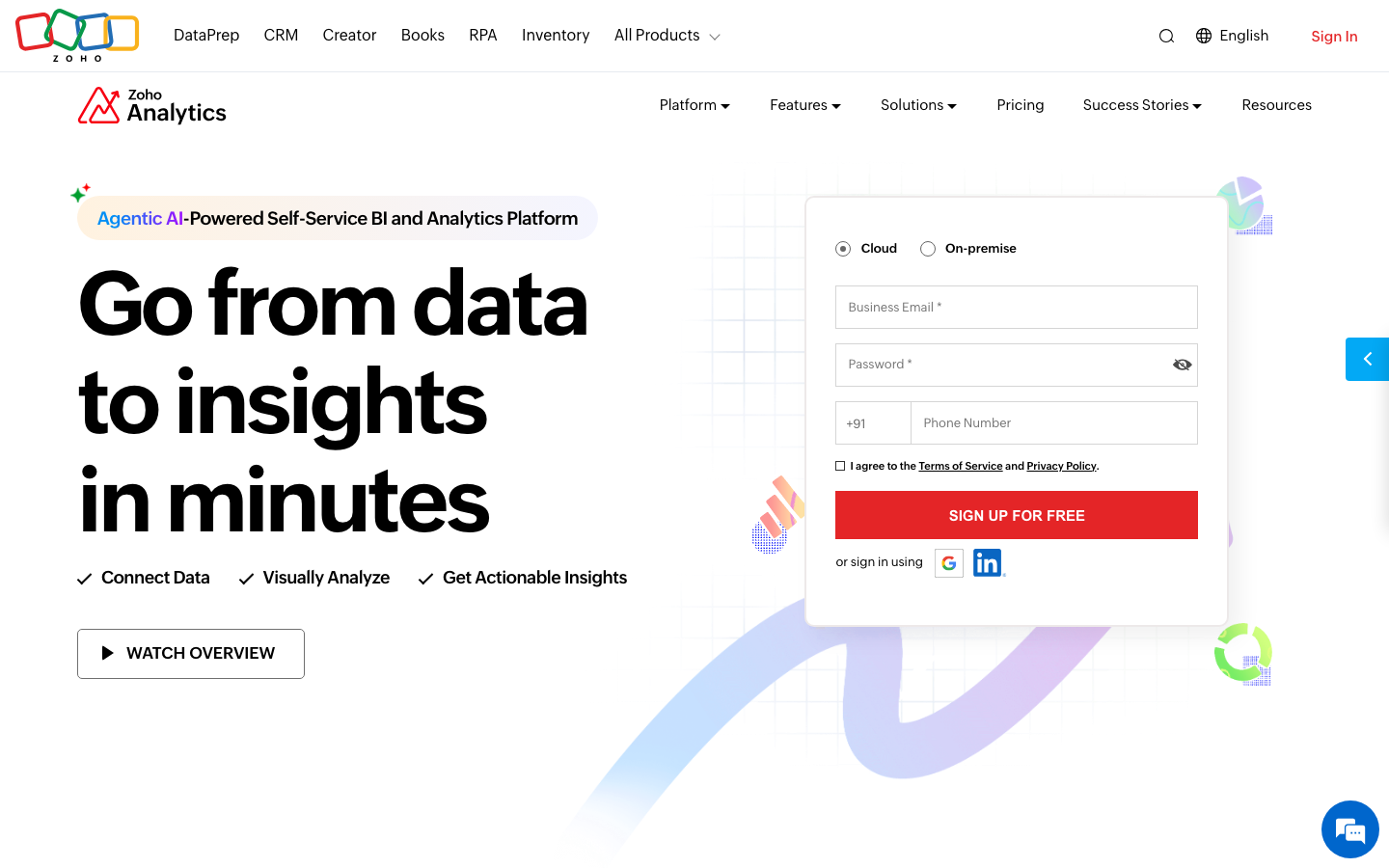
What's great
- Zia AI (natural language querying) is included across all paid tiers at no extra cost; teams on the $60/mo Standard plan get conversational data querying without a separate AI add-on purchase
- Organization-level pricing means you pay for the plan (2-20 users included), not per user; for a 10-person ops team, $145/mo Premium undercuts every per-user competitor in this guide at the same capability tier
- 500+ native data source connectors including Google Sheets, Salesforce, QuickBooks, and MySQL; SMB operations teams can connect their actual data stack without custom API work
Watch-outs
- Zia AI accuracy drops noticeably on complex multi-table joins and rolling time-period calculations; it handles straightforward aggregation questions well but struggles with the kind of multi-step analysis Hex or ThoughtSpot handles cleanly
- Enterprise Ask Zia Agent (the more capable conversational AI layer) is gated to the Enterprise tier at $575/mo; the base Zia NLQ on lower tiers is more limited
- G2 reviewers consistently note that Zoho Analytics performance slows on datasets above 5 million rows; teams with large data volumes hit ceiling before they hit enterprise pricing
Zoho Analytics is the most price-competitive AI analytics option in this guide for teams under 20 people. 287 G2 reviews average 4.2/5. Zia AI is included on every paid plan, which changes the value equation for SMBs used to paying AI add-on surcharges. The Zoho Analytics pricing page lists Basic at $30/mo for 2 users, Standard at $60/mo, Premium at $145/mo, and Enterprise at $575/mo in USD annually. Additional users add from $8/user/mo. For a 10-person marketing or ops team that needs AI-assisted self-serve analytics and is not running a data warehouse, Zoho Analytics delivers more accessible value than any other tool in this list. The ceiling is real: past 5 million rows or complex analytical workloads, the performance gap versus Snowflake or Databricks becomes hard to ignore.
Pricing breakdown
| Plan | Price | Best for |
|---|---|---|
| Basic | $30/mo (2 users) | Small teams, basic reporting and Zia NLQ |
| Standard | $60/mo (5 users) | Growing teams, expanded data rows and Zia AI |
| Premium | $145/mo (15 users) | Mid-size teams, white-labeling, advanced AI |
| Enterprise | $575/mo (50 users) | Large orgs, Ask Zia Agent, on-premise option |
Security & compliance
| Standard | Availability |
|---|---|
| SOC 2 Type II | yes |
| GDPR | yes |
| HIPAA | Enterprise |
| SSO / SAML | Premium+ |
| Audit logs | Enterprise |
Zoho Analytics compliance summary: SOC 2 Type II is yes, GDPR is yes, HIPAA is enterprise, SSO/SAML is premium+, and audit logs is enterprise.
Key integrations
| Integration | Type |
|---|---|
| Gmail | N/A |
| Outlook | N/A |
| Slack | native |
| LinkedIn Sales Navigator | N/A |
| Outreach / Salesloft | N/A |
Zoho Analytics integration summary: Gmail is not specified, Outlook is not specified, Slack is native, LinkedIn Sales Navigator is not specified, and Outreach or Salesloft is not specified.
Feature availability
| Feature | Status |
|---|---|
| Free tier | no (15-day trial) |
| Ask zia agent | Enterprise |
| On premise | Enterprise |
| White label | Premium+ |
| Zia nlq | all paid tiers |
Zoho Analytics feature availability summary: Free tier (no (15-day trial)), Ask zia agent (Enterprise), On premise (Enterprise), White label (Premium+), and Zia nlq (all paid tiers).
What reviewers say about Zoho Analytics
Recurring themes across ~2,900 G2 reviews (4.1/5) and Capterra reviews (4.3/5), 2024-2026.
What reviewers praise
- Price-to-feature ratio is the most repeated compliment: reviewers say Zoho delivers lead scoring, workflow automation, and multi-currency support at a fraction of the cost of HubSpot or Salesforce.
- Depth of the Zoho ecosystem is consistently praised by teams already using Zoho Books, Zoho Desk, or Zoho Campaigns, who describe the cross-app data flow as a genuine alternative to buying multiple point solutions.
- The Canvas drag-and-drop UI builder, added in recent years, appears in newer positive reviews as a meaningful upgrade, letting non-technical admins redesign the record layout without code.
- Workflow automation breadth gets strong marks, with reviewers pointing to multi-condition rules, scheduled actions, and blueprint approval processes as features competitors lock behind enterprise tiers.
- Lead management tools including assignment rules, scoring, and conversion tracking are frequently cited as thorough and configurable for teams with defined sales processes.
What reviewers fault
- Customer support is the single most common complaint across G2 and Capterra, with reviewers on standard plans describing slow ticket responses, inconsistent answers, and difficulty escalating urgent issues.
- The learning curve is steep enough that multiple reviewers recommend hiring a Zoho consultant for initial setup, especially for automation, Deluge scripting, and module customization.
- The mobile app has reliability problems that appear consistently in recent reviews, including bugs that prevent notes from displaying, missed call logs, and crashes under poor connectivity.
- Integration with non-Zoho tools is frequently described as more friction than the docs suggest, with third-party connectors requiring Zapier workarounds or custom API work for stable two-way sync.
- The interface, despite recent improvements, is still called cluttered and overwhelming by first-time CRM buyers, and the density of settings can make routine tasks harder to find than in leaner tools.
Loading reviews…
More top-rated AI Tools for Data Analytics worth checking out
Highly rated AI Tools for Data Analytics that didn't crack our top 10 but are still strong contenders, especially for specific use cases and team sizes.
Mode
For data teams who live in SQL notebooks and want AI autopilot
Standout: SQL-first notebook with AI assistance for query writing and chart generation; the interface is familiar to data analysts who came up on SQL and want AI to reduce boilerplate without hiding the underlying query
What reviewers say ★ 4.5 · 330
Praised
- Analysts like having SQL, Python, and R in one notebook, which removes the export-to-Jupyter shuffle for ad hoc analysis.
- Report visualizations are quick to build, and power users can style them with CSS, HTML, and JavaScript.
- Queries run efficiently over large datasets, and the notebook supports fast code iteration.
- Live support agents answering querying and UI questions get specific praise.
Faulted
- Business users struggle without SQL, Python, and web skills, so the tool leans analyst-only.
- Tutorials for building reports, calculated fields, and charts are thin, leaving a learning gap.
- Enterprise pricing runs high, and gaps like no row-level security frustrate larger teams.
- Organizing and managing large numbers of reports is described as messy.
- Since the ThoughtSpot acquisition, Mode as a standalone product is winding down, which worries some teams.
Qlik Sense
For enterprise teams who need AI on top of associative data models
Standout: Qlik Answers (AI agent layer) handles both structured data queries via Cortex and unstructured knowledge questions via document search; it is one of the few tools that blends warehouse analytics with enterprise knowledge management in a single AI interface
What reviewers say ★ 4.4 · 930
Praised
- The associative engine is the standout, letting users filter and recalculate across tens of millions of rows on the fly.
- ETL and multi-source data integration get credit for justifying the investment at mid-market and enterprise scale.
- Dashboards stay snappy and interactive even on large data models.
- Reviewers see strong analytical depth for teams with complex reporting needs.
Faulted
- Pricing draws heavy criticism, with most reviewers who mention cost calling it expensive.
- The associative model forces a mental shift, and advanced development has a steep learning curve.
- Performance can degrade on very large or poorly optimized apps, slowing loads.
- Retiring the free desktop version annoyed developers and consultants who used it to learn and demo.
Tellius
For pharma and finance orgs needing AI root-cause investigation
Standout: Automated root-cause analysis (Wisdom AI) identifies why a metric changed without requiring an analyst to manually slice and dice; it surfaces the most statistically significant contributing factors across hundreds of dimensions in seconds
What reviewers say ★ 4.7 · 71
Praised
- Natural language querying lets non-technical users ask questions in plain English and get answers back.
- The machine learning layer surfaces hidden patterns and drivers automatically, which saves analysts prep time.
- The interface is described as intuitive for exploring data across many connected sources.
- Automated insight discovery gets credit for speeding up decisions in data-heavy industries like banking.
Faulted
- There is a steep learning curve for teams new to advanced, ML-driven analytics.
- The natural language engine can stumble on complex or nuanced queries and return off answers.
- Dashboard and report customization is limited compared with established BI tools.
- It is priced and built for mid-to-large organizations, and training costs add up.
Julius AI
For individual analysts who need AI to work on uploaded spreadsheets fast
Standout: Upload a CSV or connect a Google Sheet and start asking questions in plain English within 30 seconds; the fastest time-to-first-answer of any tool in this guide for file-based analysis
What reviewers say
Praised
- Non-technical users get statistical tests and charts without writing Python or R, and the chat flow feels approachable.
- Julius holds data context across a session, so there is no re-uploading, and it suggests useful follow-up questions.
- It handles a wider range of file formats than most chat-based analysis tools and generates charts automatically.
- Teams note collaborative workspaces plus SOC 2 Type II certification for sharing files securely.
Faulted
- It falls short on complex work like multivariate regression and does not flag model-quality concerns the way code does.
- The free credits run out fast on real datasets, and usage caps frustrate heavier users.
- It is single-file oriented with sandboxed Python, no direct warehouse connection, and no enterprise audit trail.
- Depth is limited for rigorous statistical analysis, so it suits light business and student use more than data teams.
Zenlytic
For ecommerce and DTC brands needing a self-serve AI analyst
Standout: Zoe (the Zenlytic AI analyst) explains her reasoning process for every answer, showing the SQL and the assumptions before presenting the result; the transparency reduces the blind trust problem that plagues black-box AI analytics
What reviewers say
Praised
- Zenlytic's natural language interface lets non-technical users ask questions of their data without writing SQL.
- A governed semantic layer aims to keep self-serve answers consistent and trustworthy across the team.
- Early users highlight the self-serve tools and how quickly they reach answers.
Faulted
- One reviewer found building dashboards through the chat system tricky to learn at first.
- The independent review footprint is very small, so there is limited third-party validation to lean on.
Akkio
For marketing and media orgs building no-code AI analytics workflows
Standout: No-code generative AI reports and predictive models built from uploaded data without writing code; the target user is a media or marketing ops manager, not a data scientist
What reviewers say ★ 4.5 · 14
Praised
- Reviewers highlight how fast Akkio builds predictive models, compressing segment and forecast work from weeks to minutes.
- The no-code, chat-driven interface makes model building reachable for users without data science skills.
- It connects to common ad, marketing, and data platforms, with API access for embedding predictions.
- Forecasting metrics like ROAS and campaign performance gets credit for informing budget decisions.
Faulted
- Pricing is opaque and enterprise-oriented, with real quotes requiring a sales conversation.
- The review pool is small, so there is limited independent social proof for the platform.
- It is a broad predictive tool rather than a specialist, so rigorous modeling teams may want dedicated software.
Polymer Search
For ops teams that need AI analytics directly on top of spreadsheet data
Standout: AI automatically converts a spreadsheet into an interactive dashboard with charts, filters, and a natural-language search interface in under 60 seconds; the fastest spreadsheet-to-dashboard tool in this guide
What reviewers say
Praised
- Polymer Search turns a spreadsheet or CSV into an interactive dashboard fast, with no setup or modeling required.
- AI-assisted insights and pre-built report views help marketers spot patterns without an analyst.
- The no-code approach and embeddable views suit small teams that want quick data storytelling.
Faulted
- It is built for smaller, simpler datasets, so it strains on large or complex data.
- Advanced analytics and deep customization are limited compared with full BI platforms.
- It fits marketing and SMB use more than governed enterprise reporting.
AnswerRocket
For CPG and retail teams needing AI analytics with causal investigation
Standout: Max (AnswerRocket AI agent) handles natural-language analytics questions and automatically runs root-cause investigation, not just returning an answer but explaining why the metric changed
What reviewers say ★ 4.6 · 15
Praised
- Reviewers value asking business questions in plain language and getting automated analysis back without technical skills.
- The AI assistant generates narrative insights, which helps business teams interpret results quickly.
- It fits enterprise and CPG analytics use cases where repeatable, guided answers matter.
Faulted
- Getting the most out of it takes upfront data modeling and configuration effort.
- It is enterprise-focused, so smaller teams may find it heavier than they need.
- The independent review pool is small, which limits broad validation.
DataLab by DataCamp
For data science learners who want AI-assisted analysis on real datasets
Standout: AI coding assistant in DataLab suggests Python, R, and SQL code in context with the dataset loaded; it is the most learner-friendly AI analytics environment in this guide for teams upskilling their analytical capabilities
What reviewers say
Praised
- DataLab's AI Assistant lets users chat with their data, and it writes and runs Python you can review and tweak.
- The notebook turns analysis into a clean, shareable report, which helps for handing work to non-technical readers.
- It connects to Google Sheets and common databases and warehouses, so data does not have to be re-uploaded.
- It is approachable for learners and light analysts who want guided, low-friction analysis.
Faulted
- It is a newer product, so it is less powerful than a full Jupyter or IDE setup for heavy workloads.
- Access is tied to a DataCamp subscription rather than sold as a standalone notebook.
- Compute and session limits can get in the way on larger analyses.
Omni Analytics
For dbt-first data teams who want AI analytics without LookML overhead
Standout: Omni reads dbt semantic layer definitions natively, making it the most dbt-integrated BI and AI analytics tool available to analytics engineers in 2026 without a separate platform migration
What reviewers say ★ 4.8 · 64
Praised
- Reviewers cite rapid time to insight, with a workflow that gets teams from data to dashboard quickly.
- Blending a governed semantic model with spreadsheet-style editing and SQL lets analysts and business users meet in one place.
- The interface is described as clean and approachable, which eases day-to-day exploration.
- Embedded analytics and fast dashboard building get credit from data teams.
Faulted
- As a newer platform, some features and integrations are still maturing compared with established BI tools.
- Setting up the modeling layer well takes some ramp-up for new teams.
- A smaller ecosystem means fewer community resources than older competitors.
Tools we considered but excluded
We evaluated more tools than the 20 you see above. These did not make the cut. Saying what we rejected, and why, is the editorial muscle most listicles skip.
- Metabase: Covered in depth in our best BI tools guide; AI Copilot is on the cloud Starter plan but the platform is open-source BI first, not AI analytics native
- Apache Superset: Open-source with no production AI layer; natural-language querying requires third-party plugins with no maintained enterprise support path
- Looker Studio (Google): Free marketing dashboard tool without a governed semantic layer or meaningful AI querying capability; not competing in the same buyer segment
- Qlik Predict: AutoML feature within Qlik Cloud, not a standalone analytics tool; covered under Qlik Sense entry above
- ChatGPT with Code Interpreter: General-purpose AI with data analysis capability, not a purpose-built analytics platform; lacks warehouse connectivity, governance, and team collaboration features that buyers in this category require
- Amazon Q in QuickSight: Strong NLQ capability inside AWS but tightly coupled to QuickSight; limited appeal outside AWS-native stacks and the AI layer is less mature than ThoughtSpot or Genie
Honorable mentions
Solid tools that did not crack the main list but are worth tracking, especially for niche use cases.
- Omni Analytics: The most dbt-native BI tool in 2026 with a clean semantic layer and AI exploration that competes directly with Hex Team; worth tracking for dbt-first data teams
- Microsoft Fabric Copilot: The full-stack Microsoft AI analytics layer for orgs on Fabric capacity; functionally part of the Power BI Copilot ecosystem but worth separate evaluation if your org is moving to Fabric
- Glean: Enterprise knowledge + analytics search that blends Qlik Answers-style document search with structured data querying; worth tracking for orgs where the line between knowledge management and analytics is blurry
This guide focuses specifically on tools where AI is the primary analytics interface, not a bolt-on widget. For traditional BI without the AI angle, read our best BI tools guide .
This is a research-led review. We synthesized G2 and Gartner Peer Insights reviews, vendor documentation, and community discussion rather than hands-on deployment testing across all 20 platforms. See our methodology page for how we weight sources.
If you also have to defend this purchase to a CDO or a data governance committee, read the companion guide to evaluating AI tools for data analytics . It covers accuracy validation, where your data actually goes, the weighted scorecard, and a free downloadable scorecard and checklist.
Affiliate disclosure: Some links in this guide are affiliate links. Our rankings and ratings are independent of commercial relationships.
The five AI data-analytics approaches this guide covers
The AI analytics market in 2026 splits into five architecturally distinct approaches. Buying the wrong one wastes six months and a budget cycle.
Agentic NLQ on warehouse data. ThoughtSpot, Databricks Genie, Snowflake Cortex Analyst, Sigma’s Ask Sigma. These tools connect directly to your data warehouse, run SQL at query time, and return answers grounded in the live production data. They are the right choice when your primary problem is speed-to-answer on real warehouse data.
AI-embedded analytics platforms. Power BI Copilot, Tableau Pulse, Looker with Gemini, Domo AI. These are existing BI platforms that added AI layers in 2024-2025. The AI capability is real but gated to higher tiers. The buy signal here is: “we already use this platform and want to add AI without migrating.”
AI-native notebooks. Hex (Magic AI), Mode. These tools are built for analytics engineers who write SQL and Python daily. The AI layer writes code, not just prose summaries. For teams that live in notebooks, this is the most capable AI integration in the guide.
Spreadsheet-and-file AI analytics. Julius AI, Polymer Search, Akkio. These tools work without a warehouse. Upload a CSV, ask a question, get an answer. Ceiling is low, but the entry cost and setup time are near zero.
Specialized vertical AI analytics. Tellius (causal investigation), Zenlytic (ecommerce), AnswerRocket (CPG/retail). Built for specific industries with pre-configured AI that understands vertical-specific business questions. Not general-purpose. Exceptionally good within their lane.
If you want classic BI with dashboards, visualizations, and semantic layers without a primary AI angle, see our best BI tools guide . This guide is for buyers where AI is the primary capability they’re evaluating.
What I check in every AI analytics platform evaluation
Five things that separate real AI analytics from demo-ware. I pulled this from G2 review synthesis and community discussion on r/dataengineering; these are the patterns that show up in every “we tried X and it failed” post.
One, warehouse grounding. Does the AI query live warehouse data or a cached extract? Cached extracts drift within hours. Ask the vendor: “when I ask a question, does the SQL run against my Snowflake table or against a copy?” The answer determines how much you can trust real-time answers.
Two, semantic model requirement. Every accurate AI analytics tool requires a semantic model, a defined set of metric definitions that tells the AI what “revenue” or “active users” means in your data. Ask “what happens if I ask a question about a metric that isn’t defined?” and watch closely. The tool either fails gracefully or returns a confidently wrong answer. Either is acceptable; only the second is dangerous.
Three, AI transparency. Does the tool show you the SQL it generated? Hex shows it. ThoughtSpot shows it. Some tools hide it. For any analytical workflow where the output informs a business decision, you want the SQL visible and auditable. Black-box AI answers in analytics erode trust faster than wrong dashboards do.
Four, access control inheritance. Does the AI layer respect the same row-level security already configured in your warehouse or semantic layer? Test this with a user who should only see their regional data. If the AI gives them cross-region answers, the security model is broken.
Five, hallucination handling on schema gaps. Ask the AI a question about a column that doesn’t exist. Count the seconds before it gives you a confident wrong answer versus admitting it doesn’t know. Tools that fail silently (Akkio, Julius AI on unfamiliar schemas) are riskier than tools that stop and ask for clarification. For production analytics, you want the latter.
Match the AI analytics tool to your stage and data stack
Six decision cuts. Work through them and the 20 AI analytics platforms narrow to the three or four that actually fit your data stack.
1. Whether you already have a data warehouse
If yes, your shortlist is ThoughtSpot, Databricks Genie, Snowflake Cortex, Hex, Sigma, or Looker with Gemini. All of these query the warehouse live. If no warehouse yet, Zoho Analytics, Julius AI, or Polymer Search are the practical options while you build the data infrastructure.
2. Engineers versus business users on your team
Engineering-led teams get the most out of Hex (AI in notebooks), Databricks Genie (AI in the lakehouse), and Snowflake Cortex (AI in the data cloud). Business-user-led teams get the most from ThoughtSpot (search-first), Domo AI (card-based), or Power BI Copilot (Microsoft-native). Mixing both? Sigma handles both reasonably well with its spreadsheet-native interface.
3. Whether you are already inside a major platform ecosystem
Microsoft 365 with M365 E5: Power BI Copilot at effectively no incremental cost. Google Cloud with BigQuery: Looker with Gemini or Databricks Genie. Snowflake Enterprise: Cortex Analyst first, before evaluating any other option. Databricks: Genie before any other evaluation.
4. Your actual AI analytics use case
Ad-hoc question answering by executives: ThoughtSpot Spotter, Domo AI, Zoho Zia. Root-cause investigation (why did this KPI drop?): Tellius, AnswerRocket. Analyst productivity (write SQL faster): Hex Magic AI, Mode. Proactive monitoring (alert me when something changes): Tableau Pulse, Power BI Copilot with alerts.
5. Your year-1 budget for AI analytics
Under $5K: Zoho Analytics Premium ($145/mo) or Julius AI ($39.99/mo). Under $30K: Power BI Premium Per User ($24/user/mo for 20 users = $5,760/yr) or ThoughtSpot Essentials ($25/user/mo). Under $100K: Hex Team ($75/editor/mo), ThoughtSpot Pro ($50/user/mo), or Sigma (entry contracts from $17,500). Above $100K: Databricks Genie (if already on Databricks), Looker Enterprise with Gemini, or ThoughtSpot Enterprise.
6. Whether the output needs to be governed and auditable
Regulated industries (finance, healthcare, pharma): Looker with LookML + Gemini or Snowflake Cortex with Unity Catalog. Both enforce column-level access at the data layer, not just in the UI. Tools that apply access controls in the UI layer only (some Domo configurations, Julius AI) are not appropriate for regulated environments.
The 2026 AI analytics landscape
AI agents replaced AI chat. The defining shift in 2026 is from “AI answers questions” to “AI agents run multi-step investigations.” ThoughtSpot’s Spotter, Hex’s Notebook Agent, and Databricks Genie all plan a query sequence, execute it, and surface a summary. The previous generation of AI analytics was a single SQL generation call per question. Current generation tools handle follow-up questions, comparative analysis, and trend investigation without the user manually chaining queries.
Semantic layer is now the AI’s prerequisite. Every major AI analytics vendor in 2026 now openly states that their AI requires a semantic model to produce reliable answers. ThoughtSpot requires a semantic model YAML. Hex’s Magic AI reads dbt models. Cortex Analyst requires a semantic model YAML file. Looker’s Gemini reads LookML. The consensus is that AI analytics without a governed metric layer produces hallucinations at a rate that makes enterprise deployment impractical.
Warehouse co-engineering is the new integration standard. Snowflake-Sigma, Databricks-Power BI, and BigQuery-Looker are not just API integrations in 2026. They involve co-engineered query optimization, shared security models, and joint product roadmaps. When evaluating AI analytics tools, check whether your warehouse vendor has a co-engineering relationship with the analytics vendor, not just a connector.
Pricing fragmentation is getting worse. Power BI split into Pro, Premium Per User, and Fabric tiers. Snowflake split AI Credits from standard credits. ThoughtSpot caps Spotter queries per user per month. Tableau gates Pulse to Enterprise. For analytics buyers in 2026, the stated per-user price is almost never the number that matters. Build a total cost model against your actual user count and AI usage before signing any contract.
The self-serve AI gap is closing for SMBs. Zoho Analytics Zia, Julius AI, and Polymer Search give non-technical teams genuine AI analytics capabilities at $10-$145/month. A year ago, AI-quality analytics required ThoughtSpot or Looker at $25K+ annual minimum. That floor has dropped. For SMBs with under 20 users and clean data, the cost-of-entry for real AI analytics is now under $200/month.
The pick by stage and motion
- Individual analyst, file-based work: Julius AI ($22.99/mo). Fastest path from a CSV to an AI-answered question.
- Small team, no warehouse, under $200/mo: Zoho Analytics ($60-$145/mo). Zia AI on all paid tiers, 500+ connectors, no per-user pricing.
- Seed-stage startup, warehouse on Snowflake or BigQuery, engineering-led: Hex Community (free) to Hex Team ($75/editor/mo). Magic AI understands your dbt models before any other tool does.
- Series A, business users asking ad-hoc questions, not on a specific cloud: ThoughtSpot Essentials ($25/user/mo). Fastest time-to-first-AI-answer for non-technical users against live warehouse data.
- Microsoft 365 org, M365 E5 already deployed: Power BI Copilot. No incremental license cost. Copilot for Power BI is included in the M365 E5 bundle.
- Google Cloud org, BigQuery is the warehouse: Looker with Gemini. Co-engineered integration, LookML governance, Gemini generates the semantic layer.
- Snowflake Enterprise customer, unused compute capacity: Cortex Analyst. Zero procurement overhead; already in your Snowflake contract. Set up a semantic model YAML and start answering questions.
- Databricks lakehouse customer: Genie. Same argument. The AI layer is already inside the platform your engineers use daily.
- CPG or retail enterprise team: AnswerRocket (Max AI) or Tellius. Both are purpose-built for the causal investigation workflows those verticals need.
- Series B+, executive-driven analytics at scale, not on a specific cloud: ThoughtSpot Pro ($50/user/mo) with Spotter AI agent. The most production-ready agentic analytics layer in the guide for organizations where non-technical executives ask data questions directly.
For corrections to pricing or G2 counts, email hello@topickz.com . We update this guide quarterly; the next refresh ships in September 2026.
Frequently asked questions
What makes an AI analytics tool different from regular BI software?
AI analytics replaces the dashboard-build step. Type a question, get an answer. No pre-built report needed. BI tools still require a dashboard first.
Which AI analytics tool works best without a data warehouse?
Zoho Analytics (Zia AI) or Julius AI. Both work on uploaded files or SaaS connectors. No warehouse needed. Zoho handles up to 5M rows cleanly.
Can non-technical users actually get answers from AI analytics tools?
ThoughtSpot and Domo AI target non-technical users. Hex and Databricks target analysts. The UI gap is large. Pick by who asks the most questions.
Does ThoughtSpot Spotter require a data warehouse to work?
Yes. Spotter queries Snowflake, BigQuery, or Databricks. No warehouse means no Spotter. Essentials plan is $25/user/mo before warehouse costs.
How much does Databricks Genie actually cost in practice?
$0.07/DBU for Genie messages plus $0.22/DBU for SQL compute. 1,000 Genie questions costs roughly $2-4 total for existing Enterprise customers.
Is Power BI Copilot included in the standard Pro license?
No. Copilot requires Premium Per User ($24/user/mo) or Fabric capacity. Pro at $14/user/mo gets Q&A only, which is less capable.
What is the biggest AI analytics mistake teams make?
Buying an AI analytics tool before the semantic layer is ready. Without clean metric definitions, AI answers are confidently wrong and hard to catch.
Which tool is best for analytics engineers who write Python and SQL?
Hex, no contest. Magic AI writes SQL and Python in the same notebook, understands your dbt models, and explains its reasoning inline.
Is Looker still worth evaluating if we're already on Google Cloud?
Yes, for BigQuery customers. Looker with Gemini is the native choice. LookML governance grounds AI answers in your semantic model, not raw table names.
How do I evaluate AI analytics vendors during a trial?
Upload a real dataset with a known answer. Ask the same 5 questions to each vendor. Compare the SQL generated, not just the final answer.
Related helpful reads
Write a review
Posts to the page right away. Keep it real — no links or email addresses.