

Comparing the best Payroll Software for Small Business of 2026 includes 1. Gusto 2. OnPay 3. Patriot Software 4. QuickBooks Payroll 5. Roll by ADP 6. SurePayroll 7. Square Payroll 8. ADP Run 9. Wave Payroll 10. Paychex Flex 11. Justworks 12. Rippling 13. BambooHR Payroll.
TL;DR
- Gusto: Best overall for a 5-50 person US business, the cleanest self-service portal in the category. 4.6/5 on G2 across 11,246 reviews; $49/mo + $6/employee ($79/mo at five employees).
- OnPay: Best value and best multi-state price, one flat tier with multi-state payroll already in the price. 4.8/5 on G2 across 650 reviews; $49/mo + $6/employee.
- Patriot Software: Lowest total cost, the cheapest fully managed payroll for a 1 to 20 person shop. 4.8/5 on G2 across 563 reviews; $37/mo + $5/employee ($62/mo at five employees).
- QuickBooks Payroll: Best when payroll should post straight into the books you already keep. 4.4/5 on G2 across 8,800 reviews; $50/mo + $6/employee.
- Roll by ADP: Best for running payroll from your phone in under a minute. 4.3/5 on G2 across 180 reviews; $39/mo + $5/employee.
- SurePayroll: Best flat multi-state fee for a tiny team spread across states. 4.0/5 on G2 across 3,042 reviews; $29/mo + $7/employee.
- Square Payroll: Best for tips, time clock, and payroll at a shop already on Square. 4.7/5 on Capterra across 577 reviews; $35/mo + $6/employee.
- ADP Run: Best tax and compliance depth once the state notices start arriving. 4.7/5 on G2 across 6,587 reviews; $79/mo + $4/employee.
- Wave Payroll: Cheapest starting point for a solo founder, on top of free accounting. $20/mo + $6/employee ($50/mo at five employees).
Thirteen payroll platforms re-scored for an owner or office manager running payroll themselves at a 1-50 person US business.
Real all-in cost at 5, 15, and 40 employees, what a second state costs, contractor 1099 filing, and who covers the penalty when a return goes in late.
What Is payroll software for small business?
Best Payroll Software for Small Business, Priced Out comparison: features, pricing and verdicts
| Tool | Best for | Starting price | Free trial | External rating |
|---|---|---|---|---|
The default first payroll system for a US small business | $49/mo + $6/employee | No free trial, 1-month money back | G2 4.6/5 (11,246 reviews) | |
One flat tier with multi-state payroll already in the price | $49/mo + $6/employee | First month free | G2 4.8/5 (422 reviews) | |
Cheapest fully managed payroll for a 1 to 20 person shop | $37/mo + $5/employee | 30-day free trial | G2 4.8/5 (563 reviews) | |
Payroll that posts straight into the books you already keep | $50/mo + $6/employee | 30-day free trial | G2 4.4/5 (8,800 reviews) | |
Run payroll from your phone in under a minute | $39/mo + $5/employee | 3 months free | G2 4.3/5 (180 reviews) | |
Flat multi-state fee for a tiny team spread across states | $29/mo + $7/employee | 1-month free trial | G2 4.0/5 (3,042 reviews) | |
Tips, time clock, and payroll for a shop already on Square | $35/mo + $6/employee | 30-day free trial | Capterra 4.7/5 (577 reviews) | |
Tax and compliance depth once the state notices start arriving | $79/mo + $4/employee | 3-month free trial (promotional) | G2 4.7/5 (6,587 reviews) | |
The cheapest way for a solo founder to start running real payroll | $20/mo + $6/employee | Free accounting tier, payroll on paid add-on | G2 4.1/5 (34 reviews) | |
A named payroll specialist instead of a chat queue | $39/mo + $5/employee | Demo only | G2 4.2/5 (1,500 reviews) | |
PEO benefits access once health insurance is the real problem | $8/employee/mo | Demo only | G2 4.6/5 (1,126 reviews) | |
Only worth it when payroll, laptops, and app access are all one problem | $8/employee/mo + platform fee | Demo only | G2 4.8/5 (14,195 reviews) | |
For a small business already keeping employee records in BambooHR | $10/employee/mo | 7-day free trial | G2 4.4/5 (4,100 reviews) |
How we chose these tools
This is our main 20-tool payroll research re-scored for one buyer, the owner or office manager at a 1-50 employee US business who runs payroll without an HR department.
We cut the enterprise and mid-market HCM platforms that only make sense above 50 people, then ranked what was left on the things that actually decide an SMB purchase: all-in monthly cost at 5, 15, and 40 employees calculated from each vendor’s published base and per-employee rates, what multi-state payroll costs when you hire your first out-of-state employee, contractor payments and year-end 1099-NEC and W-2 filing, whether the tax filing guarantee covers penalties, whether benefits and workers comp are bundled or brokered, whether time tracking is included, how mid-year migration works, and support quality for someone with no payroll background.
Pricing was verified directly on each vendor’s pricing page in May 2026. All G2 and Capterra ratings and review counts shown here were pulled on May 28, 2026 and are reproduced unchanged from that check.
How we weight payroll software for small business for the Topickz score
Every tool above is scored against the fixed rubric below and combined using these weights into the Topickz score on each card. The weights are set for payroll software for small business specifically, they are not copied from another category, and we publish them so you can see what moved a ranking and re-weight for your own priorities.
| Criterion | Weight | What we checked |
|---|---|---|
| All-in monthly cost at 5, 15, and 40 employees | 24% | We calculated the real bill from each vendor's base and per-employee rates at three sizes. A $49/mo plan is $79 at five people and climbs from there. |
| Tax filing and penalty guarantee | 19% | For an owner with no payroll background, the guarantee is the safety net. We checked whether the vendor actually pays the penalty when a filing goes in late. |
| Multi-state and 1099 or W-2 filing | 15% | What a second state costs, and whether year-end 1099-NEC and W-2 filing is included. OnPay folds multi-state into one flat tier. |
| Ease of use for a non-payroll owner | 14% | The person running payroll is the owner or office manager. We judged how far you get without a payroll background or a training call. |
| Benefits, workers comp, and time tracking bundling | 11% | Whether benefits and workers comp are bundled or brokered, and whether time tracking is included or another line item. |
| Mid-year migration and support | 10% | How painful switching mid-year is, and the quality of support for someone who has never run payroll before. |
| Review signal | 7% | G2 and Capterra ratings and counts were pulled on May 28, 2026, and reproduced unchanged from that check. |
| Total | 100% |
Read the full TopickZ.com testing methodology for how we run each test, score every criterion, and combine them into a single rating.
Detailed reviews
Gusto
The default first payroll system for a US small business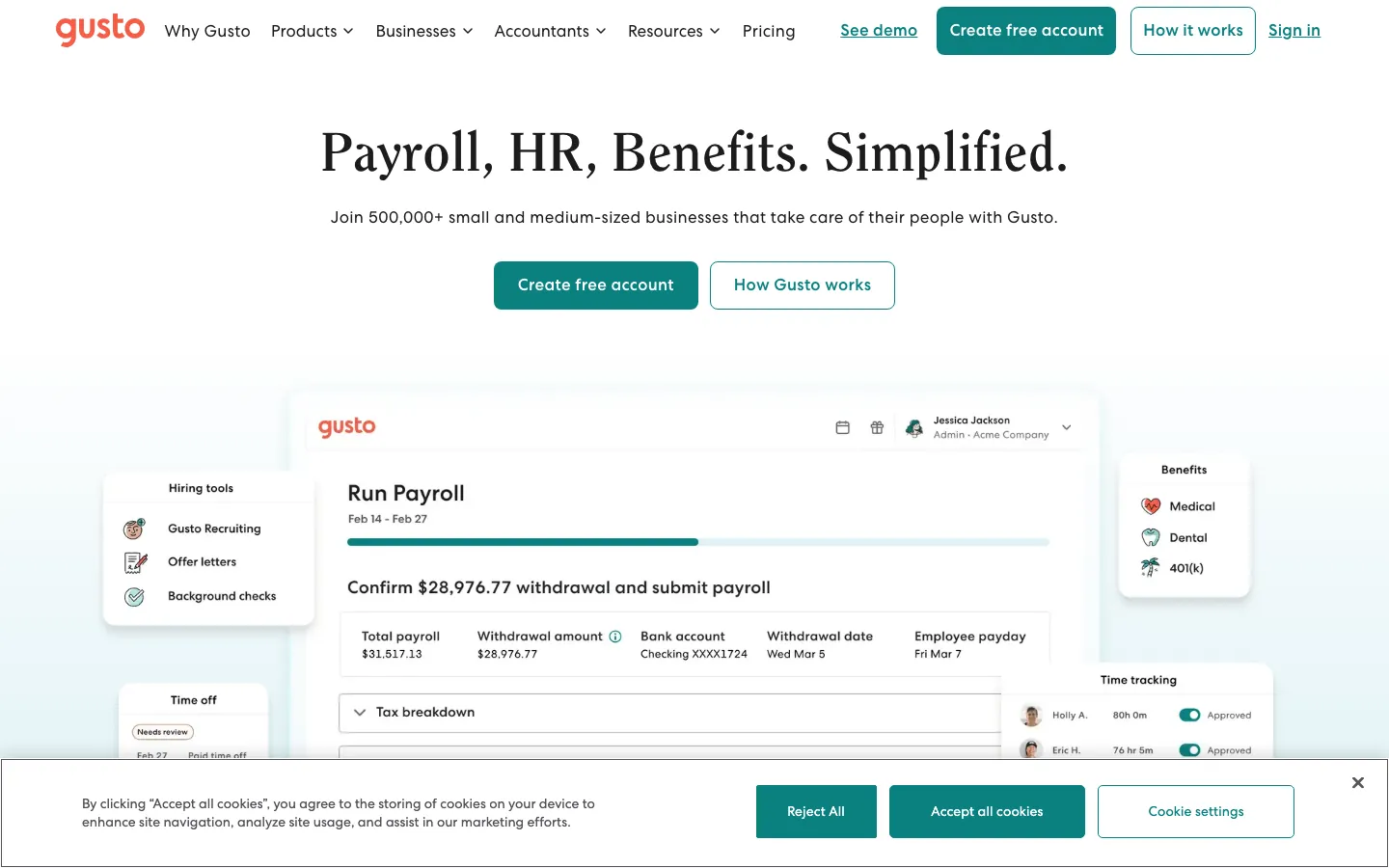
Screenshots of Gusto 3 images
What's great
- At the published $49 base plus $6 per employee a five-person business pays $79/mo and a fifteen-person business pays $139/mo
- Unlimited payroll runs on every plan, so an off-cycle bonus or a correction run costs nothing extra
- Employee self-service covers paystubs, W-2 access, PTO requests, and benefits enrollment, which is most of the job when nobody on staff does HR
Watch-outs
- Hiring in a second state pushes you to Plus at $80 base plus $12 per employee, taking a 15-person payroll from $139 to $260/mo
- The Simple plan went from $40 to $49/mo base in March 2026, a 23% increase with no notice to existing accounts
- Trustpilot sits at 2.5/5 from 2,364 reviews, and support is the weak spot exactly when a tax filing goes wrong
Gusto is where most US small businesses land for their first real payroll system, and plenty stay past 50 people.
11,246 G2 reviews average 4.6/5, with the praise concentrated on setup speed, the employee portal, and benefits enrollment.
A five-person business pays $79/mo on Simple, a fifteen-person business $139/mo.
The thing to plan for is the second state.
Crossing into one moves you to Plus at $80 base plus $12 per employee, a 96% jump on the base fee per Payroll Detective’s 2026 pricing analysis .
If you already know a remote hire is coming, price Plus from day one instead of budgeting Simple and getting moved.
Pricing breakdown
| Plan | Price | Best for |
|---|---|---|
| Simple | $49/mo + $6/employee | Single-state payroll under 25 employees |
| Plus | $80/mo + $12/employee | Multi-state or teams needing time tracking |
| Premium | $180/mo + $22/employee | HR advisory access and compliance alerts |
| Contractor Only | $35/mo + $6/contractor | Businesses paying contractors without W-2 employees |
What reviewers say about Gusto
Recurring themes across ~10,486 G2 reviews (4.6/5), cross-checked against Capterra, Trustpilot, and BBB complaints, 2024-2026.
What reviewers praise
- Ease of use is the standout theme: small-business admins repeatedly say payroll and onboarding are quick to set up and simple to run without a dedicated HR person.
- Automated payroll runs and automatic federal, state, and local tax filing are praised for removing the manual filing burden that trips up first-time employers.
- The all-in-one bundle of payroll, benefits administration, and basic HR at an approachable price is cited as strong value for companies under roughly 100 employees.
- The employee self-service portal, where staff view pay stubs, W-2s, and benefits on their own, is frequently called out for cutting down admin back-and-forth.
What reviewers fault
- Support is the most common complaint by far: no dedicated account manager, inconsistent agent quality, and slow resolution exactly when it hurts, on tax notices, W-2 corrections, and reversed direct deposits (a pattern that pulls the Trustpilot score far below G2).
- Reviewers report payment-processing errors: incorrect tax withholdings, delayed or reversed deposits, and onboarding staff mishandling tax setup despite information being provided in writing.
- Advanced reporting and customization are thin compared with enterprise HR systems, so growing teams outgrow the reporting depth.
- Recent price increases draw complaints, with the base plan and EOR rates both raised inside a single year.
- W-2 handling on mid-year cancellation is a documented pain point, with the option to file buried in the cancellation flow and former employees affected when it is missed.
Loading reviews…
OnPay
One flat tier with multi-state payroll already in the price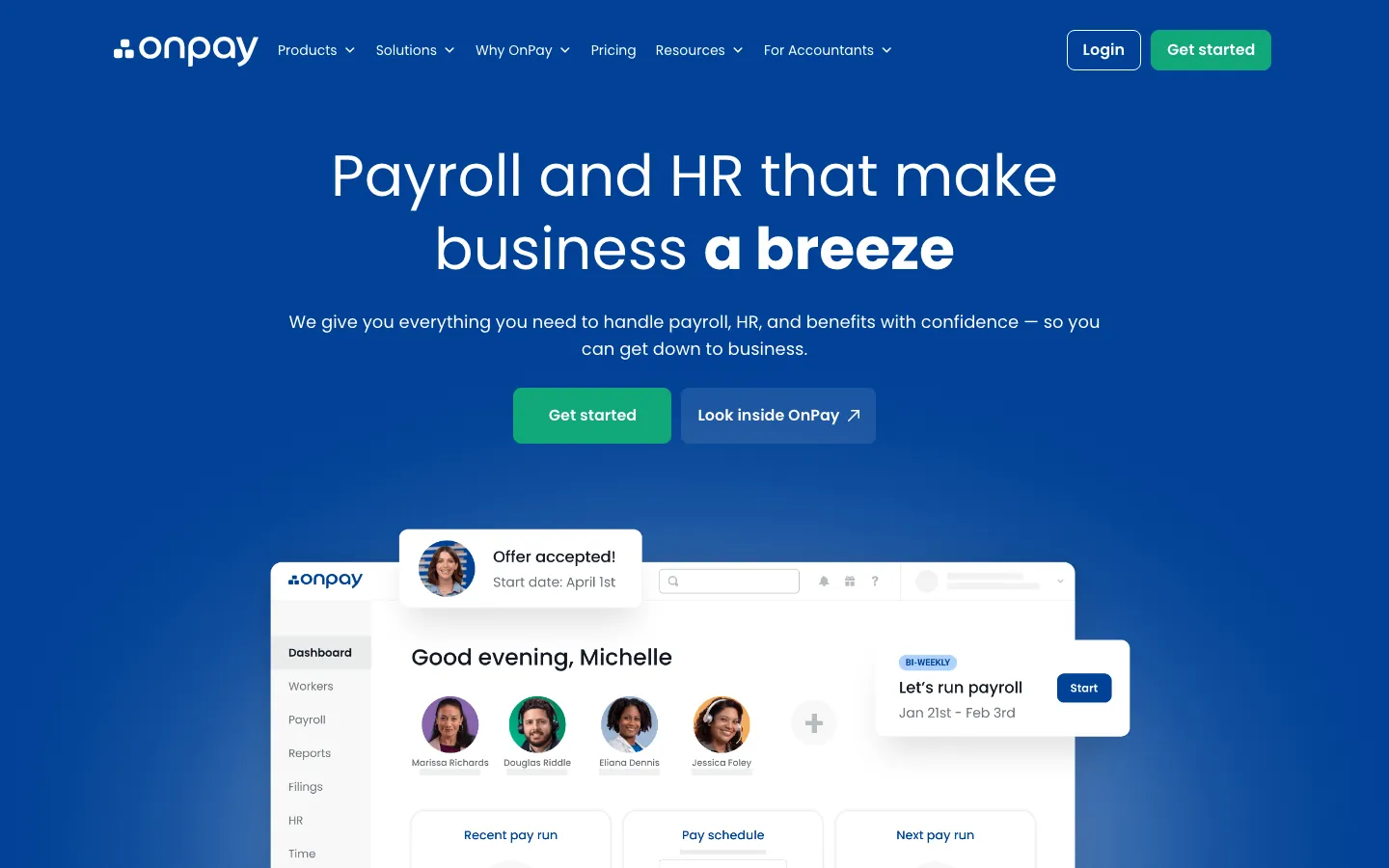
Screenshots of OnPay 3 images
What's great
- Multi-state payroll, unlimited runs, contractor payments, and W-2 and 1099 filing all sit in the single $49 base tier with no upgrade to climb
- The error-free tax filing guarantee covers IRS and state penalties caused by OnPay's system, which is the backstop a first-time payroll owner actually needs
- First month free with no credit card, and a 4.8/5 G2 score driven by support ratings, which is why accountants route small clients here
Watch-outs
- Benefits administration is basic and there are no performance or onboarding tools, so an SMB adding real HR later buys a second system
- 650 G2 reviews is a thin evidence base next to Gusto's 11,246 if you like a big sample before committing
- No dedicated mobile app, only a responsive web interface, which matters if you approve payroll from a job site
OnPay is the pick the moment you have employees in more than one state, because multi-state is not an upgrade here, it is just included. One tier at $49/mo plus $6 per employee covers unlimited runs, contractor payments, and year-end filing.
Same $79/mo at five people as Gusto Simple, without the tier trap waiting at hire number six.
The OnPay error-free guarantee covers penalties caused by their system, which is worth reading closely if you have never filed a 941 in your life.
G2 reviews sit at 4.8/5 with support as the standout theme. The gap is HR depth. Benefits admin is thin and onboarding workflows barely exist.
Pricing breakdown
| Plan | Price | Best for |
|---|---|---|
| OnPay (single tier) | $49/mo + $6/employee | All SMBs up to ~100 employees |
| Accountant partner pricing | Discounted rates | Accountant firms managing multiple client payrolls |
| Agriculture plan | Same base + $6/employee | Farm workers and H-2A visa workers |
| Nonprofit plan | Same base, first 3 months waived | 501(c)(3) organizations |
What reviewers say about OnPay
Recurring themes across ~460 OnPay Capterra reviews (4.8/5) and G2 reviews (4.8/5, ~408 reviews), 2024-2026.
What reviewers praise
- Flat pricing at a base fee plus a per-person charge with unlimited monthly pay runs is the most repeated reason small businesses switch to OnPay, since add-on tiers and surprise year-end fees are absent.
- US-based phone and chat support actually reaches a knowledgeable human, and reviewers specifically credit OnPay staff with entering prior-year payroll history for them during setup.
- Multi-state payroll, multiple pay schedules, and contractor plus W2 workers in one run are handled without the tier upsell that Gusto and QuickBooks push.
- Non-accountants describe running their first payroll in under an hour, and the tax filing plus automatic new-hire state reporting removes the piece most owners fear.
What reviewers fault
- There is no dedicated mobile app, so running payroll on a phone means using the responsive website, which several reviewers find clumsy compared to Roll or Square.
- Reporting is basic and the export options are limited, so finance teams that want custom or scheduled reports outgrow OnPay quickly.
- The integration list is shorter than Gusto's, and reviewers using less common accounting or time-tracking tools report manual CSV workarounds.
- Built-in HR and benefits administration are thin, so companies wanting an all-in-one HCM eventually pair OnPay with a separate benefits broker.
Loading reviews…
Patriot Software
Cheapest fully managed payroll for a 1 to 20 person shop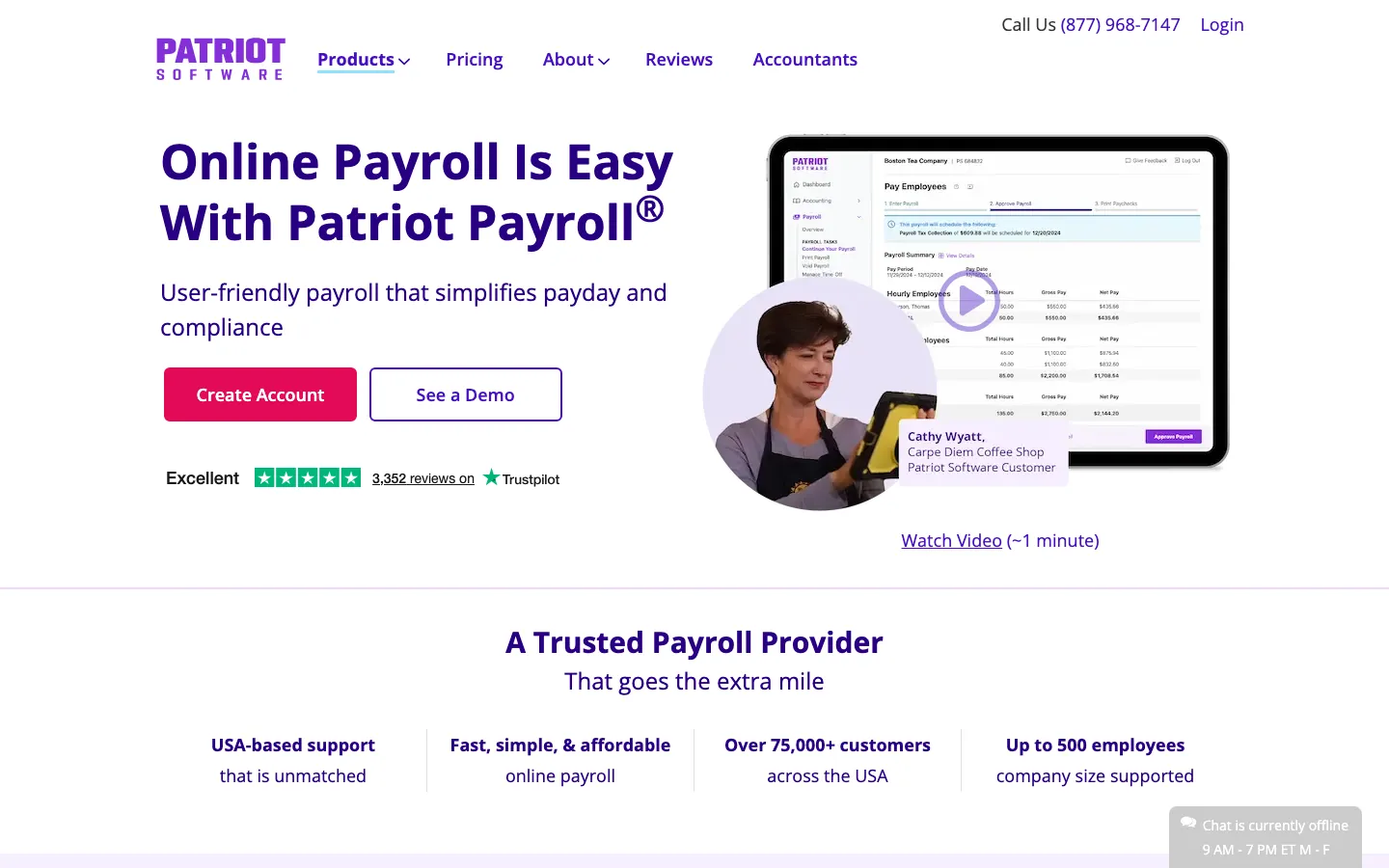
Screenshots of Patriot Software 3 images
What's great
- $37 base plus $5 per employee puts a five-person business at $62/mo and a fifteen-person business at $112/mo, the lowest full-service math on this list
- Extra state filings cost $12/mo each as a flat line item, which is far more predictable than a tier jump
- USA-based phone and chat support rated Excellent on Trustpilot across 3,352 reviews, with response times consistently under two hours
Watch-outs
- Time and attendance is a paid add-on at $6/mo plus $2 per employee and the integration is less polished than Gusto or Rippling
- No benefits administration and no real onboarding workflow, so an owner offering health insurance still works through a broker
- The $17 Basic tier leaves you making your own federal and state tax deposits, which is not a job most owners should keep
Patriot Software is the answer when price is the deciding factor and you still want somebody else filing the returns.
Full Service at $37/mo plus $5 per employee means $62/mo for a five-person business and $112/mo at fifteen, with no setup fee and no contract.
The 4.8/5 on G2 from 563 reviews is one of the highest percentages of positive reviews in the category, and the Excellent Trustpilot score from 3,352 reviews says the US-based support is real rather than sample bias.
Where it runs out is HR.
There is no benefits admin, and time tracking is a $6 plus $2 per employee add-on. Pricing on Patriot’s published pricing page has stayed flat, which is more than Gusto managed this year.
Pricing breakdown
| Plan | Price | Best for |
|---|---|---|
| Basic Payroll | $17/mo + $4/employee | Teams handling their own tax deposits manually |
| Full Service Payroll | $37/mo + $5/employee | Automated tax filing and deposits; best value in class |
| Time and Attendance add-on | +$6/mo + $2/employee | Teams tracking hourly workers |
| HR Software add-on | +$6/mo + $2/employee | Document management and basic employee records |
What reviewers say about Patriot Software
Recurring themes across ~630 Patriot Payroll G2 reviews (4.8/5) and a large Capterra pool (4.8/5), 2024-2026.
What reviewers praise
- The price is the headline draw, with full-service tax-filing payroll running far below Gusto or QuickBooks, and reviewers running small firms call it the best value in the category.
- Setup is quick for a small team, and accountants managing multiple client payrolls praise the clean multi-company view.
- US-based support answers the phone and helps directly, which reviewers contrast against the hold times at bigger providers.
- The interface is simple enough that owners with no payroll background run it themselves without training.
What reviewers fault
- Integrations are limited beyond Patriot's own accounting product, so teams on other stacks fall back to manual exports.
- HR and benefits features are thin, so growing companies eventually migrate to a fuller HCM.
- Direct deposit funding on lower tiers takes several days rather than same-day or next-day, which catches new users off guard.
- Reporting is basic, and finance staff wanting custom or detailed reports find the options shallow.
Loading reviews…
QuickBooks Payroll
Payroll that posts straight into the books you already keep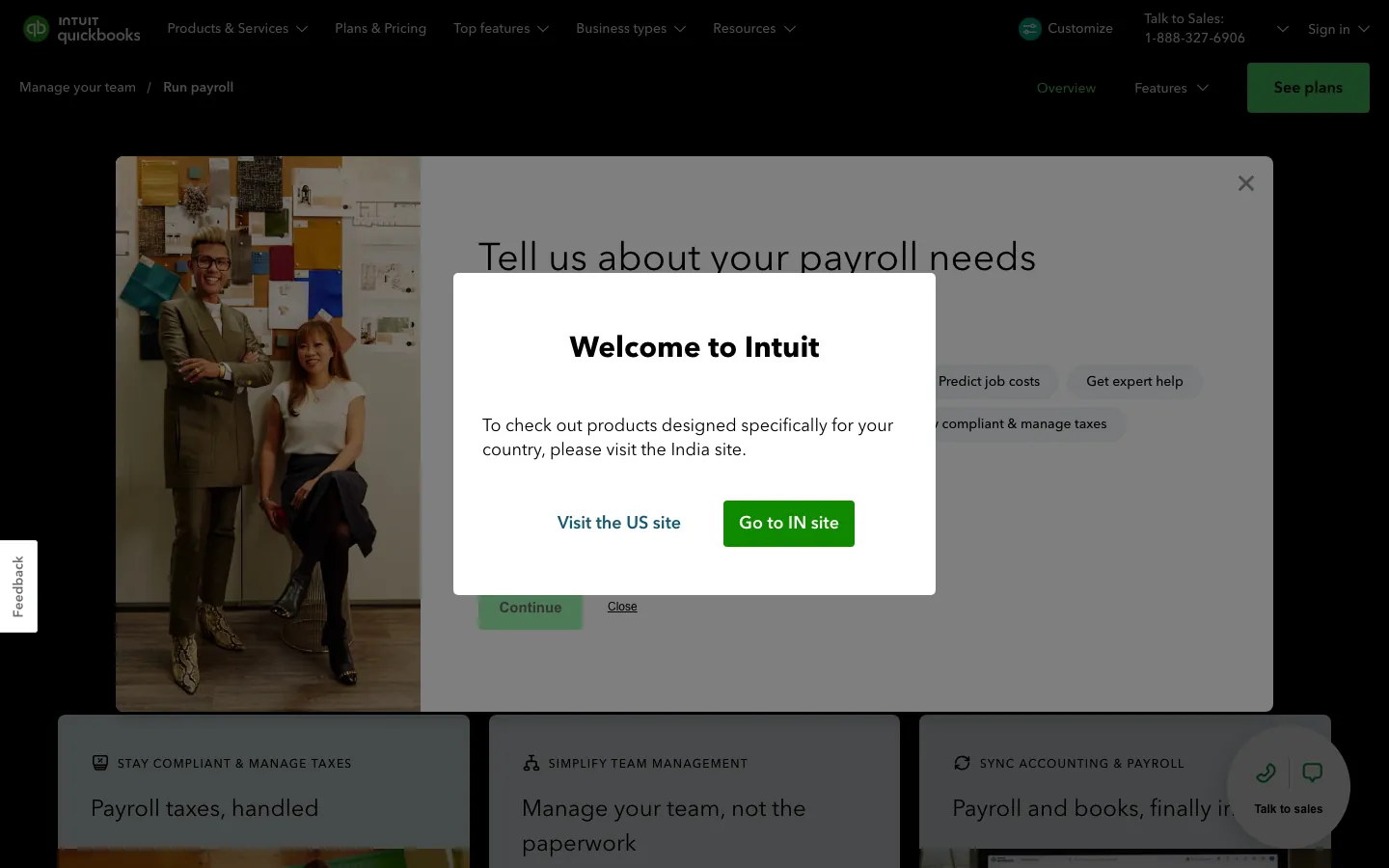
Screenshots of QuickBooks Payroll 3 images
What's great
- Real-time sync into QuickBooks accounting removes the manual journal entry, the single biggest time saver for an owner who does their own books
- 30-day free trial with no card required, the longest evaluation window of any tool here
- Tax penalty protection at Elite ($130 base plus $11 per employee), where Intuit covers the penalty if their system files late or incorrectly
Watch-outs
- The promotional discount (often 50% off for three months) makes year one look cheap, and the renewal number is the one to actually budget
- Core at $50 plus $6 per employee prices like Gusto and OnPay without matching their HR depth if you are not on QuickBooks
- HR features are shallow at all three tiers, so benefits, onboarding, and performance need a separate tool
QuickBooks Payroll makes sense for one specific small business, the one already keeping its books in QuickBooks.
The native sync deletes an entire category of month-end reconciliation work, and for an owner doing their own bookkeeping that is worth more than a few dollars per employee.
G2 reviews average 4.4/5 across a large base, with support wait times and the promotional pricing cliff as the recurring complaints.
Core runs $80/mo at five employees and $140/mo at fifteen.
For a 25-person company, Intuit’s published pricing page puts Core at $200/mo, Premium at $310/mo, and Elite at $405/mo.
Outside the QuickBooks ecosystem, OnPay does more for the same money.
Pricing breakdown
| Plan | Price | Best for |
|---|---|---|
| Core | $50/mo + $6/employee | Basic payroll with next-day direct deposit |
| Premium | $85/mo + $9/employee | Same-day deposit and time tracking integration |
| Elite | $130/mo + $11/employee | Tax penalty protection and personal HR advisor |
| Payroll add-on (existing QBO) | Variable | Teams already on QuickBooks Online |
What reviewers say about QuickBooks Payroll
Recurring themes across ~3,825 G2 reviews (4.0/5) and ~8,471 Capterra reviews (4.3/5), 2024-2026.
What reviewers praise
- Reviewers across company sizes call it the accounting category default, with widespread accountant familiarity reducing onboarding friction.
- Automated bank syncing and transaction import eliminate most manual data entry; reconciliation that once took days runs in minutes.
- Cloud accessibility lets owners and their accountants work from the same live data without file transfers or version conflicts.
- The breadth of integrations with payroll, e-commerce, and POS systems makes it a hub that connects most small business stacks.
- Invoicing and payment collection flows get strong marks for being fast to set up, with direct payment links inside invoices.
What reviewers fault
- Pricing escalates steeply between tiers, with users citing large per-seat cost jumps that arrive without meaningful new features.
- Customer support quality draws the most consistent criticism, with reviewers describing long waits, AI-first routing, and reps who cannot resolve complex billing or technical issues.
- Frequent UI changes and forced updates disrupt learned workflows; users report features moving or disappearing after updates.
- Performance degrades noticeably as transaction volume grows, with bank disconnections and system lag cited by higher-volume businesses.
- Advanced users and accountants find the online version too restrictive compared to Desktop, with limited batch tools and report customization.
Loading reviews…
Roll by ADP
Run payroll from your phone in under a minute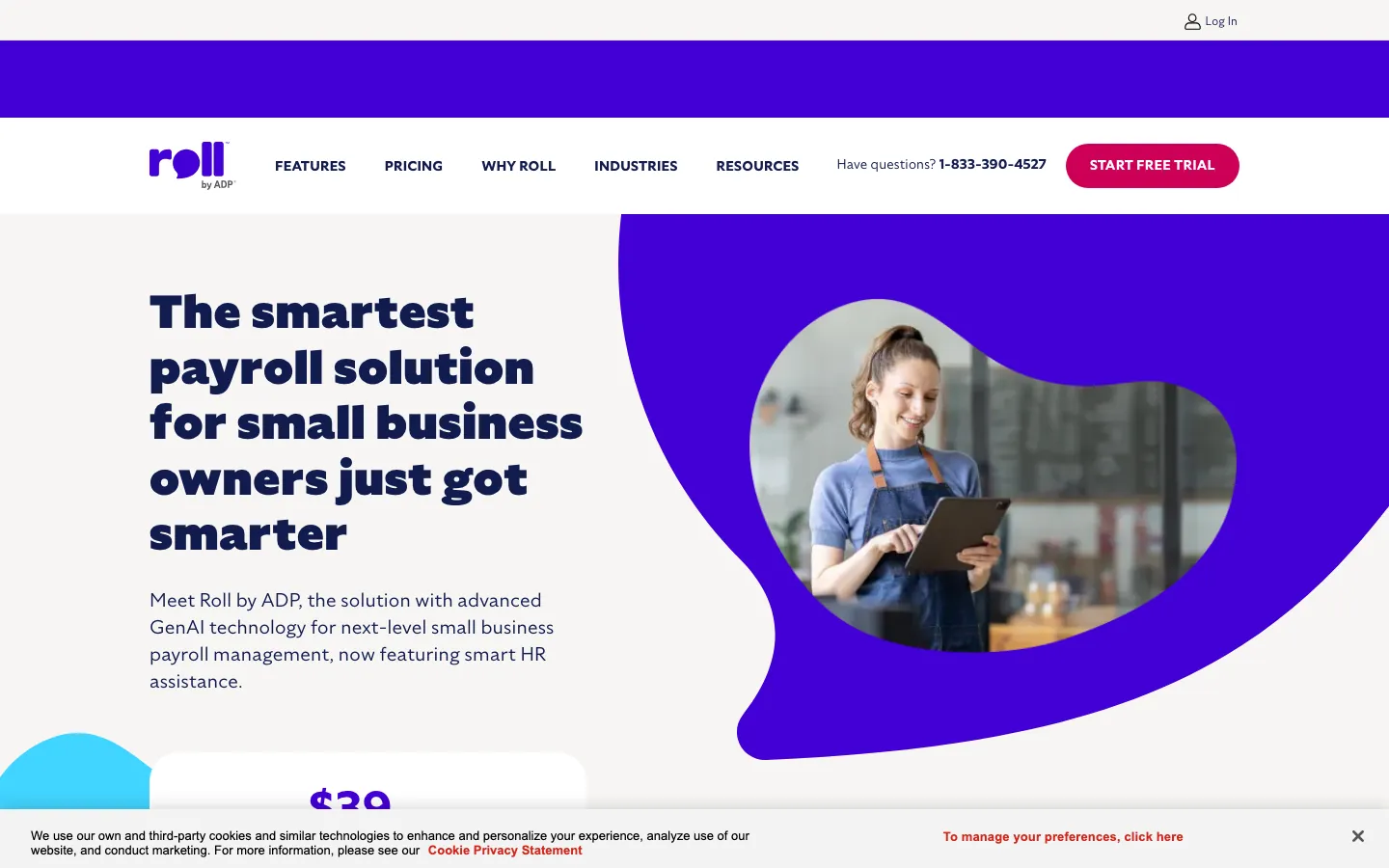
Screenshots of Roll by ADP 2 images
What's great
- Chat-based interface runs a payroll in under 60 seconds from a phone, which suits an owner approving payroll between job sites
- $39 base plus $5 per employee puts ADP's tax filing infrastructure at $64/mo for five people and $114/mo for fifteen
- Three months free is the most generous trial of any tool in this comparison
Watch-outs
- No benefits administration and no time tracking module, so hourly businesses still need a separate time clock
- Capped at 100 employees, so treat it as a starter system rather than a growth path
- 180 G2 reviews is the thinnest evidence base here, and the product is young enough that the sample is still building
Roll by ADP is the one payroll product on this list built for the phone first.
The chat flow genuinely runs a payroll in under a minute once you have configured it, and behind that sits ADP’s 75-year-old tax filing infrastructure at roughly half of what ADP Run costs.
Five employees comes to $64/mo, fifteen comes to $114/mo.
The three-month free trial makes it cheap to test against your real employee list rather than sample data. Two gaps to price in.
There is no benefits admin and no time tracking, so a restaurant with hourly staff bolts on a second tool. And 180 G2 reviews is not much of a sample if you like reading a hundred of them first.
Pricing breakdown
| Plan | Price | Best for |
|---|---|---|
| Roll by ADP | $39/mo + $5/employee | Under 100 employees; all features in one flat tier |
| Free trial | Free for 3 months | New businesses testing ADP's infrastructure before committing |
| 1099 contractors | Included in base plan | Teams mixing W-2 and contractor payments |
| Smart HR add-on | Included (GenAI) | HR policy answers and employee record management |
What reviewers say about Roll by ADP
Recurring themes across ~22 Roll by ADP G2 reviews (4.6/5) and public app-store feedback, 2024-2026.
What reviewers praise
- Payroll runs entirely by chat from a phone, and micro-business owners describe typing run payroll and finishing in a minute without a desktop.
- Setup is fast, and the ADP tax engine behind the app handles filing, which owners trust more than a brand-new startup.
- Deadline reminders and text-based support inside the app suit solo operators who never open a laptop.
What reviewers fault
- It is mobile-only with no full desktop experience, which reviewers managing more than a couple of employees find limiting.
- Reporting and HR features are minimal, so anything beyond a simple pay run is out of scope.
- The chat assistant sometimes misreads commands, and pricing feels high for a very small headcount once fees are added.
Loading reviews…
SurePayroll
Flat multi-state fee for a tiny team spread across states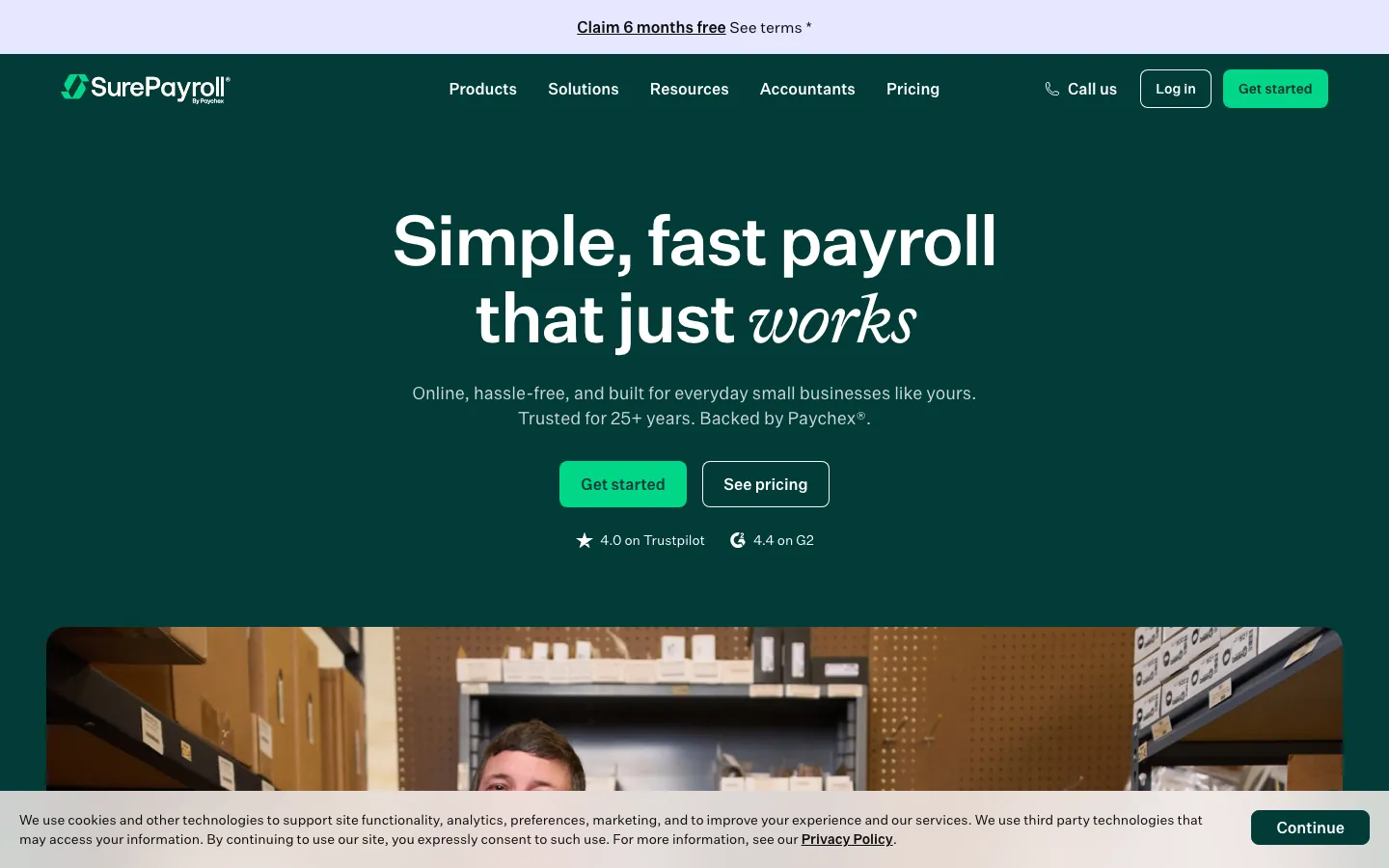
Screenshots of SurePayroll 3 images
What's great
- Multi-state costs a flat $9.99/mo no matter how many states, which beats every per-state and per-tier model here for a scattered remote team
- A purpose-built household employer plan for nanny and caregiver payroll, the only one in this comparison
- AutoPayroll runs on schedule without a weekly click once it is configured
Watch-outs
- 4.0/5 on G2 from 3,042 reviews, with phone waits of 45+ minutes as the dominant complaint
- No digital onboarding tools, so every new hire is manual data entry done by the owner
- The $7 per employee rate crosses above Gusto and OnPay at 40 people, $309/mo against $289/mo
SurePayroll is Paychex’s small-business brand and it exists for one reason worth caring about, the flat multi-state fee. Most tools charge per state or push you to a higher tier.
SurePayroll charges $9.99/mo total no matter how many states you run in, which is real money for a five-person company with people in four states.
Full Service comes to $64/mo at five employees.
The 4.0/5 across 3,042 reviews is the lowest score among the SMB tools here, and the complaints cluster hard on phone support wait times.
The household employer plan is genuinely unique, per Comparisun’s 2026 SurePayroll review .
Watch the $7 per employee rate, it gets expensive as you grow.
Pricing breakdown
| Plan | Price | Best for |
|---|---|---|
| Self-Service | $20/mo + $4/employee | Teams who handle their own state tax deposits |
| Full Service | $29/mo + $7/employee | Automated tax filing and deposits for small teams |
| Multi-state add-on | +$9.99/mo flat | Any number of additional states; fixed cost regardless |
| Household Employer | Custom quote | Nanny, caregiver, and domestic employee payroll |
What reviewers say about SurePayroll
Recurring themes across ~1,832 SurePayroll Trustpilot reviews (4.0/5) and G2 reviews (4.4/5, ~523 reviews), 2024-2026.
What reviewers praise
- SurePayroll is a common pick for household and nanny payroll, and reviewers in that niche say it handles the tax filing that most business-focused tools skip.
- Pricing is affordable for very small and single-employee payrolls, which owners contrast against pricier full HCM suites.
- The tax-filing guarantee, where SurePayroll covers penalties for its own filing errors, gives small employers peace of mind they call out directly.
- Self-service payroll is simple to run, so non-accountants get through a pay run without help.
What reviewers fault
- Customer service quality dropped for many reviewers, with long hold times and offshore support named repeatedly since the Paychex era.
- Tax filing mistakes and resulting IRS or state notices show up in negative reviews, which is the worst-case failure for a payroll tool.
- Extra fees for multi-state filing, year-end forms, and add-ons are described as showing up beyond the advertised base price.
- The interface feels dated compared to Gusto or Square, and reviewers wanting a modern mobile experience are disappointed.
Loading reviews…
Square Payroll
Tips, time clock, and payroll for a shop already on Square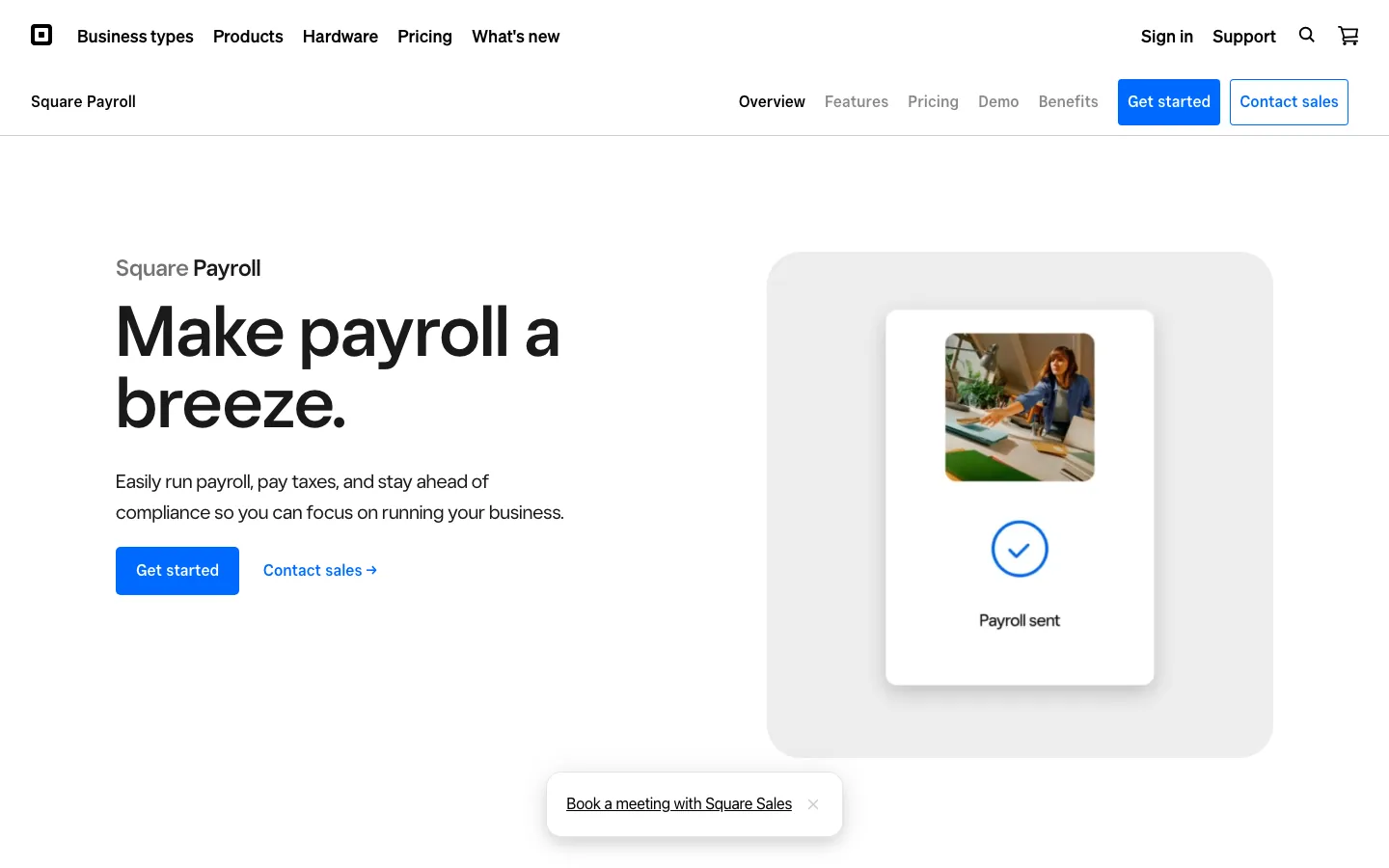
Screenshots of Square Payroll 3 images
What's great
- Native Square POS sync ties hourly time clock data and tip tracking to the paycheck with no export step and no connector to maintain
- Contractor-only payroll at $6 per person with no base fee, the cheapest 1099 payroll in the US market
- 30-day free trial with no credit card required, which is easy to run against a real pay period
Watch-outs
- Off the Square ecosystem the case falls apart; OnPay and Gusto sit at a similar base price and do considerably more
- No benefits administration, no performance tools, and PTO tracking stops at basic accruals
- Support response times of 2-4 hours were cited across 2025-2026 reviews, slower than Gusto and OnPay
Square Payroll is for one small business in particular, the cafe, salon, or retail shop already running Square at the register. Tips and clocked hours flow into the paycheck without anybody exporting a CSV, and for a food-service owner that is the whole pitch.
Five employees comes to $65/mo.
The contractor-only plan at $6 per person with no base fee is the cheapest 1099 payroll available anywhere, which makes Square worth a look even for a business that has no W-2 staff at all.
Outside that context, OnPay or Gusto give you more for the same money.
The 93% satisfaction across 577 verified reviews reflects happy Square users more than general payroll buyers.
Pricing breakdown
| Plan | Price | Best for |
|---|---|---|
| Employees + Contractors | $35/mo + $6/employee | Square POS retailers and food service teams |
| Contractors only | $6/contractor/mo, no base | 1099 contractor-only businesses with no W-2 employees |
| Free trial | Free for 30 days | Testing before committing to Square's payroll ecosystem |
| Square for Restaurants integration | Bundled pricing available | Full-service restaurant operators on Square ecosystem |
What reviewers say about Square Payroll
Recurring themes across ~577 Square Payroll Capterra reviews (4.7/5) and G2 reviews, 2024-2026.
What reviewers praise
- For businesses already on Square POS, timecards and tips flow straight into payroll, and reviewers running restaurants and retail call this the reason they stay.
- Flat, predictable pricing with a low contractor-only option makes it a favorite for hourly and tipped teams that pay by the shift.
- Tax filing runs automatically, so small owners with no payroll experience get through a run in minutes.
- Handling tipped wages and shift workers is smoother here than on general payroll tools not built for that pattern.
What reviewers fault
- HR and benefits features are bare-bones, so companies needing anything beyond pay and basic filing outgrow it fast.
- Reporting is limited, and finance staff wanting detailed or custom exports find the options shallow.
- Support is hard to reach beyond chat, and reviewers describe slow responses when a payroll issue is time sensitive.
- It is not built for complex multi-state payroll, and occasional sync bugs between the POS and payroll frustrate users.
Loading reviews…
ADP Run
Tax and compliance depth once the state notices start arriving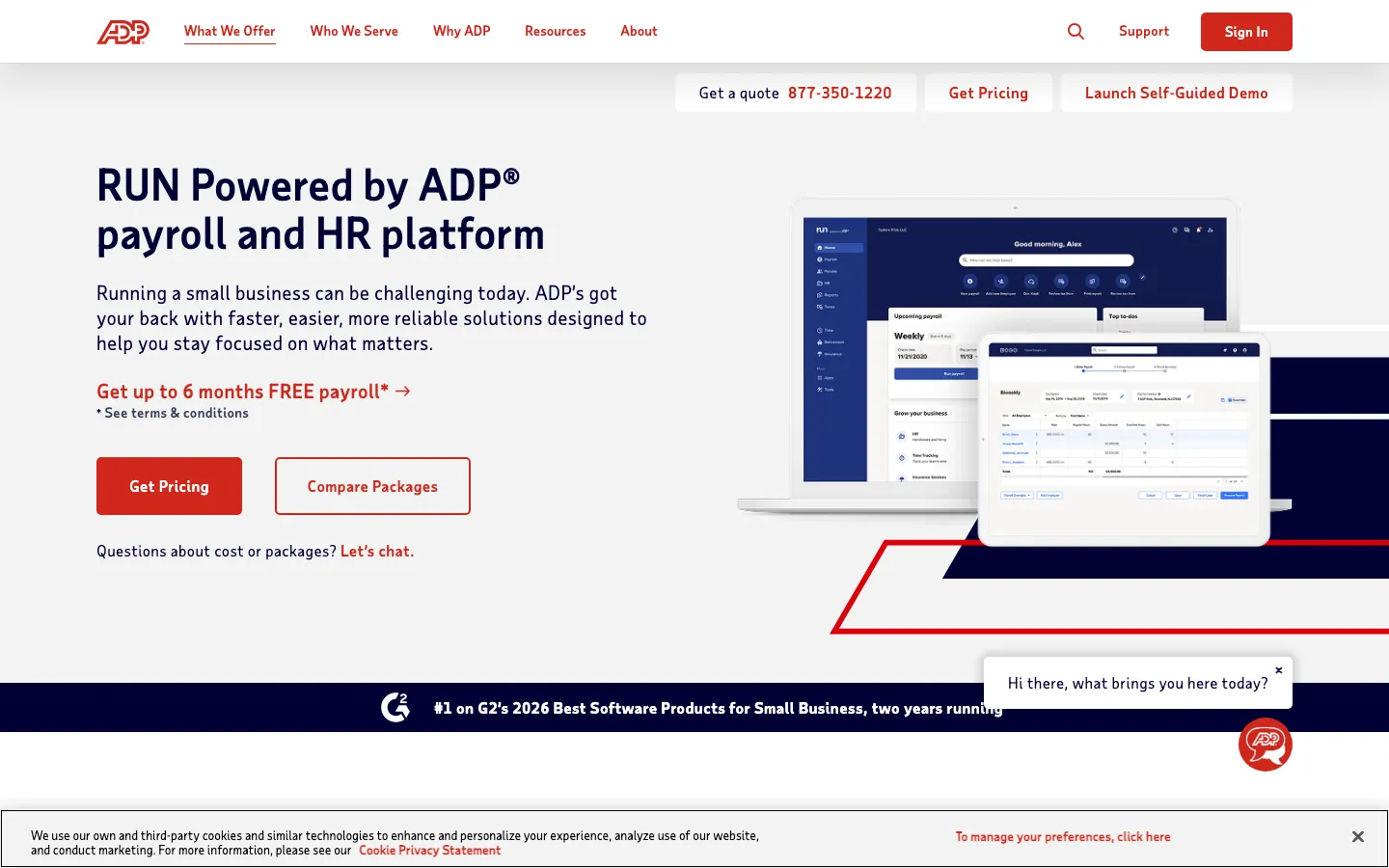
Screenshots of ADP Run 3 images
What's great
- The $4 per-employee rate is the lowest here, which makes ADP Run the cheapest option in this comparison at 40 employees, $239/mo against $289/mo for Gusto and OnPay
- Background check tooling is included on every plan, the only payroll provider in this list that ships it natively
- 40+ years of automated federal, state, and local tax filing with a penalty guarantee behind it
Watch-outs
- Setup fees run $500 to $2,000 depending on complexity and are not disclosed upfront in most sales conversations
- Everything above Essential is a custom quote, so the published $79 base is a floor rather than a real price
- Go-live takes 2-4 weeks against under a week for Gusto and OnPay, and the interface feels a decade behind them
ADP Run reads expensive at five employees and cheap at forty, which is the opposite of most tools here.
The $79 base plus only $4 per employee means $99/mo for a five-person business but $239/mo at forty, below Gusto and OnPay at that headcount.
Ranked #1 in G2’s 2026 Best Small Business Software report for the second year, which says something even with the dated interface.
6,587 G2 reviews average 4.7/5 and the complaints are consistent, price opacity and the UI.
Ask about the setup fee in the first sales call, because it ranges from $500 to $2,000 and rarely comes up unprompted.
Pricing breakdown
| Plan | Price | Best for |
|---|---|---|
| Essential | $79/mo + $4/employee | 1-49 employees, basic payroll and tax filing |
| Enhanced | Custom quote | Background checks and onboarding tools included |
| Complete | Custom quote | HR toolkit and employee handbook builder |
| HR Pro | Custom quote | Full HR advisory and compliance support |
What reviewers say about ADP Run
Recurring themes across ~4,219 G2 reviews (4.2/5), cross-checked against Capterra, GetApp, Gartner Peer Insights, and Reddit, 2024-2026.
What reviewers praise
- Core payroll, tax, and benefits administration are the recognized strength: reviewers trust ADP to run accurate multi-state payroll and handle tax filing at a scale few competitors match.
- Consolidating payroll, benefits, and time and attendance in one platform with employee self-service is praised for cutting admin work across a large workforce.
- The outsourcing layers, letting companies hand off payroll tax, garnishments, and compliance to ADP-managed services, are called out as valuable for teams without a big internal HR bench.
- The employee-facing mobile app and self-service for pay stubs, tax forms, and time-off requests get steady positive mentions for everyday convenience.
What reviewers fault
- Poor customer support is the single most cited complaint (tagged over 100 times in recent G2 reviews): long hold times, transfers between departments, and slow resolution on urgent issues.
- The interface and reporting feel dated and clunky, with reviewers describing awkward navigation and a report-building process that is hard to learn.
- Customization is limited, so reports and workflows are inflexible for teams with non-standard requirements.
- Opaque pricing and hidden fees recur across accounts: implementation charges, annual platform fees, and per-item costs like W-2 printing and garnishment processing that were not clear during the sale.
- Costs creep upward each renewal as modules are added, and BBB threads document early-termination and post-cancellation billing disputes.
Loading reviews…
More top-rated Payroll Software for Small Business worth checking out
Highly rated Payroll Software for Small Business that didn't crack our top 10 but are still strong contenders, especially for specific use cases and team sizes.
Wave Payroll
The cheapest way for a solo founder to start running real payroll
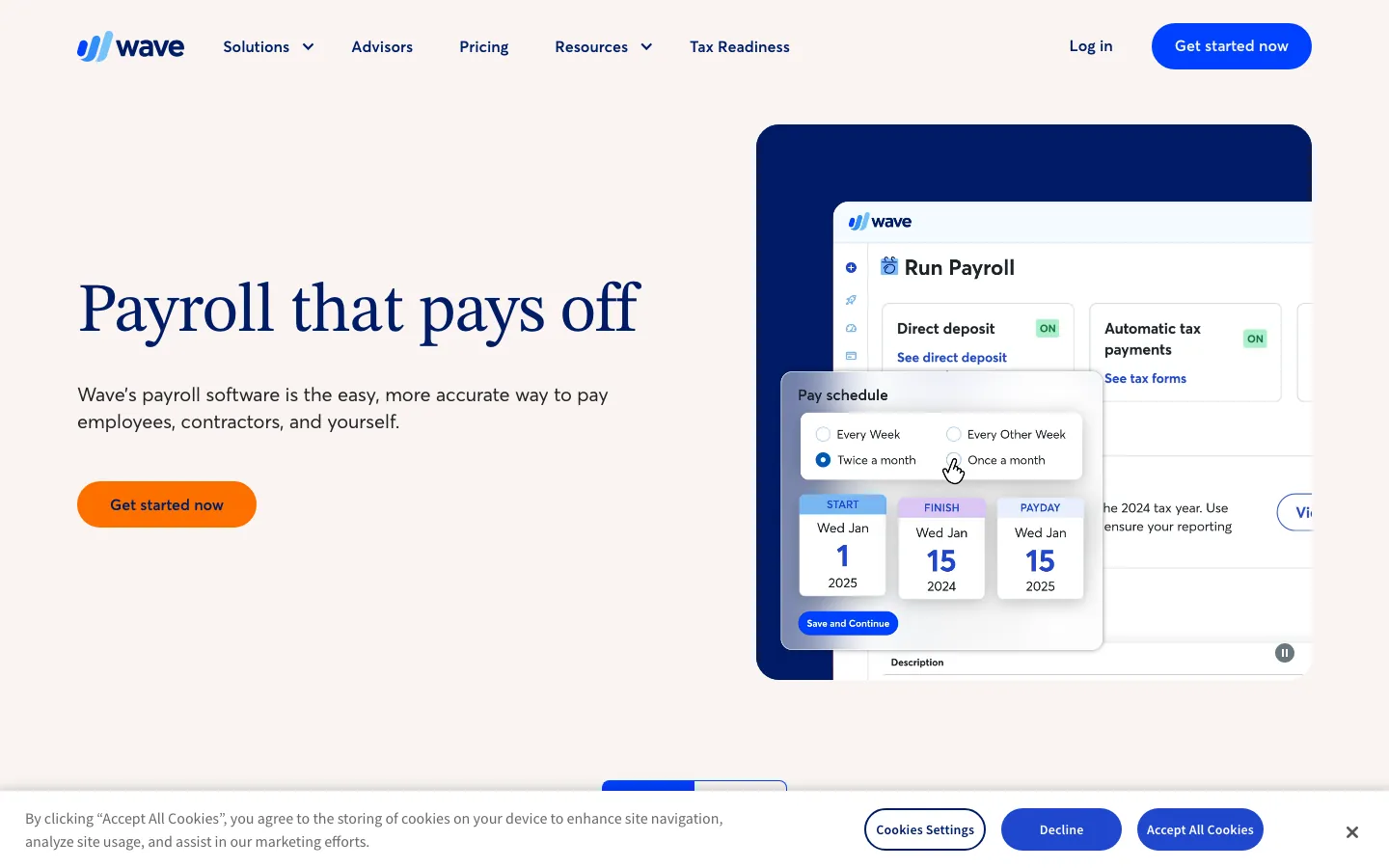
Standout: $20 base plus $6 per employee is the lowest entry point on this list, $50/mo for a five-person team, and the accounting software alongside it is genuinely free
What reviewers say ★ 4.3 · 323
Praised
- The free plan with unlimited invoices, bills, and bookkeeping records is the most-praised feature; reviewers call it genuinely useful rather than a crippled trial.
- Non-accountants can send invoices, track expenses, and reconcile transactions without any accounting background or paid training.
- Recurring invoice automation and duplicate transaction detection reduce repetitive data entry for businesses with predictable billing cycles.
- The clean interface and fast learning curve make it accessible to solo operators and micro-businesses who need accounting basics without complexity.
- Direct integration with bank accounts and automatic transaction imports keep records current without requiring daily manual entry.
Faulted
- The 2024-2025 shift of automated bank transaction imports from free to the Pro tier ($16/month) is the most-cited complaint in recent reviews.
- Customer support is consistently described as inadequate, with long response times and limited channels; several reviewers say poor support was the reason they switched tools.
- Integration options are narrow compared to paid competitors; reviewers who need inventory management or advanced third-party connections hit walls quickly.
- Receipt scanning produces blurry or misread results frequently enough that manual correction takes almost as long as entering receipts by hand.
- Payroll is a paid add-on with limited state availability, and the pricing structure for payroll plus Pro features erodes the free-plan value proposition for growing teams.
Paychex Flex
A named payroll specialist instead of a chat queue
Standout: Flex Essentials at $39 plus $5 per employee is priced for under-20-person teams and still assigns a dedicated payroll specialist from day one
What reviewers say ★ 4.1 · 1,699
Praised
- Reviewers find core payroll straightforward to run day to day, with a self-service portal that makes pay, time, and employee data easy to manage for small and mid-size teams.
- Full-service tax filing and compliance handling are cited as reliable, which is the main reason smaller employers stay with an established provider like Paychex.
- Many reviewers call it good value for time tracking plus payroll, and note it can come in cheaper than some other national payroll companies.
- When you reach a knowledgeable rep, support and onboarding help are praised, and the breadth of add-on HR services (401(k), benefits, HR advisory) suits growing teams.
Faulted
- Support is inconsistent and a frequent complaint: slow response times, high rep turnover, and the recent cut from 24/7 to 8am-8pm coverage frustrate users who need urgent help.
- Pricing is opaque and reviewers report invoices exceeding the quote because of undisclosed add-ons for W-2s, integrations, and time tracking.
- Early-termination fees and continued billing after cancellation are documented in BBB complaints, catching customers who tried to leave.
- The platform is described as glitchy, with slow performance and recurring errors that disrupt payroll workflows and need repeated fixes.
- Login is a recurring pain point, with frequent lockouts and multi-step verification, and reviewers call the overall interface dated compared with newer competitors.
Justworks
PEO benefits access once health insurance is the real problem
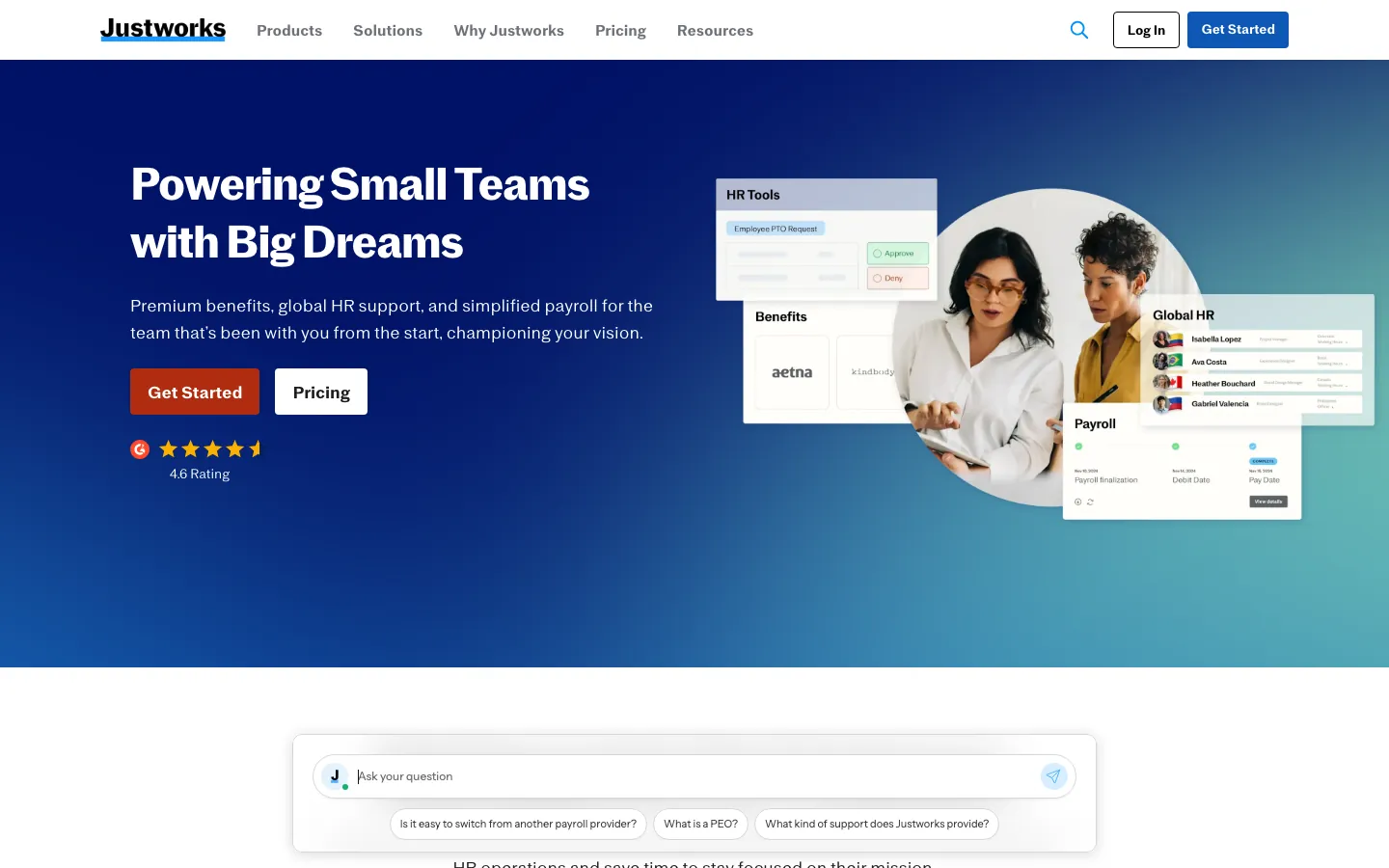
Standout: Group health insurance at large-employer rates through co-employment, which a 15-person company cannot negotiate on its own
What reviewers say ★ 4.6 · 1,126
Praised
- Transparent, publicly listed pricing is a genuine differentiator that reviewers repeatedly note, since PEO rivals like Paychex, TriNet, and ADP all hide rates behind a sales call.
- Ease of use is a dominant theme: straightforward setup, clean organization, and a design simple enough that a small team can run payroll and HR without specialists.
- Access to Fortune-500-caliber benefits, big-carrier medical plus 401(k) through co-employment pooling, lets 20 to 200 person companies offer plans they could not negotiate alone.
- Customer support is rated highly for routine questions, with reviewers citing human, multi-channel help and answers within hours.
Faulted
- Per-employee PEO fees feel steep, and reviewers note that once you pass roughly 50 to 100 employees the model gets expensive versus a standalone HRIS plus broker.
- Integrations are very limited (a handful of connectors), so teams relying on a wider software stack hit walls versus platforms with hundreds of integrations.
- Support quality falls off a cliff during real escalations: missed payroll runs, W-2 errors needing IRS follow-up, and tickets going unanswered surface in Trustpilot and Reddit accounts.
- The platform trades flexibility for simplicity, so reviewers flag limited customization and missing features for teams with non-standard needs.
- Recurring app bugs (freezing, crashes, login issues) disrupt time tracking, and eligibility restrictions exclude high-risk or heavily contractor-based businesses from the workers' comp policy.
Rippling
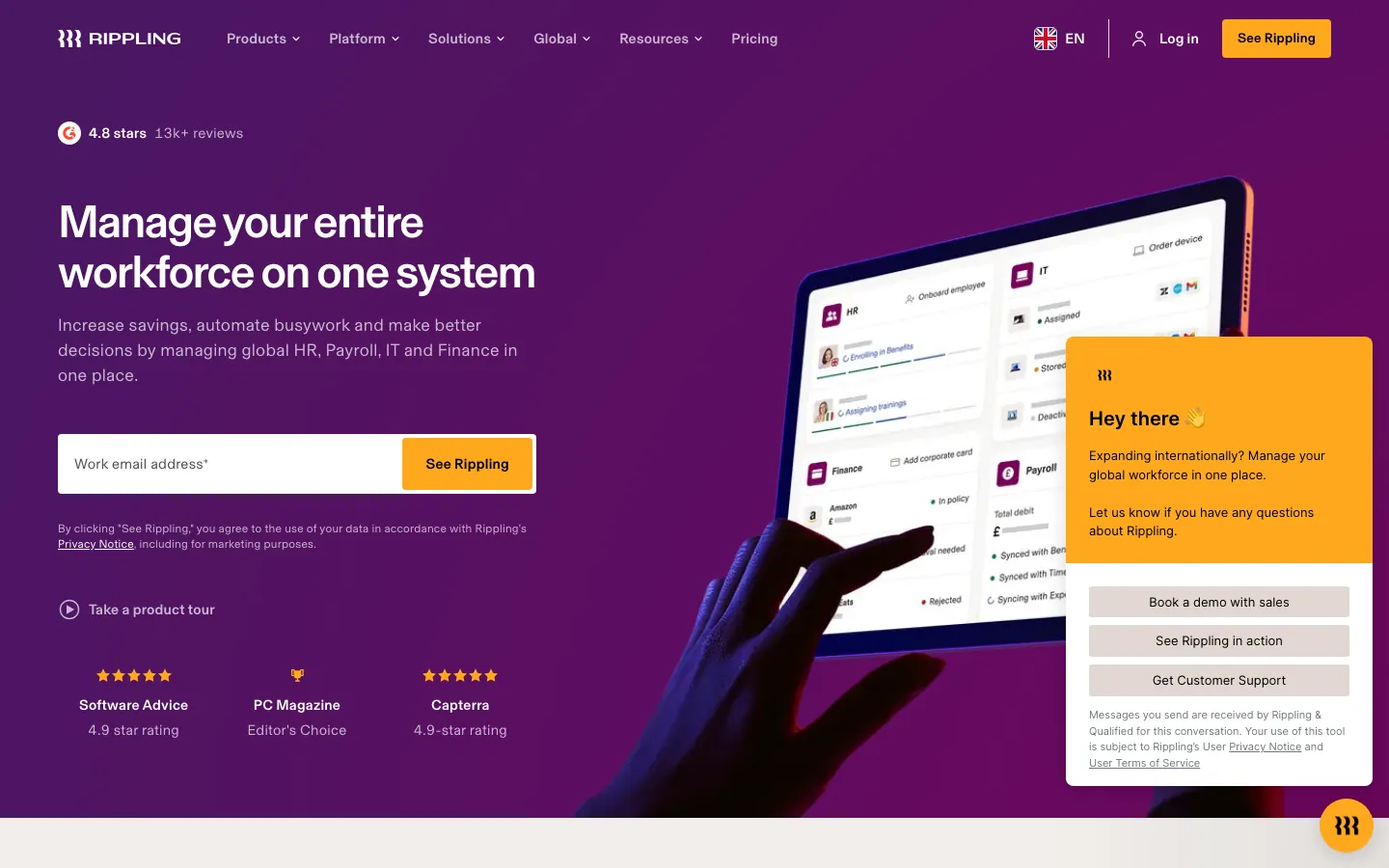
Only worth it when payroll, laptops, and app access are all one problem
Standout: One employee record ties payroll, benefits, PTO, device management, and app provisioning together, which removes the cross-system sync work entirely
What reviewers say ★ 4.8 · 12,729
Praised
- The unified data model draws the most consistent praise: because HRIS, payroll, benefits, time, and IT all sit on one employee record, a promotion or address change flows automatically into payroll and benefits instead of being re-keyed in five tools.
- Reviewers repeatedly call the setup and day-to-day interface clean and fast, with automation that removes manual steps for teams running payroll across multiple states or entities.
- The integration breadth (650+ app connections) and the ability to bundle IT provisioning, device management, and app access alongside HR is cited as a genuine reason teams consolidate onto Rippling.
- Global and multi-state payroll compliance is praised as reliable, including detailed local tax handling, so finance teams report fewer manual overrides at pay-run time.
Faulted
- Opaque, escalating pricing is the single most common gripe: you buy the base Unity platform per employee first, then stack paid modules on top, and reviewers say true all-in cost is hard to compare against competitors before a sales call.
- Support is ticket and chat only with no general phone line, and reviewers report slow or inconsistent resolution once a ticket is routed to the wrong queue.
- The sheer feature depth creates a real learning curve, and configuring advanced workflows or integrations can feel overly complex during onboarding.
- Botched implementations recur in BBB and Reddit accounts: paid onboarding that left teams to self-configure, difficult historical tax-data migration, and account managers who go quiet after the sale.
- The mobile app is described as buggy and missing features that exist on desktop, and reviewers note occasional sync delays between modules on time-sensitive payroll tasks.
BambooHR Payroll
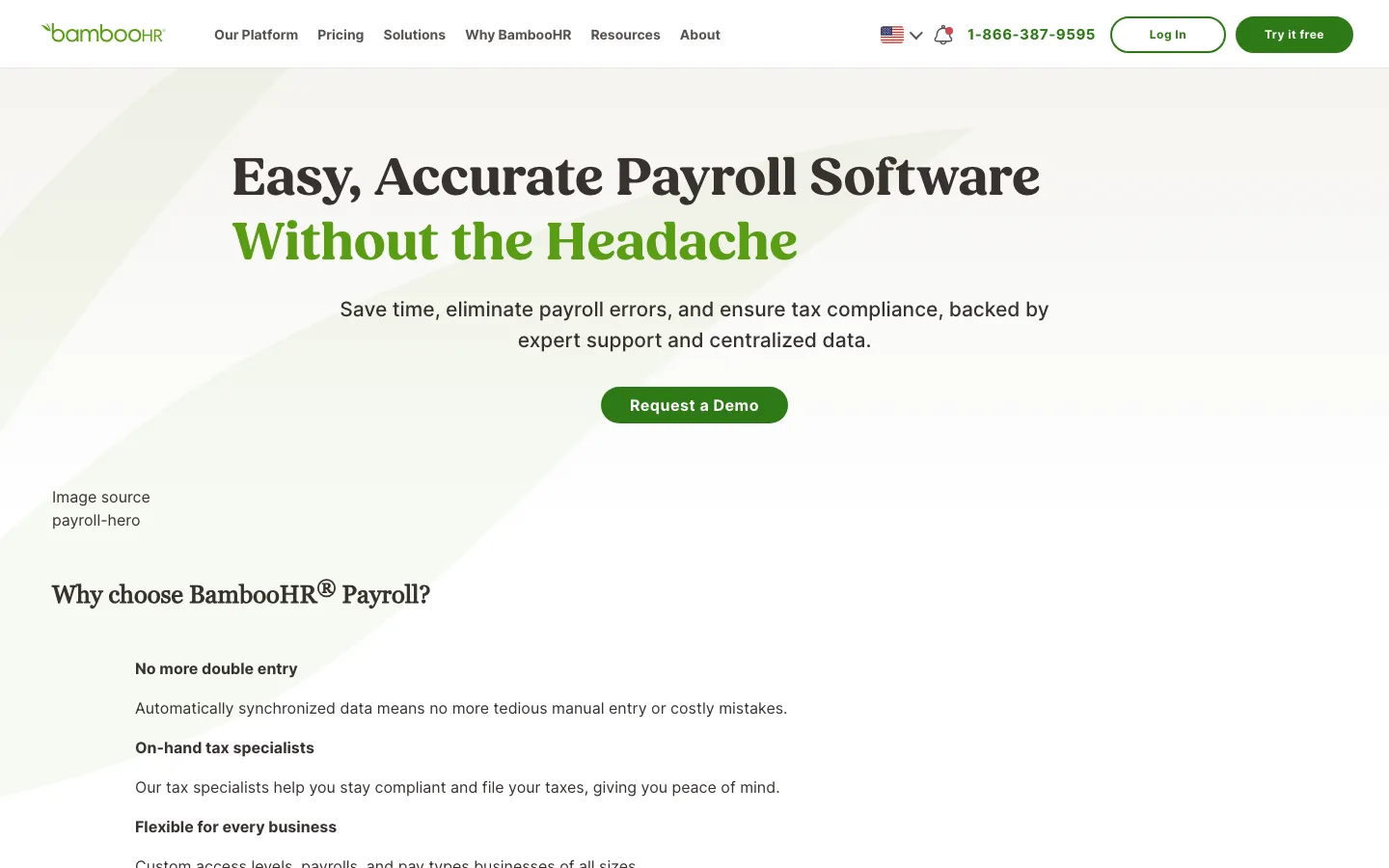
For a small business already keeping employee records in BambooHR
Standout: Payroll, PTO, onboarding, performance reviews, and applicant tracking share one employee record, so there is no export and re-import at payroll time
What reviewers say ★ 4.6 · 3,429
Praised
- The interface is the most-praised aspect by a wide margin: reviewers across company sizes call it one of the cleanest HR UIs they have used, with new employees self-serving from day one.
- Onboarding automation earns consistent praise for pre-boarding packet delivery, e-signature workflows, and automated task checklists that reduce HR coordinator workload.
- Time-off management is called out specifically: the system accounts for company holidays automatically, which reviewers say eliminates a common manual error.
- Mobile app performance is praised as reliable and responsive, with employees able to request leave, view pay stubs, and update personal info without calling HR.
- Customer support response times are rated highly, with most reviewers noting fast, knowledgeable help on initial tickets during business hours.
Faulted
- Payroll module limitations are the top complaint: reviewers say it lacks automation depth and often requires manual reconciliation steps, especially for multi-state payroll.
- Pricing opacity frustrates buyers, with per-employee charges, separate add-on fees for payroll and performance modules, and no public rate card on the website.
- Reporting customization is limited: building non-standard reports requires more clicks than expected and export formatting options are narrow.
- The platform shows strain at scale, with reviewers at larger organizations (500+ employees) noting it lacks the workflow complexity their HR operations require.
- Support quality outside US business hours draws complaints, with slower response times flagged by international teams and US offices needing after-hours help.
Tools we considered but excluded
We evaluated more tools than the 13 you see above. These did not make the cut. Saying what we rejected, and why, is the editorial muscle most listicles skip.
- Dayforce: Best-fit range is 350-10,000 employees and implementation runs 4-6 months at 40-70% of first-year fees; nothing about it is sized for a small business
- Paycom: Built for 100-500 employee orgs with all-or-nothing module bundling and an 8-12 week implementation; a 20-person company pays for features it will never open
- Paylocity: Mid-market HR platform with an 8-16 week rollout that expects an internal HR Ops owner, which a small business does not have
- ADP Workforce Now: The 50-1,000 employee product, with a 3-6 month implementation and a required ADP consultant; small businesses want ADP Run or Roll instead
- Paycor: All pricing is quote-only and the 3.9/5 G2 score from 1,318 reviews is driven by support and pricing-transparency complaints, both bad news for a small buyer with no negotiating room
Honorable mentions
Solid tools that did not crack the main list but are worth tracking, especially for niche use cases.
- Deel: Not a US small business payroll tool, but the contractor management plan at $49/contractor/mo is the cleanest option if most of your team is international freelancers
- TriNet: The PEO alternative to Justworks for VC-backed startups wanting industry-specific benefits; realistic cost lands at $100-$150/employee/mo, which puts it out of range for most small businesses
- Gusto for Accountants: Gusto's accountant partner program comes with discounted pricing and a multi-client dashboard; if your bookkeeper already uses it, that is usually the cheapest way in
Small business payroll is priced as a base fee plus a per-employee fee, and almost every buying mistake here comes from comparing base fees.
The all-in monthly cost at 5, 15, and 40 employees
Vendors publish a base fee and a per-employee fee, then leave the multiplication to you. Here it is done, using each vendor’s own published rates.
| Tool and plan | Published rate | 5 employees | 15 employees | 40 employees |
|---|---|---|---|---|
| Wave Payroll (44 states) | $20 + $6/emp | $50 | $110 | $260 |
| Patriot Full Service | $37 + $5/emp | $62 | $112 | $237 |
| Roll by ADP | $39 + $5/emp | $64 | $114 | $239 |
| Paychex Flex Essentials | $39 + $5/emp | $64 | $114 | $239 |
| SurePayroll Full Service | $29 + $7/emp | $64 | $134 | $309 |
| Square Payroll | $35 + $6/emp | $65 | $125 | $275 |
| Gusto Simple | $49 + $6/emp | $79 | $139 | $289 |
| OnPay (single tier) | $49 + $6/emp | $79 | $139 | $289 |
| QuickBooks Payroll Core | $50 + $6/emp | $80 | $140 | $290 |
| Justworks Payroll plan | $50 + $8/emp | $90 | $170 | $370 |
| ADP Run Essential | $79 + $4/emp | $99 | $139 | $239 |
| Gusto Plus (multi-state) | $80 + $12/emp | $140 | $260 | $560 |
The ranking flips as you grow. At five employees the base fee is almost the entire bill, so Wave and Patriot win and ADP Run looks overpriced at $99/mo.
At forty employees the per-employee fee is the entire bill, and ADP Run’s $4 rate makes it the cheapest option in the table at $239/mo, $50/mo below Gusto and OnPay.
SurePayroll shows the same effect in reverse. The $29 base is one of the lowest here, but $7 per employee makes it the second most expensive option at forty people.
If you plan to be at forty employees inside two years, price the tool at forty, not at five. Migrating payroll to save $50/mo is not worth the year-end risk.
Multi-state payroll, the line item nobody budgets for
One remote hire in another state changes your bill, and the four vendors below handle it four completely different ways.
| Tool | What a second state costs | Structure |
|---|---|---|
| OnPay | $0 | Multi-state is in the single $49 tier |
| SurePayroll | +$9.99/mo | Flat, regardless of how many states |
| Patriot Software | +$12/mo per state | Flat per additional state |
| Gusto | +$31 base and +$6/employee | Forces the Simple to Plus upgrade |
| QuickBooks Payroll | Included | Automatic multi-state tax filing |
| ADP Run | Included | Automatic multi-state tax filing |
| Paychex Flex | Included | Automatic multi-state tax filing |
| Rippling | Included | Automatic multi-state tax filing |
| Wave Payroll | Base doubles to $40 | Only in CA, FL, NY, TX, IL, and WA, where you also make the deposits |
Square Payroll and Roll by ADP do not publish a multi-state fee structure the way the others do. Ask directly before signing if you have people in more than one state.
The Gusto number is the one that catches people. A 15-person business on Simple pays $139/mo. The same business after one out-of-state hire pays $260/mo, an 87% increase driven by a single employee.
State tax registration is a separate question from the software fee. Most of these tools file in a state once you are registered, they do not register you.
Registering is on you, it takes two to six weeks in most states, and starting late is the most common reason a first multi-state payroll goes out wrong.
Contractors, 1099-NEC, and year-end filing
Most small businesses run a mix. Two W-2 employees, three contractors, and a bookkeeper who invoices monthly.
Gusto, ADP Run, OnPay, and QuickBooks all file 1099s automatically alongside W-2s. Wave includes contractors at any tier, and Roll by ADP includes them in the base plan.
Square Payroll has the cheapest contractor-only option available anywhere, $6 per contractor per month with no base fee at all. For a business with zero W-2 staff, that is roughly $18/mo to pay three contractors and file their 1099-NECs.
Gusto’s Contractor Only plan runs $35/mo plus $6 per contractor, which is worth it only if you expect to convert contractors to employees on the same platform later.
The thing to verify in your first year is the $600 reporting threshold. Confirm the tool is tracking cumulative payments per contractor rather than per payment, because a contractor paid $200 four times still needs a 1099-NEC.
Tax filing guarantees and who covers the penalty
Every vendor here says they file your taxes. Fewer of them say what happens when the filing is late or wrong, and that is the clause that matters.
OnPay’s error-free guarantee covers IRS and state penalties caused by their system, and it applies on the single tier rather than an upgrade. That is the strongest position on this list for a business paying $49/mo.
Gusto puts penalty protection on Plus and Premium, not Simple. QuickBooks puts it on Elite at $130 base plus $11 per employee, which is $405/mo for a 25-person company. ADP Run carries a penalty guarantee behind 40+ years of filing infrastructure.
Patriot Software files federal, state, and local taxes on Full Service but does not market a penalty guarantee the way OnPay does. Ask for the language in writing before you sign.
Read the wording carefully in all cases. Nearly every guarantee covers errors caused by the vendor’s system, not errors caused by wrong data you entered. If you type the wrong state tax ID, that penalty is yours.
Benefits, workers comp, and when a PEO starts making sense
Two different models sit on this page and they are easy to confuse.
Gusto handles benefits administration on every tier and puts enrollment in the employee portal, but the underlying insurance is brokered. You still get quoted at your own headcount, which for a 15-person business is not a great rate.
Justworks is co-employment. The PEO becomes the employer of record for benefits purposes, which is how a 15-person business accesses group health rates it could never negotiate alone. PEO Basic costs $79/employee/mo, so $1,185/mo at fifteen people.
That fee is only justified by premium savings. Get a group health quote both ways, standalone and through the PEO, before you decide. It takes about twenty minutes and the math is usually obvious once you see it.
Paychex Flex is the middle path, with real workers comp and retirement plan depth without co-employment. OnPay, Patriot, Square, Roll by ADP, and Wave have little to no benefits administration, which is fine if you do not offer benefits yet.
Time tracking, bundled or billed separately
Hourly businesses get caught here more than salaried ones.
Gusto puts time tracking on Plus, not Simple. Patriot charges $6/mo plus $2 per employee as an add-on. QuickBooks includes time tracking integration at Premium. Roll by ADP has no time tracking module at all.
Square Payroll is the exception worth knowing about. The time clock lives in the Square POS you already run, and clocked hours plus tips flow into the paycheck with no connector in between.
For a restaurant or a salon that is the single strongest reason to pick it.
If you run hourly staff, add the time tracking cost to every quote before comparing. A $37 Patriot plan with time tracking for ten employees is $63/mo, not $37.
Mid-year migration without breaking your W-2s
Switching payroll providers mid-year is where small businesses lose money, and it is almost always the same mistake.
Start mid-quarter, never in December. Year-end is when the prior provider is busiest and when a data error turns into a wrong W-2 instead of a fixable correction.
Export every year-to-date figure before you cut over. Gross earnings, each withholding type, employer taxes paid, and benefit deductions, per employee.
Incorrect year-to-date data is the direct cause of incorrect W-2s in January, and it is invisible until then.
Run one full parallel cycle in both systems and compare gross-to-net for a handful of employees by hand. Paying to process payroll twice for one period is cheap next to an IRS notice.
Keep the old account open until the final W-2 run is confirmed. Cancel it and you lose access to the records you need in January. Gusto and OnPay go live in under a week, ADP Run takes two to four weeks, so plan the window accordingly.
Support when you are the entire payroll department
Support quality is a real feature when nobody at the company has ever filed a payroll return.
Patriot has USA-based phone and chat with response times consistently under two hours, and an Excellent Trustpilot rating from 3,352 reviews. OnPay’s 4.8/5 on G2 is driven largely by support scores. Both are punching well above their price.
Paychex Flex assigns a named payroll specialist from day one, even on the $39 Essentials plan. For an owner who wants one human to call, that is the differentiator.
The other end is worth knowing too. SurePayroll reviewers report phone waits of 45+ minutes. Square averages 2 to 4 hours on response.
Gusto has 11,246 G2 reviews at 4.6/5 but a 2.5/5 Trustpilot score from 2,364 reviews, and the negative reviews concentrate on support during tax problems.
Test it before you commit. Send a real question through the support channel during the trial and time the reply. Four hours is fine, two days is a warning.
What changes above 50 employees
The tools on this page are scored for a 1-50 person business. Past that, the decision changes shape.
Above 50 employees, payroll usually stops being a standalone purchase and becomes part of an HR platform question covering onboarding, performance, benefits administration, and time and attendance on one employee record.
That is where Rippling, Paylocity, Paycom, and ADP Workforce Now start earning their cost.
Multi-state complexity compounds too. At five states and 80 employees, the dedicated specialist model at Paychex or ADP is worth paying for in a way it is not at fifteen people in one state.
Our full 20-tool research, including the mid-market and enterprise platforms cut from this page, is in the main payroll software guide .
The pick by business type
| Business profile | Pick | Why |
|---|---|---|
| Solo founder with a first employee | Wave Payroll | $50/mo at five people, with free accounting alongside it |
| 5-20 employees, single state | Gusto Simple or OnPay | Both $79/mo at five, both file taxes automatically |
| Employees in two or more states | OnPay | Multi-state sits in the single $49 tier, no upgrade trigger |
| Remote micro team across four states | SurePayroll | $9.99/mo flat covers every additional state |
| Tightest possible budget | Patriot Full Service | $62/mo at five employees with filing included |
| Books already in QuickBooks | QuickBooks Payroll | Payroll posts to the ledger with no journal entry |
| Restaurant, cafe, or retail on Square | Square Payroll | Time clock and tips flow into the paycheck |
| Contractors only, no W-2 staff | Square Payroll | $6 per contractor, no base fee |
| Owner who runs everything from a phone | Roll by ADP | Chat-based payroll in under a minute |
| Nanny or household employer | SurePayroll | The only purpose-built household plan here |
| 30-50 employees, cost-sensitive | ADP Run Essential | $4 per employee makes it cheapest at forty |
| Health insurance is the actual problem | Justworks | Group rates through co-employment at fifteen people |
| You want one person to call | Paychex Flex | Named payroll specialist included on the $39 plan |
| Payroll plus laptops plus app access | Rippling | One employee record, if the cost is defensible |
How we scored these for a small business
These thirteen tools come out of our 20-platform payroll research, re-scored against one buyer profile rather than the whole market.
We cut the enterprise and mid-market HCM platforms that do not fit under 50 employees, then weighted four things: real all-in monthly cost at 5, 15, and 40 employees, what multi-state actually costs, whether tax filing carries a penalty guarantee, and whether a non-specialist can run it alone.
Every rating and review count on this page was pulled on May 28, 2026 and is reproduced unchanged. Pricing was verified on each vendor’s own pricing page in May 2026.
All monthly figures in the tables above are arithmetic on those published base and per-employee rates, not quotes we were given.
Our full approach is at /about/methodology/ .
Quoted rates move. Confirm the base fee, the per-employee fee, the state fee, and the setup fee in writing before you sign anything, and ask specifically what happens if a return goes in late.
For corrections, vendor disputes, or feedback, email hello@topickz.com . We re-review this shortlist every six months.
Frequently asked questions
What is the best payroll software for small business?
Is there free payroll software for small business?
What should a payroll system for small business actually do?
How much does payroll software cost for a small business?
What is the best accounting and payroll software for small business?
Which payroll software handles employees in more than one state?
Who pays the penalty if my payroll taxes are filed late?
Can I switch payroll providers in the middle of the year?
Does small business payroll software file 1099-NEC forms for contractors?
Related helpful reads
Write a review
Posts to the page right away. Keep it real — no links or email addresses.