
Comparing the best Email Marketing Software for Small Business 2026 of 2026 includes 1. MailerLite 2. Brevo 3. ActiveCampaign 4. Omnisend 5. GetResponse 6. Klaviyo 7. Mailchimp 8. Constant Contact 9. Zoho Campaigns 10. HubSpot Marketing Hub 11. Drip 12. Encharge 13. Campaign Monitor 14. Kit (formerly ConvertKit).
TL;DR
- MailerLite: Best all-round pick for a small business list. The highest small-business satisfaction score in the category at 4.6/5 on G2 across 1,104 reviews; 1,000 subscribers free, then $10/mo.
- Brevo: Best when the list is big and you send rarely, billed per email sent instead of per contact stored. Free plan holds unlimited contacts at 300 emails a day; 4.5/5 on G2 across 2,637 reviews, then $18/mo.
- ActiveCampaign: Best automation depth as you grow, the strongest visual builder at SMB money. 4.5/5 on G2 across 14,615 reviews; from $49/mo, climbing to $174/mo at 10,000 contacts.
- Omnisend: Best for a small online store, with cart-abandonment and SMS on every paid plan. 4.6/5 on G2 across 1,185 reviews; from $16/mo.
- GetResponse: Best when you want email, landing pages, and webinars on one small-business bill. 4.3/5 on G2 across 1,116 reviews; from $19/mo.
- Klaviyo: Best for a store that has outgrown basic ecommerce email. 4.6/5 on G2 across 1,325 reviews; from $20/mo.
- Mailchimp: The name everyone knows, on a free plan that keeps shrinking. 4.4/5 on G2 across 12,500 reviews; from $20/mo.
- Constant Contact: Best for newsletters and event registration at a local business or nonprofit. 4.0/5 on G2 across 7,200 reviews; from $12/mo.
- HubSpot: Best free tier for unlimited contacts, though the automation you will want sits behind paid tiers. 4.4/5 on G2 across 14,742 reviews; free to start, then $20/seat/mo.
Fourteen email marketing platforms scored for the owner or one-person marketing team paying the bill.
Where each free tier stops, what the list actually costs at 1,000 and 10,000 contacts, whether unsubscribed contacts still get billed, and which editor a non-designer can live with.
What Is email marketing software for small business?
Best Email Marketing Software for Small Business 2026 comparison: features, pricing and verdicts
| Tool | Best for | Starting price | Free trial | External rating |
|---|---|---|---|---|
The best all-round pick for a small business list | $10/mo | Free up to 1K subscribers | G2 4.6/5 (1,104 reviews) | |
Pay for emails sent, not contacts stored | $18/mo | Free forever plan | G2 4.5/5 (2,637 reviews) | |
The automation you grow into, at a price that grows too | $49/mo | 14-day free trial | G2 4.5/5 (14,615 reviews) | |
Cart abandonment and SMS for a small online store | $16/mo | Free up to 250 contacts | G2 4.6/5 (1,185 reviews) | |
Email, landing pages, and webinars on one small-business bill | $19/mo | 14-day free trial | G2 4.3/5 (1,116 reviews) | |
For a store that has outgrown basic ecommerce email | $20/mo | Free up to 250 profiles | G2 4.6/5 (1,325 reviews) | |
The name everyone knows, on a free plan that keeps shrinking | $20/mo | Free up to 250 contacts | G2 4.4/5 (12,500 reviews) | |
Newsletters and event registration for a local business or nonprofit | $12/mo | 14-day trial | G2 4.0/5 (7,200 reviews) | |
The cheapest real email tool, free to 2,000 contacts | $3/mo | Free up to 2K contacts | G2 4.4/5 (974 reviews) | |
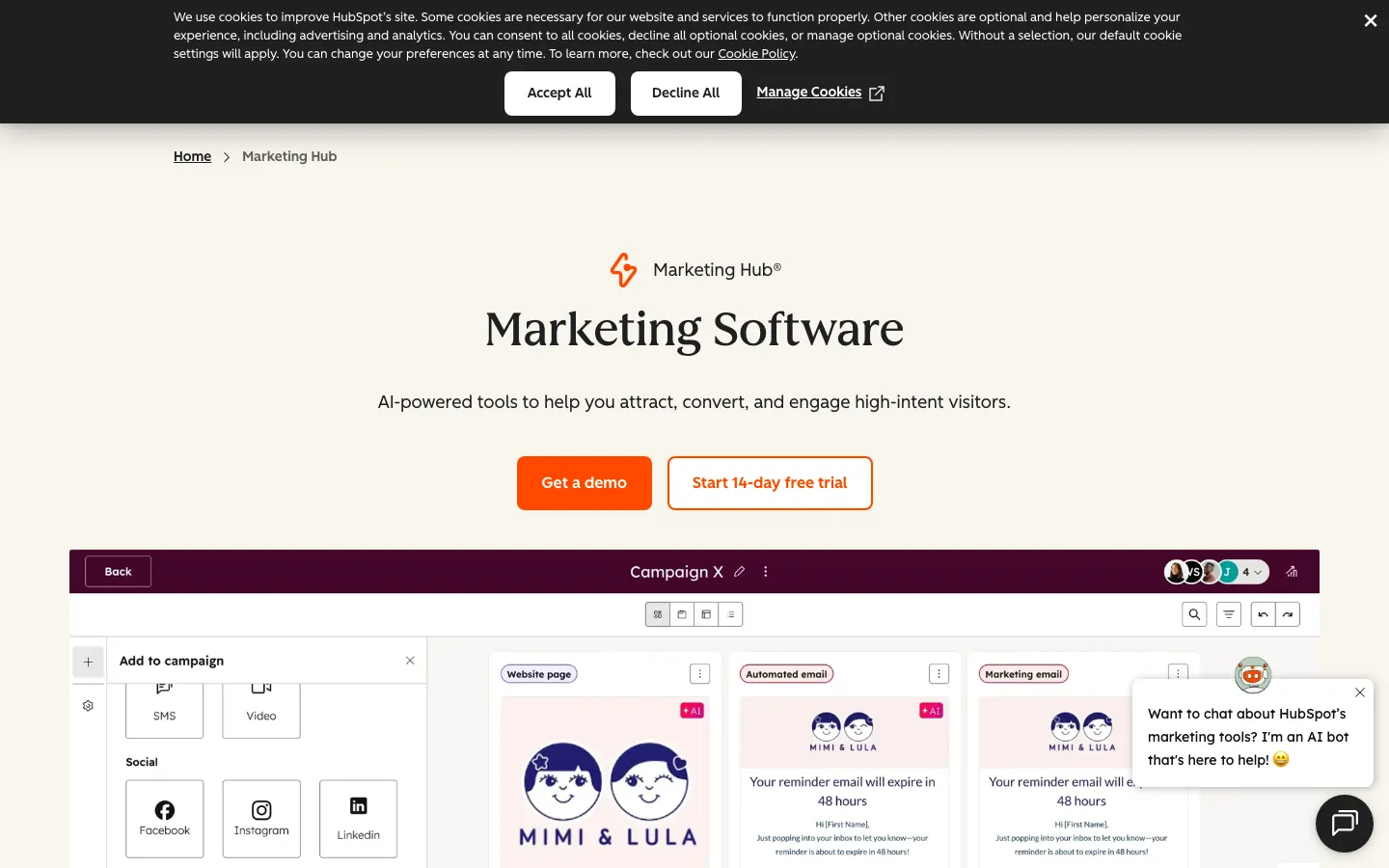
Free email attached to a free CRM, with a paid cliff later | Free + $20/seat/mo | Free tier + 14-day Pro | G2 4.4/5 (14,742 reviews) | |
One flat rate, every feature, priced by list size only | $39/mo | 14-day free trial | G2 4.4/5 (473 reviews) | |
For a small software business converting trials to paid | $79/mo | 14-day free trial | G2 4.7/5 (294 reviews) | |
For a freelancer or small agency sending on behalf of clients | $12/mo | 30-day free trial | G2 4.1/5 (717 reviews) | |
For a solo operator whose business is the audience | $33/mo | Free Newsletter plan up to 1K subscribers | ★ 7.7 |
How we chose these tools
This is a research-led roundup, not a hands-on bench test, and we say so up front. Every G2 rating and review count cited here was pulled from the live source on July 25, 2026.
Pricing tiers were verified directly on vendor pricing pages in May 2026, except Kit, whose plans were read from kit.com/pricing on July 25, 2026.
We scored each platform on five things a small business feels immediately, what the free plan really allows before it forces an upgrade, entry price and the size of the next jump, whether billing counts contacts or sends, editor and template quality for someone with no design help, and automation depth an owner will actually switch on.
Where we could not verify a number, we left it out rather than estimate it. See our full research approach .
How we weight email marketing software for small business 2026 for the Topickz score
Every tool above is scored against the fixed rubric below and combined using these weights into the Topickz score on each card. The weights are set for email marketing software for small business 2026 specifically, they are not copied from another category, and we publish them so you can see what moved a ranking and re-weight for your own priorities.
| Criterion | Weight | What we checked |
|---|---|---|
| Deliverability | 22% | For a small sender, the campaign that lands in spam is money burned. We weighted sending reputation, authentication support (SPF, DKIM, DMARC), and the inbox-placement themes that recur across real reviews. |
| Free-tier limits and where they stop | 16% | What the free plan really allows before it forces an upgrade, in subscribers, monthly sends, and features held back. The gap between the pitch and the wall is where small businesses get burned. |
| Entry price and the next jump | 15% | The first paid tier, then the size of the step after it, since the jump usually stings a tight budget more than the entry price does. |
| Billing model (contacts vs sends) | 13% | Whether you pay per contact stored or per email sent, and whether unsubscribed contacts still count against you. This one choice can double or halve a bill. |
| Editor and template quality | 12% | Whether an owner with no design help can build a campaign that looks professional, using drag-and-drop and templates that hold up on mobile. |
| Automation depth | 12% | The automation an owner will actually switch on, from a welcome sequence to cart recovery, and how far the branching goes before you hit a ceiling. |
| Ease of use for a non-designer | 6% | How fast a first campaign goes out without a manual. Small teams have no time for a heavy setup. |
| Support access | 4% | Whether help is reachable on the entry plan or gated behind higher tiers, which matters when one person runs the whole list. |
| Total | 100% |
Read the full TopickZ.com testing methodology for how we run each test, score every criterion, and combine them into a single rating.
Detailed reviews
MailerLite
The best all-round pick for a small business list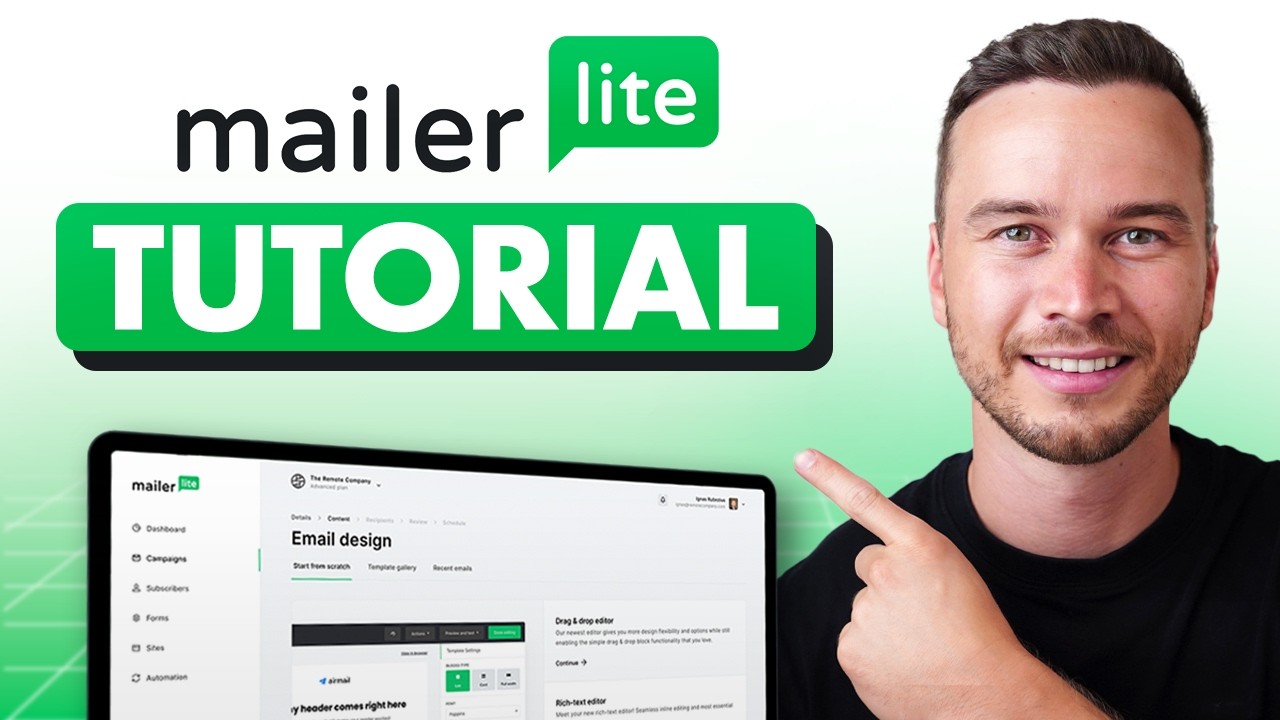
Screenshots of MailerLite 3 images
What's great
- Free forever plan covers 1,000 subscribers and 12,000 emails a month, four times the list size Mailchimp allows at $0
- 4.6/5 on G2 across 1,104 reviews, and 92% of those reviewers are small businesses, which makes it the most like-for-like rating signal on this list
- Newsletter and website builder are included on every paid plan, so one $10/mo subscription covers a landing page and a welcome sequence
Watch-outs
- Automation branching is lighter than ActiveCampaign at similar money; complex multi-branch flows hit a ceiling faster
- Every email on the free plan carries a MailerLite footer; removing the branding means moving to the $10 Growing Business tier
- The custom HTML editor and auto-resend to non-openers sit behind the $20 Advanced plan, which feels like a $10-tier feature
MailerLite is the tool we would hand a small business owner who has never sent a campaign and does not want to think about email software again for two years.
The free plan holds 1,000 subscribers and 12,000 emails a month, which covers the entire first year for most local businesses, consultancies, and small stores.
1,104 G2 reviews at 4.6/5 carry more weight here than on any other tool in this guide because 92% of those reviewers are small businesses rating it against the same constraints you have.
The interface is the other reason it wins.
A non-designer can build a decent-looking campaign in about twenty minutes without touching a template setting they do not understand.
EmailVendorSelection’s MailerLite review names it one of the best free email marketing tools in the market, while flagging that Sender and EmailOctopus push raw free-tier limits even further.
The honest limit is automation.
Once you need conditional branching across five segments with scoring attached, you have outgrown it and ActiveCampaign is the next stop.
Pricing breakdown
| Plan | Price | Best for |
|---|---|---|
| Free | $0 | 1K subscribers |
| Growing Business | $10/mo | 500 subscribers |
| Advanced | $20/mo | 500 subscribers + custom HTML + AI writing |
| Enterprise | Custom | 100K+ subscribers |
Security & compliance
| Standard | Availability |
|---|---|
| SOC 2 Type II | Yes |
| GDPR | Yes |
| HIPAA | No |
| SSO / SAML | Advanced+ |
| Audit logs | Advanced+ |
MailerLite compliance summary: SOC 2 Type II is yes, GDPR is yes, HIPAA is no, SSO/SAML is advanced+, and audit logs is advanced+.
Key integrations
| Integration | Type |
|---|---|
| Gmail | N/A |
| Outlook | N/A |
| Slack | N/A |
| LinkedIn Sales Navigator | N/A |
| Outreach / Salesloft | N/A |
MailerLite integration summary: Gmail is not specified, Outlook is not specified, Slack is not specified, LinkedIn Sales Navigator is not specified, and Outreach or Salesloft is not specified.
Feature availability
| Feature | Status |
|---|---|
| Free tier | yes, 1K subscribers 12K emails/mo |
| AI optimization | ✓ Advanced+ |
| Deliverability score | 96% |
| SMS channel | ✗ |
| Visual builder | ✓ |
MailerLite feature availability summary: Free tier (yes, 1K subscribers 12K emails/mo), AI optimization (✓ Advanced+), Deliverability score (96%), SMS channel (✗), and Visual builder (✓).
What reviewers say about MailerLite
Recurring themes across ~1,104 G2 reviews (4.6/5) and public Capterra reviews, 2024-2026.
What reviewers praise
- The clean, uncluttered interface is the recurring reason beginners pick it, with reviewers up and sending on day one.
- The free tier is called generous, covering real automation and landing pages before any payment.
- Pricing is described as affordable and honest, with reviewers contrasting it against Mailchimp bill creep.
- The drag-and-drop builder and landing pages get praise for producing tidy results without design skills.
- Support is called responsive and human, even for accounts on lower plans.
What reviewers fault
- The account approval process is strict, and reviewers report friction getting new accounts activated.
- Automation is described as lighter than ActiveCampaign for anyone needing complex branching.
- Reporting stays basic, so data-heavy reviewers say they hit its ceiling.
- The integration list is thinner than larger platforms, missing some connectors reviewers wanted.
- A few features are gated to the higher tier, which reviewers on the starter plan found limiting.
Loading reviews…
Brevo
Pay for emails sent, not contacts stored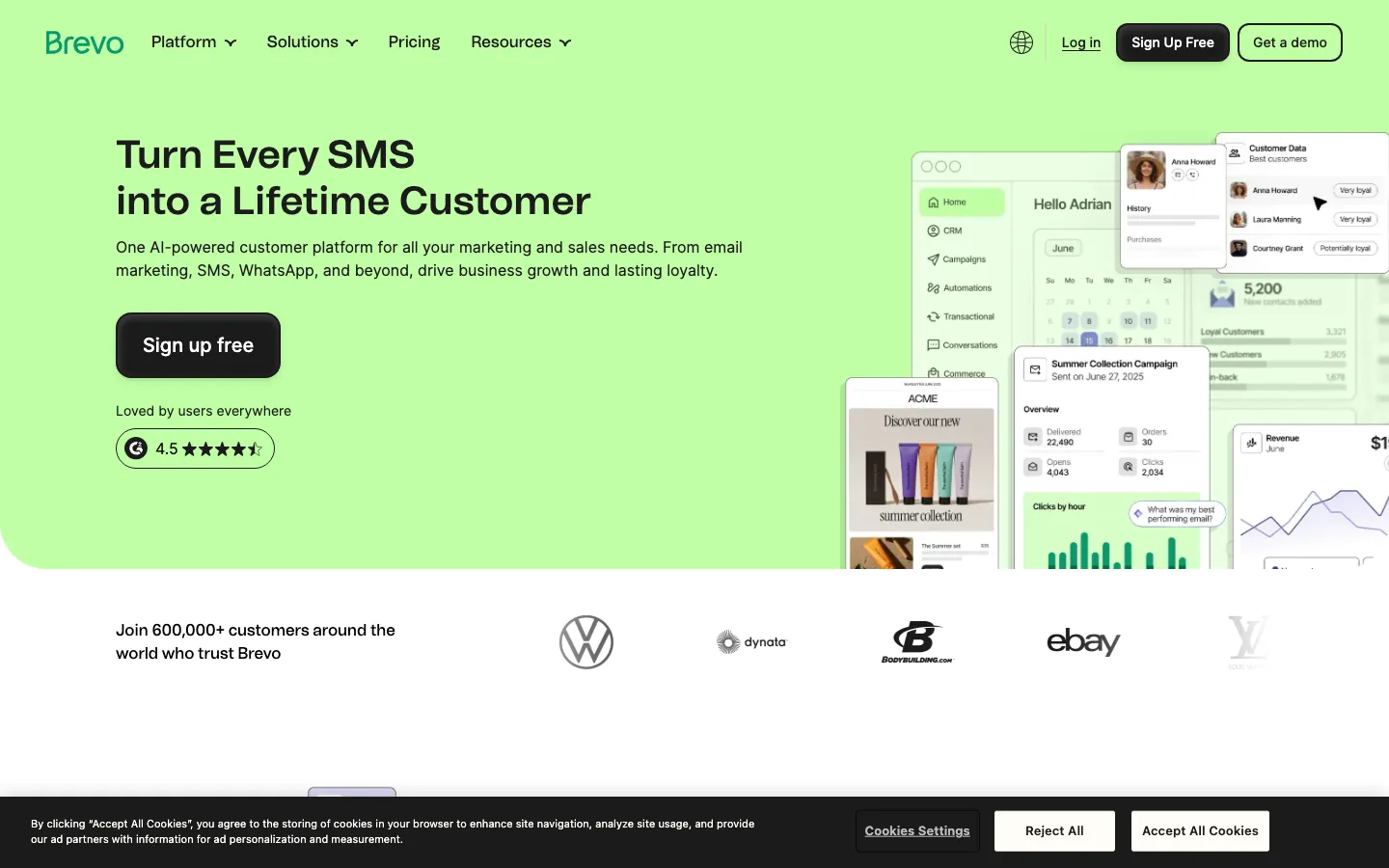
Screenshots of Brevo 3 images
What's great
- Send-volume pricing charges for emails sent rather than contacts stored, which is the cheaper model for any business with a big list and a monthly newsletter habit
- Free tier allows 300 emails per day and up to 100,000 stored contacts; nothing else here comes close on the list-size dimension
- Email, SMS, WhatsApp, transactional sends, and a basic CRM sit under one subscription with no per-channel add-on fee
Watch-outs
- Advanced automation logic (multi-branch, conditional splits, lead scoring) is limited next to ActiveCampaign at the same price
- The Professional tier jumps to $499/mo, a steep step up from the $18 to $129 range below it, so the mid-size gap is real
- Analytics and social features are thinner than the email execution; Brevo is strong at sending and weaker at explaining what happened
Brevo is the answer to a specific small-business shape: a list that grew past 10,000 names from years of walk-ins, form fills, or event badges, and a habit of emailing it once or twice a month.
Contact-based tools bill you for all 10,000 every month whether you write to them or not.
Brevo bills you for the sends.
2,637 G2 reviews at 4.5/5 back the value story, with affordability and setup speed as the recurring praise. The free plan is the other reason it lands this high.
Up to 100,000 stored contacts at 300 emails a day is enough for a business that sends one campaign a week to a few thousand people.
EmailVendorSelection’s Brevo pricing analysis flags the Professional tier at $499/mo as the sticker-shock moment, so plan around Starter and Business.
Skip it if your growth plan depends on branching automation; the workflow builder runs out well before ActiveCampaign does.
Pricing breakdown
| Plan | Price | Best for |
|---|---|---|
| Free | $0 | Up to 300 emails/day |
| Starter | $18/mo | 20K emails/mo; scales by send volume |
| Business | $65/mo | 20K emails/mo + A/B testing + advanced reporting |
| Professional | $499/mo | Unlimited emails + priority support |
Security & compliance
| Standard | Availability |
|---|---|
| SOC 2 Type II | Yes |
| GDPR | Yes |
| HIPAA | No |
| SSO / SAML | Business+ |
| Audit logs | No |
Brevo compliance summary: SOC 2 Type II is yes, GDPR is yes, HIPAA is no, SSO/SAML is business+, and audit logs is no.
Key integrations
| Integration | Type |
|---|---|
| Gmail | N/A |
| Outlook | N/A |
| Slack | N/A |
| LinkedIn Sales Navigator | N/A |
| Outreach / Salesloft | N/A |
Brevo integration summary: Gmail is not specified, Outlook is not specified, Slack is not specified, LinkedIn Sales Navigator is not specified, and Outreach or Salesloft is not specified.
Feature availability
| Feature | Status |
|---|---|
| Free tier | yes, 300 emails/day unlimited contacts |
| AI optimization | • basic |
| Deliverability score | 95% |
| SMS channel | ✓ all paid tiers |
| Visual builder | ✓ |
Brevo feature availability summary: Free tier (yes, 300 emails/day unlimited contacts), AI optimization (• basic), Deliverability score (95%), SMS channel (✓ all paid tiers), and Visual builder (✓).
What reviewers say about Brevo
Recurring themes across ~2,669 G2 reviews (4.5/5) and public Capterra reviews, 2024-2026.
What reviewers praise
- Send-volume pricing instead of contact-based billing is the recurring win, so reviewers with large but low-frequency lists pay far less than on Mailchimp.
- The all-in-one spread across email, SMS, a light CRM, and chat lets small teams run several channels from one login.
- The free tier is called genuinely usable, with reviewers running real campaigns before paying anything.
- Combining transactional and marketing email under one account is praised by developers who wanted both without a second vendor.
- The interface is described as approachable for non-technical SMB owners setting up their first automations.
What reviewers fault
- Daily sending caps on lower tiers frustrate reviewers who hit limits mid-campaign and had to upgrade.
- Deliverability is called inconsistent, with some senders reporting inbox placement dips they had to work to fix.
- Support response times on free and starter plans draw complaints about slow ticket turnaround.
- The automation builder is described as less capable than ActiveCampaign for complex multi-step journeys.
- The template editor has layout limits that reviewers say make custom designs fiddly.
Loading reviews…
ActiveCampaign
The automation you grow into, at a price that grows too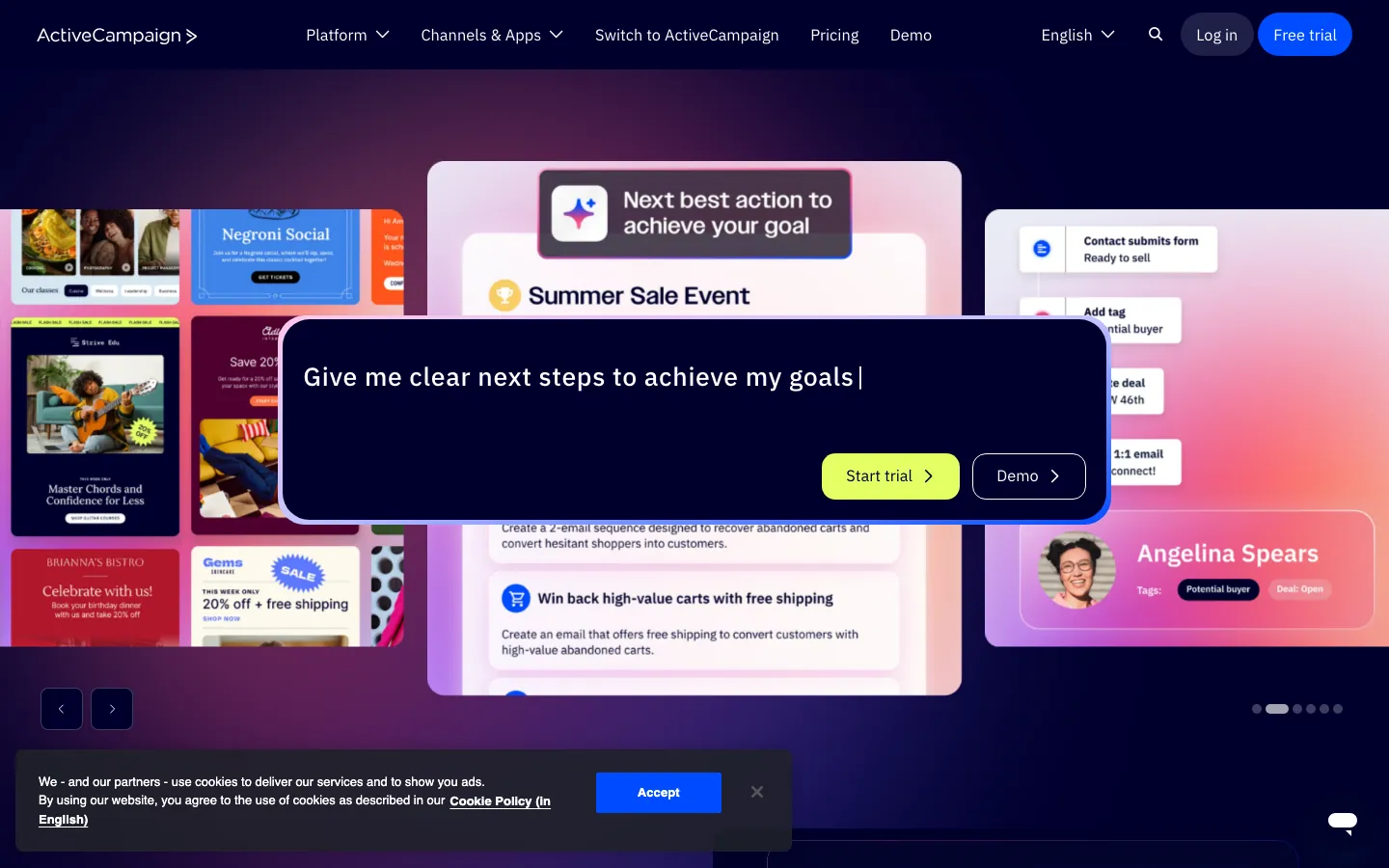
Screenshots of ActiveCampaign 3 images
What's great
- The strongest visual automation builder at small-business money; conditional branching, split testing, and goal-based routing all live on one drag-and-drop canvas
- A native CRM is baked into the $49 Plus tier, so a small sales team gets a pipeline without a second subscription
- 14,615 G2 reviews at 4.5/5, the largest review base of any dedicated email tool in this guide
Watch-outs
- Contact-based pricing escalates fast; a 10,000-contact list pushes Plus to $174/mo and Professional to $286/mo, which stings after a flat-fee tool
- Support quality has slipped in recent Reddit threads, with longer response times reported on standard plans than the 2022-era reputation suggests
- The Starter plan caps automation at five actions per workflow with no branching, which catches solo operators off guard within a month
ActiveCampaign is where a small business goes when the newsletter turns into a system. Welcome series, re-engagement, a birthday email, a lapsed-customer sequence, all branching off each other.
The builder handles that without a consultant, and nothing else at $49/mo really does.
14,615 G2 reviews at 4.5/5 make it the most-reviewed tool here, and the praise clusters almost entirely on the automation canvas.
Watch the money.
Contact-based billing means the price is a function of list size, not usage, so the same 10,000 names cost $174/mo on Plus whether you email them daily or twice a year.
ActiveCampaign’s pricing page shows the base tiers, and the per-contact scaling is where small businesses get surprised between 5,000 and 10,000 contacts.
Buy it when automation is the reason you are switching. If you just want to send a good-looking newsletter, you are overpaying by $39/mo.
Pricing breakdown
| Plan | Price | Best for |
|---|---|---|
| Starter | $15/mo | Soloists |
| Plus | $49/mo | 5-20 person teams |
| Professional | $79/mo | 20-100 person teams |
| Enterprise | $145/mo | 100+ person teams |
Security & compliance
| Standard | Availability |
|---|---|
| SOC 2 Type II | Yes |
| GDPR | Yes |
| HIPAA | Enterprise |
| SSO / SAML | Enterprise |
| Audit logs | Enterprise |
ActiveCampaign compliance summary: SOC 2 Type II is yes, GDPR is yes, HIPAA is enterprise, SSO/SAML is enterprise, and audit logs is enterprise.
Key integrations
| Integration | Type |
|---|---|
| Gmail | N/A |
| Outlook | N/A |
| Slack | N/A |
| LinkedIn Sales Navigator | N/A |
| Outreach / Salesloft | N/A |
ActiveCampaign integration summary: Gmail is not specified, Outlook is not specified, Slack is not specified, LinkedIn Sales Navigator is not specified, and Outreach or Salesloft is not specified.
Feature availability
| Feature | Status |
|---|---|
| Free tier | no, 14-day trial |
| AI optimization | ✓ ActiveIntelligence |
| Deliverability score | 95% |
| SMS channel | Professional+ |
| Visual builder | ✓ |
ActiveCampaign feature availability summary: Free tier (no, 14-day trial), AI optimization (✓ ActiveIntelligence), Deliverability score (95%), SMS channel (Professional+), and Visual builder (✓).
What reviewers say about ActiveCampaign
Recurring themes across ~14,647 G2 reviews (4.4/5) and public Capterra reviews, 2024-2026.
What reviewers praise
- The visual automation builder is the recurring reason teams stay, with reviewers citing if/then branching, goal actions, and conditional waits that other SMB tools do not match.
- Deliverability gets specific praise, with senders reporting inbox placement holds up better than Mailchimp on the same lists.
- Bundling a light CRM with email automation at a mid-market price is called out as the practical value, so small sales teams avoid buying a separate pipeline tool.
- Tagging and segmentation flexibility earns repeat mentions, letting operators slice contacts by behavior and event data without exporting to another system.
- Onboarding and migration help from support is described as hands-on, which reviewers say shortened the switch from a previous platform.
What reviewers fault
- The learning curve is the top complaint, with new users saying the automation and CRM screens feel overwhelming for weeks before they click.
- Pricing climbs fast as the contact count grows, and higher-value features sit behind the pricier Plus and Professional tiers.
- Native reporting is called thin, so reviewers export to spreadsheets or add a BI tool for anything beyond basic campaign stats.
- Large automations can lag in the builder, and some reviewers report the editor slowing or timing out on complex flows.
- Support quality on entry tiers draws criticism, with slower responses and chat gating pushing teams toward paid onboarding.
Loading reviews…
Omnisend
Cart abandonment and SMS for a small online store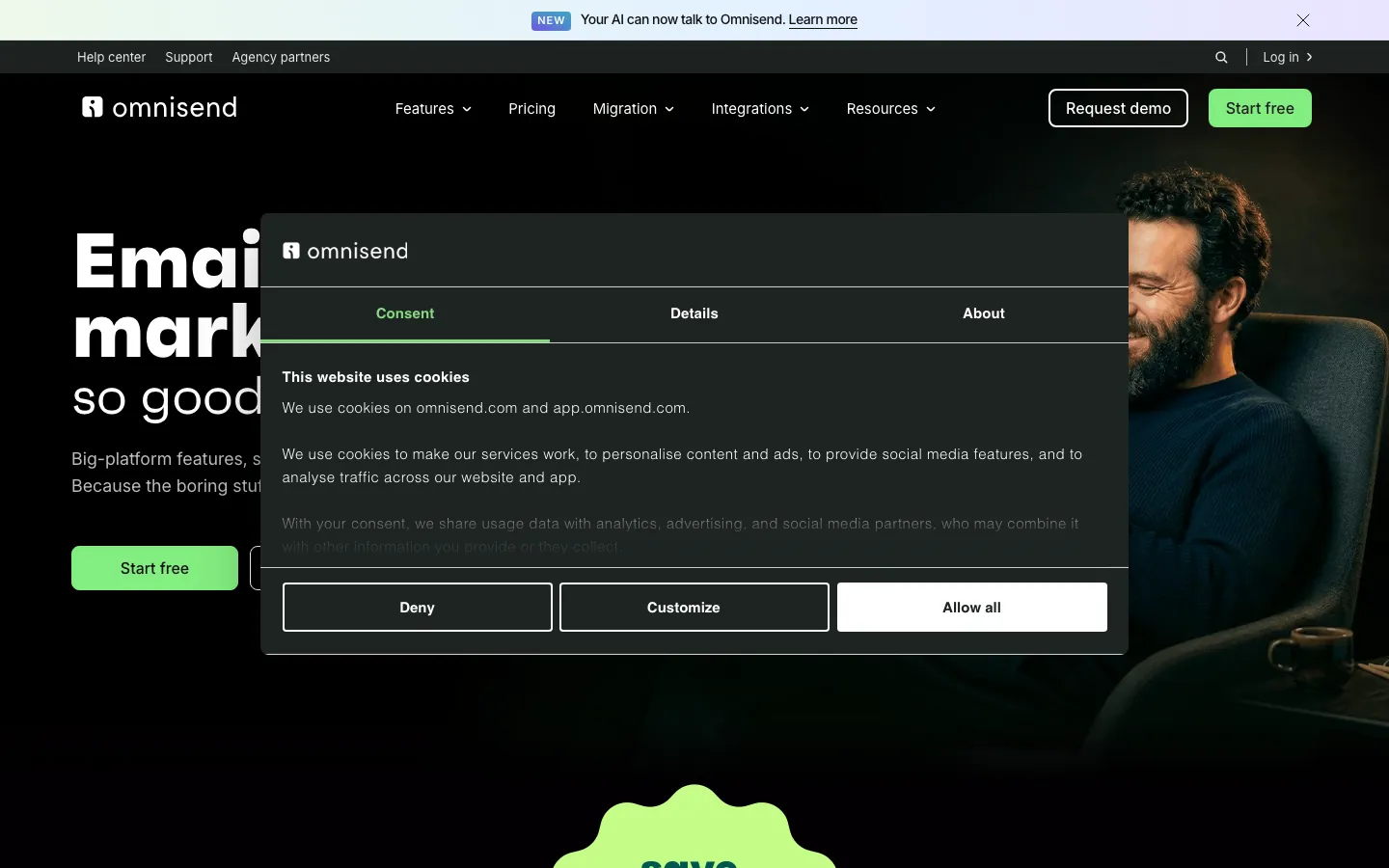
Screenshots of Omnisend 3 images
What's great
- Pre-built cart abandonment, browse abandonment, and post-purchase flows deploy in under 30 minutes, which is the fastest revenue a small store gets from email
- Email and SMS come on every paid plan with no separate SMS add-on and no per-message cliff at low volume
- 4.6/5 on G2 across 1,185 reviews and 4.7/5 in the Shopify App Store, a reputation built almost entirely inside small ecommerce
Watch-outs
- Built for Shopify, WooCommerce, and BigCommerce; a service business with no store gets little from the ecommerce half of the product
- Pro at $59/mo for 500 contacts is not cheap when Brevo charges $18/mo for 20K sends with no contact limit
- Advanced segmentation and reporting need the Pro tier; Standard analytics stay basic
Omnisend is the pick for a small store doing real revenue on Shopify or WooCommerce, where the money in email is not the newsletter, it is the three automations that recover carts and bring buyers back.
Those flows ship pre-built and connect to your store catalogue in an afternoon.
1,185 G2 reviews at 4.6/5 come almost entirely from ecommerce operators, and the cart-abandonment flows are the single most-praised thing in them.
EmailToolTester named Omnisend its 2026 Best Email Marketing Tool for Ecommerce , citing the unified email and SMS workflow plus free-plan feature parity as the deciding factors.
Free-plan feature parity matters more than it sounds.
You get the same automations at 250 contacts that a paying store gets, so you can prove the flows work before the credit card comes out. No store, no reason to buy this.
Pricing breakdown
| Plan | Price | Best for |
|---|---|---|
| Free | $0 | Up to 250 contacts |
| Standard | $16/mo | 500 contacts |
| Pro | $59/mo | 500 contacts + unlimited SMS + advanced reporting |
| Enterprise | Custom | 50K+ contacts |
Security & compliance
| Standard | Availability |
|---|---|
| SOC 2 Type II | Yes |
| GDPR | Yes |
| HIPAA | No |
| SSO / SAML | Enterprise |
| Audit logs | Enterprise |
Omnisend compliance summary: SOC 2 Type II is yes, GDPR is yes, HIPAA is no, SSO/SAML is enterprise, and audit logs is enterprise.
Key integrations
| Integration | Type |
|---|---|
| Gmail | N/A |
| Outlook | N/A |
| Slack | N/A |
| LinkedIn Sales Navigator | N/A |
| Outreach / Salesloft | N/A |
Omnisend integration summary: Gmail is not specified, Outlook is not specified, Slack is not specified, LinkedIn Sales Navigator is not specified, and Outreach or Salesloft is not specified.
Feature availability
| Feature | Status |
|---|---|
| Free tier | yes, 250 contacts 500 sends |
| AI optimization | • basic |
| Deliverability score | 97% |
| SMS channel | ✓ Pro+ unlimited |
| Visual builder | ✓ |
Omnisend feature availability summary: Free tier (yes, 250 contacts 500 sends), AI optimization (• basic), Deliverability score (97%), SMS channel (✓ Pro+ unlimited), and Visual builder (✓).
What reviewers say about Omnisend
Recurring themes across ~1,185 G2 reviews (4.6/5) and public Shopify App Store and Capterra reviews, 2024-2026.
What reviewers praise
- The ecommerce focus is the top theme, with Shopify and WooCommerce syncing store data into segments without setup work.
- Bundling email, SMS, and web push under one automation is praised for running the whole retention stack in one tool.
- Prebuilt automations for abandoned cart and welcome series start driving orders soon after install.
- Reviewers describe setup as easier and faster than Klaviyo while covering similar ecommerce use cases.
- The value for money is called strong, with smaller merchants getting flows they expected to pay more for.
What reviewers fault
- Reporting is described as limited, so reviewers wanting deeper analysis export data elsewhere.
- Segmentation is called less granular than Klaviyo for stores with complex audience needs.
- Pricing scales with contact count, and reviewers note the bill climbing as their list grows.
- The template editor has layout constraints that reviewers say make bespoke designs awkward.
- Support quality is described as inconsistent, with slower responses during busy periods.
Loading reviews…
GetResponse
Email, landing pages, and webinars on one small-business bill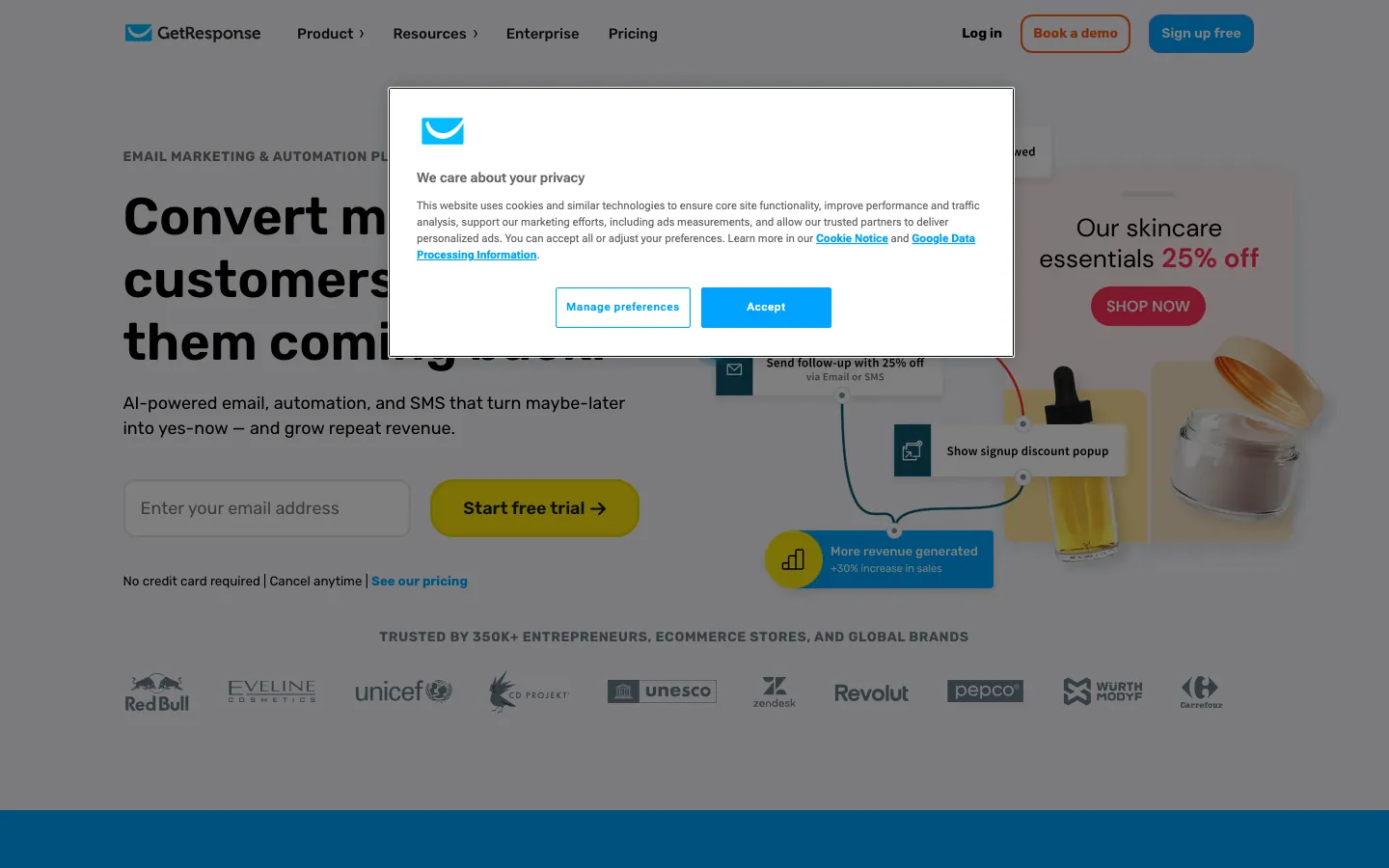
Screenshots of GetResponse 3 images
What's great
- Webinar hosting is native at the Creator tier ($69/mo), which replaces a separate $100 to $200/mo webinar license for anyone running monthly sessions
- Starter at $19/mo includes unlimited emails, autoresponders, landing pages, and 24/7 chat support, a better feature-to-price ratio than Mailchimp Standard at the same money
- Annual billing saves 18% with no feature lock-in, and every tier scales from 1K to 100K contacts without switching products
Watch-outs
- 4.3/5 on G2 across 1,116 reviews; the automation builder lags ActiveCampaign on multi-branch conditional flows
- Starter caps AI features at three uses and allows a single workflow, so real automation means the $59 Marketer plan
- Support quality varies, and trial users consistently report slower responses than paying customers on the same channel
GetResponse suits the small business that is quietly paying for three tools. An email platform, a landing page builder, and a webinar license.
One $19 to $69/mo subscription replaces all three, and the landing pages are good enough that a consultant or course seller will not miss a dedicated builder.
1,116 G2 reviews at 4.3/5 reflect a long-running product with a broad small-business base.
The webinar bundle at the $69 Creator tier is the specific reason to pick GetResponse over MailerLite.
If you run a monthly training, a demo session, or a paid workshop, that one line item pays for the subscription.
EmailToolTester’s GetResponse 2026 review notes that teams with complex branching logic outgrow the builder and move to ActiveCampaign, which matches what we see.
Right when the motion is email plus events.
Pricing breakdown
| Plan | Price | Best for |
|---|---|---|
| Free | $0 | 500 contacts |
| Starter | $19/mo | 1K contacts |
| Marketer | $59/mo | Full automation + ecommerce + segmentation |
| Creator | $69/mo | Webinars + course creator + paid newsletters |
Security & compliance
| Standard | Availability |
|---|---|
| SOC 2 Type II | Yes |
| GDPR | Yes |
| HIPAA | No |
| SSO / SAML | Enterprise |
| Audit logs | Enterprise |
GetResponse compliance summary: SOC 2 Type II is yes, GDPR is yes, HIPAA is no, SSO/SAML is enterprise, and audit logs is enterprise.
Key integrations
| Integration | Type |
|---|---|
| Gmail | N/A |
| Outlook | N/A |
| Slack | N/A |
| LinkedIn Sales Navigator | N/A |
| Outreach / Salesloft | N/A |
GetResponse integration summary: Gmail is not specified, Outlook is not specified, Slack is not specified, LinkedIn Sales Navigator is not specified, and Outreach or Salesloft is not specified.
Feature availability
| Feature | Status |
|---|---|
| Free tier | yes, 500 contacts |
| AI optimization | • limited Starter |
| Deliverability score | 95% |
| SMS channel | Enterprise only |
| Visual builder | ✓ |
GetResponse feature availability summary: Free tier (yes, 500 contacts), AI optimization (• limited Starter), Deliverability score (95%), SMS channel (Enterprise only), and Visual builder (✓).
What reviewers say about GetResponse
Recurring themes across ~1,127 G2 reviews (4.3/5) and public Capterra reviews, 2024-2026.
What reviewers praise
- The breadth is the recurring draw, bundling email, landing pages, and webinars in one plan that reviewers say replaces several tools.
- The conversion funnel feature gets specific praise for stitching opt-in, sales pages, and follow-up into one build.
- Pricing is called affordable for the feature set, especially for solo operators and small teams.
- The automation builder is described as capable enough for welcome and re-engagement sequences without a specialist.
- Support responsiveness earns positive mentions, with live chat resolving setup questions quickly.
What reviewers fault
- Deliverability is called mixed, with some senders reporting inbox placement they had to actively manage.
- Parts of the interface feel dated, and reviewers say some screens lag behind newer rivals.
- Several bundled features feel shallow next to dedicated specialists, so power users outgrow them.
- Pricing scales with list size, and reviewers note the bill rising as subscribers grow.
- The template editor is described as clunky, with formatting that fights custom layouts.
Loading reviews…
Klaviyo
For a store that has outgrown basic ecommerce email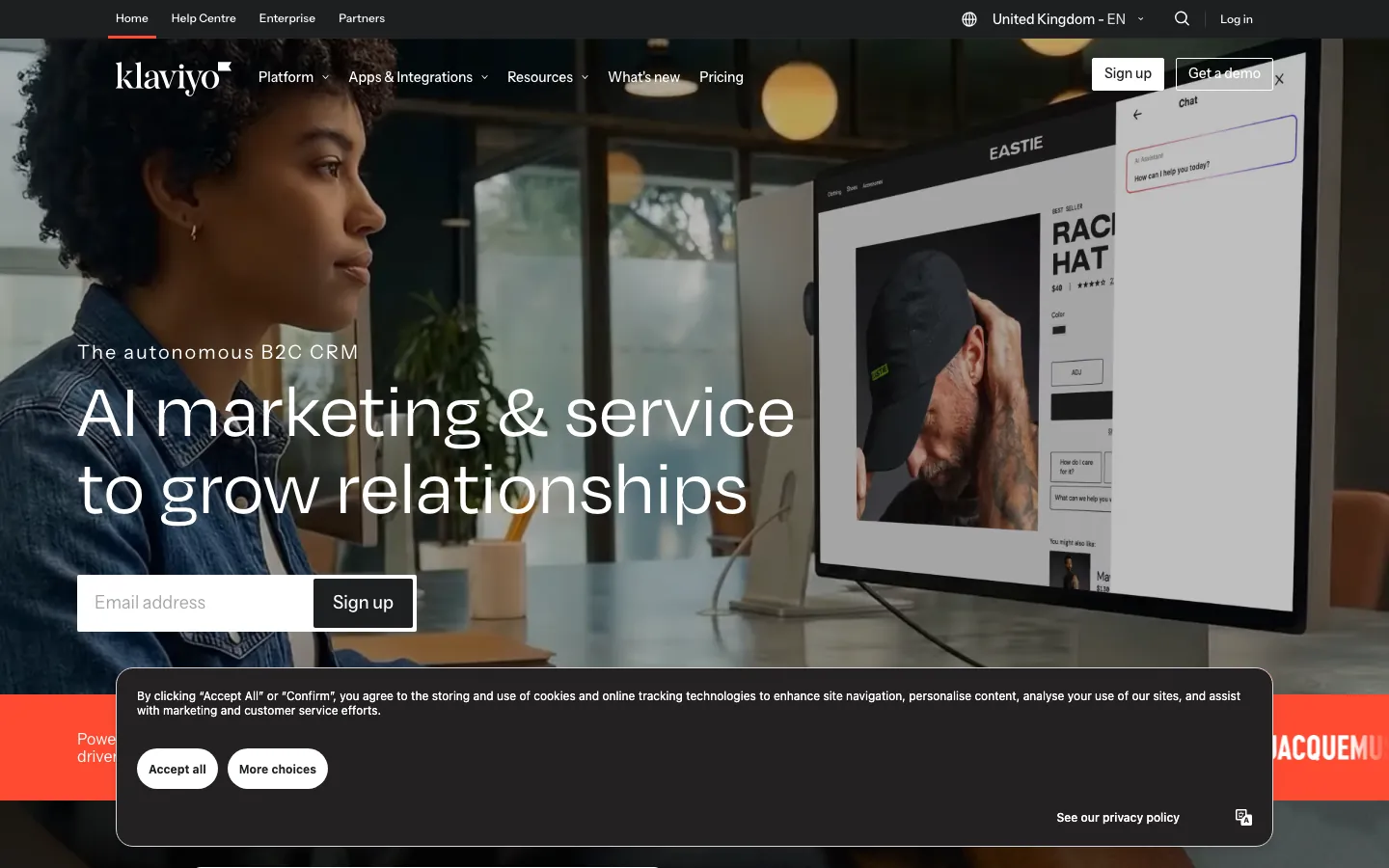
Screenshots of Klaviyo 3 images
What's great
- 4.6/5 on G2 across 1,325 reviews, the joint-highest G2 score among the deep picks in this guide
- Segmentation on purchase history and browsing behaviour is the best available at small-business prices; you can build a segment of people who bought twice and have not opened in 60 days without help
- The 2025 shift to active-profile billing means you pay only for profiles you actually email, which is the fairest model in this list for a store with a lot of dormant buyers
Watch-outs
- Built for ecommerce and consumer sends; a services business or B2B list gets a tool shaped around orders it does not have
- The free tier stops at 250 profiles and 500 sends, which is thin for a real evaluation
- No annual billing discount on self-serve plans, so budgeting is month to month until you reach enterprise volumes
Klaviyo is the upgrade path for a store that started on Omnisend or Mailchimp and now has enough order history to segment properly. The difference shows up in the segments, not the emails.
Purchase frequency, product category, average order value, and predicted next order all sit in the same builder.
1,325 G2 reviews at 4.6/5 back that up, and the active-profile billing change in 2025 fixed the most common complaint about the old pricing model.
The honest caveat for a small business is that Klaviyo assumes a store.
If you sell services, run a clinic, or email a membership list, the product is shaped around data you do not have and you will pay for depth you cannot use.
Klaviyo’s pricing page keeps it simple otherwise, with identical features across tiers and price scaling only with list size.
Pricing breakdown
| Plan | Price | Best for |
|---|---|---|
| Free | $0 | Up to 250 active profiles |
| $20/mo | 251-500 profiles | |
| Email + SMS | $35/mo | 251-500 profiles |
| Enterprise | Custom | 50K+ profiles |
Security & compliance
| Standard | Availability |
|---|---|
| SOC 2 Type II | Yes |
| GDPR | Yes |
| HIPAA | No |
| SSO / SAML | Enterprise |
| Audit logs | Enterprise |
Klaviyo compliance summary: SOC 2 Type II is yes, GDPR is yes, HIPAA is no, SSO/SAML is enterprise, and audit logs is enterprise.
Key integrations
| Integration | Type |
|---|---|
| Gmail | N/A |
| Outlook | N/A |
| Slack | N/A |
| LinkedIn Sales Navigator | N/A |
| Outreach / Salesloft | N/A |
Klaviyo integration summary: Gmail is not specified, Outlook is not specified, Slack is not specified, LinkedIn Sales Navigator is not specified, and Outreach or Salesloft is not specified.
Feature availability
| Feature | Status |
|---|---|
| Free tier | yes, 250 profiles 500 sends |
| AI optimization | ✓ predictive AI |
| Deliverability score | 98%+ |
| SMS channel | ✓ Email+SMS plan |
| Visual builder | ✓ |
Klaviyo feature availability summary: Free tier (yes, 250 profiles 500 sends), AI optimization (✓ predictive AI), Deliverability score (98%+), SMS channel (✓ Email+SMS plan), and Visual builder (✓).
What reviewers say about Klaviyo
Recurring themes across ~1,356 G2 reviews (4.6/5) and public Capterra and Shopify App Store reviews, 2024-2026.
What reviewers praise
- The Shopify and ecommerce data integration is the top reason merchants pick it, pulling order and browsing data straight into segments.
- Predictive analytics like customer lifetime value and churn risk are called out as decisions store owners could not make before.
- Prebuilt ecommerce flows for abandoned cart and browse abandonment start earning revenue quickly out of the box.
- Unifying email and SMS under one profile and one revenue report is praised for showing true channel attribution.
- Revenue-per-recipient reporting ties campaigns to dollars, which reviewers say justifies the spend to their finance team.
What reviewers fault
- Pricing scales steeply with list size, and reviewers say the bill jumps hard as subscribers grow.
- For small stores the platform is called overkill and expensive relative to the sending they actually do.
- Advanced flows and segmentation carry a real learning curve that new users say took weeks to master.
- Hands-on support is gated to higher spend, leaving smaller accounts on slower channels.
- Deliverability still needs active list hygiene, and reviewers note placement suffers if they do not prune inactives.
Loading reviews…
Mailchimp
The name everyone knows, on a free plan that keeps shrinking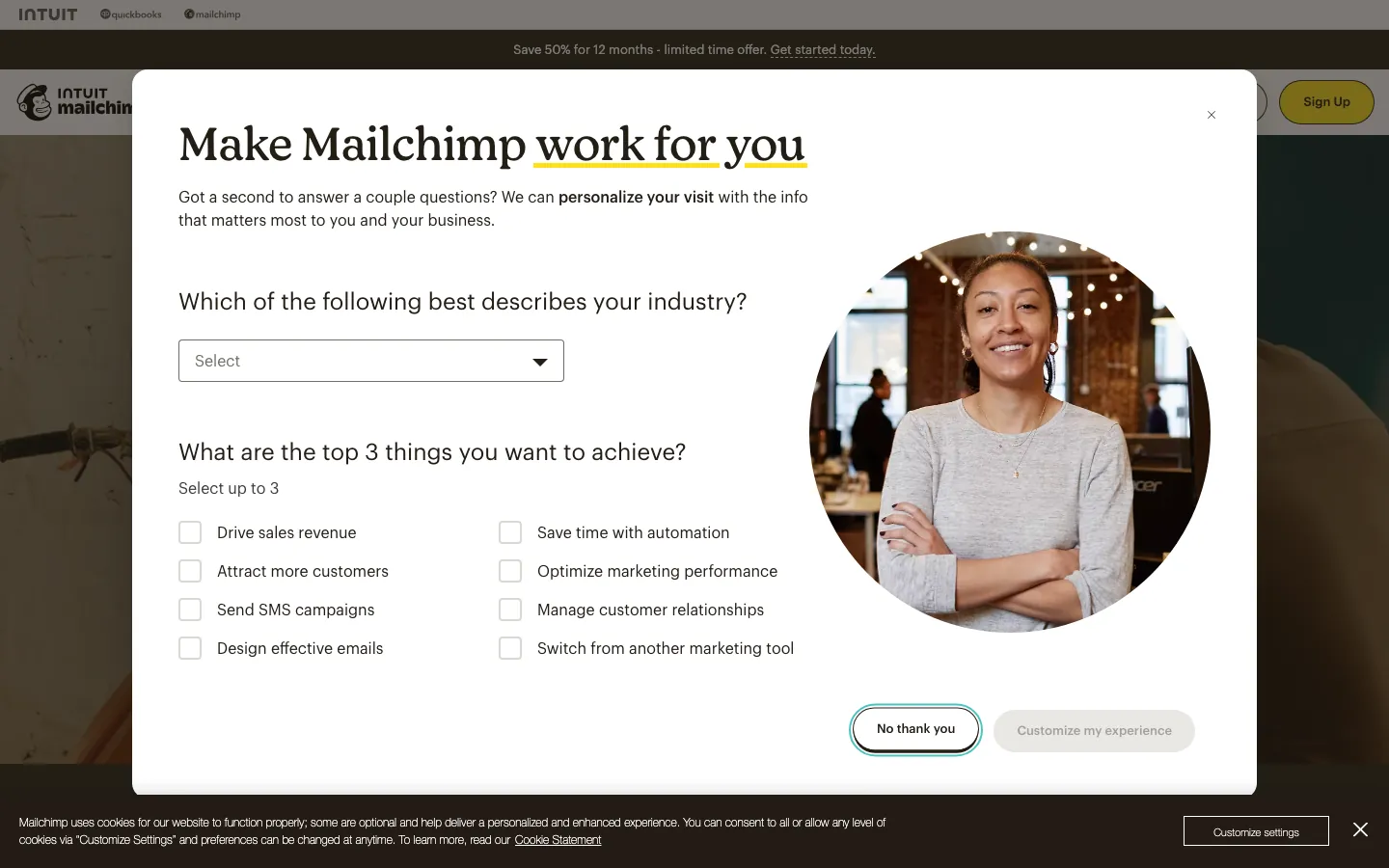
Screenshots of Mailchimp 3 images
What's great
- The best template library and drag-and-drop builder for a first-time sender; fastest route from signup to a campaign that does not look homemade
- 300+ integrations including Shopify, WooCommerce, Salesforce, and Zapier, so whatever your business already runs on, a connector exists
- 12,500+ G2 reviews at 4.4/5, the deepest pool of small-business feedback of any tool here
Watch-outs
- The free plan dropped to 250 contacts in 2026, down from 2,000 in 2022, continuing the annual limit reductions since the Intuit acquisition
- Standard caps automation at 200 journey points, and multivariate testing plus advanced branching need Premium at $350/mo, a jump no small business can absorb
- Billing counts contacts you no longer email, including unsubscribes on some plans, which is the most common surprise on a Mailchimp invoice
Mailchimp is where most small businesses start, and there is nothing wrong with starting there. The builder is genuinely the friendliest in the category and the first campaign takes an hour, not an afternoon.
12,500+ G2 reviews at 4.4/5 reflect that dominant mind share.
The problem is the direction of travel.
The free plan went from 2,000 contacts to 250 across four years, and the Premium tier at $350/mo puts real automation out of reach for a small business that grows into needing it.
EmailToolTester’s Mailchimp 2026 pricing guide documents every hidden cost, including the billing-for-unsubscribed-contacts gotcha.
Use it for your first 250 contacts if the brand familiarity helps you get started.
Plan the move to MailerLite or Brevo before you cross 1,000, because switching at 5,000 is a much worse week.
Pricing breakdown
| Plan | Price | Best for |
|---|---|---|
| Free | $0 | Up to 250 contacts |
| Essentials | $13/mo | 500 contacts |
| Standard | $20/mo | 500 contacts + multi-step automation |
| Premium | $350/mo | All-area access + multivariate testing |
Security & compliance
| Standard | Availability |
|---|---|
| SOC 2 Type II | Yes |
| GDPR | Yes |
| HIPAA | No |
| SSO / SAML | Premium |
| Audit logs | No |
Mailchimp compliance summary: SOC 2 Type II is yes, GDPR is yes, HIPAA is no, SSO/SAML is premium, and audit logs is no.
Key integrations
| Integration | Type |
|---|---|
| Gmail | N/A |
| Outlook | N/A |
| Slack | N/A |
| LinkedIn Sales Navigator | N/A |
| Outreach / Salesloft | N/A |
Mailchimp integration summary: Gmail is not specified, Outlook is not specified, Slack is not specified, LinkedIn Sales Navigator is not specified, and Outreach or Salesloft is not specified.
Feature availability
| Feature | Status |
|---|---|
| Free tier | yes, 250 contacts 500 sends |
| AI optimization | • basic |
| Deliverability score | 96% |
| SMS channel | $ add-on |
| Visual builder | ✓ |
Mailchimp feature availability summary: Free tier (yes, 250 contacts 500 sends), AI optimization (• basic), Deliverability score (96%), SMS channel ($ add-on), and Visual builder (✓).
What reviewers say about Mailchimp
Recurring themes across ~12,885 G2 reviews (4.3/5) and public Capterra and Trustpilot reviews, 2024-2026.
What reviewers praise
- The low barrier to starting is the top theme, with templates and a familiar editor getting first campaigns out fast.
- The all-in-one spread across email, landing pages, and basic automation suits small businesses that want one tool.
- The integration ecosystem is broad, so reviewers connect their store, forms, and ads without custom work.
- The free tier is called a fair on-ramp for beginners testing email before committing budget.
- Campaign reporting basics are accessible enough that non-marketers can read opens, clicks, and growth.
What reviewers fault
- Pricing climbs sharply as the audience grows, and reviewers object that inactive and unsubscribed contacts still count toward the tier.
- Automation is called weaker than ActiveCampaign or Klaviyo, with reviewers hitting limits on multi-step logic.
- Support on lower plans is thin, and reviewers report slow or bot-first responses when stuck.
- Account suspensions and compliance holds surface repeatedly, catching senders off guard mid-send.
- Useful features sit behind higher tiers, so reviewers feel nudged to upgrade for capabilities rivals include earlier.
Loading reviews…
Constant Contact
Newsletters and event registration for a local business or nonprofit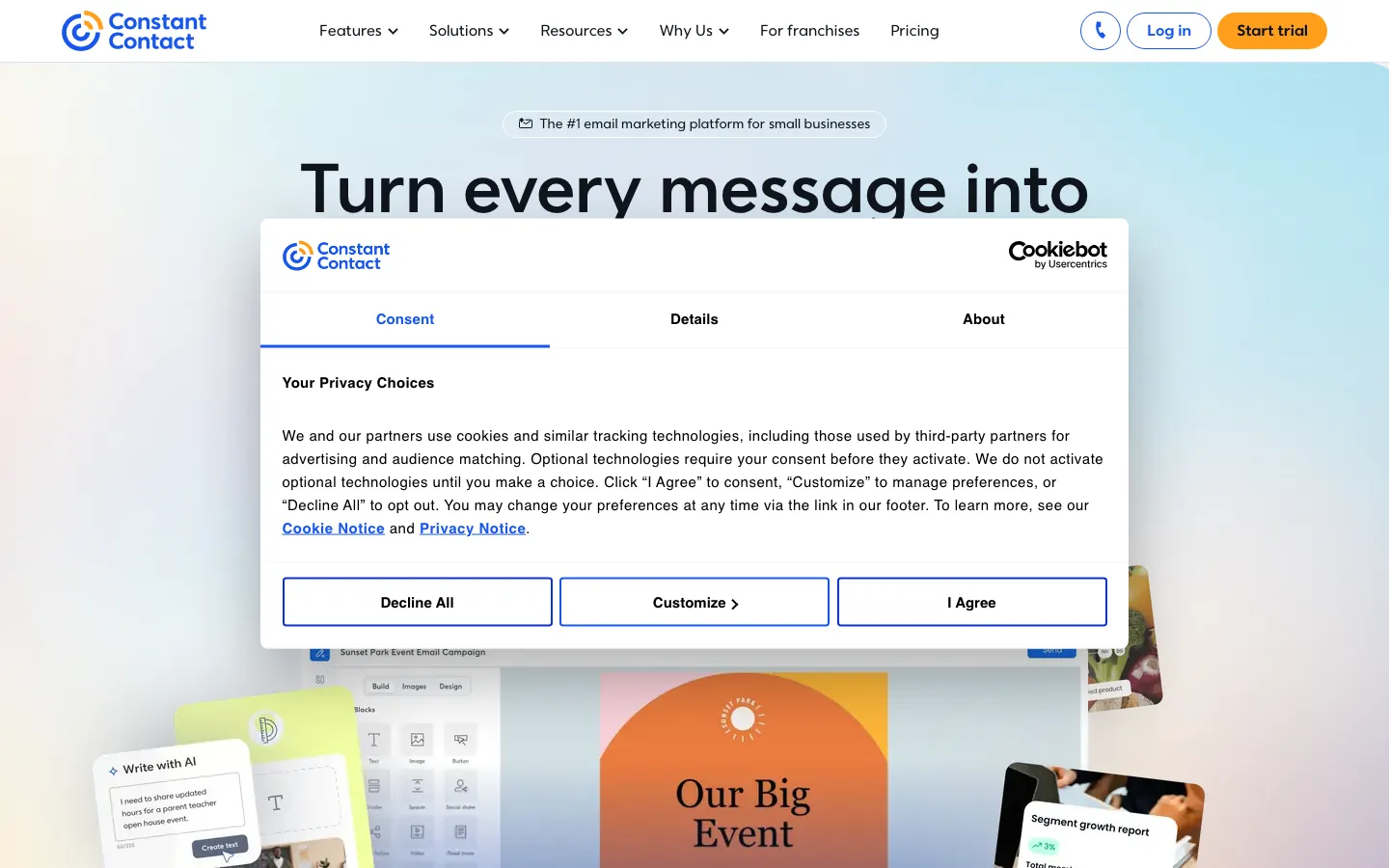
Screenshots of Constant Contact 3 images
What's great
- Event management and registration are native, so a nonprofit or association gets email plus event pages on one subscription
- 7,200+ G2 reviews, the third-largest review base in this guide, built over two decades in the small-business and nonprofit segments
- G2 named Constant Contact a 2026 Best Software Awards winner after it climbed 71 spots, crediting recent AI and automation work
Watch-outs
- 4.0/5 on G2 is the lowest score in this guide, and the recurring complaint is price climbing steeply with list size
- The free plan was eliminated in June 2025 and replaced with a 14-day trial, so meaningful testing now needs a card on file
- Automation depth lags Brevo, GetResponse, and MailerLite at the same price; this is a newsletter tool with sequences attached
Constant Contact holds its place for one specific small business: the local one that runs events. A community theatre, a gym with workshops, a chamber of commerce, a church.
Registration, ticketing, and the reminder emails live in the same subscription instead of a Eventbrite and Mailchimp pairing.
7,200+ G2 reviews at 4.0/5 tell the honest story.
People trust it for reliability and deliverability, and they complain about the price as their list grows.
The 4.0 is not a broken product, it is two decades of customers watching an invoice climb.
Removing the free plan in 2025 hurt its case against MailerLite for anyone starting from zero. Pick it for events and the phone support, not for automation.
Pricing breakdown
| Plan | Price | Best for |
|---|---|---|
| Lite | $12/mo | 500 contacts |
| Standard | $35/mo | 500 contacts + automation + scheduling |
| Premium | $80/mo | Advanced automation + custom code blocks |
| Enterprise | Custom | 50K+ contacts |
Security & compliance
| Standard | Availability |
|---|---|
| SOC 2 Type II | Yes |
| GDPR | Yes |
| HIPAA | No |
| SSO / SAML | Premium+ |
| Audit logs | Premium+ |
Constant Contact compliance summary: SOC 2 Type II is yes, GDPR is yes, HIPAA is no, SSO/SAML is premium+, and audit logs is premium+.
Key integrations
| Integration | Type |
|---|---|
| Gmail | N/A |
| Outlook | N/A |
| Slack | N/A |
| LinkedIn Sales Navigator | N/A |
| Outreach / Salesloft | N/A |
Constant Contact integration summary: Gmail is not specified, Outlook is not specified, Slack is not specified, LinkedIn Sales Navigator is not specified, and Outreach or Salesloft is not specified.
Feature availability
| Feature | Status |
|---|---|
| Free tier | no, 14-day trial |
| AI optimization | ✓ AI content tools |
| Deliverability score | 95% |
| SMS channel | Premium+ |
| Visual builder | ✓ |
Constant Contact feature availability summary: Free tier (no, 14-day trial), AI optimization (✓ AI content tools), Deliverability score (95%), SMS channel (Premium+), and Visual builder (✓).
What reviewers say about Constant Contact
Recurring themes across ~7,261 G2 reviews (4.1/5) and public Capterra and Trustpilot reviews, 2024-2026.
What reviewers praise
- Ease of use for non-technical owners is the top theme, with small businesses and nonprofits running campaigns without training.
- Phone and live support get specific praise, which reviewers say is rare in email tools and worth the price.
- Event and list management tools are called handy for organizations running registrations alongside email.
- Deliverability is described as dependable, with reviewers reporting steady inbox placement over years of use.
- The template library covers common needs so first-timers can ship a decent-looking email fast.
What reviewers fault
- Pricing is called high for the feature depth, with reviewers saying rivals do more for less.
- Automation is described as weak, limiting anyone who wants multi-step behavioral journeys.
- The interface feels dated next to newer platforms, and reviewers note clunky workflows.
- Pricing scales with contact count, and reviewers dislike paying more as lists grow.
- Billing and cancellation draw repeated complaints, with reviewers reporting a hard time stopping charges.
Loading reviews…
More top-rated Email Marketing Software for Small Business 2026 worth checking out
Highly rated Email Marketing Software for Small Business 2026 that didn't crack our top 10 but are still strong contenders, especially for specific use cases and team sizes.
Zoho Campaigns
The cheapest real email tool, free to 2,000 contacts
Standout: Free plan supports 2,000 contacts and 6,000 emails a month, the most generous contact-to-send ratio in this guide
What reviewers say ★ 4.1 · 2,928
Praised
- Price-to-feature ratio is the most repeated compliment: reviewers say Zoho delivers lead scoring, workflow automation, and multi-currency support at a fraction of the cost of HubSpot or Salesforce.
- Depth of the Zoho ecosystem is consistently praised by teams already using Zoho Books, Zoho Desk, or Zoho Campaigns, who describe the cross-app data flow as a genuine alternative to buying multiple point solutions.
- The Canvas drag-and-drop UI builder, added in recent years, appears in newer positive reviews as a meaningful upgrade, letting non-technical admins redesign the record layout without code.
- Workflow automation breadth gets strong marks, with reviewers pointing to multi-condition rules, scheduled actions, and blueprint approval processes as features competitors lock behind enterprise tiers.
- Lead management tools including assignment rules, scoring, and conversion tracking are frequently cited as thorough and configurable for teams with defined sales processes.
Faulted
- Customer support is the single most common complaint across G2 and Capterra, with reviewers on standard plans describing slow ticket responses, inconsistent answers, and difficulty escalating urgent issues.
- The learning curve is steep enough that multiple reviewers recommend hiring a Zoho consultant for initial setup, especially for automation, Deluge scripting, and module customization.
- The mobile app has reliability problems that appear consistently in recent reviews, including bugs that prevent notes from displaying, missed call logs, and crashes under poor connectivity.
- Integration with non-Zoho tools is frequently described as more friction than the docs suggest, with third-party connectors requiring Zapier workarounds or custom API work for stable two-way sync.
- The interface, despite recent improvements, is still called cluttered and overwhelming by first-time CRM buyers, and the density of settings can make routine tasks harder to find than in leaner tools.
HubSpot Marketing Hub
Free email attached to a free CRM, with a paid cliff later
Standout: The free tier is genuinely usable for an early-stage business, with unlimited contacts plus basic forms, email, and 5 landing pages
What reviewers say ★ 4.4 · 13,808
Praised
- Reviewers consistently call the interface the easiest to learn in the category; new reps are productive in days, not weeks.
- The free tier comes up again and again as genuinely usable, unlimited contacts and basic CRM at no cost, which is rare in this segment.
- Sales and marketing living in one platform is the most-cited reason teams pick it, with clean handoff between Marketing Hub and Sales Hub.
- The App Marketplace breadth (1,500+ integrations) is praised for connecting to almost any stack without custom work.
- Reporting and dashboards get strong marks for being readable and configurable without an admin or a consultant.
Faulted
- The upgrade cliff is the single most common gripe: jumping from Starter to Professional roughly 5x's the per-seat cost and many features sit behind it.
- Marketing Hub's $890/mo flat Professional pricing surprises buyers who only saw per-seat numbers in the demo.
- Mandatory onboarding fees ($1,500 Pro, $3,500 Enterprise) are repeatedly flagged as an unexpected year-one cost.
- Contact-tier pricing means marketing costs scale with your database, and reviewers say cleanup is painful once you're locked in.
- Support quality on lower tiers draws complaints; several reviewers say real help requires a paid tier or a partner agency.
Drip
One flat rate, every feature, priced by list size only
Standout: Single pricing tier: every feature is included at every subscriber count, so nothing you need is hidden one plan above you
What reviewers say ★ 4.4 · 473
Praised
- Ecommerce automation is the recurring strength, with reviewers building revenue workflows around store behavior.
- The visual workflow builder gets praise for mapping triggered sequences that are easy to follow and edit.
- Segmentation off ecommerce data lets reviewers target by purchase history and browsing, not just tags.
- Shopify and WooCommerce integrations pull order data in cleanly, which store owners call a real time saver.
- Email design and the editor are described as flexible enough to match brand look without a developer.
Faulted
- Pricing rises with list size, and reviewers say the cost gets steep as subscribers grow.
- The template selection is called limited, so reviewers build more from scratch than they expected.
- There is a learning curve on the advanced workflows that newer users say slowed their first weeks.
- Support responsiveness draws complaints, with reviewers reporting slow replies on tricky issues.
- SMS and some channels are thinner than Klaviyo, which reviewers weighing both platforms noted.
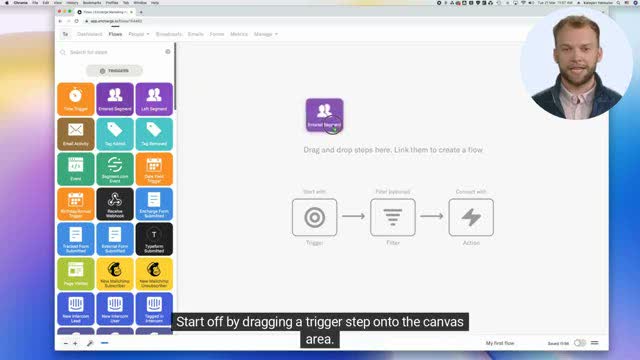
Encharge
For a small software business converting trials to paid
Standout: Native Stripe, Chargebee, and Paddle integrations trigger emails on subscription status, failed payments, or plan upgrades with no code
What reviewers say ★ 4.7 · 372
Praised
- The visual flow builder is the recurring strength, with SaaS teams mapping onboarding and trial sequences on a clear canvas.
- Deep integrations with Segment, HubSpot, and Stripe let reviewers trigger email off product and billing events.
- Behavioral and product-led triggers are called the reason it fits B2B SaaS better than list-based tools.
- The founder and support team get specific praise for fast, personal responses to setup questions.
- Value for money is a repeated theme, with reviewers saying it delivers SaaS-grade automation at a fair price.
Faulted
- As a younger product, reviewers note occasional gaps and features still being built out.
- A few reviewers report intermittent bugs that needed a support ticket to resolve.
- Reporting and analytics are described as limited for teams wanting deeper campaign insight.
- Deliverability setup takes some configuration that newer users say was not obvious upfront.
- Template and design options are called basic next to bigger email platforms.
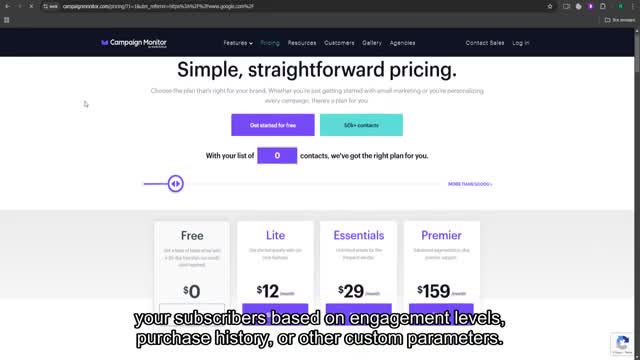
Campaign Monitor
For a freelancer or small agency sending on behalf of clients
Standout: Multi-client management with separate branding, billing, and access per client, which is the reason freelancers stay on it
What reviewers say ★ 4.1 · 731
Praised
- The design-focused email builder is the recurring draw, with reviewers producing polished branded emails fast.
- Drag-and-drop templates get praise for looking sharp without any HTML work.
- Ease of use for non-technical marketers is called a strength, so small teams ship campaigns without training.
- Deliverability is described as reliable, with reviewers reporting steady inbox placement over time.
- Core analytics cover opens, clicks, and engagement clearly enough for everyday reporting.
Faulted
- Automation is called limited, so reviewers needing complex journeys outgrow the tool.
- Pricing is described as high for the feature depth, with reviewers saying rivals offer more per dollar.
- Support quality is reported to have slipped since the Marigold acquisition, with slower responses.
- Feature development feels stagnant, and reviewers note fewer new capabilities than competitors ship.
- List-based pricing frustrates reviewers who pay for the same contacts across multiple lists.
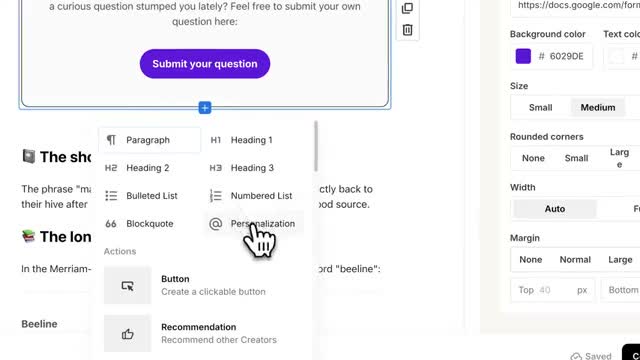
Kit (formerly ConvertKit)
For a solo operator whose business is the audience
Standout: The Newsletter plan is free up to 1,000 email subscribers, which covers the entire first stretch for a consultant, coach, or newsletter business
Tools we considered but excluded
We evaluated more tools than the 14 you see above. These did not make the cut. Saying what we rejected, and why, is the editorial muscle most listicles skip.
- Customer.io: Starts at $100/mo and expects a developer to instrument product events before it does anything useful; the wrong shape for a small business with no engineering
- Ortto: $199/mo for 10K contacts is the most expensive entry point we looked at, and a small business gets the same send volume elsewhere for a tenth of it
- Braze and Iterable: Enterprise engagement platforms with five-figure annual floors and multi-month implementations; not a small-business consideration at any list size
- Adobe Marketo Engage: Database-size pricing plus $15K-$50K of year-one setup; it needs a dedicated ops hire to earn its keep
- Salesforce Marketing Cloud Account Engagement: Requires a Salesforce CRM subscription underneath it and starts at $1,250/mo, which rules it out before the feature comparison starts
- Sender and EmailOctopus: Both push free-tier limits further than MailerLite and deserve a look, but we have not verified their current ratings or pricing from a live source, so they stay off the ranked list until we have
Honorable mentions
Solid tools that did not crack the main list but are worth tracking, especially for niche use cases.
- Beehiiv: Newsletter-first platform with the strongest paid-subscriber and referral infrastructure of anything here; worth a look if the newsletter is the product rather than a channel
- Zoho Marketing Plus: Campaigns, social, surveys, and webinars bundled at $25/user/mo; the math works if the business already runs three or more Zoho products
- EmailOctopus: Named alongside Sender as pushing raw free-tier limits past MailerLite; a fit for a price-first small business willing to accept a thinner feature set
The four kinds of email marketing software a small business can actually buy
Most “best email marketing” lists rank tools designed for marketing departments with headcount. A small business is buying something different, so the fourteen tools here split into four practical groups.
Simple senders with real free tiers. MailerLite, Zoho Campaigns, Brevo, HubSpot. Start at $0, hold a real list, and stay usable long enough to matter. This is where most small businesses should begin, and a lot of them never need to leave.
Ecommerce email. Omnisend, Klaviyo, Drip. Built around a store, an order history, and a cart. The value is not the newsletter, it is the three automations that recover abandoned carts and bring buyers back.
All-in-one small-business marketing. GetResponse, Constant Contact, Mailchimp. Email plus landing pages, events, or webinars on one subscription instead of three. The right call when you are stitching together tools you do not want to manage.
Specialists. ActiveCampaign for automation depth, Encharge for a small software business, Kit for a solo operator with an audience, Campaign Monitor for a freelancer sending on behalf of clients.
Free tiers, and exactly where each one stops
The most common small-business question about email software is the same one every time. How far does the free plan go before it makes me pay? Here is the ceiling on each, from the vendor pricing pages.
| Tool | Free plan ceiling | First paid plan | What triggers the upgrade |
|---|---|---|---|
| MailerLite | 1,000 subscribers, 12,000 emails/mo | $10/mo | Branding removal, list past 1,000 |
| Zoho Campaigns | 2,000 contacts, 6,000 emails/mo | $3/mo per 500 subs | List past 2,000 |
| HubSpot | Unlimited contacts, basic email + 5 landing pages | $20/seat/mo | Any real automation |
| Brevo | Unlimited contacts, 300 emails/day | $18/mo | Send volume, not list size |
| GetResponse | 500 contacts, 2,500 emails/mo | $19/mo | List past 500 |
| Mailchimp | 250 contacts, 500 emails/mo | $13/mo | List past 250 |
| Omnisend | 250 contacts, 500 emails/mo | $16/mo | List past 250 |
| Klaviyo | 250 profiles, 500 sends/mo | $20/mo | Profiles past 250 |
| Kit | 1,000 email subscribers | $33/mo | List past 1,000, or paid-newsletter features |
| Constant Contact | None, 14-day trial | $12/mo | Trial expiry |
Two patterns matter here. MailerLite and Zoho give you a list ceiling generous enough to run a real business on for a year. Mailchimp, Omnisend, and Klaviyo give you 250 contacts, which is a demo, not a plan.
HubSpot and Brevo are the odd ones. Both hold unlimited contacts free, and both make you pay for something else instead. HubSpot gates the automation, Brevo caps the daily send.
Per-contact versus per-send, and why the difference shows up on the invoice
This is the single decision that determines what email costs a small business over three years, and almost nobody looks at it before signing up.
Most tools bill on contacts stored. ActiveCampaign, Mailchimp, Klaviyo, Drip, GetResponse, Constant Contact. Your list size sets the price whether you email daily or twice a year. At 10,000 contacts, ActiveCampaign Plus is $174/mo and Drip is $154/mo.
Brevo bills on emails sent. The same 10,000 names cost nothing to store, and a monthly newsletter to all of them is 10,000 sends against a 20,000-send allowance at $18/mo.
The rule of thumb: if you email your whole list more than weekly, contact-based pricing usually works out fine. If you email monthly or less, per-send pricing saves real money.
The billed-contact rule that surprises small businesses
Ask this question during the trial, in writing: does an unsubscribed or bounced contact still count toward my billed total?
On several contact-priced tools the answer is yes, or yes until you manually clean the list.
EmailToolTester’s Mailchimp pricing guide documents the billing-for-unsubscribed-contacts behaviour specifically, and it is the most common complaint on a Mailchimp invoice.
Two platforms sidestep it structurally. Brevo bills on sends, so a dead contact costs nothing. Klaviyo moved to active-profile billing in 2025, charging only for profiles you actually email.
Everyone else, put a calendar reminder on the first of each quarter to purge unsubscribes and hard bounces. Ten minutes of list hygiene is worth more than any discount you will negotiate.
Deliverability for a small sender
Small businesses worry about deliverability and then fix the wrong thing. The platform matters less than three items on your own domain.
Authenticate the domain properly. SPF, DKIM, and DMARC records need to be live before your first campaign, and every tool here walks you through it during setup. Skipping this is the single biggest cause of small-business email landing in spam.
Send from your own domain, not a Gmail or Yahoo address. Gmail and Yahoo tightened bulk-sender requirements through 2024 and 2025, and a from-address on a free mailbox provider is the fastest route to the promotions tab or worse.
Warm up gradually. A brand-new list of 5,000 addresses blasted on day one looks exactly like a purchased list to a spam filter, because usually it is one.
Dedicated IPs come up in every deliverability conversation and almost never apply to a small business. They show up at MailerLite Enterprise and Campaign Monitor Enterprise for a reason.
Below serious volume, a shared IP with an established sending reputation performs better than a cold dedicated one you have to warm up alone.
Editor quality when nobody on the team is a designer
This decides whether the second campaign ever gets sent. If building an email is annoying, the newsletter quietly dies in month three.
Mailchimp still has the friendliest template library for a complete beginner, and Campaign Monitor’s templates are the ones freelancers use when the output has to look client-ready. Both get consistent praise for visual quality in their reviews.
MailerLite sits in a different spot. Fewer templates, but the cleanest editor, and a non-designer tends to get a tidy result faster because there are fewer ways to make it ugly.
Kit goes the other way entirely and leans plain text. For a consultant or a newsletter writer emailing people who subscribed for their thinking, a plain email outperforms a designed one often enough that this is a feature.
The practical test during a trial: build one real campaign, from your actual content, on your phone-sized preview. If it takes more than 30 minutes or looks broken on mobile, move on.
Automation a small business will actually switch on
Enterprise journey builders sell demos. A small business realistically runs four automations, and most never build the fourth.
Welcome series. Two to four emails after signup. This is the highest-return automation in small business email and the one most owners never set up. Every tool here does it, including the free plans.
Abandoned cart. For stores only, and the reason to buy Omnisend or Klaviyo rather than a general tool. One recovery email at one hour and another at 24 hours covers most of the available revenue.
Re-engagement. A single email to people who have not opened anything in six months, followed by removing them. This protects deliverability and cuts the bill on contact-priced plans at the same time.
Birthday or anniversary. Nice to have, rarely worth the setup unless you are a restaurant, salon, or membership business where it converts.
If your list is under 2,000 and you run those four, MailerLite or Brevo covers you at $10 to $18/mo. ActiveCampaign at $49/mo only earns its money once flows branch on behaviour, and that is a real threshold, not a marketing one.
For lead scoring, CRM sync, and multi-branch journeys, you have crossed into marketing automation platforms , which is a different budget.
Ecommerce integration for a small store
If you sell online, the integration is the product. Everything else is a newsletter tool with a logo attached.
Omnisend, Klaviyo, and Drip all connect natively to Shopify, and Omnisend and Drip cover WooCommerce and BigCommerce properly. That native connection is what makes product data, order history, and cart contents available inside the email builder.
Mailchimp, Brevo, and MailerLite all have Shopify connectors too, but the data they pull is thinner. You can send a broadcast to buyers.
Building a segment of people who bought a specific category twice and have not returned in 90 days is where the difference appears.
The honest split for a small store: under a few thousand customers, Omnisend does everything you need at $16 to $59/mo. Past that, when order history is deep enough that segmentation actually changes revenue, Klaviyo is the upgrade.
Migration in, and getting your list back out
Two things to check before you commit, both of which take ten minutes during a trial.
Import your real list on day one. Not a sample. Run your actual export from whatever you use now, with all its messy fields and duplicates, and see what breaks.
Tag structure is where imports usually go wrong, and finding that out at 500 contacts is much better than at 5,000.
Then export everything back out. Contacts, tags, and campaign history to CSV, without opening a support ticket. If a tool makes the export hard, that is a deliberate choice about your data, and it tells you what renewal negotiations will feel like.
Automations never migrate. Every platform builds them differently, and moving from Mailchimp to MailerLite or ActiveCampaign means rebuilding each flow by hand.
This is the real cost of switching, and it is the reason to think about your 12-month list size before picking, not after.
What changed for small-business email buyers in 2026
Free tiers kept shrinking at the top of the market. Mailchimp’s free plan went from 2,000 contacts in 2022 to 250 in 2026, and Constant Contact removed its free plan entirely in June 2025. The generous free tiers moved to MailerLite, Zoho, and Brevo.
Per-send pricing spread. Brevo’s model of charging for emails sent rather than contacts stored is being copied by newer entrants, and it is the better deal for the many small businesses sitting on a big old list they email monthly.
Active-profile billing became a selling point. Klaviyo’s 2025 shift to charging only for profiles you actually email answered the loudest complaint about contact-based pricing.
Expect more vendors to follow, because the alternative is defending an invoice full of people you never write to.
AI drafting arrived at small-business prices. GetResponse, Constant Contact, MailerLite Advanced, and Mailchimp all ship AI content tools on plans a small business can afford.
The draft gets you partway; the editing pass is still what separates an email people read from one they delete.
The pick for each kind of small business
- Just starting, no budget, no list yet: MailerLite Free. 1,000 subscribers and 12,000 emails a month costs nothing and covers your first year.
- Old list of 10,000+ names, one email a month: Brevo. Per-send billing turns a $174/mo problem into an $18/mo line item.
- Local business running events or classes: Constant Contact. Registration and reminders live in the same subscription.
- Small Shopify or WooCommerce store: Omnisend. Cart recovery flows live the same afternoon, email and SMS on every paid plan.
- Store with real order history and repeat buyers: Klaviyo. The segmentation is what justifies the move up.
- Consultant, coach, or newsletter operator: Kit. Free to 1,000 subscribers and built for plain-text writing to an audience.
- Freelancer or two-person agency sending for clients: Campaign Monitor. Per-client branding, billing, and reporting in one login.
- Small software business converting trials: Encharge. Stripe and Paddle triggers without an engineer.
- Already on Zoho One: Zoho Campaigns. Free to 2,000 contacts, $3/mo after, native CRM sync.
- Growing past the newsletter into real automation: ActiveCampaign Plus at $49/mo. Buy it when flows need to branch, not before.
If two tools are still standing, sign up for both free plans and send the same campaign from each to your own list of 50. Decide on how long the second email took to build, not on the feature table.
For corrections or a pricing change we have missed, email hello@topickz.com . We re-verify this shortlist every six months; the next refresh ships in January 2027.
Frequently asked questions
What is the best free email marketing software for small business?
How much does email marketing software cost for a small business?
What are the best email marketing platforms for small business in 2026?
Do unsubscribed contacts still count toward my bill?
Which email marketing services work for a small business with no designer?
Do I need a dedicated IP address for email marketing?
What is the best email marketing software for a small ecommerce store?
Can I move my email list from Mailchimp to another platform?
How many emails should a small business send per month?
Is email marketing software the same as marketing automation software?
Related helpful reads
Write a review
Posts to the page right away. Keep it real — no links or email addresses.