

Comparing the best Customer Service Software of 2026 includes 1. Zendesk 2. Freshdesk 3. Zoho Desk 4. HubSpot Service Hub 5. Intercom 6. Help Scout 7. Front 8. Gorgias 9. Jira Service Management 10. Kustomer 11. Intercom Fin 12. Zendesk AI 13. Ada 14. Forethought 15. eesel AI.
TL;DR
- Best overall for CX and enterprise support: Zendesk, deepest ecosystem, survives any scale, AI agent maturing fast.
- Best value for SMB: Freshdesk, most of Zendesk's feature set at roughly a third of the entry price.
- Best for SaaS and in-app support: Intercom, Fin resolves a documented 67% of tickets without a human.
- Best for ecommerce: Gorgias, ticket-based pricing and Shopify integration nobody else matches.
- Best AI deflection layer: Intercom Fin, highest deflection on tier-one SaaS tickets, honest $0.99/resolution pricing.
Customer service software is the platform a support or CX team runs on, omnichannel ticketing, self-service, automation, and now AI deflection. We compared ten full platforms and five AI-first add-ons on pricing, real G2 review themes, channel coverage, and hands-on feature checks to find the pick for every support-team profile.
What Is customer service software?
Customer service software helps support teams manage requests across email, chat, and social in one place, routing tickets, tracking resolution, and keeping customers updated.
Tools like Zendesk, Freshdesk, Zoho Desk, and HubSpot Service Hub differ on channel coverage, automation, reporting, and price per agent.
Best Customer Service Software comparison: features, pricing and verdicts
| Tool | Best for | Starting price | Free trial | External rating |
|---|---|---|---|---|
Best customer service platform for enterprise CX | $55/agent/mo | 14-day free trial | G2 4.3/5 (6,698 reviews) | |
Best value customer service software for SMB | $19/agent/mo | Free 1-2 agents (6-month trial) + 14-day Pro | G2 4.4/5 (3,696 reviews) | |
Best budget all-in-one customer service software | $14/agent/mo | Free 3 agents + 15-day Pro | G2 4.4/5 (7,337 reviews) | |
Best for teams already running on HubSpot CRM | $15/seat/mo | Free tier + 14-day Pro | G2 4.4/5 (2,280 reviews) | |
Best customer service software for SaaS and in-app support | $39/seat/mo | 14-day free trial | G2 4.5/5 (3,755 reviews) | |
Best customer service software for small support teams | $25/user/mo | Free 5 users + 15-day Pro | G2 4.4/5 (424 reviews) | |
Best shared-inbox customer service platform for B2B ops | $25/seat/mo | 14-day free trial | G2 4.7/5 (2,429 reviews) | |
Best customer service software for ecommerce and DTC | $10/mo | 7-day free trial | G2 4.6/5 (555 reviews) | |
Best for IT and internal service desks on Atlassian | $20/agent/mo | Free 3 agents forever | G2 4.3/5 (962 reviews) | |
Best customer service platform for high-volume CX | $89/user/mo | Demo only | G2 4.5/5 (510 reviews) | |
Best AI deflection layer for any customer service stack | $0.99/resolution | 14-day free trial | G2 4.5/5 (3,855 reviews) | |
Best AI deflection for existing Zendesk Suite customers | $50/agent/mo add-on | Demo only | G2 4.3/5 (6,944 reviews) | |
Best AI customer service for regulated, compliance-heavy CX | Custom, ~$30K/yr floor | Demo only | G2 4.6/5 (173 reviews) | |
Best AI triage and routing for Zendesk-heavy service teams | Custom, ~$60K/yr est. | Demo only | G2 4.3/5 (166 reviews) | |
Best self-serve AI deflection at the lowest per-ticket cost | $0.40/ticket | $50 free credit, no card | G2 4.7/5 (17 reviews) |
How we chose these tools
We compared the platforms on pricing, real G2 review themes, channel coverage, median first-response time, AI deflection rate, admin overhead, and time-to-configure from a fresh trial account, across small, mid-size, and high-volume support teams. The analysis draws on hands-on feature checks and published vendor and case-study data rather than a multi-month deployment. Pricing was verified directly on each vendor pricing page in May 2026. All G2 ratings and review counts were pulled on May 28, 2026.
How we weight customer service software for the Topickz score
Every tool above is scored against the fixed rubric below and combined using these weights into the Topickz score on each card. The weights are set for customer service software specifically, they are not copied from another category, and we publish them so you can see what moved a ranking and re-weight for your own priorities.
| Criterion | Weight | What we checked |
|---|---|---|
| Omnichannel ticketing and channel coverage | 22% | Email, chat, voice, and social landing in one queue instead of four inboxes. We checked how many channels each platform runs natively before add-ons. |
| Ticket routing and automation | 16% | Assignment rules, macros, and triggers that move tickets without an agent touching them. We built a routing rule on each and watched it fire. |
| AI deflection and self-service | 15% | How much volume the help center and AI agent absorb before a human is needed. Deflection numbers swing hard on tuning, so we treated vendor ceilings with caution. |
| First-response time and SLA handling | 12% | SLA timers, escalation paths, and how the tool flags a breach before it happens. This is the metric a support manager reports on. |
| Pricing and cost per agent | 12% | Per-agent cost and the tier jumps that hit as you scale. We flagged where the AI add-on stacks on top of an already steep base plan. |
| Reporting and CSAT tracking | 10% | CSAT surveys, volume trends, and agent performance you can actually act on. We built a basic dashboard on each. |
| Admin overhead and time to configure | 8% | How long a fresh account takes to get production-ready, and how much of it needs an admin. Heavier platforms buy depth at the cost of setup time. |
| Integrations and app ecosystem | 5% | Marketplace breadth for the tools your team already runs. A smaller factor once the core channels are covered. |
| Total | 100% |
Read the full TopickZ.com testing methodology for how we run each test, score every criterion, and combine them into a single rating.
Detailed reviews
Zendesk
Best customer service platform for enterprise CX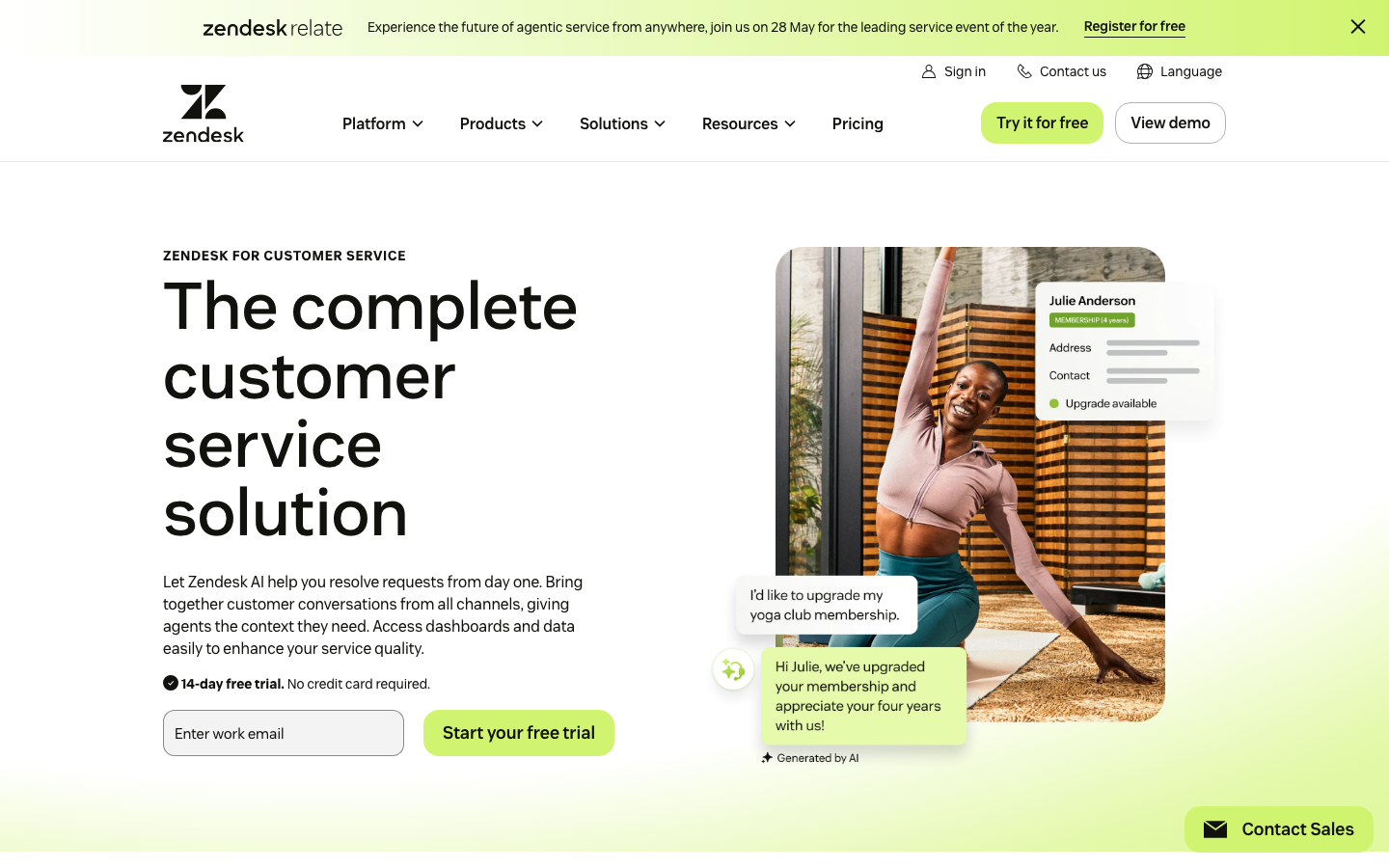
Screenshots of Zendesk 3 images
What's great
- Suite Team at $55/agent/mo bundles ticketing, chat, voice, help center, and AI, more per-tier coverage than any rival
- 1,300+ app integrations via the Zendesk Marketplace, the broadest third-party ecosystem in the segment
- AI agents (formerly Answer Bot) ship in all Suite plans; Advanced AI add-on at $50/agent/mo pushes deflection to a documented 90% ceiling under ideal conditions
Watch-outs
- Suite Growth at $89 and Suite Professional at $115 represent steep tier jumps, most teams land on Professional within 6 months
- Advanced AI add-on pricing is on top of the Suite base, not bundled; $50/agent/mo stacks onto an already $115/agent/mo Professional plan
- G2 reviewers consistently cite slow Zendesk support response on standard plans, the irony is not lost on anyone
Pricing breakdown
| Plan | Price | Best for |
|---|---|---|
| Suite Team | $55/agent/mo | 5-20 agents |
| Suite Growth | $89/agent/mo | 20-50 agents with custom reports |
| Suite Professional | $115/agent/mo | 50-200 agents |
| Suite Enterprise | $169/agent/mo | 200+ agents |
What reviewers say about Zendesk
Recurring themes across ~6,944 G2 reviews (4.3/5) and Capterra reviews (4.5/5), 2024-2026.
What reviewers praise
- Core ticket management is the most frequently praised capability, with reviewers calling it dependable at scale and reliable for day-to-day agent workflows.
- Omnichannel consolidation of email, chat, phone, and social into one workspace is consistently cited as a primary reason teams choose Zendesk.
- Workflow automation through triggers, macros, and AI-powered ticket routing gets strong marks for reducing repetitive agent workload significantly.
- The integration marketplace is praised across thousands of reviews for connecting Zendesk to almost any existing stack without custom development.
- AI ticket summarization and intelligent triage are noted as genuine time-savers, with reviewers saying these features reduced resolution time measurably.
What reviewers fault
- AI feature pricing is opaque, with reviewers repeatedly reporting that advanced automation capabilities sit behind higher tiers or undisclosed add-on costs.
- Setup complexity is the most common complaint, with Gartner and G2 reviewers alike describing it as not plug-and-play and requiring heavy initial configuration.
- Costs scale quickly with agent count and add-ons, and reviewers from startup and SMB segments say Zendesk becomes hard to justify as the team grows.
- Customization of ticket forms, workflows, and user roles is more limited than expected, particularly for teams with non-standard support processes.
- UI performance issues including slowdowns after updates and a weak mobile chat experience are called out by reviewers across Capterra and G2.
Loading reviews…
Freshdesk
Best value customer service software for SMB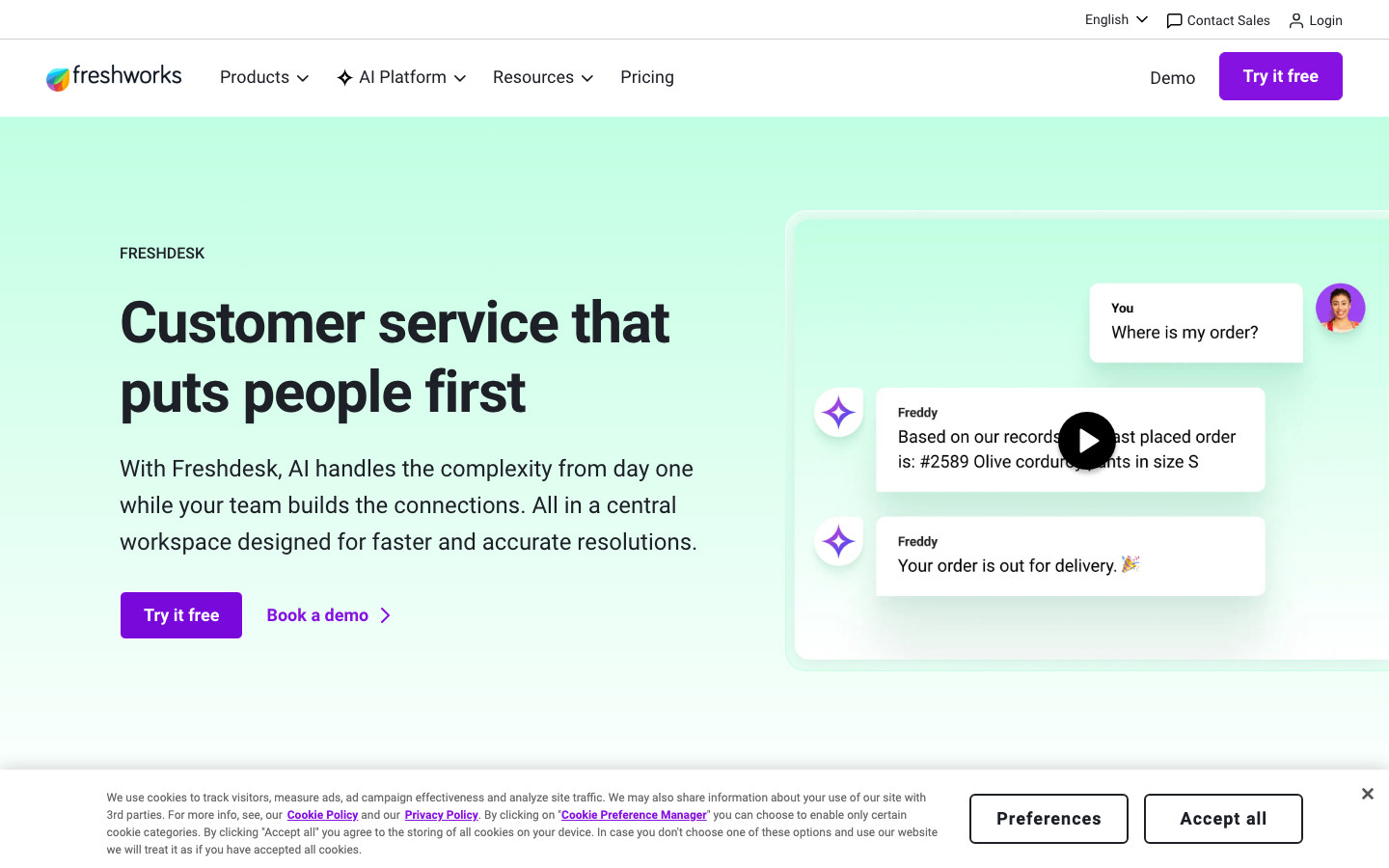
Screenshots of Freshdesk 3 images
What's great
- Free tier covers 1-2 agents on a 6-month trial with genuine functionality, useful for a solo founder validating a support process before paying
- Growth at $19/agent/mo includes automation, SLA management, and Freshworks Marketplace, features Zendesk gates behind $89
- Freddy AI Copilot available as a $29/agent/mo add-on on Pro and Enterprise; cheapest credentialed AI co-pilot in this group
Watch-outs
- Pro tier at $55/agent/mo (annual) is nearly a 3x jump from Growth, the biggest proportional price cliff in the comparison
- Freddy AI Agent is limited to 500 sessions on Enterprise before per-session overage kicks in at $49/100 sessions
- Reporting depth on Growth is thin; meaningful analytics require the $55 Pro tier or higher
Pricing breakdown
| Plan | Price | Best for |
|---|---|---|
| Free | $0 | 1-2 agents (6-month trial) |
| Growth | $19/agent/mo | 2-30 agents |
| Pro | $55/agent/mo | 30-100 agents |
| Enterprise | $89/agent/mo | 100+ agents |
What reviewers say about Freshdesk
Recurring themes across ~1,200 G2 reviews (4.5/5) and Capterra reviews (4.5/5), 2024-2026.
What reviewers praise
- Setup speed is the most consistent praise: reviewers describe going from signup to a working pipeline in under an hour, with drag-and-drop kanban deals and pre-built templates available immediately.
- Built-in phone with click-to-call, automatic call logging, recording, and voicemail drop is repeatedly cited as the reason small sales teams avoid paying for a separate dialer.
- Freddy AI lead scoring gets genuine positive mentions for helping reps focus on high-intent accounts rather than working the list in raw chronological order.
- The pricing is frequently compared favorably to HubSpot and Salesforce, with the Pro plan at $39/user/month covering features that cost twice as much elsewhere.
- Customer support responsiveness is a notable differentiator in reviews, with teams on paid plans consistently describing helpful, quick answers relative to other CRM vendors.
What reviewers fault
- Custom reporting is a recurring frustration: reviewers consistently export to Google Sheets for anything beyond basic dashboards because the built-in report builder lacks cross-object views and calculated fields.
- Freddy AI Copilot moved to a paid add-on ($29/user/month, billed annually) after originally being bundled, and reviewers who upgraded expecting it included describe this as an unwelcome surprise.
- The cheapest plans support only a single sales pipeline, which blocks any team selling more than one product line or managing separate deal flows without upgrading.
- The mobile app covers contact lookups and basic deal updates but consistently falls short for field sales teams who need the full desktop feature set on the road.
- Data enrichment accuracy for non-US companies is flagged as weak by reviewers with international books of business, with auto-populated company and contact data requiring frequent manual correction.
Loading reviews…
Zoho Desk
Best budget all-in-one customer service software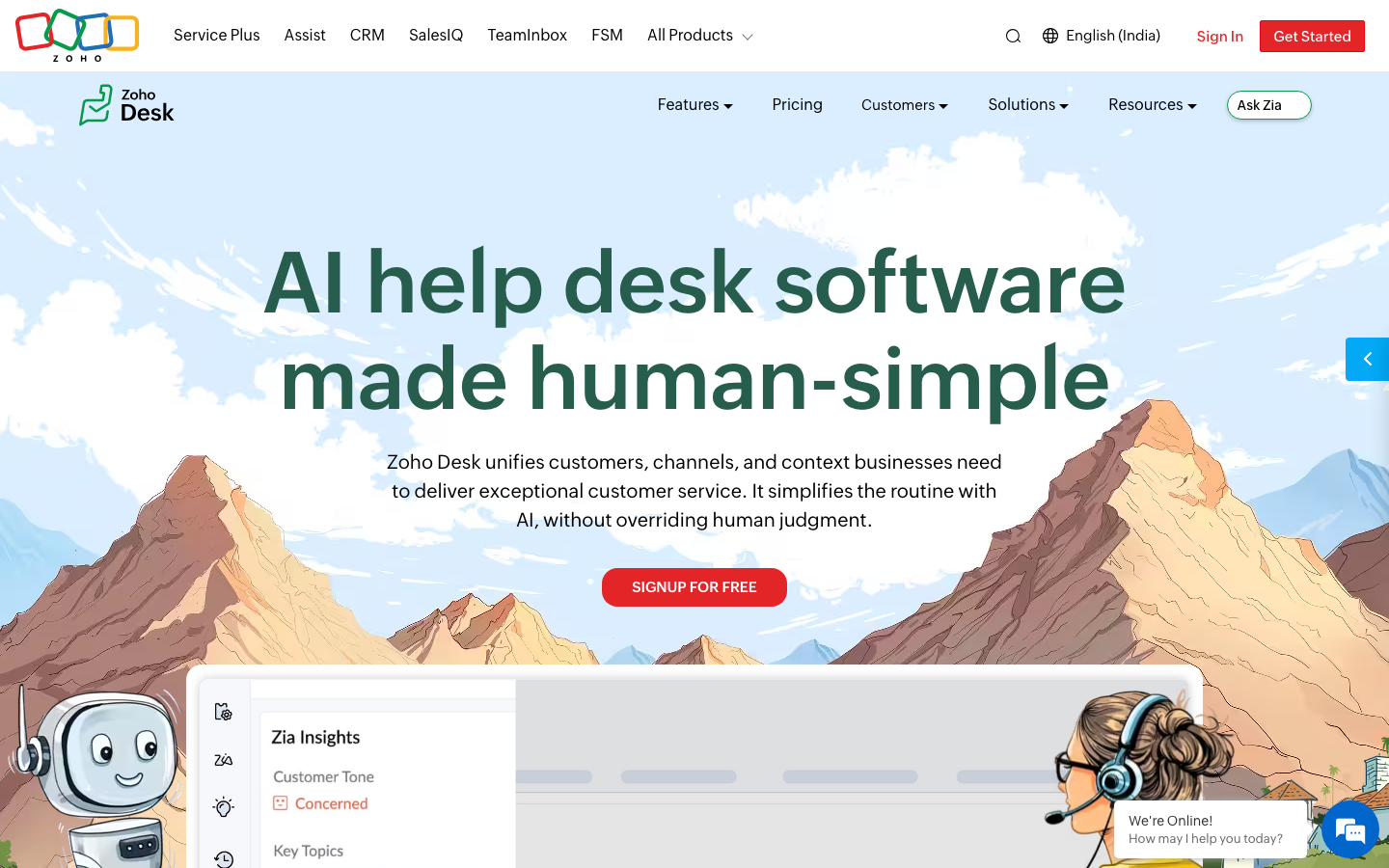
Screenshots of Zoho Desk 3 images
What's great
- Largest G2 review base in this guide at 7,337 reviews with a 4.4/5 average, sustained user confidence at scale
- Zia AI (sentiment analysis, tag suggestions, auto-responses) bundled into Enterprise at $50/agent/mo; no add-on purchase
- Zoho One integration: shared contact records with Zoho CRM, Zoho Books, and Zoho Analytics with no middleware
Watch-outs
- Interface is functional but cluttered; G2 reviewers at the Standard tier consistently describe it as "dated" and "harder to navigate than expected"
- Zia AI requires meaningful historical ticket volume before its sentiment and routing models produce accurate suggestions
- Support quality from Zoho's own team is uneven; reviewers cite long resolution times on complex technical issues
Pricing breakdown
| Plan | Price | Best for |
|---|---|---|
| Free | $0 | Up to 3 agents |
| Standard | $14/agent/mo | 3-20 agents |
| Professional | $23/agent/mo | 20-100 agents |
| Enterprise | $40/agent/mo | 100+ agents |
What reviewers say about Zoho Desk
Recurring themes across ~2,900 G2 reviews (4.1/5) and Capterra reviews (4.3/5), 2024-2026.
What reviewers praise
- Price-to-feature ratio is the most repeated compliment: reviewers say Zoho delivers lead scoring, workflow automation, and multi-currency support at a fraction of the cost of HubSpot or Salesforce.
- Depth of the Zoho ecosystem is consistently praised by teams already using Zoho Books, Zoho Desk, or Zoho Campaigns, who describe the cross-app data flow as a genuine alternative to buying multiple point solutions.
- The Canvas drag-and-drop UI builder, added in recent years, appears in newer positive reviews as a meaningful upgrade, letting non-technical admins redesign the record layout without code.
- Workflow automation breadth gets strong marks, with reviewers pointing to multi-condition rules, scheduled actions, and blueprint approval processes as features competitors lock behind enterprise tiers.
- Lead management tools including assignment rules, scoring, and conversion tracking are frequently cited as thorough and configurable for teams with defined sales processes.
What reviewers fault
- Customer support is the single most common complaint across G2 and Capterra, with reviewers on standard plans describing slow ticket responses, inconsistent answers, and difficulty escalating urgent issues.
- The learning curve is steep enough that multiple reviewers recommend hiring a Zoho consultant for initial setup, especially for automation, Deluge scripting, and module customization.
- The mobile app has reliability problems that appear consistently in recent reviews, including bugs that prevent notes from displaying, missed call logs, and crashes under poor connectivity.
- Integration with non-Zoho tools is frequently described as more friction than the docs suggest, with third-party connectors requiring Zapier workarounds or custom API work for stable two-way sync.
- The interface, despite recent improvements, is still called cluttered and overwhelming by first-time CRM buyers, and the density of settings can make routine tasks harder to find than in leaner tools.
Loading reviews…
HubSpot Service Hub
Best for teams already running on HubSpot CRM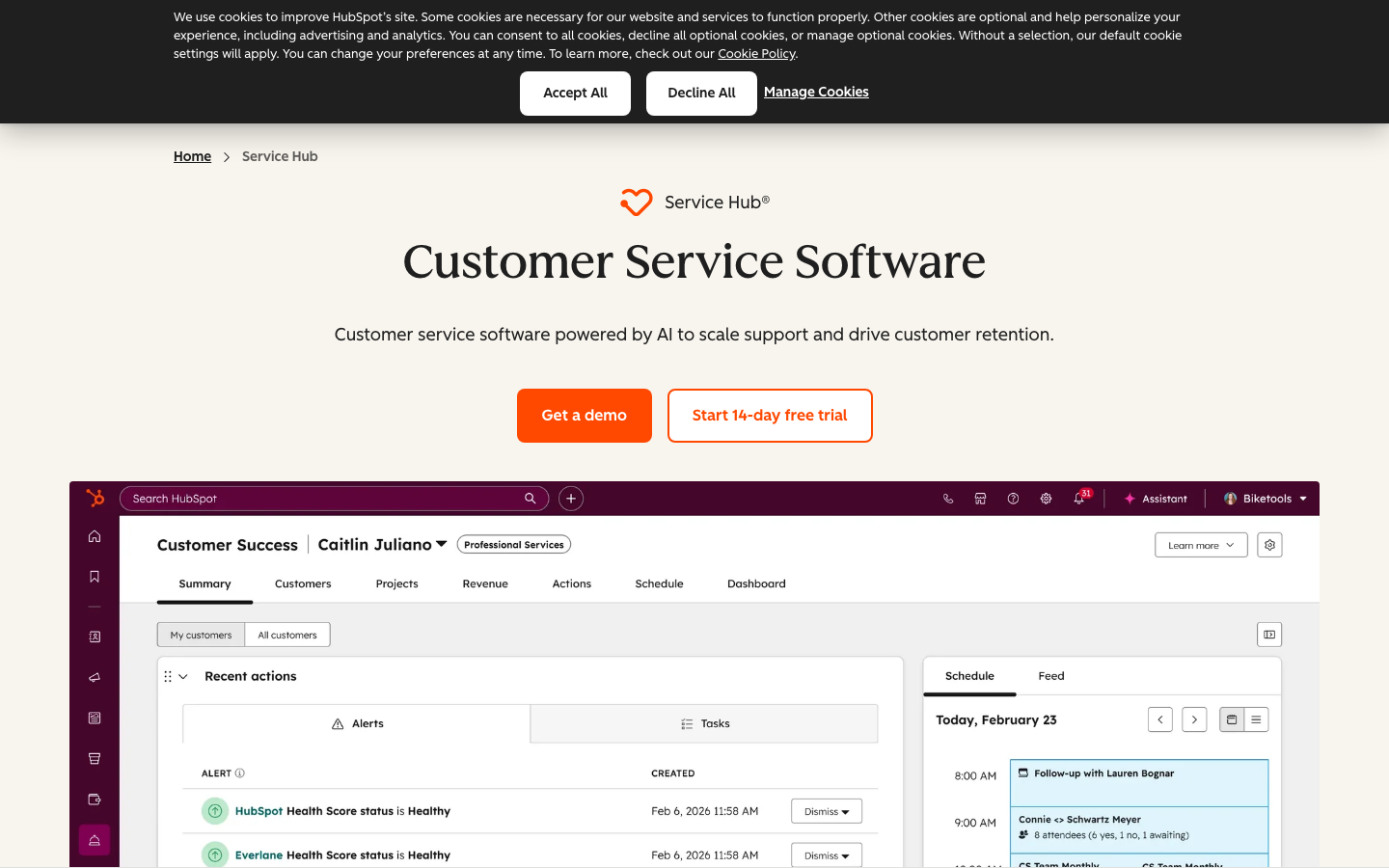
Screenshots of HubSpot Service Hub 3 images
What's great
- Shared contact record with Sales Hub and Marketing Hub means support agents see every deal, email, and lifecycle event on one screen
- Customer Health Score and customer success workspace built into Professional and above, unique in the segment at this price
- Breeze AI copilot included in Professional ($90/seat/mo), no separate AI add-on purchase required
Watch-outs
- Professional tier mandates a $1,500 one-time onboarding fee regardless of team size, a real friction point for small teams
- Enterprise requires a 10-seat minimum at $150/seat/mo, $18,000/year floor before onboarding fees
- Teams not already in HubSpot Sales CRM lose most of the value; standalone, Freshdesk at half the price is the better call
Pricing breakdown
| Plan | Price | Best for |
|---|---|---|
| Free | $0 | Up to 2 users |
| Starter | $15/seat/mo | 2-10 agents |
| Professional | $90/seat/mo + $1.5K onboarding | 10-50 agents with CS workflows |
| Enterprise | $150/seat/mo + $3.5K onboarding | 50+ agents |
What reviewers say about HubSpot Service Hub
Recurring themes across ~13,800 G2 reviews (4.4/5) and ~12,000 Capterra reviews (4.5/5), 2024-2026.
What reviewers praise
- Reviewers consistently call the interface the easiest to learn in the category; new reps are productive in days, not weeks.
- The free tier comes up again and again as genuinely usable, unlimited contacts and basic CRM at no cost, which is rare in this segment.
- Sales and marketing living in one platform is the most-cited reason teams pick it, with clean handoff between Marketing Hub and Sales Hub.
- The App Marketplace breadth (1,500+ integrations) is praised for connecting to almost any stack without custom work.
- Reporting and dashboards get strong marks for being readable and configurable without an admin or a consultant.
What reviewers fault
- The upgrade cliff is the single most common gripe: jumping from Starter to Professional roughly 5x's the per-seat cost and many features sit behind it.
- Marketing Hub's $890/mo flat Professional pricing surprises buyers who only saw per-seat numbers in the demo.
- Mandatory onboarding fees ($1,500 Pro, $3,500 Enterprise) are repeatedly flagged as an unexpected year-one cost.
- Contact-tier pricing means marketing costs scale with your database, and reviewers say cleanup is painful once you're locked in.
- Support quality on lower tiers draws complaints; several reviewers say real help requires a paid tier or a partner agency.
Loading reviews…
Intercom
Best customer service software for SaaS and in-app support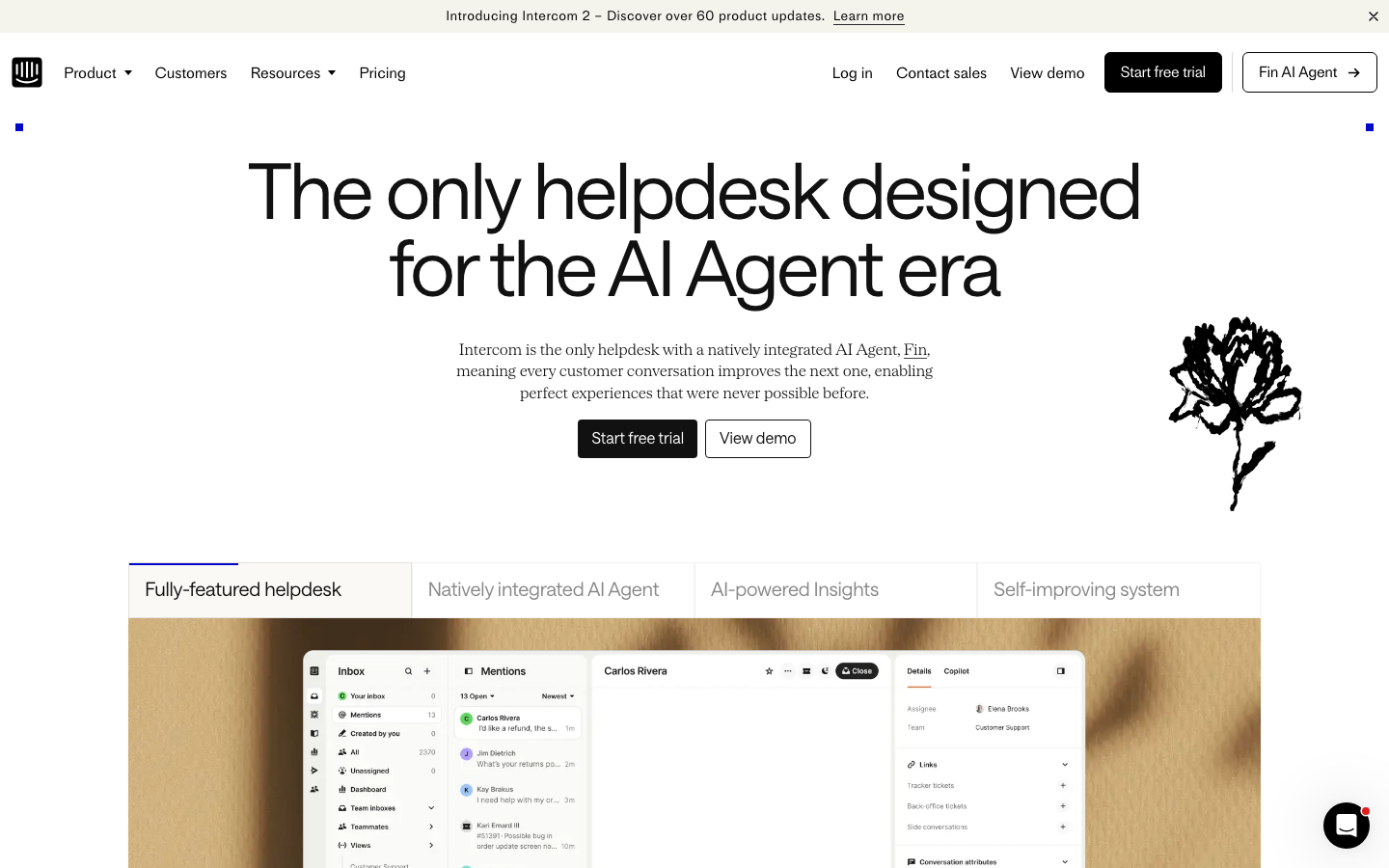
Screenshots of Intercom 3 images
What's great
- Fin AI Agent resolves a documented 67% of conversations without human handoff, improving ~1% per month as training data grows
- Essential plan at $39/seat/mo (annual) includes Messenger, Fin, shared inbox, and prebuilt reports, the most AI coverage at the entry tier
- Proactive messaging, product tours, and in-app targeting in a single platform; no secondary tool needed for product-led support
Watch-outs
- Fin AI charges $0.99 per resolved conversation on top of seat fees; at high volume, the per-outcome cost compounds fast
- Pure-ticketing teams using email as primary channel find the chat-first UX adds friction rather than removing it
- G2 reviewers flag limited live human support from Intercom itself, a pattern worth noting for a support platform
Pricing breakdown
| Plan | Price | Best for |
|---|---|---|
| Essential | $39/seat/mo | Small SaaS teams |
| Advanced | $99/seat/mo | 10-50 agents |
| Expert | $139/seat/mo | 50+ agents |
| Fin AI (usage) | $0.99/resolution | Stacks on top of all plans |
Loading reviews…
Help Scout
Best customer service software for small support teams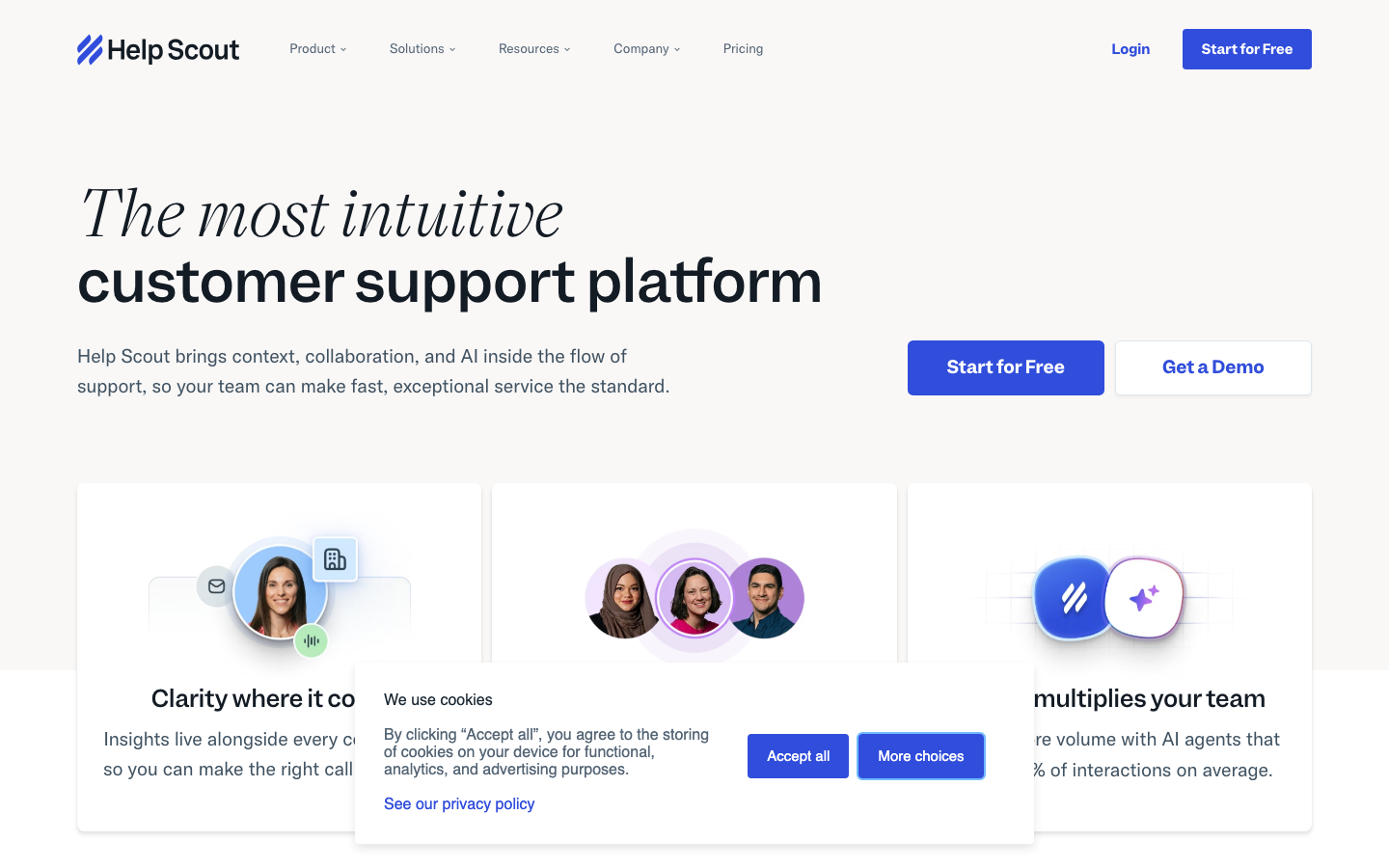
Screenshots of Help Scout 3 images
What's great
- Interface looks like a shared email inbox, not a ticket system; agents adopt on day one without a training program
- Docs knowledge base included in all paid plans; no separate self-service portal purchase
- AI Answers (beta) at $0.75/resolution, pay-as-you-go rather than mandatory seat add-on
Watch-outs
- 25-agent ceiling on Standard before an 80% per-seat price jump forces you to Plus; adding agent 26 moves you from $625/mo to $1,170/mo
- Reporting is functional but not deep; no cohort analysis or agent-efficiency scoring at the Standard tier
- Chat widget exists but is email-routed under the hood, not live chat; teams expecting synchronous response times get surprised
Pricing breakdown
| Plan | Price | Best for |
|---|---|---|
| Free | $0 | Up to 5 users |
| Standard | $25/user/mo | 5-25 agents |
| Plus | $45/user/mo | 25-100 agents |
| Pro | $75/user/mo | 100+ agents |
Loading reviews…
Front
Best shared-inbox customer service platform for B2B ops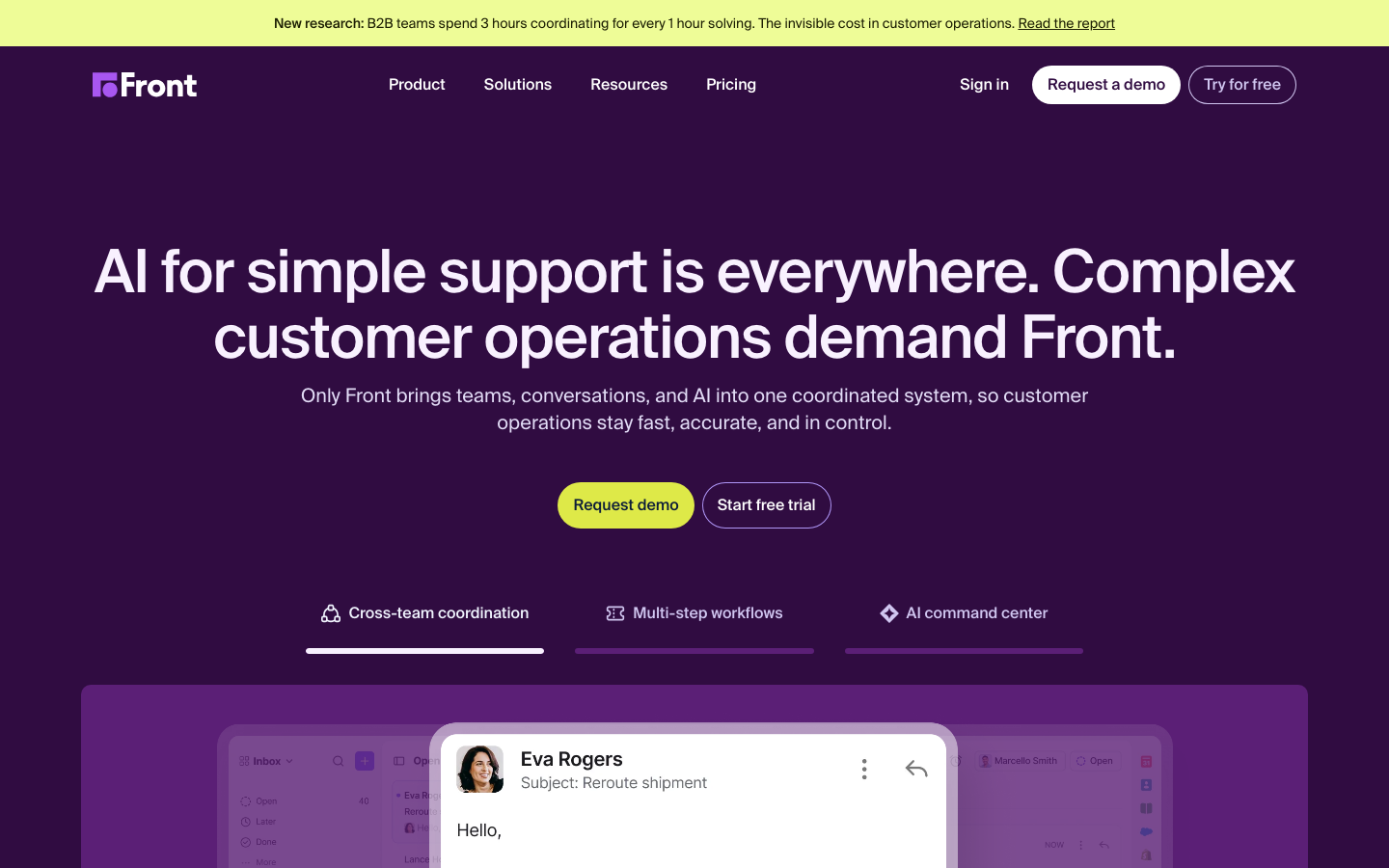
Screenshots of Front 3 images
What's great
- Highest G2 satisfaction rating in this list at 4.7/5; the collaboration layer (assignments, internal threads, shared drafts) is the differentiator G2 reviewers cite most
- Email, SMS, WhatsApp, and social media channels treated as first-class inboxes, not redirected into ticket queues
- Trusted by 9,000+ businesses including ClickUp and Uber Freight, specifically for B2B ops workflows where email is the primary channel
Watch-outs
- Starter plan caps at 10 seats; Professional at $65/seat/mo is where most growing teams actually live
- AI features (Copilot, Smart QA, Smart CSAT) are paid add-ons on Starter and Professional, not bundled
- Ticketing depth is lighter than Zendesk; teams with heavy ITSM or multi-tier routing requirements will hit walls
Pricing breakdown
| Plan | Price | Best for |
|---|---|---|
| Starter | $25/seat/mo | Up to 10 seats |
| Professional | $65/seat/mo | Up to 50 seats |
| Enterprise | $105/seat/mo | 50+ seats |
| AI add-ons | Custom | Copilot |
Loading reviews…
Gorgias
Best customer service software for ecommerce and DTC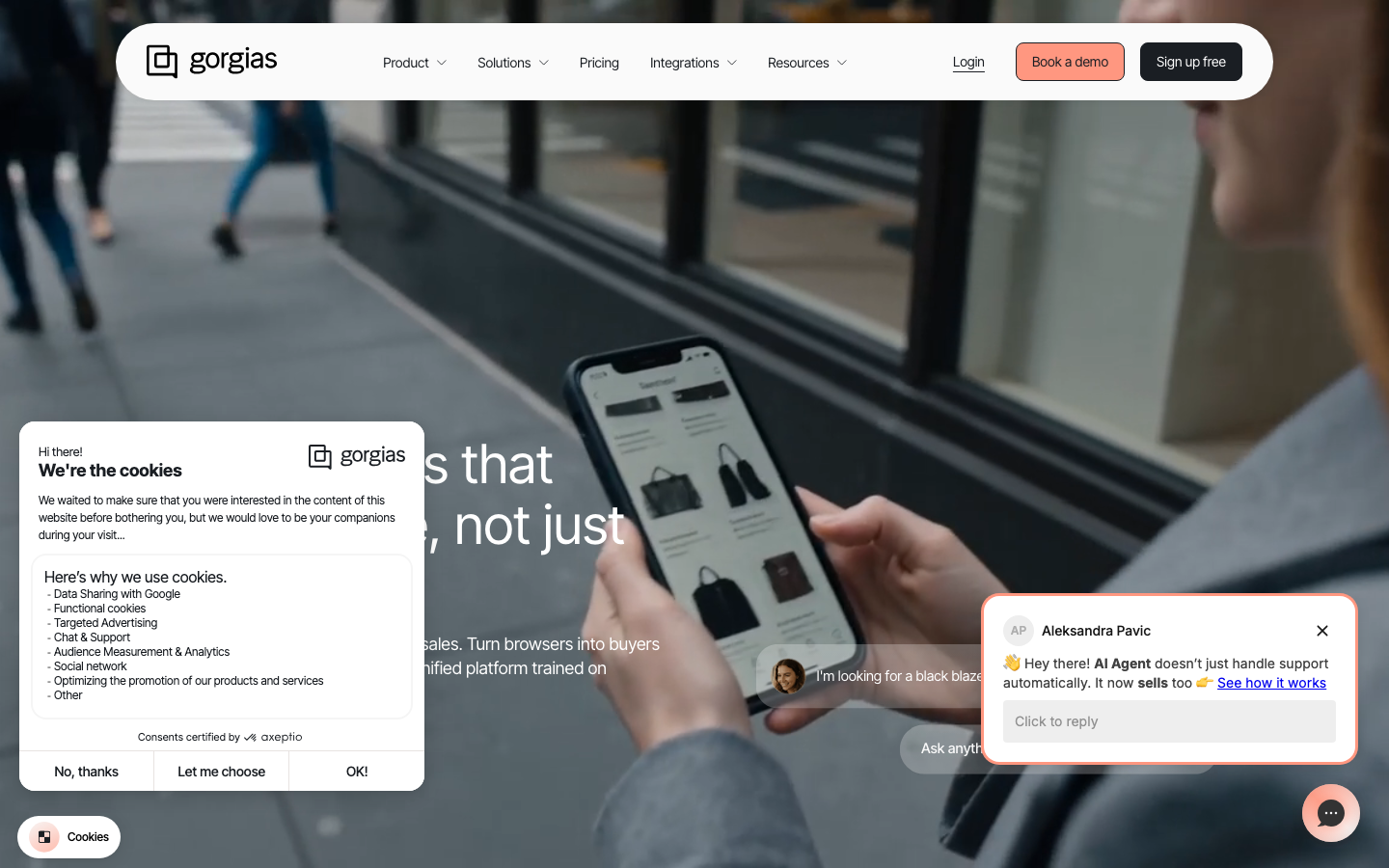
Screenshots of Gorgias 3 images
What's great
- Ticket-based pricing with unlimited agents; a 5-person support team pays the same as a 20-person one at the same volume
- Native Shopify, Magento, and BigCommerce integrations pull order data, refund buttons, and subscription info into the ticket sidebar
- AI Agent at $0.90-$1.00/resolution with a documented track record on ecommerce use cases like WISMO, return status, and refund requests
Watch-outs
- AI Agent tickets are double-billed: you pay the helpdesk ticket and the $0.90-$1.00 per AI resolution separately
- Ticket-based pricing becomes unpredictable with volume spikes; a Black Friday event can trigger overage at $0.36-$0.40/ticket
- Designed entirely around ecommerce; B2B SaaS or services teams get minimal value from the platform-specific integrations
Pricing breakdown
| Plan | Price | Best for |
|---|---|---|
| Starter | $10/mo | Up to 50 tickets |
| Basic | $60/mo | Up to 300 tickets |
| Pro | $360/mo | Up to 2 |
| Advanced | $900/mo | Up to 5 |
Loading reviews…
Jira Service Management
Best for IT and internal service desks on Atlassian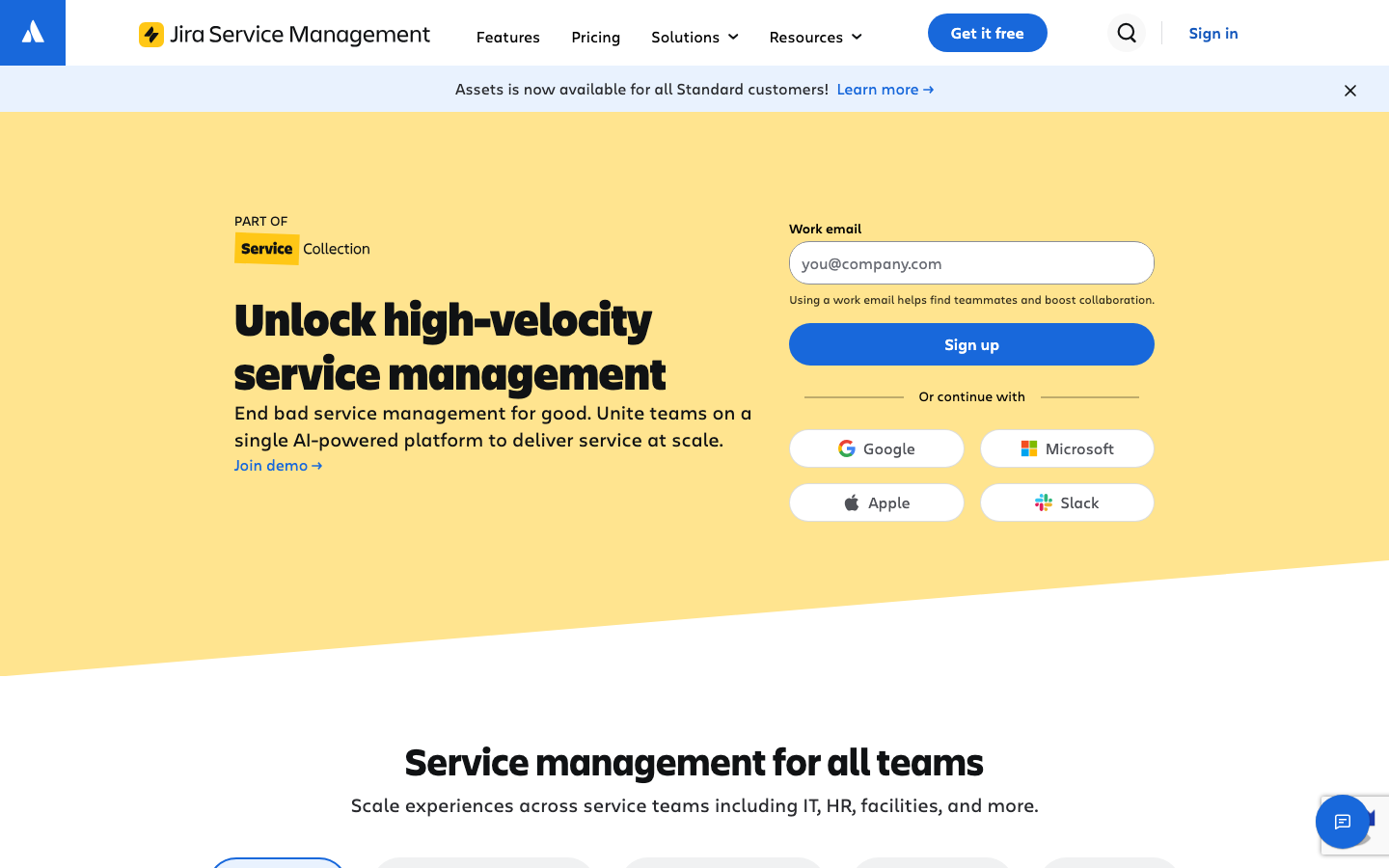
Screenshots of Jira Service Management 3 images
What's great
- Native Jira Software link means incidents auto-create linked dev tickets; the fastest escalation path from support to engineering in the market
- ITIL-ready workflows out of the box (incident, problem, change, request) without a consulting engagement
- Free tier for 3 agents is perpetual and functional; early-stage IT teams can run a real help desk at zero cost
Watch-outs
- Non-Atlassian integrations are brittle; reviewers consistently flag that Zendesk, Salesforce, and Slack integrations require maintenance overhead
- Steep learning curve; configuration of request types, SLA policies, and approval workflows requires dedicated admin time
- Premium at $48/agent/mo for AI features (Rovo Agents) puts it in Zendesk Professional territory, hard to justify unless the Atlassian ecosystem is already in place
Pricing breakdown
| Plan | Price | Best for |
|---|---|---|
| Free | $0 | Up to 3 agents |
| Standard | $20/agent/mo | 3-100 agents |
| Premium | $48/agent/mo | 100+ agents |
| Enterprise | Custom | Multi-site |
Loading reviews…
Kustomer
Best customer service platform for high-volume CX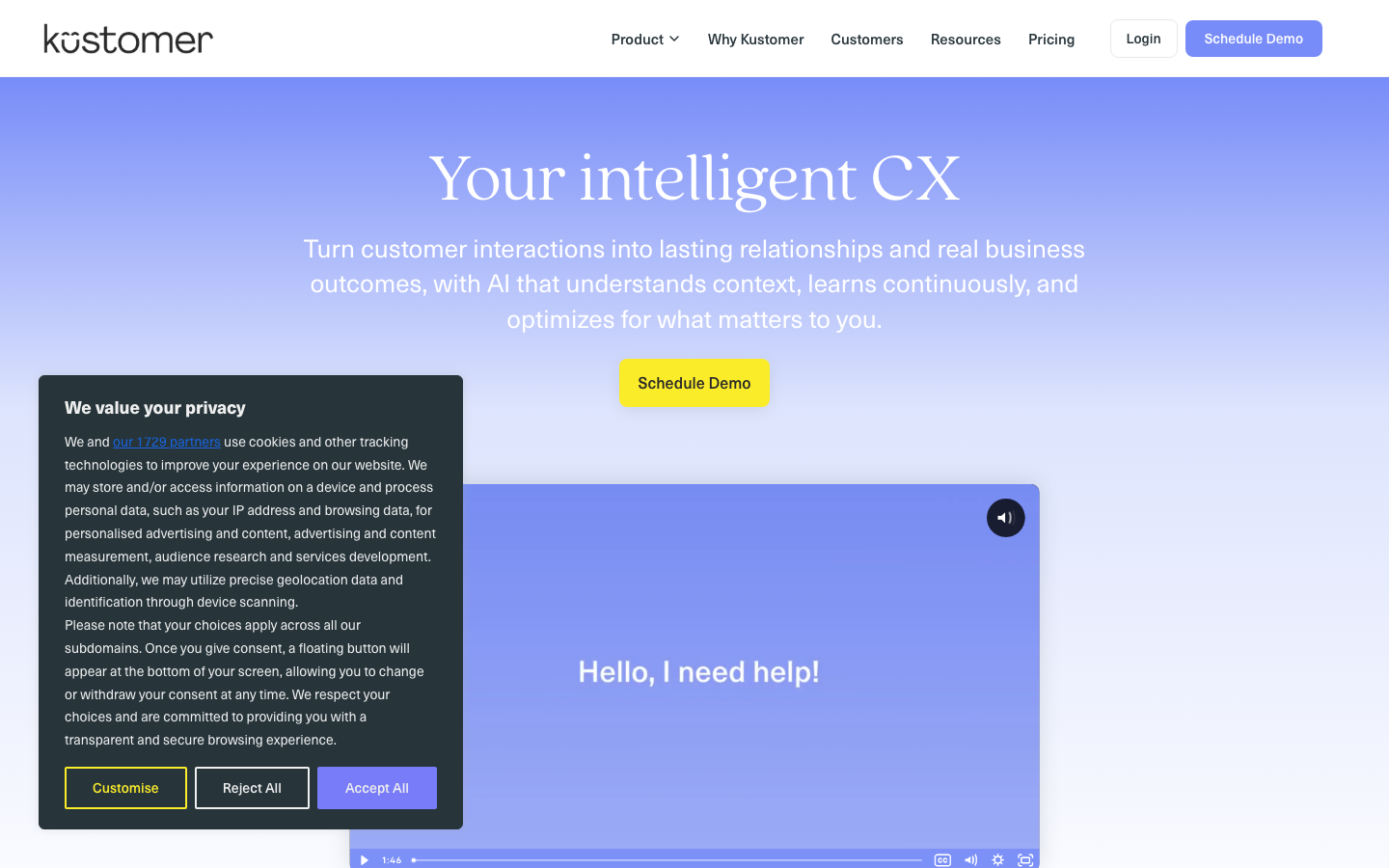
Screenshots of Kustomer 3 images
What's great
- Unified customer timeline shows every order, conversation, return, and note in one scroll; no tab-switching for agents handling repeat customers
- Customer-record-based pricing model (conversations built around the person, not the ticket) matches how enterprise DTC brands actually think about support
- Strong automation layer; Kustomer IQ handles routing, tagging, and sentiment scoring without a separate AI purchase
Watch-outs
- 8-seat minimum at $89/seat/mo means $8,544/year before even logging in; the floor is higher than most SMB budgets
- Implementation runs $18,000-$30,000 and takes 12-16 weeks, the most expensive ramp-up in this guide
- AI Agent bot costs $0.60/conversation on top of seat fees, and the agent copilot adds another $40/user/mo
Pricing breakdown
| Plan | Price | Best for |
|---|---|---|
| Enterprise | $89/user/mo | 8+ agents |
| Ultimate | $139/user/mo | 20+ agents |
| AI Agent | $0.60/conversation | Stacks on top of both plans |
| AI Copilot | $40/user/mo | Agent-assist on Enterprise+ |
Loading reviews…
More top-rated Customer Service Software worth checking out
Highly rated Customer Service Software that didn't crack our top 10 but are still strong contenders, especially for specific use cases and team sizes.
Intercom Fin
Best AI deflection layer for any customer service stack
Standout: Ranked
What reviewers say ★ 4.5 · 3,855
Praised
- Reviewers consistently highlight instant, accurate responses drawn from existing help content, with new queries handled without manual triage effort.
- Multilingual support and voice capability (Fin Voice) are called out as standout features for teams serving global customer bases.
- The setup process within the Intercom platform is praised for being fast, with teams reporting useful deflection within days of going live.
- Omnichannel coverage across chat, email, and social from a single workspace reduces tool-switching and keeps agent context intact.
- G2 ranks Fin as the top AI agent in its category, and reviewers cite strong automated resolution rates as the primary reason for recommending it.
Faulted
- Resolution-based pricing at $0.99 per resolved conversation creates billing volatility, with reviewers reporting costs climbing sharply as Fin handles more tickets.
- Copilot access costs an additional $35 per agent per month on top of seat plans, which reviewers call an expensive add-on that should be included.
- Fin performs best inside the Intercom ecosystem only; syncing knowledge from Notion or Confluence is limited to copilot mode, blocking autonomous replies.
- Advanced automation requires significant configuration effort and does not work reliably out of the box for complex or multi-step workflows.
- Some reviewers report AI inaccuracies and occasional hallucinations, requiring agents to manually correct or override responses before customers receive them.
Zendesk AI
Best AI deflection for existing Zendesk Suite customers
Standout: Zero integration friction for the 100,000+ companies already on Zendesk Suite, advanced AI turns on in one click
What reviewers say ★ 4.3 · 6,944
Praised
- Core ticket management is the most frequently praised capability, with reviewers calling it dependable at scale and reliable for day-to-day agent workflows.
- Omnichannel consolidation of email, chat, phone, and social into one workspace is consistently cited as a primary reason teams choose Zendesk.
- Workflow automation through triggers, macros, and AI-powered ticket routing gets strong marks for reducing repetitive agent workload significantly.
- The integration marketplace is praised across thousands of reviews for connecting Zendesk to almost any existing stack without custom development.
- AI ticket summarization and intelligent triage are noted as genuine time-savers, with reviewers saying these features reduced resolution time measurably.
Faulted
- AI feature pricing is opaque, with reviewers repeatedly reporting that advanced automation capabilities sit behind higher tiers or undisclosed add-on costs.
- Setup complexity is the most common complaint, with Gartner and G2 reviewers alike describing it as not plug-and-play and requiring heavy initial configuration.
- Costs scale quickly with agent count and add-ons, and reviewers from startup and SMB segments say Zendesk becomes hard to justify as the team grows.
- Customization of ticket forms, workflows, and user roles is more limited than expected, particularly for teams with non-standard support processes.
- UI performance issues including slowdowns after updates and a weak mobile chat experience are called out by reviewers across Capterra and G2.
Ada
Best AI customer service for regulated, compliance-heavy CX
Standout: Most mature content governance in the segment; response playbooks, answer-level confidence thresholds, and per-channel escalation rules all configurable without engineering
What reviewers say ★ 4.6 · 173
Praised
- Reviewers praise the clean, intuitive conversation flow builder for making it possible to design and update automated journeys without engineering involvement.
- Zendesk Help Center sync is frequently cited as a standout integration, with help article updates automatically reflected in Ada responses without manual work.
- Dedicated account management is called out repeatedly by enterprise customers as a differentiator, with reviewers noting responsive hands-on support during build and launch.
- High automation rates of 70 to 83 percent are cited by multiple reviewers as real-world outcomes, with the Coaching feature praised for making performance tuning accessible.
- Multilingual handling for global customer bases is praised for reducing localization overhead without requiring separate workflows per language.
Faulted
- Pricing is not published and requires a custom quote, with G2 reviewers flagging this as a major friction point, with contracts commonly starting around $30,000 per year.
- Context loss between conversation turns is a recurring complaint, with customers forced to repeat issue details during multi-turn exchanges.
- Human escalation paths are difficult to reach by design, and reviewers note that customers get trapped in automated loops when the AI cannot resolve their issue.
- The platform is positioned for companies with 300,000 or more annual support conversations, and reviewers from smaller teams say the complexity-to-value ratio is unfavorable.
- Knowledge sourcing is limited to formal help-center content, leaving gaps when relevant information lives in internal tickets, wikis, or shared documents.
Forethought
Best AI triage and routing for Zendesk-heavy service teams
Standout: Strongest intent-based routing layer in the segment; the platform decides whether to deflect, route to a specialist, or escalate to sales, not just deflect or hand off
What reviewers say ★ 4.3 · 166
Praised
- Reviewers consistently praise the platform as easy to use once configured, with an intuitive interface that support operations managers can work with day-to-day without engineering help.
- The multi-agent architecture, covering triage, deflection, and resolution in an integrated system, is cited as offering breadth that most competitors provide only through separate tools.
- Natural-language Autoflow creation is praised for letting teams build and modify routing logic in minutes rather than the days required with traditional decision-tree builders.
- Customer support responsiveness from the Forethought team is flagged as a genuine strength, with reviewers noting dedicated support during implementation and ongoing tuning.
- Enterprise-grade compliance including SOC 2 Type II and HIPAA certification is cited by reviewers in regulated industries as a deciding factor in choosing the platform.
Faulted
- Initial setup demands significant time and iterative collaboration with engineering, and reviewers note that the platform is not fast to deploy for teams without dedicated admins.
- AI intents and triage workflows require constant monitoring and adjustment as ticket types evolve, creating ongoing operational burden that reviewers did not anticipate before signing.
- Reporting and analytics are described as difficult to parse and largely manual, with no AI-powered layer to surface which workflows are underperforming.
- Pricing is not published, with median contract values around $59,500 per year including automatic price uplifts, which reviewers say came as a surprise post-signature.
- Image support is missing and there is no testing mode for validating AI responses before they go live, which reviewers flag as gaps for teams managing brand-sensitive interactions.
eesel AI
Best self-serve AI deflection at the lowest per-ticket cost
Standout: Cheapest per-resolution rate in this comparison at $0.40/ticket, no platform fee, no minimum; a 500-ticket month costs $200 flat
What reviewers say ★ 4.7 · 17
Praised
- Ease of setup is the most consistent praise theme, with G2 reviewers reporting useful AI responses within 15 minutes and no developer involvement required for initial configuration.
- Broad integration coverage including Notion, Zendesk, Shopify, Confluence, and Google Docs is praised for pulling knowledge from wherever it actually lives without manual copy-paste.
- The Chrome extension for knowledge base training is highlighted as a practical standout that makes adding new content to the AI fast and accessible for non-technical users.
- Usage-based pricing rather than a fixed seat subscription is called out positively by reviewers who see it as fairer for teams whose AI interaction volume varies month to month.
- Customization depth is noted by more advanced users who appreciate the ability to configure complex task-specific behaviors without requiring engineering resources.
Faulted
- Answer accuracy is flagged as inconsistent by multiple reviewers, with some reporting that bot responses are unreliable regardless of how well the knowledge base is structured.
- Managing multiple bots requires separate purchase codes and accounts, which reviewers running multi-brand or multi-project setups describe as unnecessarily cumbersome.
- Customer support response times are slow, with reviewers attributing delays to timezone differences and a small team, creating friction when configuration issues arise.
- Forced eesel branding cannot be easily removed from the widget by default, which some reviewers flag as a barrier for white-label or brand-consistent deployments.
- Missing features including chat history retention for analytics, a human agent takeover mode, and per-user daily usage caps are noted as gaps relative to more mature competitors.
Tools we considered but excluded
We evaluated more tools than the 15 you see above. These did not make the cut. Saying what we rejected, and why, is the editorial muscle most listicles skip.
- Salesforce Service Cloud: Enterprise-only pricing ($75-$300/agent/mo) with mandatory implementation-partner costs that push real year-1 spend 3-5x the sticker; it needs a dedicated admin, and most teams use a lighter customer service tool 24 months before they need it
- Gladly: Purpose-built for enterprise retail CX with a people-first model, but the minimum contract floor is very high and eliminates it for any sub-enterprise support team
- Live-chat-only tools (Tawk.to, Olark, Tidio chat-only): A chat widget is one channel, not a customer service platform; no omnichannel ticketing, no self-service portal, no SLA or routing depth, so a growing support team outgrows them inside a quarter
Honorable mentions
Solid tools that did not crack the main list but are worth tracking, especially for niche use cases.
- Tidio: SMB live chat plus chatbots for ecommerce teams under 500 tickets/month that want chat and basic automation before committing to Gorgias pricing
- Crisp: Cheap all-in-one inbox (chat, email, chatbot, shared inbox) for very small teams where the priority is one affordable tool over channel depth
- Gladly: Enterprise CX platform built around the customer, not the ticket; worth a look for large consumer brands where budget is not the constraint
What counts as customer service software
“Customer service software” is the broad head term for the platform a support or CX team actually runs on. It is bigger than the ticket queue. The full stack covers four jobs: omnichannel ticketing, self-service, automation, and increasingly AI deflection. Help desk software is one piece of it, the ticketing core. The rest of the page treats the category as the whole platform, not just the queue.
The tools split into six practical buckets. Most teams live in one or two of them.
Omnichannel ticketing platforms. Email, chat, voice, and social funneled into one structured queue with routing and SLAs. Zendesk, Freshdesk, and Zoho Desk are the core of this bucket. This is the default shape of customer service software.
Shared-inbox tools. Customer conversations handled as email threads a team collaborates on, no ticket numbers unless you build them. Help Scout and Front. The UX is the pitch, and small teams adopt them fast.
In-app and SaaS support. Support that lives inside your product, with in-app context on every conversation. Intercom is the platform here, built around chat and the Fin AI agent.
Ecommerce support. Order data, refunds, and subscription info pulled into the ticket sidebar. Gorgias owns this lane through its Shopify and Magento integrations.
IT and internal service desks. Requests from employees rather than external customers, with ITIL workflows and a dev-issue link. Jira Service Management. Kustomer covers the opposite end, high-volume external CX for big DTC brands.
AI-first deflection. Layers that resolve tier-one tickets before a human ever sees them. Intercom Fin, Zendesk AI, Ada, Forethought, and eesel AI all plug into the platforms above rather than replacing them.
What to test in a customer service software trial
If you also have to defend this purchase to a CFO or IT, read the companion guide to evaluating customer service software . It has the weighted scorecard, the real 3-year cost at 25 agents versus 100, the AI copilot versus autonomous-agent billing breakdown, and a pass/fail security gate, plus a free downloadable scorecard.
A trial that only checks the demo features tells you nothing. The things that predict whether a customer service platform survives month six are almost never in the sales walkthrough. Eight tests to run before you commit.
If you also have to defend the spend to a finance partner or a CFO, the companion guide to evaluating help desk software has the cost math and a free downloadable scorecard.
One, import your real tickets. Pull 200 historical tickets from the last 90 days, with tags and custom fields, and load them into the trial. Watch where routing breaks and where data gets mangled. Demo data is always cleaner than your actual queue.
Two, test every channel you actually run. Email, chat, voice, WhatsApp, social, whichever you use. A tool that handles email well can fall apart on chat or voice. Run the trial on your highest-volume channel first, then the rest.
Three, build one automation or macro from scratch. Take a real repetitive ticket type and build the routing rule, the macro, and the SLA policy yourself. If the configuration interface can’t match the complexity of your real queue, you’ll find out in month three otherwise.
Four, measure AI deflection on your own FAQ content. Paste your five most common questions into the AI agent without tuning. Count what it answers correctly on the first try. Day-1 accuracy varies widely between the strongest and weakest tools, and that gap predicts how much admin time you’ll spend reaching an acceptable deflection rate.
Five, set up the self-service knowledge base. Most ticket reduction comes from customers answering their own questions. Build three help-center articles and check whether the AI agent and search actually surface them. A weak knowledge base caps every other number on this list.
Six, pull a real report. Try to answer one question your support lead asks weekly, first-response time by channel, or resolution rate by agent. If the reporting can’t answer it without an export and a spreadsheet, that gap compounds every week.
Seven, connect one live integration end-to-end. Not “yes, we integrate with Slack.” Actually connect it and verify a ticket created from Slack flows back and closes correctly. Integration brittleness is the top reason teams regret a customer service purchase at month nine.
Eight, put an agent on it for a full day. Not a demo, a real support day on the trial queue. Agent satisfaction at week six correlates directly with whether the agent was part of the evaluation. The team that runs the tool decides whether it sticks.
How to choose: five questions for a support team
Work through them in sequence and these fifteen tools narrow to two or three that a support team can actually run.
1. Your channel mix
Email-first teams are happiest on Help Scout or Front. Chat plus ticket hybrids fit Intercom or Zendesk Suite. If you run voice, social, and messaging together, Zendesk’s omnichannel depth is hard to beat. Ecommerce order channels point straight to Gorgias. Don’t buy omnichannel depth you won’t use.
2. Team size today and where it is heading
Under 15 agents: Help Scout, Freshdesk Growth, or Zoho Desk. Don’t overbuy. 15-50 agents: Freshdesk Pro, Zendesk Suite Team or Growth, or Front. 50-200 agents: Zendesk Suite Professional, Intercom Advanced if AI deflection drives the budget. 200+ agents: Zendesk Enterprise or Kustomer for high-volume DTC.
3. SaaS, ecommerce, or IT and internal support
SaaS with in-app support: Intercom, where product context makes the AI useful. Ecommerce on Shopify or Magento: Gorgias, no contest on the order integration. IT or internal service for employees: Jira Service Management on Atlassian. General B2B support: Zendesk, Freshdesk, or Zoho Desk.
4. The need for AI deflection now
If repetitive tickets are a real share of your volume and you’re above roughly 3,000-5,000/month, an AI layer pays back. Intercom Fin leads on deflection; eesel AI is the cheapest self-serve start; Zendesk AI and Ada fit specific stacks. If AI is not a near-term priority, skip it and add it later. Don’t pay for deflection you won’t use in year one.
5. The budget per seat
Zero or near-zero: Zoho Desk Free or Jira Service Management Free (3 agents each), or Help Scout Free (5 users). $14-25 per agent: Zoho Desk, Freshdesk Growth, or Help Scout Standard. $55+ per agent: Zendesk Suite or Front Professional, where routing depth and reporting start paying back.
Customer service vs help desk vs customer support software
These three terms get used as if they mean different products. They mostly don’t. The differences are scope and emphasis, not separate tool categories.
Help desk software is the ticketing core. The queue, the routing rules, the SLA timers, the macros. It is the engine that turns an incoming message into a tracked, assigned, resolvable artifact. Our best help desk software guide ranks the same tool universe from the ticketing-first angle.
Customer service software is the broader platform built around that core. It adds self-service knowledge bases, omnichannel routing, automation, reporting, and AI deflection on top of the ticket engine. This page takes that wider view, which is why it sits alongside the help desk page rather than duplicating it.
Customer support software is a third name for the same thing. Some teams use it for the ticketing piece, some for the whole platform. There is no consistent industry line between it and customer service software, so treat the two as interchangeable.
The practical takeaway: you are almost always shopping for one platform that does all of it. Zendesk, Freshdesk, and Zoho Desk show up under all three labels because they are. Pick on channel mix, team size, and stack fit, not on which of the three words a vendor happens to use on its homepage.
What’s changed in customer service software for 2026
AI agents crossed from hype to real resolution rates. In 2024 every deflection claim was aspirational. By Q1 2026, Intercom was reporting 67% resolution across 7,000+ customers with documented monthly improvement, and Zendesk’s AI agents hit 90% under ideal conditions. AI deflection is now a line item in real support budgets, not a sales slide.
Per-outcome pricing is replacing seat pricing in AI-heavy plans. Every platform with a real AI agent now charges per resolution on top of seat fees: Intercom at $0.99/resolution, Gorgias AI Agent at $0.90-$1.00, Zendesk AI agents at $1.50-$2.00. Teams with high deflection save; teams with low deflection pay more than a seat model would have. The common forecasting error is assuming Day-1 deflection matches vendor averages.
The ticketing-vs-inbox split is a real product decision. Front’s 2026 positioning calls out complex customer operations as its lane; Help Scout keeps growing in sub-25-agent segments where the shared inbox model cuts onboarding friction. These aren’t cheaper Zendesk clones. They’re a different bet about how customer conversations should be managed.
Vertical platforms are pulling away from general tools. Gorgias’s Shopify integration depth and ticket-based unlimited-agent pricing creates a moat that Zendesk and Freshdesk don’t try to match for ecommerce. Jira Service Management’s free 3-agent tier and native Jira link is winning internal IT desks at the SMB level. The general-purpose platform is no longer the automatic right answer when the category fit is exact.
Final pick by support-team profile
- Small support team (under 15 agents): Help Scout (free for 5 users, $25/user after) or Zoho Desk (free for 3, $14/agent after). Live in an afternoon, no implementation project.
- SaaS with in-app support: Intercom. The in-app context makes Fin measurably better than a generic chatbot; model the per-resolution cost.
- Ecommerce on Shopify or Magento: Gorgias. Nothing else matches the native order integration, and ticket-based pricing means unlimited agents.
- IT or internal service desk: Jira Service Management. Start free (3 agents), move to Standard ($20/agent) when you hit the limits, especially if you’re on Atlassian.
- Enterprise CX at scale: Zendesk Suite Professional or Enterprise, or Kustomer for high-volume repeat-customer DTC. Plan for a dedicated admin.
- Budget-zero start: Zoho Desk Free or Jira Service Management Free (3 agents each), or Help Scout Free (5 users). Pay nothing until you outgrow it.
- Want AI deflection on top of any of the above: Intercom Fin first ($0.99/resolution), eesel AI if you want the cheapest self-serve start ($0.40/ticket), Zendesk AI if you already run Zendesk, Ada if you’re in a regulated industry.
If two or three platforms are still standing after this, run their trials side by side with the same agent on each, import your real tickets, and decide on day 10 by channel coverage and how the agent feels, not by the demo. For corrections, vendor disputes, or pricing updates, email hello@topickz.com . We re-test the full shortlist every six months; the next refresh ships November 2026.
Frequently asked questions
What is the best customer service software in 2026?
Zendesk is the best overall customer service platform for CX and enterprise support thanks to its omnichannel depth and ecosystem. Freshdesk is the best value for SMB, Intercom is the best for SaaS and in-app support, Gorgias is the best for ecommerce, and Zoho Desk is the best budget all-in-one at $14/agent/mo.
What is the best free customer service software?
Zoho Desk and Jira Service Management both ship a perpetual free tier for 3 agents. HubSpot Service Hub is free for up to 2 users, Help Scout is free for up to 5 users, and Freshdesk's free plan is a 1-2 agent, 6-month trial rather than a permanent free tier.
Customer service software vs help desk software, what is the difference?
Help desk software is the ticketing core, the queue, routing, and SLA engine. Customer service software is the broader platform that wraps ticketing together with self-service, automation, omnichannel, and AI deflection. In practice the same tools (Zendesk, Freshdesk, Zoho Desk) appear under both labels; "customer support software" is a third name for the same category. See our [best help desk software guide](/list/best-help-desk-software/) for the ticketing-first view.
What is the best AI customer service software?
Intercom Fin leads on deflection at a documented 67% resolution and honest $0.99/resolution pricing. Zendesk AI is the best fit if you already run Zendesk Suite, Ada is the pick for regulated industries, and eesel AI is the cheapest self-serve option at $0.40/ticket. See the [best AI customer support tools guide](/list/best-ai-customer-support-tools/) for full deflection benchmarks.
What is the cheapest customer service software?
Zoho Desk Standard at $14/agent/mo (annual) is the cheapest full customer service platform, with a free 3-agent tier below it. Gorgias starts at $10/mo for 50 tickets for solo ecommerce merchants, and on AI deflection eesel AI at $0.40/ticket is the cheapest per-resolution rate.
What is the best customer service software for a small business?
For a small support team, Help Scout ($25/user/mo, free for 5 users) is the easiest to adopt, Freshdesk Growth ($19/agent/mo) gives the most structure for the money, and Zoho Desk ($14/agent/mo, free for 3) is the budget pick. All three go live without an implementation project.
Does customer service software need AI deflection?
Not on day one. A small team can run Zendesk, Freshdesk, or Help Scout without AI and add deflection later. Once ticket volume passes roughly 3,000-5,000/month and a real share of tickets are repetitive, an AI layer like Intercom Fin or eesel AI starts paying back. Model the per-resolution cost against your real deflection rate before signing.
Related helpful reads
Write a review
Posts to the page right away. Keep it real — no links or email addresses.