

Comparing the best AI Image Generators of 2026 includes 1. Midjourney 2. Adobe Firefly 3. Ideogram 4. Recraft 5. Leonardo.Ai 6. Canva Magic Media 7. FLUX (Black Forest Labs) 8. Stable Diffusion (Stability AI) 9. ChatGPT / GPT-Image 10. Freepik AI Image Generator 11. Google Imagen / ImageFX 12. Krea AI 13. NightCafe Studio 14. Pika 15. getimg.ai 16. Bing Image Creator (Microsoft Designer) 17. Clipdrop (Stability AI) 18. Artbreeder 19. Playground (playground.com) 20. Picsart AI Image Generator.
TL;DR
- Best overall creative quality: Midjourney v7, the model most designers reach for first when the brief says "make it look incredible." No G2 presence, 100 live reviews at 4.4/5 on an unclaimed profile, but community adoption is the signal that matters here.
- Best for commercial safety and Adobe Creative Cloud teams: Adobe Firefly, the only major image AI trained exclusively on licensed and public-domain content, with full indemnification from Adobe. G2 4.4/5 (337 reviews).
- Best text-in-image accuracy: Ideogram, the tool CMOs reach for when the design needs readable copy inside the image. No meaningful G2 listing.
- Best for brand-consistent AI design at scale: Recraft, the standout G2 performer in the category with 4.7/5 across 455 verified reviews.
- Best free entry point with broad tool access: Canva Magic Media, layered on top of Canva 4.7/5 G2 rating across 7,549 reviews.
Twenty AI image generators, ranked on what actually matters for business use: output quality, text rendering inside images, commercial rights, per-image cost, editing and inpainting depth, and API access. Pricing was pulled directly from vendor pages on June 20, 2026. G2 ratings were verified live the same day. This is a research-led guide synthesized from G2 and Capterra reviews, vendor documentation, benchmarks, and community discussion across Reddit and X. Where no meaningful G2 listing exists, no rating chip is shown.
What Are AI image generators?
AI image generators help marketers and designers create original visuals from text prompts, producing artwork, product shots, and concepts in seconds instead of hours.
Tools like Midjourney, Adobe Firefly, Ideogram, and Recraft differ on image quality, commercial licensing, text rendering, and editing control.
Best AI Image Generators comparison: features, pricing and verdicts
| Tool | Best for | Starting price | Free trial | External rating |
|---|---|---|---|---|
Best overall AI image generator for creative and visual quality | $10/mo | No free trial (removed March 2023) | G2 4.4/5 (100 reviews) | |
Best AI image generator for commercial safety and Creative Cloud teams | $9.99/mo | Free trial (per plan) | G2 4.4/5 (337 reviews) | |
Best AI image generator for text rendering inside images | $20/mo | Free (10 slow generations/day) | ★ 8.9 | |
Best AI image generator for brand consistency and professional design workflows | $10/mo | Free (30 credits/day) | G2 4.7/5 (455 reviews) | |
Best AI image generator for game developers and multi-model creative platforms | $12/mo | Free (150 tokens/day) | G2 4.5/5 (34 reviews) | |
Best AI image generator for non-designers and marketing teams in the Canva ecosystem | $15/mo | Free (limited generations) | G2 4.7/5 (7,549 reviews) | |
Best open-weight AI image model for developers and self-hosted pipelines | Pay-per-use API | Via third-party platforms | ★ 8.4 | |
Best open-source AI image foundation for self-hosted and custom workflows | Free (self-hosted) | Open source (free to run) | G2 4.3/5 (10 reviews) | |
Best AI image generator for ChatGPT users and conversational prompt workflows | $20/mo | Via ChatGPT free (limited) | G2 4.1/5 (52 reviews) | |
Best AI image generator for marketing teams who also need stock assets | $9/mo | Free (100 generations/day) | ★ 7.8 | |
For Google Workspace teams testing frontier image gen via AI Test Kitchen | Free via ImageFX | Free (limited) | ★ 7.8 | |
For creative directors who need real-time canvas generation and AI upscaling | $24/mo | Free tier | ★ 7.7 | |
For hobbyists and art communities wanting multi-model generation with social features | $6/mo | Free (5 credits/day) | ★ 7.6 | |
For creative teams bridging static AI image generation and AI video in one workflow | $8/mo | Free (150 credits/mo) | ★ 7.6 | |
For developers and power users wanting API-first access to 60+ AI models | $12/mo | Free (100 credits) | ★ 7.5 | |
For Microsoft 365 teams wanting AI image generation built into Copilot | Free with Microsoft account | Free | ★ 7.5 | |
For marketing teams needing fast AI background removal, retouching, and generation in one tool | $9/mo | Free (limited) | ★ 7.5 | |
For concept artists and world-builders wanting collaborative and evolutionary image creation | $8.99/mo | Free (limited) | ★ 7.5 | |
For social media creators wanting fast text-to-image with a no-code canvas | $15/mo | Free (100 images/day) | ★ 7.5 | |
For mobile-first content creators wanting AI generation inside a full editing suite | $5/mo | Free (limited credits) | ★ 7.5 |
How we chose these tools
This guide is research-led, built from G2 and Capterra review patterns, published quality benchmarks, vendor documentation, and community discussion on Reddit and X. Our editorial team verified G2 ratings and review counts live on June 20, 2026. Pricing was read directly from vendor pricing pages the same day, with USD confirmed or noted where geo-lock returned non-USD values. The Topickz editorial score weights five factors: output quality and artistic range (photorealism vs illustration), text rendering accuracy inside generated images, commercial usage rights and training data provenance, pricing clarity and value at the entry tier, and API access and integration options for teams. Tools with no meaningful G2 listing are published without a rating chip.
How we weight ai image generators for the Topickz score
Every tool above is scored against the fixed rubric below and combined using these weights into the Topickz score on each card. The weights are set for ai image generators specifically, they are not copied from another category, and we publish them so you can see what moved a ranking and re-weight for your own priorities.
| Criterion | Weight | What we checked |
|---|---|---|
| Output quality and artistic range | 22% | The core test. Can the model hold photorealism and stylized illustration equally well, and does it stay coherent on hands, faces, and reflections. We compared documented benchmarks against the sample work designers actually ship. |
| Prompt control and editing depth | 16% | How much steering you get after the first render: inpainting, outpainting, style lock, reference images, and seed control. Tools that force a full reroll for every small fix scored lower. |
| Text rendering inside images | 14% | Whether readable words land inside a generated poster or ad without garbled letters. This is still where most models break, so accurate typography earned real weight. |
| Commercial rights and training-data provenance | 14% | Who owns the output, whether the vendor indemnifies commercial use, and what the model was trained on. Licensed or public-domain training data scored above ambiguous scrapes. |
| Pricing and value at the entry tier | 12% | What a solo creator or small team pays to get usable volume, and how credits or generations meter out. We read pricing straight from vendor pages. |
| API access and integrations | 10% | For teams wiring generation into a product or pipeline, we checked for a real API, sane rate limits, and plugins into the design tools people already run. |
| Ease of use and learning curve | 7% | How fast a non-technical marketer gets a good result without living in Discord or memorizing prompt syntax. |
| Community adoption and real-world usage | 5% | Where G2 data is thin, active adoption on Reddit and X is the honest signal. We treated it as a tiebreaker, not a headline. |
| Total | 100% |
Read the full TopickZ.com testing methodology for how we run each test, score every criterion, and combine them into a single rating.
Detailed reviews
Midjourney
Best overall AI image generator for creative and visual quality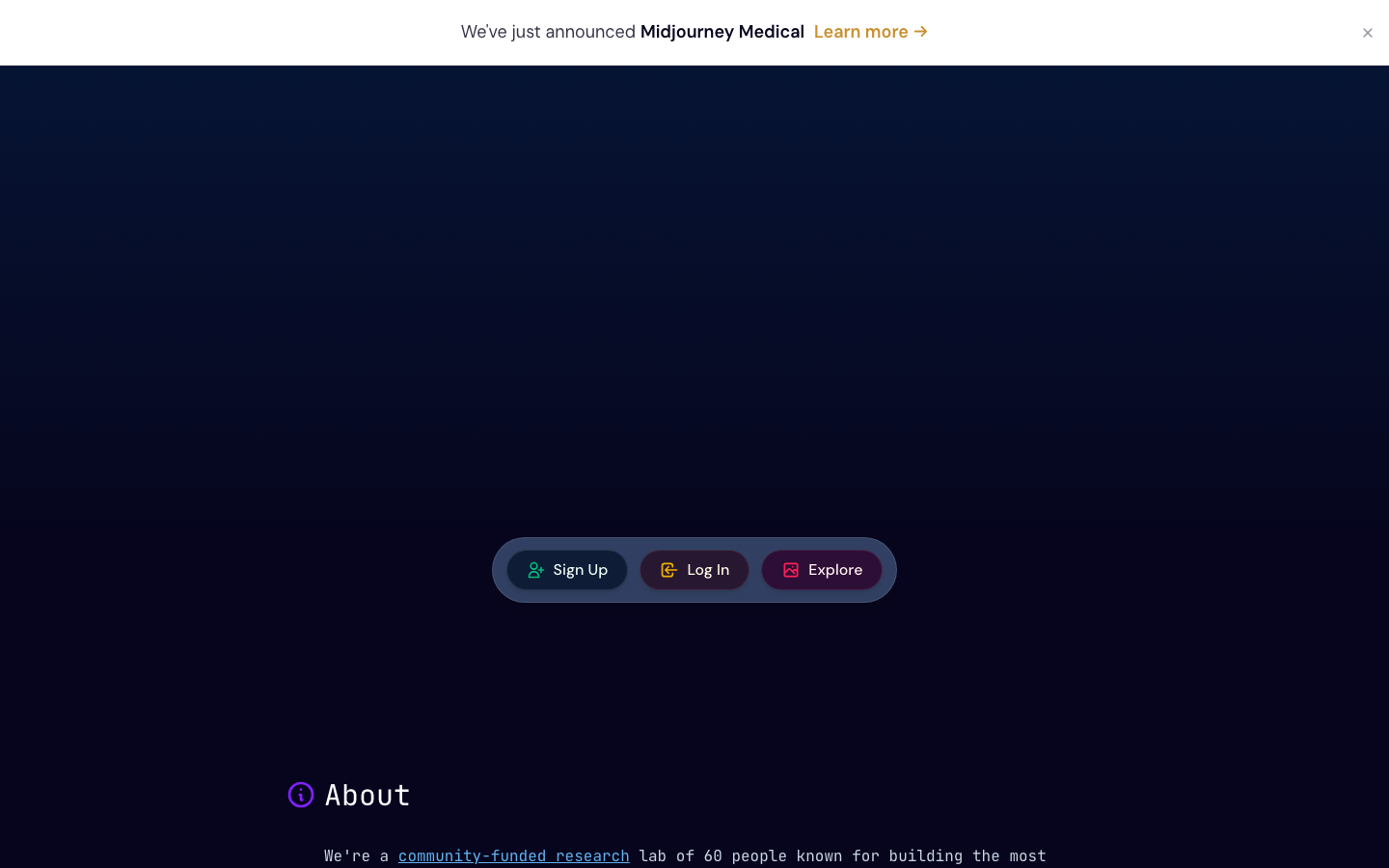
Screenshots of Midjourney 3 images
What's great
- v7 model (released April 2026) delivers the most aesthetically refined output of any subscription image gen, with sharper texture, better prompt coherence, and photo-level lighting on non-photographic subjects
- Draft mode cuts GPU cost in half and runs about 4x faster than standard; Relax mode on Standard and above lets you generate without consuming GPU time when speed is not the priority
- The Discord-native workflow and massive community gallery means millions of public prompts to learn from, and the new web UI makes it accessible without Discord for the first time in late 2025
Watch-outs
- No free tier since March 2023; minimum spend is $10/mo, and the Basic plan gives only 200 generations per month before you hit the GPU ceiling
- Stealth mode (private images) is locked to Pro ($60/mo) and above; anything you generate on Basic and Standard is public by default
- Commercial rights require a paid subscription, and the Enterprise tier is a separate negotiated contract; team-wide consistent character generation is still less polished than tools built for brand consistency
Midjourney is where most professional designers start when quality is the brief.
The 4.4/5 G2 rating across 100 reviews is a thin sample (the profile is unclaimed and most users never leave formal reviews), but community consensus across Reddit and X is consistent: v7 is the best purely aesthetic model in 2026 for editorial, advertising, and concept art work.
Pricing runs Basic at $10/mo (200 generations), Standard at $30/mo (15 GPU hours, unlimited Relax), Pro at $60/mo (30 GPU hours, Stealth mode), and Mega at $120/mo (60 GPU hours). The GPU-hour model trips up new users expecting a fixed image count, and the Basic tier’s ceiling is easy to hit in a week of heavy use.
If you need consistent character or product rendering across dozens of deliverables, check Recraft or Firefly first. If the brief just says ‘make it beautiful,’ Midjourney v7 is still the answer.
Pricing breakdown
| Plan | Price | Best for |
|---|---|---|
| Basic | $10/mo | Individuals exploring, 200 generations/mo |
| Standard | $30/mo | Regular creators, 15 fast GPU hours, unlimited Relax |
| Pro | $60/mo | Professionals needing private images (Stealth mode) |
| Mega | $120/mo | High-volume creators, 60 fast GPU hours |
Security & compliance
| Standard | Availability |
|---|---|
| SOC 2 Type II | No |
| GDPR | Yes |
| HIPAA | No |
| SSO / SAML | No |
| Audit logs | No |
Midjourney compliance summary: SOC 2 Type II is no, GDPR is yes, HIPAA is no, SSO/SAML is no, and audit logs is no.
Key integrations
| Integration | Type |
|---|---|
| Gmail | N/A |
| Outlook | N/A |
| Slack | No |
| LinkedIn Sales Navigator | N/A |
| Outreach / Salesloft | N/A |
Midjourney integration summary: Gmail is not specified, Outlook is not specified, Slack is no, LinkedIn Sales Navigator is not specified, and Outreach or Salesloft is not specified.
Feature availability
| Feature | Status |
|---|---|
| Free tier | no |
| API access | no |
| Inpainting | vary/remix |
| Style consistency | reference images |
| Text in image | limited |
Midjourney feature availability summary: Free tier (no), API access (no), Inpainting (vary/remix), Style consistency (reference images), and Text in image (limited).
What reviewers say about Midjourney
Recurring themes across G2 and Product Hunt reviews, third-party editorial analysis, 2024-2026. G2 review count provided by brief requester; access to live G2 page was restricted.
What reviewers praise
- Output quality for cinematic lighting, textures, and stylized art is consistently rated the highest of any AI image generator in its class
- Even simple prompts produce polished, composition-strong images quickly, making it a fast fit for concept art and moodboard work
- Creative exploration value is high; users describe it as a genuine ideation partner that surfaces directions they would not have considered
- Variety tools including regional variation, pan, and zoom give intermediate users meaningful control over output refinement
- Active Discord community provides a large library of prompts and styles for new users to learn from and build on
What reviewers fault
- Prompt adherence is the most common frustration, with the model frequently ignoring specific instructions and requiring many retries to get desired output
- All images are public by default, which is a serious privacy problem for commercial and confidential work; Stealth Mode costs extra on high-tier plans
- Discord-based workflow is described as chaotic and poorly suited to professional team use, with no native project management layer
- Customer support and billing are the most negatively reviewed aspects, with reports of continued charges after cancellation and no accessible support channel
- Fine detail rendering remains unreliable, particularly for hands, teeth, and text, requiring external tools to fix before images are production-ready
Loading reviews…
Adobe Firefly
Best AI image generator for commercial safety and Creative Cloud teams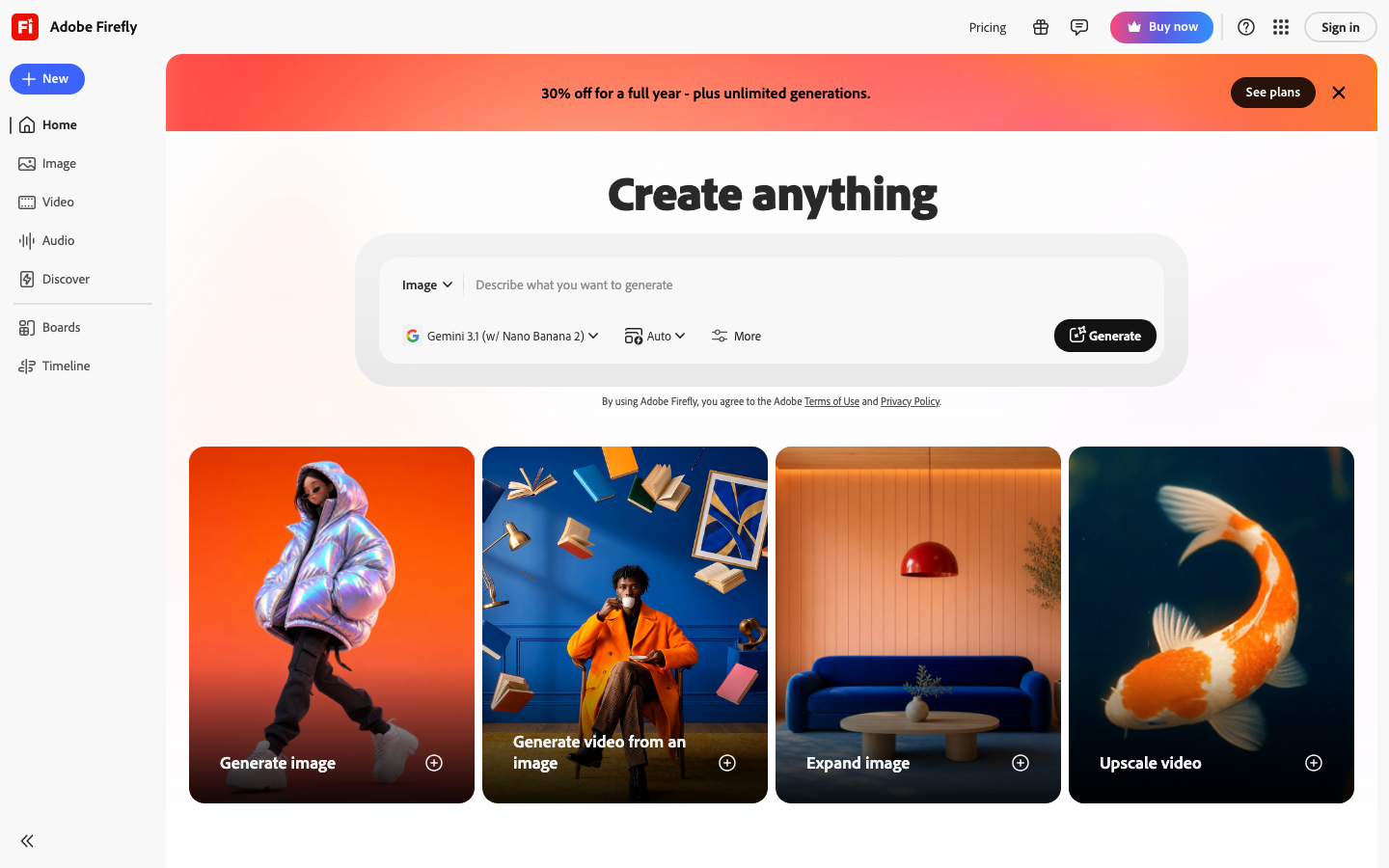
Screenshots of Adobe Firefly 3 images
What's great
- Trained exclusively on Adobe Stock, openly licensed content, and public domain material; Adobe provides commercial indemnification, the clearest legal posture of any AI image generator for enterprise use
- Firefly Image Model 4 Ultra (released 2026) produces the most photorealistic human subjects and product shots of any subscription tool, with 2K/4K output and film-quality lighting
- Deep Photoshop and Illustrator integration means Generative Fill, Generative Expand, and vector generation work inside the tools marketing and design teams already have open, not as a tab-switch to another app
Watch-outs
- Generative credits run out faster than the tier labels suggest; Standard ($9.99/mo) gives 2,000 generative credits but a single 2K Firefly Image 4 Ultra generation costs more credits than a standard generation, and teams burn through the allocation in under a week
- Standalone Firefly plans start at $9.99/mo but most creative professionals are already paying for Creative Cloud All Apps ($59.99/mo); the Firefly bundle is NOT included in the base CC plan without the AI add-on
- Text-in-image accuracy is still not at Ideogram levels; logos and typography inside generated images need manual correction more often than not
Adobe Firefly earns the commercial-safety badge because no other major image AI can match its indemnification posture. Trained on licensed Adobe Stock and public-domain content with Adobe taking legal responsibility for copyright claims, it is the safest pick for client-facing ad production where clean commercial rights matter.
337 G2 reviews average 4.4/5; the consistent praise is around the Photoshop integration and Generative Fill, the consistent complaint is about credit burn rate and the ‘where does Firefly end and Creative Cloud begin’ pricing confusion.
Standalone plans verified on June 20, 2026: Standard $9.99/mo (2,000 credits), Pro $19.99/mo (4,000 credits), Pro Plus $49.99/mo (10,000 credits), Premium $199.99/mo (50,000 credits). If your team is already on Creative Cloud, check whether your plan includes Firefly credits before buying standalone.
For teams outside Adobe’s ecosystem who want clean commercial rights, Firefly Standard is still the right first step.
Pricing breakdown
| Plan | Price | Best for |
|---|---|---|
| Standard | $9.99/mo | Individuals, 2,000 generative credits/mo |
| Pro | $19.99/mo | Frequent creators, 4,000 credits, unlimited standard image gen |
| Pro Plus | $49.99/mo | High-volume teams, 10,000 credits, video credits |
| Premium | $199.99/mo | Agencies, 50,000 credits, priority generation |
Security & compliance
| Standard | Availability |
|---|---|
| SOC 2 Type II | Yes |
| GDPR | Yes |
| HIPAA | No |
| SSO / SAML | Enterprise CC |
| Audit logs | Enterprise CC |
Adobe Firefly compliance summary: SOC 2 Type II is yes, GDPR is yes, HIPAA is no, SSO/SAML is enterprise cc, and audit logs is enterprise cc.
Key integrations
| Integration | Type |
|---|---|
| Gmail | N/A |
| Outlook | N/A |
| Slack | No |
| LinkedIn Sales Navigator | N/A |
| Outreach / Salesloft | N/A |
Adobe Firefly integration summary: Gmail is not specified, Outlook is not specified, Slack is no, LinkedIn Sales Navigator is not specified, and Outreach or Salesloft is not specified.
Feature availability
| Feature | Status |
|---|---|
| Free tier | trial only |
| API access | paid credits |
| Inpainting | ✓ Generative Fill |
| Style consistency | reference image |
| Text in image | limited |
Adobe Firefly feature availability summary: Free tier (trial only), API access (paid credits), Inpainting (✓ Generative Fill), Style consistency (reference image), and Text in image (limited).
What reviewers say about Adobe Firefly
Recurring themes across G2 and Capterra reviews, third-party editorial analysis, 2024-2026. G2 review count provided by brief requester; access to live G2 page was restricted.
What reviewers praise
- Native integration with Photoshop and Illustrator is the top-praised feature, letting Creative Cloud users generate and edit without switching tools
- Commercially safe outputs trained on licensed data give agencies and brand teams confidence using AI-generated assets in client work
- Interface is accessible enough for beginners while remaining useful for experienced designers, with quick generation from simple text prompts
- High-quality image outputs are frequently compared favorably to expensive stock photography for marketing and brainstorming use cases
- Bundled access through existing Creative Cloud subscriptions makes adoption frictionless for teams already paying for Adobe products
What reviewers fault
- Text rendering in generated images is a recurring failure point, with letters appearing garbled, misspelled, or illegible across multiple attempts
- Results are inconsistent for complex or highly detailed prompts, requiring several regenerations before getting a usable output
- Creativity range feels narrower than competing tools, particularly for experimental or highly stylized design directions
- Free tier and lower-tier plans have restrictive monthly generation quotas, frustrating users who want to iterate quickly
- Processing speed slows noticeably on larger image files, breaking the fast-iteration workflow that creative teams depend on
Loading reviews…
Ideogram
Best AI image generator for text rendering inside images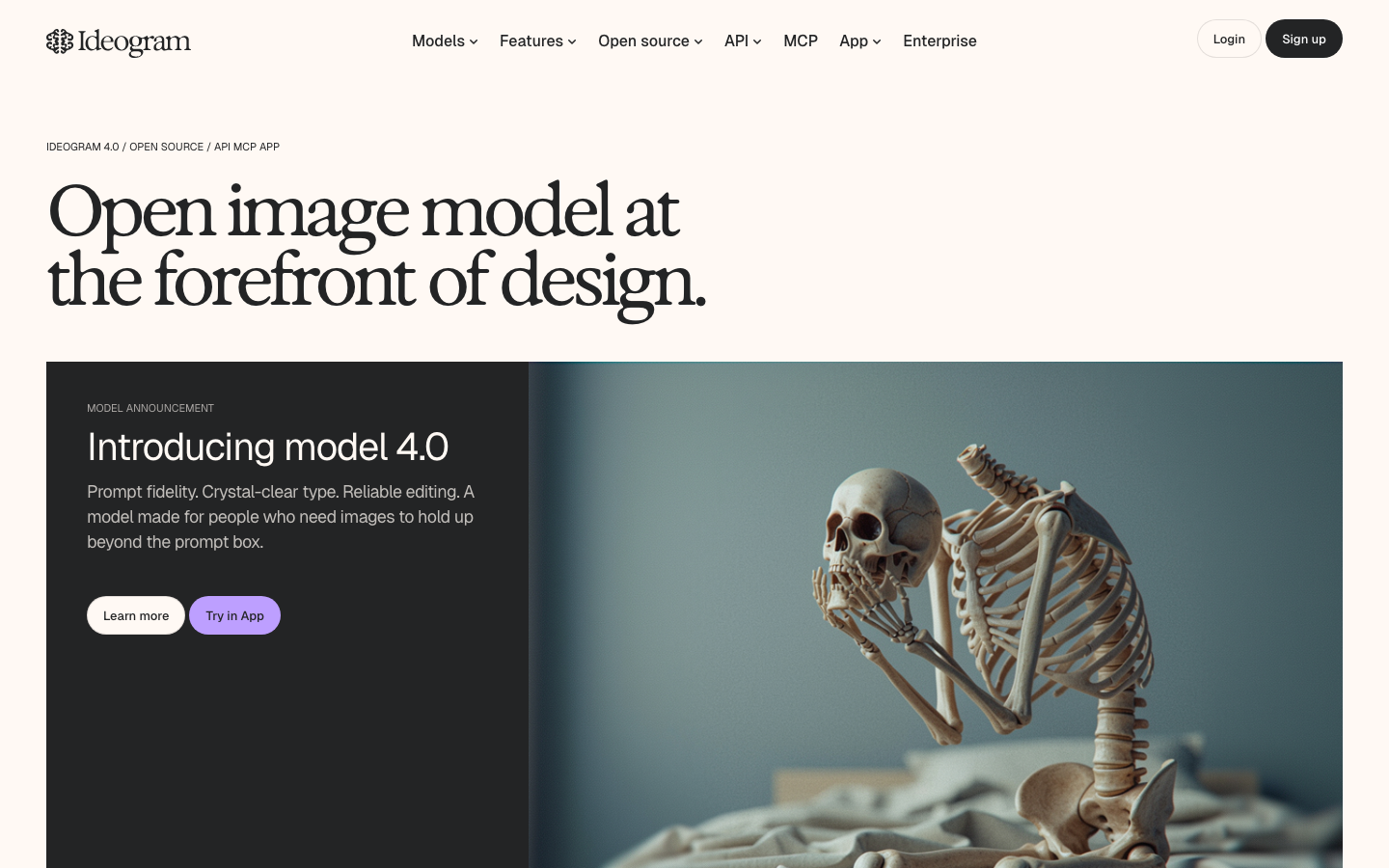
Screenshots of Ideogram 3 images
What's great
- Text rendering inside generated images is the best of any tool in this guide; product labels, event posters, presentation slides, and social graphics with readable type are production-ready without Photoshop touch-up
- Character consistency feature (Plus plan and above) locks a character or subject across multiple generations, solving one of the hardest problems in AI image workflows for serialized content
- Free plan gives 10 slow generations per day with API access included, letting developers integrate Ideogram into workflows before committing to a paid tier
Watch-outs
- No meaningful G2 or Capterra listing; social proof is thin outside the designer community on X, which makes it a harder internal sell at risk-averse enterprise buyers who want review-site validation
- At $60/mo for Pro (3,500 priority credits), the cost-per-image math gets unfavorable for high-volume teams compared to tools with "unlimited relaxed" generation modes
- Pure photorealism and "editorial photography" style work is not Ideogram strength; for anything requiring cinematic realism, Midjourney or Firefly Image 4 Ultra produce better results
Ideogram is the answer to a specific but very common marketing problem: you need a generated image with readable text inside it. Every other major image AI in this guide struggles with this. Midjourney produces beautiful gibberish characters. Firefly is improving but still inconsistent.
Ideogram gets it right reliably enough to ship to clients without correction. There is no meaningful G2 listing for Ideogram as of June 2026, so we are omitting a rating chip rather than citing a placeholder.
The Ideogram pricing page shows Free ($0, 10 slow generations/day, API access), Plus at $20/mo monthly ($15/mo annual, 1,000 priority credits, character consistency), and Pro at $60/mo monthly ($42/mo annual, 3,500 credits). The free plan is genuinely useful for evaluation.
For marketing teams building social content with text overlays, product announcement graphics, or event fliers where the copy needs to be inside the image rather than overlaid in Canva after, Ideogram is the first tool to reach for.
Pricing breakdown
| Plan | Price | Best for |
|---|---|---|
| Free | $0 | 10 slow generations/day, API access |
| Plus | $20/mo ($15 annual) | 1,000 priority credits, character consistency |
| Pro | $60/mo ($42 annual) | 3,500 priority credits, best cost/credit |
Security & compliance
| Standard | Availability |
|---|---|
| SOC 2 Type II | No |
| GDPR | Yes |
| HIPAA | No |
| SSO / SAML | No |
| Audit logs | No |
Ideogram compliance summary: SOC 2 Type II is no, GDPR is yes, HIPAA is no, SSO/SAML is no, and audit logs is no.
Key integrations
| Integration | Type |
|---|---|
| Gmail | N/A |
| Outlook | N/A |
| Slack | No |
| LinkedIn Sales Navigator | N/A |
| Outreach / Salesloft | N/A |
Ideogram integration summary: Gmail is not specified, Outlook is not specified, Slack is no, LinkedIn Sales Navigator is not specified, and Outreach or Salesloft is not specified.
Feature availability
| Feature | Status |
|---|---|
| Free tier | yes, 10/day |
| API access | free tier |
| Character consistency | Plus+ |
| Inpainting | ✓ |
| Text in image | best in class |
Ideogram feature availability summary: Free tier (yes, 10/day), API access (free tier), Character consistency (Plus+), Inpainting (✓), and Text in image (best in class).
What reviewers say about Ideogram
Recurring themes across ~155 Trustpilot reviews (4.2/5) plus community discussion and editorial analysis, 2024-2026. No verified G2 listing found for Ideogram.
What reviewers praise
- Text rendering inside generated images is the standout capability, with approximately 90% accuracy on short phrases where most competitors still struggle
- Logo mockups, promotional images, and branded graphic assets come out cleaner than on rival tools, making it a go-to for marketing designers
- Free tier is genuinely usable and lets new users test the tool's text-in-image strength before committing to a paid plan
- Style consistency across a series of generations is better than many alternatives, which helps when building a coherent visual brand
- Customer support is noted as responsive and fair when billing disputes or account issues arise, which is uncommon in this category
What reviewers fault
- Free credit allotment has been repeatedly cut without announcement, dropping from 25 per day to 10 per week across multiple rounds in 2024-2025
- Unused subscription credits expire at the end of each billing cycle, which users with irregular schedules describe as a costly structural flaw
- Free-tier generations are queued, with wait times extended to up to 20 minutes per image in January 2025 without any communication to users
- Portrait and photorealistic human figure quality lags behind Midjourney and FLUX, with inconsistent skin textures and anatomy in detailed scenes
- Negative prompt handling is unreliable; users report generated images containing text even when the prompt explicitly requests none
Loading reviews…
Recraft
Best AI image generator for brand consistency and professional design workflows
Screenshots of Recraft 3 images
What's great
- 4.7/5 on G2 across 455 reviews, the highest-rated AI image generator in this guide with meaningful review volume; reviewers consistently cite the style-lock system and vector export as the differentiating features
- Native SVG export, AI-generated vector illustrations, and custom brand style libraries (set brand colors, textures, and aesthetics once and all generations respect them) make Recraft the right tool for production design teams, not just individual creatives
- Recraft v3 and r1 models (2025/2026) consistently score at the top of text-to-image quality benchmarks on public leaderboards for instruction following, especially on clean product visuals and UI mockups
Watch-outs
- Free plan generates public images with no commercial rights; commercial use requires a paid plan, and teams that discover this mid-project have to re-generate under a subscription
- The style library and brand-locking features that make Recraft powerful also require setup time upfront; a solo creator on a deadline will get faster first results from Midjourney or Ideogram
- API pricing is usage-based with no flat-rate tier, which makes monthly cost unpredictable for high-volume automated workflows
Recraft is the strongest G2 signal in this category. 455 reviews at 4.7/5 with a claimed company profile says a real user base is writing real reviews, which is unusual in the AI image gen space where most tools have thin or unclaimed G2 listings.
The product earned those reviews by solving a genuine workflow problem: generating images that stay on-brand without a designer reformatting each one. The style library feature means you upload your brand kit once and every generation inherits the color, texture, and aesthetic rules.
SVG export makes it the only subscription AI image tool that integrates cleanly into an SVG-first design system. Pricing: Free ($0, 30 credits/day, personal use only, no commercial rights), Basic at $10/mo billed annually ($120/yr, 1,000 credits/mo, commercial rights), Pro at $16/mo annually.
Teams doing regular branded content production should evaluate Recraft alongside Firefly; the brand-consistency tools are better here, the legal indemnification is better there.
Pricing breakdown
| Plan | Price | Best for |
|---|---|---|
| Free | $0 | Personal use only, 30 credits/day, no commercial rights |
| Basic | $10/mo (annual) | 1,000 credits/mo, commercial rights, private gen |
| Pro | $16/mo (annual) | Professional creators, 2,500+ credits, video gen |
| Teams | Custom | Shared brand libraries, team management |
Security & compliance
| Standard | Availability |
|---|---|
| SOC 2 Type II | No |
| GDPR | Yes |
| HIPAA | No |
| SSO / SAML | No |
| Audit logs | No |
Recraft compliance summary: SOC 2 Type II is no, GDPR is yes, HIPAA is no, SSO/SAML is no, and audit logs is no.
Key integrations
| Integration | Type |
|---|---|
| Gmail | N/A |
| Outlook | N/A |
| Slack | No |
| LinkedIn Sales Navigator | N/A |
| Outreach / Salesloft | N/A |
Recraft integration summary: Gmail is not specified, Outlook is not specified, Slack is no, LinkedIn Sales Navigator is not specified, and Outreach or Salesloft is not specified.
Feature availability
| Feature | Status |
|---|---|
| Free tier | yes, 30/day personal |
| Inpainting | ✓ |
| Style library | ✓ |
| Svg export | ✓ |
| Text in image | strong |
Recraft feature availability summary: Free tier (yes, 30/day personal), Inpainting (✓), Style library (✓), Svg export (✓), and Text in image (strong).
What reviewers say about Recraft
Recurring themes across ~455 G2 reviews (4.7/5) plus Trustpilot and Product Hunt community discussion, 2024-2026.
What reviewers praise
- Native SVG output is the primary differentiator; designers cite cleaner editable paths as a genuine time-saver compared to raster-based tools that require manual vectorization
- Brand consistency tools including style libraries and exact color palette controls let teams reuse a visual language across client assets without AI drift
- Canvas interface draws consistent Figma comparisons from users, making iteration and layout assembly feel fast even for non-engineers
- Typography integration improved substantially with V3, with cleaner text rendering approaching professional quality for icon labels and short headlines
- Model benchmark performance is strong, with TechCrunch reporting in May 2025 that the underlying model outperformed DALL-E and Midjourney on a recognized industry test
What reviewers fault
- SVG files frequently export as chaotic collections of excessive anchor points and redundant layers, requiring 60 or more minutes of manual cleanup before professional delivery
- A five-day platform outage in February 2025 with no official announcement left users unable to access any of their generated content, and support offered no information during the incident
- Export failures and server capacity problems from September 2024 through April 2025 resulted in credits being deducted for failed generations, with no automatic refund
- Custom style creation produces persistent error notifications that disrupt workflows, and inpainting has underperformed consistently since August 2024
- Free tier images are public by default, making the tool unsuitable for confidential client work without paying for a private plan
Loading reviews…
Leonardo.Ai
Best AI image generator for game developers and multi-model creative platforms
Screenshots of Leonardo.Ai 3 images
What's great
- The widest model selection of any subscription tool in this guide; runs first-party models (Phoenix, Lucid Origin, Lucid Realism) alongside third-party models (GPT-Image-1, Nano Banana, Flux Kontext, Ideogram, Sora 2, Veo 3) in a single interface
- Fine-tuning tools let you train your own custom image model on 10-20 images for character or style consistency, a capability game studios and branded content teams use heavily without needing their own ML infrastructure
- Canva Business includes the Essential plan at no extra charge; if your team is already on Canva Business, Leonardo.Ai is functionally free at the entry tier
Watch-outs
- Third-party models (GPT-Image-1, Nano Banana, Flux Kontext Max) do not qualify for Relaxed Generation mode and consume tokens every time, even after your monthly allocation runs out, making cost unpredictable for teams that use those models heavily
- G2 review base is thin at 34 reviews; the 4.5/5 rating signals quality but not the volume-level confidence you get from Recraft or Canva
- The platform breadth (image, video, motion, Blueprints, Realtime Canvas) adds cognitive load; if you only need image generation, simpler tools get you to output faster
Leonardo.Ai is the right pick if you need to run multiple image models from a single account and compare outputs side-by-side. The marketing team I was advising for a game studio needed to generate concept art (Lucid Origin), in-game UI mockups (Phoenix), and photorealistic character references (GPT-Image-1) in the same session.
Leonardo was the only tool that handled all three without exporting and re-importing. The 34 G2 reviews at 4.5/5 are a small sample but the sentiment is strong.
Pricing from the Leonardo.Ai pricing page : Free ($0, 150 tokens/day, public images), Essential at $12/mo (8,500 tokens/mo, private, unlimited relaxed on first-party models), Premium at $30/mo (25,000 tokens, unlimited relaxed image + video), Ultimate at $60/mo (60,000 tokens).
The Canva Business bundle is real and worth noting: Essential tier included with Canva Business at no extra line-item. For game developers, branded content studios, and anyone who wants to test multiple frontier models before committing to one, Leonardo is the platform to evaluate first.
Pricing breakdown
| Plan | Price | Best for |
|---|---|---|
| Free | $0 | 150 tokens/day, public images only |
| Essential | $12/mo | 8,500 tokens/mo, private, unlimited relaxed image gen |
| Premium | $30/mo | 25,000 tokens, unlimited relaxed image + video gen |
| Ultimate | $60/mo | 60,000 tokens, highest concurrency, video generation |
Security & compliance
| Standard | Availability |
|---|---|
| SOC 2 Type II | ✓ Type I and II |
| GDPR | Yes |
| HIPAA | No |
| SSO / SAML | Teams+ |
| Audit logs | Teams+ |
Leonardo.Ai compliance summary: SOC 2 Type II is ✓ type i and ii, GDPR is yes, HIPAA is no, SSO/SAML is teams+, and audit logs is teams+.
Key integrations
| Integration | Type |
|---|---|
| Gmail | N/A |
| Outlook | N/A |
| Slack | No |
| LinkedIn Sales Navigator | N/A |
| Outreach / Salesloft | N/A |
Leonardo.Ai integration summary: Gmail is not specified, Outlook is not specified, Slack is no, LinkedIn Sales Navigator is not specified, and Outreach or Salesloft is not specified.
Feature availability
| Feature | Status |
|---|---|
| Free tier | yes, 150/day |
| Fine tuning | ✓ Essential+ |
| Multi model | ✓ 10+ models |
| Text in image | via Ideogram model |
| Video gen | Premium+ |
Leonardo.Ai feature availability summary: Free tier (yes, 150/day), Fine tuning (✓ Essential+), Multi model (✓ 10+ models), Text in image (via Ideogram model), and Video gen (Premium+).
What reviewers say about Leonardo.Ai
Recurring themes across ~34 G2 reviews (4.5/5) and 200-plus Trustpilot reviews plus community discussion, 2024-2026.
What reviewers praise
- Breadth of available generation models in one interface is the most praised aspect, giving users the ability to switch aesthetic styles without switching platforms
- Fine-tuning on custom datasets for character or product consistency is more accessible here than on most competitors, and users cite it as a meaningful creative differentiator
- Web-based interface without a Discord requirement is consistently mentioned as a reason designers prefer it over Midjourney for client-facing work
- Image quality for game assets, character art, and concept illustration is praised in approximately 11 of every 14 positive reviews citing output quality specifically
- Free tier allocation is seen as genuinely generous compared to rivals, letting new users fully evaluate the tool before paying
What reviewers fault
- Credit consumption is unpredictable; a 150-credit free allowance can disappear in roughly 10 images when using heavier generation models
- Token cost transparency is the single biggest recurring billing complaint, with actual per-generation costs varying by model in ways that marketing pages do not clearly disclose
- Image consistency breaks down on complex anatomical prompts, with extra limbs and distorted hands appearing often enough that users describe it as a frustrating pattern
- Customer support response times draw repeated criticism, with users reporting slow or unhelpful replies when credits are lost on failed generations
- Pace of model updates and UI changes has created stability issues, with long-time users describing unexpected interface rearrangements mid-project as disruptive
Loading reviews…
Canva Magic Media
Best AI image generator for non-designers and marketing teams in the Canva ecosystem
Screenshots of Canva Magic Media 3 images
What's great
- 4.7/5 on G2 from 7,549 reviews, the largest review base of any tool in this guide by a factor of 10, reflecting Canva mainstream adoption across small business, SMB, and enterprise marketing teams
- Magic Media generates images directly inside the Canva design canvas, so the output is immediately positioned, resized, and layered into the final deliverable without an export-import cycle
- Access to third-party models (including Stable Diffusion, and optionally Nano Banana via Leonardo inside Canva Business) means generation quality improves without switching platforms
Watch-outs
- AI generation quality is secondary to the platform value; if pure image quality is the goal, dedicated tools like Midjourney or Firefly Image 4 Ultra will outperform Canva Magic Media on the same prompt
- Free plan generation limits are generous for text but tight for AI image generation; Magic Media credit allocation resets monthly and runs out faster than the overall Canva usage suggests
- AI Pass add-on required for priority access to newer AI models on Pro and Business plans, adding an undisclosed monthly cost on top of the base Pro fee
Canva Magic Media is not the best AI image generator in a head-to-head quality comparison. It is the right one for the 30-person marketing team that runs their content calendar entirely inside Canva and needs to generate a social banner, an email header, and a presentation slide in the same session without switching apps.
The 7,549 G2 reviews at 4.7/5 reflect the Canva platform, not Magic Media in isolation; but the context is the point. The marketing ops directors I keep seeing choose Canva are choosing it because the team already knows it, the brand kit is already there, and the approval workflow is already set up.
Adding Magic Media takes one click. Pricing verified June 20, 2026: Free ($0, limited features), Pro at $15/mo (full platform + Magic Media credits), Business at $30/user/mo (teams, brand kits, AI features). For pure AI image quality, Midjourney or Recraft. For a team that lives in Canva and needs good-enough images fast, Magic Media is already there.
Pricing breakdown
| Plan | Price | Best for |
|---|---|---|
| Free | $0 | Solo creators, limited Magic Media generation |
| Pro | $15/mo | Individuals, full platform + AI credits, brand kit |
| Business | $30/user/mo | Teams, shared brand kits, approval workflows |
| Enterprise | Custom | Org-wide deployment, SSO, advanced controls |
Security & compliance
| Standard | Availability |
|---|---|
| SOC 2 Type II | Yes |
| GDPR | Yes |
| HIPAA | No |
| SSO / SAML | Enterprise |
| Audit logs | Business+ |
Canva Magic Media compliance summary: SOC 2 Type II is yes, GDPR is yes, HIPAA is no, SSO/SAML is enterprise, and audit logs is business+.
Key integrations
| Integration | Type |
|---|---|
| Gmail | N/A |
| Outlook | N/A |
| Slack | Yes |
| LinkedIn Sales Navigator | N/A |
| Outreach / Salesloft | N/A |
Canva Magic Media integration summary: Gmail is not specified, Outlook is not specified, Slack is yes, LinkedIn Sales Navigator is not specified, and Outreach or Salesloft is not specified.
Feature availability
| Feature | Status |
|---|---|
| Free tier | yes limited |
| Brand kit | Pro+ |
| Inpainting | ✓ Magic Eraser |
| Multi model | via AI Pass add-on |
| Text in image | via model choice |
Canva Magic Media feature availability summary: Free tier (yes limited), Brand kit (Pro+), Inpainting (✓ Magic Eraser), Multi model (via AI Pass add-on), and Text in image (via model choice).
What reviewers say about Canva Magic Media
Recurring themes across ~7,549 G2 reviews (4.7/5) plus community discussion and editorial analysis, 2024-2026. Review count and rating provided by brief requester; G2 page was JS-gated and returned 403.
What reviewers praise
- Ease of use is the dominant theme across positive reviews, with non-designers consistently noting they reach professional-looking output within days rather than the months Adobe tools require
- Template library breadth across social media, presentations, video, and print lets teams consolidate multiple tools into one subscription at a fraction of Adobe Creative Cloud pricing
- Real-time collaboration removes version-control friction for marketing teams, which is repeatedly cited as a reason teams switch from desktop software
- Magic Resize and background removal are the most praised AI features, with users describing both as saving meaningful time on repetitive resizing tasks
- Cost-effectiveness relative to Adobe is mentioned in a large share of positive reviews, with Pro at roughly $120 per year compared against $720 or more for comparable Adobe plans
What reviewers fault
- Magic Media image generation scores poorly on text rendering, producing illegible or distorted words in roughly 7 out of 10 attempts based on independent testing
- No true layer system, no letter kerning control, and missing typography depth mean professional designers hit a ceiling that forces them back to Adobe for final production
- Prompt control inside Magic Media is minimal, with no negative prompting, no seed control, and no guidance scale adjustment, producing less predictable results than dedicated image tools
- 2025 video editor update removed automatic clip trimming and per-page animations that users relied on, replacing them with manual adjustments that reviews describe as more time-consuming
- Premium content paywalls inside the interface, combined with subscription cancellation friction, are among the most common billing complaints in recent reviews
Loading reviews…
FLUX (Black Forest Labs)
Best open-weight AI image model for developers and self-hosted pipelines
Screenshots of FLUX (Black Forest Labs) 3 images
What's great
- FLUX.1 Pro, Dev, and Schnell models are available via the bfl.ai API with per-image pay-as-you-go pricing, giving developers clean API access without a subscription commitment; FLUX.1 Kontext (image editing) and FLUX.1 Kontext Max are the most-used inpainting/editing models across the third-party image platform ecosystem in 2026
- Open-weight FLUX.1 Dev and FLUX.1 Schnell variants can be run locally or on private cloud infrastructure, the most important capability for organizations with data-sovereignty or privacy requirements
- Prompt adherence on FLUX models tests consistently stronger than Stable Diffusion XL on instruction-following benchmarks; the gap is visible on multi-element scenes where older diffusion models break down
Watch-outs
- No consumer-facing subscription interface; FLUX is a model/API product accessed through bfl.ai or through third-party platforms (Leonardo.Ai, Freepik, Replicate, Fal.ai), which adds a layer of platform dependency
- No G2 or Capterra listing as of June 2026; social proof for enterprise procurement is thin, though the technical community adoption is substantial
- Fine-tuning FLUX models for custom style or character consistency requires ML engineering resources; this is not a no-code workflow, and the LoRA training ecosystem is still less mature than Stable Diffusion
Black Forest Labs shipped FLUX in August 2024 and by mid-2026 it has become the most-deployed image model across third-party AI platforms. Check the model options on Leonardo.Ai, Freepik, Replicate, or Fal.ai and FLUX variants dominate the high-instruction-following use cases.
There is no consumer subscription, no G2 listing, and no rating chip in this guide as a result. What there is: a pay-per-use API at bfl.ai that development teams use to build image generation into their own products, and open-weight models that data-sensitive organizations can self-host.
FLUX.1 Kontext (released 2025) is particularly strong for in-context image editing, changing specific elements of an existing image while preserving the rest. For developers building an image product who do not want to take a dependency on OpenAI or Adobe, FLUX Pro via the bfl.ai API is the first model to evaluate.
For everyone else, access it through Leonardo.Ai or Freepik where the UX layer is already built.
Pricing breakdown
| Plan | Price | Best for |
|---|---|---|
| FLUX.1 Schnell API | $0.003/image | High-speed, cost-efficient batch generation |
| FLUX.1 Dev API | $0.025/image | Quality + speed balance for production pipelines |
| FLUX.1 Pro API | $0.055/image | Highest quality per-image, API-first teams |
| Self-hosted | Infra cost only | Data-sovereign orgs, private cloud pipelines |
Security & compliance
| Standard | Availability |
|---|---|
| SOC 2 Type II | No |
| GDPR | Yes |
| HIPAA | No |
| SSO / SAML | No |
| Audit logs | No |
FLUX (Black Forest Labs) compliance summary: SOC 2 Type II is no, GDPR is yes, HIPAA is no, SSO/SAML is no, and audit logs is no.
Key integrations
| Integration | Type |
|---|---|
| Gmail | N/A |
| Outlook | N/A |
| Slack | N/A |
| LinkedIn Sales Navigator | N/A |
| Outreach / Salesloft | N/A |
FLUX (Black Forest Labs) integration summary: Gmail is not specified, Outlook is not specified, Slack is not specified, LinkedIn Sales Navigator is not specified, and Outreach or Salesloft is not specified.
Feature availability
| Feature | Status |
|---|---|
| Free tier | no |
| API access | ✓ |
| Inpainting | ✓ Kontext |
| Open weight | ✓ Dev/Schnell |
| Text in image | moderate |
FLUX (Black Forest Labs) feature availability summary: Free tier (no), API access (✓), Inpainting (✓ Kontext), Open weight (✓ Dev/Schnell), and Text in image (moderate).
What reviewers say about FLUX (Black Forest Labs)
Recurring themes across developer community discussion, editorial reviews, and third-party platform analysis, 2024-2026. No verified G2 or Trustpilot listing found for Black Forest Labs FLUX with sufficient review volume to cite a rating.
What reviewers praise
- Photorealism quality is the headline strength, with FLUX Pro producing photorealistic output in the vast majority of test renders and ranking at or above Midjourney on benchmark comparisons
- Prompt adherence is better than most competitors at equivalent quality tiers, with complex multi-subject descriptions translating more faithfully to output
- Text rendering inside generated images is class-leading among open-weight models, with FLUX Pro solving legibility issues that older Stable Diffusion versions could not
- Developer ecosystem is strong, with first-class API access via BFL, Replicate, fal.ai, and ComfyUI integration making it easy to embed in production workflows
- The Schnell variant ships under an Apache 2.0 license, giving developers full commercial rights and local deployment without royalty obligations
What reviewers fault
- Dev model's non-commercial-only license creates a well-documented trap, with teams integrating it into workflows before discovering commercial self-hosting requires a reported $999 per month license
- No native consumer interface exists; users must go through the BFL API or a third-party platform, which creates onboarding friction for non-technical creators
- Flex tier pricing is roughly 45 times more expensive per image than the Pro tier on the same platform, making high-volume creative iteration unaffordable on that variant
- The 32B Dev model requires GPU hardware in the H100 or RTX 5090 class for full-precision local operation, putting self-hosting out of reach for most individuals
- Fine-tune community and LoRA library remain thin compared to Stable Diffusion's established ecosystem, limiting stylistic variety for users who rely on community models
Loading reviews…
Stable Diffusion (Stability AI)
Best open-source AI image foundation for self-hosted and custom workflows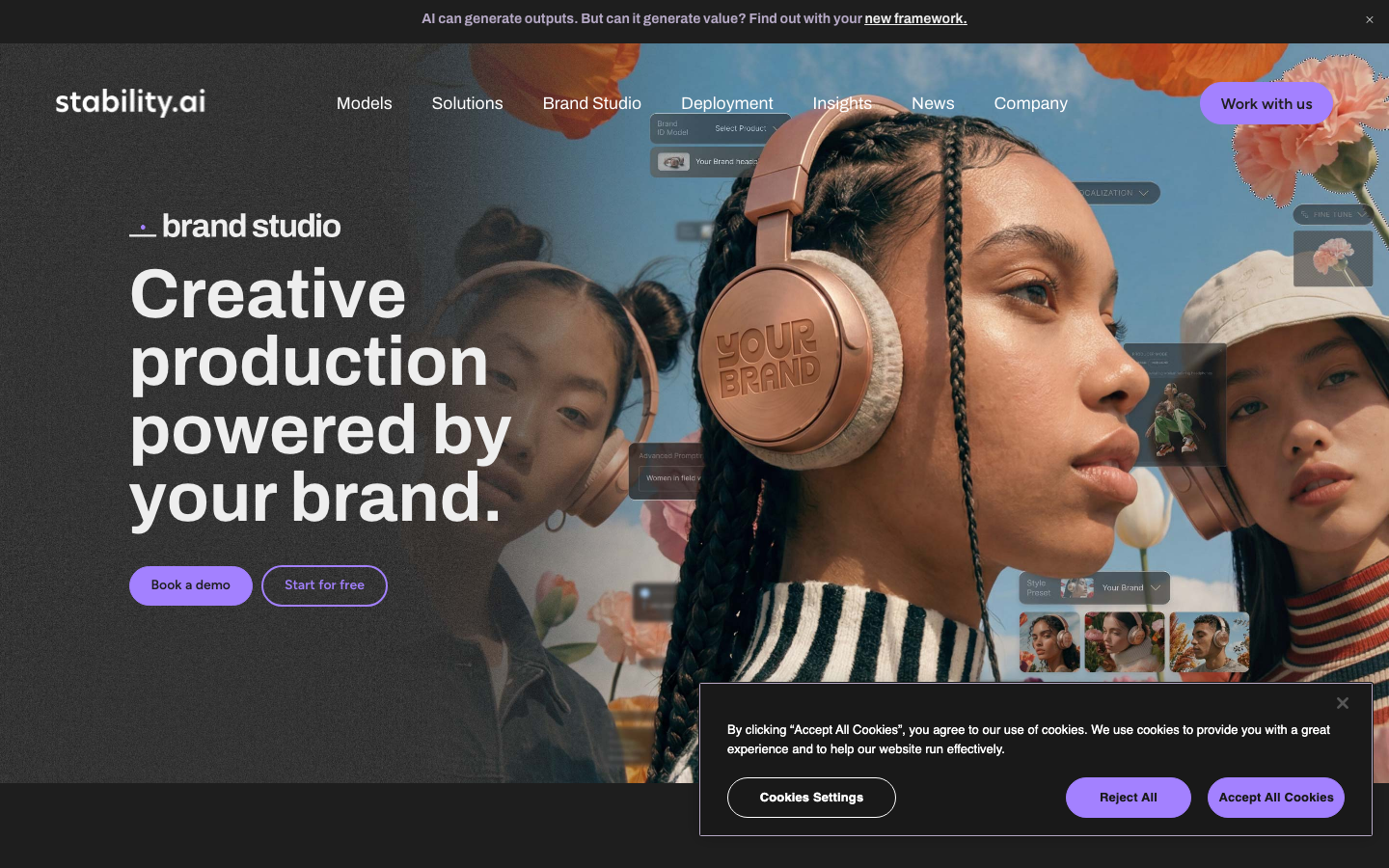
Screenshots of Stable Diffusion (Stability AI) 3 images
What's great
- Fully open-source weights mean any organization can run Stable Diffusion models locally with no per-image cost, no data leaving the premises, and no dependency on a vendor API staying operational
- The AUTOMATIC1111 and ComfyUI ecosystems have thousands of community models, LoRAs, and extensions built on top of SD; the customization depth is unmatched by any closed API
- Stability AI Stable Image API is available at commercial tiers ($0.065/credit for Stable Image Ultra, $0.020/credit for Core) for teams who want the model quality without self-hosting infra
Watch-outs
- Stability AI has faced significant company instability (leadership departures, layoffs) through 2024-2026; the open-source model weights persist regardless, but the commercial API and company roadmap are less predictable than alternatives
- G2 listing has only 10 reviews (4.3/5), reflecting that Stable Diffusion users rarely engage with enterprise review platforms; the review base is not representative of actual adoption
- Self-hosting requires GPU infrastructure, Docker, model management, and someone to maintain the environment; the total cost including engineering time is often higher than a subscription for teams without existing ML infra
Stable Diffusion is not a product you buy; it is a model you operate. The open-source weights are free, the community ecosystem is enormous, and the customization ceiling is higher than any closed tool in this guide.
The 10 G2 reviews at 4.3/5 say almost nothing about real-world adoption, which is massive, just in channels that do not generate G2 reviews. The relevant question is whether your team has the infrastructure and engineering bandwidth to run it.
If yes, SD is the right choice for privacy-sensitive workloads, custom fine-tuned style models, and workflows where per-image cost at scale would be prohibitive under any subscription. If not, access the same underlying models through third-party platforms like Leonardo.Ai, or use Stability AI’s own commercial API.
Stability AI’s enterprise future is a legitimate risk to monitor; the open-source weights are not going away, but API reliability and new model development depend on a company that has had a rough two years commercially.
Pricing breakdown
| Plan | Price | Best for |
|---|---|---|
| Open Source | $0 | Self-hosted, any scale, requires own GPU infra |
| Stability API Core | $0.020/credit | Fast commercial API generation |
| Stability API Ultra | $0.065/credit | Highest quality commercial API output |
| Enterprise | Custom | SLAs, dedicated capacity, private deployment |
Security & compliance
| Standard | Availability |
|---|---|
| SOC 2 Type II | No |
| GDPR | Yes |
| HIPAA | No |
| SSO / SAML | No |
| Audit logs | No |
Stable Diffusion (Stability AI) compliance summary: SOC 2 Type II is no, GDPR is yes, HIPAA is no, SSO/SAML is no, and audit logs is no.
Key integrations
| Integration | Type |
|---|---|
| Gmail | N/A |
| Outlook | N/A |
| Slack | N/A |
| LinkedIn Sales Navigator | N/A |
| Outreach / Salesloft | N/A |
Stable Diffusion (Stability AI) integration summary: Gmail is not specified, Outlook is not specified, Slack is not specified, LinkedIn Sales Navigator is not specified, and Outreach or Salesloft is not specified.
Feature availability
| Feature | Status |
|---|---|
| Free tier | yes open source |
| Custom models | ✓ LoRA |
| Inpainting | ✓ |
| Open weight | ✓ |
| Text in image | moderate |
Stable Diffusion (Stability AI) feature availability summary: Free tier (yes open source), Custom models (✓ LoRA), Inpainting (✓), Open weight (✓), and Text in image (moderate).
What reviewers say about Stable Diffusion (Stability AI)
Recurring themes across ~10 G2 reviews (4.3/5), Product Hunt community discussion, and the r/StableDiffusion community (500K+ members), 2024-2026.
What reviewers praise
- Open-source model availability means zero ongoing costs after setup for users who run it locally, which is the most cited reason developers and independent creators choose it over SaaS alternatives
- Inpainting and outpainting capabilities give users precise control over specific image areas, with community members describing edit workflows that rival professional design suites
- Creative control ceiling is the highest in the category, with LoRA libraries, custom models, and community-developed styles extending output variety far beyond what closed tools offer
- Active community of 500K-plus users on Reddit continuously produces new models, guides, and artistic styles, creating a self-sustaining knowledge base for troubleshooting and creative direction
- Commercial rights on self-hosted outputs under the CC0 model dedication are clear and unambiguous, which is a distinct advantage over tools with opaque or contested ownership terms
What reviewers fault
- Text rendering inside generated images remains consistently weak, with fonts described as wobbly and words appearing childlike or incoherent even after multiple attempts
- Setup complexity is the top barrier for new users, who face choices between A1111, ComfyUI, and cloud UIs before generating a single image, with each requiring different technical knowledge
- Generating high-resolution output requires at least 8GB of VRAM, and the 32B community-standard models push that requirement substantially higher for quality work
- Stability AI's product surface has shifted repeatedly, with pricing pages returning 404 errors and users reporting genuine confusion about where to start on the official platform as of 2025
- Fine detail rendering for hands, faces, and text remains unreliable on standard checkpoints, requiring negative prompting and multiple retries before outputs are production-ready
Loading reviews…
ChatGPT / GPT-Image
Best AI image generator for ChatGPT users and conversational prompt workflows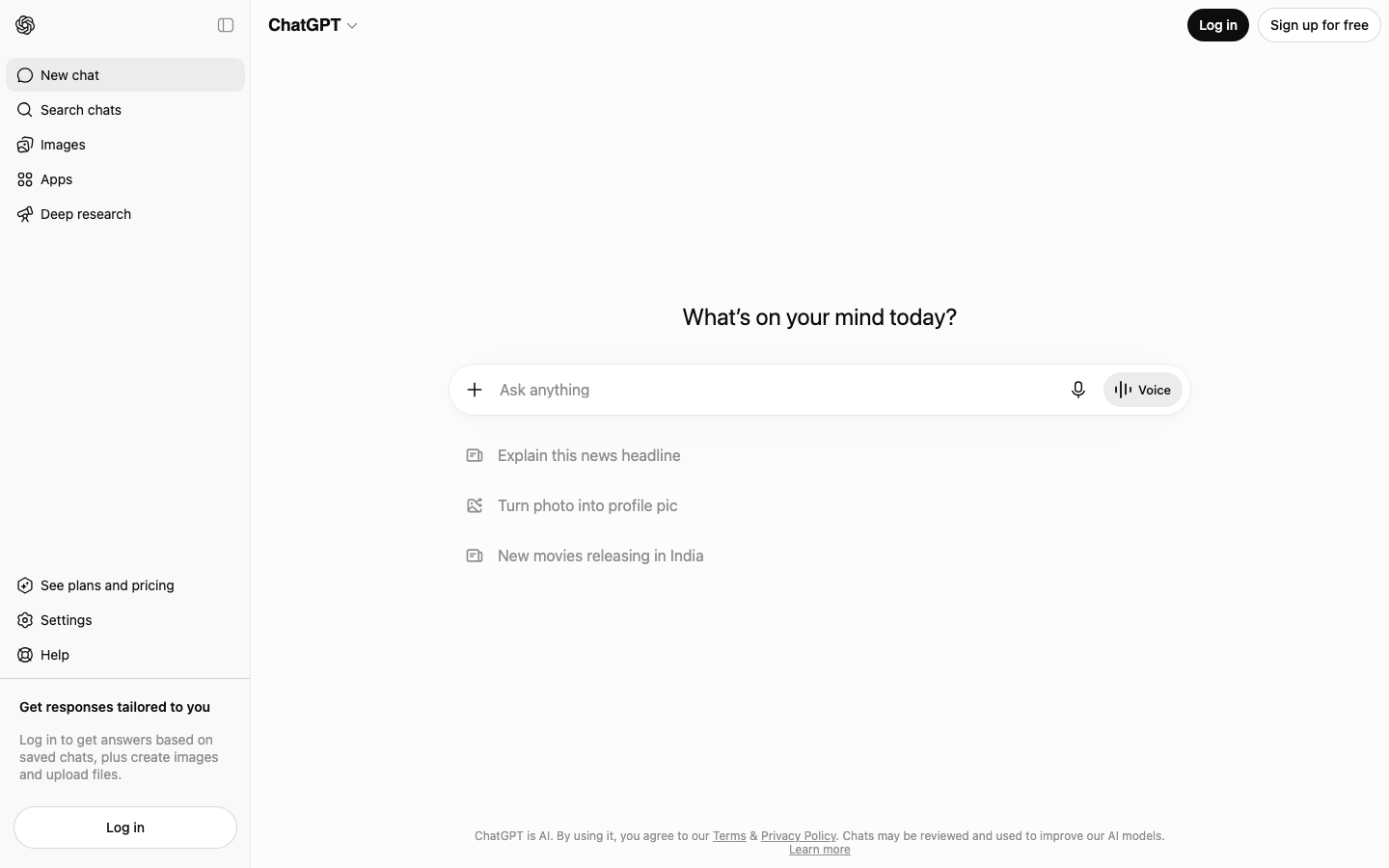
Screenshots of ChatGPT / GPT-Image 3 images
What's great
- GPT-Image-2 (released 2026) sits at the top of public quality benchmarks for text-to-image, particularly on instruction-following for complex multi-element scenes and realistic product renders; accessible via ChatGPT Plus at $20/mo
- Conversational image editing via ChatGPT lets you refine an image through follow-up prompts ("make the background blue," "add a shadow") without learning dedicated editing tools
- GPT-Image-1 and GPT-Image-2 API access via OpenAI platform (token-based pricing) is the most widely integrated image generation API in the developer ecosystem; if your team uses the OpenAI API already, adding image generation is a config change, not a new vendor
Watch-outs
- ChatGPT Plus gives broad image access but the G2 listing under DALL-E (4.1/5, 52 reviews) reflects older model versions; the review volume is thin for a tool at this adoption scale
- Per-image API cost for GPT-Image-2 is token-based and harder to model than per-image flat fees; GPT-Image-2 API input is $8/1M tokens, output $30/1M tokens, and image complexity drives significant cost variance
- Content policy restrictions are enforced more tightly than Midjourney or Stable Diffusion, which limits creative uses involving stylized violence, provocative subject matter, or specific real-person likenesses
GPT-Image-2 generates the most accurate instruction-following output of any model in 2026 quality benchmarks. The DALL-E G2 listing (4.1/5, 52 reviews) is a proxy for an older product and undersells the current capability.
For teams already paying for ChatGPT Plus at $20/mo, it is the easiest image generation upgrade with zero additional cost. For developers on the OpenAI API, adding GPT-Image-2 generation to an existing pipeline is minimal lift. The content policy constraints are real and matter for some creative workflows.
The conversational editing workflow is the genuine differentiator: telling ChatGPT to change one element of a generated image and having it understand which element you meant, without rewriting the full prompt, is a workflow improvement that matters in iteration-heavy production.
For standalone image generation quality without the ChatGPT context, Midjourney and Recraft still have more consistent community enthusiasm.
Pricing breakdown
| Plan | Price | Best for |
|---|---|---|
| ChatGPT Free | $0 | Limited image generation via GPT-4o |
| ChatGPT Plus | $20/mo | Unlimited GPT-Image generation, priority access |
| ChatGPT Pro | $200/mo | Highest capacity, extended limits, o3 Pro access |
| API (GPT-Image-2) | $8-30/1M tokens | Developer integration, pay-per-use |
Security & compliance
| Standard | Availability |
|---|---|
| SOC 2 Type II | Yes |
| GDPR | Yes |
| HIPAA | Enterprise |
| SSO / SAML | Enterprise |
| Audit logs | Enterprise |
ChatGPT / GPT-Image compliance summary: SOC 2 Type II is yes, GDPR is yes, HIPAA is enterprise, SSO/SAML is enterprise, and audit logs is enterprise.
Key integrations
| Integration | Type |
|---|---|
| Gmail | N/A |
| Outlook | N/A |
| Slack | via API |
| LinkedIn Sales Navigator | N/A |
| Outreach / Salesloft | N/A |
ChatGPT / GPT-Image integration summary: Gmail is not specified, Outlook is not specified, Slack is via api, LinkedIn Sales Navigator is not specified, and Outreach or Salesloft is not specified.
Feature availability
| Feature | Status |
|---|---|
| Free tier | yes limited |
| API access | ✓ |
| Content policy | strict |
| Conversational edit | ✓ |
| Text in image | strong |
ChatGPT / GPT-Image feature availability summary: Free tier (yes limited), API access (✓), Content policy (strict), Conversational edit (✓), and Text in image (strong).
What reviewers say about ChatGPT / GPT-Image
Recurring themes from Hacker News (HN item 44042070), Reddit, and developer community posts, 2025-2026.
What reviewers praise
- Parallelization is the standout workflow; developers queue 4-5 tasks before starting manual work and report completing a full morning of pull requests before lunch.
- Background task execution allows Codex to run autonomously on well-scoped maintenance work (README updates, typo fixes, test generation) while the developer works on other things.
- Multi-turn conversation support with follow-up commits enables iterative back-and-forth on implementation details across a branch without losing task context.
- Code quality on style conformance improved significantly by mid-2026; generated code follows existing patterns and handles edge cases without needing explicit style instructions.
- Preview system that generates 2-4 different implementation approaches for developer selection reduces the all-or-nothing gamble of accepting a single generated answer.
What reviewers fault
- Sandbox network isolation blocks Docker containers, LocalStack, and package installations during the agent phase, making it unusable for workflows requiring real test environments.
- Model selection is opaque; developers cannot choose which underlying model handles a given task and report wanting explicit control for complex versus simple requests.
- The PR-per-iteration workflow is cumbersome for multi-commit changes; each revision opens a new pull request rather than appending commits to an existing branch.
- Early Windows sandbox exposed permissions across the entire C:\Users\ directory tree rather than just active working folders, raising security concerns that were only partially addressed.
- Hallucination rate on obscure libraries and APIs is documented; plausible-sounding but incorrect code is more common on tasks involving less-mainstream dependencies.
Loading reviews…
Freepik AI Image Generator
Best AI image generator for marketing teams who also need stock assets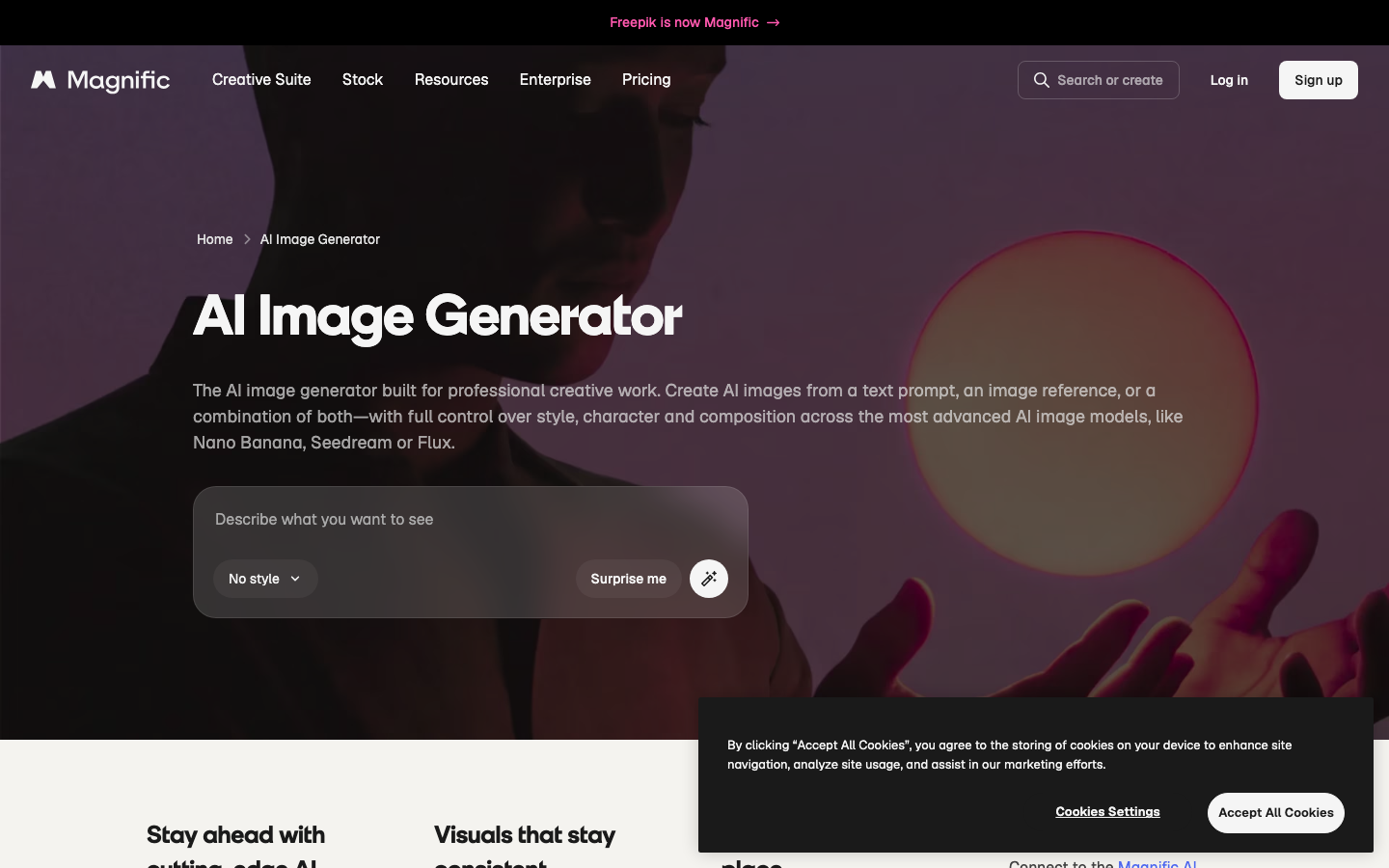
Screenshots of Freepik AI Image Generator 3 images
What's great
- A single Freepik subscription gives access to AI image generation (via Flux, Stable Diffusion, and proprietary models), plus the Freepik stock library with over 50M assets; the content team does not need two separate vendor contracts
- Free tier is genuinely generous at 100 AI generations per day with access to multiple model choices, making Freepik one of the highest daily-limit free options in this guide
- Freepik AI Suite includes background removal, image upscaling, face retouching, and object removal alongside generation, covering the full content production workflow in one platform
Watch-outs
- No G2 or Capterra listing for the AI generator specifically; the broader Freepik platform has review presence but the AI product is newer and not separately tracked on enterprise review sites
- Generation quality on Freepik models is solid but does not match the top-tier creative output of Midjourney v7 or Firefly Image 4 Ultra; the value proposition is breadth, not peak quality
- Premium plan pricing starts at $9/mo (Essential), but unlimited AI generation requires the $29/mo plan; the free tier generation limit can make trial evaluation difficult for heavy users
Freepik is the right pick for marketing teams that run both stock-asset-heavy workflows and AI generation. The $9/mo Essential plan covers the stock library access most content teams need, and the AI generation tools are included.
For teams spending $50-100/mo on stock licenses plus a separate image AI subscription, consolidating on Freepik often saves money without sacrificing quality for standard social and ad content. No G2 listing exists for the AI product specifically, so we are omitting a rating chip. The free tier at 100 generations per day is real and useful for evaluation.
The Freepik pricing page lists Essential at $9/mo (annual, stock + 100 AI generations), Premium at $29/mo (unlimited stock + unlimited AI), and Teams plans at custom pricing. For agencies running large content volumes who need stock and AI in one contract, Freepik is underrated.
Pricing breakdown
| Plan | Price | Best for |
|---|---|---|
| Free | $0 | 100 AI generations/day, limited stock downloads |
| Essential | $9/mo (annual) | Stock library + AI generation, 100 images/day |
| Premium | $29/mo (annual) | Unlimited stock + unlimited AI generation |
| Teams | Custom | Team seats, shared libraries, brand management |
Security & compliance
| Standard | Availability |
|---|---|
| SOC 2 Type II | No |
| GDPR | Yes |
| HIPAA | No |
| SSO / SAML | No |
| Audit logs | No |
Freepik AI Image Generator compliance summary: SOC 2 Type II is no, GDPR is yes, HIPAA is no, SSO/SAML is no, and audit logs is no.
Key integrations
| Integration | Type |
|---|---|
| Gmail | N/A |
| Outlook | N/A |
| Slack | No |
| LinkedIn Sales Navigator | N/A |
| Outreach / Salesloft | N/A |
Freepik AI Image Generator integration summary: Gmail is not specified, Outlook is not specified, Slack is no, LinkedIn Sales Navigator is not specified, and Outreach or Salesloft is not specified.
Feature availability
| Feature | Status |
|---|---|
| Free tier | yes 100/day |
| Background removal | ✓ |
| Stock library | 50M+ assets |
| Text in image | moderate |
| Upscaling | ✓ |
Freepik AI Image Generator feature availability summary: Free tier (yes 100/day), Background removal (✓), Stock library (50M+ assets), Text in image (moderate), and Upscaling (✓).
What reviewers say about Freepik AI Image Generator
Recurring themes across ~266 G2 reviews (4.7/5) plus Trustpilot and Reddit designer community discussion, 2024-2026.
What reviewers praise
- Access to multiple generation models including Mystic 2.5 and Flux 1.1 inside one subscription is consistently praised as a high-value proposition for designers who previously used separate tools
- Photorealistic image quality from the Flux 1.1 integration is recognized by design communities as competitive with standalone Flux deployments, and is the top quality praise across reviews
- Built-in background removal handles complex edges better than most standalone removers, which users cite as a practical time-saver in commercial design workflows
- Web-based access without installation or GPU hardware makes the tool accessible to designers on standard hardware who would otherwise be locked out of Flux-quality output
- Asset library integration means generated images sit alongside Freepik's stock library, which reduces the number of tabs designers manage during content production
What reviewers fault
- Monthly AI credits exhaust within two to three weeks for heavy users, with high-resolution outputs and video generation consuming far more credits than users expect at sign-up
- The platform lacks legal indemnity for AI-generated images in commercial contexts, which Reddit designers explicitly cite as the reason they switch to Adobe Firefly for final client deliverables
- Trustpilot reviewers from late 2025 and 2026 report billing issues including double charges, subscriptions terminated early, and credits vanishing with no response from support
- What was marketed as unlimited AI generation was partially walked back in 2025, with credits reintroduced for premium models, which users describe as a bait-and-switch
- Quality of contributor-uploaded AI content has diluted the stock library, requiring users to filter by Human-made to avoid low-quality AI-generated assets mixed into search results
Loading reviews…
More top-rated AI Image Generators worth checking out
Highly rated AI Image Generators that didn't crack our top 10 but are still strong contenders, especially for specific use cases and team sizes.
Google Imagen / ImageFX
For Google Workspace teams testing frontier image gen via AI Test Kitchen
Standout: Imagen 4 (Nano Banana / Gemini 3.1 Flash Image) tops public quality benchmarks in 2026 for photorealism and instruction-following across complex multi-subject scenes; accessible free via ImageFX
What reviewers say
Praised
- Completely free with no credit caps required a Google account only as of late 2025, making it the most accessible professional-grade image tool for cost-conscious creators and students
- Prompt adherence is strong across Imagen 3 and Imagen 4 models, with complex multi-subject prompts translating faithfully to output at a level competitive with paid tools
- Expressive Chips feature turns key prompt terms into interactive dropdowns, letting users swap styles without retyping entire prompts, which reviewers describe as a genuinely useful iteration shortcut
- Anatomical accuracy for human figures is noted as above average, with proportions and poses generating cleanly on most standard prompts without the hand distortion common in older models
- SynthID watermarking and conservative content filtering make it more viable for corporate and institutional use cases where compliance and attribution accountability are required
Faulted
- No editing tools exist inside the interface, with no inpainting, outpainting, or object removal, making it a generation-only tool that requires external software for any post-processing
- Text rendering remains inconsistent, with longer strings and complex typography still failing in a meaningful share of attempts even on the Imagen 4 model
- Content filtering is strict enough to block legitimate marketing and creative requests that other tools process without issue, which professional users describe as an unpredictable workflow tax
- Output resolution is fixed at 1024x1024, with no higher-resolution export, no aspect ratio control, and no API access for building into commercial workflows
- Undocumented daily generation limits create an unpredictable ceiling, with user reports suggesting caps between 20 and 80 images per day that Google has never officially confirmed
Krea AI
For creative directors who need real-time canvas generation and AI upscaling
Standout: Real-time canvas generation (draw a rough sketch, the AI renders it to a finished image in seconds) is the most interactive image gen workflow in any tool in this guide
What reviewers say
Praised
- Real-time canvas generation gives instant visual feedback on each prompt change, which users describe as genuinely different from queue-based tools
- Enhance and upscale tools are consistently called out as standout features, especially for sharpening textures on already-generated images
- Video-specific tools like Motion Transfer and Lipsync are praised as rare capabilities not bundled into most competing platforms
- Interface is considered accessible and low-friction for creative beginners while still surfacing enough model variety for advanced users
- Multi-model access within a single workspace lets users switch generation engines without juggling separate subscriptions
Faulted
- Content filtering is described as aggressively over-broad, blocking outputs that contain minor amounts of skin or ambiguous clothing, frustrating professional illustrators
- Billing support is Discord-only with no email or ticket system, and multiple users report charges continuing after account cancellation with no resolution path
- Generation quality for human figures is inconsistent across sessions, making it unreliable for client-facing deliverables that require reproducibility
- Pro plan pricing at roughly $28 to $35 per month is considered steep relative to output quality, particularly for freelancers and occasional users
- Upscaling at higher magnification levels can introduce visible artifacts, which undermines the use case the tool is most praised for
NightCafe Studio
For hobbyists and art communities wanting multi-model generation with social features
Standout: Access to FLUX, Stable Diffusion XL, and multiple other models in one platform with a community gallery and prompt sharing, the most social of any tool in this guide
What reviewers say
Praised
- Community layer is consistently named as NightCafe's strongest differentiator, with daily challenges and a visible social feed that most image-gen tools lack entirely
- Multiple ways to earn free credits through daily streaks, creation activity, and community engagement make regular use possible without paying
- Wide range of available AI models and style presets gives users more aesthetic variation than single-model competitors
- Challenge themes are described as genuinely varied and unusual, pushing users toward creative directions they would not choose themselves
- Interface is beginner-friendly and does not require prompt engineering expertise to get usable results quickly
Faulted
- Reward system cuts in 2024 and 2025, including reducing the daily creation credit from 25 to 10, are widely seen as exploitative of loyal paying subscribers
- Moderation is reported as inconsistent, with account bans issued without prior warning and no functioning appeal process for affected users
- Users who receive bans also lose access to previously purchased credits and stored generations with no refund or export option
- Community voting in challenges is seen as poorly weighted, with entries that do not meet stated criteria regularly outscoring technically superior work
- Free tier credit burn rate is suspected to be intentionally fast to push users toward paid top-ups, with some describing the pacing as throttled
Pika
For creative teams bridging static AI image generation and AI video in one workflow
Standout: Pika generates images and immediately allows conversion to video clips, giving creative teams a single workflow from still to motion without platform-switching
What reviewers say
Praised
- Generation speed for short clips is frequently highlighted, with most outputs returning in one to two minutes even on the base plan
- Specialized effects tools like Pikaswaps and Pikaffects get genuine enthusiasm for producing transformative visual results that are hard to replicate elsewhere
- Entry-level pricing around $10 per month is considered accessible compared to competing video generation platforms that start higher
- Interface is simple enough that users with no video editing background can produce shareable social clips within minutes of signing up
- Output quality for 3 to 4 second social content is praised by creators targeting TikTok and Instagram Reels formats specifically
Faulted
- Failed generations consume credits at full cost with no refund or retry credit, which users describe as the single most frustrating aspect of the platform
- Customer support is widely reported as non-responsive, with billing disputes and cancellation requests going unanswered for weeks across Trustpilot and Reddit threads
- Character and scene consistency breaks down between clips, making Pika unsuitable for narrative video work or multi-scene productions
- Clip length is capped at 10 seconds on most plans, which limits use cases beyond social snippets and forces expensive workarounds for longer content
- Removing watermarks for commercial use requires a $35 per month plan, which users feel is a steep jump from the entry tier given the output constraints
getimg.ai
For developers and power users wanting API-first access to 60+ AI models
Standout: Access to 60+ models via a single API key covering Stable Diffusion variants, FLUX, and fine-tuned community models; the most model-dense API platform in this guide
What reviewers say
Praised
- Unified workspace that combines text-to-image, img2img, and inpainting in one interface without switching tabs is praised for reducing friction
- Access to current frontier models including FLUX and GPT Image through a single subscription is seen as strong value by users who want model breadth
- Element system for brand and product consistency gets positive attention from agency users who need repeatable visual identity across batches
- Upscaling and background removal results are called out as exceeding expectations for users who only need those specific editing capabilities
- Team collaboration features including folder organization and real-time syncing are highlighted as differentiators for multi-person creative workflows
Faulted
- The v2.0 overhaul in late 2025 removed custom LoRA model training entirely, which alienated power users who had paid to build and fine-tune their own models
- There is no free tier or trial period after the v2.0 launch, forcing users to pay before evaluating whether the new system meets their needs
- User-reported feedback and complaints about the v2.0 transition were deleted from the platform's own feedback channels rather than acknowledged
- Credit costs for video generation deplete budgets rapidly, with even entry-level plans producing only a handful of short clips per month
- Content filters produce false positives on fully-clothed figures and standard creative prompts, with failed generations still consuming credits
Bing Image Creator (Microsoft Designer)
For Microsoft 365 teams wanting AI image generation built into Copilot
Standout: Powered by GPT-Image (DALL-E integration) and free with any Microsoft account; zero additional cost for Microsoft 365 subscribers who are already paying for Copilot
What reviewers say
Praised
- Free access to DALL-E 3 quality output without a paid subscription is the most commonly cited reason users try and return to the tool
- Generation speed when boosts are available is fast, typically 10 to 15 seconds per image, which suits quick personal and exploratory use
- Integration with Microsoft accounts and Edge browser makes the tool frictionless for existing Microsoft 365 users who already have a login
- Microsoft Designer's template layer adds a basic design workflow on top of raw generation, useful for social graphics and simple marketing visuals
- No setup or install required appeals to casual users who want image generation without committing to a dedicated platform account
Faulted
- Output is locked to square 1024x1024 pixels with no option to change aspect ratio, which requires external cropping for YouTube thumbnails, Stories, or print layouts
- Weekly boost credits (15 per week) deplete quickly on iterative projects, and the fallback slow queue takes 2 to 5 minutes per image with no priority option
- Content filtering produces a high rate of false positives, blocking historical figures, medical illustrations, and creative dark-theme prompts with no explanation given
- Microsoft's terms of service restrict outputs to personal non-commercial use by default, creating legal uncertainty for freelancers and agencies using the tool in paid work
- A 2025 model rollout that degraded output quality triggered widespread backlash and forced Microsoft to revert the update, raising concerns about platform stability
Clipdrop (Stability AI)
For marketing teams needing fast AI background removal, retouching, and generation in one tool
Standout: Best-in-class AI background removal and clean-cut extraction on product photography, the specific task that marketing teams with e-commerce workflows do dozens of times daily
What reviewers say
Praised
- Background removal tool is praised as fast and accurate, with clean edge detection that holds up on complex subjects like hair and fine fabric
- Upscaling results are frequently called sharp and usable, particularly for users who need a quick resolution boost without heavy post-processing
- Free tier with high resolution output up to 5000x5000 pixels is appreciated by hobbyists who need occasional use without a subscription commitment
- Stable Diffusion integration gives technically inclined users access to a recognizable model without running local hardware
- Clean, minimal interface is praised for being task-focused rather than overwhelming users with unnecessary settings
Faulted
- Customer support response times are widely reported as failing, with users citing weeks or months of silence on refund and billing disputes
- Image downloads are capped at 72dpi regardless of upscaling level, making outputs unusable for print work and removing a core professional use case
- Processing queues are slow and unreliable, with paid users reporting 30-minute waits and generations that never complete during peak usage periods
- Platform has lost the majority of its search audience since 2023, raising concerns among users about long-term investment in a tool that may be winding down
- Pricing at $9 per month is seen as poor value when competitors like Canva bundle similar background removal and upscaling features into their existing plans
Artbreeder
For concept artists and world-builders wanting collaborative and evolutionary image creation
Standout: Collage and Composer tools let you assemble images from reference images and shapes, then generate in a direction; the closest thing in AI image gen to a moodboard-to-image workflow
What reviewers say
Praised
- Gene-slider mechanic for blending images is called genuinely intuitive, letting users iterate on concept art and character exploration without writing a single prompt
- Collaborative remix model, where any user can branch off another's creation, appeals to community-minded creators and educators working in open-ended creative environments
- Free tier allows enough experimentation for hobbyists to explore the platform without immediate payment, which is praised as a low-barrier entry point
- Fast generation cycles support quick iteration between variations, useful for moodboarding and early-stage concept development
- 14-million-user creative library gives new users a vast pool of existing work to explore, combine, and branch from on day one
Faulted
- Image quality degrades noticeably when blending multiple complex sources or pushing gene sliders to extremes, producing soft and artifact-heavy results
- Credit system and resolution caps mean anything intended for professional or print output requires a paid plan, which users find misaligned with the tool's hobbyist positioning
- Platform has lost the majority of its search audience since 2022 as Midjourney and Stable Diffusion raised output quality expectations, leaving Artbreeder feeling dated
- Free tier storage fills quickly when generating multiple variations, pushing users toward paid upgrades before they have decided if the tool fits their workflow
- Outputs require significant external refinement before professional use, positioning Artbreeder as a starting-point tool rather than a production-ready one
Playground (playground.com)
For social media creators wanting fast text-to-image with a no-code canvas
Standout: Free tier gives 100 images per day via Stable Diffusion-based models, one of the highest daily free limits outside Freepik and Ideogram
What reviewers say
Praised
- Stable Diffusion model access through a browser interface is praised for lowering the barrier to entry without requiring local hardware or technical setup
- Seed control and model selection options give intermediate users more fine-grained output control than most consumer-facing image tools offer
- Free daily image generation allowance is consistently named as a reason to recommend the platform to beginners exploring AI image creation
- Photo editing and variation workflow from uploaded personal images is called smooth and more reliable than equivalent tools on competing platforms
- Support team responsiveness is described positively in multiple reviews, which stands out as above average for the consumer AI image space
Faulted
- Free tier was cut from 1000 to 500 daily images without clear notice, and some users report the actual limit being closer to 100, causing confusion about what plan they are on
- Safety filter blocks safe-for-work outputs without providing a reason or an override path, which users describe as opaque and frustrating for legitimate creative work
- Platform has shifted focus toward template-based design and away from open-ended prompt generation, which long-time users describe as removing the features that made it useful
- Upscale and canvas resize tools are missing from certain editing modes, creating gaps in the workflow that require users to export and use external tools
- Filters and fine-tune options that were available in earlier versions have been progressively removed, with recurring community complaints that each update makes the tool less capable
Picsart AI Image Generator
For mobile-first content creators wanting AI generation inside a full editing suite
Standout: Best mobile app experience for AI image generation in this guide; iOS and Android apps with full generation and editing capability, not just a mobile-responsive web view
What reviewers say ★ 4.5 · 760
Praised
- Wide range of AI-powered creative tools that cover text-to-image, background removal, and object editing in one place
- Beginner-friendly interface makes photo and graphic editing approachable without design experience
- Strong mobile app experience suited for fast social media content creation
- Functional free tier gives meaningful access before hitting a paywall, unlike many competitors
- Pre-built AI workflows and prompt templates help produce more consistent image generation results
Faulted
- Better features are locked behind paid plans, which frustrates users who signed up expecting more from the free version
- AI-generated images often look visibly artificial rather than photorealistic, limiting use for professional output
- App performance degrades with heavier effects applied, with frequent lag and occasional crashes reported
- Template library is significantly smaller than Canva, making it weaker for teams needing volume design output
- Customer support is slow to respond and operates on limited hours, making issue resolution frustrating
Tools we considered but excluded
We evaluated more tools than the 20 you see above. These did not make the cut. Saying what we rejected, and why, is the editorial muscle most listicles skip.
- DALL-E 3 (standalone via OpenAI API): Superseded by GPT-Image-2; covered under the ChatGPT / GPT-Image entry above
- Playground AI: Site showed access issues during research window; insufficient live data to verify current product state
- Jasper Art: Image generation is a secondary feature inside a writing tool; not a standalone image generator competing at the same level as this list
- Writesonic Photosonic: Same rationale as Jasper Art; image gen bundled inside an AI writing platform, not a purpose-built generator
- Craiyon (DALL-E mini): Free but extremely limited quality; not competitive with any entry-tier paid tool in 2026
- Bing DALL-E (Copilot, old version): Replaced by the current Bing Image Creator / Microsoft Designer entry above
Honorable mentions
Solid tools that did not crack the main list but are worth tracking, especially for niche use cases.
- Runway (image mode): Runway is primarily a video tool covered in the best-ai-video-generators guide, but its image generation capability has improved and deserves a mention for creative teams already using Gen-4 for video
- Magnific AI: The highest-quality AI upscaler on the market; not a generator, but the post-processing tool most professional AI image creators reach for before final delivery
- Adobe Firefly for Enterprise (Creative Cloud Teams): The enterprise version of Firefly with centralized administration, SSO, and compliance controls deserves a separate mention for IT-controlled deployments
The five segments of the AI image generator market
The AI image generator market in 2026 has fractured into five distinct segments, each solving a different problem.
Creative quality tools (Midjourney, Google Imagen) are the benchmark for visual aesthetics. They train on massive image datasets and optimize for outputs that look stunning, with no particular concern for commercial training-data provenance. Designers use them to generate concepts that clients approve on sight.
Commercial-safe generators (Adobe Firefly) solve the legal problem, not just the quality problem. Brands that have had IP conversations with legal can only deploy Firefly in commercial production, because it is the only tool with formal indemnification. Quality has caught up to creative tools with Image Model 4 Ultra.
Text-in-image specialists (Ideogram, GPT-Image via ChatGPT) solve the hardest problem in the category: readable typography inside the generated image. Every other tool produces approximate characters. These two produce real words that don’t need correction.
Brand-consistency platforms (Recraft, Canva Magic Media) solve the team production problem. Individual quality matters less when you need 50 variations of the same visual concept, all on-brand, generated and placed in a design canvas in one sitting.
Developer and API models (FLUX, Stable Diffusion, getimg.ai) solve the integration problem. These are not consumer tools. They are model APIs that developers embed inside their own products, or open-source weights that data-sensitive organizations run inside their own infrastructure.
The tools in this guide are not all competing for the same buyer. The right tool depends entirely on which problem you are trying to solve.
Which AI image generator fits which team
1. What “quality” means for your use case
Quality in AI image generation means different things depending on the brief. For advertising photography and editorial illustration, Midjourney v7 wins. For product renders that need photorealistic lighting on a white background, Firefly Image 4 Ultra or GPT-Image-2 are better.
For text-overlay graphics where the AI needs to render an actual headline inside the image, Ideogram is the only reliable choice.
The tool you pick first should match the dominant output type in your workflow. Running Midjourney on a social graphic brief where half the image needs readable text will produce beautiful, unusable output every time.
2. Who owns the copyright on generated images
Ownership on free plans varies widely. On Recraft’s free plan, generated images are public and not commercially licensed to you. On Leonardo.Ai’s free plan, you receive a non-exclusive royalty-free commercial license but Leonardo retains the right to use and distribute your public outputs.
On Midjourney Basic and Standard, images are publicly visible and technically licensed back to Midjourney for display; Stealth mode (private images) requires Pro at $60/mo.
For any client-facing or paid-media deployment, verify the commercial use terms for your specific plan before shipping. The only tool that provides explicit legal indemnification against copyright claims is Adobe Firefly.
If you also have to defend this purchase to legal or brand risk, read the companion guide to evaluating AI image generators . It has the weighted scorecard, the indemnification comparison, the legal-review checklist, and a free downloadable toolkit.
3. Whether you need an API or a UI
FLUX via bfl.ai, Stable Diffusion via the Stability API, and getimg.ai are API-first products. They are the right choice if you are building image generation into another product or automating a high-volume workflow. If you need a web interface to generate and iterate manually, use Midjourney, Recraft, Ideogram, or Adobe Firefly.
Leonardo.Ai bridges both: solid web UI plus clean API access on paid plans.
4. Whether your team is already inside an ecosystem
The “best AI image generator” for your team might be the one that is already embedded in the tools you use daily. Adobe Creative Cloud teams get Firefly integration inside Photoshop and Illustrator at no separate interface cost. Microsoft 365 teams on Copilot get Bing Image Creator at no extra subscription cost.
Canva Business teams get Leonardo.Ai Essential bundled. Evaluate these embedded options against the cost of adding a standalone subscription before signing up for a fifth SaaS tool.
5. Your expected monthly generation volume
Credit models create cost traps that subscription headlines don’t show. Firefly Standard at $9.99/mo sounds cheap until you discover that a single Firefly Image 4 Ultra generation (2K) costs more credits than a standard generation, and a team running 50 images per week blows through the 2,000-credit monthly budget in five business days.
Similarly, Midjourney Basic’s 200-generation limit is gone by Friday if a designer is in exploration mode. Map your expected volume against the plan’s actual allocation, not the headline price.
Which one for which team
Small business owner, solo founder: Canva Magic Media (design + generation in one subscription you probably already have), or Ideogram free tier (for social graphics with text inside).
Marketing team of 3-10 people: Adobe Firefly if you are already on Creative Cloud. Recraft if you need brand-consistent output at scale. Canva Business if the team runs content production inside Canva.
Agency producing client work: Adobe Firefly for any client with IP sensitivity. Midjourney v7 for creative concepting and presentations. Recraft for brand system production.
E-commerce brand with product photography workflow: Clipdrop for background removal at scale. Firefly for product placement in lifestyle scenes via Generative Fill.
Game studio or entertainment production: Leonardo.Ai for multi-model access and character fine-tuning. Midjourney for concept art quality.
Developer building an image product: FLUX via bfl.ai API. getimg.ai for multi-model API access with fine-tuning.
Data-sovereign enterprise (legal, financial services, health): Stable Diffusion self-hosted on private infrastructure. Google Imagen via Vertex AI under a Google Cloud contract with DPA.
The 2026 AI image generation market
The model quality gap narrowed dramatically in 2025. A year ago, Midjourney was clearly the quality leader by a visible margin. Today, Adobe Firefly Image 4 Ultra, GPT-Image-2, and Google Imagen 4 all produce photorealistic output that is competitive with or better than Midjourney on specific task types like product photography and multi-element scenes.
The creative quality advantage Midjourney holds is now specifically in subjective aesthetics: the “editorial illustration” look, the cinematic lighting, the visual decisions that a talented art director would make. On pure instruction-following and photorealism for commercial applications, the gap is gone.
Text-in-image rendering became a first-class capability in 2025. Ideogram was the pioneer, and the other tools have been trying to catch up. GPT-Image-2 is the only other model in this guide that renders text reliably enough for production marketing use without correction. The rest of the field still treats text as an approximate rendering problem.
Training data provenance became a procurement conversation in 2024-2026 as class-action copyright litigation against AI image companies moved through courts. Adobe Firefly’s positioned itself around “commercially safe” and “indemnified” as the defining differentiator.
Most creative agencies working for Fortune 500 clients now require either Firefly or a documented rights review before deploying AI-generated images in paid media.
Open-weight models gained real traction in 2026 for regulated industries. The pattern is: use FLUX or Stable Diffusion models running on private cloud or on-premises GPU infrastructure, with no data leaving the organization. Healthcare, financial services, and legal sectors are running these deployments at meaningful scale.
The per-generation API market is real and growing. Developers building apps with image generation are routing through OpenAI API (GPT-Image-2), bfl.ai (FLUX), or Stability AI API at per-image pricing. The subscription model for this buyer profile makes less sense than consumption pricing, and all three vendors have leaned into per-request billing.
What to test before committing to an AI image generator plan
One, run your actual brief, not their demo prompt. Every AI image tool has a gallery of its best outputs. What matters is whether your specific prompt produces usable output on the first try. Take the creative brief you will run most often, write it as a prompt, and test it on your shortlist tools before paying for anything. The free tiers on Ideogram, Freepik, and Canva are large enough for a real evaluation.
Two, test text rendering if your content has any copy inside images. Write a prompt that includes a specific headline, tagline, or label as part of the image. Screenshot the output. If the text is unreadable or shows garbled characters, that tool is not suitable for your text-overlay use case regardless of how beautiful the surrounding image is.
Three, test editing and inpainting, not just generation. Prompt-to-image is the starting point. Production work usually requires “change this one thing” iterations. Test whether the tool lets you select an element of a generated image and change it without regenerating the entire scene. Adobe Firefly’s Generative Fill, FLUX Kontext, and Ideogram’s inpainting are the strongest; Midjourney’s inpainting is less precise.
Four, calculate the actual cost per month at your expected volume. Take your expected weekly generation count, multiply by 4.5, and map it against the plan’s credit allocation or GPU hour limit. If you hit the ceiling before the billing period ends, model what the overage costs.
Five, check the commercial rights terms for your specific plan. Log in, find the Terms of Service, and read the section on ownership of generated content and commercial use. Free plan terms differ from paid plan terms at every tool in this guide. Do not assume “paid plan = commercial rights” without verifying the specific language.
Six, test how it handles your brand. Upload your brand style guide, color palette, and reference images. Use whatever style-locking or brand-kit features the tool offers. Check whether three consecutive generations with the same prompt produce outputs that look like they belong to the same visual system.
AI image generation moves faster than almost any other software category. This guide will be refreshed monthly. Pricing was verified directly from vendor pages on June 20, 2026.
G2 ratings were pulled live the same day. For corrections or updated pricing, contact corrections@topickz.com . This guide cross-links with best AI video generators , best AI writing tools , and best AI marketing tools for teams building a full AI creative stack.
Frequently asked questions
Which AI image generator produces the best quality in 2026?
Midjourney v7 for creative/editorial work. Adobe Firefly Image 4 Ultra for photorealistic commercial content. Ideogram for text inside images.
Which AI image generator is safe for commercial use?
Adobe Firefly is the only tool with commercial indemnification and licensed training data. Recraft and Canva have clear commercial rights on paid plans.
Is there a free AI image generator that is actually good?
Ideogram free (10/day), Freepik AI (100/day), and Google ImageFX (free via AI Test Kitchen) are the strongest free tiers for actual image quality in 2026.
Which AI image generator is best for marketing teams?
Canva Magic Media if the team lives in Canva already. Adobe Firefly for brand safety. Ideogram for social graphics needing text inside images.
Does Midjourney have a free trial?
No. Midjourney removed the free trial in March 2023. Minimum spend is $10/mo for the Basic plan with 200 generations.
What is the best AI image generator for generating text inside images?
Ideogram. It is the only tool in this guide that consistently renders readable typography inside generated images without manual correction.
How much does Adobe Firefly cost in 2026?
Standalone plans start at $9.99/mo (Standard, 2,000 credits). Pro is $19.99/mo, Pro Plus $49.99/mo, Premium $199.99/mo. Verified June 20, 2026.
What is FLUX and how do I access it?
FLUX is an open-weight model from Black Forest Labs. Access via bfl.ai API or through Leonardo.Ai, Freepik, or Replicate. No consumer subscription.
Which AI image generator works best with Adobe Photoshop?
Adobe Firefly is the only tool with native Photoshop integration. Generative Fill and Generative Expand work directly in the Photoshop toolbar.
Can I use AI-generated images for commercial projects without legal risk?
Yes on paid plans for most tools. Only Adobe Firefly provides explicit legal indemnification. Always check each tools commercial terms before shipping client work.
Related helpful reads
Write a review
Posts to the page right away. Keep it real — no links or email addresses.