
Comparing the best Accounting Software for Small Business of 2026 includes 1. Finstackk 2. QuickBooks Online 3. Wave 4. Xero 5. FreshBooks 6. Zoho Books 7. QuickBooks Solopreneur 8. Kashoo 9. Neat 10. ZipBooks 11. Melio 12. GoDaddy Bookkeeping 13. OneUp 14. Bonsai 15. Digits 16. Patriot Accounting 17. Zoho Invoice 18. Akaunting 19. FreeAgent 20. Sage 50cloud Accounting 21. Express Accounts.
TL;DR
- Finstackk: Done-for-you bookkeeping, tax and payroll with real CPAs for small US businesses. Young and unproven, no G2 base yet; from $199 incorporation, ongoing work quoted.
- QuickBooks Online: Best overall for a 1-20 person US small business, the accountant network nobody else can match. 4.0/5 on G2 across 3,825 reviews; from $38/mo.
- Wave: Best free option, real double-entry accounting with no monthly bill. 4.3/5 on G2 across 323 reviews; $0/mo for core accounting.
- Xero: Best for unlimited-user pricing and clean bank reconciliation. 4.4/5 on G2 across 1,598 reviews; from $25/mo.
- FreshBooks: Best for freelancers and service businesses billing by the hour. 4.5/5 on G2 across 974 reviews; from $23/mo.
- Zoho Books: Best free tier under $50K revenue for a bootstrapped founder. 4.4/5 on G2 across 327 reviews; then $20/mo.
- QuickBooks Solopreneur: Best for a true one-person business filing a Schedule C. 4.1/5 on G2 across 218 reviews; from $20/mo.
- Kashoo: Best for a first-time owner with zero bookkeeping background. 4.5/5 on G2 across 160 reviews; from $20/mo.
- Neat: Best for a receipt-heavy business drowning in paper. 4.4/5 on G2 across 11 reviews; $200/yr.
- ZipBooks: Best free-forever tier for a service business focused on invoicing. 4.7/5 on G2 across 86 reviews; $0/mo Starter.
- Melio: Best for a small business whose real pain point is paying bills. 4.5/5 on G2 across 247 reviews; free ACH transfers.
Our main accounting software research is built for a SaaS finance team closing ASC 606 revenue schedules.
This is a different buyer entirely, an owner or office manager who is often the one doing the books, cares about a free or cheap tier, cash-basis reporting, and whether the software survives tax season without a bookkeeper on payroll.
What Is accounting software for a small business?
Best Accounting Software for Small Business comparison: features, pricing and verdicts
| Tool | Best for | Starting price | Free trial | External rating |
|---|---|---|---|---|
 Finstackk
 | Done-for-you bookkeeping, tax and payroll with real CPAs, built for small US businesses | Custom quote | Free demo | No public reviews |
Best overall for a 1-20 person US small business | $38/mo | 30-day free trial | G2 4.0/5 (3,825 reviews) | |
Best free option, real accounting with no monthly bill | Free | Free tier | G2 4.3/5 (323 reviews) | |
Best for unlimited-user pricing and clean bank reconciliation | $25/mo | 30-day free trial | G2 4.4/5 (1,598 reviews) | |
Best for freelancers and service businesses billing by the hour | $23/mo | 30-day free trial | G2 4.5/5 (974 reviews) | |
Best free tier under $50K revenue for a bootstrapped founder | $20/mo | 14-day free trial | G2 4.4/5 (327 reviews) | |
Best for a true one-person business filing a Schedule C | $20/mo | 30-day free trial | G2 4.1/5 (218 reviews) | |
Best for a first-time owner with zero bookkeeping background | $20/mo | 14-day free trial | G2 4.5/5 (160 reviews) | |
Best for a receipt-heavy business drowning in paper | $200/yr | Free trial available | G2 4.4/5 (11 reviews) | |
Best free-forever tier for a service business focused on invoicing | Free | Free forever plan | G2 4.7/5 (86 reviews) | |
Best for a small business whose real pain point is paying bills | Free | Free to start | G2 4.5/5 (247 reviews) | |
For online sellers on Etsy, Amazon, or eBay | $9.99/mo | Free trial available | G2 4.1/5 (38 reviews) | |
For a small retailer needing inventory and CRM in one tool | Contact for pricing | Free trial available | G2 4.9/5 (152 reviews) | |
For freelance creatives who invoice and track expenses in one app | $15/user/mo | Free trial available | G2 4.3/5 (101 reviews) | |
For a modern small business wanting AI-run bookkeeping | $65/mo | Demo only | G2 4.6/5 (5 reviews) | |
For a small business already using Patriot Payroll | $20/mo | 30-day free trial | G2 4.8/5 (563 reviews) | |
For a business that only needs invoicing, not full books yet | Free | Free forever plan | G2 4.7/5 (138 reviews) | |
For a budget-conscious business wanting self-hosted or free | Free | Free forever plan | G2 1.8/5 (12 reviews) | |
For a UK-linked small business wanting one tool on both sides of the Atlantic | $27/mo | Free trial available | G2 4.3/5 (40 reviews) | |
For a business that wants desktop-grade job costing with cloud access | $124/mo | Free trial available | G2 3.9/5 (155 reviews) | |
For a one-time purchase with no monthly subscription | $79.99 | Free version available | Capterra 4.2/5 (16 reviews) |
How we chose these tools
This is our main accounting software research re-scored for one buyer, the owner or bookkeeper-less office manager running a 1-20 employee US small business without a CFO or controller.
We cut the ASC 606-heavy mid-market and enterprise ERPs (Sage Intacct, NetSuite) that only make sense once deferred revenue is a board-level line item, and we added the small-business-specific tools our SaaS-focused research skips entirely, including receipt-first bookkeeping apps, free-forever invoicing tools, and AP-only bill pay platforms.
Ratings and review counts for tools we already cover (QuickBooks Online, Wave, Xero, FreshBooks, Zoho Books) are reproduced unchanged from our main accounting software guide.
Every new tool added for this small-business lens was checked against its own G2 or Capterra listing and vendor pricing page in late July 2026.
How we weight accounting software for small business for the Topickz score
Every tool above is scored against the fixed rubric below and combined using these weights into the Topickz score on each card. The weights are set for accounting software for small business specifically, they are not copied from another category, and we publish them so you can see what moved a ranking and re-weight for your own priorities.
| Criterion | Weight | What we checked |
|---|---|---|
| Price and free or cheap tier | 22% | We started with the monthly bill a one to twenty person shop actually pays. Whether a genuinely free plan exists, what the entry tier costs, and how steep the jump gets once you add a second user or payroll. |
| Runs without a bookkeeper | 18% | Most of these books get kept by the owner or an office manager. We checked how far you get on setup and a normal month without hiring an accountant to babysit the file. |
| Invoicing and getting paid | 14% | Send an invoice, take a card or ACH payment, chase the late ones automatically. We looked at how quickly money actually lands, not just how the invoice looks. |
| Bank reconciliation and cash-basis books | 12% | Connect a bank feed, match transactions, and pull a clean profit and loss. Cash-basis reporting matters here because most small businesses file that way. |
| Receipt and expense capture | 12% | Snap a receipt from your phone and have it land in the right category. We tested the mobile capture and how much manual cleanup it left behind. |
| Tax season readiness | 10% | The real test is April. We checked Schedule C mapping, 1099 tracking for contractors, and how cleanly the file hands off to a CPA. |
| Bill pay and vendor payments | 7% | Paying vendors is a separate pain for a lot of owners. We looked at built-in ACH bill pay and whether it needs a bolt-on tool. |
| Support when you get stuck | 5% | When the books do not balance at 11pm, what help exists. Chat, phone, and how much onboarding hand-holding you get on the cheap tiers. |
| Total | 100% |
Read the full TopickZ.com testing methodology for how we run each test, score every criterion, and combine them into a single rating.
Detailed reviews
Finstackk
Done-for-you bookkeeping, tax and payroll with real CPAs, built for small US businesses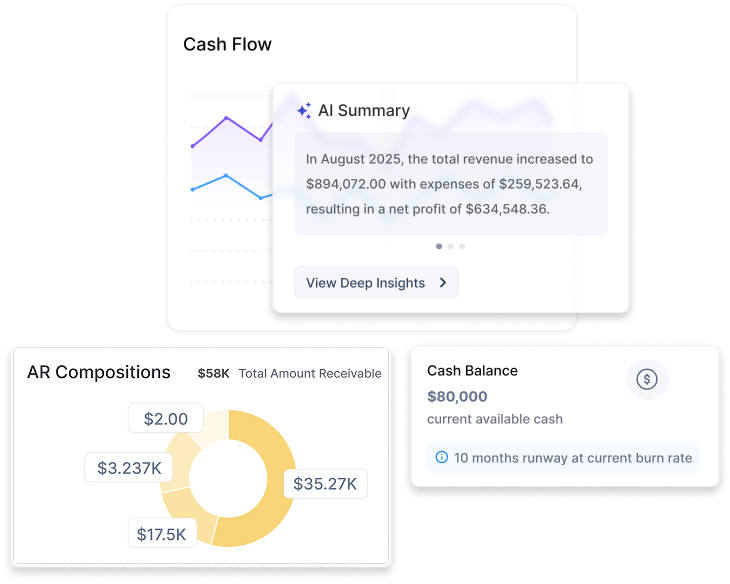
Screenshots of Finstackk 3 images
What's great
- You work with real CPAs on staff, not a chatbot, so bookkeeping, tax, payroll and compliance questions get answered by an actual accountant, which is the heart of what Finstackk sells
- One login spans incorporation, bookkeeping, tax, payroll, cap table and compliance, with a Fin-AI copilot that answers from your own financial data and hands off to a human, so a founder is not juggling five separate vendors
- It is built for US businesses, including foreign founders standing up a US entity, with SOC 2 highlighted and real integrations into QuickBooks Online, Gusto and Tax1099
Watch-outs
- Newer and smaller than the incumbents here, founded 2022, unfunded and around 40 people, with no established G2 or Capterra review base yet, so there is little independent evidence to check
- Everything past incorporation is quote-based behind a demo, with no published monthly rate card, so you cannot compare its ongoing price against the others here without a sales call
- It is a done-for-you service rather than a self-serve app, so an owner who wants hands-on control of the books day to day may prefer a cheaper DIY tool like Wave or QuickBooks
For a small US business that would rather outsource the books than learn accounting software, Finstackk hands bookkeeping, tax and payroll to real CPAs and wraps a Fin-AI copilot around your own numbers.
It is the whole finance back office in one place, incorporation, books, tax filings, payroll and compliance, which is a different pitch from a DIY tool you run yourself.
The honest caveat: it is young, unfunded and founded in 2022, with no G2 or Capterra track record yet, so you are betting on a newer team rather than a proven platform.
Pricing starts at $199 for incorporation, and the ongoing bookkeeping and payroll work is quoted after a demo, so there is no public monthly price to line up against QuickBooks or Wave.
Best for an owner-operated business that wants people handling the books, not another app to manage.
Pricing breakdown
| Plan | Price | Best for |
|---|---|---|
| Incorporation (Fin-Start) | From $199 one-time | US company formation, EIN, banking setup, and corporate documents |
| Bookkeeping, tax and payroll | Custom quote | Ongoing books, filings, and payroll handled by real CPAs |
| Registered agent | $149 per year | Required registered-agent service for the entity |
Security & compliance
| Standard | Availability |
|---|---|
| SOC 2 Type II | Yes |
| GDPR | Not listed |
| HIPAA | No |
| SSO / SAML | Not listed |
| Audit logs | Not listed |
Finstackk compliance summary: SOC 2 Type II is yes, GDPR is not listed, HIPAA is no, SSO/SAML is not listed, and audit logs is not listed.
Key integrations
| Integration | Type |
|---|---|
| Gmail | N/A |
| Outlook | N/A |
| Slack | N/A |
| LinkedIn Sales Navigator | N/A |
| Outreach / Salesloft | N/A |
Finstackk integration summary: Gmail is not specified, Outlook is not specified, Slack is not specified, LinkedIn Sales Navigator is not specified, and Outreach or Salesloft is not specified.
Feature availability
| Feature | Status |
|---|---|
| Free tier | no |
| AI bookkeeping | ✓ AI + CPA |
| Expense tracking | ✓ |
| Invoicing | ✓ |
| Tax ready reports | ✓ CPA-filed |
Finstackk feature availability summary: Free tier (no), AI bookkeeping (✓ AI + CPA), Expense tracking (✓), Invoicing (✓), and Tax ready reports (✓ CPA-filed).
Loading reviews…
QuickBooks Online
Best overall for a 1-20 person US small business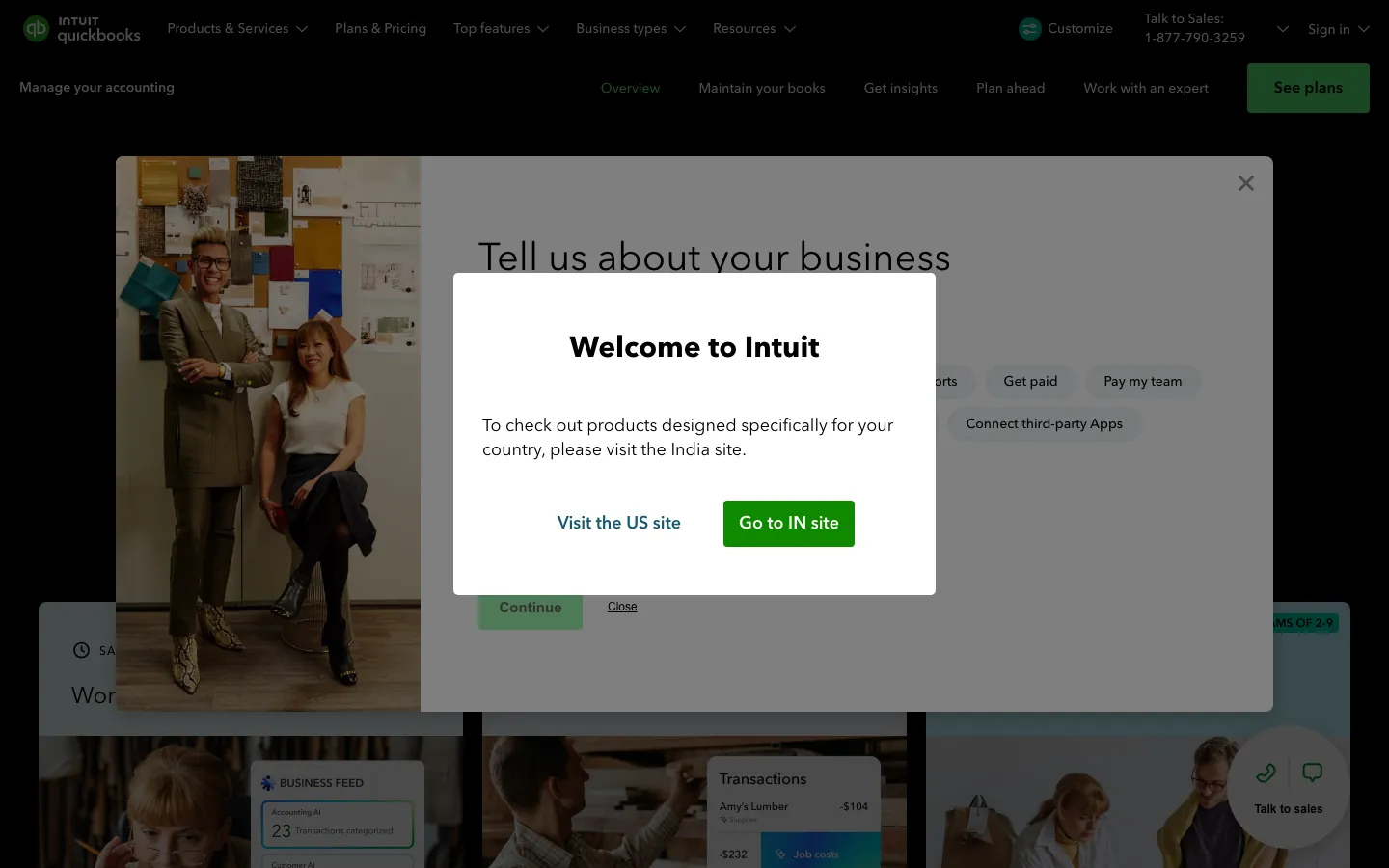
Screenshots of QuickBooks Online 3 images
What's great
- Nearly every US bookkeeper, tax preparer, and CPA already knows QuickBooks, which matters the day you finally hire one
- 750+ native integrations including Stripe, Square, Shopify, and Gusto, so a retail or service business rarely needs a Zapier bridge
- Bank feed matching handles routine categorization well enough that a solo owner can close a month in under two hours
Watch-outs
- The jump from Essentials ($85/mo) to Plus ($140/mo) is steep for a business that just wants project or class tracking
- Annual renewal increases of 10-15% are routine and rarely flagged before the charge hits
- No native cash-basis toggle on invoices themselves, so a cash-basis business has to set reporting preferences carefully or its P&L is wrong
QuickBooks Online is still the safest default for a small business owner who doesn’t want to think about accounting software twice.
3,825 G2 reviews average 4.0/5, and the real value isn’t a feature, it’s the accountant network.
Whoever you eventually hire to do your taxes almost certainly already knows this software cold.
Simple Start at $38/mo covers a solo operator’s invoicing and basic P&L; most small businesses with a couple of employees land on Plus at $140/mo for project tracking.
Skip it only if the free tier matters more than familiarity, in which case look at Wave first.
Pricing breakdown
| Plan | Price | Best for |
|---|---|---|
| Simple Start | $38/mo | Solo founder |
| Essentials | $85/mo | 3 users |
| Plus | $140/mo | 5 users |
| Advanced | $340/mo | 25 users |
Security & compliance
| Standard | Availability |
|---|---|
| SOC 2 Type II | Yes |
| GDPR | Yes |
| HIPAA | No |
| SSO / SAML | Advanced only |
| Audit logs | Yes |
QuickBooks Online compliance summary: SOC 2 Type II is yes, GDPR is yes, HIPAA is no, SSO/SAML is advanced only, and audit logs is yes.
Key integrations
| Integration | Type |
|---|---|
| Gmail | N/A |
| Outlook | N/A |
| Slack | N/A |
| LinkedIn Sales Navigator | N/A |
| Outreach / Salesloft | N/A |
QuickBooks Online integration summary: Gmail is not specified, Outlook is not specified, Slack is not specified, LinkedIn Sales Navigator is not specified, and Outreach or Salesloft is not specified.
Feature availability
| Feature | Status |
|---|---|
| Free tier | no |
| Invoicing | ✓ |
| Mobile app | ✓ |
| Multi currency | Plus+ limited |
| Receipt capture | ✓ |
QuickBooks Online feature availability summary: Free tier (no), Invoicing (✓), Mobile app (✓), Multi currency (Plus+ limited), and Receipt capture (✓).
What reviewers say about QuickBooks Online
Recurring themes across ~3,825 G2 reviews (4.0/5) and ~8,471 Capterra reviews (4.3/5), 2024-2026.
What reviewers praise
- Reviewers across company sizes call it the accounting category default, with widespread accountant familiarity reducing onboarding friction.
- Automated bank syncing and transaction import eliminate most manual data entry; reconciliation that once took days runs in minutes.
- Cloud accessibility lets owners and their accountants work from the same live data without file transfers or version conflicts.
- The breadth of integrations with payroll, e-commerce, and POS systems makes it a hub that connects most small business stacks.
- Invoicing and payment collection flows get strong marks for being fast to set up, with direct payment links inside invoices.
What reviewers fault
- Pricing escalates steeply between tiers, with users citing large per-seat cost jumps that arrive without meaningful new features.
- Customer support quality draws the most consistent criticism, with reviewers describing long waits, AI-first routing, and reps who cannot resolve complex billing or technical issues.
- Frequent UI changes and forced updates disrupt learned workflows; users report features moving or disappearing after updates.
- Performance degrades noticeably as transaction volume grows, with bank disconnections and system lag cited by higher-volume businesses.
- Advanced users and accountants find the online version too restrictive compared to Desktop, with limited batch tools and report customization.
Loading reviews…
Wave
Best free option, real accounting with no monthly bill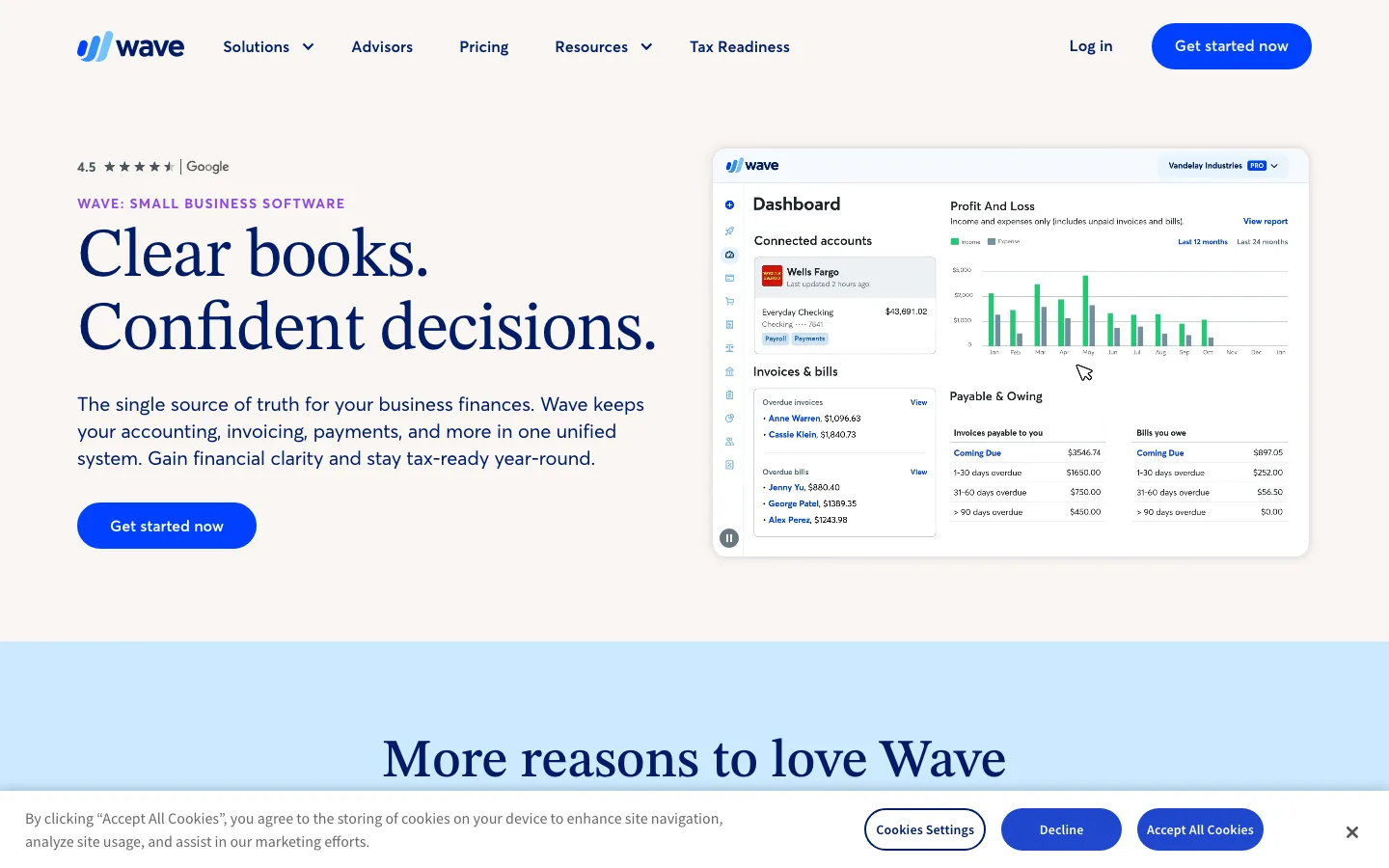
Screenshots of Wave 4 images
What's great
- Core double-entry accounting, invoicing, and unlimited bank feed connections are permanently free, no user cap and no trial clock running out
- Bank feed categorization works out of the box for a low-volume business under 200 transactions a month with zero setup work
- Modular paid add-ons (Wave Payments at 2.9% plus $0.60, Wave Payroll at $20-$40/mo) let a small business pay only for what it actually uses
Watch-outs
- No multi-currency support, so a business with even one international customer or supplier hits the ceiling fast
- Support is email-only on the free tier with multi-day response times, which is a real problem the week before a tax deadline
- No dedicated inventory tracking, which rules it out for a retailer carrying stock beyond basic item lists
Wave is the honest choice for a bootstrapped small business that wants real accrual or cash-basis books without a monthly bill.
323 G2 reviews at 4.3/5, and the free core product genuinely isn’t a stripped lead magnet.
A solo consultant or a two-person shop can run invoicing, bank reconciliation, and a clean P&L on Wave indefinitely.
The ceiling shows up at volume past 200 transactions a month or the first international customer, and support response time is the recurring complaint.
For a business under $100K in revenue with domestic customers only, this is hard to beat on price.
Pricing breakdown
| Plan | Price | Best for |
|---|---|---|
| Free | $0 | Unlimited invoicing and accounting |
| Wave Pro | $19/mo | Faster receipt scanning and priority support |
| Wave Payroll | $20-$40/mo + $6/employee | Teams with W-2 employees |
| Wave Payments | 2.9% + $0.60/transaction | Accepting card payments on invoices |
Security & compliance
| Standard | Availability |
|---|---|
| SOC 2 Type II | Yes |
| GDPR | • limited |
| HIPAA | No |
| SSO / SAML | No |
| Audit logs | • limited |
Wave compliance summary: SOC 2 Type II is yes, GDPR is • limited, HIPAA is no, SSO/SAML is no, and audit logs is • limited.
Key integrations
| Integration | Type |
|---|---|
| Gmail | N/A |
| Outlook | N/A |
| Slack | N/A |
| LinkedIn Sales Navigator | N/A |
| Outreach / Salesloft | N/A |
Wave integration summary: Gmail is not specified, Outlook is not specified, Slack is not specified, LinkedIn Sales Navigator is not specified, and Outreach or Salesloft is not specified.
Feature availability
| Feature | Status |
|---|---|
| Free tier | yes, core accounting |
| Invoicing | ✓ |
| Mobile app | ✓ |
| Multi currency | ✗ |
| Receipt capture | ✓ |
Wave feature availability summary: Free tier (yes, core accounting), Invoicing (✓), Mobile app (✓), Multi currency (✗), and Receipt capture (✓).
What reviewers say about Wave
Recurring themes across ~323 G2 reviews (4.3/5) and ~308 Capterra reviews (4.4/5), 2024-2026.
What reviewers praise
- The free plan with unlimited invoices, bills, and bookkeeping records is the most-praised feature; reviewers call it genuinely useful rather than a crippled trial.
- Non-accountants can send invoices, track expenses, and reconcile transactions without any accounting background or paid training.
- Recurring invoice automation and duplicate transaction detection reduce repetitive data entry for businesses with predictable billing cycles.
- The clean interface and fast learning curve make it accessible to solo operators and micro-businesses who need accounting basics without complexity.
- Direct integration with bank accounts and automatic transaction imports keep records current without requiring daily manual entry.
What reviewers fault
- The 2024-2025 shift of automated bank transaction imports from free to the Pro tier ($16/month) is the most-cited complaint in recent reviews.
- Customer support is consistently described as inadequate, with long response times and limited channels; several reviewers say poor support was the reason they switched tools.
- Integration options are narrow compared to paid competitors; reviewers who need inventory management or advanced third-party connections hit walls quickly.
- Receipt scanning produces blurry or misread results frequently enough that manual correction takes almost as long as entering receipts by hand.
- Payroll is a paid add-on with limited state availability, and the pricing structure for payroll plus Pro features erodes the free-plan value proposition for growing teams.
Loading reviews…
Xero
Best for unlimited-user pricing and clean bank reconciliation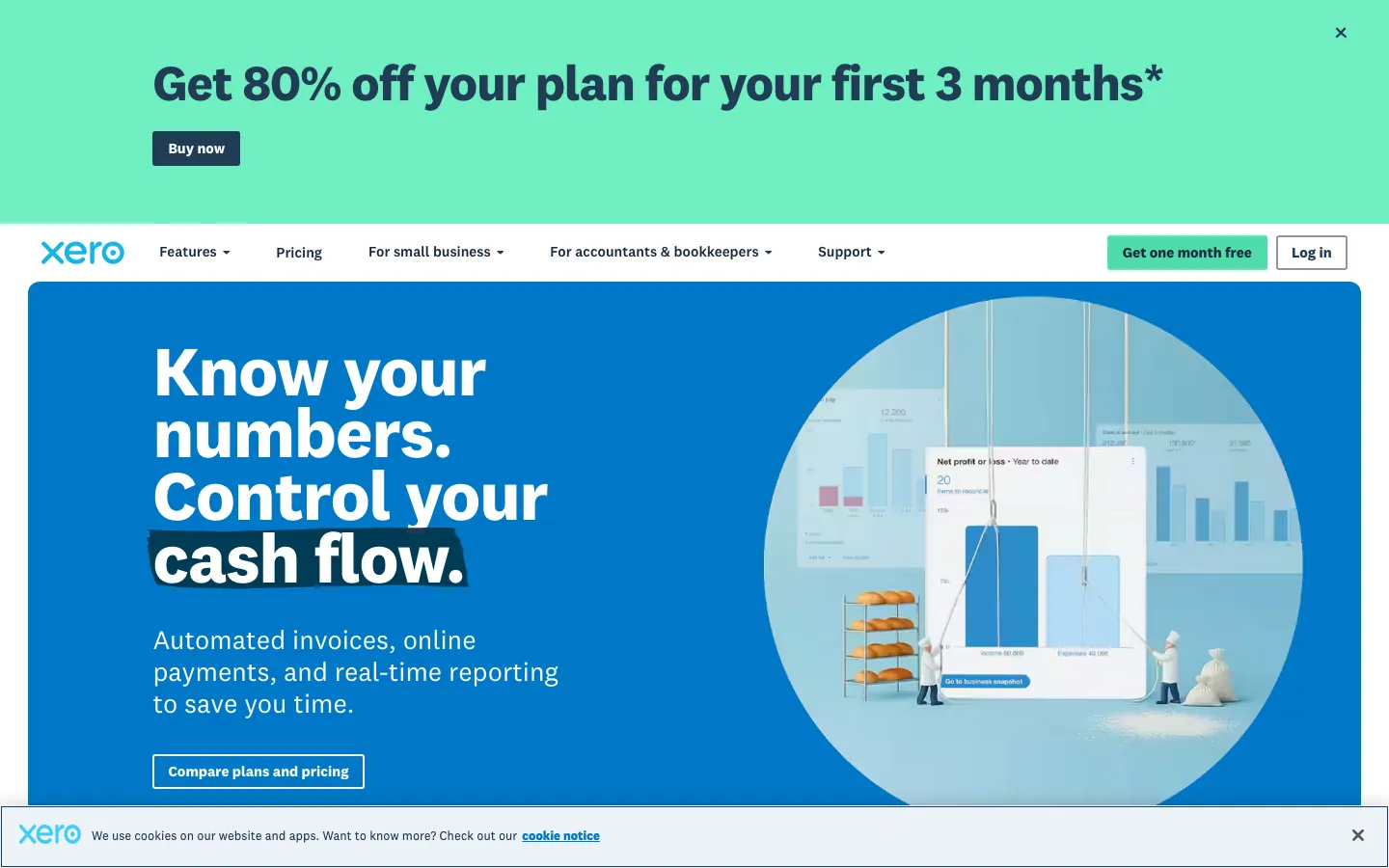
Screenshots of Xero 4 images
What's great
- Unlimited users on every paid tier, so a small business with a spouse, a part-time bookkeeper, and an accountant all logged in pays the same fee
- Bank reconciliation is genuinely the cleanest matching workflow in this comparison, cited repeatedly in G2 reviews as a time saver
- Early tier at $25/mo covers a sole trader who sends a handful of invoices a month without paying for features it will never use
Watch-outs
- The Early plan caps out at 20 invoices and 5 bills per month, which a growing service business hits within the first quarter
- US payroll requires a third-party add-on like Gusto, adding a second monthly bill and a data sync
- US accountant familiarity is lower than QuickBooks; finding a Xero-fluent bookkeeper takes longer outside coastal metros
Xero is the strongest small-business pick when the household or team needs more than one login without paying per seat.
1,598 G2 reviews sit at 4.4/5, with bank reconciliation speed as the consistent praise.
Early at $25/mo works for a solo trader watching invoice volume; Growing at $55/mo removes the caps entirely for around $20 less than QuickBooks Plus.
The tradeoff is accountant familiarity.
If your bookkeeper already lives in QuickBooks, the switch cost usually outweighs Xero’s cleaner UX.
Pricing breakdown
| Plan | Price | Best for |
|---|---|---|
| Early | $25/mo | Sole traders |
| Growing | $55/mo | Small teams |
| Established | $90/mo | Multi-currency |
Security & compliance
| Standard | Availability |
|---|---|
| SOC 2 Type II | Yes |
| GDPR | Yes |
| HIPAA | No |
| SSO / SAML | ✗ no native |
| Audit logs | Yes |
Xero compliance summary: SOC 2 Type II is yes, GDPR is yes, HIPAA is no, SSO/SAML is ✗ no native, and audit logs is yes.
Key integrations
| Integration | Type |
|---|---|
| Gmail | N/A |
| Outlook | N/A |
| Slack | N/A |
| LinkedIn Sales Navigator | N/A |
| Outreach / Salesloft | N/A |
Xero integration summary: Gmail is not specified, Outlook is not specified, Slack is not specified, LinkedIn Sales Navigator is not specified, and Outreach or Salesloft is not specified.
Feature availability
| Feature | Status |
|---|---|
| Free tier | no |
| Invoicing | ✓ unlimited |
| Mobile app | ✓ |
| Multi currency | ✓ all tiers |
| Receipt capture | ✓ |
Xero feature availability summary: Free tier (no), Invoicing (✓ unlimited), Mobile app (✓), Multi currency (✓ all tiers), and Receipt capture (✓).
What reviewers say about Xero
Recurring themes across ~1,598 G2 reviews (4.4/5) and ~3,301 Capterra reviews (4.4/5), 2024-2026.
What reviewers praise
- Unlimited users at all pricing tiers is the most-cited differentiator; teams avoid per-seat costs that inflate as headcount grows.
- Bank reconciliation is consistently described as fast and accurate, with automated matching that reduces manual review to exception handling.
- Non-accountants can navigate invoicing, bill payment, and expense tracking without relying on a bookkeeper for day-to-day tasks.
- Real-time financial dashboards give founders a live view of cash position and outstanding receivables without pulling a formal report.
- The ecosystem of third-party integrations covers payroll, inventory, and e-commerce apps, handled through the Xero app marketplace.
What reviewers fault
- Email-only customer support with no phone option is the most-cited frustration; resolution times stretch days for billing and technical issues.
- Entry-tier plan caps monthly invoices and bills, forcing small users onto a higher plan before they actually need advanced features.
- Multi-currency functionality draws repeated criticism for being limited and adding cost, a real problem for teams with international clients.
- Recurring price increases arrive with minimal notice; some reviewers report being charged hidden surcharges on top of monthly subscription fees.
- The 2025 invoicing redesign added steps rather than removing them, with reviewers saying the updated workflow requires more clicks than before.
Loading reviews…
FreshBooks
Best for freelancers and service businesses billing by the hour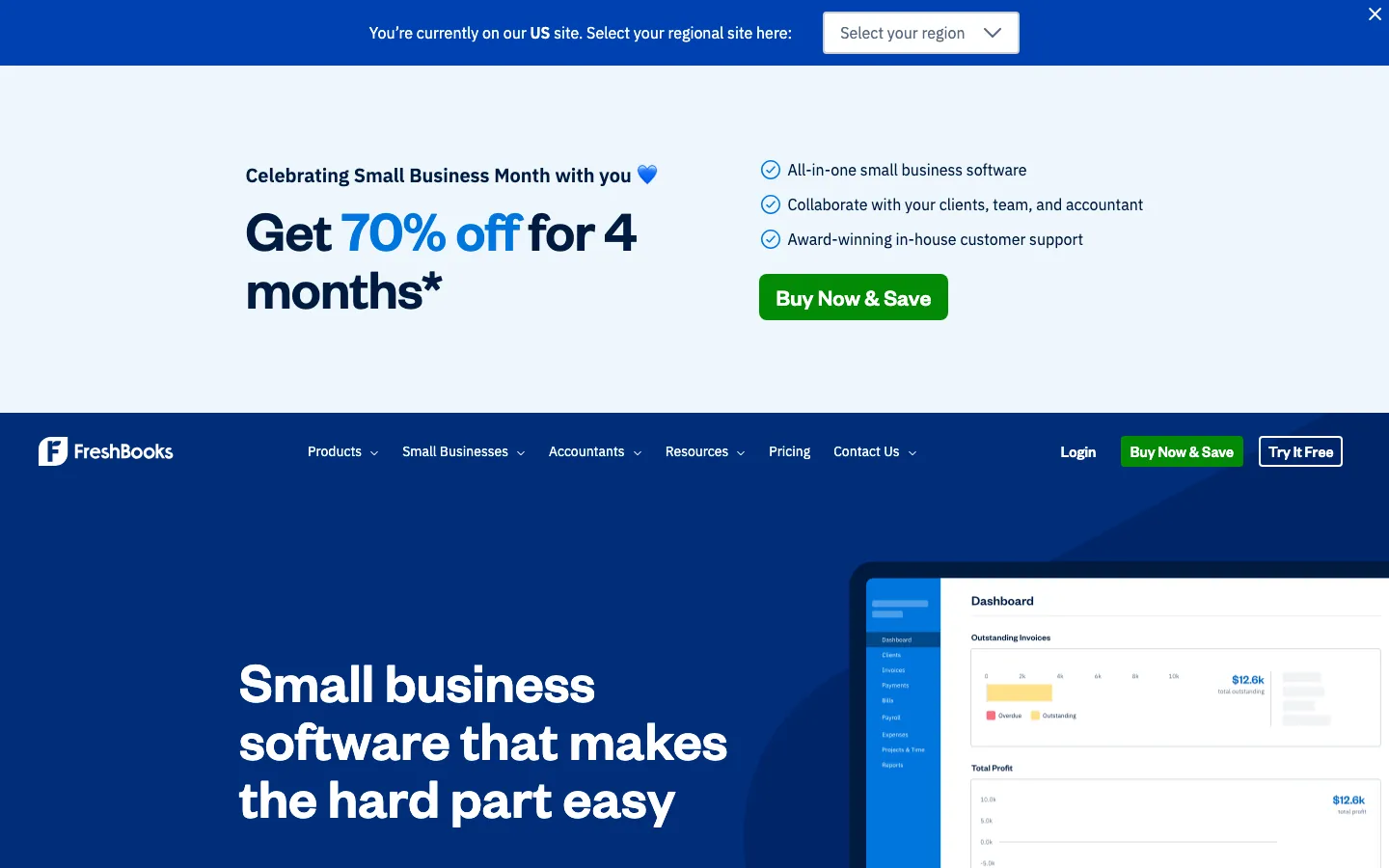
Screenshots of FreshBooks 4 images
What's great
- The time-tracking-to-invoice workflow is the cleanest in this comparison, real time savings for a consultant billing hourly or by milestone
- 30-day free trial with no credit card, the most generous evaluation window at this price tier
- Highest G2 satisfaction in the sub-$30/mo bracket at 4.5/5, with support responsiveness cited repeatedly as the differentiator
Watch-outs
- Per-client pricing on lower tiers is unusual and creates a surprise upgrade trigger; Lite caps at 5 clients, Plus at 50
- No native inventory or real bill-pay workflow, so a product-based business outgrows it fast
- Deferred revenue and multi-currency depth are thin compared to Xero, which matters if you take international clients
FreshBooks earns its spot for one buyer specifically, the freelancer or two-to-five-person service business whose entire billing cycle is time tracked and invoiced.
974 G2 reviews at 4.5/5, the highest user satisfaction score among the tools scored here.
Lite at $23/mo works fine for up to 5 clients; a growing consultancy moves to Plus at $43/mo for 50.
Where it falls short is anything product-based.
A shop selling physical goods with inventory needs a different tool, and QuickBooks or Zoho Books both do more there for similar money.
Pricing breakdown
| Plan | Price | Best for |
|---|---|---|
| Lite | $23/mo | Freelancers and solo consultants |
| Plus | $43/mo | Small service businesses |
| Premium | $70/mo | Growing teams |
| Select | Custom | Larger teams needing lower transaction fees |
Security & compliance
| Standard | Availability |
|---|---|
| SOC 2 Type II | Yes |
| GDPR | Yes |
| HIPAA | No |
| SSO / SAML | No |
| Audit logs | • limited |
FreshBooks compliance summary: SOC 2 Type II is yes, GDPR is yes, HIPAA is no, SSO/SAML is no, and audit logs is • limited.
Key integrations
| Integration | Type |
|---|---|
| Gmail | N/A |
| Outlook | N/A |
| Slack | N/A |
| LinkedIn Sales Navigator | N/A |
| Outreach / Salesloft | N/A |
FreshBooks integration summary: Gmail is not specified, Outlook is not specified, Slack is not specified, LinkedIn Sales Navigator is not specified, and Outreach or Salesloft is not specified.
Feature availability
| Feature | Status |
|---|---|
| Free tier | no, 30-day trial |
| Invoicing | ✓ time-based |
| Mobile app | ✓ |
| Multi currency | • Premium only |
| Receipt capture | ✓ |
FreshBooks feature availability summary: Free tier (no, 30-day trial), Invoicing (✓ time-based), Mobile app (✓), Multi currency (• Premium only), and Receipt capture (✓).
What reviewers say about FreshBooks
Recurring themes across ~974 G2 reviews (4.5/5) and Capterra reviews, 2024-2026.
What reviewers praise
- Invoicing is the standout feature; reviewers call it the fastest and cleanest invoice builder in the category, with automatic reminders and client payment portals built in.
- Built-in time tracking and project billing let service providers move from tracked hours to a sent invoice in the same tool without exporting data.
- Customer support quality is cited more positively than most accounting tools, with live chat availability and responsive staff mentioned repeatedly.
- Setup time is short; non-accountants report being fully operational with clients, invoices, and expense tracking in under an hour.
- The mobile app gets strong marks for covering core workflows including receipt capture, invoice sending, and time logging while away from a desk.
What reviewers fault
- Billable client caps on lower-tier plans force upgrades before small businesses need the extra features; the Lite plan limits users to five clients.
- Recurring invoices and client retainers sit behind the Plus plan at $38/month, which reviewers consider a basic feature locked behind an unnecessary paywall.
- Payment processing fees run above 3% per transaction, and ACH payment delays draw repeated complaints from users waiting on deposits.
- Reporting is too thin for growing businesses; reviewers moving past freelance scale say they outgrow FreshBooks before they outgrow QuickBooks.
- Bank feed sync breaks periodically, requiring manual re-authentication and leaving gaps that take time to reconcile and correct.
Loading reviews…
Zoho Books
Best free tier under $50K revenue for a bootstrapped founder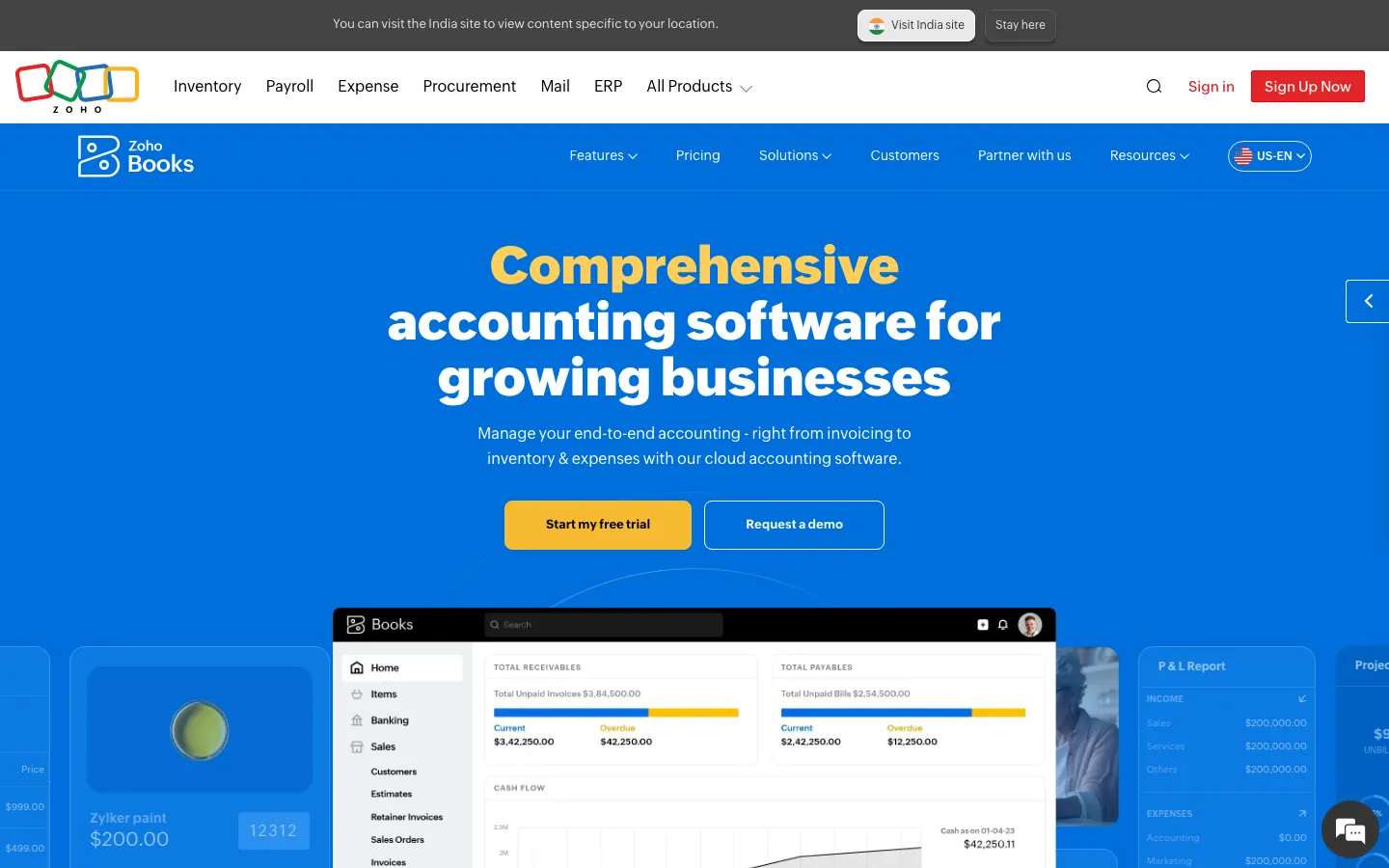
Screenshots of Zoho Books 4 images
What's great
- A genuine free tier for businesses under $50K annual revenue, real accrual accounting rather than a stripped invoicing tool
- Native integration with Zoho CRM, Zoho Inventory, and Zoho Desk for a small business already running Zoho apps
- Multi-currency lands at $50/mo on Professional, a lower entry point for international capability than QuickBooks or FreshBooks
Watch-outs
- 327 G2 reviews is a thin sample compared to QuickBooks or Wave, so there's less signal on edge cases at scale
- Third-party integrations outside the Zoho ecosystem are thinner; a business on Square or Stripe alone may need API work
- No native US payroll, same as most tools here, requiring a Gusto or Patriot add-on
Zoho Books is the cheapest real accounting software for a founder who wants accrual books before revenue justifies a paid tool. 327 G2 reviews at 4.4/5, with ecosystem depth and price cited most often.
The free tier under $50K revenue is not a gimmick, it’s a fully functional single-user product.
Standard at $20/mo adds three users and automation once you outgrow it.
If you’re already inside Zoho CRM or Zoho Inventory, the shared data model makes this the obvious pick over QuickBooks.
Pricing breakdown
| Plan | Price | Best for |
|---|---|---|
| Free | $0 | Under $50K revenue |
| Standard | $20/mo | Small teams |
| Professional | $50/mo | Growing SaaS |
| Premium | $70/mo | 10 users |
Security & compliance
| Standard | Availability |
|---|---|
| SOC 2 Type II | Yes |
| GDPR | Yes |
| HIPAA | No |
| SSO / SAML | Premium+ |
| Audit logs | Yes |
Zoho Books compliance summary: SOC 2 Type II is yes, GDPR is yes, HIPAA is no, SSO/SAML is premium+, and audit logs is yes.
Key integrations
| Integration | Type |
|---|---|
| Gmail | N/A |
| Outlook | N/A |
| Slack | N/A |
| LinkedIn Sales Navigator | N/A |
| Outreach / Salesloft | N/A |
Zoho Books integration summary: Gmail is not specified, Outlook is not specified, Slack is not specified, LinkedIn Sales Navigator is not specified, and Outreach or Salesloft is not specified.
Feature availability
| Feature | Status |
|---|---|
| Free tier | yes, under $50K rev |
| Invoicing | ✓ |
| Mobile app | ✓ |
| Multi currency | Professional+ |
| Receipt capture | ✓ |
Zoho Books feature availability summary: Free tier (yes, under $50K rev), Invoicing (✓), Mobile app (✓), Multi currency (Professional+), and Receipt capture (✓).
What reviewers say about Zoho Books
Recurring themes across ~2,900 G2 reviews (4.1/5) and Capterra reviews (4.3/5), 2024-2026.
What reviewers praise
- Price-to-feature ratio is the most repeated compliment: reviewers say Zoho delivers lead scoring, workflow automation, and multi-currency support at a fraction of the cost of HubSpot or Salesforce.
- Depth of the Zoho ecosystem is consistently praised by teams already using Zoho Books, Zoho Desk, or Zoho Campaigns, who describe the cross-app data flow as a genuine alternative to buying multiple point solutions.
- The Canvas drag-and-drop UI builder, added in recent years, appears in newer positive reviews as a meaningful upgrade, letting non-technical admins redesign the record layout without code.
- Workflow automation breadth gets strong marks, with reviewers pointing to multi-condition rules, scheduled actions, and blueprint approval processes as features competitors lock behind enterprise tiers.
- Lead management tools including assignment rules, scoring, and conversion tracking are frequently cited as thorough and configurable for teams with defined sales processes.
What reviewers fault
- Customer support is the single most common complaint across G2 and Capterra, with reviewers on standard plans describing slow ticket responses, inconsistent answers, and difficulty escalating urgent issues.
- The learning curve is steep enough that multiple reviewers recommend hiring a Zoho consultant for initial setup, especially for automation, Deluge scripting, and module customization.
- The mobile app has reliability problems that appear consistently in recent reviews, including bugs that prevent notes from displaying, missed call logs, and crashes under poor connectivity.
- Integration with non-Zoho tools is frequently described as more friction than the docs suggest, with third-party connectors requiring Zapier workarounds or custom API work for stable two-way sync.
- The interface, despite recent improvements, is still called cluttered and overwhelming by first-time CRM buyers, and the density of settings can make routine tasks harder to find than in leaner tools.
Loading reviews…
QuickBooks Solopreneur
Best for a true one-person business filing a Schedule C
Screenshots of QuickBooks Solopreneur 4 images
What's great
- Built specifically for a Schedule C filer, with mileage tracking, business versus personal expense splitting, and quarterly estimated tax calculations
- Sets financial goals and shows progress toward them directly in the dashboard, useful for a solo founder without a bookkeeper checking in
- Cheaper on-ramp into the QuickBooks ecosystem than jumping straight to Online Simple Start, an easy upgrade path once you hire your first employee
Watch-outs
- Not a true double-entry system, so it doesn't replace real accrual accounting the moment a business incorporates
- No path to invoicing multiple team members or running payroll without migrating up to QuickBooks Online
- Smaller review base at 218 reviews than QuickBooks Online, reflecting a newer, narrower product
QuickBooks Solopreneur exists for exactly one profile, the single-owner business filing taxes on a Schedule C rather than a corporate return.
G2 reviews average 4.1/5 from a smaller but growing base at 218 reviews.
At $20/mo it’s cheaper than full QuickBooks Online and built around mileage tracking and quarterly tax estimates rather than a general ledger.
The moment you incorporate, hire an employee, or need to invoice as a team, migrate to QuickBooks Online Simple Start instead.
Pricing breakdown
| Plan | Price | Best for |
|---|---|---|
| Solopreneur | $20/mo | Schedule C filers |
| Simple Start (upgrade) | $38/mo | Moving to real double-entry books after incorporation |
Security & compliance
| Standard | Availability |
|---|---|
| SOC 2 Type II | Yes |
| GDPR | • limited |
| HIPAA | No |
| SSO / SAML | No |
| Audit logs | No |
QuickBooks Solopreneur compliance summary: SOC 2 Type II is yes, GDPR is • limited, HIPAA is no, SSO/SAML is no, and audit logs is no.
Key integrations
| Integration | Type |
|---|---|
| Gmail | N/A |
| Outlook | N/A |
| Slack | N/A |
| LinkedIn Sales Navigator | N/A |
| Outreach / Salesloft | N/A |
QuickBooks Solopreneur integration summary: Gmail is not specified, Outlook is not specified, Slack is not specified, LinkedIn Sales Navigator is not specified, and Outreach or Salesloft is not specified.
Feature availability
| Feature | Status |
|---|---|
| Free tier | no, 30-day trial |
| Invoicing | ✓ basic |
| Mobile app | ✓ |
| Multi currency | ✗ |
| Receipt capture | ✓ |
QuickBooks Solopreneur feature availability summary: Free tier (no, 30-day trial), Invoicing (✓ basic), Mobile app (✓), Multi currency (✗), and Receipt capture (✓).
What reviewers say about QuickBooks Solopreneur
Recurring themes across ~3,825 G2 reviews (4.0/5) and ~8,471 Capterra reviews (4.3/5), 2024-2026.
What reviewers praise
- Reviewers across company sizes call it the accounting category default, with widespread accountant familiarity reducing onboarding friction.
- Automated bank syncing and transaction import eliminate most manual data entry; reconciliation that once took days runs in minutes.
- Cloud accessibility lets owners and their accountants work from the same live data without file transfers or version conflicts.
- The breadth of integrations with payroll, e-commerce, and POS systems makes it a hub that connects most small business stacks.
- Invoicing and payment collection flows get strong marks for being fast to set up, with direct payment links inside invoices.
What reviewers fault
- Pricing escalates steeply between tiers, with users citing large per-seat cost jumps that arrive without meaningful new features.
- Customer support quality draws the most consistent criticism, with reviewers describing long waits, AI-first routing, and reps who cannot resolve complex billing or technical issues.
- Frequent UI changes and forced updates disrupt learned workflows; users report features moving or disappearing after updates.
- Performance degrades noticeably as transaction volume grows, with bank disconnections and system lag cited by higher-volume businesses.
- Advanced users and accountants find the online version too restrictive compared to Desktop, with limited batch tools and report customization.
Loading reviews…
Kashoo
Best for a first-time owner with zero bookkeeping background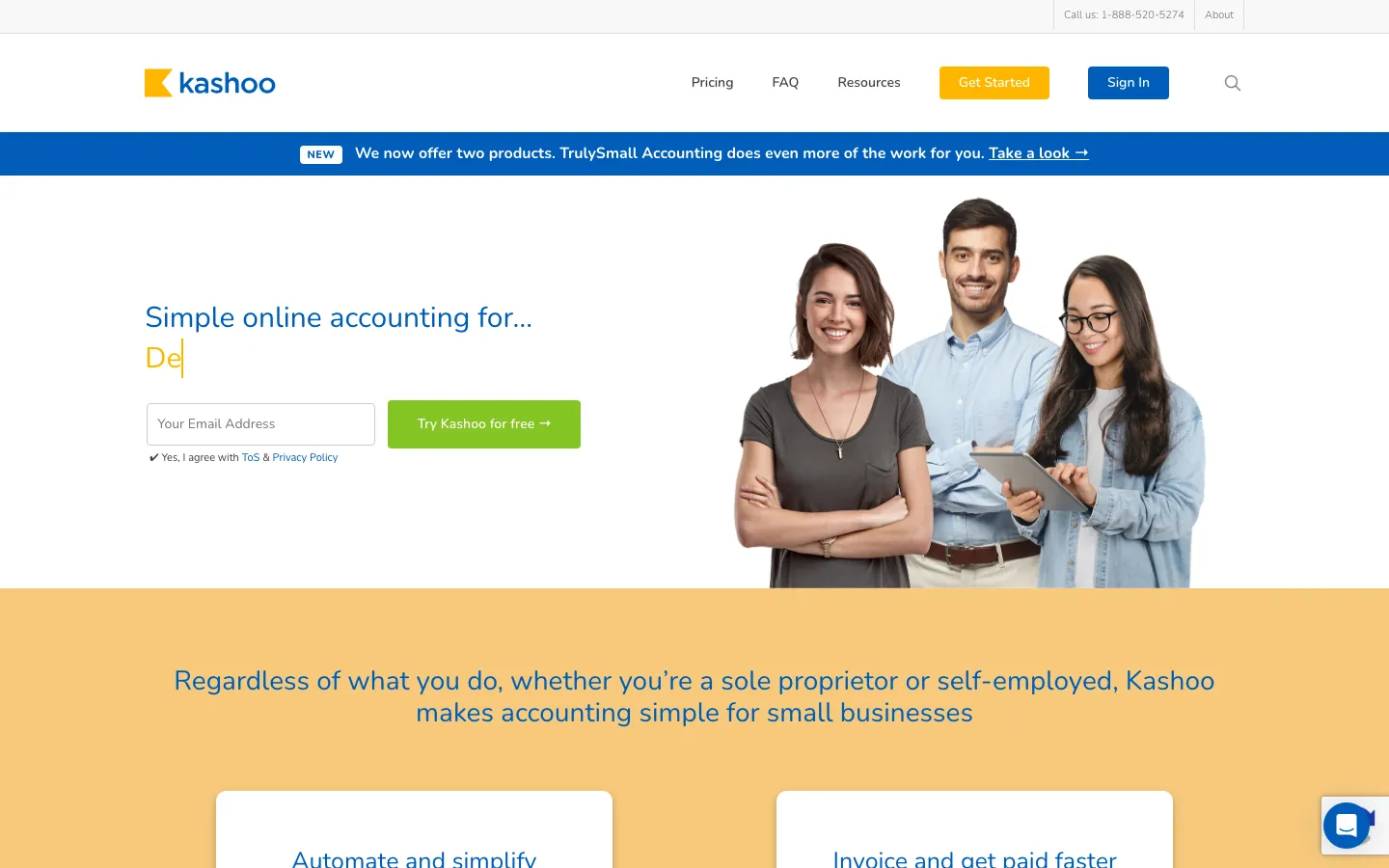
Screenshots of Kashoo 3 images
What's great
- Live chat support is consistently the top-praised feature in G2 reviews, meaningful for an owner stuck mid-reconciliation with no accounting background
- Machine-learning categorization reconciles bank and credit card transactions automatically without a steep configuration process
- Priced at the low end of the market, comparable to Zoho Books and cheaper than QuickBooks Solopreneur at full price
Watch-outs
- 160 G2 reviews is a thin base next to QuickBooks or Xero, so there's less long-term reliability signal
- Reporting depth and third-party integrations are noticeably shallower than QuickBooks or Xero at the same price
- No dedicated payroll module, so a business with employees needs a separate provider from day one
Kashoo’s whole pitch is removing the learning curve most accounting software assumes you already cleared.
160 G2 reviews at 4.5/5, with live chat support and setup speed as the recurring praise.
At $20/mo through TrulySmall Accounting, or $30/mo for the full Kashoo plan, it undercuts QuickBooks while still giving a small business real double-entry books.
It won’t satisfy a business that needs deep reporting or a big integration list, but for an owner who has never opened a general ledger before, it’s the gentlest on-ramp on this list.
Pricing breakdown
| Plan | Price | Best for |
|---|---|---|
| TrulySmall Invoices | $8.99/mo | Invoicing only |
| TrulySmall Accounting | $20/mo | Solo owners wanting simple double-entry books |
| Kashoo (full) | $30/mo | Small teams needing more reporting depth |
Security & compliance
| Standard | Availability |
|---|---|
| SOC 2 Type II | • unpublished |
| GDPR | • limited |
| HIPAA | No |
| SSO / SAML | No |
| Audit logs | No |
Kashoo compliance summary: SOC 2 Type II is • unpublished, GDPR is • limited, HIPAA is no, SSO/SAML is no, and audit logs is no.
Key integrations
| Integration | Type |
|---|---|
| Gmail | N/A |
| Outlook | N/A |
| Slack | N/A |
| LinkedIn Sales Navigator | N/A |
| Outreach / Salesloft | N/A |
Kashoo integration summary: Gmail is not specified, Outlook is not specified, Slack is not specified, LinkedIn Sales Navigator is not specified, and Outreach or Salesloft is not specified.
Feature availability
| Feature | Status |
|---|---|
| Free tier | no, 14-day trial |
| Invoicing | ✓ |
| Mobile app | ✓ |
| Multi currency | ✗ |
| Receipt capture | ✓ |
Kashoo feature availability summary: Free tier (no, 14-day trial), Invoicing (✓), Mobile app (✓), Multi currency (✗), and Receipt capture (✓).
Loading reviews…
Neat
Best for a receipt-heavy business drowning in paper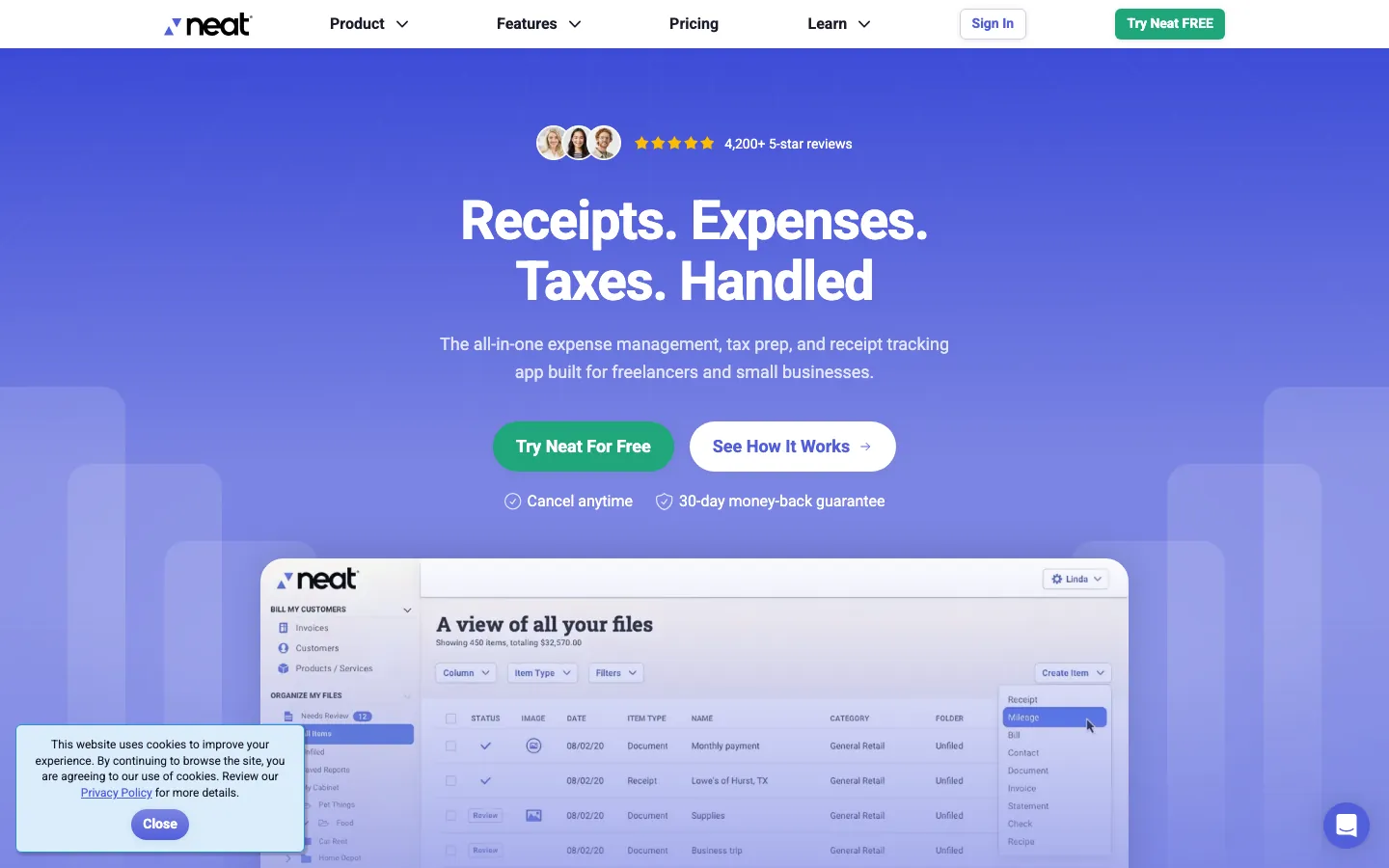
Screenshots of Neat 3 images
What's great
- OCR receipt capture turns a shoebox of paper receipts into searchable, categorized digital records with almost no manual entry
- Cloud storage with mobile access means a contractor or field-service owner can log an expense on-site rather than at month-end
- Annual pricing at $200/yr is cheaper on a monthly basis than most tools on this list once you skip the add-ons
Watch-outs
- Only 11 G2 reviews as of mid-2026, one of the thinnest evidence bases on this list
- VIP Service and Automated Insights are separate paid add-ons at $50/yr and $150/yr, which erodes the headline price fast
- It's a documentation and expense-capture tool first, general ledger and invoicing depth is secondary to QuickBooks or Xero
Neat solves a specific, common small-business problem, the physical pile of receipts nobody ever files.
89% of its reviewers run companies under 10 employees, and the core OCR capture genuinely eliminates manual data entry for expense tracking.
At $200/yr the base price is competitive, though the VIP and Insights add-ons push the real cost higher if you want them.
The review base is small at 11 on G2, so treat this as a receipt-and-expense layer that can sit alongside, not necessarily replace, a full accounting system for a business past a few employees.
Pricing breakdown
| Plan | Price | Best for |
|---|---|---|
| Neat | $200/yr | Solo or small teams needing receipt and document capture |
| VIP Service add-on | +$50/yr | Priority support |
| Automated Insights add-on | +$150/yr | AI-driven expense reporting |
Security & compliance
| Standard | Availability |
|---|---|
| SOC 2 Type II | • unpublished |
| GDPR | • limited |
| HIPAA | No |
| SSO / SAML | No |
| Audit logs | No |
Neat compliance summary: SOC 2 Type II is • unpublished, GDPR is • limited, HIPAA is no, SSO/SAML is no, and audit logs is no.
Key integrations
| Integration | Type |
|---|---|
| Gmail | N/A |
| Outlook | N/A |
| Slack | N/A |
| LinkedIn Sales Navigator | N/A |
| Outreach / Salesloft | N/A |
Neat integration summary: Gmail is not specified, Outlook is not specified, Slack is not specified, LinkedIn Sales Navigator is not specified, and Outreach or Salesloft is not specified.
Feature availability
| Feature | Status |
|---|---|
| Free tier | no |
| Invoicing | • basic |
| Mobile app | ✓ |
| Multi currency | ✗ |
| Receipt capture | ✓ OCR core feature |
Neat feature availability summary: Free tier (no), Invoicing (• basic), Mobile app (✓), Multi currency (✗), and Receipt capture (✓ OCR core feature).
Loading reviews…
ZipBooks
Best free-forever tier for a service business focused on invoicing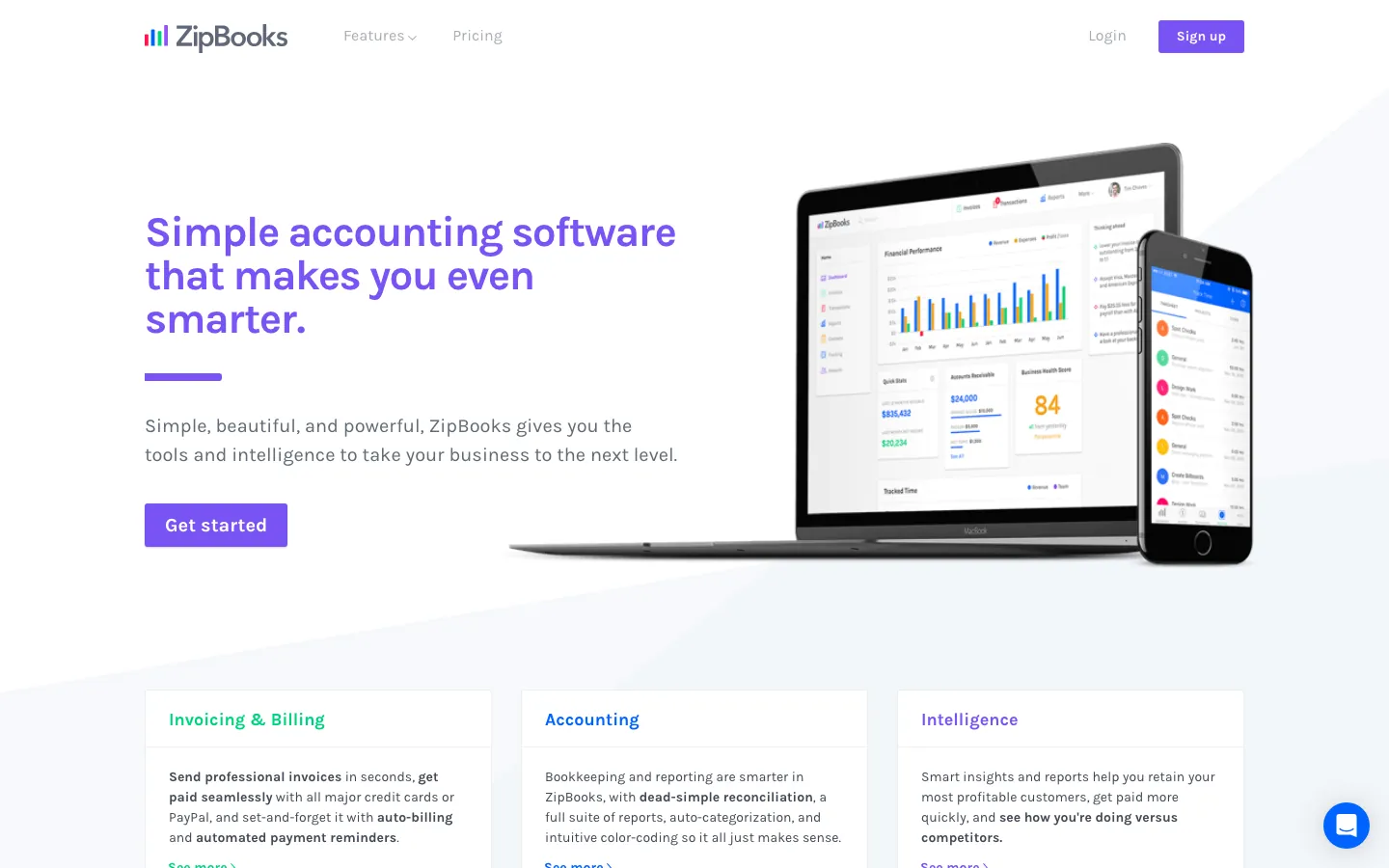
Screenshots of ZipBooks 4 images
What's great
- Free Starter plan supports unlimited invoices and unlimited customers, not a capped trial dressed up as free
- 4.7/5 on G2 across 86 reviews, with support responsiveness cited as consistently better than Xero's in head-to-head comparisons
- Built-in time tracking and project management sit alongside invoicing, useful for a two-to-three-person agency
Watch-outs
- Scales poorly for a growing company; reviewers consistently flag it as thin on advanced reporting past a handful of employees
- Smaller review count than QuickBooks or Wave, at 86 reviews the sample is still building
- No dedicated payroll or inventory module, so a product business or one with employees adds tools on top
ZipBooks is a legitimate free-forever option for a small service business that mostly needs clean invoicing and basic books.
86 G2 reviews at 4.7/5, one of the highest satisfaction scores on this list, with support quality called out specifically against Xero.
The free Starter tier has no invoice or customer cap, which is unusual.
Smarter at $15/mo and Sophisticated at $35/mo add automation and reporting. It’s the right size for a two-to-five person shop; a growing company will outgrow the reporting depth within a year or two.
Pricing breakdown
| Plan | Price | Best for |
|---|---|---|
| Starter | $0 | Unlimited invoices and customers |
| Smarter | $15/mo | Automated bookkeeping and project time tracking |
| Sophisticated | $35/mo | Advanced reporting and multiple users |
Security & compliance
| Standard | Availability |
|---|---|
| SOC 2 Type II | • unpublished |
| GDPR | • limited |
| HIPAA | No |
| SSO / SAML | No |
| Audit logs | No |
ZipBooks compliance summary: SOC 2 Type II is • unpublished, GDPR is • limited, HIPAA is no, SSO/SAML is no, and audit logs is no.
Key integrations
| Integration | Type |
|---|---|
| Gmail | N/A |
| Outlook | N/A |
| Slack | N/A |
| LinkedIn Sales Navigator | N/A |
| Outreach / Salesloft | N/A |
ZipBooks integration summary: Gmail is not specified, Outlook is not specified, Slack is not specified, LinkedIn Sales Navigator is not specified, and Outreach or Salesloft is not specified.
Feature availability
| Feature | Status |
|---|---|
| Free tier | yes, unlimited invoices |
| Invoicing | ✓ |
| Mobile app | • web only |
| Multi currency | ✗ |
| Receipt capture | • |
ZipBooks feature availability summary: Free tier (yes, unlimited invoices), Invoicing (✓), Mobile app (• web only), Multi currency (✗), and Receipt capture (•).
Loading reviews…
Melio
Best for a small business whose real pain point is paying bills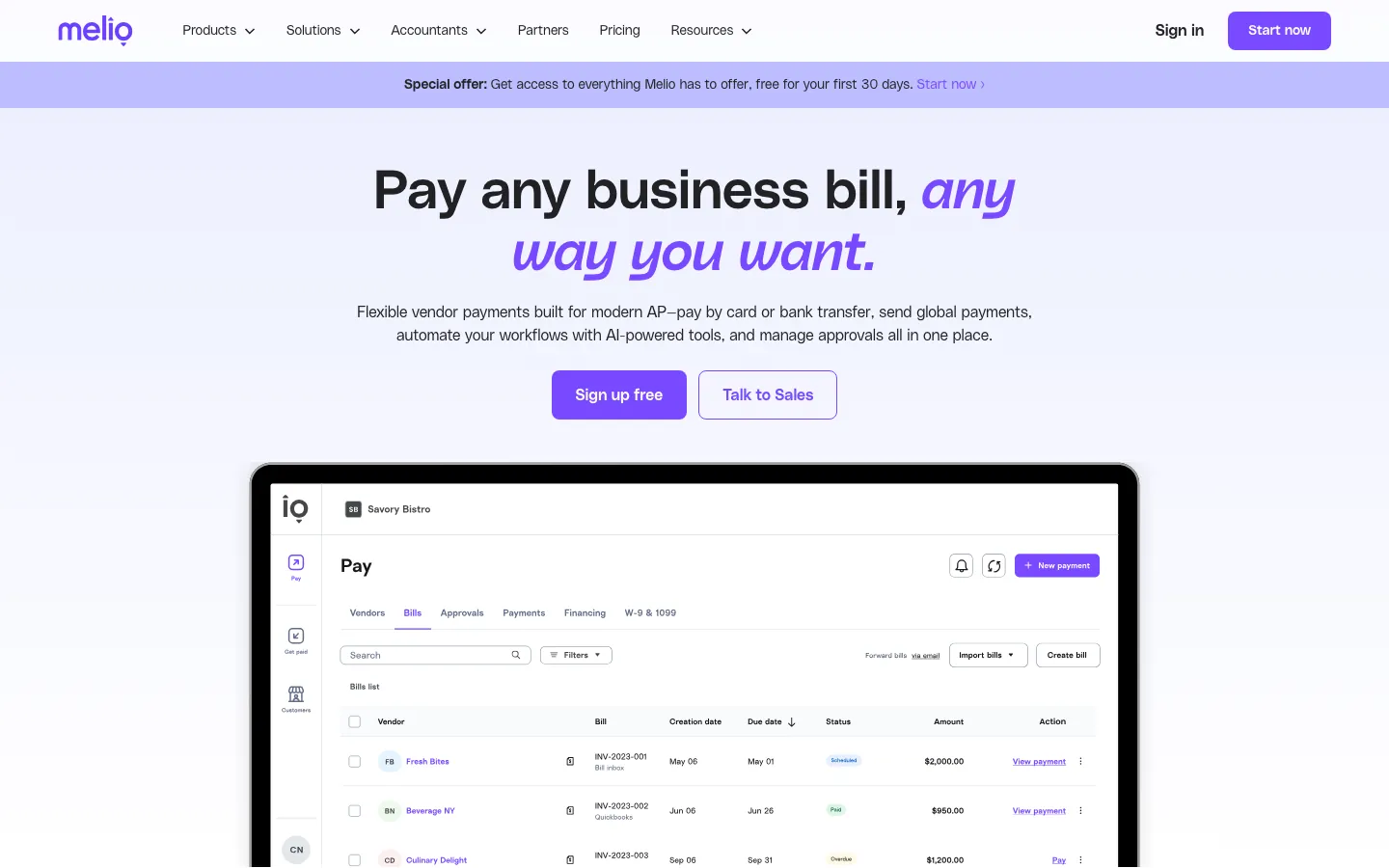
Screenshots of Melio 4 images
What's great
- Free ACH bank transfers with no monthly subscription fee, paying only per transaction type used
- Syncs with QuickBooks and Xero so a business keeps its general ledger of record and adds Melio purely for the AP workflow
- Users consistently report bill payment tasks dropping from about an hour to roughly fifteen minutes once set up
Watch-outs
- Not a general ledger or invoicing tool on its own, it's accounts payable specifically and needs a real accounting system alongside it
- Card payments carry a 2.9% fee, and checks run $1.50 each, which adds up for a business paying many vendors by check
- Support response times slow during peak periods, and vendor onboarding friction is a repeated complaint in reviews
Melio isn’t full accounting software, it’s the tool a small business adds when the actual pain is accounts payable, not bookkeeping.
600+ G2 reviews average 4.5/5, with ease of use scoring 9.2/10 in category surveys.
ACH transfers are free, which undercuts what a bank or credit card processor typically charges for the same job.
Pair it with QuickBooks or Xero as your ledger of record; Melio handles the actual sending of money and syncs the transaction back automatically.
Pricing breakdown
| Plan | Price | Best for |
|---|---|---|
| Standard ACH | $0.50/payment | Free bank-to-bank transfers to vendors |
| Check delivery | $1.50/check | Vendors who require a paper check |
| Card payment | 2.9% fee | Paying a vendor by credit card when cash flow timing matters |
Security & compliance
| Standard | Availability |
|---|---|
| SOC 2 Type II | Yes |
| GDPR | • limited |
| HIPAA | No |
| SSO / SAML | No |
| Audit logs | • limited |
Melio compliance summary: SOC 2 Type II is yes, GDPR is • limited, HIPAA is no, SSO/SAML is no, and audit logs is • limited.
Key integrations
| Integration | Type |
|---|---|
| Gmail | N/A |
| Outlook | N/A |
| Slack | N/A |
| LinkedIn Sales Navigator | N/A |
| Outreach / Salesloft | N/A |
Melio integration summary: Gmail is not specified, Outlook is not specified, Slack is not specified, LinkedIn Sales Navigator is not specified, and Outreach or Salesloft is not specified.
Feature availability
| Feature | Status |
|---|---|
| Free tier | yes, ACH transfers |
| Invoicing | ✗ AP only |
| Mobile app | ✓ |
| Multi currency | ✗ |
| Receipt capture | ✗ |
Melio feature availability summary: Free tier (yes, ACH transfers), Invoicing (✗ AP only), Mobile app (✓), Multi currency (✗), and Receipt capture (✗).
Loading reviews…
More top-rated Accounting Software for Small Business worth checking out
Highly rated Accounting Software for Small Business that didn't crack our top 10 but are still strong contenders, especially for specific use cases and team sizes.
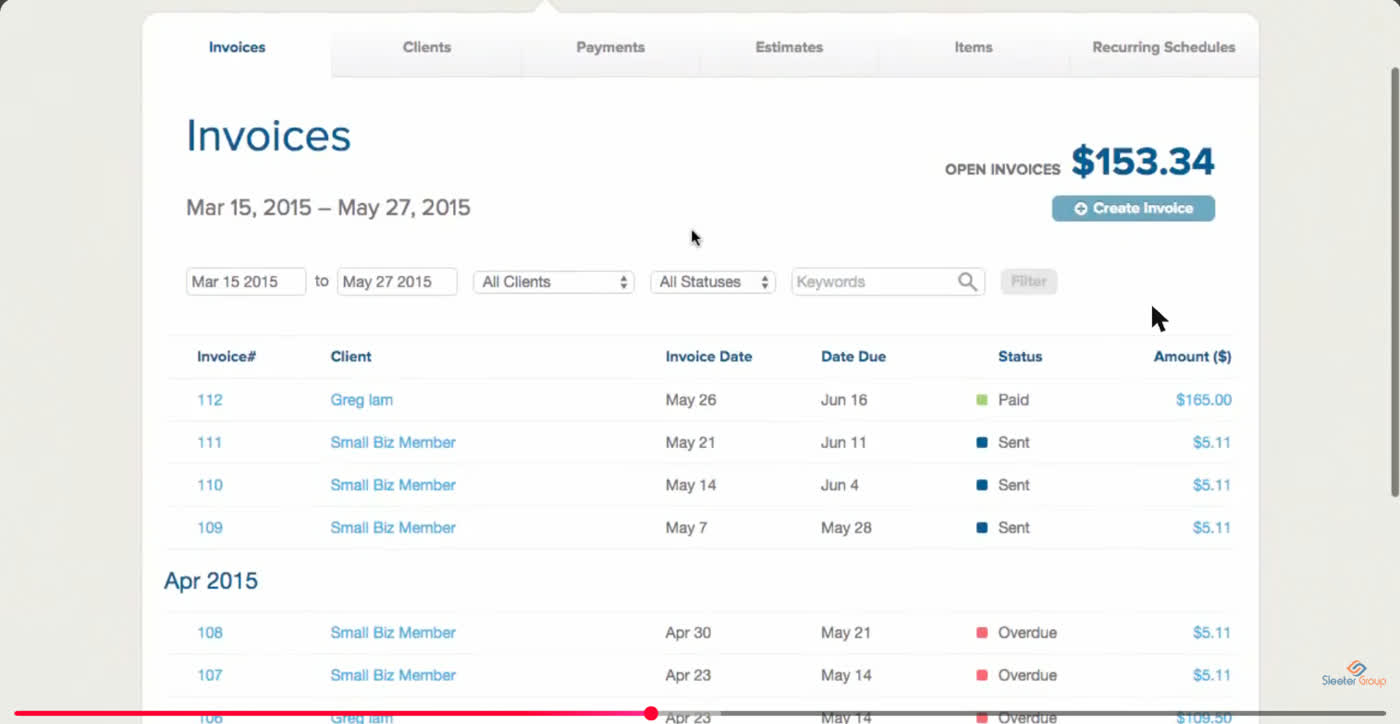
GoDaddy Bookkeeping
For online sellers on Etsy, Amazon, or eBay
Standout: Direct marketplace sync with Amazon, Etsy, and eBay pulls sales, fees, and refunds without a manual CSV import
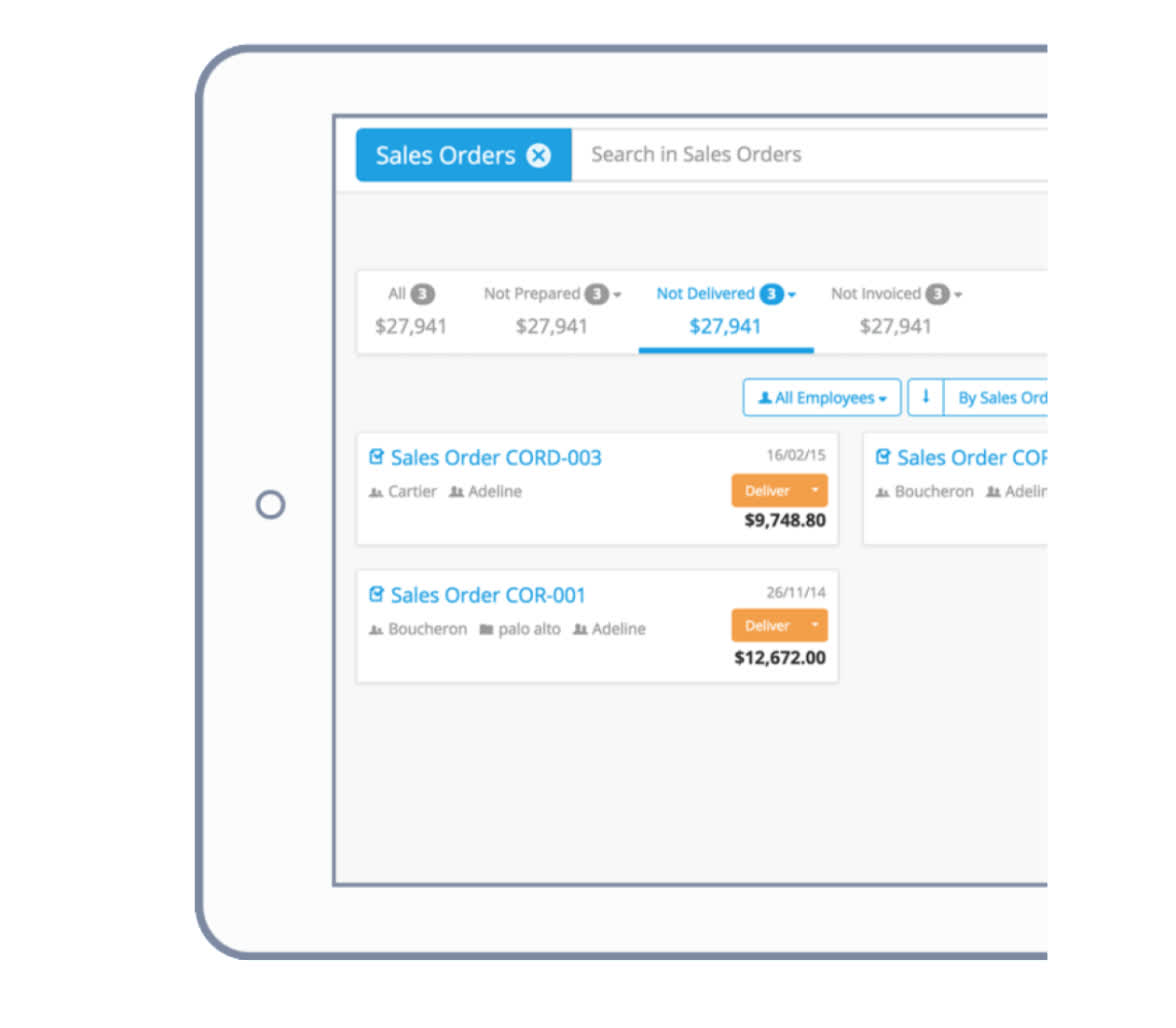
OneUp
For a small retailer needing inventory and CRM in one tool
Standout: Combines accounting, inventory tracking across multiple locations, and basic CRM in one subscription
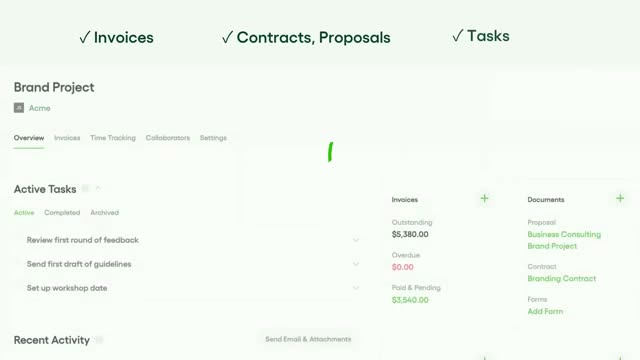
Bonsai
For freelance creatives who invoice and track expenses in one app
Standout: Contract templates, time tracking, and invoicing live in one app built specifically for a solo freelancer's workflow
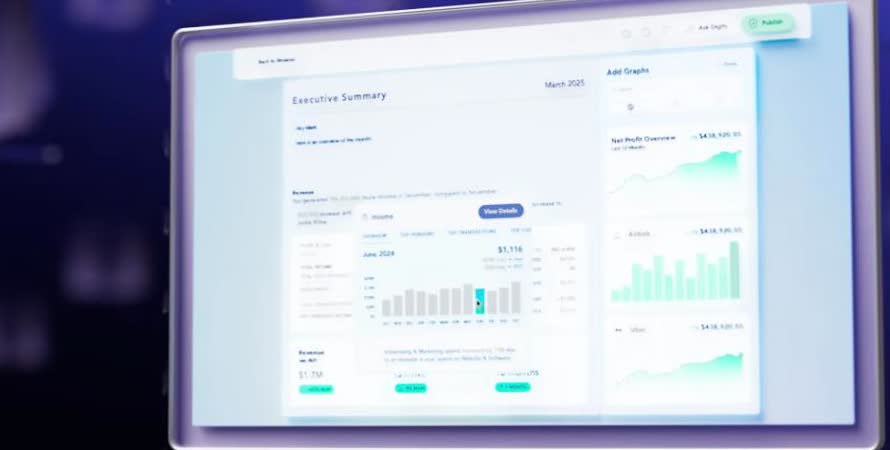
Digits
For a modern small business wanting AI-run bookkeeping
Standout: 96.5% reported auto-booking accuracy on transaction categorization, the highest claimed accuracy in this comparison
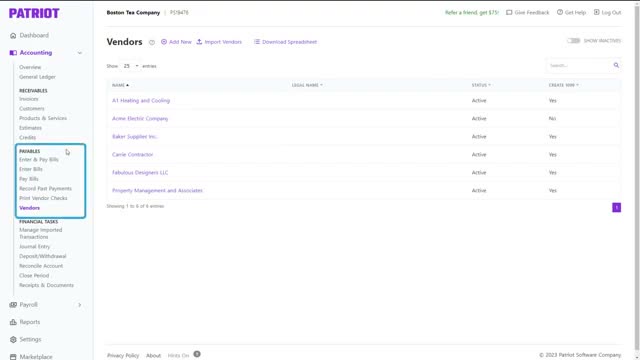
Patriot Accounting
For a small business already using Patriot Payroll
Standout: Shares one login with Patriot Payroll, so a business already running payroll there adds books with no second onboarding
What reviewers say ★ 4.8 · 630
Praised
- The price is the headline draw, with full-service tax-filing payroll running far below Gusto or QuickBooks, and reviewers running small firms call it the best value in the category.
- Setup is quick for a small team, and accountants managing multiple client payrolls praise the clean multi-company view.
- US-based support answers the phone and helps directly, which reviewers contrast against the hold times at bigger providers.
- The interface is simple enough that owners with no payroll background run it themselves without training.
Faulted
- Integrations are limited beyond Patriot's own accounting product, so teams on other stacks fall back to manual exports.
- HR and benefits features are thin, so growing companies eventually migrate to a fuller HCM.
- Direct deposit funding on lower tiers takes several days rather than same-day or next-day, which catches new users off guard.
- Reporting is basic, and finance staff wanting custom or detailed reports find the options shallow.
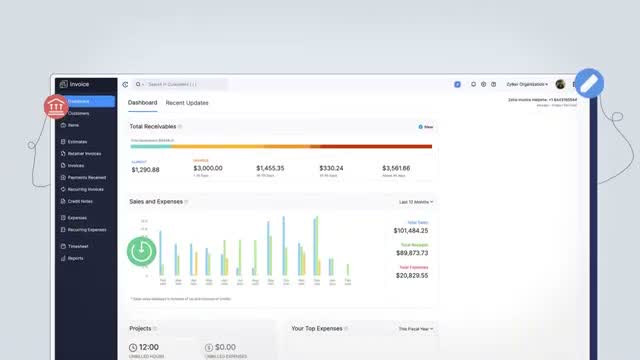
Zoho Invoice
For a business that only needs invoicing, not full books yet
Standout: Free plan includes unlimited invoicing, expense tracking, time tracking, and recurring invoices at $0/month
What reviewers say ★ 4.1 · 2,928
Praised
- Price-to-feature ratio is the most repeated compliment: reviewers say Zoho delivers lead scoring, workflow automation, and multi-currency support at a fraction of the cost of HubSpot or Salesforce.
- Depth of the Zoho ecosystem is consistently praised by teams already using Zoho Books, Zoho Desk, or Zoho Campaigns, who describe the cross-app data flow as a genuine alternative to buying multiple point solutions.
- The Canvas drag-and-drop UI builder, added in recent years, appears in newer positive reviews as a meaningful upgrade, letting non-technical admins redesign the record layout without code.
- Workflow automation breadth gets strong marks, with reviewers pointing to multi-condition rules, scheduled actions, and blueprint approval processes as features competitors lock behind enterprise tiers.
- Lead management tools including assignment rules, scoring, and conversion tracking are frequently cited as thorough and configurable for teams with defined sales processes.
Faulted
- Customer support is the single most common complaint across G2 and Capterra, with reviewers on standard plans describing slow ticket responses, inconsistent answers, and difficulty escalating urgent issues.
- The learning curve is steep enough that multiple reviewers recommend hiring a Zoho consultant for initial setup, especially for automation, Deluge scripting, and module customization.
- The mobile app has reliability problems that appear consistently in recent reviews, including bugs that prevent notes from displaying, missed call logs, and crashes under poor connectivity.
- Integration with non-Zoho tools is frequently described as more friction than the docs suggest, with third-party connectors requiring Zapier workarounds or custom API work for stable two-way sync.
- The interface, despite recent improvements, is still called cluttered and overwhelming by first-time CRM buyers, and the density of settings can make routine tasks harder to find than in leaner tools.
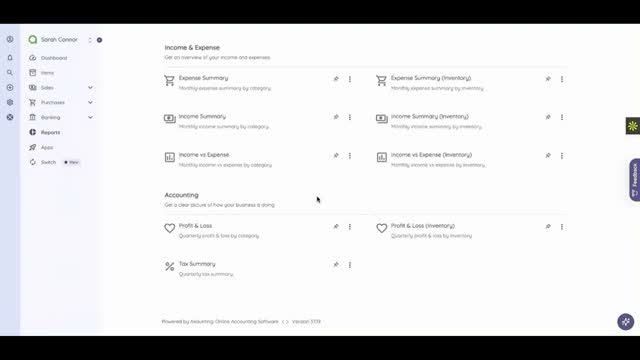
Akaunting
For a budget-conscious business wanting self-hosted or free
Standout: Genuinely free and open source, either self-hosted for full data control or on Akaunting's cloud
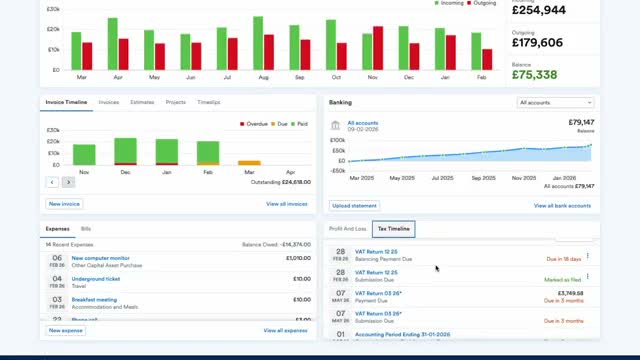
FreeAgent
For a UK-linked small business wanting one tool on both sides of the Atlantic
Standout: Clean, well-reviewed interface, with users consistently praising ease of use in G2 reviews
Sage 50cloud Accounting
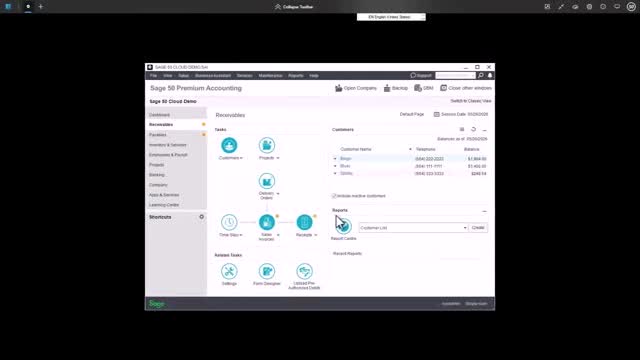
For a business that wants desktop-grade job costing with cloud access
Standout: Detailed job costing and project management depth that most cloud-only tools on this list don't attempt
What reviewers say ★ 4.3 · 4,211
Praised
- Dimensional accounting replaces bloated chart-of-accounts structures; reviewers can slice reporting by entity, department, project, and location without creating duplicate GL accounts.
- Multi-entity consolidation handles intercompany eliminations and currency conversion in ways that comparable mid-market ERPs cannot match.
- Reporting depth and dashboard configurability are consistently praised, with finance teams building the custom views they need without outside help.
- Cloud-native architecture and role-based access controls make it practical for distributed finance teams and external auditors to work from the same data.
- The approval workflow engine and audit trail satisfy compliance requirements for nonprofits and professional services firms facing grant or government reporting.
Faulted
- Implementation cost is the most-cited barrier; annual subscriptions typically run $8,000-$35,000 plus implementation fees of 1.0-1.75x the subscription.
- Almost every worthwhile feature sits behind an add-on module, and reviewers report that renewal quotes expand as Sage adds new billable capabilities.
- The learning curve is steep for non-finance staff; report customization and multi-entity setup require formal training rather than trial-and-error.
- Correcting posted transactions is difficult or impossible in some configurations, forcing workarounds that complicate audit trails.
- The user interface feels dated relative to modern SaaS tools; reviewers note the visual design has not kept pace with competing cloud platforms.
Express Accounts
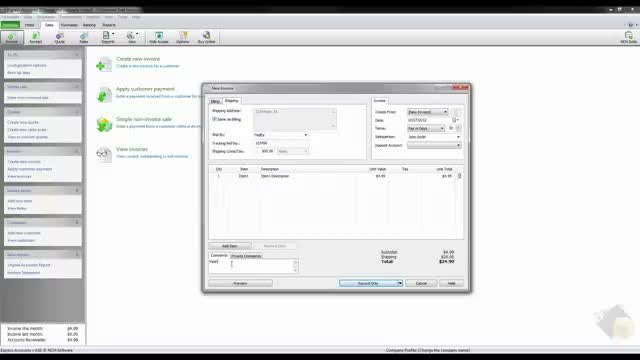
For a one-time purchase with no monthly subscription
Standout: One-time purchase around $80, no monthly subscription at all, which appeals to an owner tired of software bills
Tools we considered but excluded
We evaluated more tools than the 21 you see above. These did not make the cut. Saying what we rejected, and why, is the editorial muscle most listicles skip.
- Sage Intacct: Built for multi-entity, ASC 606 revenue recognition and a Series B+ finance team; overkill and overpriced for a small business under 20 employees
- NetSuite: Full ERP scope with $80K-$200K year-one cost; nothing about a 1-20 person small business needs this depth
- Puzzle: Built for VC-backed startups on Brex and Ramp with native ASC 606; a Main Street small business doesn't have that fintech stack or that problem
- Bench: A managed bookkeeping service billed monthly, not standalone software a business owner runs themselves
- Pilot: Same as Bench, a bookkeeping service built on top of QuickBooks rather than a software product in its own right
- Sage Business Cloud Accounting: Retired in the US as of January 2025; no longer a live purchase option for a small business
Honorable mentions
Solid tools that did not crack the main list but are worth tracking, especially for niche use cases.
- Countingup: A strong current-account-plus-bookkeeping combo, but it's UK-only and doesn't serve US small businesses
- Digits: AI-native bookkeeping at 4.6/5 on G2, but the $100/mo Core plan is priced for a funded startup, not a bootstrapped storefront
- 1-800Accountant: A real option if you'd rather pay a human to do the whole job, but it's a service, not software you run yourself
Who this guide is actually for
Our main accounting software research is built for a SaaS finance team closing ASC 606 revenue schedules on a five-day cycle. That’s not this buyer.
This guide is for the owner, office manager, or solo founder who is often the one entering the transactions themselves, on nights and weekends, without a bookkeeper on staff yet.
Free and near-free tools matter here in a way they don’t for a funded company. Wave, Zoho Books Free, and ZipBooks Starter aren’t compromises, they’re often the right permanent answer for a business under $100K in revenue.
Cash-basis reporting is the default, not the exception. Most tools here handle it, but the setting has to be selected correctly, and it’s an easy thing to get wrong on a first setup with no accountant reviewing it.
Receipt capture and DIY bookkeeping tools earn a real slot. Neat and Kashoo exist specifically because a first-time owner doesn’t want to learn double-entry accounting from a textbook to send an invoice.
Bill pay is sometimes the whole problem. Melio isn’t a general ledger, but plenty of small businesses call their AP process “accounting” when what they actually need is a faster, cheaper way to pay vendors.
Selection criteria, what to test in your accounting software trial
Six things to check before you commit a real business to any of these tools.
One, connect your actual bank account, not the demo. Link your real checking account and let a week of transactions flow in. Watch how the auto-categorization handles your specific vendors, not a sample data set.
This is the single best predictor of how much manual cleanup you’ll do monthly.
Two, send a real invoice to yourself. Build an invoice with your actual logo, terms, and a line item, then pay it with a test card if the trial allows. Time how long the whole loop takes from creation to marked-paid.
Three, check the cash-basis versus accrual setting. Find the report basis toggle before you enter a single transaction.
Getting this wrong for a quarter means redoing every report, which is a common first-year mistake with no accountant reviewing the setup.
Four, pull a P&L and a balance sheet. Even a one-person business should be able to read these two reports without confusion. If the trial’s sample reports don’t make sense to you, the real ones won’t either come tax season.
Five, price the tool at your next headcount, not your current one. A solo Wave user adding one employee needs Wave Payroll at $20-$40/mo on top. Price the next step before you’re mid-year and stuck.
Six, test the mobile app if you’re not desk-bound. A contractor, salon owner, or field-service business needs to log an expense or send an invoice from a phone.
Some tools on this list, Neat especially, are built mobile-first; others treat it as an afterthought.
How to choose the right accounting software for your small business
1. Your current revenue and headcount
Under $50K revenue, solo: Wave or Zoho Books Free. Under $250K, 1-3 people: QuickBooks Simple Start, Zoho Books Standard, or Kashoo. 3-20 employees: QuickBooks Plus or Xero Growing.
2. Whether you bill by the hour or sell a product
Service business billing hourly or by project: FreshBooks wins outright on the time-to-invoice workflow. Product business with inventory: QuickBooks Plus or Zoho Books, both with real item tracking.
3. Whether an accountant is already in the picture
If you already have a bookkeeper or CPA, ask which tool they’re fastest in before choosing anything. If you don’t yet, pick QuickBooks for the eventual hiring flexibility, or Kashoo if simplicity matters more than that flexibility.
4. How much of the actual bookkeeping you plan to do yourself
Comfortable with a general ledger: any tool here works. New to bookkeeping entirely: Kashoo or Neat remove the most friction, with live support and receipt-first workflows built for exactly that gap.
5. Whether accounts payable, not bookkeeping, is the real bottleneck
If the actual daily pain is paying vendors on time and tracking who’s been paid, add Melio on top of whatever ledger you use rather than searching for an all-in-one replacement.
What’s changing in small business accounting software in 2026
AI categorization has crossed a real accuracy threshold. Digits reports 96.5% auto-booking accuracy, and QuickBooks and Xero’s AI matching engines are both reliable enough now that a solo owner can trust the first-pass categorization more than a manual review.
Free tiers are getting more generous, not less. Zoho Books’ free tier and ZipBooks’ unlimited-invoice Starter plan both reflect a market where basic bookkeeping software is being commoditized to win a customer for a paid add-on later, payments processing especially.
Bill pay is splitting off as its own category. Melio’s growth shows small businesses increasingly treating “who do I owe and when do I pay them” as a separate problem from “what does my P&L say,” rather than expecting one tool to do both equally well.
Receipt and document capture is consolidating into core products. QuickBooks and Xero have both improved native receipt scanning enough that a standalone tool like Neat is now more of a specialist choice than a default add-on.
Desktop, license-once accounting software is nearly gone. Sage Business Cloud Accounting’s US retirement in January 2025 is part of a broader pattern; almost every option left standing on this list is cloud-subscription only.
Final pick by business profile
- Zero budget, solo, domestic customers only: Wave. Free core accounting with no catch on the essentials.
- First business, no bookkeeping background: Kashoo. Live chat support and machine categorization remove the learning curve.
- Freelancer billing hourly or by project: FreshBooks. Nothing else on this list ties time tracking to invoicing this cleanly.
- Retail or product business needing inventory: QuickBooks Plus or Zoho Books. Both handle item-level tracking natively.
- Household or team needing more than one login: Xero. Unlimited users on every paid tier changes the math past three people.
- Already inside the Zoho ecosystem: Zoho Books. Shared data model with Zoho CRM and Zoho Inventory.
- Drowning in paper receipts: Neat. OCR capture turns a shoebox into searchable records.
- Schedule C filer, true solo operator: QuickBooks Solopreneur. Built around mileage and quarterly estimated taxes specifically.
- Bill pay is the actual daily headache: Melio. Free ACH transfers layered on top of whatever ledger you already use.
- Want the cheapest tool with a free-forever tier for invoicing: ZipBooks. Unlimited invoices and customers at $0.
For corrections or vendor disputes, email hello@topickz.com . Our full 20-tool shortlist is re-tested every six months, alongside the next refresh of the main accounting software guide .
Frequently asked questions
What is the best accounting software for a small business in 2026?
Is there truly free accounting software for a small business?
What accounting software works best for a solo freelancer?
How much does small business accounting software cost per month?
Do I need double-entry accounting for a small business?
Can I switch from QuickBooks to Wave or Xero later?
What is the cheapest accounting software with real bookkeeping?
Does small business accounting software handle 1099 contractors?
What is the difference between accounting software and a bill pay tool like Melio?
Should a small business use cash-basis or accrual accounting?
Related helpful reads
Write a review
Posts to the page right away. Keep it real — no links or email addresses.