
Comparing the best LMS Software of 2026 includes 1. TalentLMS 2. Docebo 3. Absorb LMS 4. 360Learning 5. LearnUpon 6. Cornerstone Learning 7. iSpring Learn 8. SAP Litmos 9. Continu 10. WorkRamp 11. Trainual 12. Seismic Learning 13. SC Training (EdApp) 14. Bridge by Instructure 15. Moodle Workplace 16. Northpass (Gainsight) 17. Tovuti LMS 18. Whatfix 19. Skilljar 20. D2L Brightspace.
TL;DR
- Best overall for SMB/mid-market: TalentLMS, fast setup, honest pricing, 4.6/5 on G2.
- Best enterprise AI-powered: Docebo, the go-to when you need personalized learning paths at 1,000+ learners.
- Best for compliance-heavy industries: Absorb LMS, best-in-class audit trails and automated recertification.
- Best collaborative authoring: 360Learning, the only LMS that turns subject-matter experts into course creators at scale.
- Best for sales enablement training: Seismic Learning, purpose-built for GTM team readiness.
Twenty LMS platforms compared across real corporate training scenarios at three company sizes. What each one wins on, what the renewal looks like at year two, and the pick for your headcount, compliance load, and L&D team capacity.
What Is an LMS (learning management system)?
A learning management system helps organizations deliver and track training, hosting courses, quizzes, and certifications so employees and customers learn at their own pace.
Tools like TalentLMS, Docebo, Absorb LMS, and 360Learning differ on authoring, automation, and price for small teams versus enterprises.
Best LMS Software for Corporate Training Teams comparison: features, pricing and verdicts
| Tool | Best for | Starting price | Free trial | External rating |
|---|---|---|---|---|
Best overall for SMB and mid-market training teams | $119/mo | Free up to 5 users and 10 courses | G2 4.6/5 (700+ reviews) | |
Best AI-powered LMS for enterprise and 250+ learner deployments | Custom | Demo only | G2 4.4/5 (746 reviews) | |
Best for compliance-heavy and regulated-industry training | Custom | Demo only | G2 4.6/5 (829 reviews) | |
Best for collaborative authoring and peer-driven learning | $8/user/mo | 30-day free trial | G2 4.6/5 (450+ reviews) | |
Best for multi-audience training (customers, partners, and employees) | Custom | Demo only | G2 4.6/5 (300+ reviews) | |
Best enterprise suite with talent management integration | Custom | Demo only | G2 4.3/5 (800+ reviews) | |
Best for PowerPoint-heavy content teams and field-deployed training | From low-single-digits/user/mo | 30-day free trial | G2 4.6/5 (500+ reviews) | |
Best for compliance certification and gamified learning | Custom | 14-day free trial | G2 4.2/5 (500+ reviews) | |
Best for Slack-first teams and informal learning workflows | Custom | Demo only | G2 4.7/5 (200+ reviews) | |
Best for go-to-market enablement and sales team readiness | Custom | Demo only | G2 4.6/5 (300+ reviews) | |
For SMB process documentation and role-based onboarding | Custom | Demo only | G2 4.5/5 (700+ reviews) | |
For sales enablement and GTM team readiness programs | Custom | Demo only | G2 4.7/5 (598 reviews) | |
For frontline and mobile-first training programs | $0 | Free plan available | G2 4.6/5 (300+ reviews) | |
For HR-led organizations connecting learning to performance management | Custom | Demo only | G2 4.4/5 (300+ reviews) | |
For budget-constrained teams with in-house technical capacity | $0 | Free self-hosted or MoodleCloud trial | G2 4.1/5 (400+ reviews) | |
For customer education and external training academies | Custom | Demo only | G2 4.7/5 (150+ reviews) | |
For organizations wanting gamification and interactive content without coding | Custom | Demo only | G2 4.6/5 (200+ reviews) | |
For in-app digital adoption and embedded training | Custom | Demo only | G2 4.6/5 (350+ reviews) | |
For SaaS companies building customer training academies with revenue models | Custom | Demo only | G2 4.6/5 (250+ reviews) | |
For enterprise and regulated organizations with complex curricula needs | Custom | Demo only | G2 4.4/5 (400+ reviews) |
How we chose these tools
We compared the 20 platforms on published pricing, real G2 review themes, and feature and compliance checks across employee onboarding, compliance training, and skill development at three company sizes. Pricing was verified directly on vendor pages in May 2026. All G2 and Capterra ratings cited were pulled on May 28, 2026. Figures were checked against Gartner Peer Insights and eLearning Industry directory listings.
How we weight lms software for the Topickz score
Every tool above is scored against the fixed rubric below and combined using these weights into the Topickz score on each card. The weights are set for lms software specifically, they are not copied from another category, and we publish them so you can see what moved a ranking and re-weight for your own priorities.
| Criterion | Weight | What we checked |
|---|---|---|
| Course authoring tools | 19% | Built-in authoring that turns existing material into courses without a separate tool. We timed how fast a real course goes from draft to published. |
| Completion tracking and reporting | 16% | Who finished, who stalled, and proof for an auditor. Completion data that a manager can act on is the point of an LMS. |
| Compliance training and recertification | 13% | Automated recertification cycles and audit trails for regulated industries. Absorb LMS is the reference for this workload. |
| Personalized learning paths | 11% | Role-based and adaptive paths at 1,000-plus learners. Docebo anchors the enterprise end of this dimension. |
| Content standards and integrations | 10% | SCORM and xAPI support plus connectors to HRIS and content marketplaces, so courses and records move without rework. |
| Learner experience and mobile | 9% | Whether learners actually want to log in, and whether the mobile app holds up for deskless staff. |
| Pricing and renewal cost | 10% | Published pricing was verified in May 2026, with attention to what year-two renewal looks like, from about $119/mo up to enterprise seats. |
| Security and compliance | 6% | SOC 2, GDPR, and data handling for training records tied to real employees. |
| Review signal | 6% | G2 and Capterra ratings were pulled on May 28, 2026, and cross-checked against Gartner Peer Insights listings. |
| Total | 100% |
Read the full TopickZ.com testing methodology for how we run each test, score every criterion, and combine them into a single rating.
Detailed reviews
TalentLMS
Best overall for SMB and mid-market training teams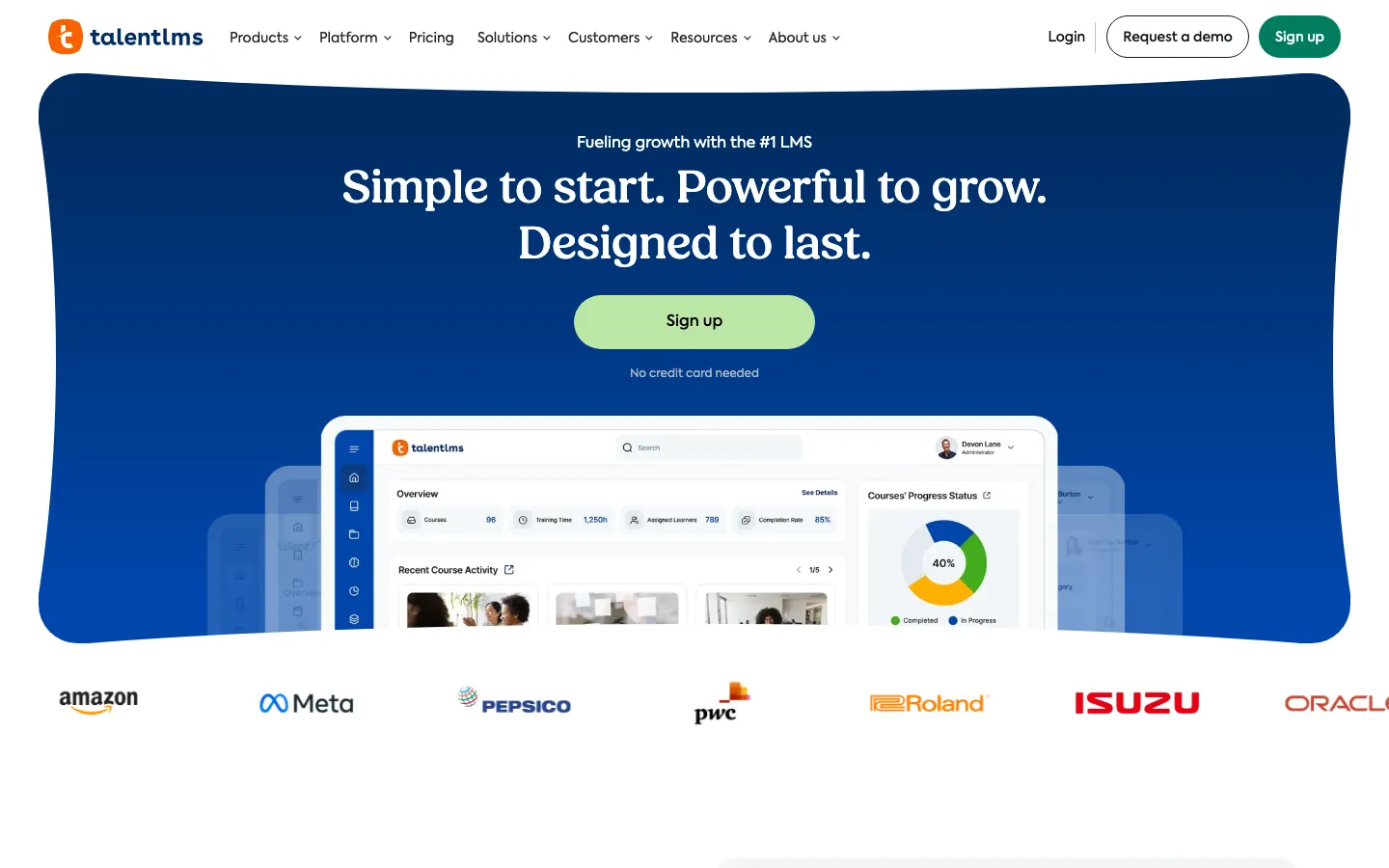
What's great
- Free tier supports 5 users and 10 courses, the only real "test it yourself" option in the mid-market LMS category
- TalentCraft AI authoring tool ships on every paid plan, turns a PowerPoint deck into an interactive course in under 20 minutes
- Flat-rate tier pricing (Core at $119/mo for up to 100 users), no per-seat gotchas until you exceed the Pro base tier
Watch-outs
- Reporting on Core and Grow is basic; custom reports require the Pro plan ($449/mo), a cliff that catches teams by surprise when they outgrow standard analytics
- Course authoring tools are functional but not competitive with iSpring or 360Learning for complex interactive scenarios
- G2 reviewers consistently flag the mobile experience as below Absorb and iSpring; learners on iOS report the app feeling dated
Pricing breakdown
| Plan | Price | Best for |
|---|---|---|
| Free | $0 | Up to 5 users and 10 courses |
| Core | $119/mo annual | up to 100 active users |
| Grow | $229/mo annual | up to 500 users |
| Pro | $449/mo annual | up to 500 users (then $6 per additional user) |
Security & compliance
| Standard | Availability |
|---|---|
| SOC 2 Type II | ✗ (ISO 27001) |
| GDPR | Yes |
| HIPAA | No |
| SSO / SAML | Grow+ |
| Audit logs | Pro+ |
TalentLMS compliance summary: SOC 2 Type II is ✗ (iso 27001), GDPR is yes, HIPAA is no, SSO/SAML is grow+, and audit logs is pro+.
Key integrations
| Integration | Type |
|---|---|
| Gmail | N/A |
| Outlook | N/A |
| Slack | Native integration |
| LinkedIn Sales Navigator | N/A |
| Outreach / Salesloft | N/A |
TalentLMS integration summary: Gmail is not specified, Outlook is not specified, Slack is native integration, LinkedIn Sales Navigator is not specified, and Outreach or Salesloft is not specified.
Feature availability
| Feature | Status |
|---|---|
| Free tier | 5 users + 10 courses |
| AI authoring | ✓ TalentCraft |
| Course library | ✗ |
| Custom branding | Grow+ |
| Mobile app | ✓ iOS/Android |
TalentLMS feature availability summary: Free tier (5 users + 10 courses), AI authoring (✓ TalentCraft), Course library (✗), Custom branding (Grow+), and Mobile app (✓ iOS/Android).
What reviewers say about TalentLMS
Recurring themes across ~797 G2 reviews (4.6/5) and Capterra reviews (4.7/5), 2024-2026.
What reviewers praise
- Admins repeatedly say a non-technical person can stand up a working portal in an afternoon, no IT ticket required.
- The free tier (up to 5 users and 10 courses) lets small teams prove the platform before paying, a point cited often in positive reviews.
- Built-in TalentCraft authoring and the gamification layer (points, badges, leaderboards) get called out for driving actual course completion.
- Support responsiveness through chat and email is a recurring reason reviewers renew.
What reviewers fault
- The native reporting is the top gripe, reviewers export to spreadsheets because dashboards are shallow and hard to customize.
- Per-user pricing tiers jump sharply once a team crosses a plan cap, catching finance teams off guard.
- Branding and white-label control is thin on lower plans, so the portal still looks like TalentLMS.
- The course editor can feel fiddly for complex content, and the mobile app lags the web experience.
Loading reviews…
Docebo
Best AI-powered LMS for enterprise and 250+ learner deployments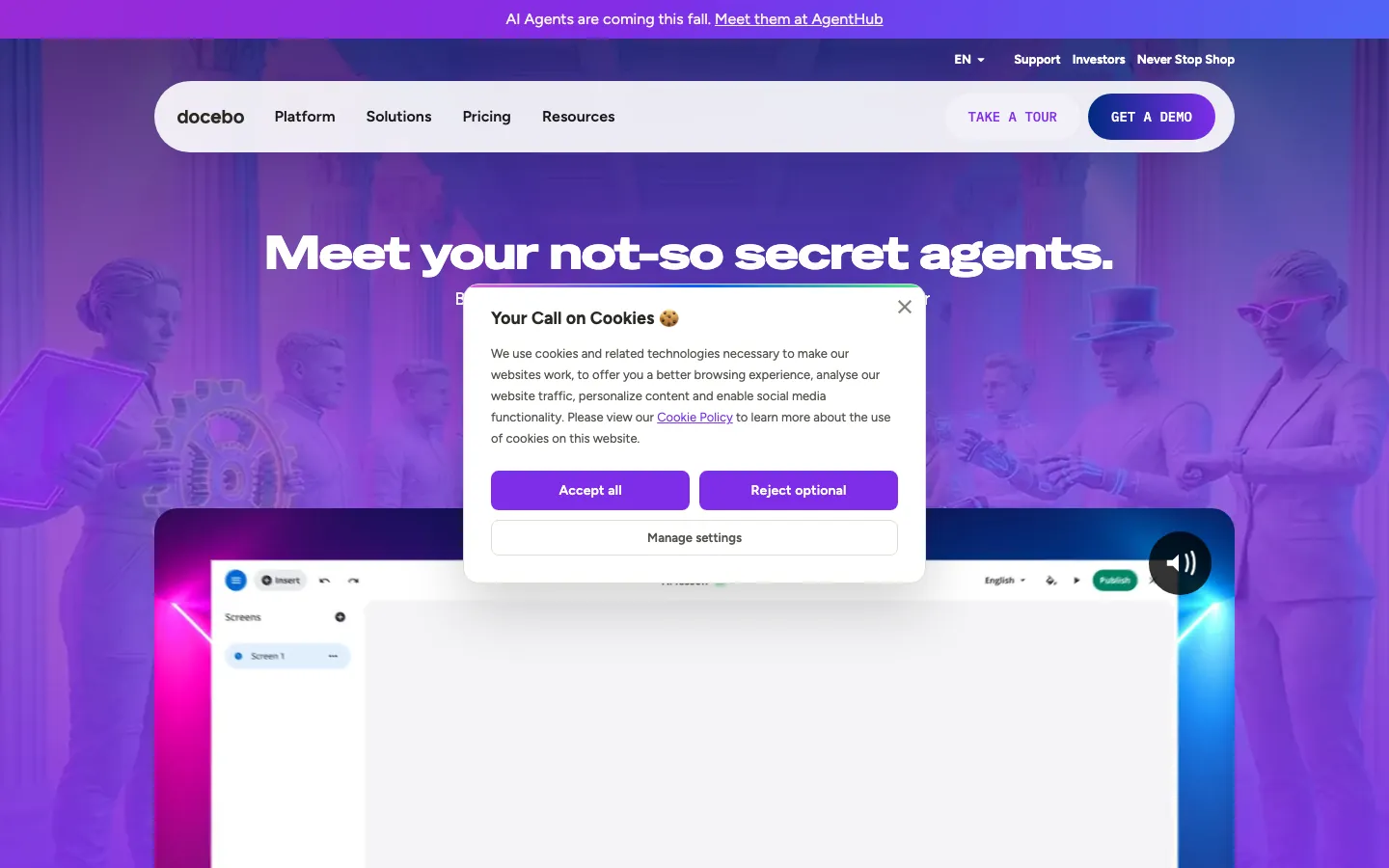
What's great
- Harmony AI copilot auto-tags content, surfaces personalized course recommendations, and generates learning paths from a job role description in under five minutes
- Extended enterprise architecture supports up to 10 branded sub-domains on the Enterprise tier; customer, partner, and employee training run in separate portals from one contract
- Docebo Content catalog ships 30,000+ pre-built courses across compliance, leadership, and technical topics; organizations with no existing library can launch in weeks
Watch-outs
- Minimum contract threshold sits around $25K/yr; mid-market teams under 250 learners routinely get priced out during the demo phase
- Average enterprise contract runs $7-10/active user/mo, meaning a 500-learner deployment lands $42K-$60K before professional services
- Implementation takes 8-12 weeks at mid-market; the L&D admin load during setup is the top complaint in G2 reviews across 2025-2026
Pricing breakdown
| Plan | Price | Best for |
|---|---|---|
| Elevate tier | Custom (est. $7-9/active user/mo) | 250-1 |
| Enterprise | Custom (est. $9-12/active user/mo) | 1 |
| Skills Intelligence add-on | Custom | AI-native skills taxonomy |
| Content add-on | Custom | 30 |
Security & compliance
| Standard | Availability |
|---|---|
| SOC 2 Type II | Yes |
| GDPR | Yes |
| HIPAA | Yes |
| SSO / SAML | ✓ all tiers |
| Audit logs | ✓ all tiers |
Docebo compliance summary: SOC 2 Type II is yes, GDPR is yes, HIPAA is yes, SSO/SAML is ✓ all tiers, and audit logs is ✓ all tiers.
Key integrations
| Integration | Type |
|---|---|
| Gmail | N/A |
| Outlook | N/A |
| Slack | Native integration |
| LinkedIn Sales Navigator | N/A |
| Outreach / Salesloft | N/A |
Docebo integration summary: Gmail is not specified, Outlook is not specified, Slack is native integration, LinkedIn Sales Navigator is not specified, and Outreach or Salesloft is not specified.
Feature availability
| Feature | Status |
|---|---|
| Free tier | no |
| AI authoring | ✓ Harmony AI |
| Course library | ✓ 30K+ courses add-on |
| Custom branding | ✓ all tiers |
| Mobile app | ✓ iOS/Android |
Docebo feature availability summary: Free tier (no), AI authoring (✓ Harmony AI), Course library (✓ 30K+ courses add-on), Custom branding (✓ all tiers), and Mobile app (✓ iOS/Android).
What reviewers say about Docebo
Recurring themes across ~746 G2 reviews (4.4/5) and Capterra reviews, 2024-2026.
What reviewers praise
- Reviewers describe it as one of the deepest platforms in the category, with extensive configuration and automation that enterprise L&D teams want.
- The AI features (content tagging, auto-generated skills, recommendations) get called out as genuinely useful at scale.
- Integrations and the extensible API let teams wire Docebo into HRIS and CRM stacks.
- The content marketplace and multi-audience setup suit companies training employees, partners, and customers together.
What reviewers fault
- The learning curve is steep, reviewers repeatedly say admins need real training before the platform pays off.
- Cost is high and reviewers say quotes climb quickly with add-on modules.
- Post-sale support quality is inconsistent, a recurring frustration once implementation ends.
- Some reviewers report that platform updates occasionally change or break existing configurations.
Loading reviews…
Absorb LMS
Best for compliance-heavy and regulated-industry training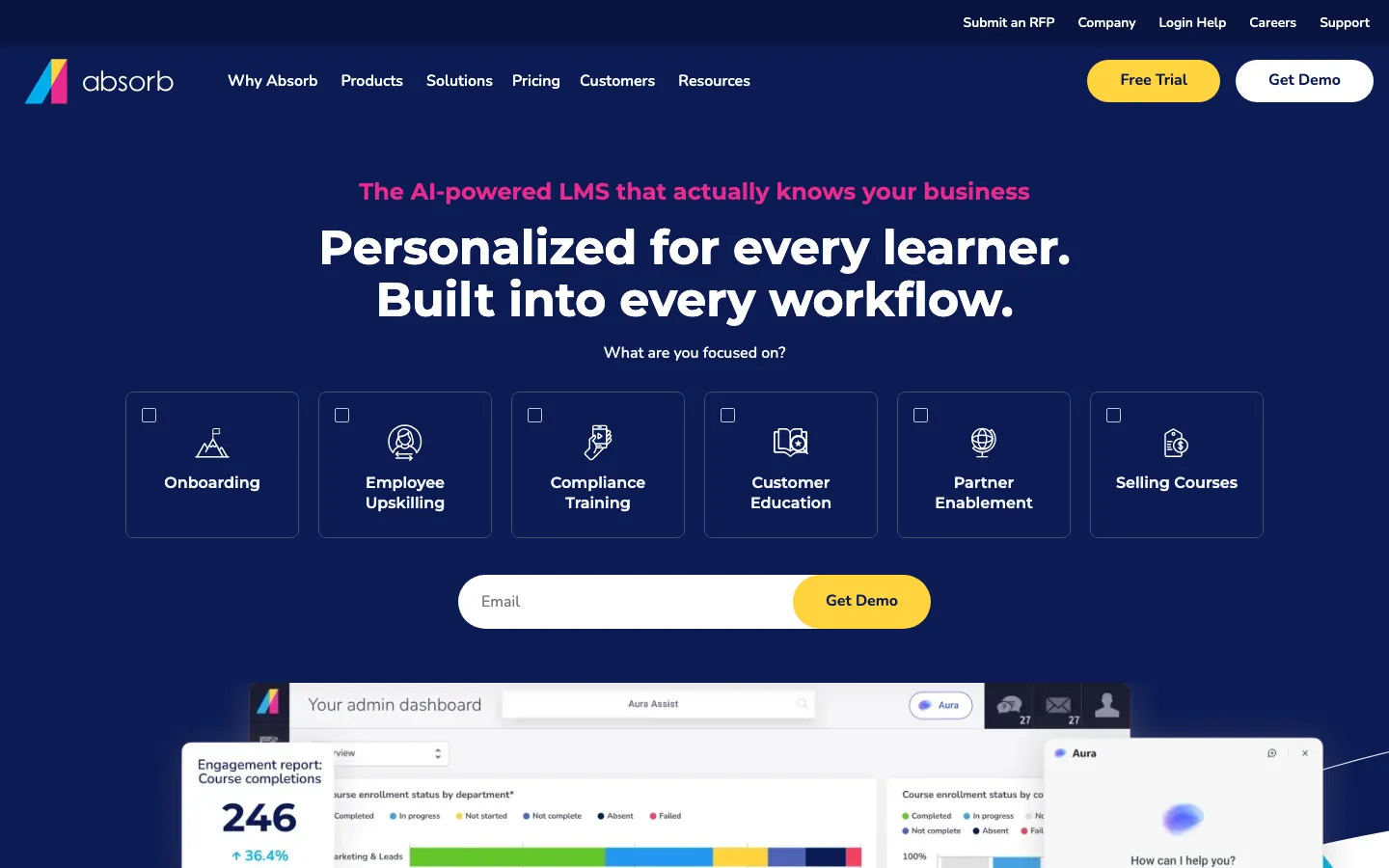
What's great
- Automated certificate management and recertification workflows with audit-ready reporting; the only LMS in this list where 100% of compliance documentation holds up in an actual external audit without manual cleanup
- Absorb Infuse embeds the LMS inside Salesforce, Workday, or any SaaS app; learners train in context without switching tabs
- 4.6/5 across 829 G2 reviews, one of the highest satisfaction rates in the enterprise-to-mid-market LMS category, with 79% five-star ratings
Watch-outs
- Course authoring requires the paid Absorb Create add-on; the base platform has no native authoring beyond simple uploads
- Social learning features (peer Q&A, discussion threads) are a separate paid module, not included in the core platform
- Implementation runs 2-3 months for mid-size deployments; teams expecting a fast launch will be frustrated
Pricing breakdown
| Plan | Price | Best for |
|---|---|---|
| Essentials | Custom (est. $6-9/learner/mo) | Core LMS |
| Professional | Custom (est. $8-11/learner/mo) | AI recommendations |
| Enterprise | Custom | Multi-tenant |
| Create add-on | Custom | Native course authoring for content-building teams |
Security & compliance
| Standard | Availability |
|---|---|
| SOC 2 Type II | Yes |
| GDPR | Yes |
| HIPAA | ✓ Enterprise |
| SSO / SAML | ✓ all tiers |
| Audit logs | ✓ all tiers |
Absorb LMS compliance summary: SOC 2 Type II is yes, GDPR is yes, HIPAA is ✓ enterprise, SSO/SAML is ✓ all tiers, and audit logs is ✓ all tiers.
Key integrations
| Integration | Type |
|---|---|
| Gmail | N/A |
| Outlook | N/A |
| Slack | Marketplace add-on |
| LinkedIn Sales Navigator | N/A |
| Outreach / Salesloft | N/A |
Absorb LMS integration summary: Gmail is not specified, Outlook is not specified, Slack is marketplace add-on, LinkedIn Sales Navigator is not specified, and Outreach or Salesloft is not specified.
Feature availability
| Feature | Status |
|---|---|
| Free tier | no |
| AI authoring | ✓ Absorb Create add-on |
| Course library | M (third-party) |
| Custom branding | ✓ all tiers |
| Mobile app | ✓ iOS/Android |
Absorb LMS feature availability summary: Free tier (no), AI authoring (✓ Absorb Create add-on), Course library (M (third-party)), Custom branding (✓ all tiers), and Mobile app (✓ iOS/Android).
What reviewers say about Absorb LMS
Recurring themes across ~861 G2 reviews (4.6/5) and Capterra reviews, 2024-2026.
What reviewers praise
- The admin experience is the standout, reviewers say the back end is clean and automation rules cut manual enrollment work.
- Reporting is called out as a real strength versus mid-market rivals, with flexible dashboards L&D can actually use.
- It scales from a few hundred to tens of thousands of learners without breaking, a recurring enterprise theme.
- The e-commerce module and Absorb Create authoring get credit for external and customer training use cases.
What reviewers fault
- Pricing is high and several capabilities cost extra, the top complaint from smaller buyers.
- Implementation and initial configuration take longer than some teams expect.
- A few reviewers cite UI quirks and reporting edge cases that need support tickets.
- The learner mobile app lags the polished admin side for some reviewers.
Loading reviews…
360Learning
Best for collaborative authoring and peer-driven learning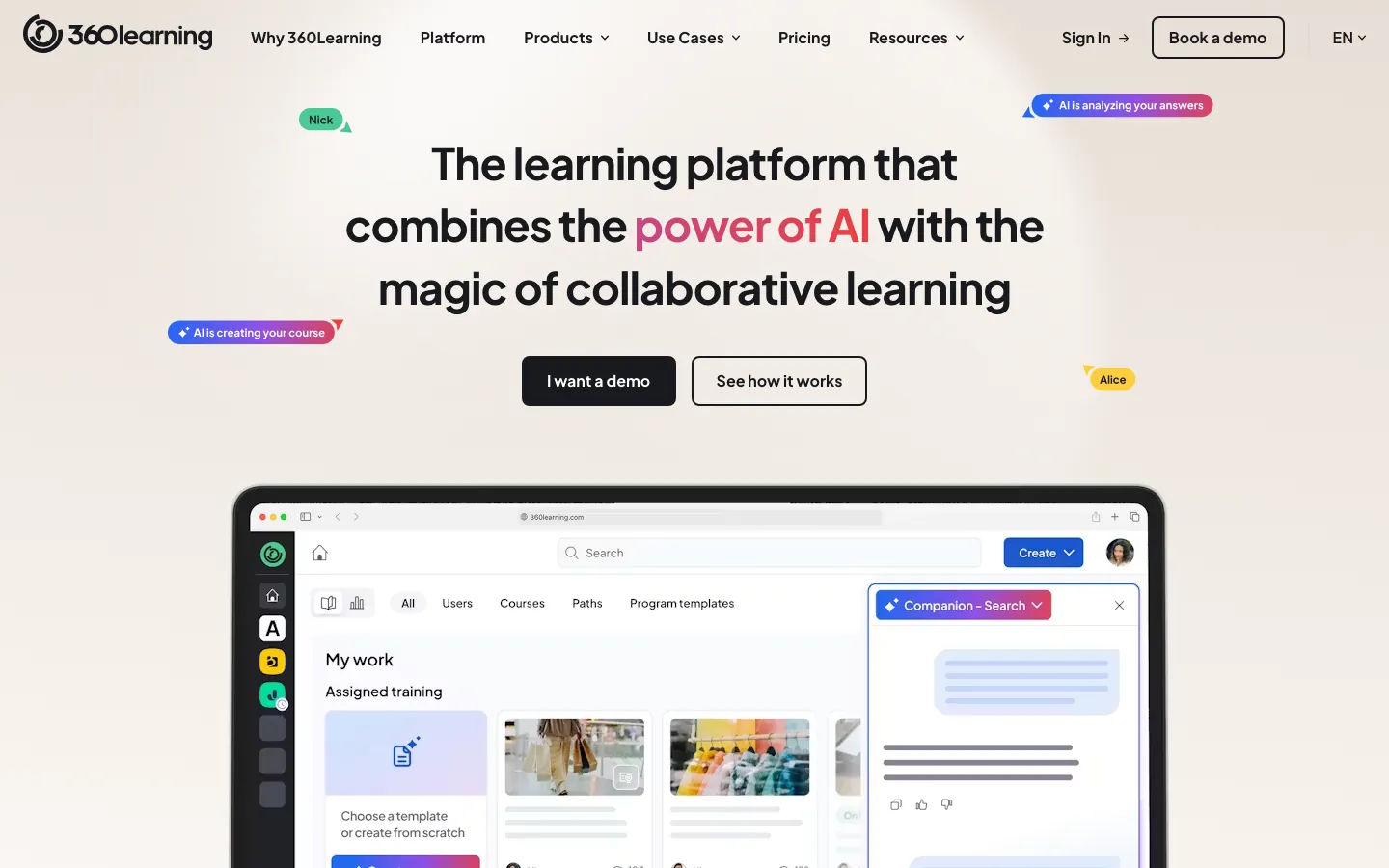
What's great
- Collaborative authoring model lets any subject-matter expert create and update courses in the flow of work; L&D teams at 200+ person companies report reducing course-creation time by 40%
- Reaction buttons and peer-discussion threads on every course make content freshness a team responsibility, not an L&D bottleneck
- $8/user/mo Team plan with no minimum, transparent pricing with a 30-day trial; the clearest pricing offer in the collaborative LMS segment
Watch-outs
- The collaborative model requires cultural buy-in; teams where "L&D owns everything" find the peer-authoring workflow confusing rather than empowering
- Advanced customization and branding options are limited on the Team plan; Business and Enterprise tiers require custom quotes
- Analytics depth is adequate but not strong; teams needing compliance-grade reporting will find 360Learning's data export lighter than Absorb or Cornerstone
Pricing breakdown
| Plan | Price | Best for |
|---|---|---|
| Team | $8/user/mo | Up to 100 users |
| Business | Custom | 100-500 users |
| Enterprise | Custom | 500+ users |
| 30-day trial | Free | Full feature access |
Security & compliance
| Standard | Availability |
|---|---|
| SOC 2 Type II | Yes |
| GDPR | Yes |
| HIPAA | ✓ (HIPAA-ready) |
| SSO / SAML | Business+ |
| Audit logs | Business+ |
360Learning compliance summary: SOC 2 Type II is yes, GDPR is yes, HIPAA is ✓ (hipaa-ready), SSO/SAML is business+, and audit logs is business+.
Key integrations
| Integration | Type |
|---|---|
| Gmail | N/A |
| Outlook | N/A |
| Slack | Native integration |
| LinkedIn Sales Navigator | N/A |
| Outreach / Salesloft | N/A |
360Learning integration summary: Gmail is not specified, Outlook is not specified, Slack is native integration, LinkedIn Sales Navigator is not specified, and Outreach or Salesloft is not specified.
Feature availability
| Feature | Status |
|---|---|
| Free tier | 30-day trial |
| AI authoring | ✓ AI authoring |
| Course library | ✗ |
| Custom branding | Business+ |
| Mobile app | ✓ iOS/Android |
360Learning feature availability summary: Free tier (30-day trial), AI authoring (✓ AI authoring), Course library (✗), Custom branding (Business+), and Mobile app (✓ iOS/Android).
What reviewers say about 360Learning
Recurring themes across ~585 G2 reviews (4.6/5) and Capterra reviews, 2024-2026.
What reviewers praise
- The collaborative authoring model, where subject-matter experts co-build courses instead of a central L&D team, is the standout theme in positive reviews.
- Reviewers say they can turn internal knowledge into a published course in hours, not weeks.
- Engagement features like forums, reactions, and learner questions get credited for higher participation on internal training.
- Customer success and onboarding support draw consistent praise from mid-market admins.
What reviewers fault
- Analytics and reporting come up as underpowered for teams that need granular completion and skills data.
- The admin interface has a learning curve, and some settings are buried.
- Pricing sits at the higher end for the category, which reviewers flag against smaller teams.
- A few reviewers note certain features feel half-finished and that integrations are limited versus larger LMS players.
Loading reviews…
LearnUpon
Best for multi-audience training (customers, partners, and employees)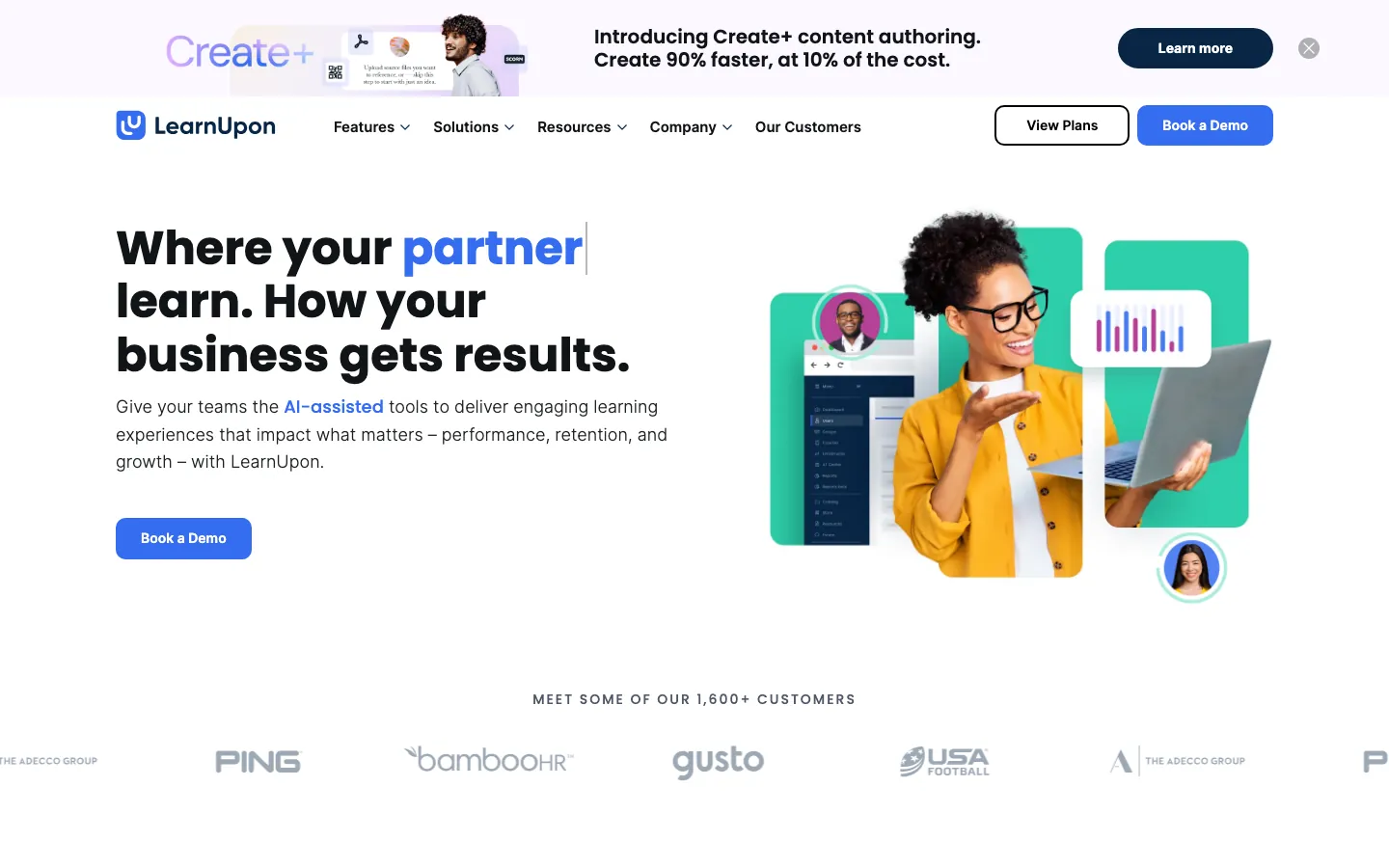
What's great
- White-labeled portals let you run employee, customer, and partner training under separate branded experiences from one account; no separate contracts or data silos
- eCommerce module ships natively; companies that sell training can take payments, issue certificates, and manage subscriptions from inside LearnUpon
- G2 reviewers consistently praise the support team's response speed, with multiple 2026 reviews citing same-day resolution on implementation questions
Watch-outs
- Minimum threshold of 100 users rules out small teams; early-stage companies evaluating LearnUpon will hit the floor before they need the multi-audience features
- The platform's strength (multi-audience architecture) becomes its complexity cost; configuring separate portals for each audience adds setup overhead that TalentLMS doesn't require
- Reporting across multiple portals requires manual aggregation; teams that run both customer and employee training frequently mention this as the top workflow friction
Pricing breakdown
| Plan | Price | Best for |
|---|---|---|
| Employees plan | Custom (est. $6-9/user/mo | Internal employee training |
| Customer Education plan | Custom (min 300 users) | Customer onboarding and certification |
| Associations plan | Custom (min 150 users) | Member training |
| Enterprise | Custom | Multi-portal |
Security & compliance
| Standard | Availability |
|---|---|
| SOC 2 Type II | Yes |
| GDPR | Yes |
| HIPAA | ✓ Enterprise |
| SSO / SAML | ✓ all tiers |
| Audit logs | ✓ all tiers |
LearnUpon compliance summary: SOC 2 Type II is yes, GDPR is yes, HIPAA is ✓ enterprise, SSO/SAML is ✓ all tiers, and audit logs is ✓ all tiers.
Key integrations
| Integration | Type |
|---|---|
| Gmail | N/A |
| Outlook | N/A |
| Slack | Native integration |
| LinkedIn Sales Navigator | N/A |
| Outreach / Salesloft | N/A |
LearnUpon integration summary: Gmail is not specified, Outlook is not specified, Slack is native integration, LinkedIn Sales Navigator is not specified, and Outreach or Salesloft is not specified.
Feature availability
| Feature | Status |
|---|---|
| Free tier | no |
| AI authoring | ✓ AI authoring |
| Course library | ✗ |
| Custom branding | ✓ all tiers |
| Mobile app | ✓ iOS/Android |
LearnUpon feature availability summary: Free tier (no), AI authoring (✓ AI authoring), Course library (✗), Custom branding (✓ all tiers), and Mobile app (✓ iOS/Android).
What reviewers say about LearnUpon
Recurring themes across ~253 G2 reviews (4.6/5) and Capterra reviews, 2024-2026.
What reviewers praise
- The multi-portal model, separate branded environments for employees, partners, and customers, is the most-cited reason teams choose it.
- Reviewers say the interface stays clean and admins get a portal live quickly with little training.
- Customer support and the onboarding team draw repeated, specific praise.
- It handles partner and customer training use cases better than generic corporate LMS tools, per reviewers.
What reviewers fault
- Reporting is the top gap, reviewers often export data or add a BI tool for the views they need.
- Deeper branding and layout customization is limited beyond the portal basics.
- Pricing scales with portals and users, which some smaller teams flag.
- A few feature requests (advanced automation, richer authoring) recur in complaints.
Loading reviews…
Cornerstone Learning
Best enterprise suite with talent management integration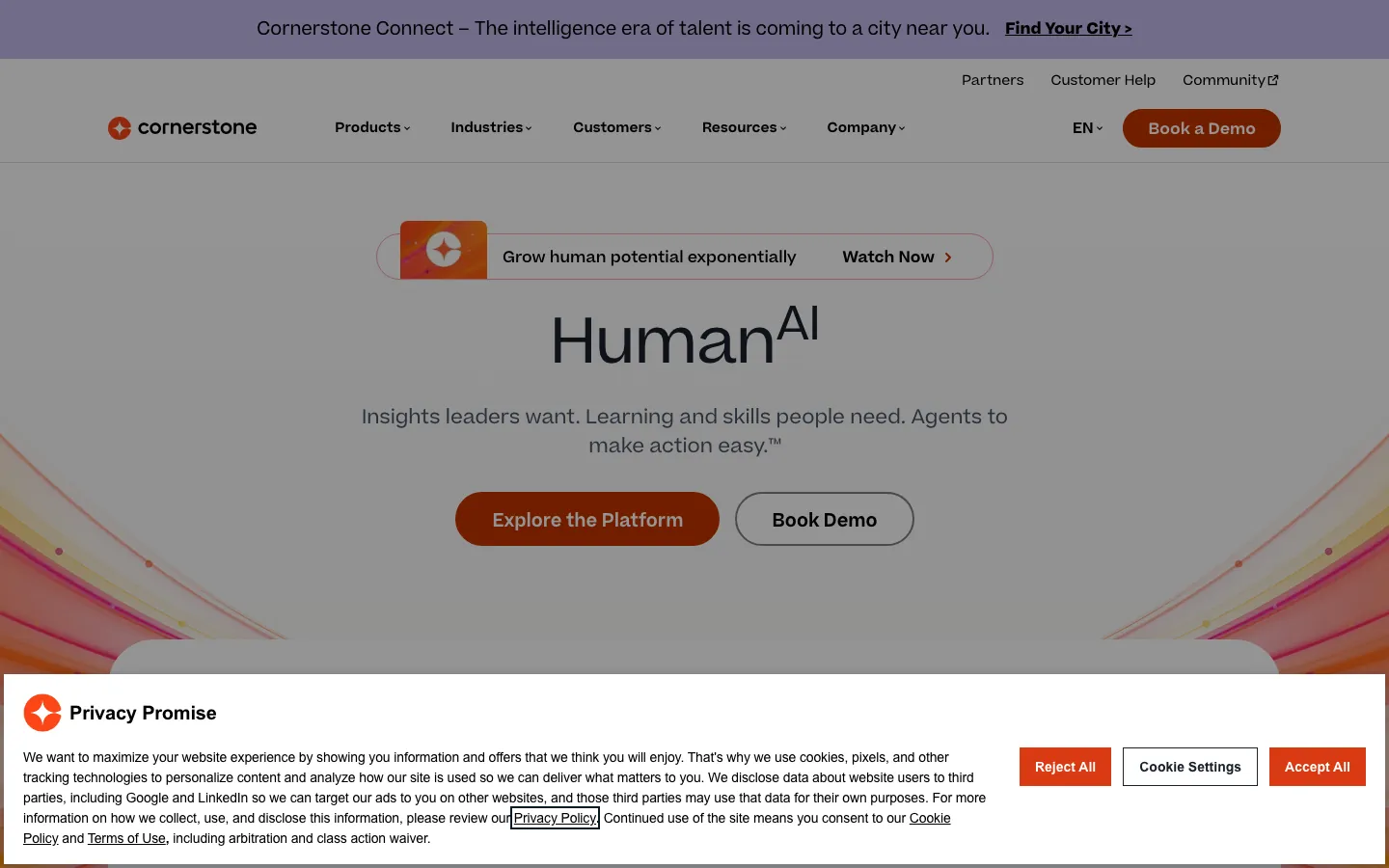
What's great
- Skills ontology engine maps 53,000+ skills to job roles, courses, and career paths; the most mature skills-infrastructure in the enterprise LMS category
- 100,000+ pre-built courses available in the Cornerstone Content Anytime marketplace; multi-industry coverage including healthcare, finance, and government
- Direct integration with Cornerstone Performance and Succession modules; learning completion feeds into performance review cycles without manual data transfer
Watch-outs
- 4.3/5 G2 rating is the lowest in this top-six; customer support is the consistent complaint with nearly 40% of critical reviews citing slow resolution times
- Platform complexity is high; new admins report 4-6 weeks before they can configure workflows independently, longer than any other tool in this guide
- Contract floor sits around $30K/yr; smaller teams budget $50K-$100K+ after professional services and content licenses
Pricing breakdown
| Plan | Price | Best for |
|---|---|---|
| Learning | Custom (est. $4-8/user/mo) | LMS only |
| Content Anytime | Custom add-on | 100 |
| Extended Enterprise | Custom | Partner and customer training portals |
| Full Suite | Custom (est. $30K-$100K+/yr) | Learning plus Performance plus Succession |
Security & compliance
| Standard | Availability |
|---|---|
| SOC 2 Type II | Yes |
| GDPR | Yes |
| HIPAA | ✓ Enterprise |
| SSO / SAML | ✓ all tiers |
| Audit logs | ✓ all tiers |
Cornerstone Learning compliance summary: SOC 2 Type II is yes, GDPR is yes, HIPAA is ✓ enterprise, SSO/SAML is ✓ all tiers, and audit logs is ✓ all tiers.
Key integrations
| Integration | Type |
|---|---|
| Gmail | N/A |
| Outlook | N/A |
| Slack | Marketplace add-on |
| LinkedIn Sales Navigator | N/A |
| Outreach / Salesloft | N/A |
Cornerstone Learning integration summary: Gmail is not specified, Outlook is not specified, Slack is marketplace add-on, LinkedIn Sales Navigator is not specified, and Outreach or Salesloft is not specified.
Feature availability
| Feature | Status |
|---|---|
| Free tier | no |
| AI authoring | ✓ Cornerstone AI |
| Course library | ✓ 100K+ Content Anytime |
| Custom branding | ✓ all tiers |
| Mobile app | ✓ iOS/Android |
Cornerstone Learning feature availability summary: Free tier (no), AI authoring (✓ Cornerstone AI), Course library (✓ 100K+ Content Anytime), Custom branding (✓ all tiers), and Mobile app (✓ iOS/Android).
What reviewers say about Cornerstone Learning
Recurring themes across ~531 G2 reviews (4.1/5) and Gartner Peer Insights, 2024-2026.
What reviewers praise
- Enterprise depth is the recurring positive, reviewers say it handles complex compliance, certification, and multi-region requirements few rivals match.
- Reporting and configuration flexibility get credit for supporting large, regulated organizations.
- It scales to very large learner populations, a point large-employer reviewers emphasize.
- The content and skills ecosystem suits companies standardizing L&D across many business units.
What reviewers fault
- The interface feels dated and complex, the most common complaint, with a steep learning curve for admins and learners.
- Cost is high and reviewers say the total spend grows with modules and services.
- Implementation and support draw frustration, with reviewers citing slow resolution and heavy setup.
- Reviewers repeatedly call it overkill for small and mid-size teams.
Loading reviews…
iSpring Learn
Best for PowerPoint-heavy content teams and field-deployed training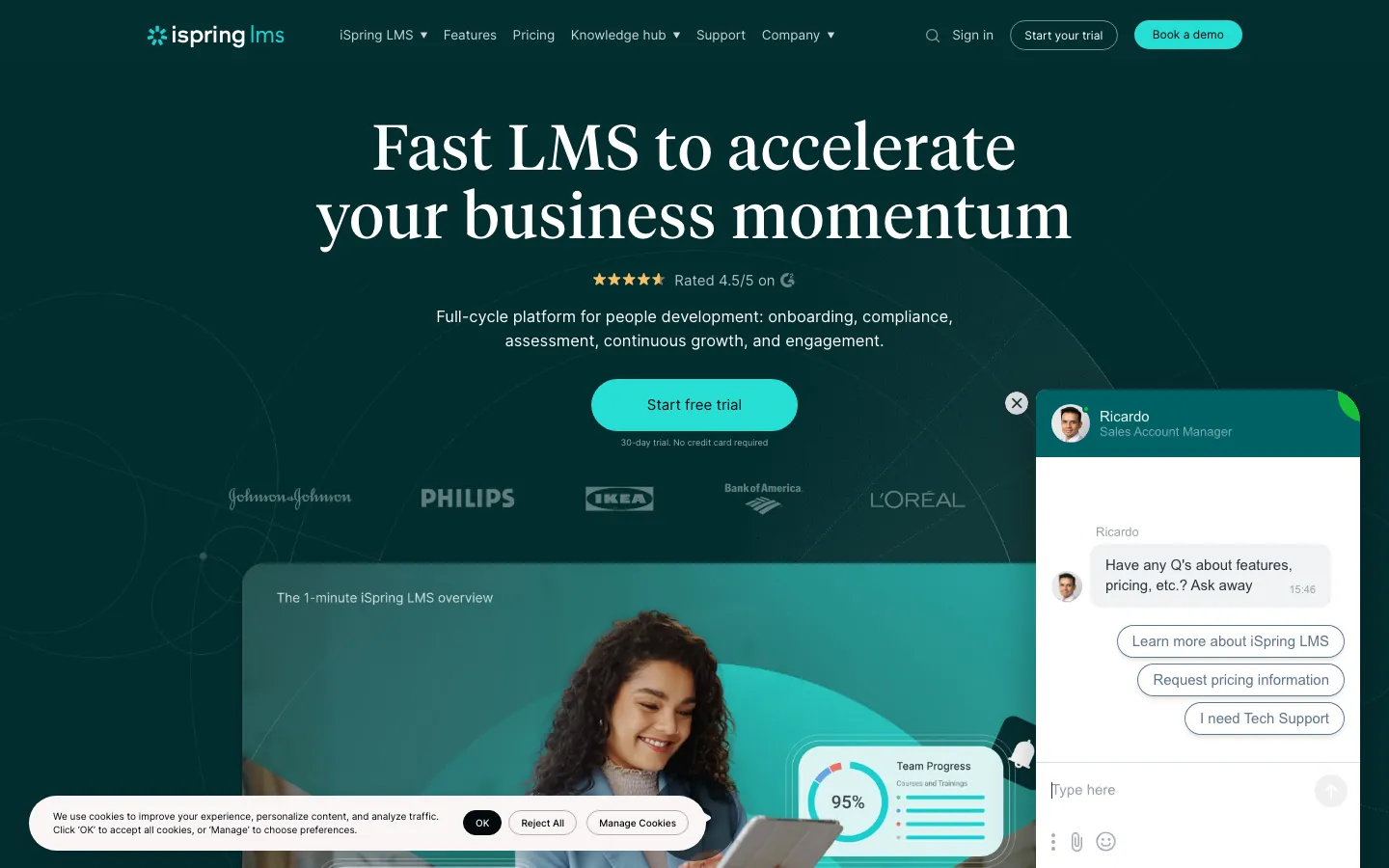
What's great
- PowerPoint-to-course conversion takes under 10 minutes; organizations with years of existing slide decks launch training programs faster than any other LMS in this guide
- Mobile app is consistently rated the best in category on G2 and Capterra, with offline mode supporting field technicians and frontline workers with no internet access
- At the Business-tier 100+ user breakpoint on annual billing, iSpring lands at one of the lowest per-user prices among full-featured platforms in this guide
Watch-outs
- Collaborative authoring is limited; iSpring is an admin-driven model where L&D creates and learners consume, the opposite of 360Learning's approach
- The platform requires iSpring Suite (the authoring tool, sold separately) for the most interactive content; the LMS alone can't create branching scenarios or complex simulations
- G2 review volume is thinner than TalentLMS or Absorb; fewer public third-party perspectives to validate claims
Pricing breakdown
| Plan | Price | Best for |
|---|---|---|
| Business (50 users) | Vendor-quoted (annual) | Small teams |
| Business (100 users) | Vendor-quoted (annual) | 100-user mark |
| Business (500 users) | Vendor-quoted (annual) | Mid-market |
| Enterprise (1 | Custom | Large organizations |
Security & compliance
| Standard | Availability |
|---|---|
| SOC 2 Type II | Yes |
| GDPR | Yes |
| HIPAA | No |
| SSO / SAML | Business+ |
| Audit logs | ✓ all tiers |
iSpring Learn compliance summary: SOC 2 Type II is yes, GDPR is yes, HIPAA is no, SSO/SAML is business+, and audit logs is ✓ all tiers.
Key integrations
| Integration | Type |
|---|---|
| Gmail | N/A |
| Outlook | N/A |
| Slack | Marketplace add-on |
| LinkedIn Sales Navigator | N/A |
| Outreach / Salesloft | N/A |
iSpring Learn integration summary: Gmail is not specified, Outlook is not specified, Slack is marketplace add-on, LinkedIn Sales Navigator is not specified, and Outreach or Salesloft is not specified.
Feature availability
| Feature | Status |
|---|---|
| Free tier | 30-day trial |
| AI authoring | ✓ iSpring Suite add-on |
| Course library | ✗ |
| Custom branding | ✓ all tiers |
| Mobile app | ✓ iOS/Android + offline |
iSpring Learn feature availability summary: Free tier (30-day trial), AI authoring (✓ iSpring Suite add-on), Course library (✗), Custom branding (✓ all tiers), and Mobile app (✓ iOS/Android + offline).
What reviewers say about iSpring Learn
Recurring themes across ~175 Capterra reviews (4.7/5) and G2 reviews for iSpring LMS (4.6/5), 2024-2026.
What reviewers praise
- The pairing with iSpring Suite, which builds courses straight from PowerPoint, is the reason most reviewers pick it, the authoring feels familiar on day one.
- Reviewers say quizzes, dialogue simulations, and SCORM content publish cleanly to the LMS without conversion headaches.
- Fast deployment and a short admin learning curve come up often for compliance and onboarding use cases.
- Support is described as quick and genuinely helpful, including during setup.
What reviewers fault
- The LMS-side reporting is called basic, teams wanting deep analytics pull data out manually.
- Buying Suite and Learn together pushes the real cost above the headline LMS price, a recurring surprise.
- Course-path and branding customization is limited compared with enterprise LMS platforms.
- The mobile experience and some admin workflows lag the polished authoring tool.
Loading reviews…
SAP Litmos
Best for compliance certification and gamified learning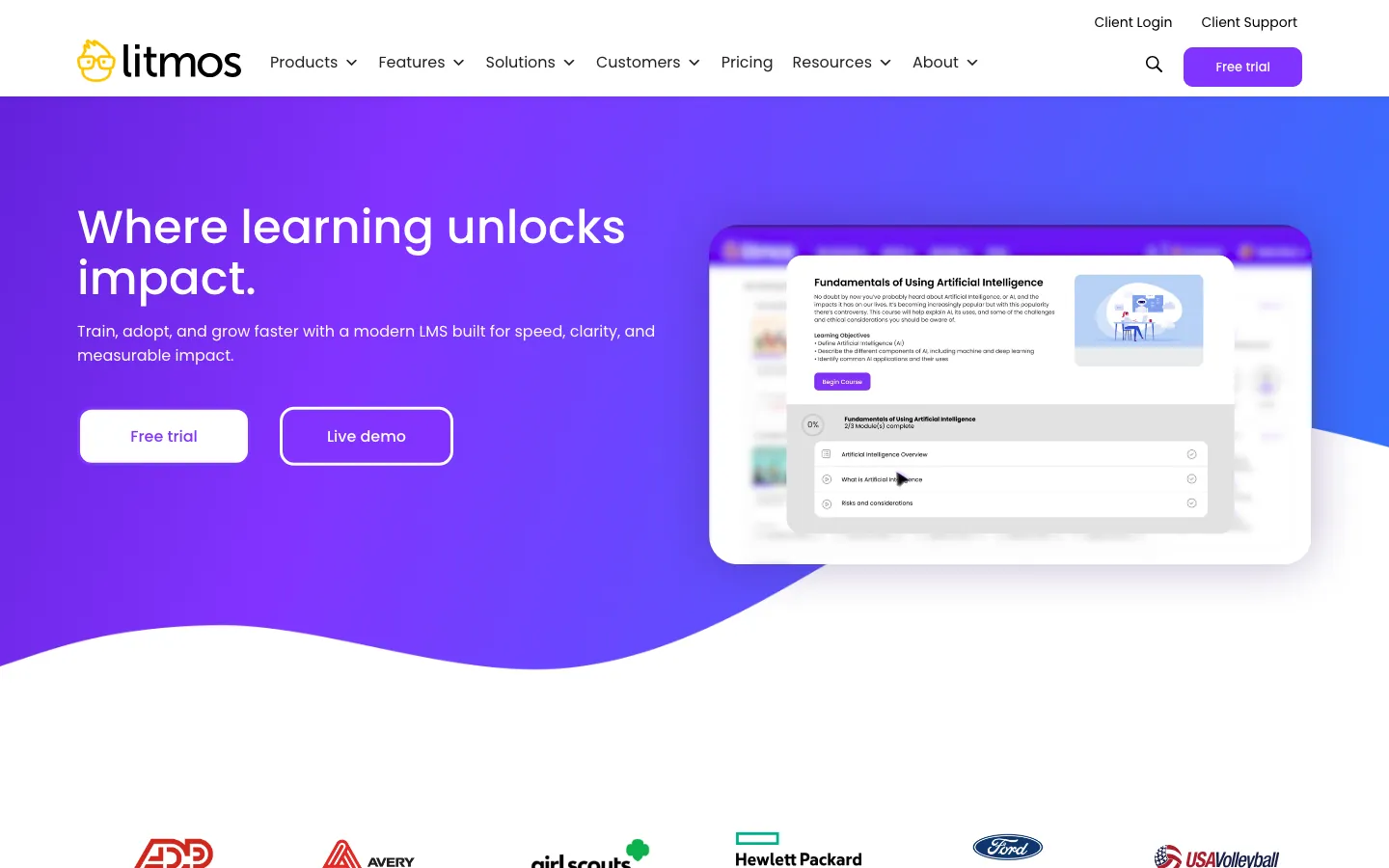
What's great
- 2,000+ pre-built compliance courses across 35 languages; the broadest out-of-the-box compliance library in the category, covering OSHA, HIPAA, HR compliance, and cybersecurity
- Gamification module ships natively including leaderboards, badges, and points; organizations with low completion rates use this to move the needle without rebuilding content
- SAP ecosystem integration is native; for companies running SAP SuccessFactors or SAP S/4HANA, Litmos syncs user records and completion data without third-party middleware
Watch-outs
- G2 rating of 4.2/5 is the lowest in this top eight; the consistent complaint is support response time and platform complexity at the admin level
- Pricing is fully custom with no published tiers; the 14-day trial is accessible but converting to a contract requires a sales conversation and custom quote
- Heavy SAP ecosystem dependence means non-SAP shops pay for integration infrastructure they don't fully use
Pricing breakdown
| Plan | Price | Best for |
|---|---|---|
| Foundation | Custom (est. $3-4/active user/mo) | Up to 250 learners |
| Platinum | Custom (est. $5-7/active user/mo) | 250-1 |
| Platinum AI | Custom | 1 |
| Content add-on | Custom | 2 |
Security & compliance
| Standard | Availability |
|---|---|
| SOC 2 Type II | Yes |
| GDPR | Yes |
| HIPAA | ✓ (healthcare content) |
| SSO / SAML | ✓ all tiers |
| Audit logs | ✓ all tiers |
SAP Litmos compliance summary: SOC 2 Type II is yes, GDPR is yes, HIPAA is ✓ (healthcare content), SSO/SAML is ✓ all tiers, and audit logs is ✓ all tiers.
Key integrations
| Integration | Type |
|---|---|
| Gmail | N/A |
| Outlook | N/A |
| Slack | Marketplace add-on |
| LinkedIn Sales Navigator | N/A |
| Outreach / Salesloft | N/A |
SAP Litmos integration summary: Gmail is not specified, Outlook is not specified, Slack is marketplace add-on, LinkedIn Sales Navigator is not specified, and Outreach or Salesloft is not specified.
Feature availability
| Feature | Status |
|---|---|
| Free tier | 14-day trial |
| AI authoring | ✓ Platinum AI tier |
| Course library | ✓ 2,000+ compliance courses |
| Custom branding | ✓ all tiers |
| Mobile app | ✓ iOS/Android |
SAP Litmos feature availability summary: Free tier (14-day trial), AI authoring (✓ Platinum AI tier), Course library (✓ 2,000+ compliance courses), Custom branding (✓ all tiers), and Mobile app (✓ iOS/Android).
What reviewers say about SAP Litmos
Recurring themes across ~698 G2 reviews (4.3/5) and Capterra reviews, 2024-2026.
What reviewers praise
- Ease of use and fast setup are the top praise, reviewers say they launched training quickly without heavy IT involvement.
- The bundled Litmos training content library saves teams from building compliance and soft-skills courses from scratch.
- Certifications and automated compliance workflows get called out for regulated industries.
- It scales to large learner counts, a recurring point from bigger deployments.
What reviewers fault
- Reporting is described as limited and clunky, the most frequent complaint.
- Support quality is a recurring frustration, with reviewers citing a decline after the ownership changes.
- Some UI areas feel dated, and updates occasionally introduce issues.
- Pricing and integration friction come up for teams with more complex stacks.
Loading reviews…
Continu
Best for Slack-first teams and informal learning workflows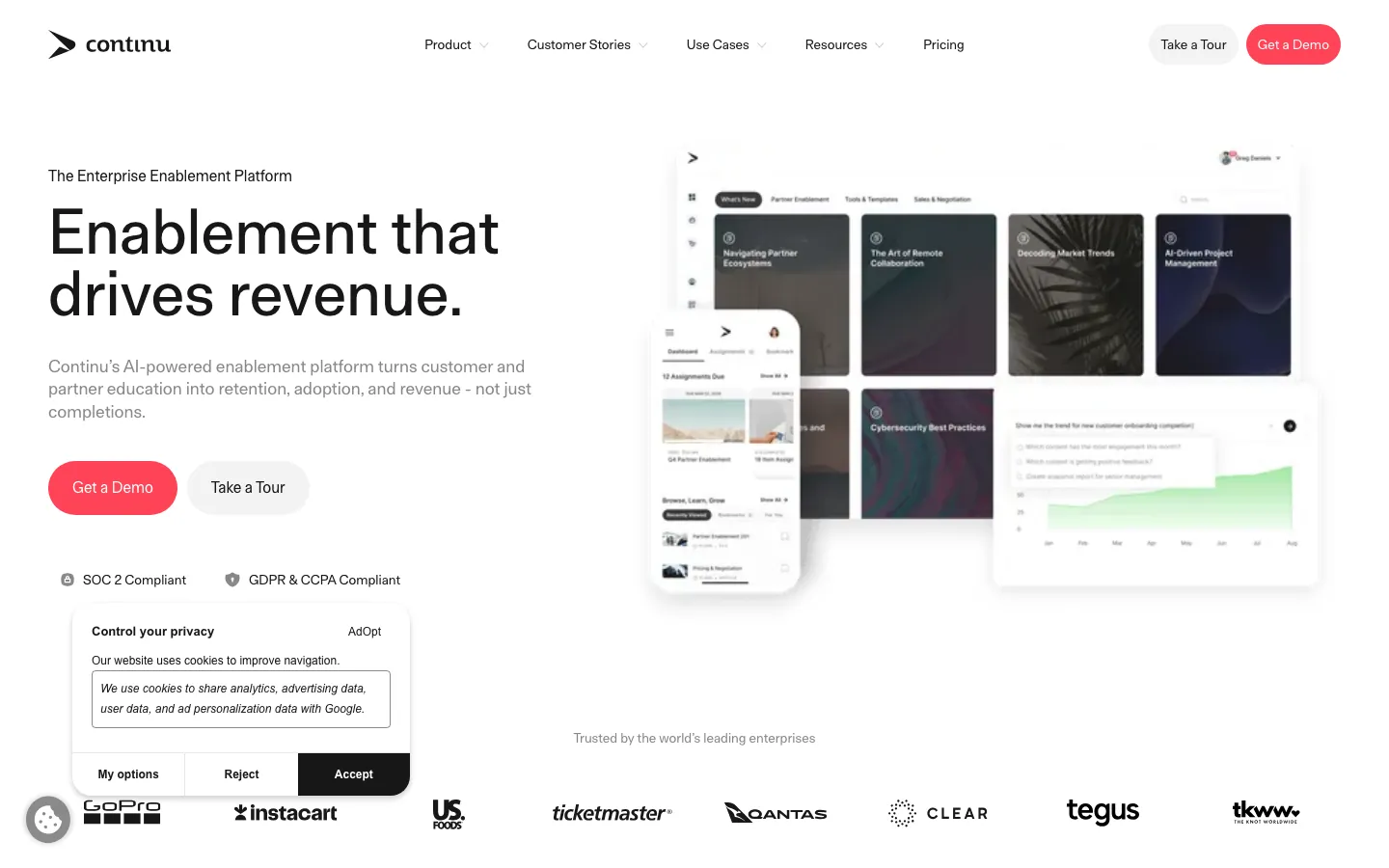
What's great
- Slack and Teams integrations are first-party and genuinely deep; learners get course assignments and completion nudges in the tools they already live in, not in a separate app
- Ranked
- Clean modern UX with a short admin onboarding path; IT and L&D teams consistently report going from contract to live in under 3 weeks
Watch-outs
- Review count is thinner than TalentLMS or Absorb; harder to validate at specific use cases outside the tech-company L&D profile
- Basic-to-Plus tier step-up adds per-user cost; the pricing model can outpace TalentLMS's flat-rate tiers at 100-200 users
- Strong for informal and social learning; lighter on compliance-grade audit trails than Absorb or Litmos
Pricing breakdown
| Plan | Price | Best for |
|---|---|---|
| Basic | Custom (annual) | Up to 500 users |
| Plus | Custom (annual) | Advanced analytics |
| Growth | Custom (500-1 | Enterprise reporting |
| Professional | Custom (1 | Full enterprise |
Security & compliance
| Standard | Availability |
|---|---|
| SOC 2 Type II | Yes |
| GDPR | Yes |
| HIPAA | No |
| SSO / SAML | Plus+ |
| Audit logs | Plus+ |
Continu compliance summary: SOC 2 Type II is yes, GDPR is yes, HIPAA is no, SSO/SAML is plus+, and audit logs is plus+.
Key integrations
| Integration | Type |
|---|---|
| Gmail | N/A |
| Outlook | N/A |
| Slack | Native integration |
| LinkedIn Sales Navigator | N/A |
| Outreach / Salesloft | N/A |
Continu integration summary: Gmail is not specified, Outlook is not specified, Slack is native integration, LinkedIn Sales Navigator is not specified, and Outreach or Salesloft is not specified.
Feature availability
| Feature | Status |
|---|---|
| Free tier | no |
| AI authoring | ✓ AI authoring |
| Course library | ✗ |
| Custom branding | Plus+ |
| Mobile app | ✓ iOS/Android |
Continu feature availability summary: Free tier (no), AI authoring (✓ AI authoring), Course library (✗), Custom branding (Plus+), and Mobile app (✓ iOS/Android).
What reviewers say about Continu
Recurring themes across ~719 G2 reviews (4.6/5) and Gartner Peer Insights, 2024-2026.
What reviewers praise
- The modern learner interface is the most repeated praise, reviewers say employees find and start content without hand-holding.
- Workspaces and content organization get credit for keeping training tidy across departments.
- Analytics and progress tracking are described as clear enough for L&D to report on real-time completion.
- Onboarding and account support draw consistent positive mentions.
What reviewers fault
- SCORM handling and content update speed come up repeatedly as slow or clunky.
- The content-creation interface has limits that push some teams to author elsewhere and import.
- A few admin controls feel underdeveloped for larger, complex programs.
- Pricing sits at the higher end, which smaller teams flag.
Loading reviews…
WorkRamp
Best for go-to-market enablement and sales team readiness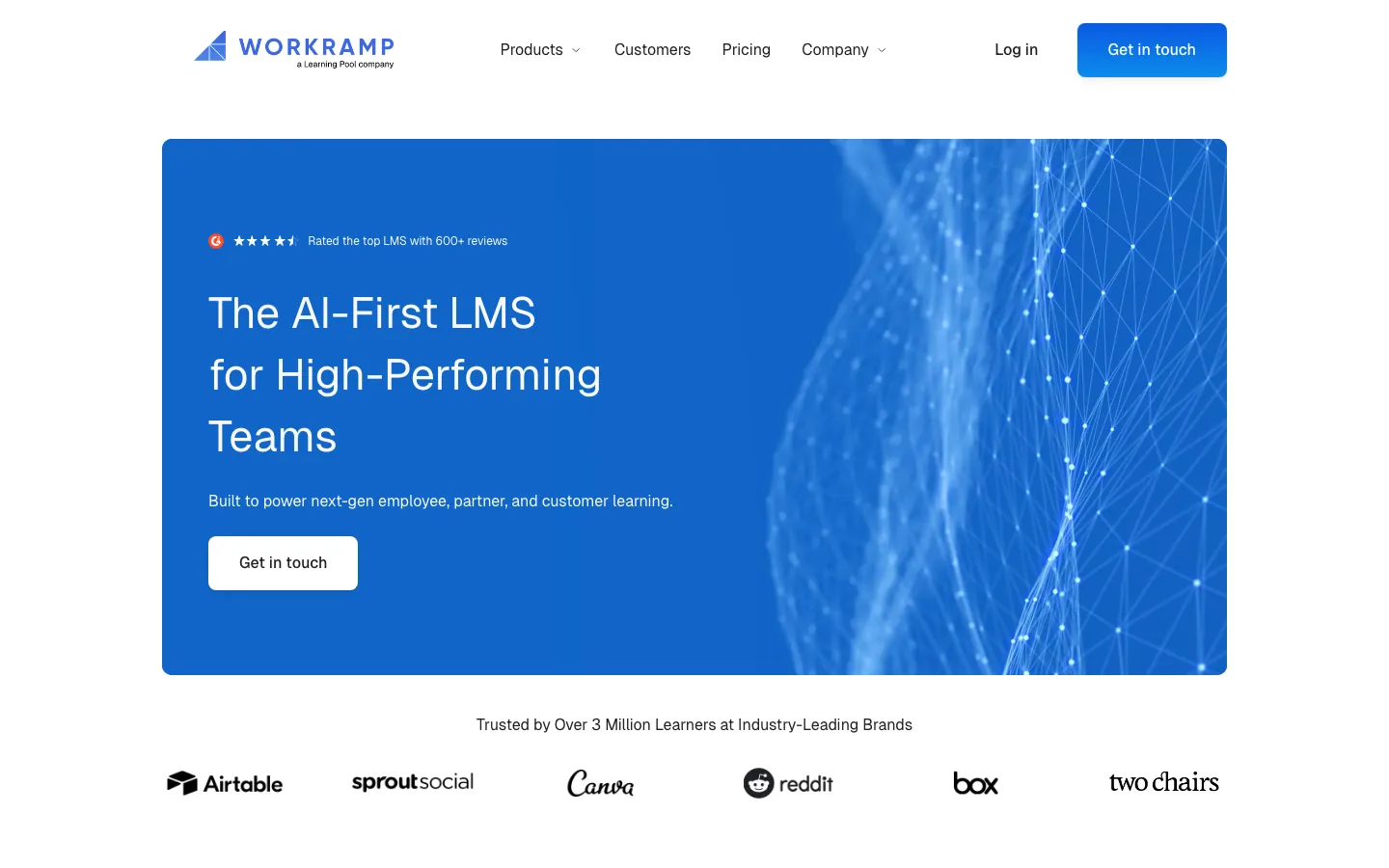
What's great
- GTM-specific features including ramping paths, product certification tracks, and competitive battlecard libraries; no other LMS in this guide has this depth of go-to-market training structure
- AI builder generates learning paths from a job description or onboarding checklist in minutes; the tool was built for modern rev-ops and L&D teams who need fast iteration
- Customer education module ships alongside internal training; one contract covers employee onboarding and customer certification without separate platform fees
Watch-outs
- External training (customer/partner) is a separately licensed Customer Education line that adds a platform fee on top of per-user pricing; the total cost jumps fast if you need both audiences
- Reporting is the most-cited limitation in 2026 G2 reviews; custom dashboards and advanced analytics require the Enterprise tier
- Not designed for compliance-heavy regulated training; no SCORM audit trail depth comparable to Absorb or Litmos
Pricing breakdown
| Plan | Price | Best for |
|---|---|---|
| Professional (internal) | Custom | Employee onboarding and enablement |
| Enterprise (internal) | Custom | Advanced analytics |
| Customer Education | Custom (platform fee plus usage) | External customer and partner training |
| Enterprise bundle | Custom | Internal plus external under one contract |
Security & compliance
| Standard | Availability |
|---|---|
| SOC 2 Type II | Yes |
| GDPR | Yes |
| HIPAA | No |
| SSO / SAML | Enterprise |
| Audit logs | Enterprise |
WorkRamp compliance summary: SOC 2 Type II is yes, GDPR is yes, HIPAA is no, SSO/SAML is enterprise, and audit logs is enterprise.
Key integrations
| Integration | Type |
|---|---|
| Gmail | N/A |
| Outlook | N/A |
| Slack | Native integration |
| LinkedIn Sales Navigator | N/A |
| Outreach / Salesloft | N/A |
WorkRamp integration summary: Gmail is not specified, Outlook is not specified, Slack is native integration, LinkedIn Sales Navigator is not specified, and Outreach or Salesloft is not specified.
Feature availability
| Feature | Status |
|---|---|
| Free tier | no |
| AI authoring | ✓ WorkRamp AI |
| Course library | ✗ |
| Custom branding | ✓ all tiers |
| Mobile app | ✓ iOS/Android |
WorkRamp feature availability summary: Free tier (no), AI authoring (✓ WorkRamp AI), Course library (✗), Custom branding (✓ all tiers), and Mobile app (✓ iOS/Android).
What reviewers say about WorkRamp
Recurring themes across ~620 G2 reviews (4.4/5) and Capterra reviews, 2024-2026.
What reviewers praise
- Reviewers say a new admin can grasp the content builder in under an hour and start assigning training the same day.
- The single platform covers employee onboarding, sales enablement, and external customer academies, which teams like for consolidating tools.
- Guides and learning paths get called out for structuring role-based ramp plans well.
- The assigned CSM and support team draw repeated praise for hands-on help.
What reviewers fault
- Reporting is the most common weak spot, reviewers say it is thinner than rivals when they need detailed completion or manager views.
- Some admins hit workflow limits and occasional bugs on larger content libraries.
- Pricing is not published, and reviewers note it can climb once academies and modules are added.
- A few integrations reviewers expected are missing or need workarounds.
Loading reviews…
More top-rated LMS Software worth checking out
Highly rated LMS Software that didn't crack our top 10 but are still strong contenders, especially for specific use cases and team sizes.
Trainual
For SMB process documentation and role-based onboarding
Standout: Process documentation and LMS in one tool; teams stop splitting SOPs across Google Docs and a separate training platform
Seismic Learning
For sales enablement and GTM team readiness programs
Standout: 4.7/5 on G2 from 598 reviews, the highest satisfaction score among sales-enablement LMS platforms
What reviewers say ★ 4.7 · 598
Praised
- Building and assigning a lesson is genuinely simple, reviewers say a manager can push out training the same day with no LMS background.
- The Practice feature, where reps record and get feedback on real scenarios, is the most-cited differentiator for sales and support teams.
- The clean learner interface keeps completion high, a recurring theme for onboarding programs.
- Reviewers like how well it fits customer-facing teams rather than acting as a generic corporate LMS.
Faulted
- Reporting depth is the common complaint, admins want more granular analytics than the dashboards give.
- Since the Seismic acquisition, some reviewers cite pricing pressure and uncertainty about roadmap direction.
- It lacks some advanced LMS features (certifications, complex paths) that broader platforms include.
- A handful of integrations and admin controls feel limited for larger deployments.
SC Training (EdApp)
For frontline and mobile-first training programs
Standout: Free plan covers unlimited learners with microlearning course authoring, gamification, and basic reporting; the most generous free tier in the frontline LMS category
Bridge by Instructure
For HR-led organizations connecting learning to performance management
Standout: Learning and performance management under one platform; managers can see direct reports' training completion alongside their performance reviews without platform-switching
What reviewers say ★ 4.2 · 381
Praised
- The clean, simple interface is the top praise, reviewers say learners and admins pick it up with little training.
- Pairing learning with people-development features (1:1s, goals, skills) suits teams wanting more than a bare LMS.
- It fits mid-size organizations building manager-led development, a recurring use case.
- Course assignment and basic tracking are described as straightforward to run.
Faulted
- Reporting and analytics fall short for teams needing detailed views, the most common complaint.
- Feature gaps and product-direction uncertainty since the Instructure ownership changes come up repeatedly.
- Integrations and some admin controls feel limited versus larger platforms.
- A few reviewers cite occasional instability and slower support response.
Moodle Workplace
For budget-constrained teams with in-house technical capacity
Standout: No licensing cost for self-hosted; a company with a technical team can run Moodle for the cost of hosting alone ($50-$200/mo for most deployments)
Northpass (Gainsight)
For customer education and external training academies
Standout: Purpose-built for customer education; white-labeled training academies with custom branding, eCommerce, and certificate issuance built in
What reviewers say
Praised
- Building and launching an external customer academy is fast, reviewers say non-technical teams get a branded learning site live quickly.
- The learner-facing interface is described as clean and easy for customers to work through.
- Support and onboarding help draw specific positive mentions.
- It fits customer education and product-adoption use cases better than a generic corporate LMS, per reviewers.
Faulted
- Learning-path capabilities feel limited, a recurring request from reviewers scaling structured programs.
- Small constraints such as a single attachment per activity and limited custom course ordering come up often.
- Reporting depth is called out as thinner than teams want for tracking customer training impact.
- Some reviewers note uncertainty about roadmap and pricing since the Gainsight acquisition.
Tovuti LMS
For organizations wanting gamification and interactive content without coding
Standout: Interactive video with embedded quizzes, hotspots, and branching scenarios ships natively without a separate authoring tool subscription
What reviewers say ★ 4.6 · 294
Praised
- The all-in-one feature set (interactive content, gamification, virtual classroom, checklists) is the main draw, reviewers like not stitching tools together.
- Course creation with interactive modules is described as fast once you learn the builder.
- Support and the onboarding team get repeated, specific praise for hands-on help.
- Associations and member-based organizations single it out as a good fit for their training and CE needs.
Faulted
- Reporting depth is a common gap, reviewers want stronger analytics and export options.
- The breadth of features brings a learning curve, and reviewers hit occasional bugs.
- Some UI areas feel clunky or inconsistent across modules.
- Pricing and add-on costs come up for smaller teams weighing the full suite.
Whatfix
For in-app digital adoption and embedded training
Standout: In-app overlay training means employees learn while using the software, not in a separate LMS portal; zero context-switching during onboarding to new enterprise tools
Skilljar
For SaaS companies building customer training academies with revenue models
Standout: Built for SaaS customer education with native Salesforce, HubSpot, and Marketo integrations that tie training completion to CRM records and renewal signals
D2L Brightspace
For enterprise and regulated organizations with complex curricula needs
Standout: Adaptive learning engine adjusts content difficulty and pacing based on assessment performance; particularly strong for technical certification programs
Tools we considered but excluded
We evaluated more tools than the 20 you see above. These did not make the cut. Saying what we rejected, and why, is the editorial muscle most listicles skip.
- Workday Learning: Purpose-built for Workday HRIS customers; as a standalone LMS purchase it costs 3-5x comparable options and requires a Workday implementation partner
- LinkedIn Learning: Content library platform, not an LMS; great for individual development but lacks compliance tracking, SCORM support, and admin workflows that corporate L&D requires
- Mindtickle: Revenue enablement platform positioned against Seismic, not a general-purpose LMS; too narrow for the L&D buyer this guide targets
- Canvas LMS: Instructure's academic product, not optimized for corporate training; Bridge by Instructure is the corporate-focused version
- eFront: On-premise enterprise LMS with a legacy UX; the market has moved to cloud-native platforms and eFront's cloud migration story is incomplete
- Brainier: Thin G2 review count and limited third-party validation for the features it claims; TalentLMS covers the same use case with 700x the review evidence
Honorable mentions
Solid tools that did not crack the main list but are worth tracking, especially for niche use cases.
- Sana Labs: AI-native LMS from Sweden with strong early traction among tech companies; the adaptive AI is genuinely impressive but review count is under 100 and US customer base is early-stage
- Docebo Shape: Docebo's micro-learning module ships as a standalone product for smaller teams; worth evaluating if you need Docebo's AI authoring without the full enterprise contract
- Paradiso LMS: Budget-friendly LMS with strong multilingual support across 30+ languages; worth considering for global teams with under 500 learners where localization matters more than feature depth
The five sub-categories of corporate LMS software
The corporate LMS market has split into five distinct sub-categories over the last three years. A tool that wins in one segment routinely loses in another, which is why reading a generic “best LMS” list leaves most L&D buyers more confused than they started.
SMB and mid-market general-purpose LMS. The bread and butter. TalentLMS, iSpring Learn, Continu. These tools deploy fast, price predictably, and handle 80% of what a 50-500 employee company needs for onboarding, product training, and compliance courses.
Enterprise AI-powered LMS. Docebo, Absorb LMS, Cornerstone Learning. These tools target 500+ learner deployments where personalization, multi-audience architecture, and compliance automation justify a $25K-$100K/yr contract floor.
Collaborative and peer-learning LMS. 360Learning and Continu. Built on the premise that L&D shouldn’t be the sole content producer; subject-matter experts author and update courses in the flow of work.
Sales enablement and GTM readiness LMS. WorkRamp and Seismic Learning. Designed for revenue teams with rep ramping, product certification, and coaching workflows, not general employee training.
Customer education and external training LMS. LearnUpon, Northpass, Skilljar, and portions of Docebo. Built for SaaS companies training customers, partners, and associations as a separate audience from employees.
The 20 tools in this guide cover all five segments. Below, how to actually pick.
What I check in every LMS demo
The pattern of which LMS trials succeed and which end in a six-month rollback is consistent. Six things to test before signing.
One, upload your most annoying existing course. Not the simple one. Take the 45-slide compliance deck with embedded video, SCORM package, and knowledge check, and import it on day one of the trial. If the import takes more than 45 minutes of fiddling, the weekly content updates will take 45 minutes each too. TalentLMS and iSpring handle this cleanly; some enterprise tools add an hour of troubleshooting.
Two, complete the course as a learner on mobile. Not on desktop. Grab your phone, log in as a test learner, and take the course end-to-end. Count how many taps it takes to start a lesson. If the mobile experience feels like a desktop site crammed into a phone screen, your frontline workers will abandon the app by week three.
Three, run a completion report for a real compliance scenario. Set up a 10-person test group, assign the course, have five complete it, and pull the compliance report. Check whether the report is exportable to CSV, whether it shows last-login date and completion percentage, and whether a manager who doesn’t have admin access can see their team’s status. The tools that gate this behind admin-only views will frustrate hiring managers immediately.
Four, test the HRIS sync end-to-end. Add a new user in your HRIS . See how long it takes to appear in the LMS with the correct role, manager, and department. If it’s more than 24 hours on auto-sync, multiply by 50 new hires a quarter and decide if manual user management is a burden you’re willing to carry.
Five, ask about your data at contract end. Before signing any LMS contract, ask: if we leave after year one, what data do we take with us, in what format, within how many days? The platforms that say ‘we’ll discuss that when the time comes’ are the ones whose data export takes 90 days and loses completion history. Get this in writing.
Six, find the actual renewal pricing. Year-one pricing is the acquisition price. Ask the sales rep: what did your average customer at our size pay in year two? If they cite a contractual cap, great. If they say ‘pricing is reviewed annually,’ budget 15-20% increase and negotiate an uplift cap before the initial contract is signed.
How to choose the right LMS for your team
Four questions, answered in order. The shortlist goes from 20 to 3 fast.
1. Learner count and compliance complexity
Under 100 learners with basic compliance needs: TalentLMS Core at $119/mo is the obvious pick. Don’t overthink it.
100-500 learners with SCORM compliance requirements: TalentLMS Pro ($449/mo for up to 500 users plus $6 per additional), Absorb LMS (vendor-quoted low-five-figures and up), or iSpring Learn (Business tier, low-single-digit dollars per user at 100+ on annual).
Over 500 learners in a regulated industry: Absorb LMS, Docebo, or Cornerstone Learning. The compliance audit trail and automated recertification are worth the premium.
2. Who creates the training content
If L&D is the sole content producer, any LMS works. If subject-matter experts need to contribute without L&D gatekeeping every update, 360Learning’s collaborative authoring model is the differentiator. If the team has years of PowerPoint content, iSpring’s conversion tools save months of rebuilding.
If the budget is zero for content creation, TalentLMS’s TalentCraft AI or Tovuti’s AI generator are the fastest paths from blank to a usable course.
3. Employees only, or customers and partners too
Employees only: TalentLMS, iSpring, Absorb, Continu, WorkRamp all work. Employees plus customers: LearnUpon (best multi-audience architecture), Docebo Extended Enterprise, or a separate customer education tool like Skilljar or Northpass. Customers only: Skilljar or Northpass are purpose-built.
Trying to run customer education on a tool designed for employees adds complexity that the L&D team will feel immediately. If training your own staff is the whole job, our employee training software guide scores these same platforms for that narrower use case.
4. The ecosystem you are already in
Already on Workday: Workday Learning integrates cleanly but is expensive standalone. Bridge by Instructure if you’re in the Instructure ecosystem. SAP shops: Litmos is the obvious pick for the integration savings. Salesforce-heavy: WorkRamp and Skilljar both have native Salesforce integrations worth the premium.
Slack-first culture: Continu’s Slack integration is genuinely better than any other tool’s in 2026.
What’s changing in LMS software in 2026
AI authoring has hit a usable threshold. TalentCraft (TalentLMS), Absorb Create, Docebo’s AI suite, and Tovuti’s course generator all produce first-draft courses from a topic prompt that are good enough to publish with light editing. Six months ago the output required a full rewrite. Today it requires a 20-minute review. This changes the content creation economics for the entire market.
Skills-based learning is the enterprise pitch. Cornerstone, Docebo, and SAP Litmos are all selling skills ontology as the reason to upgrade. The pitch is that training should map to demonstrated skills gaps, not to a curriculum calendar. The tools that do this well (Cornerstone’s 53,000-skill taxonomy, Docebo Skills Intelligence) require enterprise contracts. SMB tools aren’t there yet.
Compliance training is getting harder for US employers. State-level mandates in California, New York, and Colorado expanded workplace training requirements in 2025-2026. More categories of employees now require documented annual training in harassment prevention, cybersecurity, and workplace safety. This is driving LMS purchases in the 50-500 employee band that previously relied on informal training.
Integration with HRIS is now a purchase requirement, not a nice-to-have. L&D leaders are increasingly pushing back on any LMS that requires manual user imports. The expectation in 2026 is that when someone is hired, their LMS account appears with the right role, manager, and assigned training within 24 hours. Tools that require manual sync or Zapier middleware are losing deals on this requirement alone.
Pricing is creeping up. TalentLMS raised the Pro plan to $449/mo annual in late 2025 (from $349 previously). Docebo’s minimum contract floor rose to $25K/yr. LearnUpon’s 100-user minimum is a new floor that didn’t exist two years ago. The SMB-to-mid-market pricing band is compressing upward as vendors add AI features and justify higher tiers.
The right LMS for each company stage
- Under 25 employees, first LMS: TalentLMS free tier to get started; Core at $119/mo when you need more than 10 courses
- 25-100 employees, compliance focus: TalentLMS Pro ($449/mo) or iSpring Learn (Business tier on annual, low-single-digits per user above 100 active) depending on whether you need flat-rate pricing or lowest per-user cost
- 25-100 employees, collaborative teams: 360Learning Team at $8/user/mo; the peer authoring model pays off when SME involvement is high
- 100-500 employees, compliance-heavy (healthcare, finance, legal): Absorb LMS; the audit trail and recertification automation justify the premium over TalentLMS
- 100-500 employees, tech-stack and Slack-first: Continu; the Slack integration drives completion rates that email-based LMS notifications don’t match
- 100-500 employees, frontline and field workers: iSpring Learn for mobile; SC Training (EdApp) if budget is the binding constraint
- 500+ employees, AI personalization priority: Docebo; the Harmony AI layer is the legitimate differentiator at this scale
- 500+ employees, talent management integration: Cornerstone Learning; the skills ontology and performance integration justify the complexity cost when L&D connects to succession planning
- Any size, sales enablement only: WorkRamp for a modern GTM team; Seismic Learning if you’re already in the Seismic ecosystem
- SaaS company building a customer training academy: LearnUpon for the multi-audience architecture; Skilljar if the training program has a revenue model
For corrections, vendor disputes, or feedback on this methodology, email hello@topickz.com . We re-test the full shortlist every six months; the next refresh ships in November 2026.
Frequently asked questions
What's the difference between an LMS and a training platform?
LMS handles course delivery and completion tracking. Training platforms like Trainual add SOP documentation too. Most corporate buyers need an LMS first.
How much does an LMS actually cost for a 200-person company?
SMB tools run $200-$500/mo flat. Mid-market lands $15K-$30K/yr. Enterprise (Docebo, Cornerstone) starts at $25K-$50K/yr before professional services.
Can you run compliance training on TalentLMS or do you need a specialist tool?
TalentLMS Pro covers SCORM tracking for most SMB compliance needs. Healthcare and financial services teams should use Absorb or Litmos for audit-grade logs.
How long does an LMS implementation take?
SMB tools take 1-2 weeks. Mid-market runs 4-8 weeks. Enterprise takes 8-16 weeks. Always budget double the vendor estimate when migrating existing course data.
What is SCORM and do you need it?
SCORM packages content so any LMS can track completions. If you buy pre-built compliance courses, you need SCORM support. All 20 tools in this guide support it.
Should the LMS and HRIS be the same tool?
Only if your HRIS ships a real LMS (Rippling does; most don't). A separate LMS with HRIS sync is the safer path for L&D teams that need real course management.
What's the biggest hidden cost in LMS contracts?
Three traps: migration fees ($3K-$15K), author seat limits on mid-tier plans, and 15-20% annual renewal uplift. Negotiate uplift caps before you sign.
Which LMS has the best mobile experience in 2026?
iSpring Learn wins on mobile app ratings across G2 and Capterra. Continu and TalentLMS are close. Moodle's mobile app is the weakest in the top-10 group.
How do you measure LMS ROI?
Three metrics: completion rate (70%+ target), time-to-competency for new hires, and audit pass rate. Measure all three at launch and again at 6 months.
TalentLMS vs Docebo: which one in 2026?
Under 250 learners on a budget, TalentLMS wins. Above 500 learners needing AI personalization and multi-audience portals, Docebo is the pick.
Related helpful reads
Write a review
Posts to the page right away. Keep it real — no links or email addresses.