

Comparing the best AI Video Generators of 2026 includes 1. HeyGen 2. Synthesia 3. Runway 4. Descript 5. VEED 6. Colossyan 7. Pictory 8. InVideo AI 9. Vyond 10. D-ID 11. Elai.io 12. Lumen5 13. Canva Video 14. Creatify AI 15. Pika 16. CapCut for Business 17. Google Veo 3 18. OpenAI Sora 19. AKOOL.
TL;DR
- Best overall for business video: HeyGen, 4.8/5 on G2 from 1,803 reviews, the widest feature range combining avatar video, AI dubbing, and Video Agent at $29/mo.
- Best for L&D and training at scale: Synthesia, the category leader on G2 with 2,748 reviews, 160+ languages, and the most complete compliance posture of any avatar tool.
- Best cinematic text-to-video: Runway, no meaningful G2 listing but the clear choice for filmmakers and creative teams who need granular camera control and generative footage.
- Best editing-first workflow: Descript, 4.6/5 from 893 reviews, the only tool that treats video like a text document and ships script-to-final at $16/mo.
- Best for social content and quick turnaround: VEED, 4.5/5 from 2,129 reviews, 15+ AI tools in one browser-based editor with the easiest learning curve.
Nineteen AI video platforms, benchmarked by G2 review volume, current 2026 pricing, and fit across the three buyer profiles that actually use them: marketing teams building ads and social content, L&D teams scaling training video production, and sales teams running video-first outreach. Pricing was pulled from vendor pages on June 3, 2026. This is a research-led roundup, synthesized from G2 and Capterra reviews, vendor documentation, and community discussion.
What Are AI video generators?
AI video generators help marketing and learning teams create videos from text or scripts, producing avatars, voiceovers, and edits without cameras or studios.
Tools like HeyGen, Synthesia, Runway, and Descript differ on avatar realism, generative footage, and editing control.
Best AI Video Generators comparison: features, pricing and verdicts
| Tool | Best for | Starting price | Free trial | External rating |
|---|---|---|---|---|
Best overall AI video platform for business teams in 2026 | $29/mo | Free tier (3 videos/mo) | G2 4.8/5 (1,803 reviews) | |
Best avatar video platform for enterprise L&D and compliance-conscious teams | $29/mo | Free (10 min/mo, no card) | G2 4.6/5 (2,748 reviews) | |
Best generative AI video platform for filmmakers and creative campaigns | $12/user/mo | Free (125 one-time credits) | G2 4.3/5 (2 reviews) | |
Best AI video editor for transcript-based editing and podcast-to-video workflows | $16/mo | Free (Hobbyist at $0 with watermark) | G2 4.6/5 (893 reviews) | |
Best browser-based AI video editor for social media and marketing teams | $12/user/mo | Free tier (watermark on export) | G2 4.5/5 (2,129 reviews) | |
Best AI video platform for compliance-heavy enterprise training teams | $19/mo | Free plan available | G2 4.6/5 (492 reviews) | |
Best long-form-to-video repurposing tool for content marketers | $25/mo | 3 video free trial | G2 4.6/5 (81 reviews) | |
Best AI video generator for marketers who want complete videos from a text prompt | $28/mo | Free plan available | G2 4.4/5 (172 reviews) | |
Best animated explainer video platform for learning and compliance teams | Custom | 14-day free trial | G2 4.8/5 (499 reviews) | |
Best API-first avatar video platform for developers and interactive agent deployments | $5.9/mo | 14-day trial | G2 4.6/5 (116 reviews) | |
For L&D teams wanting Synthesia-style output at a lower entry price | $29/mo | Free trial available | G2 4.6/5 (124 reviews) | |
For content teams converting blog posts and text into social video fast | $29/mo | Free plan available | G2 4.5/5 (69 reviews) | |
For designers and marketers who already live in Canva | $15/mo | Free tier | G2 4.7/5 (7,509 reviews) | |
For performance marketers and e-commerce teams running paid ad creative at scale | $39/mo | Free plan | G2 4.7/5 (1,520 reviews) | |
For creative teams exploring prompt-to-video generative AI at lower cost | $8/mo | Free plan | G2 4.2/5 (8 reviews) | |
For social-first brands needing TikTok-native AI video at minimal cost | $7.99/mo | Free plan | G2 4.7/5 | |
For Google Workspace teams needing state-of-the-art generative video with native audio | Included in Google One AI Premium | Available via AI Ultra plan | G2 N/A/5 (N/A (new, no listing) reviews) | |
For ChatGPT Pro teams wanting cinematic generative video in the OpenAI ecosystem | Included with ChatGPT Pro | Available in ChatGPT Plus | G2 N/A/5 (N/A (no standalone listing) reviews) | |
For teams needing high-fidelity face swap and personalized avatar video via API | $36/mo | Free plan | G2 4.8/5 |
How we chose these tools
This guide is built from primary data sources, not a single hands-on bench test. Our video and creative team verified the G2 and Capterra ratings and review counts for every tool on June 3, 2026, and checked pricing directly on each vendor pricing page the same day. Capability claims come from official documentation, public feature listings, and patterns across hundreds of G2 and Capterra reviews. The editorial score weighs five things: output quality and avatar realism (documented), pricing transparency and value at the starter tier, multilingual capability (critical for global teams), integration depth with common marketing and L&D stacks, and review volume as a proxy for real-world adoption. Tools with fewer than 50 G2 reviews are flagged accordingly.
How we weight ai video generators for the Topickz score
Every tool above is scored against the fixed rubric below and combined using these weights into the Topickz score on each card. The weights are set for ai video generators specifically, they are not copied from another category, and we publish them so you can see what moved a ranking and re-weight for your own priorities.
| Criterion | Weight | What we checked |
|---|---|---|
| Output quality and avatar realism | 25% | The thing viewers judge in three seconds: whether the avatar and generated footage look natural or uncanny. We weighed documented quality plus the mouth-sync and motion issues buyers complain about most in reviews. |
| Creative control and editing | 15% | How much you can shape a clip after generation, from camera moves and B-roll to script edits that ripple through the video. Tools locked to a single template shape scored lower. |
| Multilingual and dubbing coverage | 15% | Language count and dubbing quality, which is the whole use case for global teams. We checked how many languages hold up, not just the marketing number. |
| Pricing and value at the starter tier | 14% | What the entry plan actually allows in minutes, exports, and watermark rules. Starter-tier value mattered more here than headline enterprise pricing. |
| Integration with marketing and L&D stacks | 12% | How the tool exports into an LMS, a social scheduler, or an editor a team already uses. Video trapped inside the app is worth less. |
| Adoption and review volume | 10% | G2 and Capterra review counts as a read on real-world use. Tools under fifty reviews were flagged so the thin signal stays visible. |
| Ease of use | 9% | How quickly a marketer or trainer ships a finished video without an editing background. |
| Total | 100% |
Read the full TopickZ.com testing methodology for how we run each test, score every criterion, and combine them into a single rating.
Detailed reviews
HeyGen
Best overall AI video platform for business teams in 2026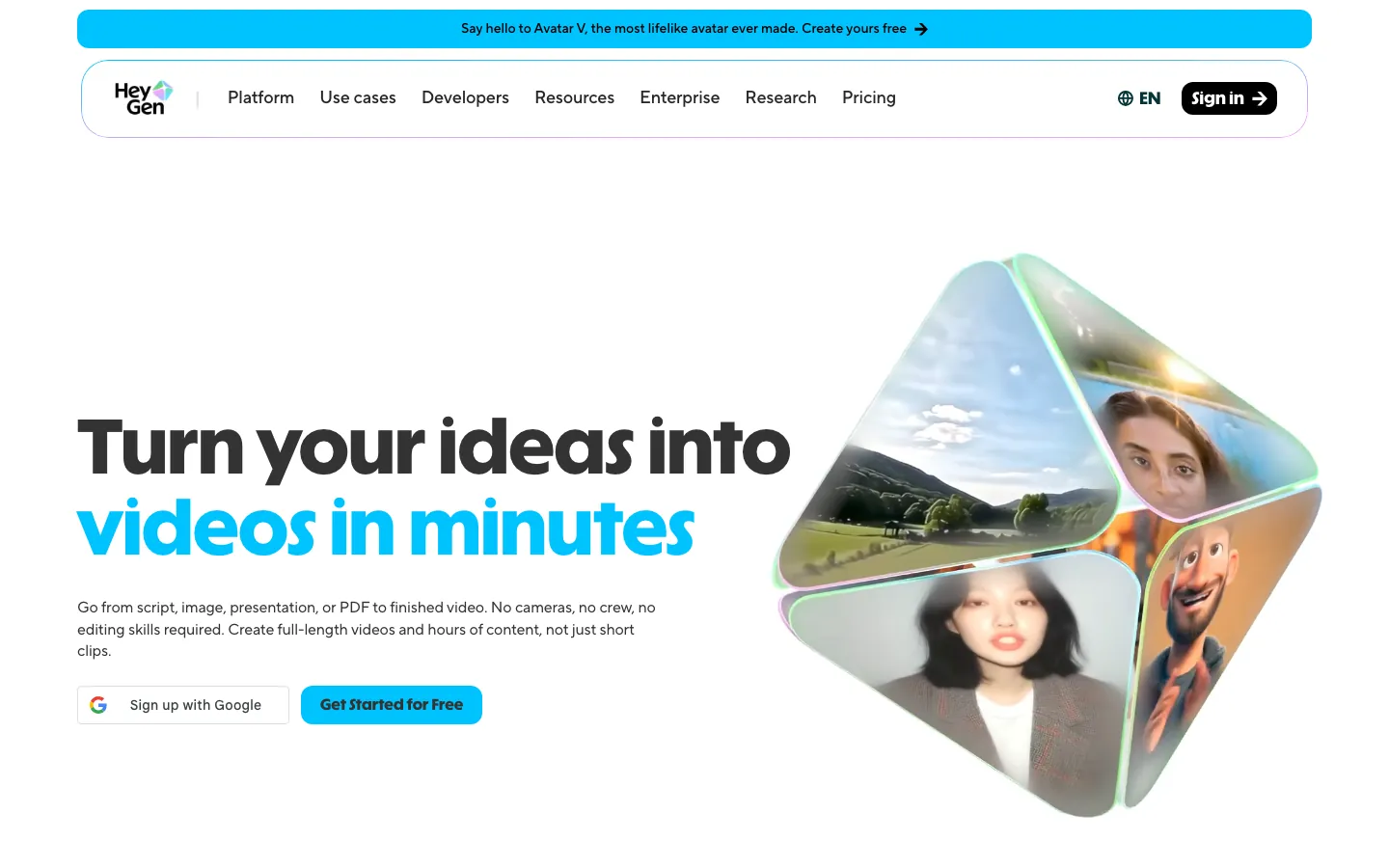
Screenshots of HeyGen 3 images
What's great
- 4.8/5 from 1,803 G2 reviews, the highest rating of any AI video platform in this category with meaningful review volume, driven by fast generation speed and avatar realism
- AI Dubbing with lip sync in 175+ languages is the widest language coverage in this guide, letting a single video become 30 localized versions without re-recording
- Video Agent automates multi-step video workflows from a single text brief, handling scene selection, avatar selection, and output formatting without manual configuration
Watch-outs
- Credit-based pricing creates real unpredictability: Creator tier ships 600 credits/mo, and a 5-minute avatar video with voice cloning consumes credits faster than the plan page suggests
- Custom digital twin quality requires a clean 2-5 minute video sample on a neutral background; reviewers report rejection when lighting conditions are inconsistent
- Enterprise pricing is not listed publicly and requires a sales call, which is a friction point for mid-market teams trying to model budget before procurement
Pricing breakdown
| Plan | Price | Best for |
|---|---|---|
| Free | $0 | Exploring avatar quality, 3 videos/mo, 1-min max |
| Creator | $29/mo | Individual marketers, 600 credits, 1080p export |
| Pro | $49/mo | Heavy creators, 1,000 credits, 4K export, voice cloning |
| Enterprise | Custom | Teams needing API, unlimited custom twins, SSO |
Security & compliance
| Standard | Availability |
|---|---|
| SOC 2 Type II | Yes |
| GDPR | Yes |
| HIPAA | No |
| SSO / SAML | Enterprise |
| Audit logs | Enterprise |
HeyGen compliance summary: SOC 2 Type II is yes, GDPR is yes, HIPAA is no, SSO/SAML is enterprise, and audit logs is enterprise.
Key integrations
| Integration | Type |
|---|---|
| Gmail | N/A |
| Outlook | N/A |
| Slack | No |
| LinkedIn Sales Navigator | N/A |
| Outreach / Salesloft | N/A |
HeyGen integration summary: Gmail is not specified, Outlook is not specified, Slack is no, LinkedIn Sales Navigator is not specified, and Outreach or Salesloft is not specified.
Feature availability
| Feature | Status |
|---|---|
| Free tier | yes, 3 videos/mo |
| AI avatars | 500+ digital twins |
| Dubbing languages | 175+ |
| Video agent | ✓ |
| Voice cloning | Pro+ |
HeyGen feature availability summary: Free tier (yes, 3 videos/mo), AI avatars (500+ digital twins), Dubbing languages (175+), Video agent (✓), and Voice cloning (Pro+).
What reviewers say about HeyGen
Recurring themes across ~1,803 G2 reviews (4.8/5) and Capterra reviews (4.7/5), 2024-2026.
What reviewers praise
- Avatar IV quality is the most-cited strength; reviewers describe micro-expressions, natural blinking, and synchronized hand gestures as convincing for professional corporate video.
- Multilingual dubbing and lip-sync across 175+ languages with voice cloning is praised by global teams for localizing content without re-recording.
- 75+ AI Studio templates and drag-and-drop editing lower production barriers for non-video teams who need consistent branded output fast.
- Video Agent 2.0 automates script generation, avatar selection, and scene assembly from a single prompt, cutting project setup time significantly.
- G2 named HeyGen the number-one fastest-growing product of 2025; reviewers cite pace of feature releases as a trust signal in a fast-moving category.
What reviewers fault
- Credit system confusion is the dominant complaint; the Creator plan markets unlimited videos but Avatar IV rendering burns 20 credits per minute, leaving users with only 10 minutes of Avatar IV content monthly.
- Each render iteration counts against monthly credits separately, so testing four script versions consumes four credits before a final is approved.
- Daily rendering queue holds of 5-24 hours appear on the Creator plan during peak usage and are not disclosed prominently before purchase.
- Support on lower tiers responds with generic knowledge-base links rather than direct answers; resolution times on billing disputes stretch across multiple days.
- No timeline editor limits multi-scene and storytelling-heavy projects; emotional range gaps become visible beyond 90-second clips, which affects marketing and sales video use cases.
Loading reviews…
Synthesia
Best avatar video platform for enterprise L&D and compliance-conscious teams
Screenshots of Synthesia 3 images
What's great
- G2 category leader by review volume at 2,748 reviews, with 66% of users from small business and 18% mid-market, the broadest real-world adoption signal in this guide
- SCORM export, API access, interactive quizzes, and SAML/SSO are all available at Enterprise, making it the most LMS-integration-ready avatar platform for corporate training
- Veo 3.1 and Sora 2 integration added on all paid plans, letting teams drop generative background footage into avatar videos without switching tools
Watch-outs
- G2 reviewers consistently flag the editing tools as limited compared to dedicated video editors; the avatar quality is strong but post-generation flexibility is weak
- Usage is capped by credit pools, and at Starter (120 minutes/year) a mid-size L&D team producing monthly training content hits the ceiling before Q2
- Studio Avatar add-on ($1,000/year extra) is required for the highest-realism custom avatars, a cost that surprises buyers who assumed it was included in Creator
Pricing breakdown
| Plan | Price | Best for |
|---|---|---|
| Free | $0 | Trying avatar quality, 10 min/mo, 9 avatars |
| Starter | $29/mo ($22 annual) | Individuals, 120 min/year, 125+ avatars |
| Creator | $89/mo ($67 annual) | Frequent creators, 360 min/year, API access |
| Enterprise | Custom | Unlimited minutes, SSO, SCORM, brand kits |
Security & compliance
| Standard | Availability |
|---|---|
| SOC 2 Type II | Yes |
| GDPR | Yes |
| HIPAA | No |
| SSO / SAML | Enterprise |
| Audit logs | Enterprise |
Synthesia compliance summary: SOC 2 Type II is yes, GDPR is yes, HIPAA is no, SSO/SAML is enterprise, and audit logs is enterprise.
Key integrations
| Integration | Type |
|---|---|
| Gmail | N/A |
| Outlook | N/A |
| Slack | No |
| LinkedIn Sales Navigator | N/A |
| Outreach / Salesloft | N/A |
Synthesia integration summary: Gmail is not specified, Outlook is not specified, Slack is no, LinkedIn Sales Navigator is not specified, and Outreach or Salesloft is not specified.
Feature availability
| Feature | Status |
|---|---|
| Free tier | yes, 10 min/mo |
| AI avatars | 240+ stock avatars |
| Custom avatar | Starter+ annual |
| Scorm export | Enterprise |
| Veo sora integration | ✓ paid plans |
Synthesia feature availability summary: Free tier (yes, 10 min/mo), AI avatars (240+ stock avatars), Custom avatar (Starter+ annual), Scorm export (Enterprise), and Veo sora integration (✓ paid plans).
What reviewers say about Synthesia
Recurring themes across ~2,748 G2 reviews (4.6/5) and Trustpilot reviews (4.0/5), 2024-2026.
What reviewers praise
- Production speed is the most-cited strength; instructional designers report cutting video creation time by up to 90%, with updates to scripts taking minutes rather than requiring a full reshoot.
- Express-2 avatar realism in 2025 passes informal evaluation in professional contexts; reviewers say short-form corporate and training content no longer triggers the uncanny valley reaction it did in earlier versions.
- Multilingual capabilities across 120-140 languages are praised by global L&D and enablement teams who need to localize training content without re-recording with native speakers.
- SCORM and LMS export compatibility, PowerPoint import, and enterprise SSO get consistent marks from learning operations teams integrating Synthesia into existing tech stacks.
- Synthesia Academy, live webinars, and responsive chat support are repeatedly described as better than expected for a SaaS tool; reviewers specifically call out the depth of onboarding resources.
What reviewers fault
- Content moderation system flags benign content without clear explanation; healthcare, biotech, and financial services teams report approved videos being later rejected with vague policy responses and no clear appeal path.
- Avatar body language in longer clips, particularly hand gestures and posture during monologues over two minutes, still reads as stiff compared to human presenters.
- Minute-based pricing becomes expensive at scale; reviewers on the Creator plan who need 30+ minutes monthly say the per-minute overage cost makes budgeting unpredictable.
- Custom avatar branding, background changes, and outfit swaps are locked behind Enterprise pricing; reviewers on Creator and Starter plans report hitting these limits as a blocker.
- Built-in script writing tools are described as thin; reviewers say Synthesia generates good video but requires external tools for script development, adding a workflow step competitors bundle in.
Loading reviews…
Runway
Best generative AI video platform for filmmakers and creative campaigns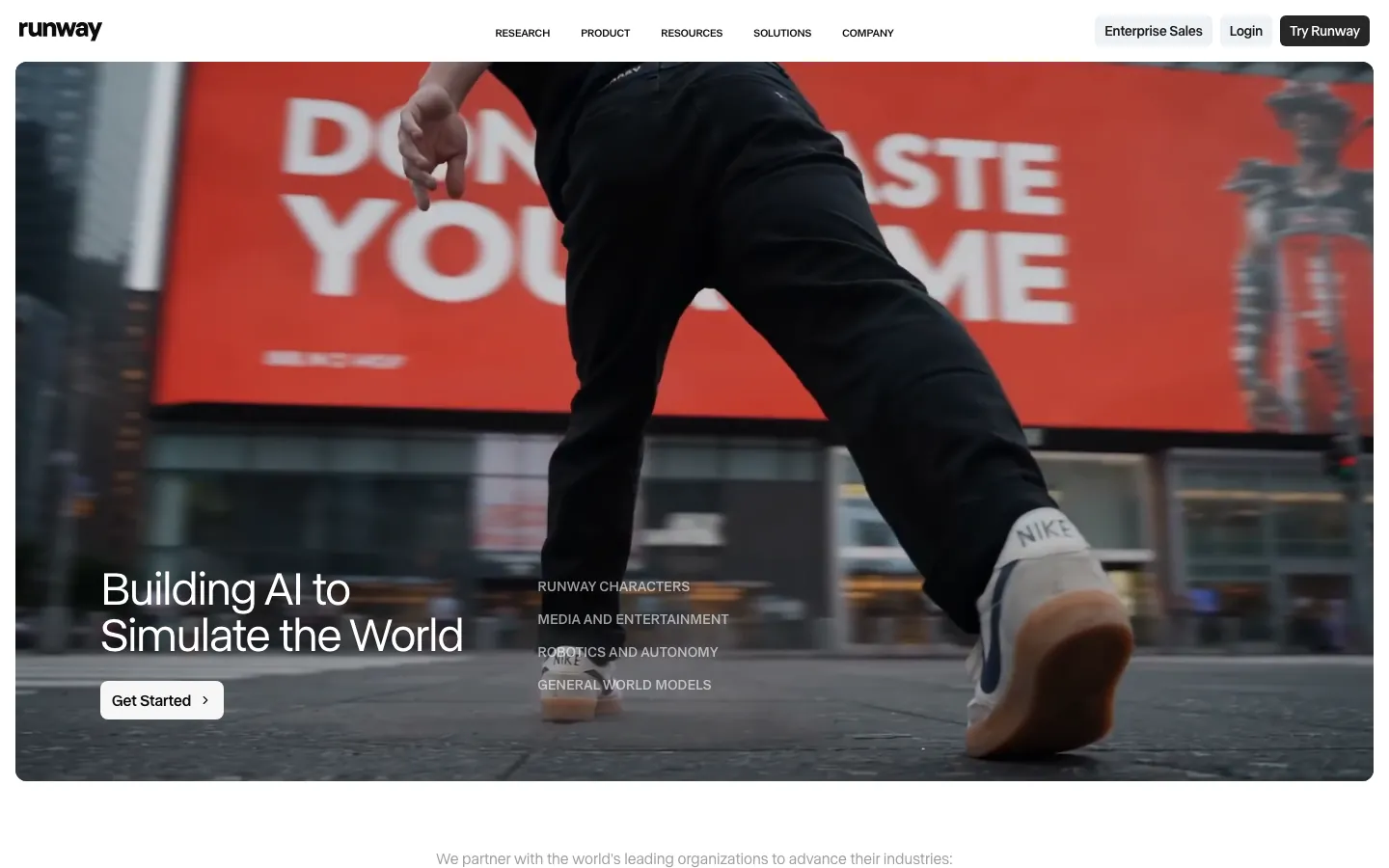
Screenshots of Runway 3 images
What's great
- Gen-4 Turbo (image-to-video) and Gen-4.5 (text + image to video) lead the cinematic generation quality benchmarks cited by creative professionals in 2026, with consistently praised temporal coherence and motion realism
- Granular camera controls including pan, zoom, rotation, and custom motion paths give filmmakers the directorial precision that generative-only tools lack
- Unused credits roll over one month on the Max plan ($76/user/mo, 9,500 credits), plus first access to newest models, making it the best option for production teams with uneven monthly demand
Watch-outs
- G2 listing shows only 2 reviews for Gen-2 by Runway; the product does not have meaningful third-party review coverage, so buyer validation comes almost entirely from community channels and creator testimonials
- Credit consumption on complex cinematic prompts is high; a standard 4-second Gen-4.5 generation burns credits significantly faster than simple image-to-video tasks, and the Standard plan (625 credits/mo) runs dry quickly for active teams
- No built-in avatar or talking-head feature; it is a generative footage tool, not a presentation or training video tool, which disqualifies it for the L&D and sales enablement use cases other tools cover
Pricing breakdown
| Plan | Price | Best for |
|---|---|---|
| Free | $0 | 125 one-time credits, trying generative models |
| Standard | $12/user/mo (annual) | 625 credits/mo, up to 5 users |
| Pro | $28/user/mo (annual) | 2,250 credits/mo, custom voices, 500GB |
| Max | $76/user/mo (annual) | 9,500 credits/mo, rollover, newest models |
| Enterprise | Custom | SSO, custom credit amounts, org-level teams |
Security & compliance
| Standard | Availability |
|---|---|
| SOC 2 Type II | Yes |
| GDPR | Yes |
| HIPAA | No |
| SSO / SAML | Enterprise |
| Audit logs | Enterprise |
Runway compliance summary: SOC 2 Type II is yes, GDPR is yes, HIPAA is no, SSO/SAML is enterprise, and audit logs is enterprise.
Key integrations
| Integration | Type |
|---|---|
| Gmail | N/A |
| Outlook | N/A |
| Slack | N/A |
| LinkedIn Sales Navigator | N/A |
| Outreach / Salesloft | N/A |
Runway integration summary: Gmail is not specified, Outlook is not specified, Slack is not specified, LinkedIn Sales Navigator is not specified, and Outreach or Salesloft is not specified.
Feature availability
| Feature | Status |
|---|---|
| Free tier | yes, 125 one-time credits |
| Camera controls | ✓ |
| Credit rollover | Max only |
| Gen4 turbo | ✓ Standard+ |
| Lip sync | Pro+ |
Runway feature availability summary: Free tier (yes, 125 one-time credits), Camera controls (✓), Credit rollover (Max only), Gen4 turbo (✓ Standard+), and Lip sync (Pro+).
Loading reviews…
Descript
Best AI video editor for transcript-based editing and podcast-to-video workflows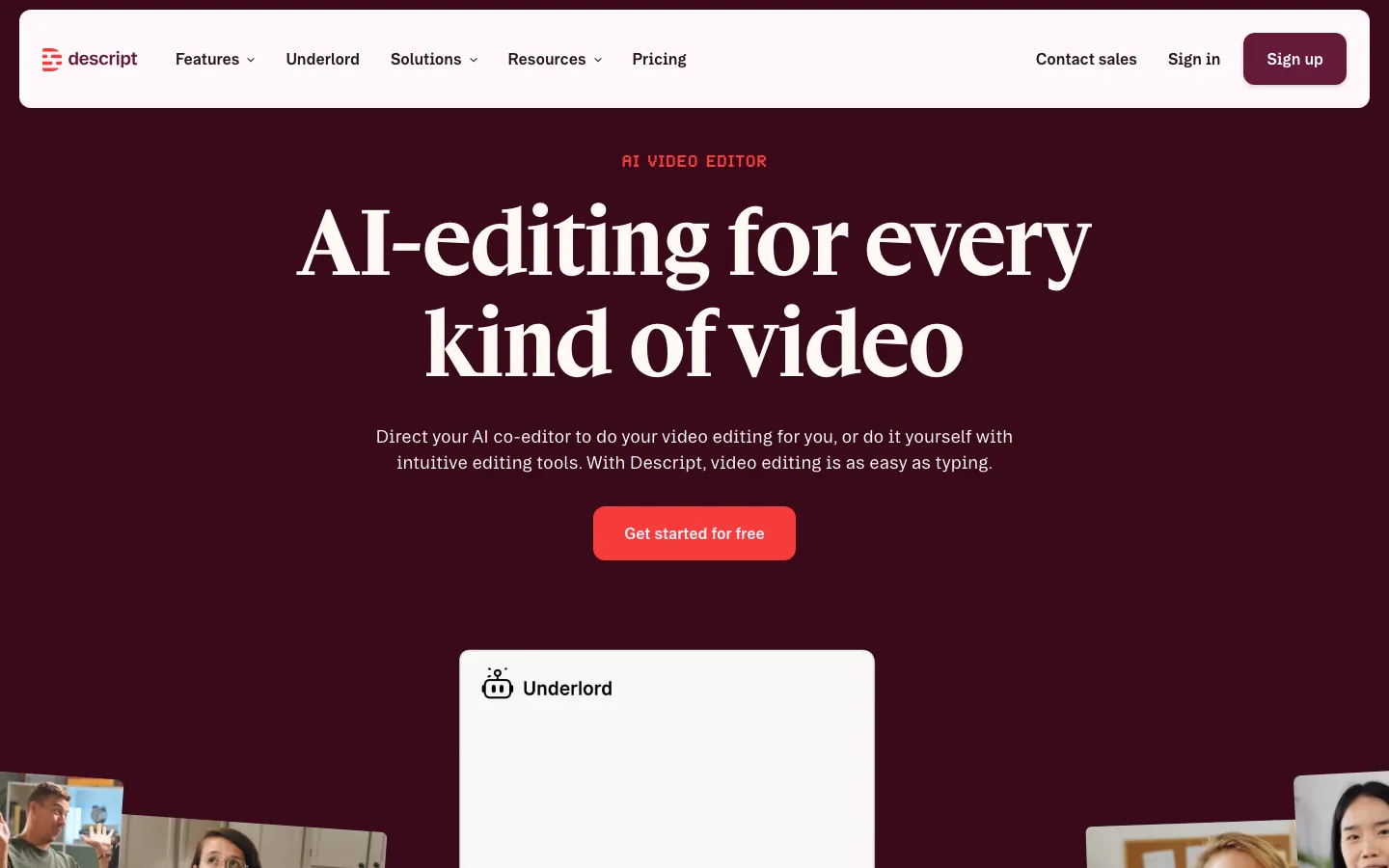
Screenshots of Descript 3 images
What's great
- Edit video by editing the transcript: delete a word in the text and the clip disappears, the only tool in this guide that treats video post-production as a writing task
- Underlord AI co-editor handles filler word removal, silence trimming, eye contact correction, and background removal in seconds, the fastest path from raw recording to polished final
- 4.6/5 from 893 G2 reviews with consistent praise for time savings on talking-head content; podcast producers and course creators are the core power users
Watch-outs
- Not an AI video generator in the avatar or text-to-video sense: it edits footage you have already recorded, not footage it creates from scratch, which disqualifies it from pure text-to-video comparisons
- Media hours-based billing (10 hours/mo at Hobbyist, 30 at Creator) creates a hard ceiling for agencies processing large volumes; a single podcast season can exhaust a plan
- AI generation features are basic compared to Runway or HeyGen; Descript wins on editing, not on generative creation from nothing
Pricing breakdown
| Plan | Price | Best for |
|---|---|---|
| Free | $0 | Light use with watermark |
| Hobbyist | $16/person/mo (annual) | Individuals, 10 media hours/mo |
| Creator | $24/person/mo (annual) | 30 media hours, AI features, teams up to 3 |
| Business | $50/person/mo (annual) | 40 media hours, collaboration, teams up to 5 |
| Enterprise | Custom | SSO, SCIM, advanced security |
Security & compliance
| Standard | Availability |
|---|---|
| SOC 2 Type II | Yes |
| GDPR | Yes |
| HIPAA | No |
| SSO / SAML | Enterprise |
| Audit logs | Enterprise |
Descript compliance summary: SOC 2 Type II is yes, GDPR is yes, HIPAA is no, SSO/SAML is enterprise, and audit logs is enterprise.
Key integrations
| Integration | Type |
|---|---|
| Gmail | N/A |
| Outlook | N/A |
| Slack | No |
| LinkedIn Sales Navigator | N/A |
| Outreach / Salesloft | N/A |
Descript integration summary: Gmail is not specified, Outlook is not specified, Slack is no, LinkedIn Sales Navigator is not specified, and Outreach or Salesloft is not specified.
Feature availability
| Feature | Status |
|---|---|
| Free tier | yes with watermark |
| Eye contact correction | ✓ |
| Filler word removal | ✓ |
| Transcript editing | ✓ |
| Underlord AI | Hobbyist+ |
Descript feature availability summary: Free tier (yes with watermark), Eye contact correction (✓), Filler word removal (✓), Transcript editing (✓), and Underlord AI (Hobbyist+).
Loading reviews…
VEED
Best browser-based AI video editor for social media and marketing teams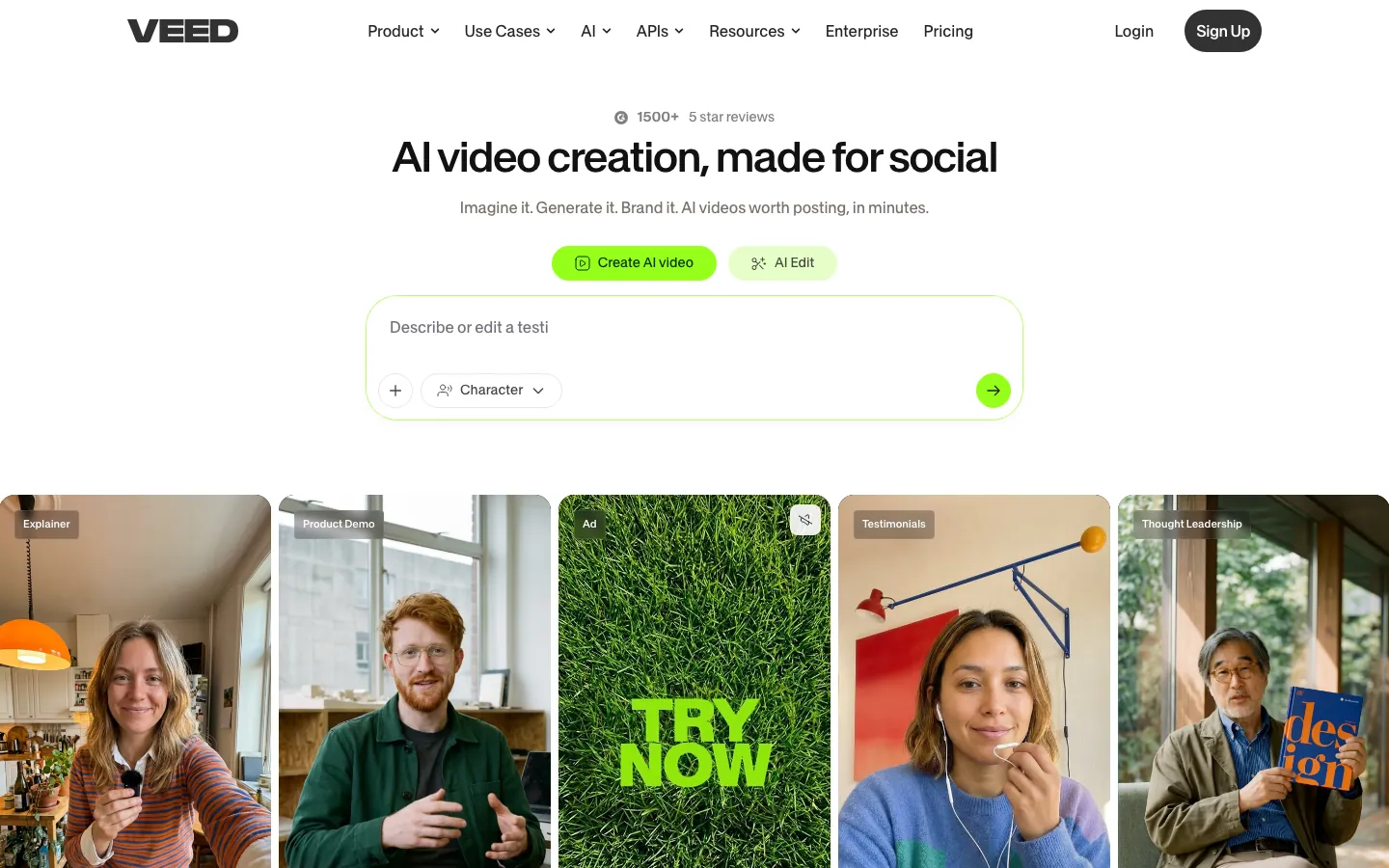
Screenshots of VEED 3 images
What's great
- 4.5/5 from 2,129 G2 reviews, the third-largest review pool in this guide, with reviewers citing auto-subtitles and noise removal as the features they use most
- 15+ AI tools in a single browser-based interface: AI Clips, background removal, noise reduction, auto-subtitles, translation to 50+ languages, and a built-in AI video generator that runs without switching apps
- The easiest onboarding in this guide: browser-based, no download required, and reviewers consistently describe getting a polished subtitled video within 15 minutes of first login
Watch-outs
- Credit-based AI generation hits limits fast on the Creator plan (6,000 credits, roughly 1,200 AI videos); teams doing daily AI video content will upgrade to Pro or Studio within 60 days
- The built-in AI video generator produces solid social-format content but trails Runway on cinematic quality and HeyGen on avatar realism; it is a generalist tool, not a specialist
- Storage limits are real: Creator ships with no storage detail, Pro with 50GB; agencies managing client libraries run into this quickly
Pricing breakdown
| Plan | Price | Best for |
|---|---|---|
| Free | $0 | Light editing with watermark |
| Creator | $12/user/mo (annual) | 6,000 credits, ~1,200 AI videos, no watermark |
| Pro | $24/user/mo (annual) | 30,000 credits, brand kits, multi-language |
| Studio | $39/user/mo (annual) | 180,000 credits, custom templates, 960 hrs AI voice |
| Enterprise | Custom | Privacy controls, centrally managed teams |
Security & compliance
| Standard | Availability |
|---|---|
| SOC 2 Type II | Yes |
| GDPR | Yes |
| HIPAA | No |
| SSO / SAML | Enterprise |
| Audit logs | Enterprise |
VEED compliance summary: SOC 2 Type II is yes, GDPR is yes, HIPAA is no, SSO/SAML is enterprise, and audit logs is enterprise.
Key integrations
| Integration | Type |
|---|---|
| Gmail | N/A |
| Outlook | N/A |
| Slack | N/A |
| LinkedIn Sales Navigator | N/A |
| Outreach / Salesloft | N/A |
VEED integration summary: Gmail is not specified, Outlook is not specified, Slack is not specified, LinkedIn Sales Navigator is not specified, and Outreach or Salesloft is not specified.
Feature availability
| Feature | Status |
|---|---|
| Free tier | yes, watermarked |
| AI clips | ✓ |
| Auto subtitles | ✓ |
| Brand kits | Pro+ |
| Translation languages | 50+ |
VEED feature availability summary: Free tier (yes, watermarked), AI clips (✓), Auto subtitles (✓), Brand kits (Pro+), and Translation languages (50+).
What reviewers say about VEED
Recurring themes across ~1,755 G2 reviews (4.6/5) and public Capterra reviews, 2024-2026.
What reviewers praise
- Runs entirely in the browser, so teams start editing without installing desktop software or learning a heavy timeline.
- Auto-subtitles and caption accuracy get called out repeatedly as the reason marketers pick VEED for social clips.
- Screen plus webcam recording and one-click background removal cover most talking-head and demo use cases.
- Non-editors on marketing and sales teams get to a publishable clip fast without a video background.
What reviewers fault
- Render and export times drag on longer projects, especially once several media layers are stacked.
- The jump from the entry plan to Pro tiers feels steep for the extra minutes and features unlocked.
- Free-plan watermark and length caps push casual users onto a paid plan sooner than expected.
- Large media files can make the editor lag or stutter during playback.
Loading reviews…
Colossyan
Best AI video platform for compliance-heavy enterprise training teams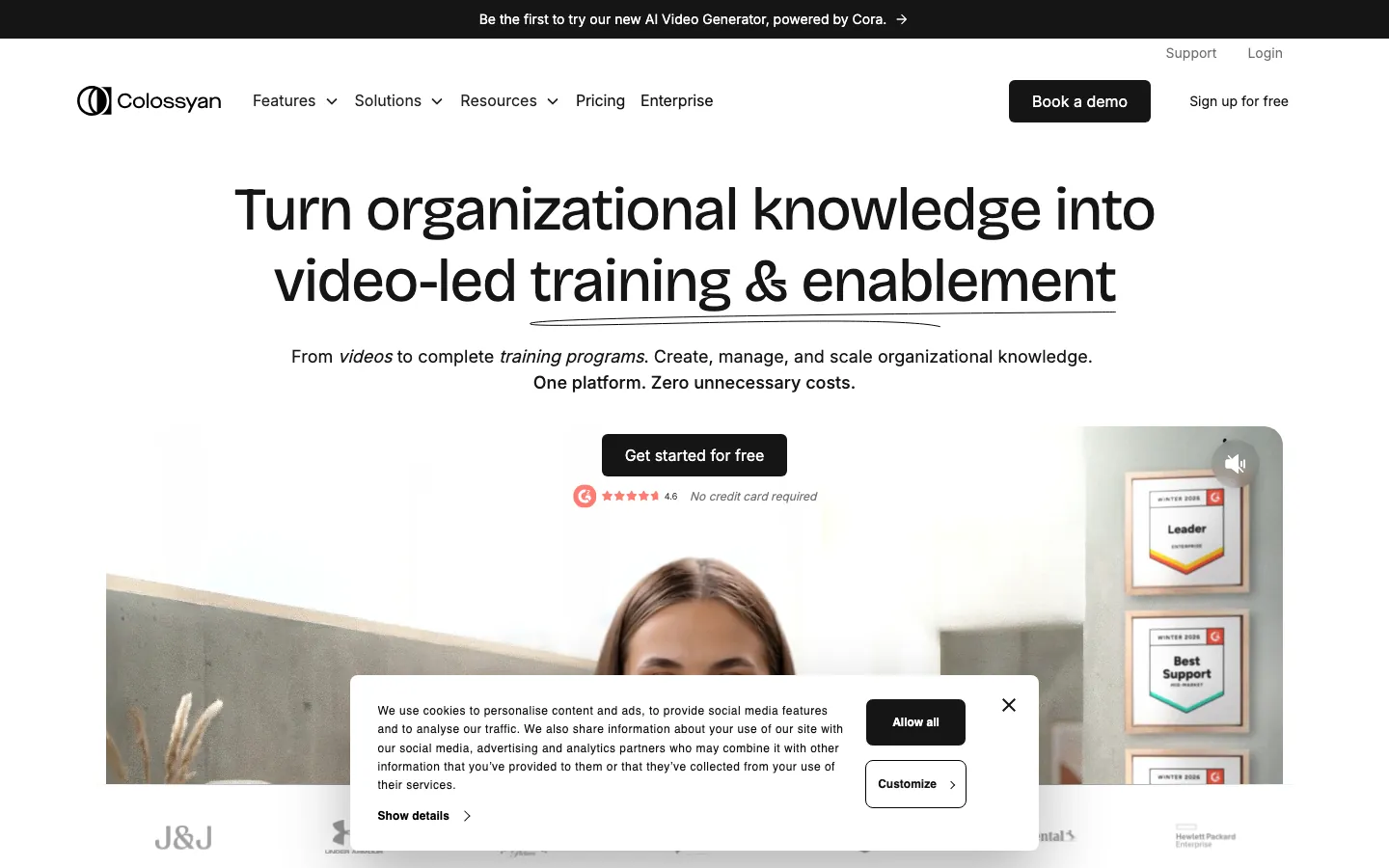
Screenshots of Colossyan 3 images
What's great
- Purpose-built for training and enablement with scenario-based branching, SCORM/xAPI export, and multi-avatar conversations that replicate real coaching interactions better than single-avatar platforms
- 100+ languages supported with automatic translation on all plans, which addresses the localization bottleneck that stops most enterprise training teams from scaling globally
- Enterprise customer base includes J&J, Under Armour, Paramount, and HP Enterprise; the compliance posture and procurement process are built for large-org review, not just SMB signups
Watch-outs
- G2 reviewers consistently flag rendering speed as slower than HeyGen; a short 2-minute video can take 10+ minutes versus HeyGen under 2 minutes, which is material for teams running daily content updates
- Pricing starts at $19/mo but meaningful enterprise features (SCORM, SSO, advanced compliance) are Enterprise-gated, so the true cost for an L&D team deploying at scale is a custom quote
- Brand customization options are more limited than Synthesia at equivalent price tiers; teams with strict brand guidelines need Enterprise to fully control avatar appearance and brand elements
Pricing breakdown
| Plan | Price | Best for |
|---|---|---|
| Free | $0 | Trying the platform with limited minutes |
| Starter | $19/mo (annual) | Individual content creators |
| Business | Custom | Small teams, more languages, collaboration |
| Enterprise | Custom | SCORM, SSO, advanced compliance, unlimited |
Security & compliance
| Standard | Availability |
|---|---|
| SOC 2 Type II | Yes |
| GDPR | Yes |
| HIPAA | No |
| SSO / SAML | Enterprise |
| Audit logs | Enterprise |
Colossyan compliance summary: SOC 2 Type II is yes, GDPR is yes, HIPAA is no, SSO/SAML is enterprise, and audit logs is enterprise.
Key integrations
| Integration | Type |
|---|---|
| Gmail | N/A |
| Outlook | N/A |
| Slack | No |
| LinkedIn Sales Navigator | N/A |
| Outreach / Salesloft | N/A |
Colossyan integration summary: Gmail is not specified, Outlook is not specified, Slack is no, LinkedIn Sales Navigator is not specified, and Outreach or Salesloft is not specified.
Feature availability
| Feature | Status |
|---|---|
| Free tier | yes, limited |
| Languages | 100+ |
| Multi avatar scenes | ✓ |
| Scenario branching | ✓ |
| Scorm xapi | Enterprise |
Colossyan feature availability summary: Free tier (yes, limited), Languages (100+), Multi avatar scenes (✓), Scenario branching (✓), and Scorm xapi (Enterprise).
What reviewers say about Colossyan
Recurring themes across ~488 G2 reviews (4.6/5), 2024-2026.
What reviewers praise
- L&D teams use it to turn scripts and slide decks into training avatar videos in an afternoon.
- Multi-language dubbing and instant translation get praised for localizing courses without re-recording.
- Branching interactive scenarios let training designers build choose-your-path modules other avatar tools skip.
- Importing PowerPoint and docs to auto-build scenes saves the manual scene-by-scene setup.
What reviewers fault
- Avatar gestures and body movement still read as stiff or robotic in some scenes.
- Credit and minute limits on plans catch teams off guard once they scale video volume.
- Pricing feels steep for small teams that only need a handful of videos a month.
- Lip-sync occasionally drifts out of alignment on longer scripts and certain languages.
Loading reviews…
Pictory
Best long-form-to-video repurposing tool for content marketers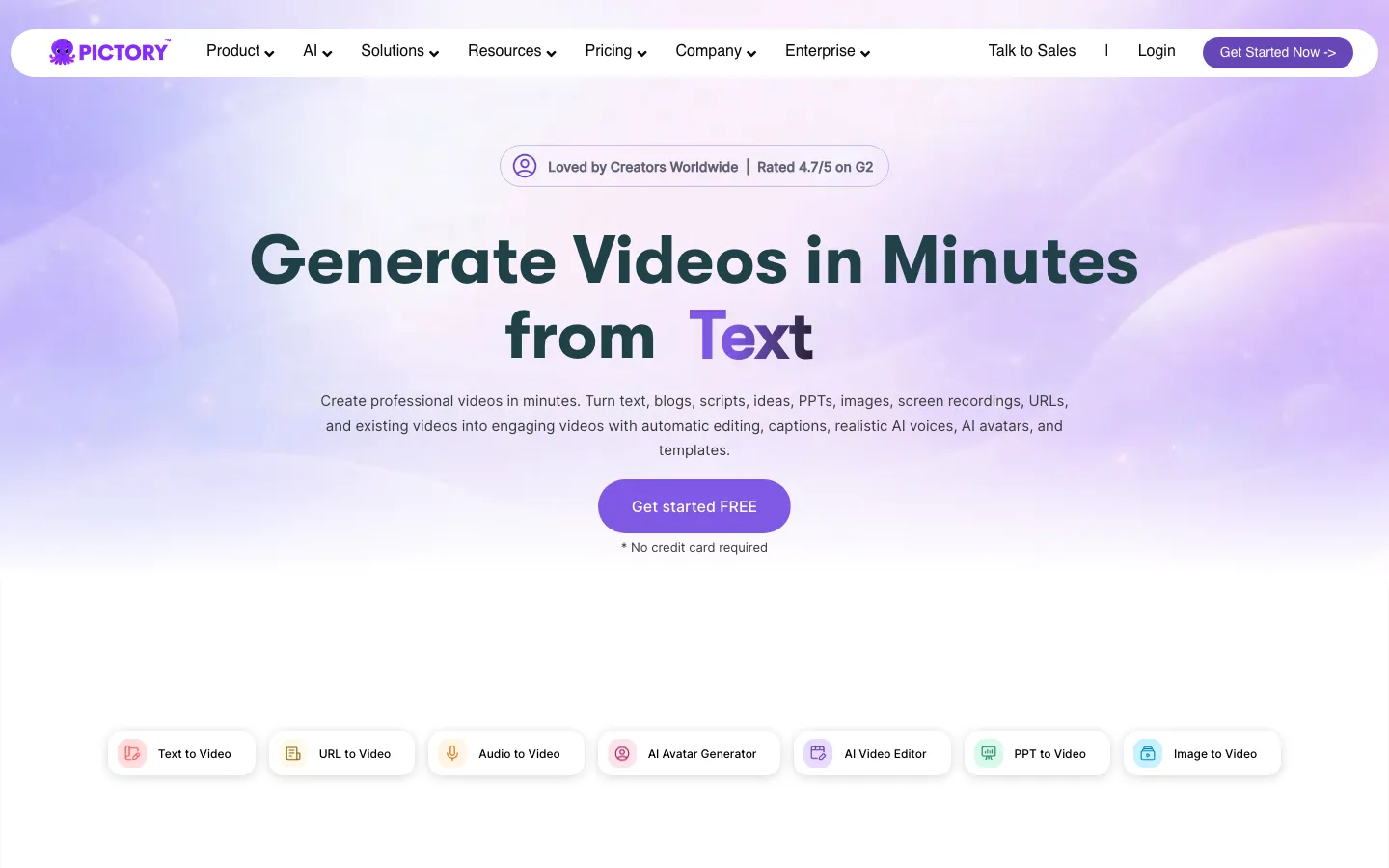
Screenshots of Pictory 3 images
What's great
- Blog-post-to-video and article-to-video pipeline is the fastest in this category: paste a URL, and Pictory pulls the content, selects relevant stock footage, adds AI voiceover, and produces a finished video in minutes
- Auto-highlight extraction from long webinar or meeting recordings produces short clips suitable for social distribution, removing the manual cut-down step that teams skip under deadline pressure
- Bulk personalization lets teams produce customized versions of the same video template across multiple leads or product SKUs, which is the use case that justifies the tool for mid-funnel marketing
Watch-outs
- G2 review pool of 81 reviews is the thinnest of the deep tools in this guide; the tool was noted as having had no new G2 reviews in two months as of June 2026, which is a signal worth tracking
- The AI-selected stock footage is hit-or-miss on niche topics; a blog post about enterprise database architecture will pull generically irrelevant B-roll that requires manual swapping
- No avatar or talking-head feature; it assembles footage-plus-voiceover, not a human presenter, which limits its use for sales enablement and personalized outreach where face-to-camera builds more trust
Pricing breakdown
| Plan | Price | Best for |
|---|---|---|
| Starter | $25/mo (annual) | Bloggers, 30 videos/mo, 5,000 music tracks |
| Professional | $35/mo (annual) | 60 videos/mo, more music and transcription |
| Team | $119/mo (annual) | 3 seats, 90 videos/mo, collaboration |
| Enterprise | Custom | High volume, custom integrations |
Security & compliance
| Standard | Availability |
|---|---|
| SOC 2 Type II | Yes |
| GDPR | Yes |
| HIPAA | No |
| SSO / SAML | Enterprise |
| Audit logs | No |
Pictory compliance summary: SOC 2 Type II is yes, GDPR is yes, HIPAA is no, SSO/SAML is enterprise, and audit logs is no.
Key integrations
| Integration | Type |
|---|---|
| Gmail | N/A |
| Outlook | N/A |
| Slack | N/A |
| LinkedIn Sales Navigator | N/A |
| Outreach / Salesloft | N/A |
Pictory integration summary: Gmail is not specified, Outlook is not specified, Slack is not specified, LinkedIn Sales Navigator is not specified, and Outreach or Salesloft is not specified.
Feature availability
| Feature | Status |
|---|---|
| Free tier | 3-video trial |
| AI voiceover | ✓ |
| Auto highlights | ✓ |
| Blog to video | ✓ |
| Bulk personalization | ✓ |
Pictory feature availability summary: Free tier (3-video trial), AI voiceover (✓), Auto highlights (✓), Blog to video (✓), and Bulk personalization (✓).
What reviewers say about Pictory
Recurring themes across ~163 Capterra reviews (4.8/5) and G2 reviews (4.6/5), 2024-2026.
What reviewers praise
- Turns long blog posts, scripts, and webinar recordings into short social clips faster than manual editing.
- Auto-captioning and text highlighting are the standout reason marketers repurpose podcast and webinar content here.
- The stock footage matching pulls relevant B-roll to script lines without hunting through separate libraries.
- Content teams with no editing background get a usable draft video in minutes.
What reviewers fault
- Auto-matched stock footage sometimes misreads the script and drops in clips that miss the point.
- The built-in text-to-speech voices sound flat compared to premium voiceover tools.
- Credit and video-length limits on lower tiers force an upgrade once output ramps up.
- Fine editing control is limited, so precise timing tweaks feel clunky.
Loading reviews…
InVideo AI
Best AI video generator for marketers who want complete videos from a text prompt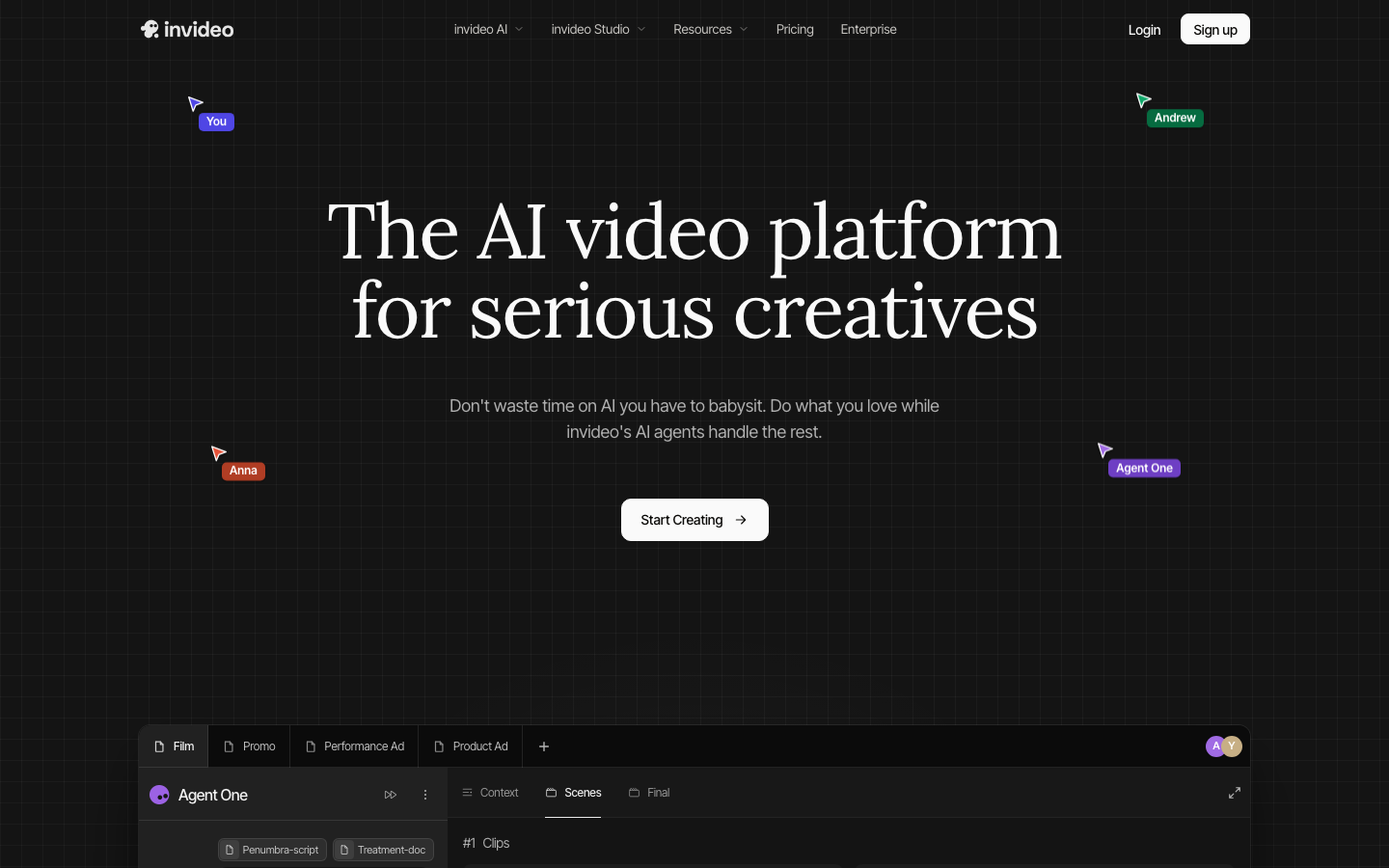
Screenshots of InVideo AI 3 images
What's great
- AI agents handle the full video production loop: take a text prompt, select footage from a 16-million-asset library, write a script, add voiceover, apply transitions, and deliver a full video without manual timeline editing
- Both InVideo AI (agent-based, prompt-driven) and InVideo Studio (timeline editor) are included in a single subscription, giving teams flexibility to use the automated path for speed and the manual path for precision
- Performance ad format capabilities including UGC-style ads, product explainers, and short-form vertical videos are specifically called out by reviewers in e-commerce and DTC contexts
Watch-outs
- The 4.4/5 G2 rating from 172 reviews is the lowest of the deep tools in this guide; reviewer complaints cluster around inconsistent AI output quality and the need for multiple regeneration cycles to get usable footage
- Export quality on the free plan is watermarked and limited to 720p; the Plus plan at $28/mo removes the watermark but most reviewers note the auto-selected footage needs manual correction on technical or brand-specific topics
- No avatar or talking-head mode; the platform generates footage-based videos, not presenter-led content, which limits sales team use cases where a human face builds credibility
Pricing breakdown
| Plan | Price | Best for |
|---|---|---|
| Free | $0 | Testing the AI agent with watermark |
| Plus | $28/mo | Unlimited AI generations, 50 iStock clips/mo |
| Max | $60/mo | Voice clone, team workspace, 200 iStock clips/mo |
| Generative | $120/mo | AI film mode, custom cinematic content |
Security & compliance
| Standard | Availability |
|---|---|
| SOC 2 Type II | Yes |
| GDPR | Yes |
| HIPAA | No |
| SSO / SAML | Enterprise |
| Audit logs | No |
InVideo AI compliance summary: SOC 2 Type II is yes, GDPR is yes, HIPAA is no, SSO/SAML is enterprise, and audit logs is no.
Key integrations
| Integration | Type |
|---|---|
| Gmail | N/A |
| Outlook | N/A |
| Slack | N/A |
| LinkedIn Sales Navigator | N/A |
| Outreach / Salesloft | N/A |
InVideo AI integration summary: Gmail is not specified, Outlook is not specified, Slack is not specified, LinkedIn Sales Navigator is not specified, and Outreach or Salesloft is not specified.
Feature availability
| Feature | Status |
|---|---|
| Free tier | yes, watermarked |
| AI agents | ✓ |
| Stock library | 16M+ assets |
| Ugc ads | ✓ |
| Voice clone | Max+ |
InVideo AI feature availability summary: Free tier (yes, watermarked), AI agents (✓), Stock library (16M+ assets), Ugc ads (✓), and Voice clone (Max+).
What reviewers say about InVideo AI
Recurring themes across ~168 G2 reviews (4.5/5) and public Capterra reviews, 2024-2026.
What reviewers praise
- A single text prompt spins up a full video with script, scenes, and voiceover, which small teams love for speed.
- The template library is large enough to cover most social, ad, and promo formats out of the box.
- AI voiceovers across many languages remove the need to hire a narrator for quick clips.
- Good fit for solo creators and social managers who need volume over precision.
What reviewers fault
- The credit system confuses buyers, and heavy users hit limits faster than the plan implies.
- Free and lower tiers stamp a watermark that pushes creators onto paid plans.
- Auto-selected stock footage sometimes lands off-topic and needs manual swapping.
- Editing control is thin, so fixing a small detail often means regenerating the whole clip.
Loading reviews…
Vyond
Best animated explainer video platform for learning and compliance teams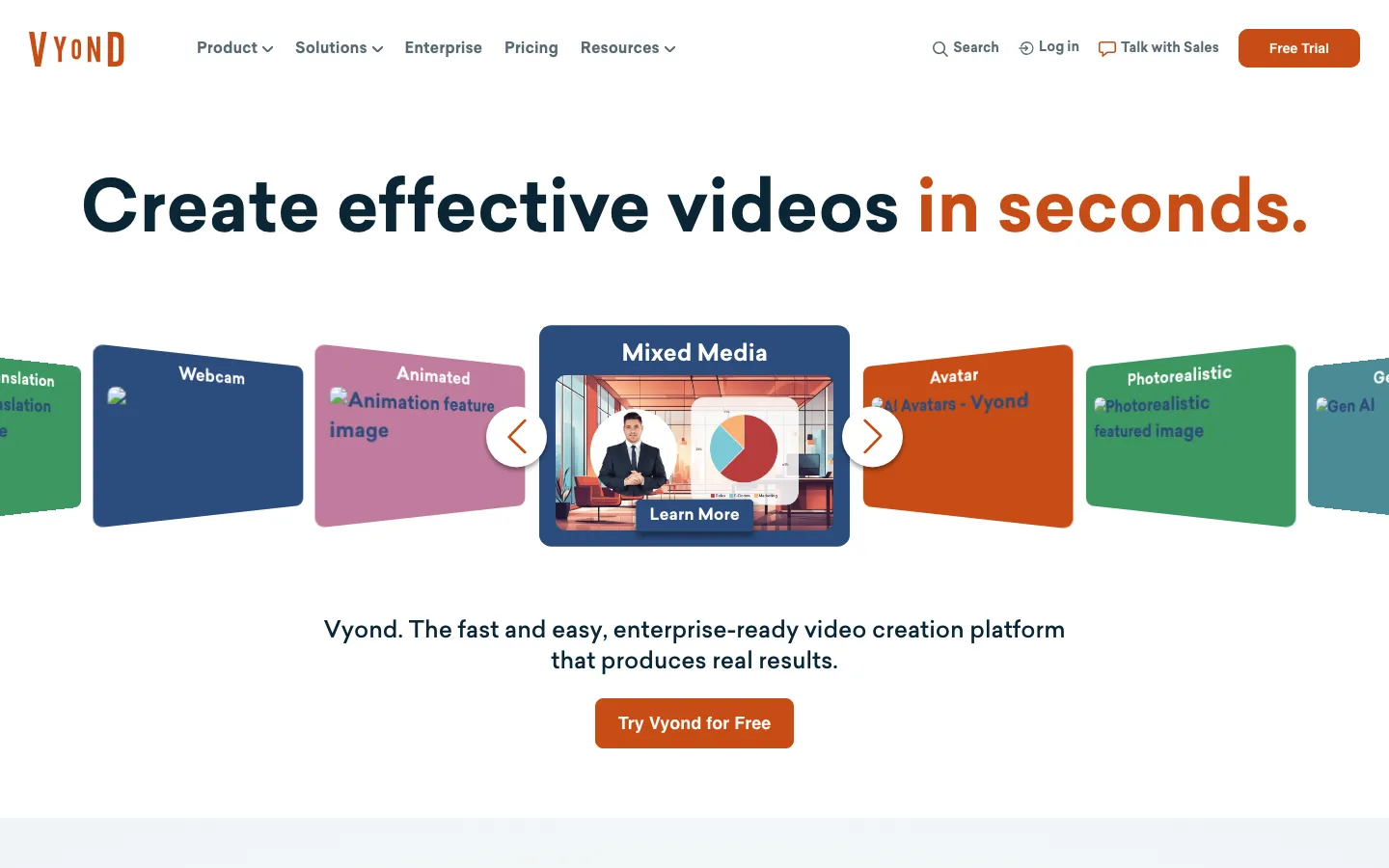
Screenshots of Vyond 3 images
What's great
- 4.8/5 from 499 G2 reviews, tied with HeyGen for highest rating in this guide, with G2 naming it the number one video content creation platform across animation categories
- Vyond Go generates fully animated explainer videos from a text input: characters, backgrounds, voiceover, and scene transitions are produced without manual timeline work, covering 70+ languages
- Character library and scene templates are purpose-built for compliance training, HR policy, and safety induction content that requires consistent, brand-controlled animation rather than photorealistic footage
Watch-outs
- Pricing is entirely custom and requires a sales conversation to get a number; no public pricing page shows dollar amounts, which frustrates SMB buyers and makes budget approval harder
- The animation style is recognizable as Vyond, and for some enterprise teams that photorealistic-versus-animation choice is predetermined by brand guidelines that require live-action or avatar video
- Less suited to external-facing marketing content where photorealistic AI avatar tools perform better; the animation style reads as internal-training-appropriate, not as a public-facing brand asset for most sectors
Pricing breakdown
| Plan | Price | Best for |
|---|---|---|
| Essential | Custom (annual) | Individuals, basic animated video |
| Professional | Custom (annual) | Teams, collaboration, custom assets |
| Enterprise | Custom (annual) | SSO, advanced admin, SCORM support |
Security & compliance
| Standard | Availability |
|---|---|
| SOC 2 Type II | Yes |
| GDPR | Yes |
| HIPAA | No |
| SSO / SAML | Enterprise |
| Audit logs | Enterprise |
Vyond compliance summary: SOC 2 Type II is yes, GDPR is yes, HIPAA is no, SSO/SAML is enterprise, and audit logs is enterprise.
Key integrations
| Integration | Type |
|---|---|
| Gmail | N/A |
| Outlook | N/A |
| Slack | No |
| LinkedIn Sales Navigator | N/A |
| Outreach / Salesloft | N/A |
Vyond integration summary: Gmail is not specified, Outlook is not specified, Slack is no, LinkedIn Sales Navigator is not specified, and Outreach or Salesloft is not specified.
Feature availability
| Feature | Status |
|---|---|
| Free tier | 14-day trial only |
| Animation library | ✓ |
| Custom characters | Professional+ |
| Languages | 70+ |
| Vyond go AI | ✓ |
Vyond feature availability summary: Free tier (14-day trial only), Animation library (✓), Custom characters (Professional+), Languages (70+), and Vyond go AI (✓).
What reviewers say about Vyond
Recurring themes across ~455 G2 reviews (4.8/5) and Capterra reviews (4.7/5), 2024-2026.
What reviewers praise
- The animated character and explainer library is the reason L&D and corporate comms teams standardize on Vyond.
- Automatic lip-sync to uploaded or generated audio saves hours over manual keyframing.
- The prop, scene, and template depth covers most corporate training and internal-video needs.
- Reviewers call it the most capable option for branded animated explainers, not just talking-head clips.
What reviewers fault
- There is a real learning curve, and new users need time before the first polished video.
- Per-seat pricing runs expensive, which stings smaller teams and occasional users.
- The editor can lag or slow down on longer, asset-heavy scenes.
- Character customization feels limited once you step outside the default art styles.
Loading reviews…
D-ID
Best API-first avatar video platform for developers and interactive agent deployments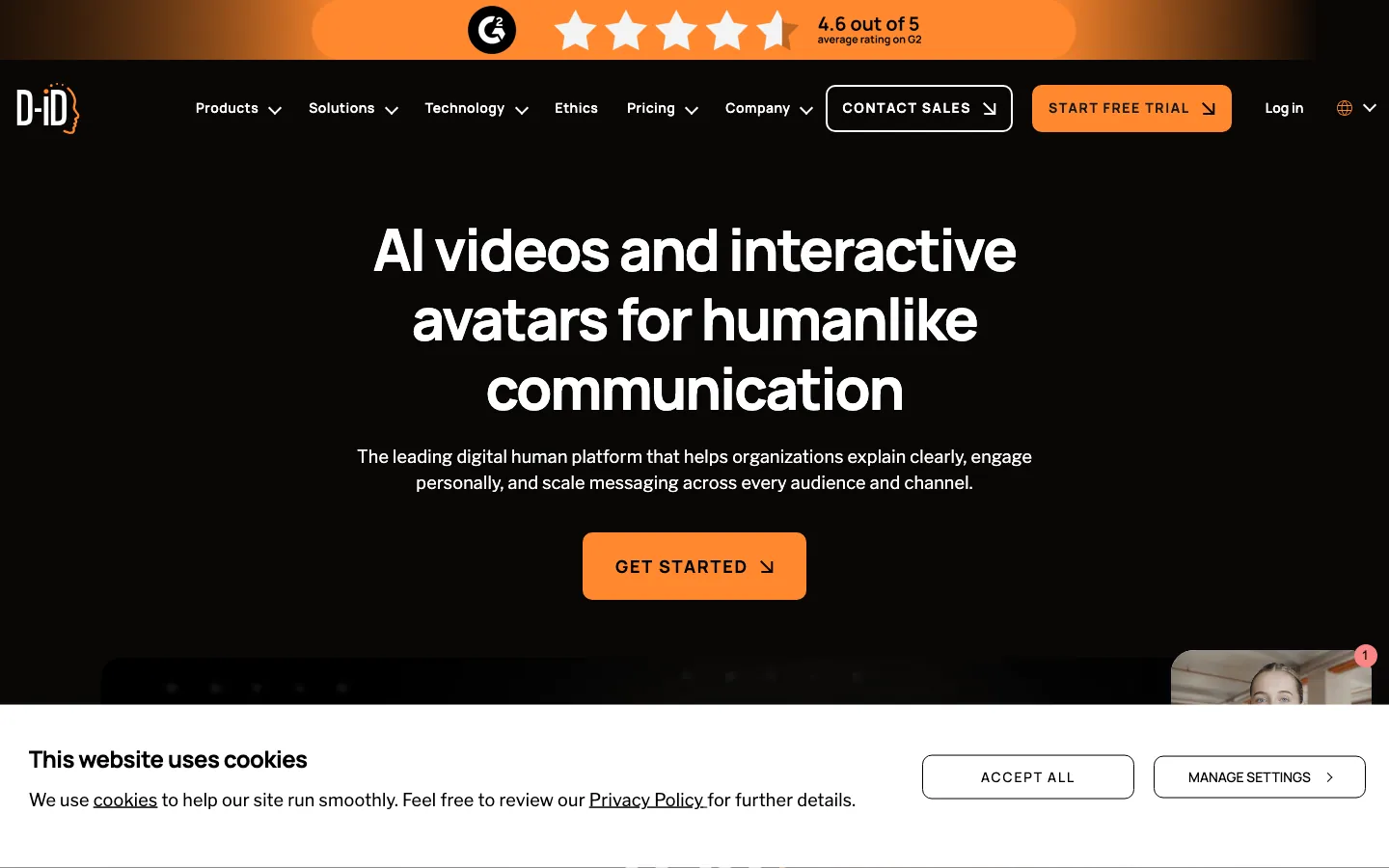
Screenshots of D-ID 3 images
What's great
- REST API is the primary product differentiator: D-ID is designed to be embedded into web apps, kiosks, sales tools, and customer service agents, not just used as a standalone video creator
- Interactive Digital Human mode enables real-time conversational avatars that respond to typed or spoken input, opening use cases like AI sales reps, customer service bots, and interactive museum exhibits
- 4.6/5 from 116 G2 reviews with consistent praise for API reliability and documentation quality from developers building production integrations
Watch-outs
- The self-serve pricing tiers (Lite $5.9/mo to Advanced $49.9/mo) have limited credit allowances that suit individual or prototype use; production deployments almost always require a Custom plan conversation
- Avatar quality at the lower tiers uses a limited stock avatar library; the photorealistic custom avatar features are Enterprise-gated, creating a quality gap between demo and production
- Narrower review base than HeyGen or Synthesia; the 116 G2 reviews tell you it works for API developers, but there is less signal on marketing team adoption at scale
Pricing breakdown
| Plan | Price | Best for |
|---|---|---|
| Lite | $5.9/mo | Prototyping API integrations, 10 credits |
| Pro | $13.9/mo | Light production use, 35 credits |
| Advanced | $49.9/mo | Frequent API calls, 100 credits |
| Enterprise | Custom | Production deployments, real-time agents, SSO |
Security & compliance
| Standard | Availability |
|---|---|
| SOC 2 Type II | Yes |
| GDPR | Yes |
| HIPAA | No |
| SSO / SAML | Enterprise |
| Audit logs | Enterprise |
D-ID compliance summary: SOC 2 Type II is yes, GDPR is yes, HIPAA is no, SSO/SAML is enterprise, and audit logs is enterprise.
Key integrations
| Integration | Type |
|---|---|
| Gmail | N/A |
| Outlook | N/A |
| Slack | No |
| LinkedIn Sales Navigator | N/A |
| Outreach / Salesloft | N/A |
D-ID integration summary: Gmail is not specified, Outlook is not specified, Slack is no, LinkedIn Sales Navigator is not specified, and Outreach or Salesloft is not specified.
Feature availability
| Feature | Status |
|---|---|
| Free tier | 14-day trial |
| API first | ✓ |
| Custom avatar | Enterprise |
| Interactive agents | ✓ |
| Real time mode | Enterprise |
D-ID feature availability summary: Free tier (14-day trial), API first (✓), Custom avatar (Enterprise), Interactive agents (✓), and Real time mode (Enterprise).
What reviewers say about D-ID
Recurring themes across ~116 G2 reviews (4.6/5), 2024-2026.
What reviewers praise
- Photo-to-talking-avatar animation is the headline feature reviewers reach for, turning a still image into a presenter.
- Text-to-speech across many languages makes it a quick way to localize presenter videos.
- The API gets called out by developers building avatar features into their own products.
- Fast turnaround from script to a finished presenter clip suits marketing and support teams.
What reviewers fault
- Pricing sits on the higher side, and credit or minute caps add up for regular use.
- Avatar realism can dip into uncanny-valley territory on certain faces and expressions.
- Editing beyond the avatar itself is limited, so full scene control is thin.
- Lip-sync occasionally misaligns on longer or fast-paced scripts.
Loading reviews…
More top-rated AI Video Generators worth checking out
Highly rated AI Video Generators that didn't crack our top 10 but are still strong contenders, especially for specific use cases and team sizes.
Elai.io
For L&D teams wanting Synthesia-style output at a lower entry price
Standout: SCORM export and LMS integrations on paid plans, with 60+ avatar types and text-to-video generation, positioned directly against Synthesia at lower mid-market pricing
What reviewers say ★ 4.7 · 114
Praised
- Turns text and PowerPoint decks into avatar training videos, which L&D teams use to skip a studio shoot.
- The language and voice coverage lets teams localize the same course into many markets quickly.
- The custom avatar option gets praised by brands that want a consistent on-screen presenter.
- Simple enough that non-technical trainers build a first video without help.
Faulted
- Avatar movement stays fairly stiff, so videos can feel static next to live-action.
- Scene and template variety is limited, and repeat users notice the sameness.
- Credit and minute limits on plans constrain teams that produce video at volume.
- Rendering can lag during busy periods, delaying delivery of finished clips.
Lumen5
For content teams converting blog posts and text into social video fast
Standout: Blog-to-video workflow specifically designed for brand storytelling: paste a URL, Lumen5 extracts key points and builds a branded video with text overlays and media
What reviewers say ★ 4.5 · 69
Praised
- Blog-post to video repurposing is the core draw for content and social teams pushing out weekly clips.
- Brand kits and templates keep fonts, colors, and logos consistent across every video.
- The drag-and-drop flow and stock media library make it approachable for marketers with no editing skills.
- Fast enough to turn a published article into a social video the same day.
Faulted
- Fine editing control is limited, so precise timing and layout tweaks are hard.
- The built-in voiceover and text-to-speech options feel basic next to dedicated tools.
- Lower tiers add Lumen5 branding and cap video volume, nudging an upgrade.
- Templates start to look alike, so output can feel formulaic over time.
Canva Video
For designers and marketers who already live in Canva
Standout: By far the largest review base in this guide at 7,509 G2 reviews at 4.7/5, with G2 naming it the easiest-to-use AI video generator in the category; the adoption signal is enormous
What reviewers say ★ 4.7 · 7549
Praised
- Ease of use is the dominant theme across positive reviews, with non-designers consistently noting they reach professional-looking output within days rather than the months Adobe tools require
- Template library breadth across social media, presentations, video, and print lets teams consolidate multiple tools into one subscription at a fraction of Adobe Creative Cloud pricing
- Real-time collaboration removes version-control friction for marketing teams, which is repeatedly cited as a reason teams switch from desktop software
- Magic Resize and background removal are the most praised AI features, with users describing both as saving meaningful time on repetitive resizing tasks
- Cost-effectiveness relative to Adobe is mentioned in a large share of positive reviews, with Pro at roughly $120 per year compared against $720 or more for comparable Adobe plans
Faulted
- Magic Media image generation scores poorly on text rendering, producing illegible or distorted words in roughly 7 out of 10 attempts based on independent testing
- No true layer system, no letter kerning control, and missing typography depth mean professional designers hit a ceiling that forces them back to Adobe for final production
- Prompt control inside Magic Media is minimal, with no negative prompting, no seed control, and no guidance scale adjustment, producing less predictable results than dedicated image tools
- 2025 video editor update removed automatic clip trimming and per-page animations that users relied on, replacing them with manual adjustments that reviews describe as more time-consuming
- Premium content paywalls inside the interface, combined with subscription cancellation friction, are among the most common billing complaints in recent reviews
Creatify AI
For performance marketers and e-commerce teams running paid ad creative at scale
Standout: Product URL to video ad pipeline: paste a product link, Creatify scrapes the page, generates multiple ad variations with AI avatars, and outputs formats ready for Meta, TikTok, and YouTube
What reviewers say ★ 4.8 · 1,520
Praised
- Generates UGC-style ad videos from a product URL, which performance marketers use to test creative fast.
- The AI avatars and voices read as natural enough for social ad feeds without a real spokesperson.
- Spinning up many ad variations quickly makes A/B testing creative cheap and fast.
- Text-to-speech voice range and speaking styles get singled out as a strength for ad hooks.
Faulted
- Template layouts feel repetitive, and it is not the pick for one-off artsy or brand-film work.
- The credit system draws complaints, especially around price changes on credits.
- Video processing wait times frustrate users pushing high volume during a campaign.
- Reviewers want a wider avatar roster than the current set offers.
Pika
For creative teams exploring prompt-to-video generative AI at lower cost
Standout: Entry price of $8/mo (Starter) is the lowest paid tier for generative text-to-video in this guide, giving creative teams a low-cost way to explore the format before committing to Runway pricing
What reviewers say
Praised
- Generation speed for short clips is frequently highlighted, with most outputs returning in one to two minutes even on the base plan
- Specialized effects tools like Pikaswaps and Pikaffects get genuine enthusiasm for producing transformative visual results that are hard to replicate elsewhere
- Entry-level pricing around $10 per month is considered accessible compared to competing video generation platforms that start higher
- Interface is simple enough that users with no video editing background can produce shareable social clips within minutes of signing up
- Output quality for 3 to 4 second social content is praised by creators targeting TikTok and Instagram Reels formats specifically
Faulted
- Failed generations consume credits at full cost with no refund or retry credit, which users describe as the single most frustrating aspect of the platform
- Customer support is widely reported as non-responsive, with billing disputes and cancellation requests going unanswered for weeks across Trustpilot and Reddit threads
- Character and scene consistency breaks down between clips, making Pika unsuitable for narrative video work or multi-scene productions
- Clip length is capped at 10 seconds on most plans, which limits use cases beyond social snippets and forces expensive workarounds for longer content
- Removing watermarks for commercial use requires a $35 per month plan, which users feel is a steep jump from the entry tier given the output constraints
CapCut for Business
For social-first brands needing TikTok-native AI video at minimal cost
Standout: Native TikTok integration and viral template library built by Bytedance mean the output format is optimized for short-form social performance in a way that general AI video tools are not
What reviewers say
Praised
- Free and low-cost entry point lets creators edit short-form video without a subscription up front.
- Auto-captions land accurately enough that TikTok and Reels editors rely on them daily.
- The template, effect, and transition library makes fast trend-style edits easy for non-editors.
- Quick from raw clip to publishable short, which is why solo creators pick it for volume.
Faulted
- Billing and subscription charges draw repeated disputes, with users reporting unexpected renewals.
- Customer support is hard to reach when an account or payment problem comes up.
- Features that were once free have moved behind paywalls over successive updates.
- Commercial-use and licensing terms leave business users unsure what they can safely publish.
Google Veo 3
For Google Workspace teams needing state-of-the-art generative video with native audio
Standout: Veo 3 generates video with native audio including dialogue, ambient sound, and music from a single text prompt, the first publicly available model to do this at production quality
OpenAI Sora
For ChatGPT Pro teams wanting cinematic generative video in the OpenAI ecosystem
Standout: Native integration into the ChatGPT interface means any ChatGPT Plus ($20/mo) or Pro ($200/mo) subscriber can generate video without a separate product subscription
What reviewers say
Praised
- Parallelization is the standout workflow; developers queue 4-5 tasks before starting manual work and report completing a full morning of pull requests before lunch.
- Background task execution allows Codex to run autonomously on well-scoped maintenance work (README updates, typo fixes, test generation) while the developer works on other things.
- Multi-turn conversation support with follow-up commits enables iterative back-and-forth on implementation details across a branch without losing task context.
- Code quality on style conformance improved significantly by mid-2026; generated code follows existing patterns and handles edge cases without needing explicit style instructions.
- Preview system that generates 2-4 different implementation approaches for developer selection reduces the all-or-nothing gamble of accepting a single generated answer.
Faulted
- Sandbox network isolation blocks Docker containers, LocalStack, and package installations during the agent phase, making it unusable for workflows requiring real test environments.
- Model selection is opaque; developers cannot choose which underlying model handles a given task and report wanting explicit control for complex versus simple requests.
- The PR-per-iteration workflow is cumbersome for multi-commit changes; each revision opens a new pull request rather than appending commits to an existing branch.
- Early Windows sandbox exposed permissions across the entire C:\Users\ directory tree rather than just active working folders, raising security concerns that were only partially addressed.
- Hallucination rate on obscure libraries and APIs is documented; plausible-sounding but incorrect code is more common on tasks involving less-mainstream dependencies.
AKOOL
For teams needing high-fidelity face swap and personalized avatar video via API
Standout: G2 Highest Performer badge in the AI Video Generators category for 2026, with the highest satisfaction score among tools in its tier despite thin review volume
What reviewers say ★ 4.8 · 529
Praised
- Bundles avatars, face-swap, and talking-photo into one suite, so teams cover several video jobs in a single tool.
- Streaming and real-time avatars get called out as a differentiator over static avatar generators.
- Broad language support makes it a quick path to localized presenter and marketing videos.
- Generation is fast enough that marketers iterate on clips within a working session.
Faulted
- The credit math and pricing confuse buyers who struggle to predict monthly cost.
- Output quality is inconsistent, with weaker results on complex prompts and scenes.
- Face-swap and avatar renders occasionally show artifacts or glitches that need re-runs.
- Getting comfortable with the credit system and feature sprawl takes a learning curve.
Tools we considered but excluded
We evaluated more tools than the 19 you see above. These did not make the cut. Saying what we rejected, and why, is the editorial muscle most listicles skip.
- Steve AI: Thin G2 presence and limited differentiation versus InVideo and Pictory in the text-to-video and blog repurposing segment; not enough adoption signal to justify a deep card
- Synthesys: Lower review volume and quality scores than Synthesia, HeyGen, and D-ID in the avatar segment; no clear use-case differentiation to justify inclusion over the existing 10
- Animoto: Template-based social video tool with minimal AI generation depth; better classed as a slideshow creator than an AI video generator in 2026
- FlexClip: Solid template library but no meaningful AI video generation differentiator versus VEED, which covers the same use case with a better-documented AI feature set
- Fliki: Text-to-video with voice cloning is a real feature but the review base is too thin for confident recommendation; worth monitoring as review volume grows
- Typeface: Enterprise content generation platform with video features, but video is a secondary capability in a content suite; not a dedicated AI video platform
Honorable mentions
Solid tools that did not crack the main list but are worth tracking, especially for niche use cases.
- Kling AI: Kuaishou-backed text-to-video model with Kling 3.0 topping several 2026 generation quality benchmarks; no standalone enterprise product form yet but the model quality is competitive with Runway
- AKOOL: G2 Highest Performer badge in AI Video Generators for 2026; face-swap and avatar technology with strong API, worth evaluating for teams doing personalized video outreach at scale
- Tavus: Personalized video generation via API with deep CRM integration; the sales-outreach use case is more mature than most platforms in this segment and worth a direct evaluation
What the 19 AI video generators in this guide cover
The AI video market in 2026 has split into three distinct product shapes, and the wrong starting assumption is the most common reason teams waste a month on a trial that was never going to fit.
Avatar and talking-head platforms. Synthesia, HeyGen, Colossyan, D-ID, and Vyond take a script and produce a video with a digital human presenting it. The buyer here is an L&D team building training content without re-filming, a sales team sending personalized video outreach, or a marketing team scaling executive communications without a studio.
Generative text-to-video and B-roll tools. Runway, Sora, Pika, Google Veo, and Kling take a text prompt or image and generate novel footage. The buyer is a creative team that needs cinematic B-roll, a director building a proof-of-concept, or a brand team running experimental ad creative. No presenter, no talking head. Just footage.
Editing-first platforms. Descript and VEED start from content you already have: a screen recording, a podcast, a Zoom call. They accelerate the post-production step with AI-powered editing rather than generating content from scratch. The buyer is a creator, podcaster, or content marketer who produces talking-head video regularly and needs the editing to be 10x faster.
Blog-to-video and repurposing tools. Pictory, Lumen5, and InVideo AI take existing text and assemble video from stock footage libraries. The output is more like a motion graphic explainer than a generated scene or avatar video. The buyer is a content team that wants video distribution for existing written content without a production process.
Most marketing organizations end up with at least two tools from different categories: one avatar platform for training and outreach, and one editing platform for content repurposing. The all-in-one platforms (VEED, InVideo) exist for teams that want a single subscription covering multiple use cases at a trade-off in depth.
For teams choosing between avatar-driven sales outreach and editing-first content repurposing, our best async video tools guide covers the Loom and Vidyard side of the house, and the best AI writing tools guide covers the script and storyboard workflow that precedes any video production.
What I check in every AI video generator evaluation
Six things separate the tools that survive a real production workflow from the ones that look great in a demo.
One, test avatar quality on your own script, not the demo. Every vendor demo uses a perfectly crafted 90-second script with zero hesitation markers. Feed the platform a 5-minute product update written by someone on your team, including the filler phrases and mid-sentence pivots that real scripts have. The realism gap shows up on messy input, not clean demo material.
Two, measure generation time on a realistic project. Colossyan reviewers consistently flag 10+ minutes for a 2-minute video versus HeyGen’s under 2 minutes. That delta compounds across a team producing 20 videos a week. Run the same 3-minute script through two tools and clock the wall time from submit to download.
Three, check the real credit consumption on a complex task. Every tool in this category has a credit model with nuance that the pricing page buries. Take the exact plan you are evaluating and run a representative task. For an avatar platform: a 4-minute video with custom voice and two language versions. For a generative platform: a 10-second cinematic clip with camera motion. Read the meter after. Then multiply by the volume your team actually produces per month.
Four, test the multilingual output on a non-English script. If your team operates globally, this is the one that kills most evaluations fast. French, Spanish, and German are well-covered by almost everything on this list. Portuguese Brazilian, Turkish, and Thai separate the platforms with serious language investment from the ones with token support. Test the specific language your teams actually need.
Five, verify the LMS and compliance integrations your L&D stack requires. SCORM export sounds universal until you get into the LMS procurement conversation and discover it is Enterprise-only at almost every avatar platform. HeyGen does not export SCORM at all. Synthesia gates it on Enterprise. Colossyan gates it on Enterprise. This is not a surprise if you map it before signing; it is a surprise if you skip this step.
Six, confirm the data processing terms before any video involves real people. Custom avatar creation requires submitting video footage of a real person. The consent, processing, and retention terms on that footage vary significantly across platforms. Read the data processing agreement on the avatar creation workflow before submitting footage of any employee or customer, not after.
Picking the right AI video tool for your team
Four questions narrow these 19 AI video generators to two or three faster than any feature comparison table.
1. Presenter on screen, or just the footage
This question eliminates half the list immediately. If the video needs a human face (training, sales outreach, executive comms, customer education), you are buying an avatar platform: HeyGen, Synthesia, Colossyan, or D-ID.
If you need cinematic footage, B-roll, or motion graphics without a presenter, you are buying a generative platform: Runway, Sora, Pika, or Veo. The two frontier models get a full Sora vs Veo head-to-head , and when Sora’s ChatGPT-gated access is a blocker, the closest Sora alternatives cover the swaps worth testing. Do not start a trial without answering this first.
2. Your expected monthly video output volume
Credit pools, minute allocations, and video count caps make the same pricing tier feel very different at 5 videos/month versus 50. A marketing team producing daily social content will spend more on a Synthesia Creator plan than a full-year Runway Pro subscription for the same dollar amount. Map the volume before picking the tier.
3. Whether your workflow starts from a script or from footage you already have
Teams that record first and polish second should be in Descript. Teams that have a blog library and want video versions of it should be in Pictory or Lumen5. Teams that want to generate video from nothing should be in HeyGen, Runway, or InVideo. The tool category is determined by where in the production workflow you are entering.
4. Procurement requirements that eliminate platforms outright
SOC 2, GDPR, and SCORM are baseline table stakes for most enterprise buyers; all major platforms claim them. The actual differentiator is whether SSO, audit logs, custom data retention, and contract terms can be signed through standard procurement. Vyond requires an annual contract with custom pricing and a sales process. Runway and Pika are SaaS signups.
CapCut has a Bytedance flag for some security teams. Map the organizational requirements before investing evaluation time.
5. One team versus cross-functional deployment
A single marketing team that needs social video is a different buy than a company standardizing on a video platform across L&D, sales, and comms.
The cross-functional deploy almost always lands on Synthesia or HeyGen Enterprise because the breadth of use cases, the SSO requirement, and the billing centralization all push toward the platforms with a full enterprise motion.
2026 market shifts in AI video
Native audio in generative video has arrived. Google Veo 3 producing video with synchronized dialogue, ambient sound, and music from a text prompt is a genuine milestone. In 2025, audio required a separate generation step or manual overlay. In 2026, Veo 3 does it in a single prompt. The quality is not production-ready for commercial broadcast in most markets yet, but the gap is closing faster than the previous-generation models suggested it would.
Avatar realism crossed the uncanny-valley threshold for B2B use cases. HeyGen’s Avatar IV and Synthesia’s highest-tier avatars are now passing informal Turing-style tests in corporate training contexts. Marketing teams increasingly publish avatar-generated video without any disclosure note, and the internal feedback from employees watching them is no longer “that looks fake.” This shift changes the risk calculus around avatar disclosure for communications teams.
Credit-model fatigue is driving churn. The pattern across G2 reviews in 2026 is consistent: teams sign up at the entry tier, discover credit consumption is 3-5x higher than the demo suggests, and either upgrade faster than budgeted or cancel.
Runway’s Standard plan improvement and HeyGen’s free tier expansion are direct responses to this pattern. The platforms that address it with clearer consumption documentation are seeing better retention. The ones that do not are collecting the same cancellation note across reviews.
The L&D and marketing stacks are merging. The same HeyGen or Synthesia Enterprise deployment is increasingly serving both L&D training content and marketing product explainer libraries. That is not an accident; it is where the renewal conversations are happening.
The platforms that serve both use cases from a single subscription (different compliance requirements, different output formats, different reviewer workflows) are winning those renewals. Colossyan is betting its roadmap on this combined buyer. Synthesia is pulling the marketing use cases in through template libraries and CMS integrations.
Generative tools are entering the platform phase. Runway is no longer just a video generation model. It is a full creative suite: video editing, image generation, AI voice, and workflow automation in one subscription.
The trajectory from “generate a clip” to “produce a finished ad” without leaving the platform is the next 18 months. Teams that invested early in Runway workflows are building production-speed advantages that are genuinely hard to replicate by starting cold on a new platform.
The AI video generator pick by team and stage
Solo content creator or podcaster: Descript Hobbyist ($16/mo). Edit the transcript, the video follows. Nothing in this guide is faster from raw recording to published.
Small marketing team, social content focus: VEED Creator ($12/user/mo). Browser-based, no download, auto-subtitles and AI generation in one tab, lowest entry point with real AI features.
Marketing team needing avatar video for ads or outreach: HeyGen Creator ($29/mo). Highest G2 rating with meaningful review volume, fastest generation, 175+ language dubbing when needed.
L&D team, global training at scale: Synthesia Creator ($89/mo) or Enterprise. The deepest multilingual library, the most mature LMS integration story at Enterprise, the default procurement answer for Fortune 500 L&D.
L&D team needing branching scenarios: Colossyan Business or Enterprise. The scenario-branching feature covers a training use case Synthesia does not address as cleanly.
Creative agency or filmmaking team: Runway Pro ($28/user/mo). No other tool in this guide matches the cinematic generation quality and camera control depth. Thin G2 presence, but the creative community validation is strong.
Performance marketing and e-commerce ads: Creatify ($39/mo) for URL-to-ad automation, or HeyGen Pro for avatar-led ad creative. Both serve the ad creative iteration problem; Creatify is more automated, HeyGen is higher quality.
Developer or product team embedding video into software: D-ID Advanced or Enterprise. The interactive agent and REST API are not matched by any other platform on this list at a comparable entry price.
Enterprise, cross-functional deployment: HeyGen Enterprise or Synthesia Enterprise. Both have the compliance posture, the SSO story, and the breadth of use cases to serve L&D, marketing, and sales from a single contract.
Google Workspace teams exploring the frontier: Veo 3 via Gemini Advanced or Vertex AI. Not a production video platform yet, but the model quality is real and the integration path into existing Google infrastructure is already there.
Corrections, pricing updates, and competitive additions for this guide go to hello@topickz.com . Pricing is verified at publication and reviewed monthly; G2 ratings are current as of the date above and move continuously.
Frequently asked questions
What is the difference between avatar AI video tools and generative text-to-video tools?
Avatar tools (Synthesia, HeyGen) generate a talking-head presenter from text. Generative tools (Runway, Sora, Veo) create novel footage from prompts. Most teams need both.
Which AI video generator is best for marketing teams in 2026?
HeyGen for avatar and social content at $29/mo. VEED for editing-plus-generation in a browser at $12/mo. Runway for cinematic B-roll and creative campaigns at $12/mo.
Which AI video tool is best for corporate training and L&D?
Synthesia leads on review volume, multilingual depth, and LMS compliance. Colossyan is the challenger for branching scenario training. Both require Enterprise for SCORM export.
How much does a good AI video generator cost per month in 2026?
Entry paid tiers run $12-$29/mo (VEED Creator $12, HeyGen Creator $29, Descript Hobbyist $16). Team plans scale to $39-$99/mo. Enterprise is custom for all major platforms.
Can AI video generators replace a human video production team?
For internal training, social content, and product explainers: largely yes. For brand films, documentary, or high-stakes external campaigns: no. The quality gap on emotional storytelling is still real.
What is the best free AI video generator in 2026?
Synthesia's free tier gives 10 min/mo with 9 avatars, no card required. HeyGen's free tier gives 3 videos/mo up to 1 minute. VEED has a free plan with watermark. Runway offers 125 one-time credits.
Do AI video generators support multiple languages?
Yes, the top platforms cover 100+ languages. HeyGen supports 175+ with lip-sync dubbing. Synthesia covers 160+ languages and voices. Colossyan supports 100+ with auto-translation on all plans.
Which AI video tool has the best G2 rating in 2026?
HeyGen and Vyond are tied at 4.8/5. HeyGen leads on review volume (1,803). Synthesia leads overall on G2 by category score with 2,748 reviews at 4.6/5.
Is Runway good for business video content?
Runway excels at generative B-roll and cinematic footage. It has minimal G2 review presence (2 reviews for Gen-2) and no avatar or talking-head feature. Not the default for marketing teams.
What is the best AI video tool for sales teams?
HeyGen for personalized outreach videos and Avatar IV. D-ID for API-driven programmatic video in CRM sequences. Tavus for bulk personalized video at scale via CRM data.
Related helpful reads
Write a review
Posts to the page right away. Keep it real — no links or email addresses.