
Comparing the best DevSecOps CI/CD Platforms of 2026 includes 1. GitLab CI/CD 2. Buildkite 3. Harness 4. GitHub Actions 5. Spacelift 6. Jenkins 7. CircleCI 8. Codefresh.
TL;DR
- Best DevSecOps platform overall: GitLab CI/CD Ultimate, native SAST, DAST, SCA, and container scanning in one control plane alongside your source code; the strongest all-in-one story for regulated teams committed to GitLab.
- Best for build-log data residency: Buildkite, hybrid SaaS control plane plus self-hosted agents means build logs and secrets never leave your infrastructure; the architecture that passes most financial services security reviews.
- Best for pipeline governance and policy-as-code: Harness, OPA-based governance, audit logs on all tiers (not gated behind enterprise), and pipeline policy enforcement for platform teams managing large engineering orgs.
- Best for GitHub-native teams with security requirements: GitHub Actions Enterprise, OIDC-native, branch protection, required status checks, SAML SSO, and CodeQL Advanced Security for supply-chain controls, though the scanning is a paid add-on.
- Best for IaC security and Terraform policy: Spacelift, OPA policy-as-code for infrastructure pipelines, drift detection, and approval gates that general-purpose CI tools handle badly.
Eight CI/CD platforms re-ranked for the question security teams actually ask. Not "what is the fastest build?" but "where do build logs live, what does native security scanning look like, and what does the audit trail look like when compliance comes knocking?" Three tools that dominated the general ranking drop here because they hand full control of build execution to vendor infrastructure with no self-hosted path at a reasonable price. The tools that move up are the ones with honest answers to those questions.
What is a DevSecOps CI/CD platform?
A DevSecOps CI/CD platform automates build, test, and deploy while embedding security controls into the pipeline itself, native SAST, DAST, and SCA scanning, policy-as-code enforcement, secrets management, and audit logs that satisfy compliance reviews without bolting on a separate security tool.
The difference from a general CI/CD tool is where security controls live. In a DevSecOps platform, scanning and policy enforcement run inside the pipeline as first-class steps, not as afterthought integrations that a developer can bypass.
Best DevSecOps CI/CD Platforms comparison: features, pricing and verdicts
| Tool | Best for | Starting price | Free trial | External rating |
|---|---|---|---|---|
Best all-in-one DevSecOps platform for teams standardized on GitLab | $29/user/mo (Premium) | Free tier (400 min/mo) | G2 4.5/5 (893 reviews) | |
Best for build-log data residency and regulated-team compliance | $30/active user/mo (Pro) | 30-day free trial, all features | G2 4.8/5 (25 reviews) | |
Best pipeline governance and policy-as-code for platform engineering teams | $57/developer/mo (Startup/Team) | Free plan (open source starter) | G2 4.6/5 (281 reviews) | |
Best for GitHub-native security teams needing OIDC, CodeQL, and supply-chain controls | $0.006/min (Linux 2-core) | Free tier (2,000 min/mo private) | G2 4.7/5 (2,843 reviews) | |
Best DevSecOps CI/CD for infrastructure pipelines and Terraform policy enforcement | $399/mo (Starter, up to 10 users) | Free plan (2 users) | G2 4.7/5 (47 reviews) | |
Full self-hosted control with a real plugin-supply-chain security trade-off | $0 (OSS; infrastructure and admin cost vary) | Free (self-hosted) | G2 4.4/5 (1,194 reviews) | |
SOC 2 recertified post-incident, multi-SCM, for teams not locked to GitHub | $15/active user/mo | Free tier (30,000 credits/mo) | G2 4.4/5 (509 reviews) | |
Best GitOps-native CD with immutable audit trail for Kubernetes deployments | Contact sales (via Octopus Deploy) | Free plan (1,200 min/mo) | G2 4.3/5 (137 reviews) |
How we chose these tools
This page reuses the verified CI/CD platform data from Topickz’s full guide at /list/best-cicd-platforms/ (G2 ratings and review counts pulled May 24, 2026; pricing verified May 2026) and re-scores each tool specifically for DevSecOps and regulated-team requirements. No new G2 or pricing research was conducted; all ratings, review counts, and pricing figures are verbatim from the verified parent dataset. The re-scoring weights native security scanning (SAST/DAST/SCA/container scanning), build-execution data residency (self-hosted vs vendor-hosted compute), compliance certifications (SOC 2 Type II, HIPAA, FedRAMP posture), secrets management depth, supply-chain controls (OIDC, signed artifacts, OPA policy enforcement), and the tier at which audit logs and SSO become available. A tool that delivers a strong general-purpose CI experience but forces security-conscious teams to hand build execution to third-party compute with no self-hosted option at a reasonable price scored lower here, even if it ranks well in the general guide. See our full methodology at /about/methodology/.
How we weight devsecops ci/cd platforms for the Topickz score
Every tool above is scored against the fixed rubric below and combined using these weights into the Topickz score on each card. The weights are set for devsecops ci/cd platforms specifically, they are not copied from another category, and we publish them so you can see what moved a ranking and re-weight for your own priorities.
| Criterion | Weight | What we checked |
|---|---|---|
| Native security scanning | 22% | Built-in SAST, DAST, SCA, and container scanning as first-class pipeline steps. Bolt-on integrations a developer can quietly skip do not count. |
| Policy-as-code and gates | 16% | OPA-style policy enforcement and approval gates that block a risky deploy on their own, not just a warning someone can ignore. |
| Build-execution data residency | 14% | Self-hosted versus vendor-hosted compute, and whether build logs and secrets ever leave your infrastructure. This is the question most financial-services reviews open with. |
| Compliance posture | 12% | SOC 2 Type II, HIPAA, and FedRAMP readiness, with the evidence an auditor actually asks to see. |
| Supply-chain controls | 11% | OIDC auth, signed artifacts, and SBOM generation so you can prove where a build came from. |
| Secrets management | 9% | How secrets are stored, scoped, and rotated inside the pipeline rather than pasted into plain-text config. |
| Audit logs and SSO tier | 7% | Whether audit trails and SAML SSO ship on a reachable tier or sit locked behind an enterprise contract. |
| Pipeline reliability | 5% | The core CI job still has to run fast and stay green under real load. |
| Total cost | 4% | What the security tiers add up to once the scanning and governance add-ons are counted. |
| Total | 100% |
Read the full TopickZ.com testing methodology for how we run each test, score every criterion, and combine them into a single rating.
Detailed reviews
GitLab CI/CD
Best all-in-one DevSecOps platform for teams standardized on GitLab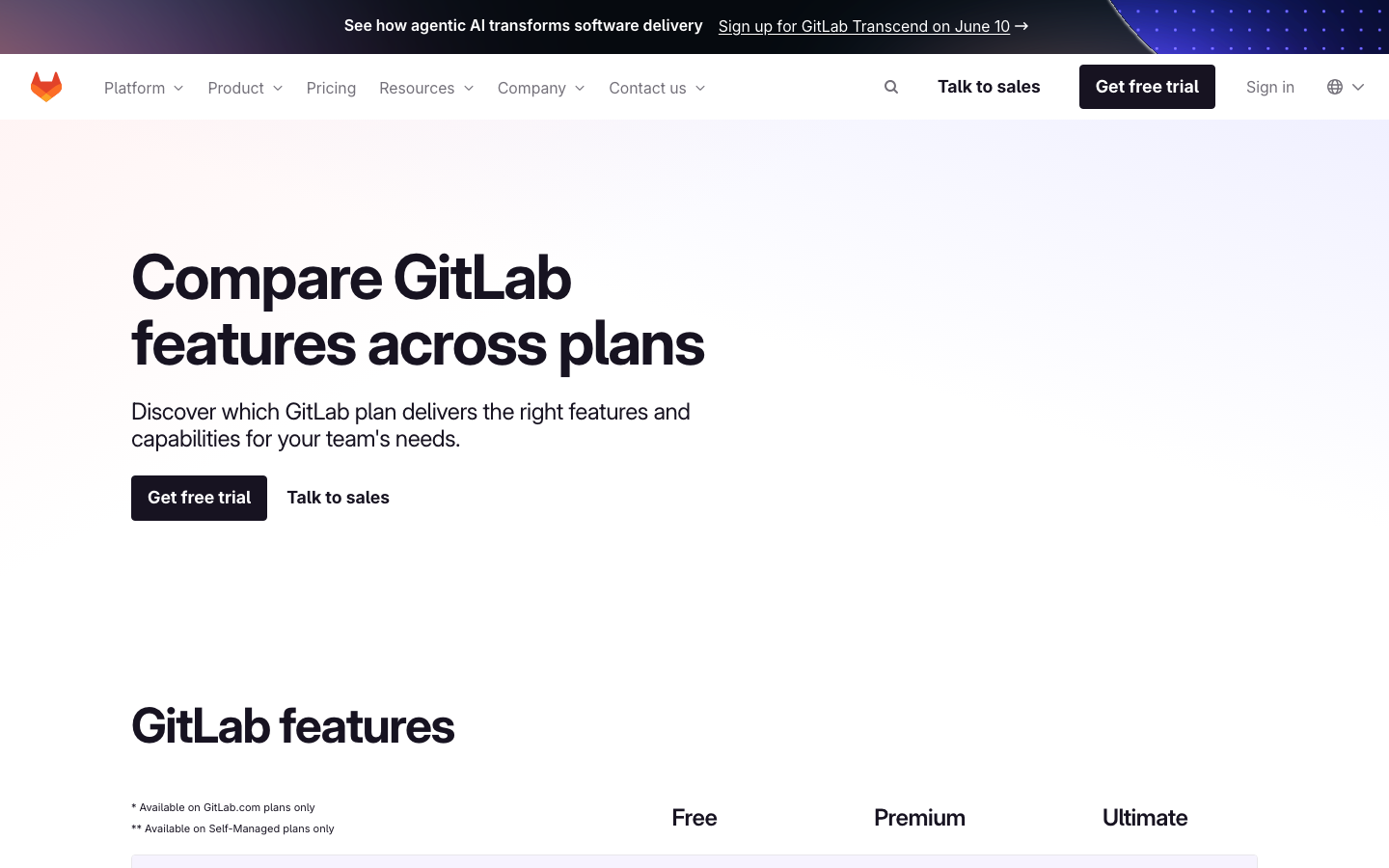
Screenshots of GitLab CI/CD 4 images
What's great
- Native SAST, DAST, SCA, dependency scanning, and container scanning are built directly into the pipeline at the Ultimate tier; no third-party integration, no bypass path, no separate tool to license
- Self-managed GitLab Runner on your own infrastructure is the most mature self-hosted story in the segment; regulated industries have been running this path for years and the operational documentation reflects that
- Multi-project pipelines, compliance pipeline enforcement (a required security scan stage that cannot be removed by a developer), and merge approval rules all operate within the same access-control layer as the source code
Watch-outs
- The DevSecOps value proposition requires Ultimate at $99/user/mo list price (routes to a sales conversation for enterprise volume); Premium at $29/user/mo gives you CI/CD but strips out most of the security scanning
- Value collapses entirely if you are not committed to GitLab as your SCM; running GitLab CI on a GitHub or Bitbucket repo loses the integrated security layer that justifies the price
- UI is slower and denser than any other tool in this list; new engineers consistently report a 2-3 day orientation period in 2026 G2 reviews, which matters for teams onboarding quickly after a security audit forces a platform change
Pricing breakdown
| Plan | Price | Best for |
|---|---|---|
| Free | $0 | 400 min/mo |
| Premium | $29/user/mo | 10K min/user/mo |
| Ultimate | $99/user/mo | 50K min/user/mo |
| Dedicated | Custom | Single-tenant cloud |
Security & compliance
| Standard | Availability |
|---|---|
| SOC 2 Type II | Yes |
| GDPR | Yes |
| HIPAA | Ultimate |
| SSO / SAML | Premium+ |
| Audit logs | Premium+ |
GitLab CI/CD compliance summary: SOC 2 Type II is yes, GDPR is yes, HIPAA is ultimate, SSO/SAML is premium+, and audit logs is premium+.
Key integrations
| Integration | Type |
|---|---|
| Gmail | N/A |
| Outlook | N/A |
| Slack | Native integration |
| LinkedIn Sales Navigator | N/A |
| Outreach / Salesloft | N/A |
GitLab CI/CD integration summary: Gmail is not specified, Outlook is not specified, Slack is native integration, LinkedIn Sales Navigator is not specified, and Outreach or Salesloft is not specified.
Feature availability
| Feature | Status |
|---|---|
| Free tier | ✓ 400 min/mo |
| Compliance pipeline | Ultimate |
| Secrets management | ✓ native vault |
| Security scanning | Ultimate |
| Self hosted | ✓ GitLab Runner |
GitLab CI/CD feature availability summary: Free tier (✓ 400 min/mo), Compliance pipeline (Ultimate), Secrets management (✓ native vault), Security scanning (Ultimate), and Self hosted (✓ GitLab Runner).
Loading reviews…
Buildkite
Best for build-log data residency and regulated-team compliance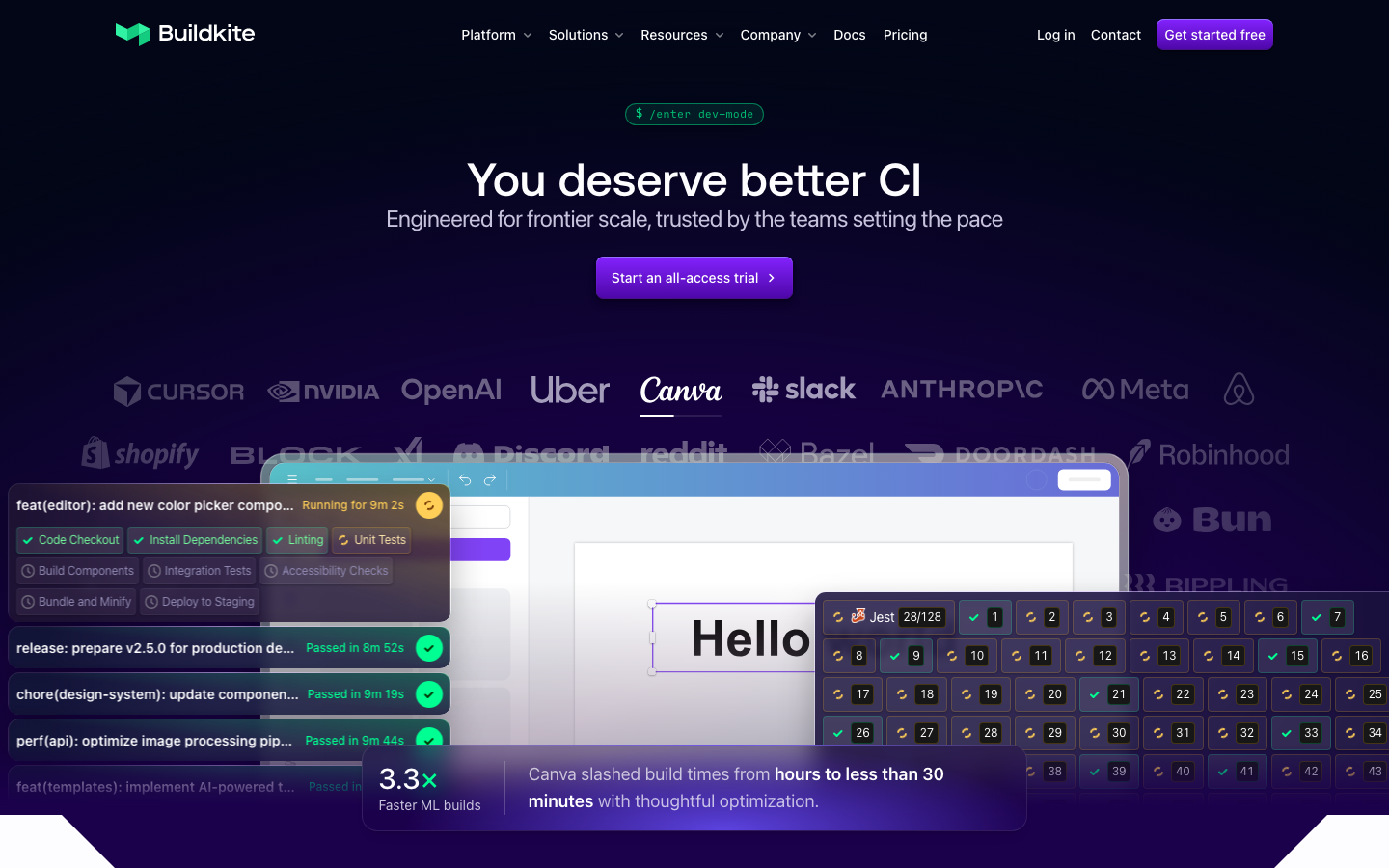
Screenshots of Buildkite 4 images
What's great
- Hybrid execution model keeps build logs, secrets, and source code on your own compute; the SaaS control plane schedules and reports, but execution happens inside your VPC; a common regulated-industry setup runs Buildkite agents on EC2 inside a private subnet with no outbound internet access
- Per-user pricing at $30/active user/mo with unlimited self-hosted agent runs means security teams get a flat, predictable bill regardless of compute volume; no surprise overage when a security scan adds 20 minutes to every build
- 4.8/5 on G2 across 25 reviews, the highest raw rating in this comparison; the platform is trusted by Anthropic, Shopify, and Airbnb, engineering orgs that have made a deliberate security-architecture choice
Watch-outs
- Native security scanning (SAST, DAST, SCA) is not built in; Buildkite runs whatever security tools you configure as pipeline steps; the security posture is as good as what you bring, not what the platform provides
- Audit logs are gated behind the Enterprise tier (30-user minimum); a 15-engineer regulated team pays the Pro price but needs to upgrade to get the audit trail a SOC 2 auditor expects
- G2 review count is low at 25; smaller community means fewer resources when a novel security configuration creates an edge case in the runner setup
Pricing breakdown
| Plan | Price | Best for |
|---|---|---|
| Personal | $0 | 1 user |
| Pro | $30/active user/mo | Unlimited users |
| Hosted compute (Linux) | $0.013/min (2 vCPU) | Managed runners |
| Enterprise | Custom (30-user min) | SCIM |
Security & compliance
| Standard | Availability |
|---|---|
| SOC 2 Type II | Yes |
| GDPR | Yes |
| HIPAA | Enterprise |
| SSO / SAML | Pro+ |
| Audit logs | Enterprise |
Buildkite compliance summary: SOC 2 Type II is yes, GDPR is yes, HIPAA is enterprise, SSO/SAML is pro+, and audit logs is enterprise.
Key integrations
| Integration | Type |
|---|---|
| Gmail | N/A |
| Outlook | N/A |
| Slack | Native integration |
| LinkedIn Sales Navigator | N/A |
| Outreach / Salesloft | N/A |
Buildkite integration summary: Gmail is not specified, Outlook is not specified, Slack is native integration, LinkedIn Sales Navigator is not specified, and Outreach or Salesloft is not specified.
Feature availability
| Feature | Status |
|---|---|
| Free tier | ✓ 1 user |
| Compliance pipeline | Enterprise |
| Secrets management | ✓ + Vault integration |
| Security scanning | bring-your-own steps |
| Self hosted | ✓ unlimited agents |
Buildkite feature availability summary: Free tier (✓ 1 user), Compliance pipeline (Enterprise), Secrets management (✓ + Vault integration), Security scanning (bring-your-own steps), and Self hosted (✓ unlimited agents).
Loading reviews…
Harness
Best pipeline governance and policy-as-code for platform engineering teams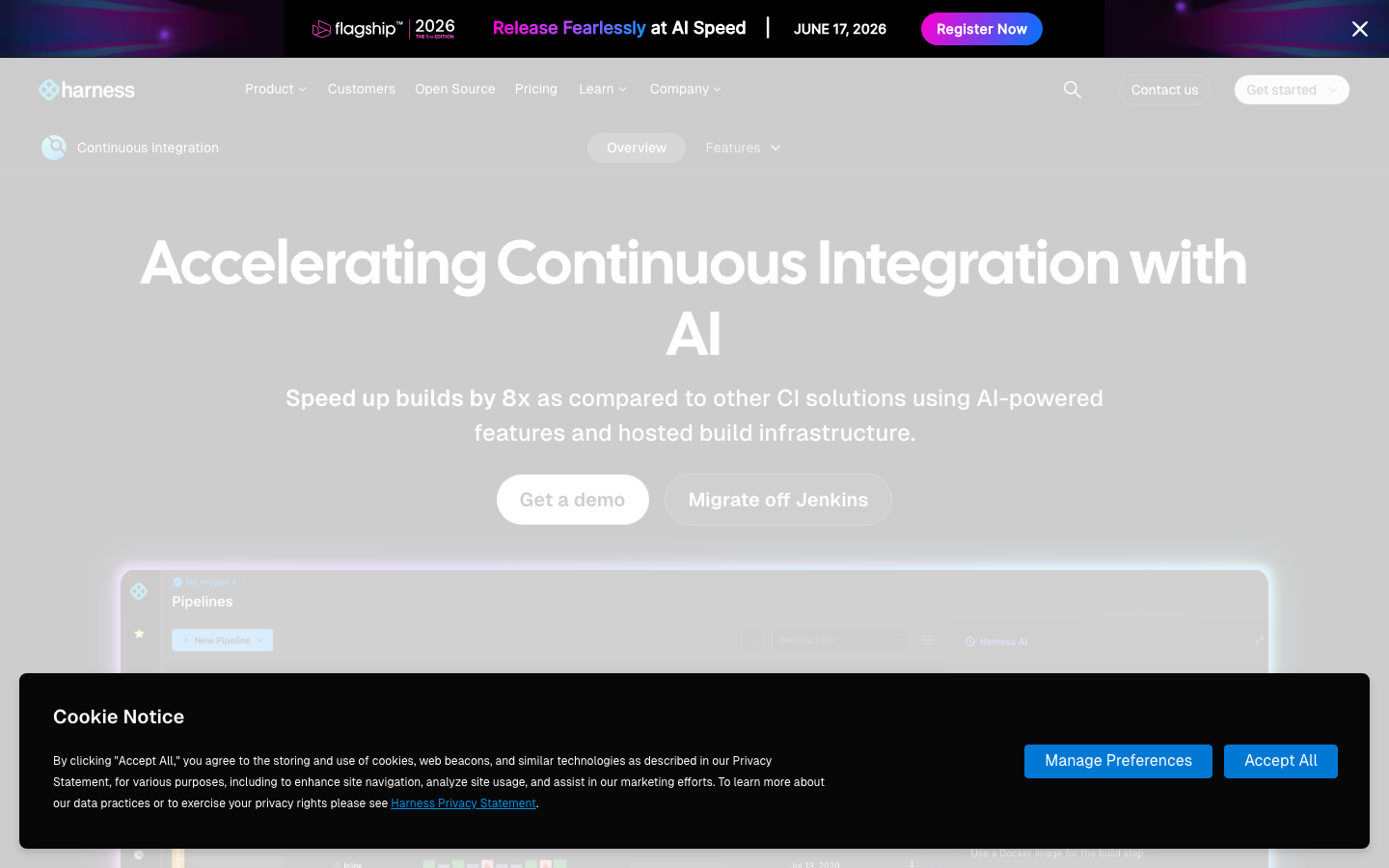
Screenshots of Harness 4 images
What's great
- OPA-based policy-as-code governance lets security and platform teams define pipeline standards that apply across all pipelines in the org; developers cannot merge a pipeline definition that fails the policy evaluation, similar to a pre-merge security gate at the CI layer
- SSO and audit logs are available on all paid tiers, not gated behind an enterprise plan; this is the only tool in this comparison where a mid-tier team gets a real audit trail without a custom procurement negotiation
- Modular purchasing (CI, CD, Security Testing Orchestration as separate modules) means a regulated team can buy only the security-relevant modules rather than an all-or-nothing platform license
Watch-outs
- Steeper learning curve than any other tool here; the domain-specific YAML, step library, and governance layer need real orientation time; plan 2-3 weeks for a first production pipeline with policy gates configured correctly
- Pricing is opaque at enterprise scale; the published Startup tier is $57/developer/mo, but contracts for a 200-person org typically run $23K-$41K/yr depending on modules selected
- Native SAST, DAST, and SCA are in a separate Security Testing Orchestration module (additional cost); teams wanting integrated scanning need to budget for that module on top of the CI license
Pricing breakdown
| Plan | Price | Best for |
|---|---|---|
| Free | $0 | Open source starter |
| Startup/Team | $57/developer/mo | Growing teams |
| Essentials | Custom | Mid-market |
| Enterprise | Custom | Unlimited concurrency |
Security & compliance
| Standard | Availability |
|---|---|
| SOC 2 Type II | Yes |
| GDPR | Yes |
| HIPAA | Enterprise |
| SSO / SAML | ✓ all tiers |
| Audit logs | ✓ all tiers |
Harness compliance summary: SOC 2 Type II is yes, GDPR is yes, HIPAA is enterprise, SSO/SAML is ✓ all tiers, and audit logs is ✓ all tiers.
Key integrations
| Integration | Type |
|---|---|
| Gmail | N/A |
| Outlook | N/A |
| Slack | Native integration |
| LinkedIn Sales Navigator | N/A |
| Outreach / Salesloft | N/A |
Harness integration summary: Gmail is not specified, Outlook is not specified, Slack is native integration, LinkedIn Sales Navigator is not specified, and Outreach or Salesloft is not specified.
Feature availability
| Feature | Status |
|---|---|
| Free tier | ✓ OSS starter |
| Compliance pipeline | ✓ OPA policies |
| Secrets management | ✓ + Vault/AWS SM |
| Security scanning | STO module (add-on) |
| Self hosted | ✓ unlimited runners |
Harness feature availability summary: Free tier (✓ OSS starter), Compliance pipeline (✓ OPA policies), Secrets management (✓ + Vault/AWS SM), Security scanning (STO module (add-on)), and Self hosted (✓ unlimited runners).
Loading reviews…
GitHub Actions
Best for GitHub-native security teams needing OIDC, CodeQL, and supply-chain controls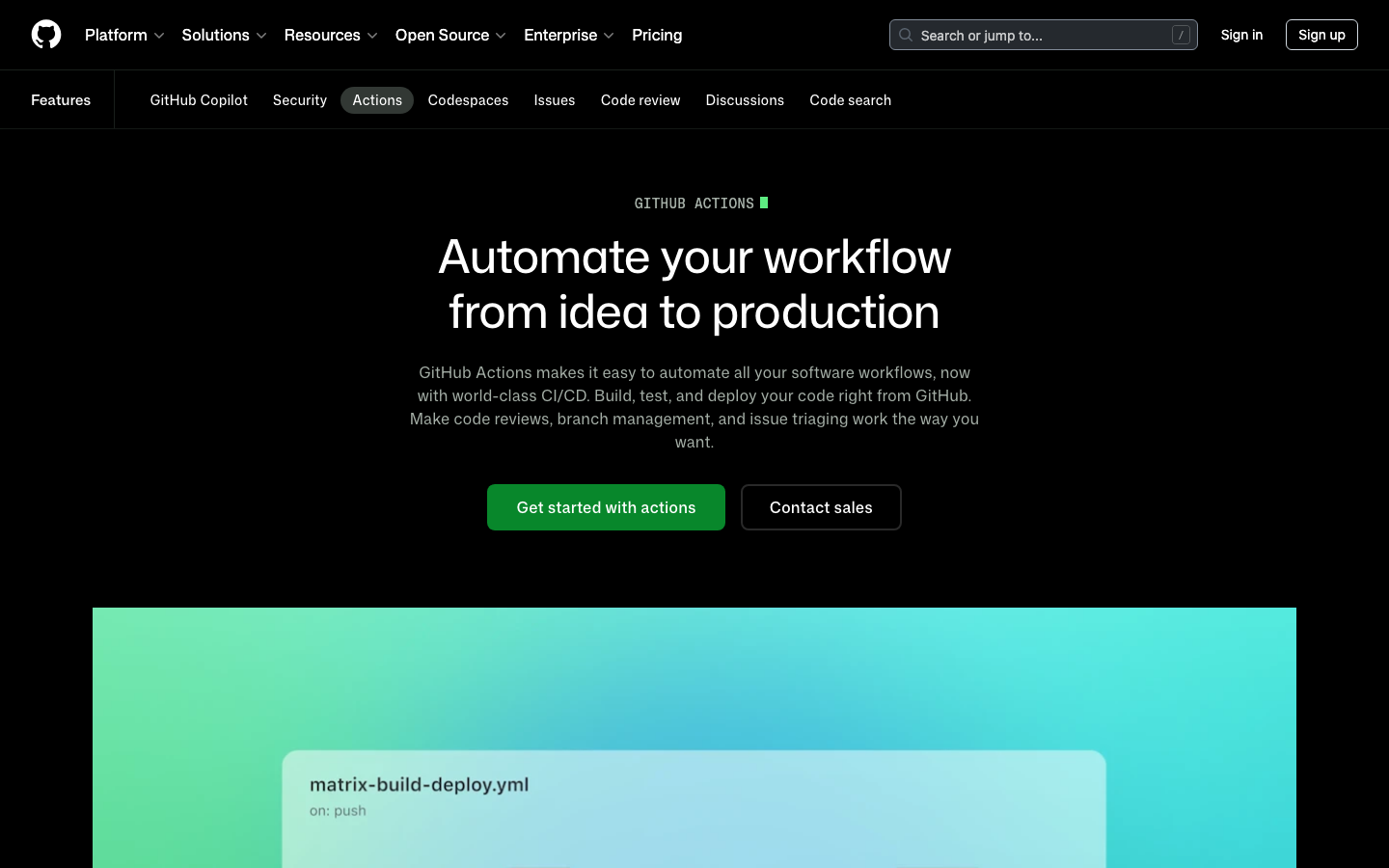
Screenshots of GitHub Actions 4 images
What's great
- OIDC identity integration is native; workloads authenticate to AWS, Azure, or GCP via short-lived OIDC tokens instead of long-lived secrets, which is the supply-chain control that eliminates the most common credential leak vector in CI pipelines
- Branch protection rules, required status checks, and environment secrets all live in the same access-control layer as the source code; a developer cannot bypass a required security scan step without also bypassing branch protection, which requires admin privileges
- CodeQL and GitHub Advanced Security (dependency review, secret scanning, GHAS) are available as add-ons; 21,000+ marketplace actions include Snyk, Semgrep, Trivy, and every major SAST/SCA tool as verified, reusable workflow steps
Watch-outs
- CodeQL Advanced Security is a paid add-on (GHAS); it is not bundled into Actions at any tier; for teams that need integrated SAST scanning without buying a separate tool, the total cost rises meaningfully
- Audit logs and SAML SSO are Enterprise-tier features ($21/user/mo); a Team-tier team running security-sensitive pipelines gets neither without upgrading
- Tightly coupled to GitHub as the SCM; any team managing code across multiple VCS platforms cannot run a consistent security posture through Actions alone
Pricing breakdown
| Plan | Price | Best for |
|---|---|---|
| Free (public repos) | $0 | Open source |
| Free (private repos) | $0 | 2 |
| Team | $4/user/mo + compute | Small teams |
| Enterprise | $21/user/mo + compute | 50 |
Security & compliance
| Standard | Availability |
|---|---|
| SOC 2 Type II | Yes |
| GDPR | Yes |
| HIPAA | Enterprise |
| SSO / SAML | Enterprise |
| Audit logs | Enterprise |
GitHub Actions compliance summary: SOC 2 Type II is yes, GDPR is yes, HIPAA is enterprise, SSO/SAML is enterprise, and audit logs is enterprise.
Key integrations
| Integration | Type |
|---|---|
| Gmail | N/A |
| Outlook | N/A |
| Slack | Native integration |
| LinkedIn Sales Navigator | N/A |
| Outreach / Salesloft | N/A |
GitHub Actions integration summary: Gmail is not specified, Outlook is not specified, Slack is native integration, LinkedIn Sales Navigator is not specified, and Outreach or Salesloft is not specified.
Feature availability
| Feature | Status |
|---|---|
| Free tier | ✓ 2K min/mo |
| Compliance pipeline | branch protection + required checks |
| Secrets management | ✓ native + OIDC |
| Security scanning | GHAS add-on |
| Self hosted | ✓ (fee postponed) |
GitHub Actions feature availability summary: Free tier (✓ 2K min/mo), Compliance pipeline (branch protection + required checks), Secrets management (✓ native + OIDC), Security scanning (GHAS add-on), and Self hosted (✓ (fee postponed)).
What reviewers say about GitHub Actions
Recurring themes from Hacker News, Reddit, GitHub Community forums, The Register reporting, and developer blog posts, 2025-2026.
What reviewers praise
- Frictionless enterprise deployment in Microsoft-centric organizations; no separate setup required for teams already on GitHub, VS Code, and Azure, making it the default first AI tool at many orgs.
- Multi-model support added in 2025-2026 lets developers switch between Claude, GPT-5, and Gemini within the same interface, increasing flexibility beyond the original single-model experience.
- Inline autocomplete speed remains a consistent strength; fast, low-latency single-line and short block completions are where acceptance rates are highest and friction is lowest.
- Organization-level custom instructions allow teams to encode style guides and conventions so suggestions align with house standards without per-user configuration.
- The CLI agent and Copilot Spaces are praised as meaningful additions that extend the tool beyond editor completions into collaborative and terminal-based workflows.
What reviewers fault
- June 2026 shift to metered billing replaced predictable flat subscriptions; Pro+ users reported consuming 8-16 percent of monthly credits on a single complex query with mediocre output quality.
- Context window for inline completions is approximately 8,000 tokens, causing suggestions that conflict with project conventions the model simply cannot see in large repositories.
- Multi-file task accuracy degrades noticeably on changes spanning 10-plus files; architectural tasks with interconnected dependencies produce more errors than single-file completions.
- March 2026 incident where Copilot injected promotional content into over 1.5 million pull requests damaged developer trust and raised concerns about boundary enforcement.
- Frequent model swaps from Codex through GPT-4 variants to GPT-5 series introduced regressions in different workflows; developers report suggestion quality varying unpredictably after each model transition.
Loading reviews…
Spacelift
Best DevSecOps CI/CD for infrastructure pipelines and Terraform policy enforcement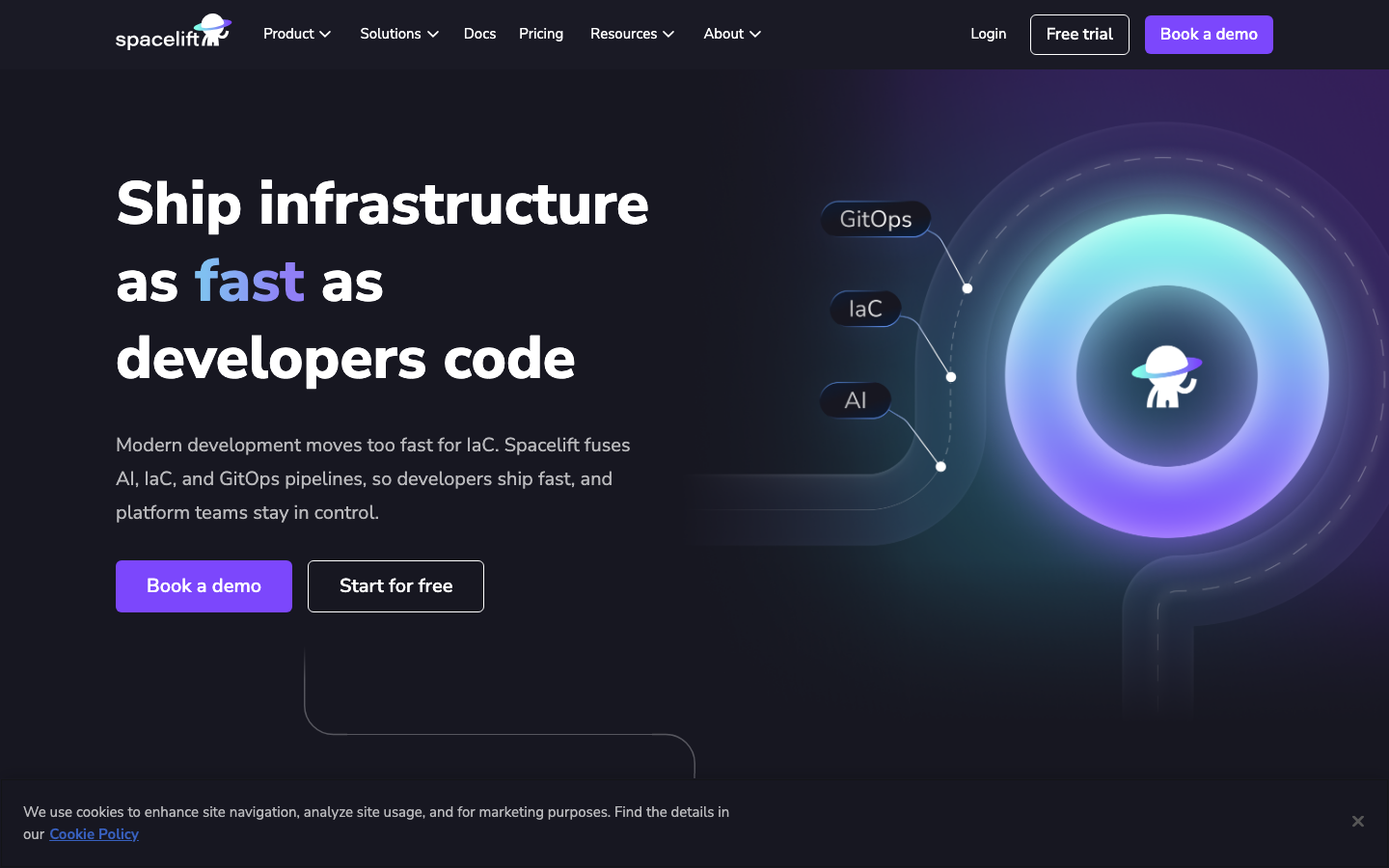
Screenshots of Spacelift 4 images
What's great
- OPA policy-as-code runs at the stack level for Terraform, OpenTofu, Pulumi, and Ansible; a security team can enforce "no public S3 buckets", "require encryption at rest", or any infrastructure policy rule at the pipeline gate before `terraform apply` runs
- Drift detection catches unauthorized infrastructure changes between pipeline runs; for regulated environments where infrastructure must match an approved state, this is a real compliance control not available in general-purpose CI tools
- Approval workflows and stack dependency graphs enforce the right sequence for multi-environment infrastructure changes; no one can apply production infrastructure without an explicit approval gate
Watch-outs
- Only relevant for infrastructure automation; teams that buy Spacelift for application security scanning are buying the wrong tool; it does not run application SAST, DAST, or SCA
- Starter at $399/mo with a 2-user free tier is a real price floor; small security teams evaluating the tool for a Terraform-heavy environment need to budget from month one
- Kubernetes-native deployment security (Argo CD, Flux) is outside Spacelift's scope; teams managing both application and infrastructure pipelines still need a second tool for the app layer
Pricing breakdown
| Plan | Price | Best for |
|---|---|---|
| Free | $0 | 2 users |
| Starter | $399/mo | Up to 10 users |
| Starter+ | Custom (annual) | Unlimited users |
| Business | Custom (annual) | Unlimited users |
| Enterprise | Custom | Unlimited users |
Security & compliance
| Standard | Availability |
|---|---|
| SOC 2 Type II | Yes |
| GDPR | Yes |
| HIPAA | Enterprise |
| SSO / SAML | Starter+ |
| Audit logs | Starter+ |
Spacelift compliance summary: SOC 2 Type II is yes, GDPR is yes, HIPAA is enterprise, SSO/SAML is starter+, and audit logs is starter+.
Key integrations
| Integration | Type |
|---|---|
| Gmail | N/A |
| Outlook | N/A |
| Slack | Native integration |
| LinkedIn Sales Navigator | N/A |
| Outreach / Salesloft | N/A |
Spacelift integration summary: Gmail is not specified, Outlook is not specified, Slack is native integration, LinkedIn Sales Navigator is not specified, and Outreach or Salesloft is not specified.
Feature availability
| Feature | Status |
|---|---|
| Free tier | ✓ 2 users |
| Compliance pipeline | OPA + approval gates |
| Secrets management | ✓ contexts + Vault |
| Security scanning | IaC policy via OPA |
| Self hosted | ✓ workers |
Spacelift feature availability summary: Free tier (✓ 2 users), Compliance pipeline (OPA + approval gates), Secrets management (✓ contexts + Vault), Security scanning (IaC policy via OPA), and Self hosted (✓ workers).
Loading reviews…
Jenkins
Full self-hosted control with a real plugin-supply-chain security trade-off
Screenshots of Jenkins 4 images
What's great
- Full self-hosted control is the strongest build-execution security model in this list; build logs, secrets, artifacts, and the controller itself never touch vendor infrastructure; the only tool here with zero mandatory cloud dependency
- 1,800+ plugins means every security tool (Aqua Security, Checkmarx, SonarQube, Fortify, Anchore) has a Jenkins integration; the ecosystem covers security scanning tools that other platforms have not yet certified
- 1,194 G2 reviews at 4.4/5 with 15 years of community debugging; for a team inheriting a mature Jenkins setup with existing security integrations, the operational knowledge base is real
Watch-outs
- Plugin-supply-chain risk is the honest security liability; a typical enterprise Jenkins setup accumulates 80-120 plugins over 5 years, each with its own CVE surface and update cadence; the Jenkins security team publishes advisories regularly, and teams without a dedicated admin fall behind on patching
- SSO and audit logs require paid plugins or specific configurations; there is no native audit log that meets SOC 2 or HIPAA requirements without additional tooling and plugin maintenance
- JetBrains survey data shows Jenkins adoption at 28% in 2025, down from an estimated 44% in 2023; a shrinking talent pool means the institutional knowledge required to maintain a secure Jenkins setup is becoming harder to hire for
Pricing breakdown
| Plan | Price | Best for |
|---|---|---|
| Community | $0 | Self-hosted |
| CloudBees CI (enterprise Jenkins) | Custom | Enterprise support + compliance |
| Managed infrastructure | $200-$2K+/mo | Hosted Jenkins on AWS/GCP/Azure |
| Admin cost | $80K-$130K/yr | Dedicated Jenkins admin (hidden cost) |
Security & compliance
| Standard | Availability |
|---|---|
| SOC 2 Type II | self-managed |
| GDPR | self-managed |
| HIPAA | self-managed |
| SSO / SAML | $ plugin |
| Audit logs | $ plugin |
Jenkins compliance summary: SOC 2 Type II is self-managed, GDPR is self-managed, HIPAA is self-managed, SSO/SAML is $ plugin, and audit logs is $ plugin.
Key integrations
| Integration | Type |
|---|---|
| Gmail | N/A |
| Outlook | N/A |
| Slack | $ plugin |
| LinkedIn Sales Navigator | N/A |
| Outreach / Salesloft | N/A |
Jenkins integration summary: Gmail is not specified, Outlook is not specified, Slack is $ plugin, LinkedIn Sales Navigator is not specified, and Outreach or Salesloft is not specified.
Feature availability
| Feature | Status |
|---|---|
| Free tier | ✓ OSS |
| Compliance pipeline | manual configuration |
| Secrets management | $ Credentials plugin |
| Security scanning | $ plugin (broad ecosystem) |
| Self hosted | ✓ full control |
Jenkins feature availability summary: Free tier (✓ OSS), Compliance pipeline (manual configuration), Secrets management ($ Credentials plugin), Security scanning ($ plugin (broad ecosystem)), and Self hosted (✓ full control).
Loading reviews…
CircleCI
SOC 2 recertified post-incident, multi-SCM, for teams not locked to GitHub
Screenshots of CircleCI 4 images
What's great
- OIDC token support for AWS, GCP, and Azure means CI jobs can authenticate to cloud providers without storing long-lived credentials as pipeline secrets; the same supply-chain control available in GitHub Actions
- SOC 2 Type II recertification after the 2023 security incident shows the remediation work was real; a public security roadmap documents the ongoing controls, which security procurement teams can reference
- Works with GitHub, GitLab, and Bitbucket; security teams standardizing CI/CD controls across a multi-SCM org can run consistent pipeline standards without forcing an SCM migration
Watch-outs
- The 2023 security incident, where build secrets were exfiltrated from CircleCI's infrastructure, is not ancient history for security-conscious buyers; the recertification response is documented, but the architectural change (customer secrets on vendor infrastructure) remains the same
- Audit logs and SAML SSO are Scale tier only; teams below that tier do not get the controls a SOC 2 auditor expects; Scale is custom pricing, which means a sales conversation before you know the cost
- No self-hosted compute option below the Server plan (also custom pricing); teams that need build execution on their own infrastructure cannot do it on Performance or below
Pricing breakdown
| Plan | Price | Best for |
|---|---|---|
| Free | $0 | 30K credits/mo |
| Performance | $15/active user/mo | 25K credits included |
| Scale | Custom | Large volume |
| Server (self-hosted) | Custom | On-prem or private cloud deployments |
Security & compliance
| Standard | Availability |
|---|---|
| SOC 2 Type II | Yes |
| GDPR | Yes |
| HIPAA | Scale |
| SSO / SAML | Scale |
| Audit logs | Scale |
CircleCI compliance summary: SOC 2 Type II is yes, GDPR is yes, HIPAA is scale, SSO/SAML is scale, and audit logs is scale.
Key integrations
| Integration | Type |
|---|---|
| Gmail | N/A |
| Outlook | N/A |
| Slack | Native integration |
| LinkedIn Sales Navigator | N/A |
| Outreach / Salesloft | N/A |
CircleCI integration summary: Gmail is not specified, Outlook is not specified, Slack is native integration, LinkedIn Sales Navigator is not specified, and Outreach or Salesloft is not specified.
Feature availability
| Feature | Status |
|---|---|
| Free tier | ✓ 30K credits |
| Compliance pipeline | branch-based access controls |
| Secrets management | ✓ contexts |
| Security scanning | bring-your-own steps |
| Self hosted | Server plan only |
CircleCI feature availability summary: Free tier (✓ 30K credits), Compliance pipeline (branch-based access controls), Secrets management (✓ contexts), Security scanning (bring-your-own steps), and Self hosted (Server plan only).
Loading reviews…
Codefresh
Best GitOps-native CD with immutable audit trail for Kubernetes deployments
Screenshots of Codefresh 4 images
What's great
- GitOps model enforces an immutable audit trail by design; every deployment is a git commit, every change is version-controlled and attributable; for regulated teams, the GitOps approach is a compliance control built into the deployment model rather than bolted on
- Argo CD-native architecture wraps the full Argo suite (Argo CD, Argo Rollouts, Argo Events) with a managed control plane; teams get multi-cluster visibility and DORA metrics in a single UI without building custom dashboards
- Acquired by Octopus Deploy in 2024, adding enterprise-grade release orchestration depth; blue-green and canary deployments with automated rollback reduce the blast radius of a bad production push
Watch-outs
- Kubernetes-only at the CD layer; teams with VM, Lambda, or non-K8s deployment targets need a separate tool for those workloads; a mixed-target organization cannot standardize fully on Codefresh
- Pricing history is opaque post-acquisition; codefresh.io/pricing routes to Octopus Deploy, and getting a real number requires a sales conversation before procurement can approve the budget
- No native SAST, DAST, or SCA scanning; security scanning lives in the CI pipeline (typically GitHub Actions or a separate CI tool) upstream of the Codefresh deployment layer
Pricing breakdown
| Plan | Price | Best for |
|---|---|---|
| Free | $0 | 1 |
| Paid (post-acquisition) | Contact sales | codefresh.io/pricing now redirects to Octopus Deploy |
| Pro | Custom | Multiple Argo runtimes |
| Enterprise | Custom | Octopus + Codefresh bundle |
Security & compliance
| Standard | Availability |
|---|---|
| SOC 2 Type II | Yes |
| GDPR | Yes |
| HIPAA | Enterprise |
| SSO / SAML | Pro+ |
| Audit logs | Pro+ |
Codefresh compliance summary: SOC 2 Type II is yes, GDPR is yes, HIPAA is enterprise, SSO/SAML is pro+, and audit logs is pro+.
Key integrations
| Integration | Type |
|---|---|
| Gmail | N/A |
| Outlook | N/A |
| Slack | Native integration |
| LinkedIn Sales Navigator | N/A |
| Outreach / Salesloft | N/A |
Codefresh integration summary: Gmail is not specified, Outlook is not specified, Slack is native integration, LinkedIn Sales Navigator is not specified, and Outreach or Salesloft is not specified.
Feature availability
| Feature | Status |
|---|---|
| Free tier | ✓ 1,200 min/mo |
| Compliance pipeline | GitOps immutable audit |
| Secrets management | ✓ + external SM |
| Security scanning | bring-your-own upstream CI |
| Self hosted | ✓ Argo runners |
Codefresh feature availability summary: Free tier (✓ 1,200 min/mo), Compliance pipeline (GitOps immutable audit), Secrets management (✓ + external SM), Security scanning (bring-your-own upstream CI), and Self hosted (✓ Argo runners).
Loading reviews…
Tools we considered but excluded
We evaluated more tools than the 8 you see above. These did not make the cut. Saying what we rejected, and why, is the editorial muscle most listicles skip.
- Semaphore: Weakest compliance story in the segment, HIPAA listed as unclear, SSO is a paid add-on, and audit logs are described as basic only; not a fit for regulated or security-conscious team requirements
- Travis CI: Market share has declined sharply since the 2020 acquisition and pricing changes; the engineering community has largely moved on and no compelling DevSecOps angle justifies inclusion
- Drone CI: Now bundled with Harness as a free community edition; standalone Drone is in maintenance mode, the community has forked to Woodpecker CI, and there is no active DevSecOps feature development
- Azure DevOps Pipelines: Strong compliance posture for Microsoft and Azure shops (FedRAMP High available) but assumes an Azure ecosystem; out of scope for the multi-cloud and GitHub/GitLab-native teams this guide targets
- AWS CodeBuild: Tightly coupled to the AWS developer toolchain; reasonable for orgs standardized on AWS native services but not a standalone DevSecOps CI recommendation for mixed-cloud or GitHub-native teams
- TeamCity: Strong Java/JVM DevOps tooling with on-premises control, but JetBrains positioning and licensing complexity make it a niche pick relative to the tools above for new DevSecOps programs
Honorable mentions
Solid tools that did not crack the main list but are worth tracking, especially for niche use cases.
- Woodpecker CI: Open-source Drone CI fork with active 2025-2026 development; full self-hosted model appeals to regulated teams who want Drone-style simplicity without the Harness ownership and without the Jenkins maintenance burden
- Dagger: Container-native CI engine that runs the same pipeline locally and in CI; the reproducibility model is a security control of its own (local and CI output are identical, eliminating the 'works on my machine' class of pipeline drift vulnerabilities)
- Flux CD: The GitOps alternative to Argo CD for Kubernetes; if your regulated team wants the pull-based GitOps audit model without the Argo ecosystem lock-in that Codefresh requires, Flux self-managed is worth evaluating
The five DevSecOps CI/CD archetypes
This is not the general CI/CD platform ranking. Our main CI/CD platform roundup ranks nine tools on build speed, price, and developer experience.
This page answers a different question: which CI/CD platforms hold up when a security team, a compliance auditor, or a regulated-industry procurement review asks hard questions about where build logs live, who can see secrets, what the audit trail looks like, and whether security scanning is actually part of the pipeline or just an afterthought integration?
The all-in-one DevSecOps story. GitLab CI/CD Ultimate is the only tool in this list where SAST, DAST, SCA, dependency scanning, container scanning, and compliance pipeline enforcement all live in the same platform as the source code. No connector, no separate license, no way for a developer to skip the scan step without violating a compliance pipeline rule. The trade-off is that the security value requires Ultimate, and you need to be on GitLab as your SCM.
The data-residency architecture. Buildkite solves a different problem. If your security requirement is specifically that build logs and secrets must never appear on third-party compute, the hybrid model (SaaS control plane, self-hosted agents on your VPC) is the cleanest answer that does not also require you to run Jenkins. Security teams at financial services and healthcare companies land here regularly.
The governance and policy layer. Harness occupies the platform engineering tier. OPA-based policy-as-code enforcement, audit logs on all tiers (not just Enterprise), and modular purchasing of security scanning (Security Testing Orchestration) give platform teams real controls. The learning curve is the honest trade-off.
Supply-chain controls on a GitHub shop. GitHub Actions drops a rank here relative to the general guide because native SAST and audit logs require paid add-ons or the Enterprise tier. But the OIDC-native authentication model is the strongest supply-chain credential control in any tool here, and for a team already on GitHub Enterprise, Actions is the natural CI layer.
The IaC security gap. Spacelift addresses a DevSecOps problem that none of the other tools handle: infrastructure pipeline security for Terraform and OpenTofu at scale. OPA policy enforcement at the stack level, drift detection, and approval workflows are compliance controls for infrastructure, not application CI. The two categories need separate tooling.
The 2026 DevSecOps CI/CD landscape
The biggest shift in 2026 is where “security” lives in the pipeline. A 2023-era DevSecOps setup meant bolting a SAST tool onto an existing CI/CD pipeline as a late-stage job step. In 2026, the leading platforms are integrating scanning as a gate, something that blocks a merge rather than producing a report that someone reads next Tuesday.
GitLab’s compliance pipeline feature, where a platform team defines a required scan stage that cannot be removed from any project pipeline, is the clearest implementation of this. Harness OPA policy enforcement does the same at the governance layer. The shift matters because it changes whether security scanning is a developer responsibility or a platform control.
Self-hosted runner economics changed in 2026. GitHub reduced hosted runner prices by up to 39% in January 2026 and postponed the proposed $0.002/min self-hosted runner fee indefinitely.
For teams that use self-hosted runners primarily for data-residency reasons (not cost), the postponement means the security architecture remains unchanged; self-hosted runs cost only the EC2 or bare-metal compute, not a platform charge on top.
The supply-chain attack surface is the real CI/CD security problem in 2026. CI/CD pipelines are a high-value target because they have broad permissions (write access to artifact registries, deployment credentials, cloud accounts) and because the attack surface is large (YAML files checked in by developers, third-party marketplace actions, plugin dependencies).
OIDC token authentication, signed artifact workflows, and action pinning by SHA (not by tag) are the controls that matter most. These are available in GitHub Actions and GitLab CI; other tools vary.
FedRAMP is still a gap for all SaaS CI/CD platforms. None of the SaaS tools in this list hold a FedRAMP authorization. Government and defense work requires either a self-hosted setup (Jenkins or GitLab self-managed on a FedRAMP-authorized IaaS) or a purpose-built government-cloud product outside this comparison.
What to test in your DevSecOps CI/CD evaluation
Six things security-conscious teams should verify before signing. The standard CI/CD trial checklist is not sufficient here.
One, test where secrets are during a build. Configure a test secret in the platform’s secrets management, inject it into a pipeline step, and then ask the vendor: where does that secret exist at rest and in transit during the build? For SaaS-hosted runners, the answer is on vendor compute for the duration of the build. For Buildkite with self-hosted agents, the answer is on your own VPC only. The architecture is the security control; get the written answer before signing.
Two, verify what happens when a developer tries to remove the security scan step. In GitLab Ultimate with compliance pipelines configured, a developer cannot remove the SAST step from a project pipeline without admin access. In a GitHub Actions workflow, a developer with write access to the repo can simply delete the security scan job from the YAML file.
Both are valid architectures, but one requires a compensating control (branch protection requiring a CODEOWNERS review on workflow files) that the other handles natively.
Three, pull the audit log for a sample time window and verify its contents. Request the last 30 days of audit log from the platform before signing. Verify it captures pipeline changes, secret access events, and permission changes with timestamps and actor identity. Harness ships this on all paid tiers. GitHub Actions requires Enterprise. Buildkite requires the Enterprise tier with a 30-user minimum. Know what tier you are actually buying.
Four, test OIDC authentication against your cloud provider. If your pipelines deploy to AWS, GCP, or Azure, configure OIDC token authentication and verify it works before retiring the stored credentials. OIDC eliminates the most common credential exfiltration vector in CI pipelines. GitHub Actions and CircleCI both support OIDC; test it rather than trusting the documentation.
Five, run a supply-chain audit on the marketplace actions or plugins you plan to use. For GitHub Actions, check the SHA pinning on any third-party action you plan to import. Tag-pinned actions (uses: some-vendor/action@v2) can be silently updated to malicious code; SHA-pinned actions (uses: some-vendor/action@abc1234) cannot.
For Jenkins, run a plugin vulnerability scan before migration. The JetBrains 2025 State of CI/CD survey found 73% of teams don’t audit their CI plugin dependencies.
Six, confirm the platform’s incident disclosure history. CircleCI had a security incident in January 2023 where build secrets were exfiltrated. They responded with SOC 2 Type II recertification. Ask every SaaS CI vendor: what was your last security incident, what was the scope, and what did you change architecturally? A vendor that cannot answer this question clearly is a vendor that has not done the remediation work.
Picking the right platform for your security posture
Four questions that cut the shortlist quickly for regulated and security-conscious teams.
1. Native security scanning versus bring-your-own tools
If the answer is native scanning, GitLab Ultimate is the only tool in this list that ships SAST, DAST, SCA, and container scanning without a third-party license. Everything else requires you to configure Snyk, Semgrep, Trivy, or a comparable tool as pipeline steps.
If you already have a preferred SAST tool (Snyk, Checkmarx, Fortify, SonarQube), the bring-your-own model works on any platform. In that case, the scanning question becomes less relevant and the platform choice shifts to the other questions below.
- No existing SAST tool, want it included: GitLab Ultimate.
- Existing Snyk or Semgrep license: any platform works; GitHub Actions or Buildkite.
2. Build execution on your own compute
This is the data-residency question. If your security policy or compliance framework requires that source code, build logs, and secrets cannot appear on third-party vendor compute, your options narrow to three:
- Buildkite Pro + self-hosted agents: SaaS orchestration, your compute. The cleanest architecture for teams who want to avoid Jenkins.
- GitLab self-managed: both the platform and the runners on your own infrastructure. More operational burden than Buildkite.
- Jenkins: full self-hosted. Maximum control, maximum maintenance cost.
For teams without a hard data-residency requirement, SaaS-hosted runners are fine. The ephemeral execution model (container destroyed after build) on certified infrastructure (SOC 2 Type II) is a defensible security posture for most B2B SaaS companies.
3. The compliance certifications in scope
- SOC 2 Type II only: GitHub Actions, GitLab, CircleCI, Buildkite, Harness, Spacelift all qualify. Pick the tool that fits your other requirements.
- HIPAA: GitLab Ultimate, Harness Enterprise, GitHub Enterprise, Buildkite Enterprise, CircleCI Scale. Confirm the BAA process with each vendor before signing.
- FedRAMP or government work: none of the SaaS tools here qualify. GitLab self-managed on a FedRAMP-authorized IaaS is the path.
- PCI DSS: ask specifically about the vendor’s PCI attestation. The cardholder data environment requirements typically push teams to self-hosted runners or a dedicated private cloud deployment.
4. Engineering org size and platform-team coverage
- Under 30 engineers, fintech or healthcare startup: Buildkite Pro ($30/user/mo) plus self-hosted agents on EC2 Spot. Budget $500-$900/mo for a 15-engineer team with compute. No platform engineer required; one engineer can manage the agent fleet part-time.
- 30-100 engineers with a security team but no dedicated platform function: GitLab Premium heading toward Ultimate as the compliance requirements mature. The all-in-one model reduces the integration surface a small security team has to manage.
- 100+ engineers with a dedicated platform engineering function: Harness, or GitLab Ultimate with a dedicated GitLab admin. Both require investment to unlock the governance value; both pay it back at scale.
- Any size, running 20+ Terraform workspaces: Spacelift for the infrastructure pipeline alongside whichever application CI fits the other answers above.
DevSecOps CI/CD pick by team profile
- Fintech or healthcare startup, build-log data residency required: Buildkite Pro plus EC2 Spot agents. Budget $500-$900/mo for a 15-engineer team. This is the architecture that passes most FSO and HIPAA security reviews without the Jenkins maintenance tax.
- Mid-market company standardizing on GitLab, SOC 2 or ISO 27001 in flight: GitLab Premium now, plan to upgrade to Ultimate when security scanning becomes a hard requirement. The compliance pipeline feature alone justifies the Ultimate price for teams with more than one engineering team shipping to production.
- GitHub Enterprise org needing DevSecOps controls: GitHub Actions Enterprise plus GitHub Advanced Security. OIDC handles credential hygiene. GHAS handles scanning. The total cost is meaningfully higher than Actions alone, but the integration is native.
- Platform engineering team managing CI/CD standards across 50+ teams: Harness Essentials or Enterprise. OPA policy enforcement at the pipeline level, audit logs on all tiers, modular security scanning add-on. The governance ROI starts at 30-50 teams.
- Kubernetes-native CD for regulated multi-cluster environments: Codefresh/Octopus for the GitOps deployment layer with an immutable git-backed audit trail. Pair with GitLab CI or GitHub Actions for the CI and scanning layer upstream.
- Terraform-heavy team (20+ workspaces) in a regulated environment: Spacelift Starter ($399/mo) for infrastructure pipeline security alongside your application CI. OPA policy gates and drift detection cover the IaC compliance surface that general CI tools miss.
- Team inheriting a Jenkins setup, evaluating DevSecOps options: Audit the plugin CVE surface before anything else. Run
jenkins-plugin-managerand compare against the current advisory list. If the maintenance debt is real, the migration case to Buildkite or GitLab self-managed is usually straightforward on a six-to-twelve-week timeline. - Self-hosted required, no budget for commercial license: GitLab Community Edition self-managed for the control plane, GitLab Runners for execution. Free, full self-hosted, and the SAST scanner is open-source at the Community tier (limited vs Ultimate but real).
This page reuses verified CI/CD data from the general CI/CD platform ranking and the small-team variant . All G2 ratings and pricing figures were verified May 24, 2026. For corrections or updated pricing, email hello@topickz.com . Next full refresh ships November 2026.
What FedRAMP teams actually do
No SaaS CI/CD tool in this comparison holds a FedRAMP authorization. That is not a knock on any vendor; FedRAMP High authorization is a two-to-three-year process and a significant compliance investment. The realistic options for government and defense teams are:
GitLab self-managed deployed on an AWS GovCloud or Azure Government IaaS instance (both are FedRAMP High authorized at the infrastructure layer). The application layer (GitLab itself) requires the org to maintain their own ATO or operate under a running-with-a-POA&M posture, but the approach is established enough that multiple defense contractors have published guidance.
Jenkins on AWS GovCloud or Azure Government is the other common path. Full self-hosted, no vendor dependency above the OS layer, the same plugin ecosystem. The security team owns every component. The same maintenance burden as commercial Jenkins, plus the GovCloud infrastructure overhead.
For any team landing in this bucket, the CI/CD tooling decision is subordinate to the ATO process. Pick the tool your ATO system security plan (SSP) can document. Both GitLab self-managed and Jenkins have enough deployment history in GovCloud that the documentation templates exist.
Frequently asked questions
Which CI/CD platform is best for DevSecOps in 2026?
GitLab Ultimate for native SAST/DAST/SCA in one platform. Buildkite for build-log data residency. Harness for pipeline governance across a large org.
Where do build logs and secrets live in SaaS CI/CD?
In SaaS CI (GitHub Actions, CircleCI), build execution runs on vendor compute. Only Buildkite keeps execution on your infra while keeping SaaS orchestration.
Which CI/CD platforms have native SAST and DAST scanning?
GitLab Ultimate is the only tool in this list with native SAST, DAST, SCA, and container scanning built into the pipeline without a third-party add-on.
What CI/CD platforms are used in regulated industries like fintech and healthcare?
Buildkite hybrid and GitLab self-managed are the most common in regulated environments. Both keep build execution on customer-controlled infrastructure.
Which CI/CD tools meet SOC 2 Type II requirements?
GitHub Actions, GitLab, CircleCI (recertified post-2023), Buildkite, Harness, and Spacelift all publish SOC 2 Type II. Jenkins requires self-managed controls.
Does GitHub Actions support DevSecOps scanning natively?
OIDC and branch protection are native. SAST, secret scanning, and dependency review require GitHub Advanced Security, a paid add-on on top of Enterprise.
What is OPA policy-as-code in CI/CD and which tools support it?
OPA lets security teams define pipeline rules that developers cannot bypass. Harness and Spacelift both ship OPA enforcement natively. GitLab has compliance pipelines.
Is Jenkins secure for regulated environments in 2026?
Full self-hosted control is the security upside. Plugin CVE surface and patching burden are real liabilities. Only viable with a dedicated admin and rigorous update cadence.
Related helpful reads
Write a review
Posts to the page right away. Keep it real — no links or email addresses.