
Comparing the best CRM for Small Business of 2026 includes 1. HubSpot Sales Hub 2. Zoho CRM 3. Pipedrive 4. Less Annoying CRM 5. Freshsales 6. EngageBay 7. Capsule CRM 8. Copper CRM 9. OnePageCRM 10. Monday Sales CRM 11. Nutshell 12. Salesflare 13. Close 14. Salesmate 15. Streak CRM 16. Attio.
TL;DR
- Best overall for small business: HubSpot Sales Hub, the most generous free tier (unlimited contacts), scales as you grow, watch the Marketing Hub Pro cliff at $890/mo flat.
- Best for micro and non-technical teams: Less Annoying CRM, flat $15/user, no tiers, 4.9/5 on G2, the highest satisfaction score in the category.
- Best free all-in-one: EngageBay, CRM plus email marketing plus live chat free up to 250 contacts.
- Best value as you grow: Zoho CRM, most features per dollar with Zia AI bundled at $14/user.
- Cheapest real CRM: OnePageCRM at $9.95/user with unlimited contacts.
Sixteen CRMs scored specifically for the small-business buyer, free-tier ceilings, setup time without an admin, real cost at 1-10 seats, and whether a non-technical owner can run it. The pick for solo founders, service businesses, and teams under 50.
Best CRM for Small Business comparison: features, pricing and verdicts
| Tool | Best for | Starting price | Free trial | External rating |
|---|---|---|---|---|
The free CRM that scales with a growing small business | Free + $20/seat/mo | Free forever + 14-day Pro | G2 4.4/5 (13,808 reviews) | |
Most features per dollar once you outgrow free | Free + $14/user/mo | Free 3 users + 15-day | G2 4.1/5 (2,928 reviews) | |
The simplest pipeline for a small sales team | $14/user/mo | 14-day, no card | G2 4.3/5 (3,047 reviews) | |
Flat $15, built for non-technical small businesses | $15/user/mo | 30-day free, no card | G2 4.9/5 (662 reviews) | |
Built-in AI on a small-business budget | Free + $9/user/mo | Free 3 users + 21-day | G2 4.5/5 (1,233 reviews) | |
CRM, email marketing, and live chat free in one tool | Free + $11.04/user/mo | Free up to 250 contacts | G2 4.6/5 (683 reviews) | |
A clean CRM with a genuinely usable free plan | Free + $18/user/mo | Free 2 users + 14-day | G2 4.7/5 (491 reviews) | |
The CRM that lives inside Gmail and Google Workspace | $9/seat/mo | 14-day free | G2 4.5/5 (1,157 reviews) | |
Turns your contacts into a daily to-do list | $9.95/user/mo | 21-day free, no card | G2 4.7/5 (259 reviews) | |
Board-style CRM small teams adopt fast | $12/user/mo | 14-day free | G2 4.6/5 (1,165 reviews) | |
Full-featured CRM with unlimited data at a small-business price | $13/user/mo | 14-day free, no card | G2 4.3/5 (1,427 reviews) | |
For B2B small businesses who hate CRM data entry | $29/user/mo | 30-day free, no card | G2 4.8/5 (298 reviews) | |
For small outbound teams that live on the phone | $9/user/mo | 14-day free | G2 4.7/5 (2,040 reviews) | |
Built-in calling at a lower price than Close | $23/user/mo | 15-day free | G2 4.7/5 (114 reviews) | |
A free CRM that lives entirely inside Gmail | Free + $49/user/mo | Free personal plan | G2 4.5/5 (265 reviews) | |
For startups with a non-standard data model | Free + $29/user/mo | Free up to 3 users | G2 4.3/5 (448 reviews) |
How we chose these tools
These are the same 16 CRMs we ran in our 90-day hands-on CRM testing program (see the full 20-tool test in our main CRM guide), re-scored here specifically for a small business under 50 people. For each tool we ran a real contact import, counted the clicks to log and advance a deal, set up the one or two integrations a small team actually uses (Gmail or Outlook plus an email or accounting tool), tested the mobile app, pushed each free tier until it forced an upgrade, and exported the full dataset to CSV to confirm data portability. We weighted four things a small business cares about most, free-tier or entry-price reality, time-to-live without a consultant, total cost at 1-10 seats, and whether a non-technical owner can administer it alone. Pricing was verified directly with each vendor in May 2026. All G2 and Capterra ratings cited were pulled on May 28, 2026.
Read the full TopickZ.com testing methodology, the seven scoring criteria, weights, and the data we collect for every tool.
Detailed reviews
HubSpot Sales Hub
The free CRM that scales with a growing small businessWhat's great
- Most generous free tier in the segment, unlimited contacts, 5 deal pipelines, basic sequences, which is why so many small businesses start here
- Cleanest sales-marketing alignment when you later add Marketing Hub, the data model is shared
- 1,500+ integrations across the HubSpot App Marketplace, broadest in CRM, so it connects to whatever else you run
Watch-outs
- Marketing Hub Professional jumps to $890/mo flat (not per-seat), the biggest pricing cliff in segment
- Sales sequences gated behind Pro at $100/seat, Kixie analysis pegs a 5-rep Pro upgrade at $6,500 year-1 with the mandatory $1,500 onboarding fee
- Operations Hub (now Data Hub) Pro adds $720-$800/mo flat for sync features other CRMs include
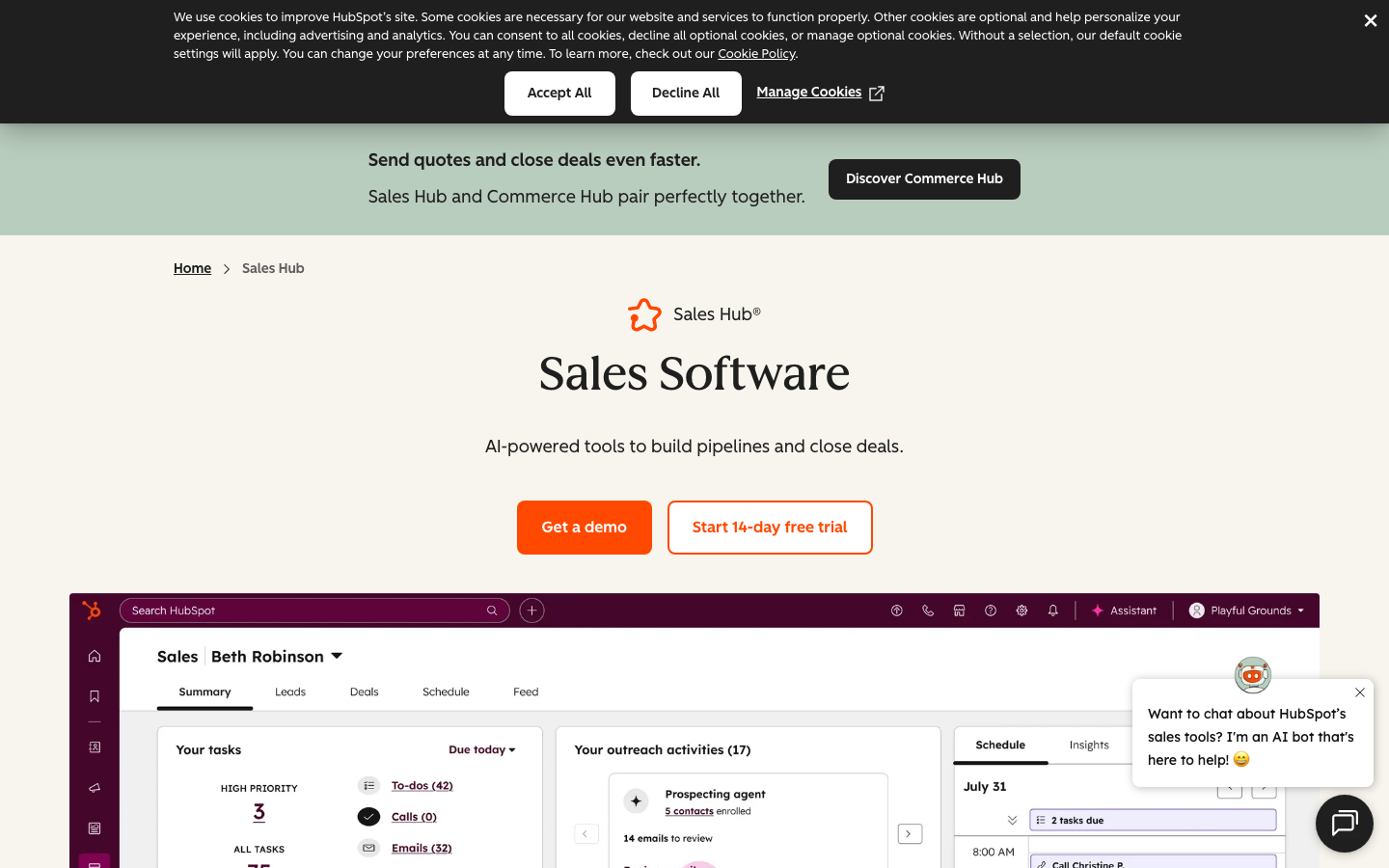
HubSpot Sales Hub is the safest first CRM for a small business that wants room to grow. The free tier is genuinely usable for an under-5-person team, unlimited contacts and a working pipeline at $0. 13,808 G2 reviews average 4.4/5; the consistent praise is around UX and the app marketplace, the consistent gripes are around the upgrade cliff on Marketing Hub and the sneaky $890/mo flat Pro pricing nobody sees in the demo. The small-business trap is upgrading to Pro for sequences. For a 5-person team going Pro, plan $6,500 year-1 once you add the $1,500 onboarding fee, per Kixie’s pricing analysis . Stay on Free or Starter as long as you can.
Pricing breakdown
| Plan | Price | Best for |
|---|---|---|
| Free | $0 | Under 5 people |
| Starter | $20/seat/mo | 2-15 person teams |
| Professional | $100/seat/mo + $1.5K onboarding | Teams that need sequences and automation |
| Enterprise | $150/seat/mo + $3.5K onboarding | 50+ people |
Security & compliance
| Standard | Availability |
|---|---|
| SOC 2 Type II | Yes |
| GDPR | Yes |
| HIPAA | $ add-on |
| SSO / SAML | Enterprise |
| Audit logs | Enterprise |
HubSpot Sales Hub compliance summary: SOC 2 Type II is yes, GDPR is yes, HIPAA is $ add-on, SSO/SAML is enterprise, and audit logs is enterprise.
Key integrations
| Integration | Type |
|---|---|
| Gmail | Native integration |
| Outlook | Native integration |
| Slack | Native integration |
| LinkedIn Sales Navigator | Marketplace add-on |
| Outreach / Salesloft | Marketplace add-on |
HubSpot Sales Hub integration summary: Gmail is native integration, Outlook is native integration, Slack is native integration, LinkedIn Sales Navigator is marketplace add-on, and Outreach or Salesloft is marketplace add-on.
Feature availability
| Feature | Status |
|---|---|
| Free tier | ✓ unlimited contacts |
| AI | Breeze, limited |
| Custom objects | Enterprise |
| Dialer | $ add-on |
| Sandbox | Enterprise |
HubSpot Sales Hub feature availability summary: Free tier (✓ unlimited contacts), AI (Breeze, limited), Custom objects (Enterprise), Dialer ($ add-on), and Sandbox (Enterprise).
Loading reviews…
Zoho CRM
Most features per dollar once you outgrow freeWhat's great
- Cheapest serious option in the comparison, under $15/user/mo gets you most of what a small business needs
- Zia AI bundled at the Standard tier, no add-on, with a documented 8.4% to 14.1% conversion lift case study
- Broad Zoho One ecosystem; Books, Desk, Mail, and Inventory all share contact records, handy as a small business adds tools
Watch-outs
- UX is dated and slower; one published review notes "the interface feels difficult, unintuitive, and cluttered"
- Zia AI needs 75+ converted leads before scoring kicks in, 60-90 days of data ramp before first useful predictions
- Mobile experience is uneven; the iPad app is the weakest in the comparison set
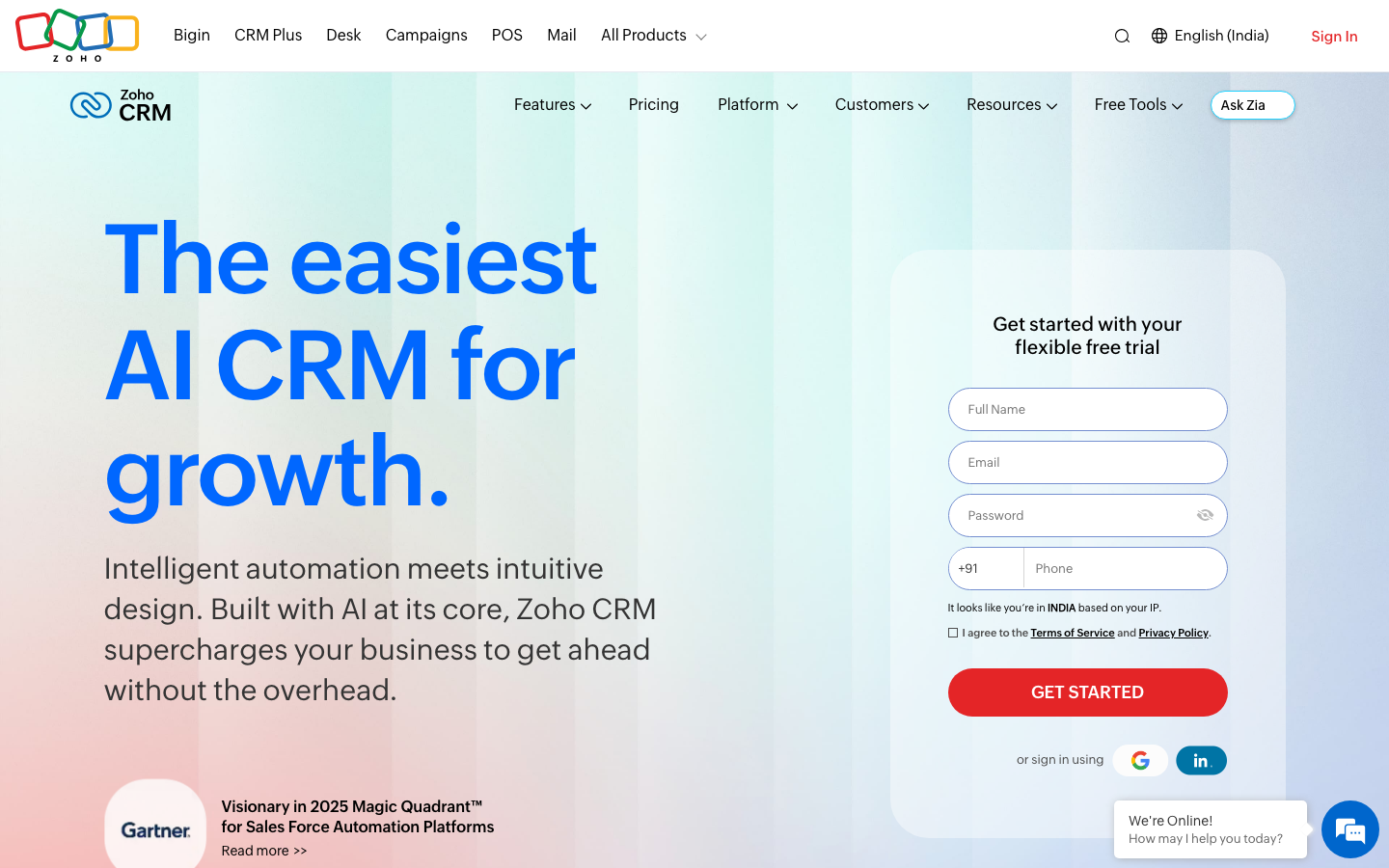
Zoho CRM is the value play for a small business that will pay from day one. At under $15 per user it covers most of what a sub-50-person team needs and integrates with the rest of the Zoho One suite cleanly. Zoho passed one million customers in February 2026 , real scale. 2,928 G2 reviews settle at 4.1/5; OnePageCRM’s published review puts it bluntly, ‘interface can be slow and hard to navigate.’ If your business already runs on Zoho One, the integration savings are worth the UX cost. As a stand-alone pick against Pipedrive or Freshsales, the dated UX is the trade-off you’re accepting for the price.
Pricing breakdown
| Plan | Price | Best for |
|---|---|---|
| Free | $0 | Up to 3 users |
| Standard | $14/user/mo | 3-15 people |
| Professional | $23/user/mo | 15-50 people with workflow automation |
| Enterprise | $40/user/mo | 50+ people |
Security & compliance
| Standard | Availability |
|---|---|
| SOC 2 Type II | Yes |
| GDPR | Yes |
| HIPAA | $ available |
| SSO / SAML | Enterprise |
| Audit logs | Enterprise |
Zoho CRM compliance summary: SOC 2 Type II is yes, GDPR is yes, HIPAA is $ available, SSO/SAML is enterprise, and audit logs is enterprise.
Key integrations
| Integration | Type |
|---|---|
| Gmail | Native integration |
| Outlook | Native integration |
| Slack | Native integration |
| LinkedIn Sales Navigator | Marketplace add-on |
| Outreach / Salesloft | Marketplace add-on |
Zoho CRM integration summary: Gmail is native integration, Outlook is native integration, Slack is native integration, LinkedIn Sales Navigator is marketplace add-on, and Outreach or Salesloft is marketplace add-on.
Feature availability
| Feature | Status |
|---|---|
| Free tier | ✓ 3 users free |
| AI | ✓ Zia bundled |
| Custom objects | Enterprise |
| Dialer | $ add-on |
| Sandbox | Enterprise |
Zoho CRM feature availability summary: Free tier (✓ 3 users free), AI (✓ Zia bundled), Custom objects (Enterprise), Dialer ($ add-on), and Sandbox (Enterprise).
Loading reviews…
Pipedrive
The simplest pipeline for a small sales teamWhat's great
- Fastest onboarding in the segment, we saw reps active by day 3 of the trial
- Visual pipeline-first interface that doesn't need training, the design is the documentation
- Honest tier pricing, what you see in the published comparison is what you pay
Watch-outs
- No free tier, trial only, so the entry cost is $14/user from day one
- Marketing automation is bolted on via LeadBooster add-on, not native
- Lighter reporting than HubSpot, and custom-field limits surface past 50 people
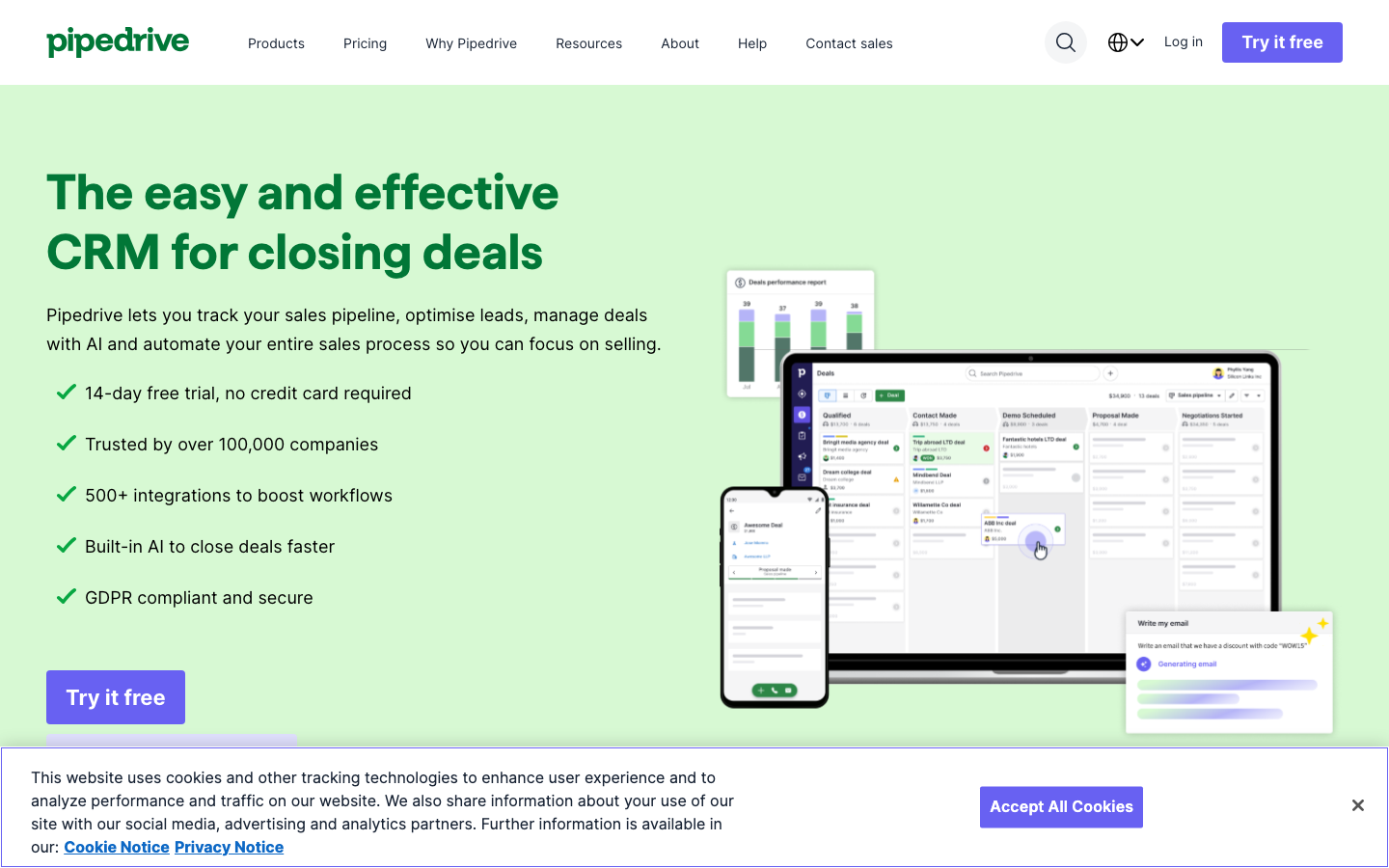
Pipedrive is the right answer for a small business that wants to start selling tomorrow without a setup project. The pipeline-first interface means a 2-10 person sales team adopts it without training. 3,047 G2 reviews land at 4.3/5; Capterra at 4.5/5 across 3,050 reviews. Pipedrive ranks #6 in G2’s 2026 Best Sales Software list . Salesflare’s CRM comparison captures the user voice, ‘Pipedrive took the best parts of Salesforce and flushed the stuff that sucks.’ There’s no free plan, so it’s the pick when you’ll pay from the start and want zero configuration overhead.
Pricing breakdown
| Plan | Price | Best for |
|---|---|---|
| Essential | $14/user/mo | Solo founders |
| Advanced | $29/user/mo | 5-15 person teams with sequences |
| Professional | $59/user/mo | 15-30 people |
| Power + Enterprise | $69-$99/user/mo | 30-50 people |
Security & compliance
| Standard | Availability |
|---|---|
| SOC 2 Type II | Yes |
| GDPR | Yes |
| HIPAA | No |
| SSO / SAML | Enterprise |
| Audit logs | Advanced+ |
Pipedrive compliance summary: SOC 2 Type II is yes, GDPR is yes, HIPAA is no, SSO/SAML is enterprise, and audit logs is advanced+.
Key integrations
| Integration | Type |
|---|---|
| Gmail | Native integration |
| Outlook | Native integration |
| Slack | Native integration |
| LinkedIn Sales Navigator | Marketplace add-on |
| Outreach / Salesloft | Marketplace add-on |
Pipedrive integration summary: Gmail is native integration, Outlook is native integration, Slack is native integration, LinkedIn Sales Navigator is marketplace add-on, and Outreach or Salesloft is marketplace add-on.
Feature availability
| Feature | Status |
|---|---|
| Free tier | ✗ trial only |
| AI | $ LeadBooster |
| Custom objects | Pro+ |
| Dialer | $ add-on |
| Sandbox | Enterprise |
Pipedrive feature availability summary: Free tier (✗ trial only), AI ($ LeadBooster), Custom objects (Pro+), Dialer ($ add-on), and Sandbox (Enterprise).
Loading reviews…
Less Annoying CRM
Flat $15, built for non-technical small businessesWhat's great
- Single price, $15/user/mo, no tiers, no contracts, no feature gates; every user gets everything
- 4.9/5 on G2 from 662 reviews, the highest satisfaction score in any CRM category on the platform
- G2's 2025-2026 Grid Report ranks it
Watch-outs
- Zero automation builder; no sequences, no workflow triggers; everything is manual or nothing
- Integration options are thin; Zapier covers most cases but native connectors are minimal
- No reporting depth; dashboards and forecast views are basic, unsuitable for teams needing cohort analysis
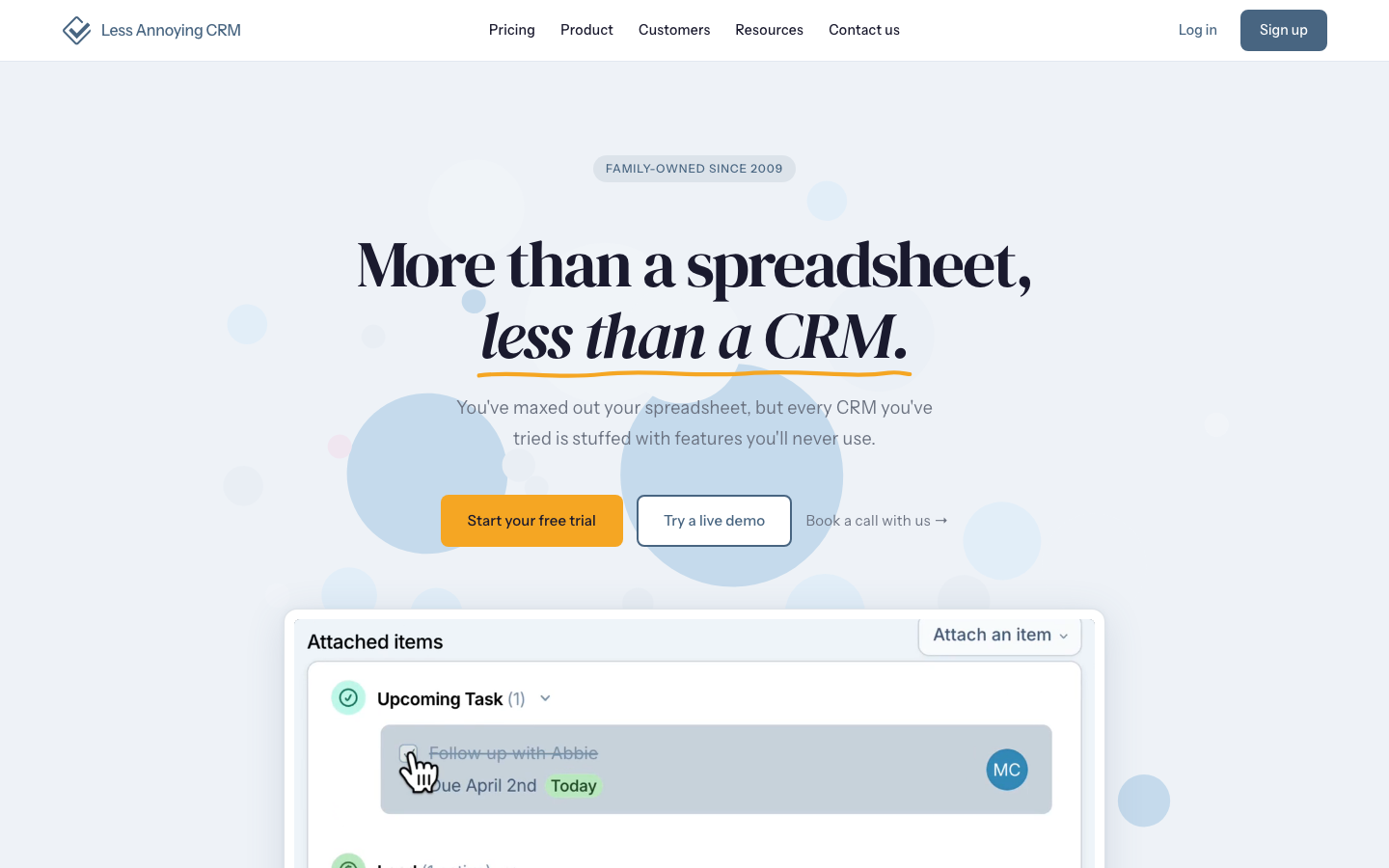
Less Annoying CRM does one thing with exceptional discipline: it gets out of the way. For a non-technical small business, that is the entire point. 662 G2 reviews at 4.9/5, the highest satisfaction rating of any CRM we’ve tracked. The OnePageCRM independent review calls it ’the perfect starting point for small businesses that just need a contact database with reminders.’ The pricing is genuinely unusual for 2026 SaaS, no tiers, no upsells, no annual lock-in, $15 flat per user with every feature included. The trade-off is real. Past 10 people, or any team that needs automation, sequences, or real reporting, you will outgrow it in six months. Under 10 people, a service business, or a founder who just needs to stop losing leads in email threads, this is the pick.
Pricing breakdown
| Plan | Price | Best for |
|---|---|---|
| All-inclusive | $15/user/mo | All team sizes |
| 30-day trial | Free | Full feature trial |
| Monthly only | $15/user/mo | No annual commitment required |
| No tiers | $15/user/mo | Everyone gets every feature at every user count |
Security & compliance
| Standard | Availability |
|---|---|
| SOC 2 Type II | ? |
| GDPR | Yes |
| HIPAA | No |
| SSO / SAML | No |
| Audit logs | No |
Less Annoying CRM compliance summary: SOC 2 Type II is ?, GDPR is yes, HIPAA is no, SSO/SAML is no, and audit logs is no.
Key integrations
| Integration | Type |
|---|---|
| Gmail | Limited |
| Outlook | Limited |
| Slack | Limited |
| LinkedIn Sales Navigator | No |
| Outreach / Salesloft | No |
Less Annoying CRM integration summary: Gmail is limited, Outlook is limited, Slack is limited, LinkedIn Sales Navigator is no, and Outreach or Salesloft is no.
Feature availability
| Feature | Status |
|---|---|
| Free tier | ✗ 30-day trial |
| AI | ✗ |
| Custom objects | • limited |
| Dialer | ✗ |
| Sandbox | ✗ |
Less Annoying CRM feature availability summary: Free tier (✗ 30-day trial), AI (✗), Custom objects (• limited), Dialer (✗), and Sandbox (✗).
Loading reviews…
Freshsales
Built-in AI on a small-business budgetWhat's great
- Freddy AI included at $9/user/mo, the cheapest AI-bundled CRM in segment
- Omnichannel built in (email, phone, chat, WhatsApp), no add-on subscriptions or per-channel fees
- Free tier covers 3 users with full feature access; under-3-person teams pay zero
Watch-outs
- Pro tier jumps 4x to $39/user/mo, which is where most growing teams will actually land
- Smaller integration ecosystem (~150 apps) than HubSpot's 1,500+ or Salesforce's 5,000+
- Reporting templates feel template-driven; less customization than Pipedrive at the same tier
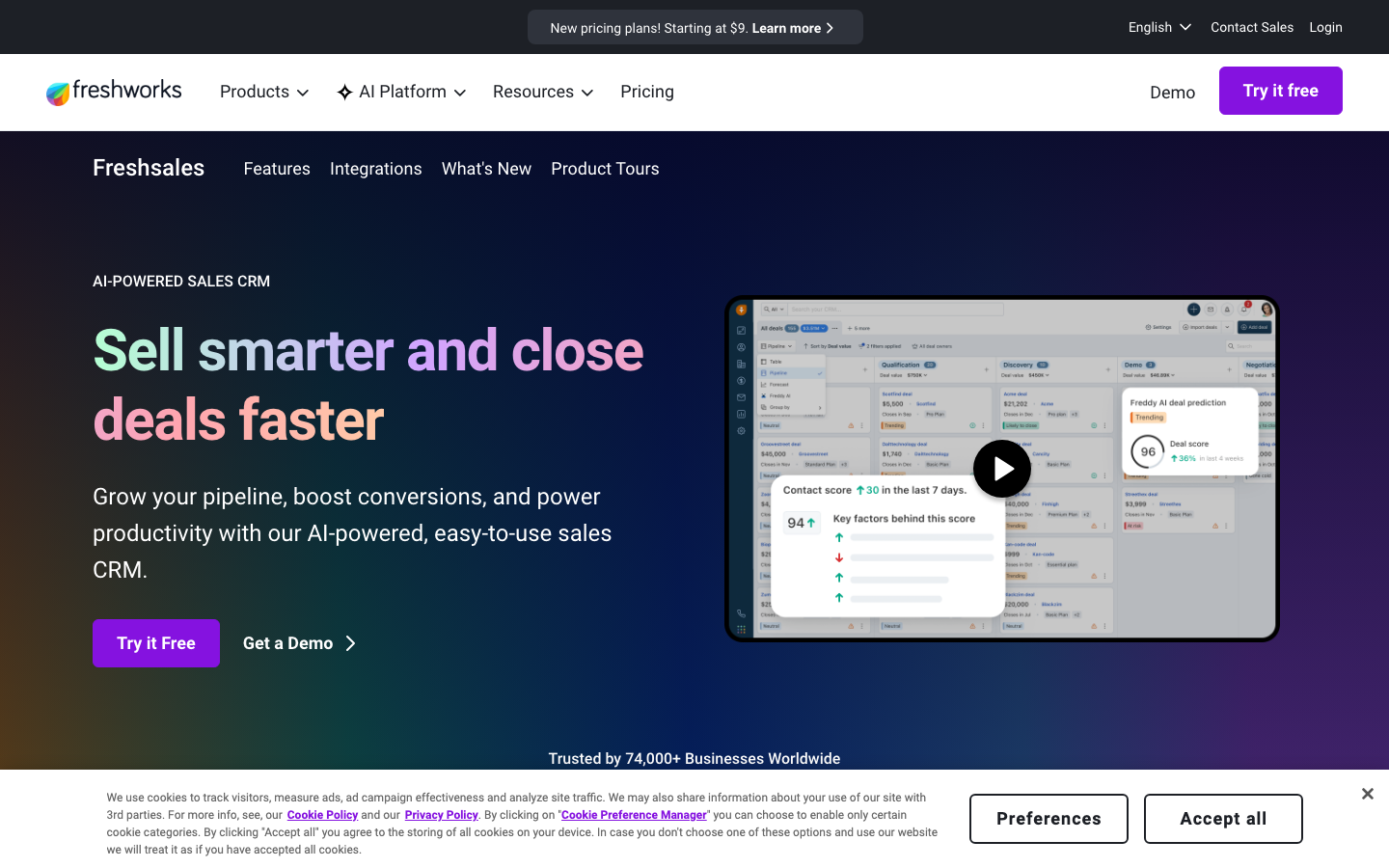
Freshsales is the underrated 2026 pick for a budget-conscious small business that wants AI baked in. At $9/user/mo Growth, Freddy AI ships included rather than as a $50/seat add-on like Einstein or Breeze, and the free tier covers 3 users at zero cost. 1,233 G2 reviews average 4.5/5. The watch-out is the Pro-tier jump to $39; most teams won’t stay on Growth past month four. Best for a 3-20 person team where the omnichannel story (chat plus email plus voice on one record) actually matters, especially small businesses serving consumers.
Pricing breakdown
| Plan | Price | Best for |
|---|---|---|
| Free | $0 | Up to 3 users |
| Growth | $9/user/mo | 3-10 people with Freddy AI |
| Pro | $39/user/mo | 10-50 people |
| Enterprise | $59/user/mo | 50+ people |
Security & compliance
| Standard | Availability |
|---|---|
| SOC 2 Type II | Yes |
| GDPR | Yes |
| HIPAA | $ available |
| SSO / SAML | Pro+ |
| Audit logs | Enterprise |
Freshsales compliance summary: SOC 2 Type II is yes, GDPR is yes, HIPAA is $ available, SSO/SAML is pro+, and audit logs is enterprise.
Key integrations
| Integration | Type |
|---|---|
| Gmail | Native integration |
| Outlook | Native integration |
| Slack | Native integration |
| LinkedIn Sales Navigator | Marketplace add-on |
| Outreach / Salesloft | Marketplace add-on |
Freshsales integration summary: Gmail is native integration, Outlook is native integration, Slack is native integration, LinkedIn Sales Navigator is marketplace add-on, and Outreach or Salesloft is marketplace add-on.
Feature availability
| Feature | Status |
|---|---|
| Free tier | ✓ 3 users free |
| AI | ✓ Freddy bundled |
| Custom objects | Pro+ |
| Dialer | $ phone add-on |
| Sandbox | Enterprise |
Freshsales feature availability summary: Free tier (✓ 3 users free), AI (✓ Freddy bundled), Custom objects (Pro+), Dialer ($ phone add-on), and Sandbox (Enterprise).
Loading reviews…
EngageBay
CRM, email marketing, and live chat free in one toolWhat's great
- All-in-one CRM plus marketing automation plus helpdesk under one subscription; avoids the HubSpot hub-stacking trap
- Free plan covers 250 contacts with CRM, email marketing, and live chat included; the most generous free tier for an all-in-one tool
- G2 ease-of-setup score is 9.1/10, one of the highest in the CRM category; teams report going live in under a week
Watch-outs
- Contact-count pricing model means costs escalate faster than per-seat models as your database grows beyond 10K contacts
- Ecosystem integrations are thin relative to HubSpot; fewer native connectors for B2B tools like LinkedIn or Outreach
- Some G2 reviewers report the email builder and template library feel dated compared to Mailchimp or ActiveCampaign
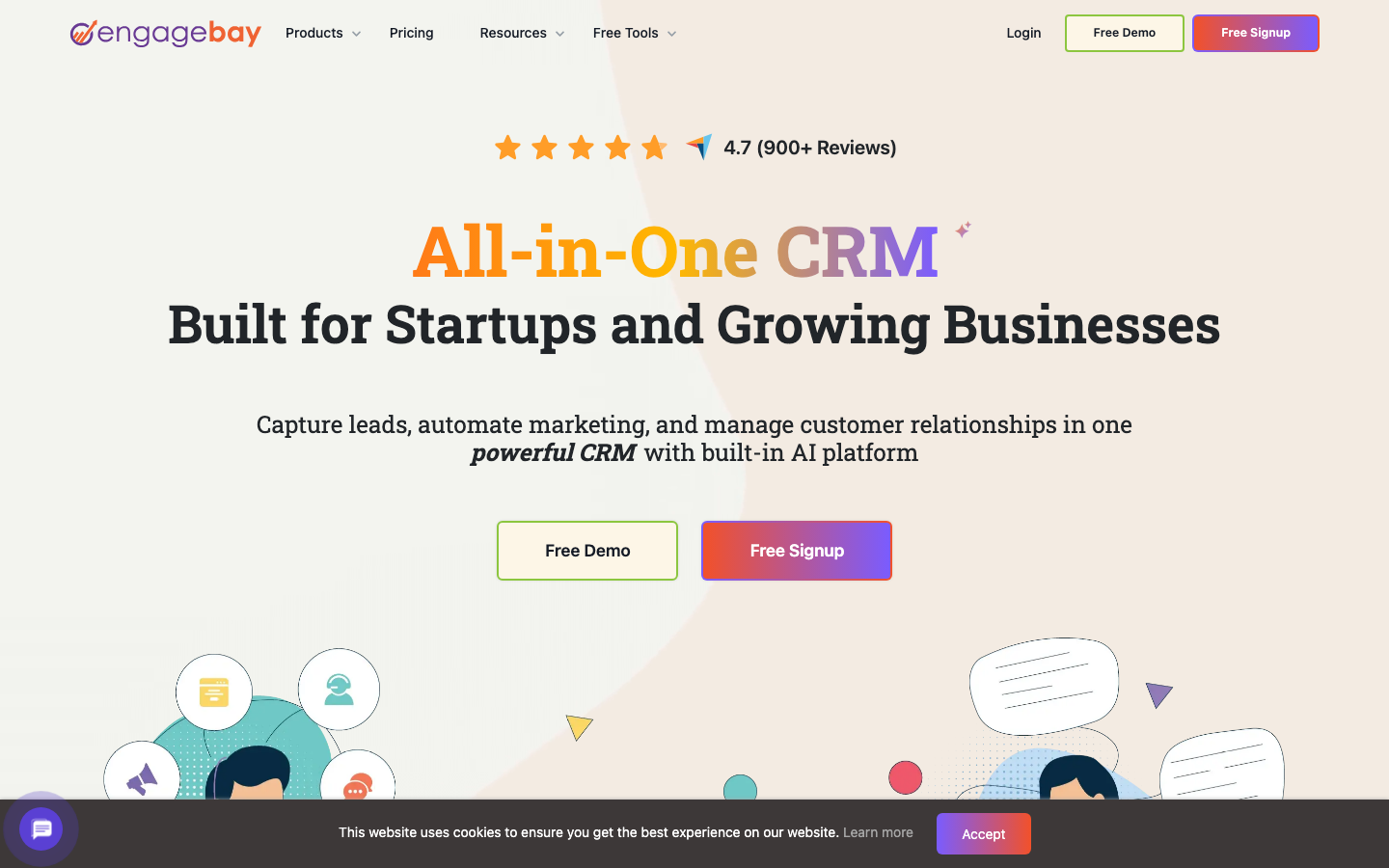
EngageBay is the answer when a small team wants everything HubSpot does at a fraction of the price. CRM, email marketing, sequences, helpdesk, and live chat in one subscription, free up to 250 contacts and starting at $11/user/mo after. 683 G2 reviews at 4.6/5. EngageBay’s own HubSpot comparison positions the value directly, ‘HubSpot’s free CRM forces you into expensive paid plans for features EngageBay includes at $15.’ The ceiling comes at the 10-25 person band; past that, HubSpot’s integration depth and reporting quality pull ahead. Under 25 people, marketing and sales under one roof, budget-constrained, EngageBay deserves a trial.
Pricing breakdown
| Plan | Price | Best for |
|---|---|---|
| Free | $0 | Under 5 people |
| Basic | $11.04/user/mo | 5-15 people |
| Growth | $42.49/user/mo | 15-30 people |
| Pro | $67.99/user/mo | 30+ people |
Security & compliance
| Standard | Availability |
|---|---|
| SOC 2 Type II | Yes |
| GDPR | Yes |
| HIPAA | No |
| SSO / SAML | Pro+ |
| Audit logs | Growth+ |
EngageBay compliance summary: SOC 2 Type II is yes, GDPR is yes, HIPAA is no, SSO/SAML is pro+, and audit logs is growth+.
Key integrations
| Integration | Type |
|---|---|
| Gmail | Native integration |
| Outlook | Native integration |
| Slack | Native integration |
| LinkedIn Sales Navigator | Limited |
| Outreach / Salesloft | Limited |
EngageBay integration summary: Gmail is native integration, Outlook is native integration, Slack is native integration, LinkedIn Sales Navigator is limited, and Outreach or Salesloft is limited.
Feature availability
| Feature | Status |
|---|---|
| Free tier | ✓ 250 contacts, CRM + email + chat |
| AI | • limited |
| Custom objects | Growth+ |
| Dialer | ✓ Pro |
| Sandbox | ✗ |
EngageBay feature availability summary: Free tier (✓ 250 contacts, CRM + email + chat), AI (• limited), Custom objects (Growth+), Dialer (✓ Pro), and Sandbox (✗).
Loading reviews…
Capsule CRM
A clean CRM with a genuinely usable free planWhat's great
- Clean, minimal UI with a shallow learning curve; 85% of G2 reviews are five-star, 13% four-star, essentially zero negatives
- Free plan for up to 2 users with 250 contacts, one of the few entry-level CRMs that costs nothing to start
- Marketing add-on at $11/mo (not per-seat) makes it one of the cheapest email marketing plus CRM combos for micro-teams
Watch-outs
- Feature ceiling is low; advanced automation and custom reporting are limited compared to Pipedrive or HubSpot at similar price
- 250-contact cap on the free plan is restrictive; most real businesses hit it within 3 months
- Growth plan at $36/user/mo gets you less automation depth than Freshsales Pro at $39, which ships a far larger feature set for the extra $3
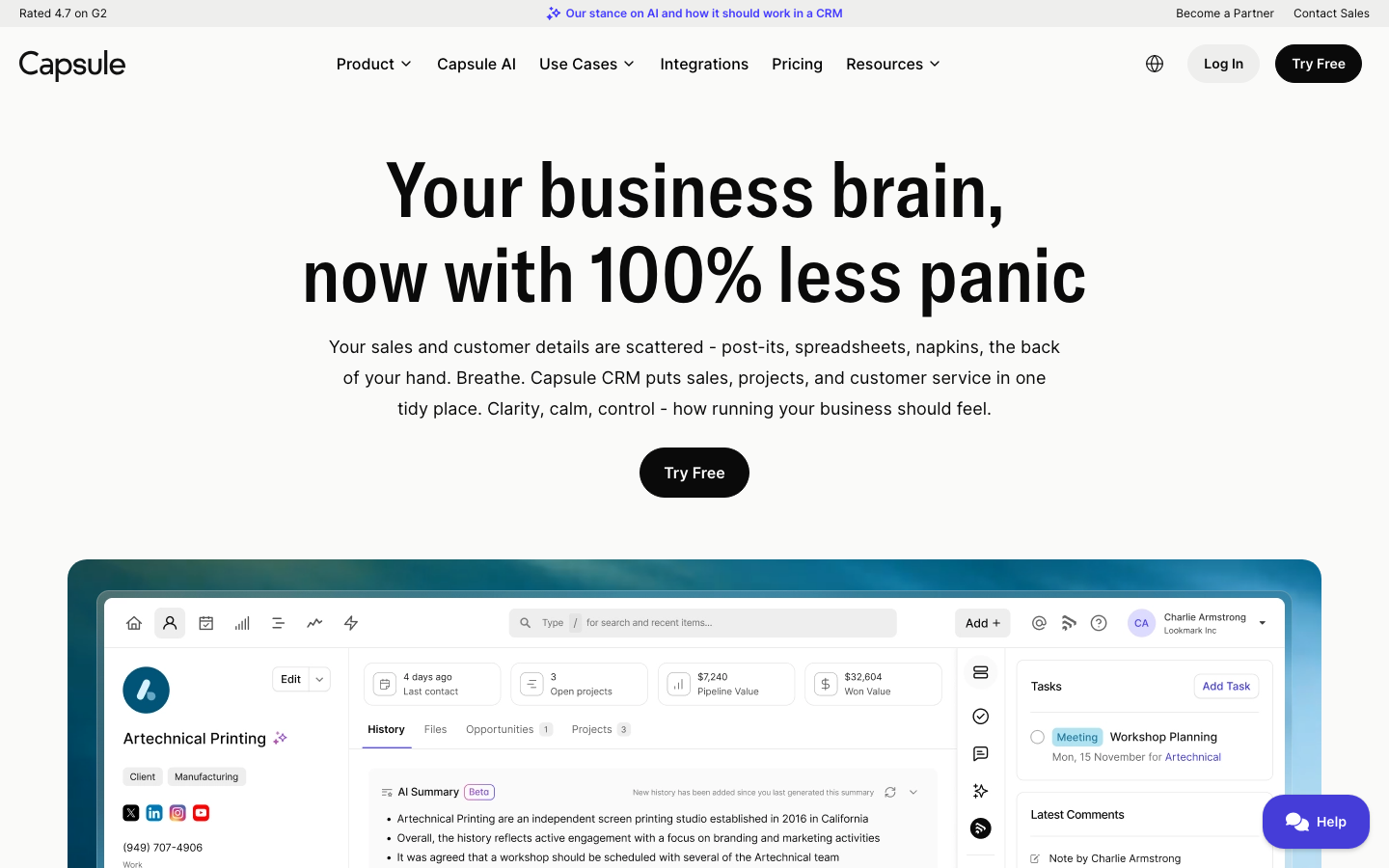
Capsule CRM is built for a small business that wants something clean and usable on day one without a configuration project. 491 G2 reviews at 4.7/5; the 85% five-star rate is unusually consistent for a category that typically generates polarized reviews. TechRadar’s 2026 Capsule review describes it as a streamlined system that delivers the key CRM essentials without the bloat that drags down its larger competitors. The free plan (2 users, 250 contacts) is a real starting point, and the Starter plan at $18/user/mo sits against Pipedrive Essential ($14) and HubSpot Starter ($20); Capsule loses on features and wins on UX simplicity. Right pick for professional services firms, recruiters, and consultancies where the contact relationship matters more than a deep automation layer.
Pricing breakdown
| Plan | Price | Best for |
|---|---|---|
| Free | $0 | Up to 2 users |
| Starter | $18/user/mo | 2-10 people |
| Growth | $36/user/mo | 10-30 people |
| Advanced | $54/user/mo | 30-75 people |
| Ultimate | $72/user/mo | 75+ people |
Security & compliance
| Standard | Availability |
|---|---|
| SOC 2 Type II | Yes |
| GDPR | Yes |
| HIPAA | No |
| SSO / SAML | Advanced+ |
| Audit logs | Advanced+ |
Capsule CRM compliance summary: SOC 2 Type II is yes, GDPR is yes, HIPAA is no, SSO/SAML is advanced+, and audit logs is advanced+.
Key integrations
| Integration | Type |
|---|---|
| Gmail | Native integration |
| Outlook | Native integration |
| Slack | Native integration |
| LinkedIn Sales Navigator | Marketplace add-on |
| Outreach / Salesloft | Limited |
Capsule CRM integration summary: Gmail is native integration, Outlook is native integration, Slack is native integration, LinkedIn Sales Navigator is marketplace add-on, and Outreach or Salesloft is limited.
Feature availability
| Feature | Status |
|---|---|
| Free tier | ✓ 2 users, 250 contacts |
| AI | • limited |
| Custom objects | • limited |
| Dialer | ✗ |
| Sandbox | ✗ |
Capsule CRM feature availability summary: Free tier (✓ 2 users, 250 contacts), AI (• limited), Custom objects (• limited), Dialer (✗), and Sandbox (✗).
Loading reviews…
Copper CRM
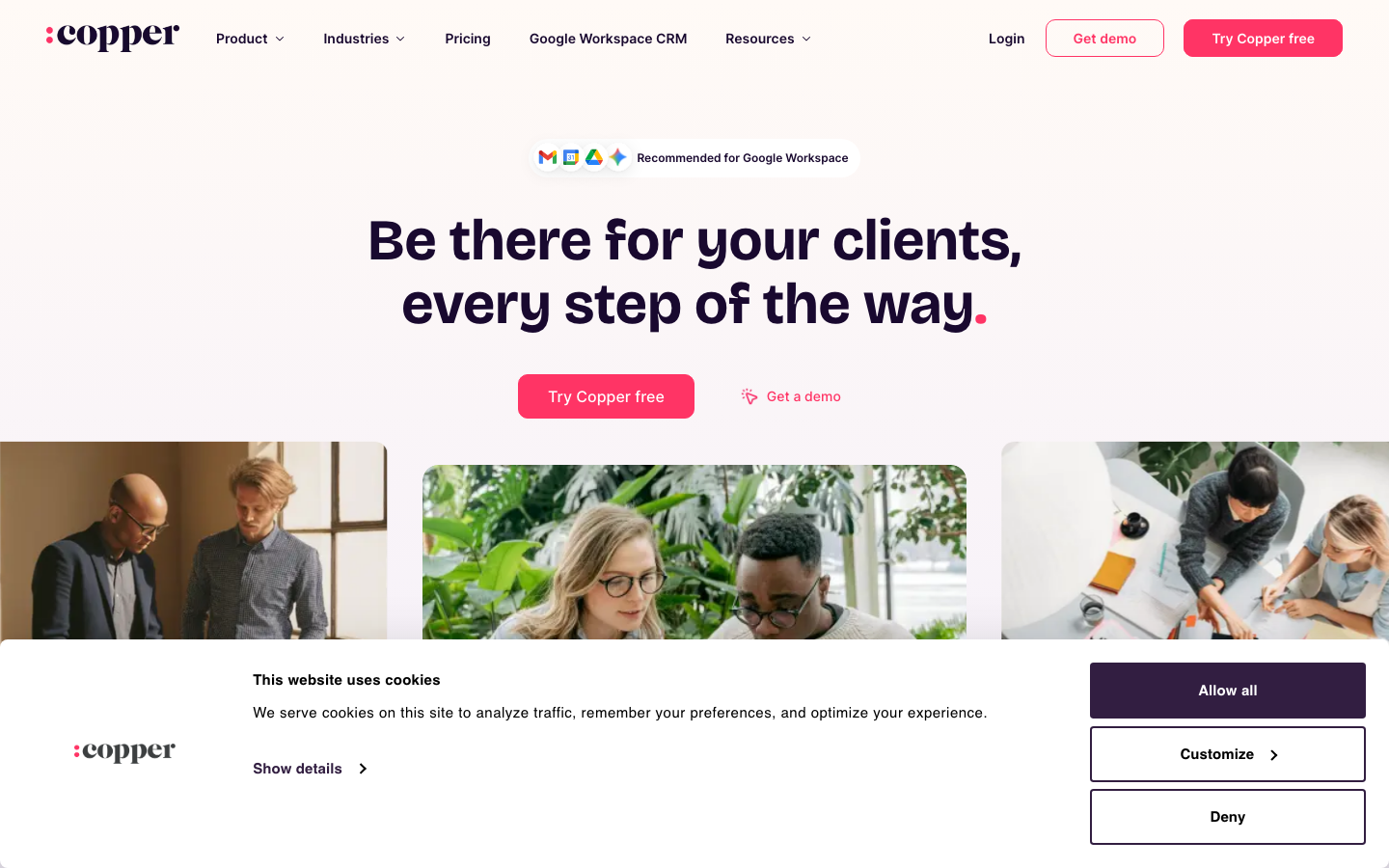
The CRM that lives inside Gmail and Google WorkspaceWhat's great
- Native Google Workspace sync; Gmail auto-populates contacts, so reps don't manually create records
- Cleanest Chrome extension in the segment; most CRMs feel bolted onto Gmail, Copper feels designed for it
- Honest tier pricing; published prices match what teams actually pay on renewal
Watch-outs
- Less useful if your team isn't on Google Workspace; Outlook integration is meaningfully weaker
- Customization layer is shallower than HubSpot or Pipedrive
- Smaller community; fewer Stack Overflow and Reddit answers when you hit edge cases
Copper is the right call when your small business lives in Google Workspace and Gmail is the system of record. The auto-population of contacts from email threads kills 30-60 minutes/day of manual entry per person. 1,157 G2 reviews average 4.5/5; the consistent praise is ‘I forget I have a CRM, it just shows up where I work.’ Capterra puts it at 4.4/5 across 622 reviews . For Outlook shops or Microsoft 365 businesses, skip Copper; for Google Workspace, this is the lowest-friction pick in the comparison.
Pricing breakdown
| Plan | Price | Best for |
|---|---|---|
| Starter | $9/seat/mo | 1-3 people |
| Basic | $23/seat/mo | 3-10 people with pipeline reporting |
| Professional | $59/seat/mo | 10-25 people |
| Business | $99/seat/mo | 25+ people |
Security & compliance
| Standard | Availability |
|---|---|
| SOC 2 Type II | Yes |
| GDPR | Yes |
| HIPAA | No |
| SSO / SAML | Business |
| Audit logs | • limited |
Copper CRM compliance summary: SOC 2 Type II is yes, GDPR is yes, HIPAA is no, SSO/SAML is business, and audit logs is • limited.
Key integrations
| Integration | Type |
|---|---|
| Gmail | Native integration |
| Outlook | Marketplace add-on |
| Slack | Native integration |
| LinkedIn Sales Navigator | Marketplace add-on |
| Outreach / Salesloft | Marketplace add-on |
Copper CRM integration summary: Gmail is native integration, Outlook is marketplace add-on, Slack is native integration, LinkedIn Sales Navigator is marketplace add-on, and Outreach or Salesloft is marketplace add-on.
Feature availability
| Feature | Status |
|---|---|
| Free tier | ✗ 14-day trial |
| AI | • limited |
| Custom objects | • limited |
| Dialer | ✗ |
| Sandbox | • limited |
Copper CRM feature availability summary: Free tier (✗ 14-day trial), AI (• limited), Custom objects (• limited), Dialer (✗), and Sandbox (• limited).
Loading reviews…
OnePageCRM
Turns your contacts into a daily to-do listWhat's great
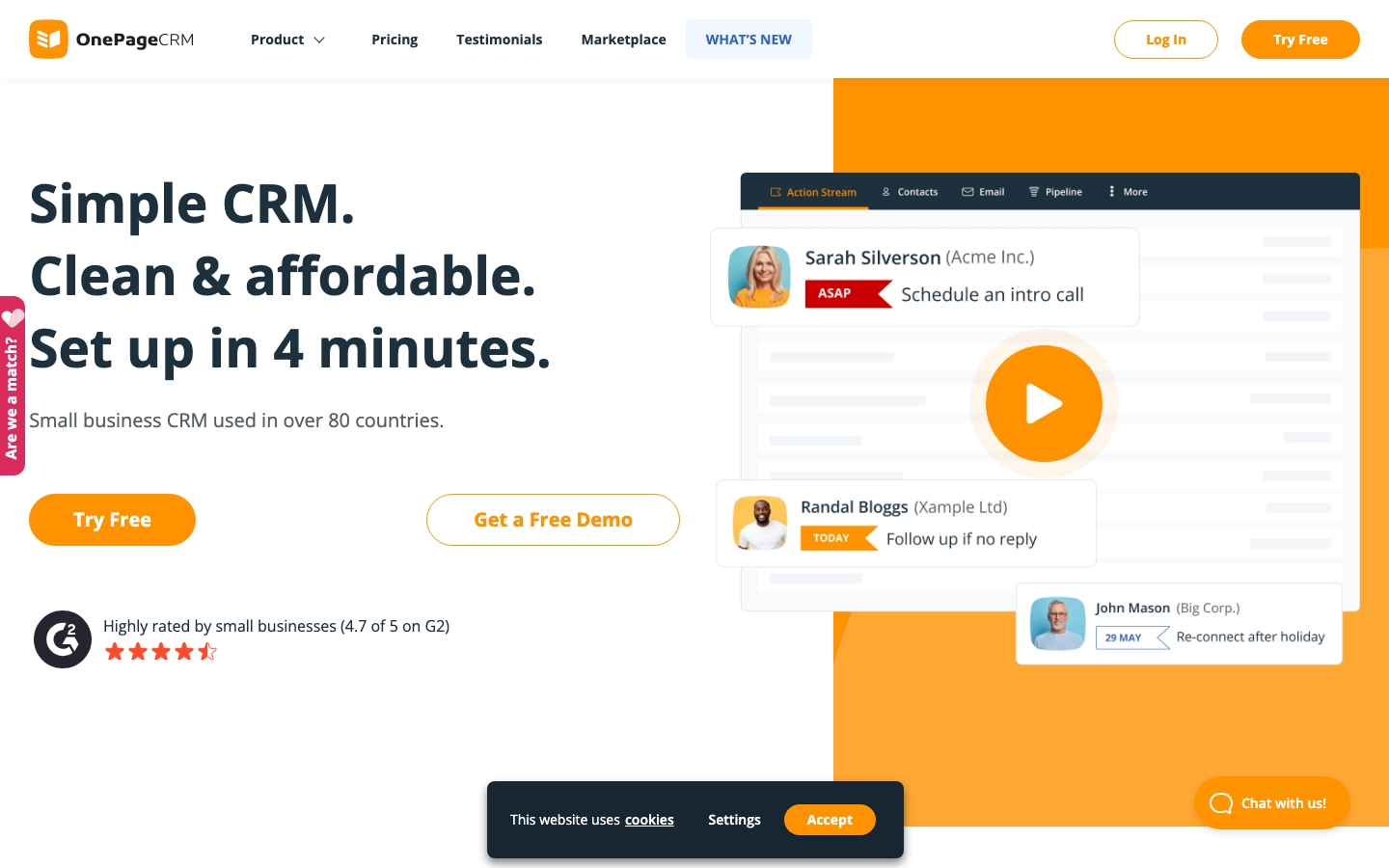
- Action Stream model forces a next action on every contact; you never have a "cold" contact sitting without a follow-up date
- $9.95/user/mo Professional includes unlimited contacts; one of the cheapest full-feature CRMs in the comparison after Less Annoying CRM
- 21-day no-card trial is the longest free trial here; enough time to run a real sales cycle end-to-end
Watch-outs
- Action Stream philosophy is a polarizing design choice; people who prefer a visual pipeline board find it disorienting
- Reporting and forecasting are minimal; the focus on next actions comes at the cost of analytics depth
- No built-in email sequences or automation; pairs with Mailchimp but doesn't replace it natively
OnePageCRM is built on the GTD principle applied to sales, every contact must have a next action, and the interface won’t let you ignore it. For a solo founder or a small team where follow-up is the thing that actually slips, that discipline is the feature. 259 G2 reviews at 4.7/5. At $9.95/user/mo with unlimited contacts, it’s hard to beat on price for a real CRM. ColdIQ’s 2026 tool review frames it as the tool that shines when you need quick contact management and task-based sales tracking without complexity. Best for solo consultants, SMB service firms, and any small business where consistent follow-up is the revenue bottleneck.
Pricing breakdown
| Plan | Price | Best for |
|---|---|---|
| Professional | $9.95/user/mo | 1-15 people |
| Business | $19.95/user/mo | 15-30 people |
| Max | $29.95/user/mo | 30+ people |
| 21-day trial | Free | Full feature trial |
Security & compliance
| Standard | Availability |
|---|---|
| SOC 2 Type II | Yes |
| GDPR | Yes |
| HIPAA | No |
| SSO / SAML | Business+ |
| Audit logs | Business+ |
OnePageCRM compliance summary: SOC 2 Type II is yes, GDPR is yes, HIPAA is no, SSO/SAML is business+, and audit logs is business+.
Key integrations
| Integration | Type |
|---|---|
| Gmail | Native integration |
| Outlook | Native integration |
| Slack | Native integration |
| LinkedIn Sales Navigator | Marketplace add-on |
| Outreach / Salesloft | Limited |
OnePageCRM integration summary: Gmail is native integration, Outlook is native integration, Slack is native integration, LinkedIn Sales Navigator is marketplace add-on, and Outreach or Salesloft is limited.
Feature availability
| Feature | Status |
|---|---|
| Free tier | ✗ 21-day trial |
| AI | • limited |
| Custom objects | • limited |
| Dialer | $ add-on |
| Sandbox | ✗ |
OnePageCRM feature availability summary: Free tier (✗ 21-day trial), AI (• limited), Custom objects (• limited), Dialer ($ add-on), and Sandbox (✗).
Loading reviews…
Monday Sales CRM
Board-style CRM small teams adopt fastWhat's great
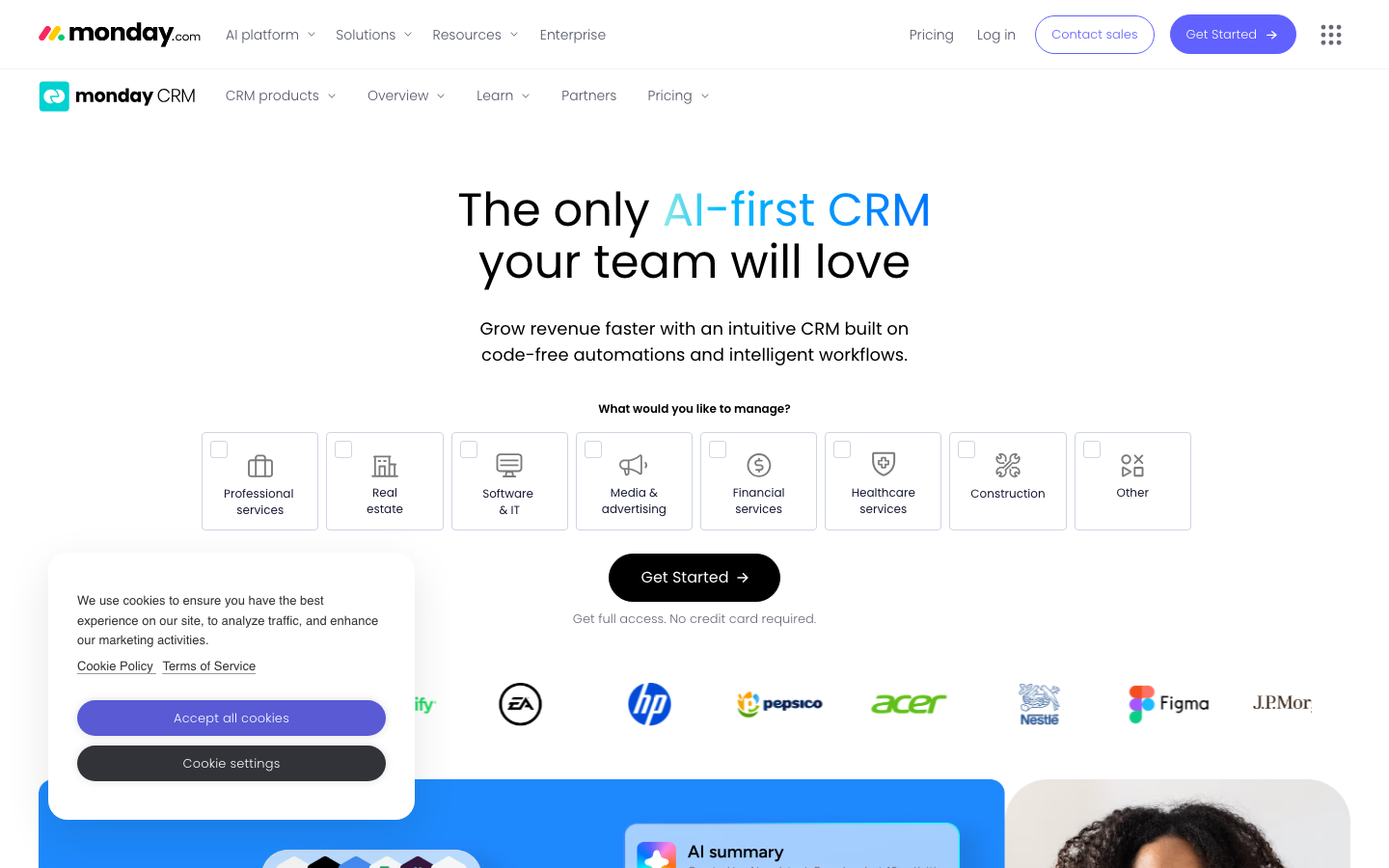
- Visual board interface; deals look like project cards, not table rows, which non-sales staff in a small business adopt quickly
- Cross-functional visibility; the same workspace runs sales, marketing, and customer onboarding
- 200+ integrations and a clean automation builder; a non-technical owner can build flows
Watch-outs
- 3-seat minimum on every paid tier; expensive for solo founders or 1-2 person teams
- Reporting is shallow vs Pipedrive or HubSpot; dashboards are visual, not analytical
- The board interface gets clumsy at 500+ open deals; not the right pick for high-velocity outbound
Monday Sales CRM is the pick when a small business doesn’t keep sales in isolation, when the same workspace runs marketing, customer onboarding, and renewal tracking. The visual board format is a hit-or-miss preference, some people love it, others find it confusing. 4.6/5 on G2 ; the broader Monday platform sits at 18,025 G2 reviews . The 3-seat minimum makes it a poor fit for true solo founders. For a 3-30 person team where the same workspace touches multiple functions, it’s worth the 14-day trial.
Pricing breakdown
| Plan | Price | Best for |
|---|---|---|
| Basic | $12/user/mo | 3-10 people with simple pipeline |
| Standard | $17/user/mo | 10-25 people with automation |
| Pro | $28/user/mo | 25-50 people with forecasting |
| Enterprise | Custom quote | 50+ people |
Security & compliance
| Standard | Availability |
|---|---|
| SOC 2 Type II | Yes |
| GDPR | Yes |
| HIPAA | Enterprise |
| SSO / SAML | Enterprise |
| Audit logs | Enterprise |
Monday Sales CRM compliance summary: SOC 2 Type II is yes, GDPR is yes, HIPAA is enterprise, SSO/SAML is enterprise, and audit logs is enterprise.
Key integrations
| Integration | Type |
|---|---|
| Gmail | Native integration |
| Outlook | Native integration |
| Slack | Native integration |
| LinkedIn Sales Navigator | Marketplace add-on |
| Outreach / Salesloft | Limited |
Monday Sales CRM integration summary: Gmail is native integration, Outlook is native integration, Slack is native integration, LinkedIn Sales Navigator is marketplace add-on, and Outreach or Salesloft is limited.
Feature availability
| Feature | Status |
|---|---|
| Free tier | ✗ 14-day trial |
| AI | ✓ summarization |
| Custom objects | • limited |
| Dialer | ✗ |
| Sandbox | Pro+ |
Monday Sales CRM feature availability summary: Free tier (✗ 14-day trial), AI (✓ summarization), Custom objects (• limited), Dialer (✗), and Sandbox (Pro+).
Loading reviews…
More top-rated CRM for Small Business worth checking out
Highly rated CRM for Small Business that didn't crack our top 10 but are still strong contenders, especially for specific use cases and team sizes.
Nutshell
Full-featured CRM with unlimited data at a small-business price
Standout: Every plan includes unlimited contacts, unlimited data storage, and live human support at no extra cost
Salesflare
For B2B small businesses who hate CRM data entry
Standout: Auto-populates contact records from email signatures, LinkedIn, and company websites; G2 reviewers report 40% less CRM admin time
Close
For small outbound teams that live on the phone
Standout: Only CRM in this list with native Power Dialer plus SMS plus email cadences; reps don't tab-switch
Salesmate
Built-in calling at a lower price than Close
Standout: Built-in calling and SMS on the Basic plan ($23/user/mo); no separate Twilio setup, no per-call fees for US/Canada local numbers
Streak CRM
A free CRM that lives entirely inside Gmail
Standout: CRM lives entirely inside Gmail as a Chrome extension; zero context-switching, deals show up as inbox rows
Attio
For startups with a non-standard data model
Standout: Most flexible data model in the category; define any object type (Investors, Partners, Portfolio Co) without a developer
Tools we considered but excluded
We evaluated more tools than the 16 you see above. These did not make the cut. Saying what we rejected, and why, is the editorial muscle most listicles skip.
- Salesforce Sales Cloud: Real year-1 cost runs 3-5x the sticker once you add an admin and an implementation partner; over-budget and overkill for almost any business under 50 people
- Microsoft Dynamics 365 Sales: $65/user/mo before add-ons and built for Microsoft enterprise-agreement shops; the wrong starting point for a small business
- NetSuite CRM: Starts around $999/mo plus $129/user; it is an ERP suite, not a small-business CRM
- GoHighLevel: $97/mo flat and built for agencies reselling CRM to their own clients, not for running your own small business
Honorable mentions
Solid tools that did not crack the main list but are worth tracking, especially for niche use cases.
- Bigin by Zoho: Zoho's purpose-built micro-business CRM at roughly $9/user/mo; if full Zoho CRM feels like too much, Bigin is the stripped-down version made for teams under 10
- Keap: The all-in-one CRM plus marketing automation pick for solo founders and sub-5-person shops where the CRM and the email tool need to be the same thing
- Insightly: Combines CRM with light project management; a fit for small service businesses that deliver projects after the sale
What counts as a small-business CRM
The CRM market is built for sales orgs with hundreds of reps, and most “best CRM” lists rank tools that a 6-person business has no reason to touch. This guide scores the same 16 CRMs from our full 20-tool CRM test specifically for a business under 50 people, where price, setup time, and whether a non-technical owner can run it matter more than enterprise forecasting depth.
The tools split into five practical buckets for a small business. Most teams only need one.
Free-first CRMs. Start at $0. HubSpot, Zoho, Freshsales, EngageBay, Capsule, and Streak all ship a genuinely usable free plan, not just a trial. This is where most small businesses should begin.
Simple sales CRMs. A pipeline and reminders, nothing to configure. Pipedrive, OnePageCRM, and Less Annoying CRM. You’re live the same day.
All-in-one CRMs. CRM plus marketing plus support in one subscription, instead of three. EngageBay, HubSpot, and Zoho. The right call when you don’t want to stitch tools together.
Google Workspace native. If your business runs on Gmail, Copper and Streak live inside it and auto-fill contacts from your email.
Visual and cross-functional. Monday Sales CRM runs sales, onboarding, and projects on the same board, which suits a small team where one person wears several hats.
What to test in a small-business CRM trial
A small business doesn’t have an admin to babysit a CRM rollout, so the trial has to prove the tool runs itself. Eight things to check before you put your contacts into anything.
If you also have to justify the spend to a co-founder or a partner, the companion guide to evaluating CRM software has the cost math and a free downloadable scorecard.
One, import your real contact list on day one. Even if it’s a messy spreadsheet. Run the full import with your actual fields and watch for dedupe problems. If it takes more than an hour of fiddling, the daily experience will be worse.
Two, count the clicks to log one deal. Take a real lead, qualify it, log a call, send an email, move it through three stages, and close it. The gap between a good and a bad CRM is often 12 clicks versus 28 across that lifecycle, and you’ll feel it every single day.
Three, hit the free-tier ceiling on purpose. Find out exactly when the free or cheapest plan forces an upgrade, user count, contact cap, or a gated feature like sequences. The cheapest plan is the bait; price the plan you’ll actually be on in 12 months.
Four, export everything to CSV. Pull every contact, deal, and note into a spreadsheet. If that needs a support ticket, your data isn’t really yours. Walk away from any tool that fails this.
Five, use the mobile app for a week. Small-business owners run the business from their phone between meetings. Pipedrive’s mobile is the strongest here; Zoho’s is the weakest.
Six, connect the one or two tools you actually use. Gmail or Outlook, plus your email-marketing or accounting tool. The “1,500 integrations” number doesn’t matter; the two you need working without a Zapier workaround does.
Seven, read the upgrade cliff before you sign. Ask what the plan above costs and what triggers it. HubSpot’s jump to sequences and Marketing Hub is the classic small-business surprise; EngageBay’s pricing climbs with your contact count, not your seat count.
Eight, have your least technical teammate set up a pipeline alone. If the person who hates software can build a working pipeline without help, the rest of the team will adopt it. If they can’t, nobody will, and you’ve bought shelfware.
How to choose: five questions for a small business
Answer these in order and the 16 tools collapse to two or three real options.
1. How many people will use it in 12 months?
- Just you (solo founder). HubSpot Free, Capsule Free, OnePageCRM ($9.95), or Less Annoying CRM ($15). Don’t pay per-seat prices designed for teams.
- 2-5 people. Pipedrive ($14), Freshsales ($9 with AI), or Zoho ($14). All three stay healthy well past the first few hires.
- 5-20 people. HubSpot Starter, Zoho Standard, or EngageBay if you want marketing in the same tool. This is the band where light automation starts paying back.
- 20-50 people. HubSpot Sales Hub Pro or Zoho Professional. You’re now buying for structure and reporting, not just a contact list.
2. Just a sales pipeline, or CRM plus marketing in one?
If you only need to track deals and follow-ups, Pipedrive, OnePageCRM, or Less Annoying CRM are cleaner and cheaper. If you want email marketing, forms, and a CRM under one login, HubSpot, EngageBay, or Zoho are the all-in-one picks. Buying an all-in-one for the pipeline alone is overpaying.
3. Are you on Gmail or Outlook?
Google Workspace shops get the most from Copper or Streak, both auto-populate contacts from Gmail and feel native. Outlook and Microsoft 365 businesses should skip those two; HubSpot, Zoho, and Pipedrive all handle Outlook fine. Don’t fight your email client.
4. Who will administer it?
If the answer is “a non-technical owner, in between actual work,” Less Annoying CRM and Capsule are built for exactly that. If you have someone comfortable with software, HubSpot and Zoho reward the extra setup with more power.
5. Free forever, or can you pay $10-20 per seat?
If cash is genuinely zero, start on HubSpot Free, Capsule Free, EngageBay Free, or Streak Free and move up only when you hit the ceiling. If you can spend $10-20 per person, Pipedrive, Freshsales, Zoho, and OnePageCRM give you more for the money than a stretched free tier.
Free vs paid: when a free CRM is actually enough
Seven tools here ship a real free plan, and for a lot of small businesses one of them is the whole answer for the first year. The ceilings are what matter.
HubSpot Free is the most generous, unlimited contacts and a working pipeline at $0, but sequences and automation sit behind the $100/seat Pro tier. Zoho Free and Freshsales Free both cap at 3 users, and Freshsales bundles Freddy AI even on free. EngageBay Free is the best all-in-one deal, CRM plus email plus live chat up to 250 contacts. Capsule Free covers 2 users and 250 contacts, Streak Free covers a solo Gmail user, and Attio Free covers 3 users for a startup with an unusual data model.
A free CRM stops being enough at a predictable point. You’ll feel it when you cross roughly 250 contacts, add a third or fourth person, or need automation, sequences, or real reporting. Until one of those happens, paying for a CRM is paying for headroom you aren’t using yet.
What’s changed for small-business CRM buyers in 2026
AI is now bundled at small-business prices. Zoho ships Zia at the $14 Standard tier and Freshsales ships Freddy at $9, instead of the $50-per-seat enterprise add-on model that Salesforce Einstein still uses. For a small business, useful CRM AI no longer requires an enterprise contract.
Free tiers got more generous and more gated at the same time. HubSpot’s free CRM still gives unlimited contacts, but sequences and automation moved further behind the Pro paywall. The free plan is a better starting point than ever and a worse place to stay once you need to automate.
All-in-one is winning for small teams. Through 2025 the advice was to buy best-of-breed point tools. For a business under 25 people in 2026, the integration tax isn’t worth it, and EngageBay or HubSpot running sales plus marketing in one login usually beats stitching three subscriptions together.
Flat, no-tier pricing is rare and worth seeking out. Less Annoying CRM’s $15-everything model is the easiest CRM cost to forecast in the category. Most vendors went the other way, adding contact-count escalators and feature gates that make the real price hard to predict until you’re already locked in.
Final pick by small-business profile
- Solo founder, zero budget: HubSpot Free or Capsule Free. Pay nothing until you outgrow it.
- Solo founder who forgets follow-ups: OnePageCRM. The Action Stream won’t let a lead go cold.
- Non-technical service business (2-10 people): Less Annoying CRM. Flat $15, nothing to configure, the highest satisfaction score in the category.
- 2-10 person sales team that wants a clean pipeline: Pipedrive. Live the same day, honest pricing.
- Budget-conscious team that wants AI: Freshsales. Freddy included at $9, free for 3 users.
- Wants CRM plus email marketing in one, cheap: EngageBay or HubSpot. EngageBay if budget is tight, HubSpot if you’ll scale.
- Already paying and wants the most features per dollar: Zoho CRM. Best value once you’re past free.
- Runs entirely on Gmail and Google Workspace: Copper, or Streak if you never want to leave the inbox.
- Small outbound team that lives on the phone: Close, or Salesmate for the same calling at a lower price.
- Early-stage startup with an unusual data model: Attio. Free for 3 users, flexible objects.
If two or three tools are still standing after this, run their free plans or trials side by side with the same person on each, and decide on day 10 by click-count and how the least technical user feels, not by the demo. For corrections or to flag a pricing change, email hello@topickz.com . We re-test the full shortlist every six months; the next refresh ships in November 2026.
Frequently asked questions
What is the best free CRM for a small business?
HubSpot's free CRM is the most generous, unlimited contacts and no time limit. Zoho CRM and Freshsales each give 3 users free with AI included, EngageBay's free plan bundles CRM plus email plus live chat up to 250 contacts, and Capsule is free for 2 users and 250 contacts.
What is the cheapest paid CRM for a small business?
OnePageCRM at $9.95/user/mo with unlimited contacts, then Freshsales, Close Solo, and Copper Starter at $9. Less Annoying CRM is $15 flat with every feature included and no tiers, which is the easiest of these to budget.
Does a small business actually need a CRM?
Under 2-3 people with a few dozen contacts, a spreadsheet is fine. Once two people touch the same leads, or you start losing follow-ups in your inbox, a $0-15/user CRM usually pays for itself in recovered deals inside a month.
What is the easiest CRM for a small business to set up?
Less Annoying CRM, Capsule, and Pipedrive all go live in a day without a consultant. In our testing Pipedrive reps were active by day 3 and Capsule's free plan was usable in under an hour.
Which CRM is best for a very small business or solo founder?
Less Annoying CRM ($15 flat) for non-technical owners, OnePageCRM ($9.95) if you keep forgetting follow-ups, or HubSpot Free and Capsule Free if your budget is zero.
HubSpot or Zoho for a small business?
HubSpot if you want the most generous free tier and a clean path to adding marketing later, just watch the Marketing Hub Pro jump to $890/mo flat. Zoho if you will pay from day one and want the most features per dollar, with Zia AI bundled at $14.
Will I outgrow a free CRM?
Free tiers cover contacts, deals, and a pipeline. You outgrow them when you need automation or sequences, more than 2-3 users, or real reporting, usually around the 250-contact cap or the third hire.
Related helpful reads
Write a review
Posts to the page right away. Keep it real — no links or email addresses.