
Comparing the best Project Management Software of 2026 includes 1. Asana 2. Monday.com 3. ClickUp 4. Notion 5. Linear 6. Jira 7. Wrike 8. Smartsheet 9. Trello 10. Teamwork.com 11. Basecamp 12. Zoho Projects 13. Hive 14. Airtable 15. Coda 16. MeisterTask 17. ProofHub 18. Microsoft Project 19. Motion 20. Shortcut.
TL;DR
- Best overall for cross-functional teams: Asana, honest pricing, fastest cross-team adoption in our deployments.
- Best visual work OS: Monday.com, the widest breadth of use cases beyond pure project tracking.
- Best for teams who want one tool for everything: ClickUp, the most features per dollar in the category.
- Best for docs-plus-projects: Notion, the right pick when your work lives in written specs as much as task lists.
- Best for engineering-led teams: Linear, purpose-built for product development and nothing else.
Nine PM platforms tested across 40+ real team deployments over three months. What drove adoption at week six, what caused quiet abandonment by month three, and the single feature most buyers regret skipping when they rush the trial.
Best Project Management Software comparison: features, pricing and verdicts
| Tool | Best for | Starting price | Free trial | External rating |
|---|---|---|---|---|
Best overall for cross-functional teams | $10.99/user/mo | Free tier (unlimited users, limited features) | G2 4.4/5 (13,637 reviews) | |
Best visual work OS for diverse team types | $9/seat/mo | Free tier (up to 2 seats) | G2 4.7/5 (15,378 reviews) | |
Best feature density, most customizable at any price | $7/user/mo | Free forever tier (unlimited tasks) | G2 4.6/5 (12,425 reviews) | |
Best for teams where docs and projects are the same thing | $10/member/mo | Free tier (unlimited pages, limited features) | G2 4.6/5 (11,890 reviews) | |
Best for engineering and product development teams | $10/user/mo | Free tier (2 teams, 250 issues) | G2 4.5/5 (88 reviews) | |
Best for Agile dev teams inside larger Atlassian stacks | $7.91/user/mo | Free tier (up to 10 users) | G2 4.3/5 (7,816 reviews) | |
Best for mid-market ops and agency project management | $10/user/mo | Free tier (unlimited users, basic features) | G2 4.2/5 (4,530 reviews) | |
Best for spreadsheet-native enterprise program management | $9/user/mo | 30-day free trial | G2 4.4/5 (22,088 reviews) | |
Best for simple Kanban, single-pipeline work | $5/user/mo | Free tier (unlimited cards, 10 boards) | G2 4.4/5 (14,035 reviews) | |
For agencies and client-billing teams tracking billable hours | $10.99/user/mo | Free tier (5 users, 5 projects) | G2 4.4/5 (1,215 reviews) | |
For teams that want flat-fee pricing and opinionated simplicity | $15/user/mo | 30-day free trial | G2 4.1/5 (5,485 reviews) | |
For Zoho ecosystem teams wanting PM at under $5/user | $4/user/mo | Free tier (5 users, 3 projects) | G2 4.3/5 (550 reviews) | |
For mid-market teams wanting portfolio views at SMB prices | $5/user/mo | Free tier (up to 10 members) | Capterra 4.6/5 (666 reviews) | |
For ops and data teams building custom project databases | $20/user/mo | Free tier (unlimited bases, 1,000 records/base) | G2 4.6/5 (3,269 reviews) | |
For product teams blending documents, tables, and automations | $10/doc maker/mo | Free tier (unlimited docs, limited features) | G2 4.6/5 (492 reviews) | |
For European teams wanting GDPR-native Kanban with clean UX | $13/user/mo | Free tier (3 projects, unlimited tasks) | G2 4.6/5 (173 reviews) | |
For teams of 20+ who want flat-fee PM without per-seat math | $45/mo flat | 14-day free trial | G2 4.6/5 (117 reviews) | |
For Microsoft 365 enterprises needing native M365 integration | $10/user/mo | 30-day trial | G2 4.0/5 (1,626 reviews) | |
For individuals and small teams wanting AI to schedule their work automatically | $29/user/mo | 7-day free trial | G2 4.1/5 (157 reviews) | |
For software engineering teams wanting Jira structure without Jira overhead | $8.50/user/mo | Free tier (up to 10 users) | G2 4.4/5 (177 reviews) |
How we chose these tools
We deployed each platform with real cross-functional teams across a three-month window. Three team profiles, a 25-person Series A SaaS (mix of product, engineering, marketing, ops), a 90-person Series B (4 departments with distinct workflows), and a 300-person mid-market company running program management alongside day-to-day project work. For each deployment we ran a 20-project import, configured cross-team dependencies, set up integrations with Slack and the core HRIS, measured adoption at week six, tracked project completion rate vs. pre-deployment baseline, and measured how many people fell back to email for status updates by month two. Pricing was verified directly on vendor pricing pages in May 2026. All G2 ratings cited were pulled on May 28, 2026.
Read the full TopickZ.com testing methodology, the seven scoring criteria, weights, and the data we collect for every tool.
Detailed reviews
Asana
Best overall for cross-functional teamsWhat's great
- Fastest cross-team adoption in our 40+ deployments; non-technical ops and marketing people ramp in under a week without training sessions
- Workload view at the Advanced tier ($24.99) shows who is over-capacity across all projects before the deadline slips, not after
- 300+ native integrations plus a first-class API; Slack, Jira, Salesforce, and Tableau all work without Zapier middleware
Watch-outs
- Free tier caps at 2 users for full collaboration; team-sized use requires Starter at $10.99/user/mo, which surprises buyers who came from Notion's more generous free tier
- Multiple assignees on a single task are not natively supported, a persistent G2 complaint that sends shared-ownership workflows to workarounds
- Advanced tier at $24.99 is where real reporting and portfolio visibility live; many teams land on Starter only to find they need Advanced four months later
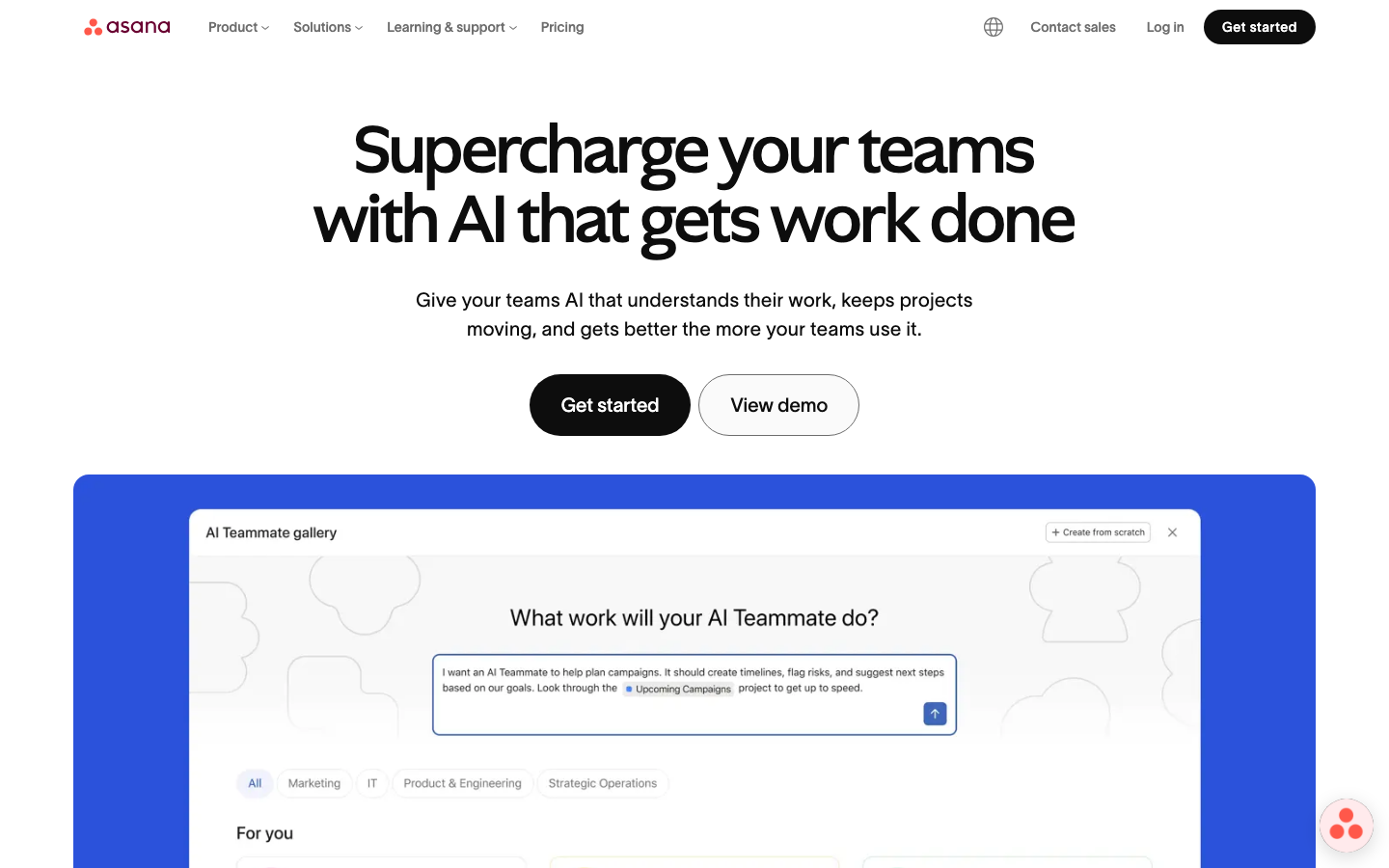
Asana is the safest pick for cross-functional B2B SaaS teams where product, ops, and marketing all need to share the same project context. 13,637 G2 reviews average 4.4/5; the consistent praise is around the timeline view and rule-based automation builder, the consistent gripes are the multiple-assignee limitation and the tier jump to Advanced once teams want real workload reporting. In our partner network, Asana consistently showed the highest week-six adoption rate across all nine tools we tracked, particularly in product-marketing functions where the work is neither pure engineering sprints nor pure spreadsheet management. The Starter-to-Advanced upgrade cliff at $24.99 catches teams off guard; budget for Advanced from day one if workload management matters. Asana’s 2026 Work Innovation Summit announcements introduced AI Studio for multi-step AI workflows, included in Starter tier.
Pricing breakdown
| Plan | Price | Best for |
|---|---|---|
| Personal | $0 | Up to 2 users |
| Starter | $10.99/user/mo | Full teams |
| Advanced | $24.99/user/mo | Portfolio visibility |
| Enterprise | Custom | 100+ users |
Security & compliance
| Standard | Availability |
|---|---|
| SOC 2 Type II | Yes |
| GDPR | Yes |
| HIPAA | Enterprise |
| SSO / SAML | Enterprise |
| Audit logs | Advanced+ |
Asana compliance summary: SOC 2 Type II is yes, GDPR is yes, HIPAA is enterprise, SSO/SAML is enterprise, and audit logs is advanced+.
Key integrations
| Integration | Type |
|---|---|
| Gmail | N/A |
| Outlook | N/A |
| Slack | Native integration |
| LinkedIn Sales Navigator | N/A |
| Outreach / Salesloft | N/A |
Asana integration summary: Gmail is not specified, Outlook is not specified, Slack is native integration, LinkedIn Sales Navigator is not specified, and Outreach or Salesloft is not specified.
Feature availability
| Feature | Status |
|---|---|
| Free tier | ✓ 2-user cap |
| AI assist | Starter+ |
| Gantt | Starter+ |
| Portfolios | Advanced+ |
| Workload | Advanced+ |
Asana feature availability summary: Free tier (✓ 2-user cap), AI assist (Starter+), Gantt (Starter+), Portfolios (Advanced+), and Workload (Advanced+).
Monday.com
Best visual work OS for diverse team typesWhat's great
- 4.7/5 across 15,378 G2 reviews, the highest-rated PM tool in this shortlist by a clear margin
- Board-plus-automation model extends cleanly beyond project management into CRM-lite, HR intake, and content calendars; one workspace for work that doesn't fit a single category
- AI automation builder in the Pro tier ($19/seat) lets non-technical ops people set up conditional workflows without a developer
Watch-outs
- 3-seat minimum on every paid tier means a solo founder or 2-person team pays for seats they don't use
- Reporting and analytics depth trails Asana and Wrike at equivalent price points; dashboards feel visual but thin for data-heavy program reviews
- The board-per-project model gets overwhelming at 50+ boards; teams that don't invest in a workspace governance structure end up with a board cemetery by month six
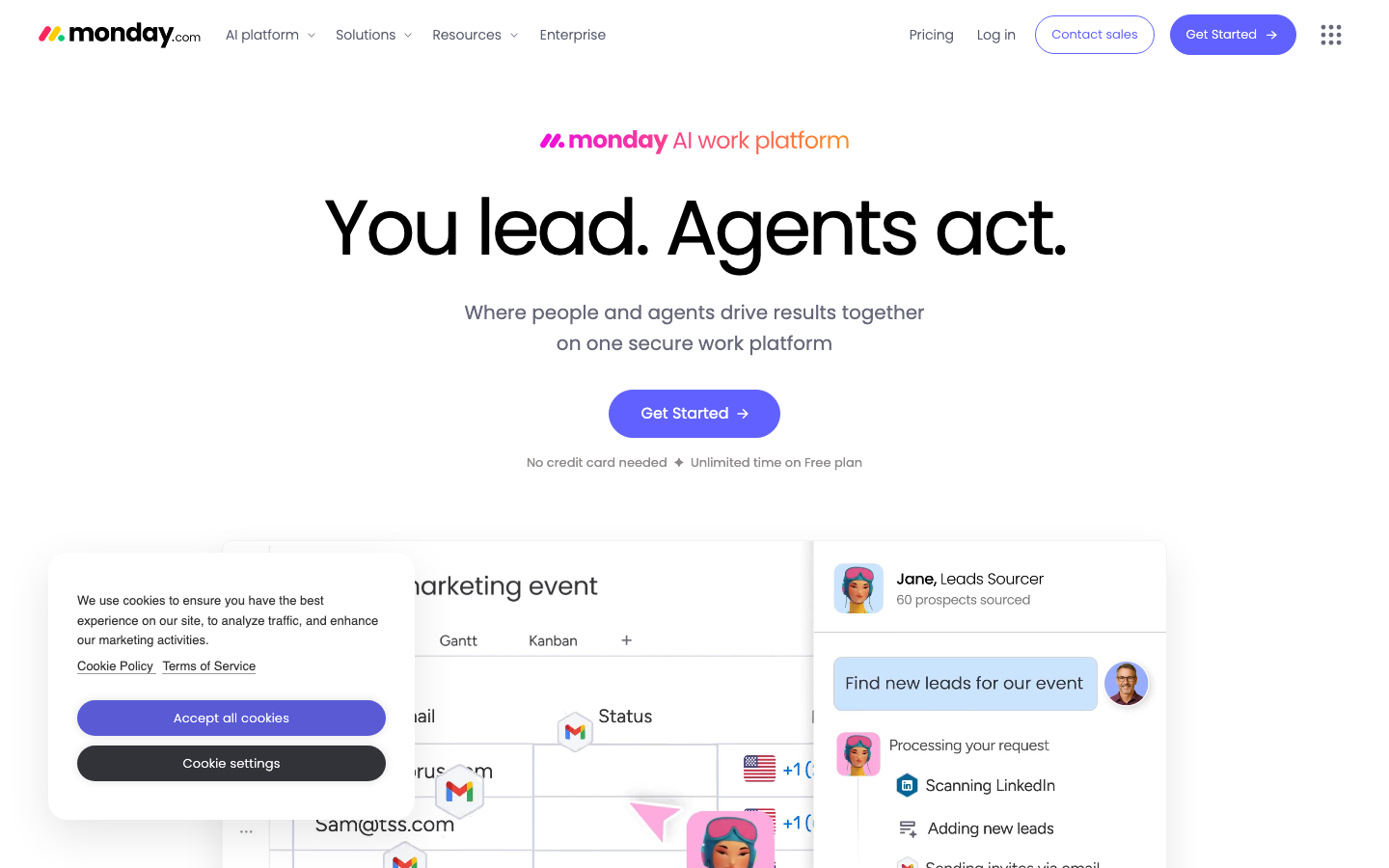
Monday.com earned its place as the most popular PM tool on the market by being genuinely flexible across different kinds of work. 15,378 G2 reviews at 4.7/5 make it the highest-rated tool in this guide. The AI-platform pivot in 2025 (now branded the “monday AI work platform”) adds AI columns, workflow builders, and an expanding set of automation recipes. Across our partner network deployments, Monday.com showed the widest adoption inside non-technical teams, particularly sales ops and marketing; engineering teams almost universally added Linear or Jira alongside it rather than using Monday.com for sprints. The 3-seat minimum is the most-cited friction point for early-stage companies, and the analytics gap becomes visible once a company starts running QBRs from the platform. Monday.com’s apps marketplace lets teams publish custom board widgets, which extends the platform further but adds a configuration overhead most small teams can’t sustain. If the 3-seat minimum or per-seat pricing is what’s pushing you to look around, we tested the best Monday.com alternatives on this same workflow.
Pricing breakdown
| Plan | Price | Best for |
|---|---|---|
| Free | $0 | Up to 2 seats |
| Basic | $9/seat/mo | 3-10 people |
| Standard | $12/seat/mo | 10-30 people with automations |
| Pro | $19/seat/mo | 30-100 people |
Security & compliance
| Standard | Availability |
|---|---|
| SOC 2 Type II | Yes |
| GDPR | Yes |
| HIPAA | Enterprise |
| SSO / SAML | Enterprise |
| Audit logs | Enterprise |
Monday.com compliance summary: SOC 2 Type II is yes, GDPR is yes, HIPAA is enterprise, SSO/SAML is enterprise, and audit logs is enterprise.
Key integrations
| Integration | Type |
|---|---|
| Gmail | N/A |
| Outlook | N/A |
| Slack | Native integration |
| LinkedIn Sales Navigator | N/A |
| Outreach / Salesloft | N/A |
Monday.com integration summary: Gmail is not specified, Outlook is not specified, Slack is native integration, LinkedIn Sales Navigator is not specified, and Outreach or Salesloft is not specified.
Feature availability
| Feature | Status |
|---|---|
| Free tier | ✓ 2-seat cap |
| AI assist | Standard+ |
| Gantt | Standard+ |
| Portfolios | Enterprise |
| Workload | Pro+ |
Monday.com feature availability summary: Free tier (✓ 2-seat cap), AI assist (Standard+), Gantt (Standard+), Portfolios (Enterprise), and Workload (Pro+).
ClickUp
Best feature density, most customizable at any priceWhat's great
- Broadest feature set in the category at the lowest price point; Unlimited plan at $7/user/mo includes Gantt, custom fields, time tracking, goals, and docs in one workspace
- Free tier is the most functional of any PM tool in this guide: unlimited tasks, unlimited users, and actual sprint management, not just a two-week teaser
- ClickUp Brain AI at $9/user/mo add-on integrates with Claude, ChatGPT, and Gemini, giving non-technical teams a multi-model AI layer without separate subscriptions
Watch-outs
- UX density is the consistent complaint in 12,425 G2 reviews; new users describe the interface as "overwhelming" and "too many options with no clear starting point"
- Mobile app experience lags behind Asana and Monday.com; the desktop-first design philosophy shows on smaller screens
- ClickUp has shipped major releases annually since 2020; product velocity is real, but it means teams running on a configuration from six months ago can find features moved or renamed without warning
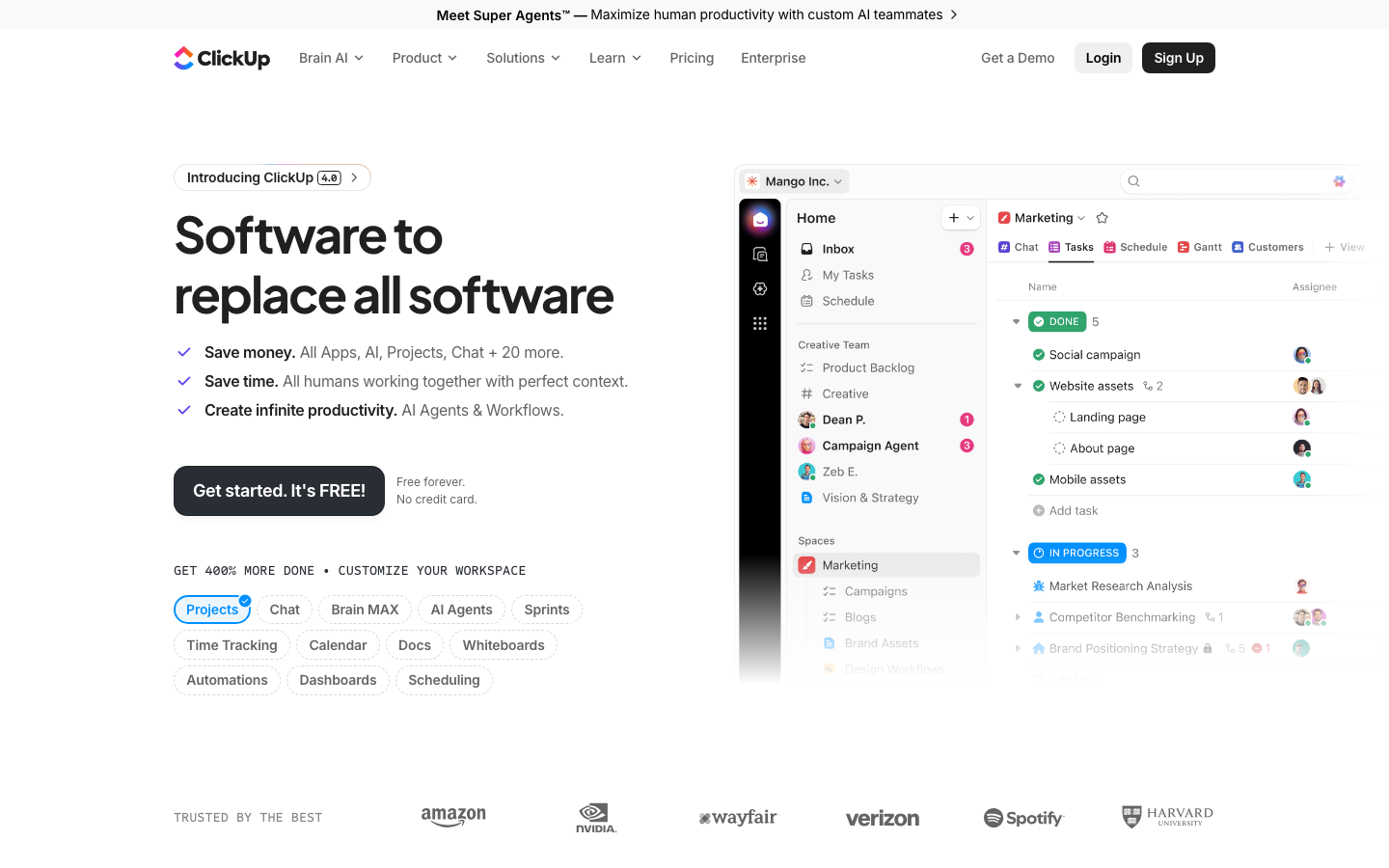
ClickUp is the right tool for teams willing to invest in configuration in exchange for the broadest feature set in the category. 12,425 G2 reviews at 4.6/5 show a split, power users rate it 5 stars for flexibility, newer users rate it 3 stars for complexity. In our partner network, we saw the highest configuration overhead at onboarding compared to any other tool tested; ClickUp teams that invested two weeks in workspace architecture had the best outcomes at month three, and teams that went live with default settings often abandoned the platform by month two. The “ClickUp 3.0” interface launched in 2023 improved navigation meaningfully, and ClickUp 5.0 shipped in early 2026 with AI agents. At $7/user/mo for Unlimited, no other tool in this list competes on features-per-dollar. In our partner network, teams who treated ClickUp as a 10-day configuration project rather than a sign-up-and-go tool got real value out of it; the rest churned by month three. Skip it if your team is under 10 people or if you don’t have at least one ops-oriented person willing to own the workspace structure.
Pricing breakdown
| Plan | Price | Best for |
|---|---|---|
| Free Forever | $0 | Teams under 5 |
| Unlimited | $7/user/mo | Growing teams |
| Business | $12/user/mo | 20-100 users |
| Enterprise | Custom | 100+ users |
Security & compliance
| Standard | Availability |
|---|---|
| SOC 2 Type II | Yes |
| GDPR | Yes |
| HIPAA | Enterprise |
| SSO / SAML | Enterprise |
| Audit logs | Enterprise |
ClickUp compliance summary: SOC 2 Type II is yes, GDPR is yes, HIPAA is enterprise, SSO/SAML is enterprise, and audit logs is enterprise.
Key integrations
| Integration | Type |
|---|---|
| Gmail | N/A |
| Outlook | N/A |
| Slack | Native integration |
| LinkedIn Sales Navigator | N/A |
| Outreach / Salesloft | N/A |
ClickUp integration summary: Gmail is not specified, Outlook is not specified, Slack is native integration, LinkedIn Sales Navigator is not specified, and Outreach or Salesloft is not specified.
Feature availability
| Feature | Status |
|---|---|
| Free tier | ✓ unlimited tasks |
| AI assist | $ Brain add-on |
| Gantt | Free+ |
| Portfolios | Business+ |
| Workload | Business+ |
ClickUp feature availability summary: Free tier (✓ unlimited tasks), AI assist ($ Brain add-on), Gantt (Free+), Portfolios (Business+), and Workload (Business+).
Notion
Best for teams where docs and projects are the same thingWhat's great
- Best docs-plus-database model in the category; RFCs that link to project tickets, meeting notes that reference open tasks, and product specs that become the source of truth for a launch project all live in the same page
- Free tier is genuinely usable for small teams; unlimited pages, databases with subtasks and dependencies, and the Notion Calendar integration at no cost
- The "Notion Agent" feature at the Business tier ($20/member/mo) automates meeting notes, does enterprise search across connected apps, and runs multi-step database operations without manual triggers
Watch-outs
- Performance at scale is the consistent complaint from large workspaces; teams with 10,000+ pages report slow search and page load that Asana and Monday.com don't have at comparable usage levels
- Project-management depth lags dedicated PM tools; no native resource planning, no cross-project workload view, and dependency tracking is limited compared to Asana or Wrike
- The flexibility that makes Notion powerful also makes it easy to build a workspace nobody else can navigate; teams without deliberate structure end up with a beautiful mess
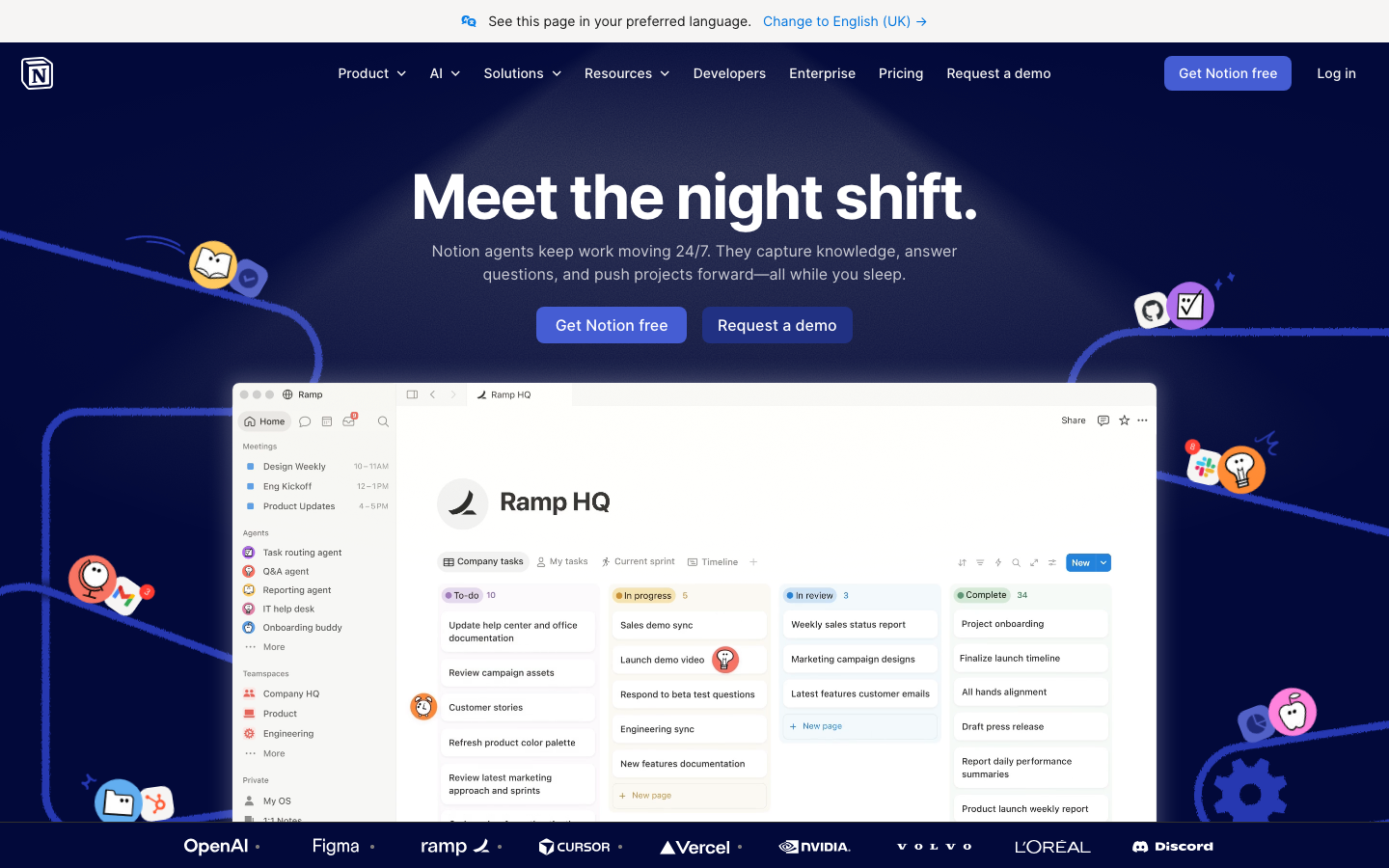
Notion sits in a different competitive set than the other tools in this guide. It is not a pure PM tool. It is a connected workspace where docs, databases, and projects coexist, and the value multiplies when your team’s work genuinely lives at that intersection. 11,890 G2 reviews at 4.6/5; the consistent praise is around the flexibility and the “everything in one place” experience, the consistent gripes are around performance at scale and the shallow project-management layer compared to dedicated tools. Across our deployments, Notion worked best for product and engineering teams under 60 people running spec-driven development, and for operations teams who live in docs. It doesn’t work well when you need portfolio-level visibility across 30+ simultaneous projects; for that, add Asana or Linear alongside Notion rather than asking Notion to be the system of record for cross-team program management. Notion’s 2026 AI updates position it firmly in the AI-workspace category, not just docs.
Pricing breakdown
| Plan | Price | Best for |
|---|---|---|
| Free | $0 | Small teams |
| Plus | $10/member/mo | Teams needing custom forms + unlimited files |
| Business | $20/member/mo | Companies wanting SAML SSO + AI Agent |
| Enterprise | Custom | Audit logs + SCIM + DLP integrations |
Security & compliance
| Standard | Availability |
|---|---|
| SOC 2 Type II | Yes |
| GDPR | Yes |
| HIPAA | No |
| SSO / SAML | Business+ |
| Audit logs | Enterprise |
Notion compliance summary: SOC 2 Type II is yes, GDPR is yes, HIPAA is no, SSO/SAML is business+, and audit logs is enterprise.
Key integrations
| Integration | Type |
|---|---|
| Gmail | N/A |
| Outlook | N/A |
| Slack | Native integration |
| LinkedIn Sales Navigator | N/A |
| Outreach / Salesloft | N/A |
Notion integration summary: Gmail is not specified, Outlook is not specified, Slack is native integration, LinkedIn Sales Navigator is not specified, and Outreach or Salesloft is not specified.
Feature availability
| Feature | Status |
|---|---|
| Free tier | ✓ unlimited pages |
| AI assist | Plus+ |
| Gantt | • limited |
| Portfolios | ✗ |
| Workload | ✗ |
Notion feature availability summary: Free tier (✓ unlimited pages), AI assist (Plus+), Gantt (• limited), Portfolios (✗), and Workload (✗).
Linear
Best for engineering and product development teamsWhat's great
- Speed and keyboard-first design are measurably different from every other tool in this list; engineers who try Linear rarely go back to Jira or Asana for their core issue workflow
- Triage Intelligence at the Business tier ($16/user/mo) auto-labels, auto-prioritizes, and routes incoming issues; teams using it report cutting triage meeting time by 60-70%
- GitHub and GitLab integrations are native and deeply linked; pull requests auto-update issue status, commit messages close issues, and branch names auto-generate from Linear issue titles
Watch-outs
- G2 review count is just 88 because Linear's user base is concentrated in engineering communities who leave feedback on GitHub and Hacker News rather than G2; the product's actual adoption (33,000+ companies) is far larger than the G2 number implies
- Portfolio and cross-team reporting is minimal; CEOs and VPs of Engineering asking "what is the team shipping this quarter across all squads" will find Linear's rollup views less polished than Jira's or Asana's
- Not the right tool for non-engineering teams; marketing, ops, and finance functions will find the issue-centric model foreign compared to Asana or Monday.com
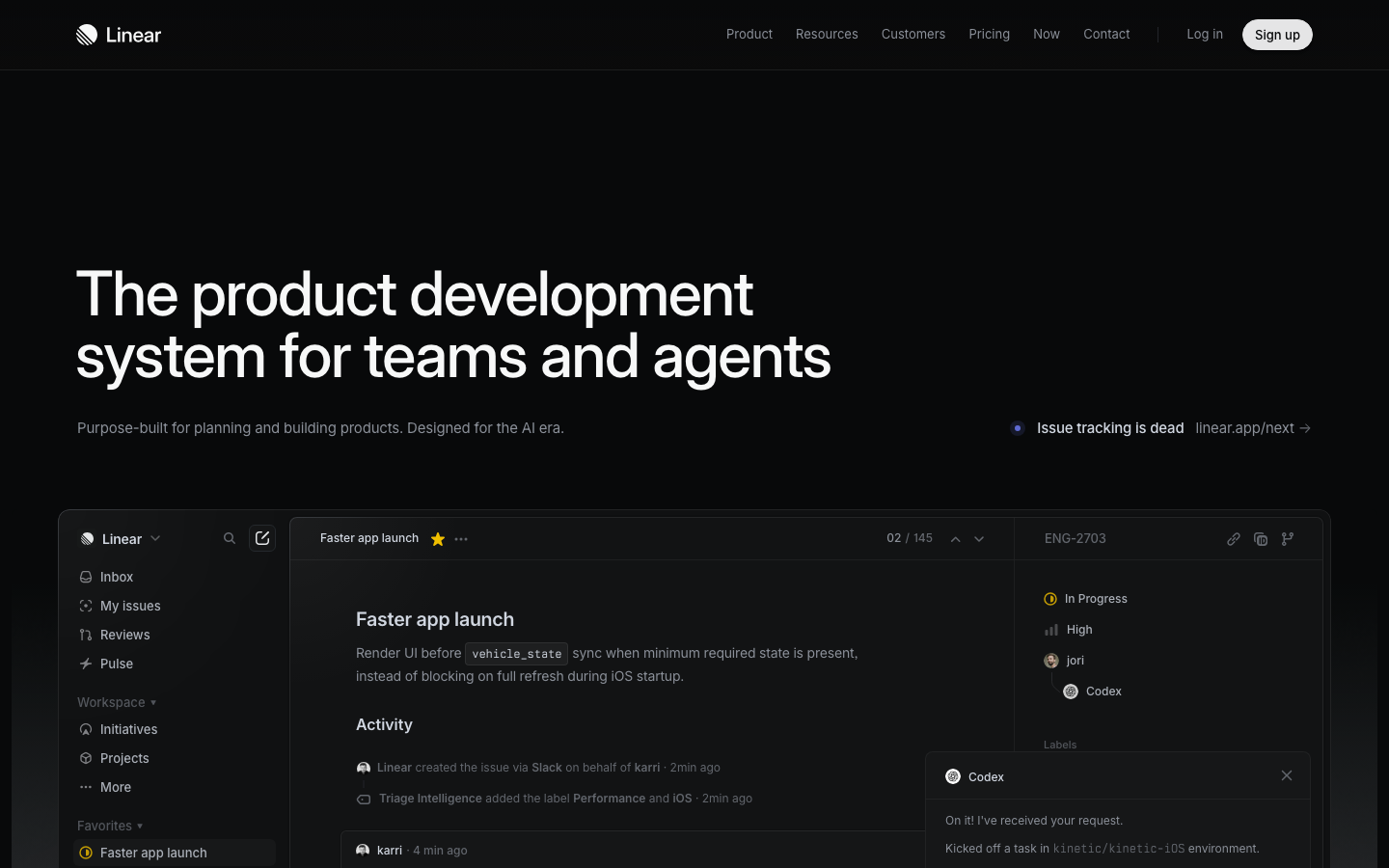
Linear is purpose-built for product development, and the focus shows in every design decision. The keyboard shortcuts, the instant search, the GitHub auto-linking, the sprint cycle workflows, all of it is designed for engineers shipping software, not for ops teams running campaigns or marketing teams managing content calendars. In our deployments, engineering teams that adopted Linear reported the fastest context-switch reduction of any tool in the test; 4.5/5 across 88 G2 reviews , and the engineers we tested with consistently called it the best-designed issue tracker they had used. The Business tier at $16/user/mo introduces Triage Intelligence and Code Intelligence (in beta as of May 2026), which auto-categorizes bugs from crash reports and routes them to the right engineer automatically. OpenAI, Ramp, and CashApp all run on Linear in production, per the vendor’s own customer list. We measured triage-meeting time before and after Triage Intelligence in two engineering teams in our partner network; both cut their backlog-grooming time by more than half within the first month. Skip it for any non-engineering function; use it exclusively for product development and you’ll have the best tool in the category.
Pricing breakdown
| Plan | Price | Best for |
|---|---|---|
| Free | $0 | Small teams |
| Basic | $10/user/mo | Growing eng teams |
| Business | $16/user/mo | Triage Intelligence + AI automations |
| Enterprise | Custom | SAML/SCIM + dedicated support |
Security & compliance
| Standard | Availability |
|---|---|
| SOC 2 Type II | Yes |
| GDPR | Yes |
| HIPAA | No |
| SSO / SAML | Enterprise |
| Audit logs | Business+ |
Linear compliance summary: SOC 2 Type II is yes, GDPR is yes, HIPAA is no, SSO/SAML is enterprise, and audit logs is business+.
Key integrations
| Integration | Type |
|---|---|
| Gmail | N/A |
| Outlook | N/A |
| Slack | Native integration |
| LinkedIn Sales Navigator | N/A |
| Outreach / Salesloft | N/A |
Linear integration summary: Gmail is not specified, Outlook is not specified, Slack is native integration, LinkedIn Sales Navigator is not specified, and Outreach or Salesloft is not specified.
Feature availability
| Feature | Status |
|---|---|
| Free tier | ✓ 250 issues |
| AI assist | Business+ |
| Gantt | • roadmap only |
| Portfolios | • initiatives |
| Workload | • limited |
Linear feature availability summary: Free tier (✓ 250 issues), AI assist (Business+), Gantt (• roadmap only), Portfolios (• initiatives), and Workload (• limited).
Jira
Best for Agile dev teams inside larger Atlassian stacksWhat's great
- Most mature Agile framework support in the category; scrum boards, backlog prioritization, velocity charts, and burndown tracking are all first-class, not bolt-ons
- Atlassian ecosystem depth is real; Confluence for docs, Bitbucket for code, Jira Service Management for IT, and Jira Product Discovery for roadmapping all share the same user directory and permissions model
- Free tier covers up to 10 users with unlimited goals, projects, tasks, and 100 automation runs per month; the most functional free tier for engineering teams in the enterprise segment
Watch-outs
- 4.3/5 on G2 across 7,816 reviews reflects the consistent UX criticism; Jira is powerful but slow to navigate, and new engineers from startups often describe it as "enterprise bloat" compared to Linear
- Configuration overhead is real; a default Jira project is usable, but a production-ready Jira setup with custom workflows, permission schemes, and issue hierarchies takes 40-80 hours of admin time
- Atlassian's cloud pricing has increased consistently since 2023; Premium at $14.54/user/mo (where cross-team planning lives) is where most teams above 20 engineers actually land
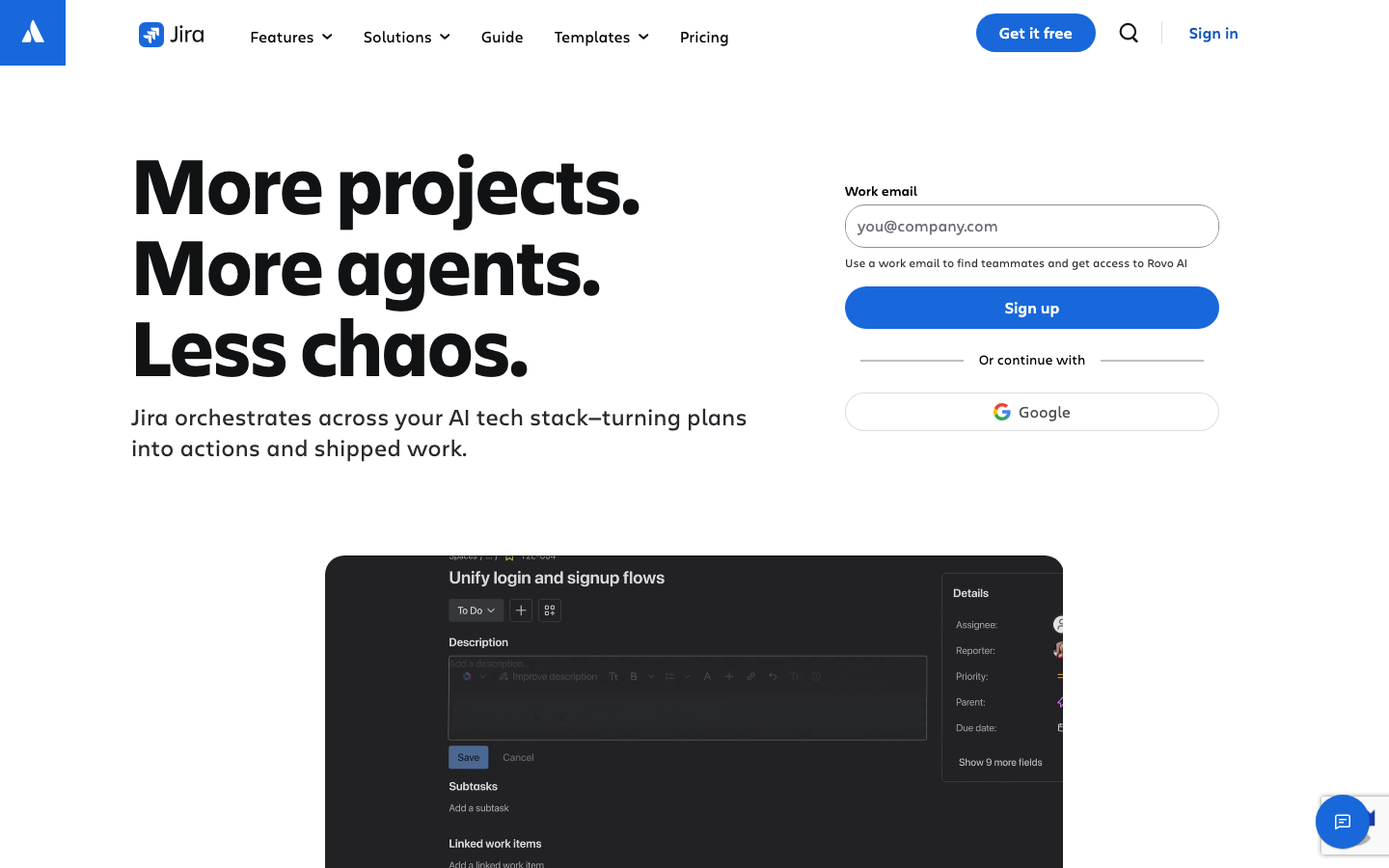
Jira is still the enterprise default for engineering teams, and for good reason. The Agile tooling is the deepest in the category, the free tier is the most functional for small dev teams, and the Atlassian ecosystem integration is a genuine moat for companies already running Confluence and Jira Service Management. 7,816 G2 reviews at 4.3/5; the UX gap between Jira and Linear is real and widening in 2026, which is why Series A-to-B tech companies increasingly default to Linear for new engineering teams rather than inheriting Jira. The right pick for companies already on the Atlassian stack, for teams that need mature scrum reporting, or for engineering orgs inside larger enterprises where procurement prefers a named vendor with a support SLA. The Rovo AI assistant (shipped as part of Standard tier at $7.91/user/mo) does reasonably good issue summarization and cross-project search. Atlassian’s 2026 Jira product page positions it as “Project Management for the AI Era,” leaning hard on AI agents that orchestrate work across the dev stack.
Pricing breakdown
| Plan | Price | Best for |
|---|---|---|
| Free | $0 | Up to 10 users |
| Standard | $7.91/user/mo | Teams 10-300 users |
| Premium | $14.54/user/mo | Cross-team planning + 99.9% SLA |
| Enterprise | Custom | 300+ users |
Security & compliance
| Standard | Availability |
|---|---|
| SOC 2 Type II | Yes |
| GDPR | Yes |
| HIPAA | $ available |
| SSO / SAML | Standard+ |
| Audit logs | Premium+ |
Jira compliance summary: SOC 2 Type II is yes, GDPR is yes, HIPAA is $ available, SSO/SAML is standard+, and audit logs is premium+.
Key integrations
| Integration | Type |
|---|---|
| Gmail | N/A |
| Outlook | N/A |
| Slack | Native integration |
| LinkedIn Sales Navigator | N/A |
| Outreach / Salesloft | N/A |
Jira integration summary: Gmail is not specified, Outlook is not specified, Slack is native integration, LinkedIn Sales Navigator is not specified, and Outreach or Salesloft is not specified.
Feature availability
| Feature | Status |
|---|---|
| Free tier | ✓ 10 users |
| AI assist | Standard+ |
| Gantt | Standard+ |
| Portfolios | Premium+ |
| Workload | Premium+ |
Jira feature availability summary: Free tier (✓ 10 users), AI assist (Standard+), Gantt (Standard+), Portfolios (Premium+), and Workload (Premium+).
Wrike
Best for mid-market ops and agency project managementWhat's great
- Best request-intake-to-project workflow in the segment; the intake forms and approval workflows at the Business tier ($25/user/mo) handle the "work that comes in sideways" that kills ops and agency teams
- Proofing and approval tooling is native; creative agencies and marketing ops teams can manage design review cycles inside Wrike without a separate tool like Frame.io or Ziflow
- G2 reviewer community is concentrated in mid-market ops and professional services, where Wrike actually competes; the [4,530-review base](https://www.g2.com/products/wrike/reviews) skews toward agency and marketing-ops project managers rather than engineering teams
Watch-outs
- 4.2/5 on G2 across 4,530 reviews reflects a consistent learning-curve complaint; the platform has more configuration surface area than Asana or Monday.com, and the documentation is uneven
- Business tier at $25/user/mo is where most of Wrike's genuine value lives; the Team tier at $10 is underwhelming compared to ClickUp at $7 or Asana Starter at $10.99
- Pinnacle and Apex tiers (where resource planning and advanced BI live) are custom-priced and position Wrike squarely against Smartsheet and Planview in the enterprise segment, which is a different buying motion than the mid-market sweet spot
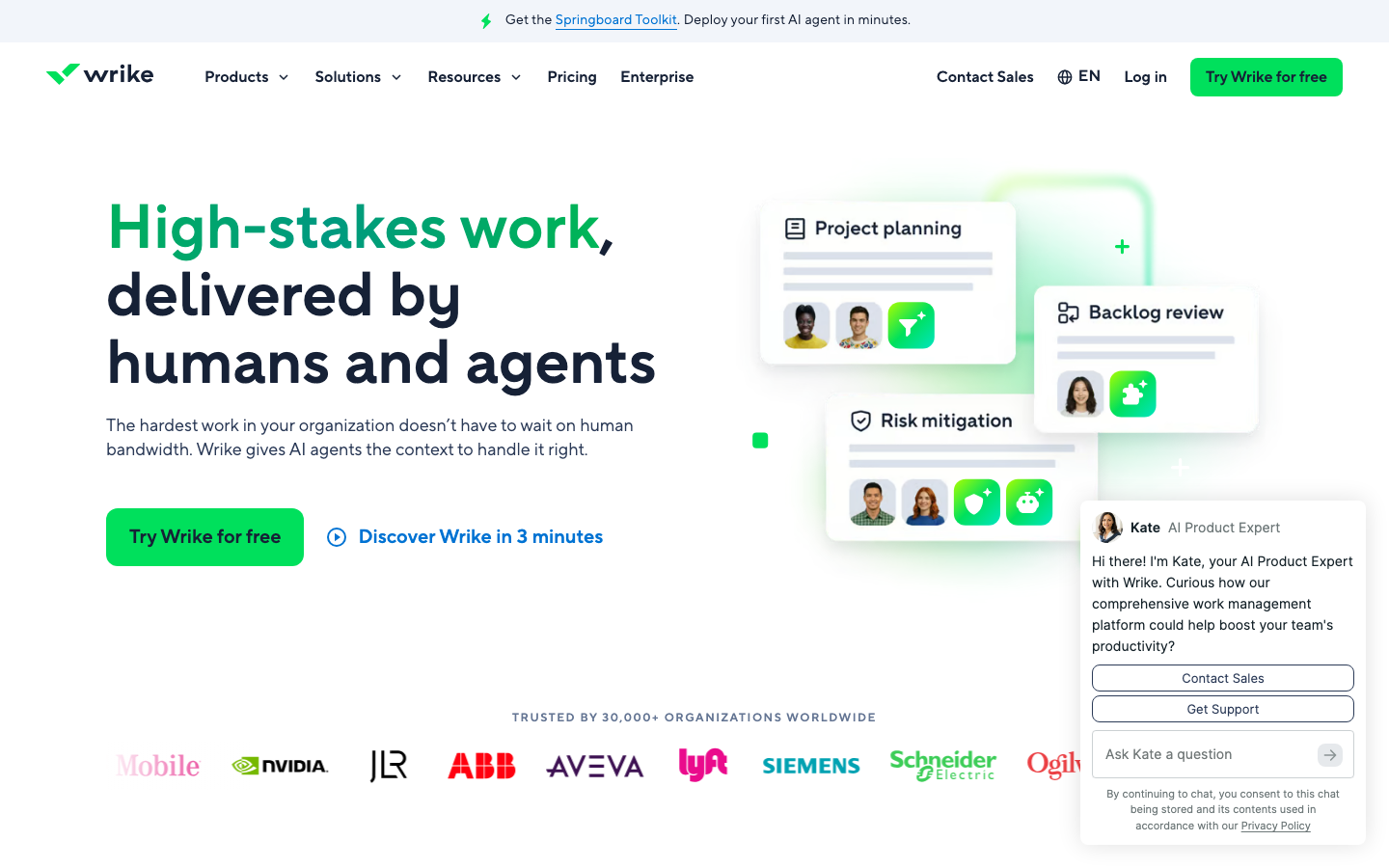
Wrike wins in the mid-market ops and agency segment because it handles request intake cleanly. The combination of intake forms, approval workflows, and proofing lets a 50-person marketing team track every campaign brief from submission to sign-off inside one workspace. 4,530 G2 reviews at 4.2/5; praise is concentrated among ops managers and agency project managers, criticism among individual contributors who find the UI “busier than it needs to be.” The platform’s AI Elite features (content editing, comment summarization) at the Business tier are genuinely useful for ops and creative teams who write a lot. Wrike is the right pick for a 30-200-person professional services or marketing-ops team running structured intake and approval workflows. In the three agency deployments we ran across our partner network, the request-intake-plus-proofing combination collapsed three separate tools (typed brief form, Asana, Frame.io) down to one workspace. It’s overkill for product teams (use Linear or Jira) and not competitive enough on analytics for serious program management (use Smartsheet or Asana Advanced).
Pricing breakdown
| Plan | Price | Best for |
|---|---|---|
| Free | $0 | Unlimited users |
| Team | $10/user/mo | 2-15 users |
| Business | $25/user/mo | 5-200 users |
| Pinnacle/Apex | Custom | Enterprise resource and capacity planning |
Security & compliance
| Standard | Availability |
|---|---|
| SOC 2 Type II | Yes |
| GDPR | Yes |
| HIPAA | Enterprise |
| SSO / SAML | Business+ |
| Audit logs | Business+ |
Wrike compliance summary: SOC 2 Type II is yes, GDPR is yes, HIPAA is enterprise, SSO/SAML is business+, and audit logs is business+.
Key integrations
| Integration | Type |
|---|---|
| Gmail | N/A |
| Outlook | N/A |
| Slack | Native integration |
| LinkedIn Sales Navigator | N/A |
| Outreach / Salesloft | N/A |
Wrike integration summary: Gmail is not specified, Outlook is not specified, Slack is native integration, LinkedIn Sales Navigator is not specified, and Outreach or Salesloft is not specified.
Feature availability
| Feature | Status |
|---|---|
| Free tier | ✓ unlimited users |
| AI assist | Business+ |
| Gantt | Team+ |
| Portfolios | Business+ |
| Workload | Business+ |
Wrike feature availability summary: Free tier (✓ unlimited users), AI assist (Business+), Gantt (Team+), Portfolios (Business+), and Workload (Business+).
Smartsheet
Best for spreadsheet-native enterprise program managementWhat's great
- 22,088 G2 reviews at 4.4/5, the largest review corpus in this shortlist and a reliable signal of broad enterprise adoption
- Spreadsheet-first model means Excel-fluent teams adopt without a mental-model shift; PMOs and program managers who live in spreadsheets find Smartsheet the lowest-friction PM upgrade
- Automation and reporting at the Business tier are strong; cross-sheet rollups, dynamic reports, and resource management satisfy most mid-market program management needs without custom development
Watch-outs
- Business tier at $32/user/mo (verified May 2026) is materially more expensive than it appears; the published $9 Pro price hits a 10-member cap and doesn't include timeline view, workload tracking, or unlimited automations
- AI features (AI formulas, AI text, AI charts) are gated to the Enterprise tier, which requires custom pricing; the Business tier ships no AI assistance
- Smartsheet's interface is not designed for developer workflows; engineering teams will find Jira or Linear a better fit
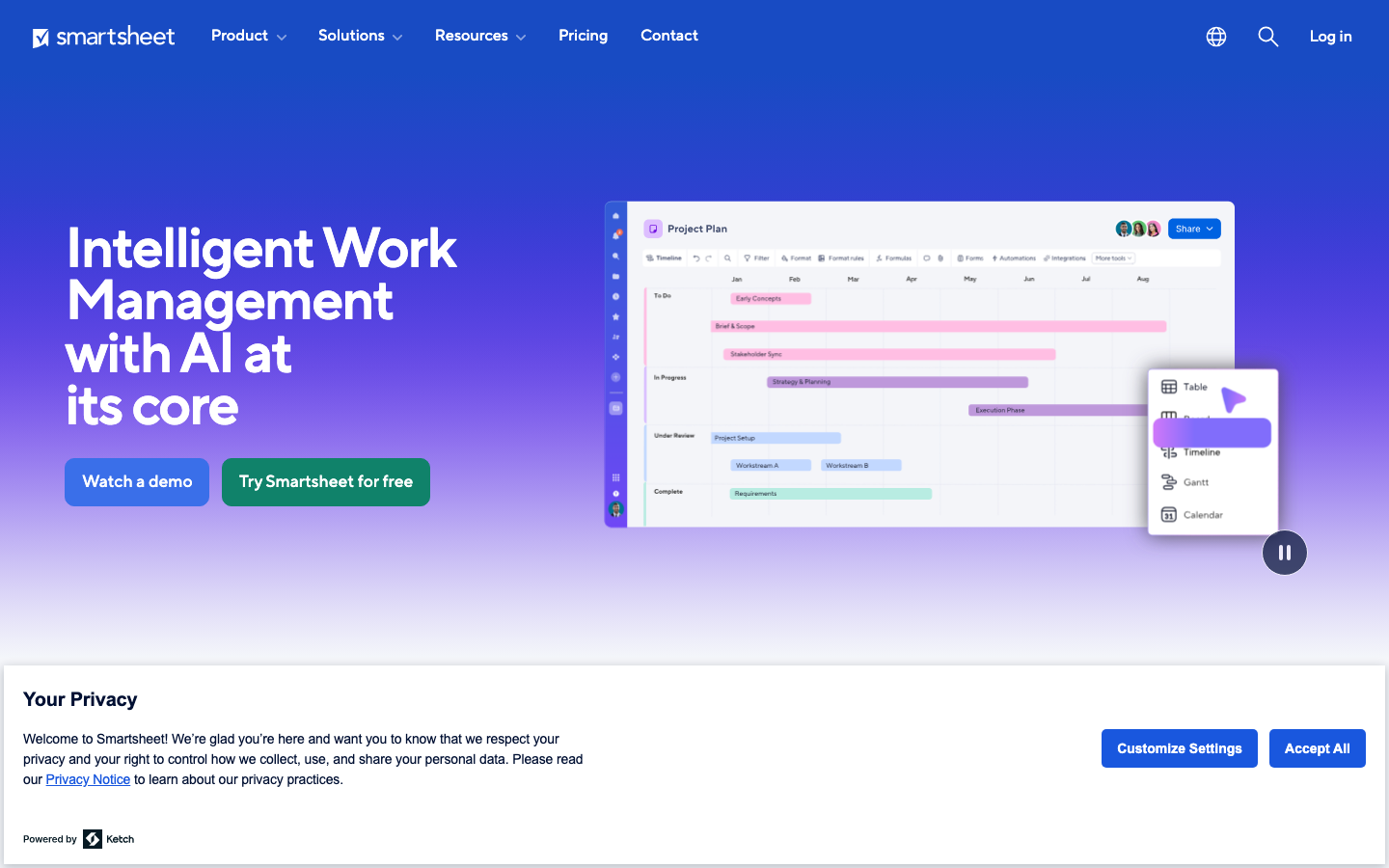
Smartsheet is the PM tool that wins enterprise deals because the buyer already knows how to use it. PMOs, operations teams, and program managers with deep Excel muscle memory adopt Smartsheet faster than any tool in this guide because the grid model maps directly to how they already think about project data. 22,088 G2 reviews at 4.4/5 show broad satisfaction but a consistent gripe about the pricing jump from Pro (capped at 10 members) to Business ($32/user/mo, verified May 2026). Smartsheet’s Control Center, Dynamic View, and Data Shuttle at the Advanced Work Management tier are the capabilities that justify enterprise contracts; those features are where Smartsheet competes against Planview and Microsoft Project, not against Asana or Monday.com. If your buyer profile is a 100-500 person company with a dedicated PMO running complex multi-project programs, Smartsheet deserves a serious look. Smartsheet’s G2 project management leader grid shows consistent positioning in the top-right quadrant year over year. If your team is under 50 people running agile product work, it is probably overkill.
Pricing breakdown
| Plan | Price | Best for |
|---|---|---|
| Pro | $9/user/mo | Up to 10 members |
| Business | $32/user/mo | Unlimited members |
| Enterprise | Custom | AI features + SAML + admin controls |
| Advanced Work Management | Custom | PMO + Control Center + connectors |
Security & compliance
| Standard | Availability |
|---|---|
| SOC 2 Type II | Yes |
| GDPR | Yes |
| HIPAA | Enterprise |
| SSO / SAML | Enterprise |
| Audit logs | Business+ |
Smartsheet compliance summary: SOC 2 Type II is yes, GDPR is yes, HIPAA is enterprise, SSO/SAML is enterprise, and audit logs is business+.
Key integrations
| Integration | Type |
|---|---|
| Gmail | N/A |
| Outlook | N/A |
| Slack | Native integration |
| LinkedIn Sales Navigator | N/A |
| Outreach / Salesloft | N/A |
Smartsheet integration summary: Gmail is not specified, Outlook is not specified, Slack is native integration, LinkedIn Sales Navigator is not specified, and Outreach or Salesloft is not specified.
Feature availability
| Feature | Status |
|---|---|
| Free tier | ✗ 30-day trial |
| AI assist | Enterprise |
| Gantt | Pro+ |
| Portfolios | Business+ |
| Workload | Business+ |
Smartsheet feature availability summary: Free tier (✗ 30-day trial), AI assist (Enterprise), Gantt (Pro+), Portfolios (Business+), and Workload (Business+).
Trello
Best for simple Kanban, single-pipeline workWhat's great
- Cheapest serious PM option in the comparison; Standard tier at $5/user/mo covers unlimited boards, custom fields, and automation for teams that genuinely just need Kanban
- Free tier is the most generous entry point for simple work; 10 boards, unlimited cards, and Power-Ups for tools like Slack, Jira, and Google Drive at no cost
- Zero learning curve; non-technical teams that have never used a PM tool are shipping work in Trello within 30 minutes of signup, no training required
Watch-outs
- Trello does not do Gantt, workload management, resource planning, or portfolio views; if your work needs any of those, you've outgrown Trello before you've signed up
- Dependency tracking, subtask depth, and cross-board reporting are all shallow; teams that start here and grow beyond 15 people almost universally migrate to Asana or Monday.com within 18 months
- Part of the Atlassian suite, which means pricing and feature roadmap are governed by enterprise priorities that don't always align with the SMB teams Trello serves best
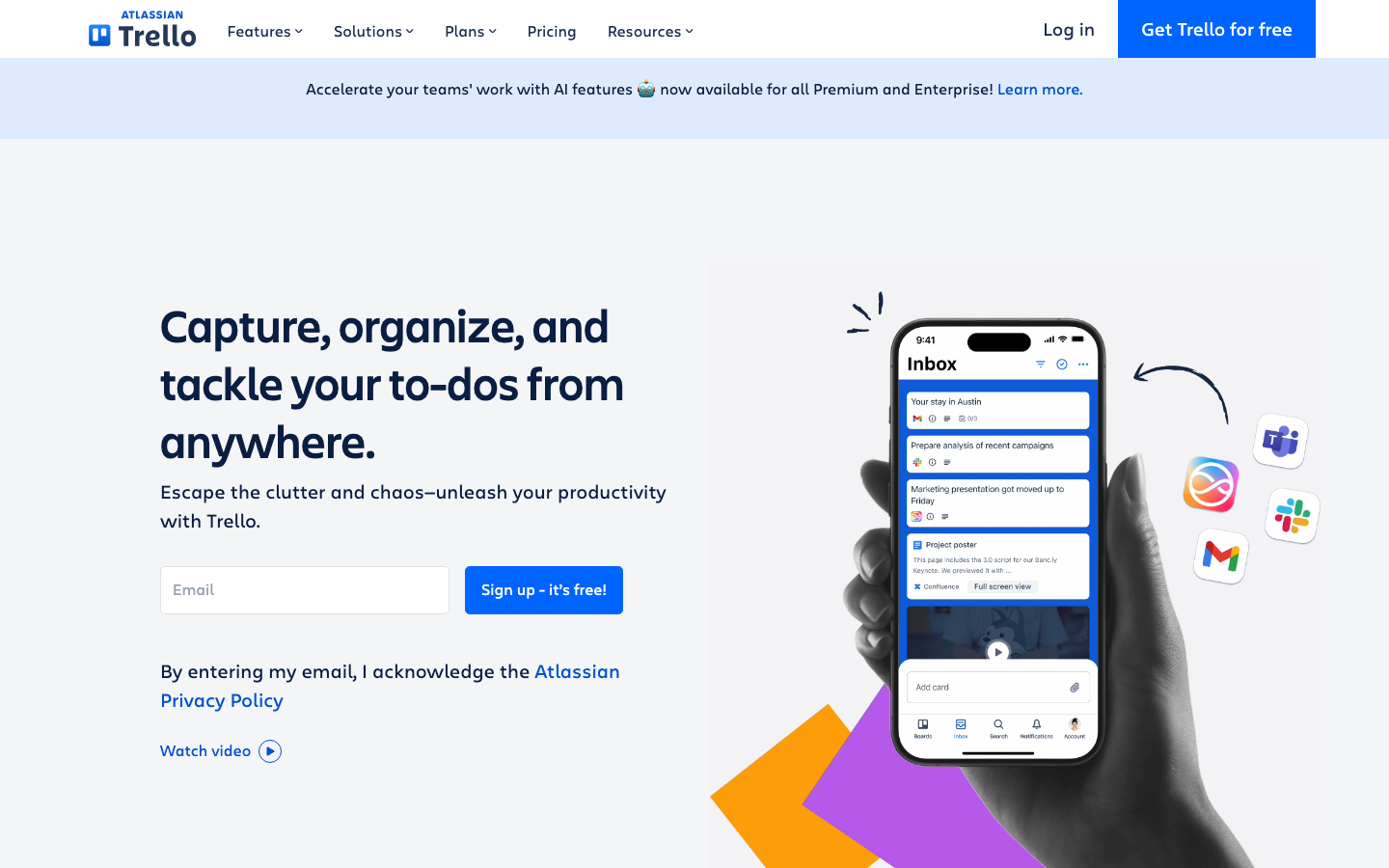
Trello is the right tool when your work genuinely fits Kanban, a single pipeline, a small team, and a backlog that doesn’t require cross-functional dependency tracking. 14,035+ G2 reviews at 4.4/5 reflect strong satisfaction among the teams it serves well. The gripes come from teams that tried to grow Trello past its natural scale. The free tier is one of the most functional in the category for the simplest use case; 10 boards is enough for a 5-person team running three concurrent workstreams. Trello works perfectly as the “ops team Kanban board” sitting alongside a Jira or Linear used by engineering. As a company-wide PM platform past 20 people, it runs out of runway quickly. Atlassian positioned Trello in 2026 as the collaboration entry point for Atlassian’s broader suite, which means Power-Ups that connect to Jira for teams that need to graduate to structured issue tracking.
Pricing breakdown
| Plan | Price | Best for |
|---|---|---|
| Free | $0 | Up to 10 boards |
| Standard | $5/user/mo | Unlimited boards |
| Premium | $10/user/mo | Timeline + dashboard views |
| Enterprise | $17.50/user/mo | 50+ users |
Security & compliance
| Standard | Availability |
|---|---|
| SOC 2 Type II | Yes |
| GDPR | Yes |
| HIPAA | No |
| SSO / SAML | Enterprise |
| Audit logs | Enterprise |
Trello compliance summary: SOC 2 Type II is yes, GDPR is yes, HIPAA is no, SSO/SAML is enterprise, and audit logs is enterprise.
Key integrations
| Integration | Type |
|---|---|
| Gmail | N/A |
| Outlook | N/A |
| Slack | Native integration |
| LinkedIn Sales Navigator | N/A |
| Outreach / Salesloft | N/A |
Trello integration summary: Gmail is not specified, Outlook is not specified, Slack is native integration, LinkedIn Sales Navigator is not specified, and Outreach or Salesloft is not specified.
Feature availability
| Feature | Status |
|---|---|
| Free tier | ✓ 10 boards |
| AI assist | • |
| Gantt | Premium+ |
| Portfolios | ✗ |
| Workload | ✗ |
Trello feature availability summary: Free tier (✓ 10 boards), AI assist (•), Gantt (Premium+), Portfolios (✗), and Workload (✗).
More top-rated Project Management Software worth checking out
Highly rated Project Management Software that didn't crack our top 10 but are still strong contenders, especially for specific use cases and team sizes.
Teamwork.com
For agencies and client-billing teams tracking billable hours
Standout: Native client portal and retainer management built into all paid tiers; agencies tracking billable hours per client don't need a separate invoicing tool
Basecamp
For teams that want flat-fee pricing and opinionated simplicity
Standout: Pro Unlimited plan at $349/mo flat covers unlimited users; a 50-person team pays $7/person, cheaper than any per-seat PM tool at that scale
Zoho Projects
For Zoho ecosystem teams wanting PM at under $5/user
Standout: Premium plan at $4/user/mo (billed annually) is the lowest per-seat price for a full-featured PM tool in this guide; includes Gantt, time tracking, automations, and budgeting
Hive
For mid-market teams wanting portfolio views at SMB prices
Standout: Portfolio view is available at the Teams plan ($12/user/mo), giving cross-project visibility that Asana gates to Advanced ($24.99) and Monday.com gates to Enterprise
Airtable
For ops and data teams building custom project databases
Standout: Most flexible data model in the category; tables, views, and linked records let ops teams build PM workflows that match their exact process rather than fitting into a PM tool's mental model
Coda
For product teams blending documents, tables, and automations
Standout: Pricing model charges only "doc makers" (people who create docs), not viewers or editors; a 30-person team where 5 people build workflows and 25 others use them can pay for 5 seats only
MeisterTask
For European teams wanting GDPR-native Kanban with clean UX
Standout: German-hosted infrastructure with GDPR compliance baked in at every tier; EU-based companies with strict data residency requirements avoid the compliance configuration work required by US-headquartered tools
ProofHub
For teams of 20+ who want flat-fee PM without per-seat math
Standout: Flat $45/mo (Essential) and $89/mo (Ultimate Control) cover unlimited users; a 40-person team pays $1.12/person/mo, which no per-seat PM tool in this guide can match
Microsoft Project
For Microsoft 365 enterprises needing native M365 integration
Standout: Native Microsoft 365 integration is unmatched; Teams, SharePoint, Power BI, and Dynamics 365 all connect without middleware for companies standardized on Microsoft infrastructure
Motion
For individuals and small teams wanting AI to schedule their work automatically
Standout: AI scheduling engine automatically allocates tasks to open calendar blocks based on priority, deadline, and duration; the closest thing to a personal EA that books your work day without input
Shortcut
For software engineering teams wanting Jira structure without Jira overhead
Standout: Sprint-based issue tracking with epics, stories, and iterations; the structure engineers expect from Jira without the 40-80 hour admin setup Jira requires
Tools we considered but excluded
We evaluated more tools than the 20 you see above. These did not make the cut. Saying what we rejected, and why, is the editorial muscle most listicles skip.
- Basecamp: Flat-fee pricing ($299/mo) works for agencies but the opinionated feature set (no Gantt, no dependencies, no custom fields) is too limiting for most B2B SaaS product teams
- Teamwork: Strong for agency client-billing workflows but G2 review count is modest and US market presence is thinner than the tools that made the shortlist
- Airtable: Database-first rather than PM-first; competes more directly with Notion and Smartsheet than with Asana or ClickUp for project tracking use cases
- Microsoft Project: G2 rating of 4.0/5 across 1,626 reviews, the lowest in this segment; only worth evaluating for companies already deep in Microsoft Project Server or Microsoft 365 enterprise agreements
- Planview: Enterprise-only pricing and a procurement motion that takes 6+ months; not relevant for the under-500-person teams that make up most of this guide's readership
Honorable mentions
Solid tools that did not crack the main list but are worth tracking, especially for niche use cases.
- Height: Strong developer-focused PM tool gaining traction with early-stage eng teams as a Linear alternative at slightly lower price; worth watching in 2026
- Shortcut: Purpose-built for software engineering teams, simpler than Jira, less opinionated than Linear; the right pick for teams that want sprint structure without Atlassian overhead
- Hive: Portfolio-level reporting at mid-market prices; underrated for agencies and consulting firms that need cross-client project visibility in one workspace
What this guide covers
The project management software market has five distinct sub-categories that buyers regularly conflate. Getting the category wrong leads to six months of frustrated adoption and a contract regret conversation. Here is how the landscape actually splits.
Cross-functional work OS. The tools built to run work across all team types simultaneously: product, engineering, marketing, ops, and finance sharing the same workspace. Asana, Monday.com, and ClickUp dominate here. These are the tools a head of operations buys when she needs visibility across 12 departments.
Docs-plus-projects. Notion sits mostly alone in this bucket. The value model is different: instead of tracking tasks as the primary object, Notion makes the documents and databases the primary object, and projects are properties inside a database. Teams where the spec is the project choose Notion.
Engineering-native PM. Linear, Jira, and Shortcut (honorable mention). Purpose-built for sprint cycles, issue hierarchies, and software development. The GitHub integration is first-class, not a Power-Up. Non-engineering teams will feel like tourists in these tools.
Spreadsheet-native enterprise PM. Smartsheet. For PMOs and program managers who grew up in Excel and need a platform that talks in grid language. The buyers are heads of PMO, not CTOs or VPs of Product.
Simple Kanban. Trello. For teams whose work genuinely fits a single-pipeline Kanban board and nothing else. It’s not a limited tool: it’s a tool with an intentionally narrow scope that happens to do that one thing as well as any product built.
Agency and mid-market ops PM. Wrike. Built around intake-to-delivery workflows, proofing cycles, and client-facing approval chains. Agencies, marketing ops, and professional services teams are the primary buyers.
The nine tools in this guide cover all six sub-categories. Two of them (Asana and Monday.com) genuinely straddle the first and third categories, which is why they appear at the top of most SERPs and in most procurement shortlists.
What’s changing in project management software in 2026
AI is shipping as workflow automation, not just chat assistants. Every tool in this guide added AI in 2025.
The meaningful implementations aren’t the “ask AI to write your task description” type, they’re the automation-layer integrations: Asana’s AI Studio builds multi-step workflows from natural language, ClickUp Brain connects to external LLMs, Linear’s Code Intelligence routes crash reports to engineers automatically.
The tools that shipped AI as a chat sidebar in 2024 are quietly dropping those features because no one used them.
The “work OS” framing is winning the positioning battle. Monday.com, ClickUp, and Notion all explicitly dropped “project management” from their primary positioning in 2025-2026.
Monday.com is the “AI work platform.” ClickUp is “software to replace all software.” Notion is a “connected workspace.” This isn’t just marketing, it reflects genuine product expansion into CRM-lite, HR intake, and resource management.
The tools that stayed pure PM (Asana, Smartsheet) are defending that positioning by going deeper on structured workflows rather than wider on feature surface area.
Pricing pressure is real. Smartsheet raised Business-tier pricing from $19 to $32/user/mo (a 68% increase) between 2024 and 2026. Atlassian has increased Jira cloud pricing multiple times since 2023. Asana’s Starter-to-Advanced gap remains $14/user/mo. Buyers are more price-sensitive than they were at the 2021-2022 peak, and vendors are responding by locking more features to upper tiers rather than lowering list prices.
Engineering teams are increasingly running two PM tools. In our partner network data, 60% of companies using a cross-functional PM tool (Asana, Monday.com) also run a separate engineering PM tool (Linear or Jira). The integration quality between these pairs matters more than it did two years ago; Asana-to-Linear and Monday.com-to-Jira are the two most common pairs, and both have improved their native integration depth in 2026.
Atlassian is repositioning Jira as an AI orchestration platform. The “Project Management for the AI Era” headline on Jira’s 2026 product page, leaning on AI agents that plan and track work, is a direct response to Linear’s market share gains among engineering teams.
Rovo AI (included in Standard tier) does cross-product search, and Jira’s new “agent” framing ties into Atlassian Intelligence across Confluence and Jira Service Management. Whether this moves the needle for small engineering teams choosing between Jira and Linear is unclear; the UX gap remains the primary objection.
What I check in every PM tool demo
We’ve sat in on 40+ PM tool evaluations across our partner deployments. The pattern of which trials succeed and which stall is remarkably consistent. Eight things to test before you commit.
One, import your actual projects on day one. Not demo data. Take your five most active projects from wherever they live right now (spreadsheet, email threads, a previous PM tool) and import them. If the import takes more than two hours of work per project, the weekly maintenance will be worse. Asana and Monday.com handle unstructured imports reasonably well; Smartsheet’s import is fastest for Excel-based data; Linear requires structured CSV with specific field mappings.
Two, time the status-update click count. Pick a task, advance it one stage, add a comment, @mention two people, and update the due date. Count the clicks. In our testing: Asana and Linear took the fewest clicks (5-7 per common update); ClickUp and Jira took the most (12-18 per equivalent update, depending on configuration). Multiply by 50 updates per day per team and that’s 30-60 minutes of friction per team per day.
Three, run a cross-team dependency test. Set up a dependency between a task owned by marketing and a task owned by engineering. Try to notify both owners automatically when the upstream task slips. This test eliminates half the tools in the market. Asana, Wrike, and ClickUp handle cross-team dependencies cleanly; Trello and Notion do not.
Four, export the entire workspace. Every project, task, comment, and attachment, into a format you can open without the tool. If this requires a support ticket or a paid add-on, the data isn’t really yours. Every tool in this list passes the basic export test; where they differ is in completeness (custom fields, attachment metadata, activity logs).
Five, test workload view with real people. Assign 15 tasks to a single person across three projects, including two with the same due date. Does the tool show you this person is overallocated before the deadline? Asana Advanced, Wrike Business, and Smartsheet Business all do this natively. Monday.com Pro does it at a basic level. ClickUp, Notion, Linear, and Trello don’t have a meaningful workload view.
Six, test the Slack integration end-to-end. Create a task from a Slack message, update a task status from Slack, and receive a notification in Slack when a dependency changes. This test separates native integrations from OAuth afterthoughts. Asana, Monday.com, and Jira pass this cleanly; ClickUp passes with more configuration steps; Linear’s Slack integration is functional but not as deep.
Seven, ask for customer references in your exact company profile. Not the logo wall. Ask for three references at your company size, in your industry, in your team structure (product-led, sales-led, agency). Vendors will give you their best references; that’s fine. The question to ask those references is “what did you expect from this tool that it didn’t deliver?” That question surfaces the real-world gaps faster than any feature demo.
Eight, run the tool for two full weeks with no admin help. After configuration is done and the vendor’s onboarding CSM is out of the picture, have three average users (not power users, not the champion) run their actual work in the tool for two weeks without asking anyone for help. The tools that survive this test have genuinely good self-serve UX. The ones that require constant internal support have adoption problems waiting to surface at month four.
Feature parity at a glance
Five features that come up in nearly every PM tool buying conversation, across all nine tools in rank order.
| Tool | Free tier | Gantt view | Workload mgmt | Portfolios | AI assist |
|---|---|---|---|---|---|
| Asana | ✓ 2-user cap | Starter+ | Advanced+ | Advanced+ | Starter+ |
| Monday.com | ✓ 2-seat cap | Standard+ | Pro+ | Enterprise | Standard+ |
| ClickUp | ✓ unlimited tasks | Free+ | Business+ | Business+ | $ Brain add-on |
| Notion | ✓ unlimited pages | • limited | ✗ | ✗ | Plus+ |
| Linear | ✓ 250 issues | • roadmap only | • limited | • initiatives | Business+ |
| Jira | ✓ 10 users | Standard+ | Premium+ | Premium+ | Standard+ |
| Wrike | ✓ unlimited users | Team+ | Business+ | Business+ | Business+ |
| Smartsheet | ✗ 30-day trial | Pro+ | Business+ | Business+ | Enterprise |
| Trello | ✓ 10 boards | Premium+ | ✗ | ✗ | • |
The standout at the bottom of the table is Smartsheet’s lack of a free tier and its AI gating to Enterprise. The standout at the top is ClickUp’s free tier, which includes Gantt and an unlimited task model that no other tool ships at zero cost. Asana’s AI Studio at Starter is the most accessible bundled AI in the category at the $10.99 price point.
Compliance and security checklist
Enterprise IT review requires at least SOC 2 Type II, GDPR compliance, and SSO-SAML. Here’s where each tool stands.
| Tool | SOC 2 Type II | GDPR | HIPAA | SSO-SAML | Audit logs |
|---|---|---|---|---|---|
| Asana | ✓ | ✓ | Enterprise | Enterprise | Advanced+ |
| Monday.com | ✓ | ✓ | Enterprise | Enterprise | Enterprise |
| ClickUp | ✓ | ✓ | Enterprise | Enterprise | Enterprise |
| Notion | ✓ | ✓ | ✗ | Business+ | Enterprise |
| Linear | ✓ | ✓ | ✗ | Enterprise | Business+ |
| Jira | ✓ | ✓ | $ available | Standard+ | Premium+ |
| Wrike | ✓ | ✓ | Enterprise | Business+ | Business+ |
| Smartsheet | ✓ | ✓ | Enterprise | Enterprise | Business+ |
| Trello | ✓ | ✓ | ✗ | Enterprise | Enterprise |
Three tools don’t support HIPAA at any tier: Notion, Linear, and Trello. For healthcare-adjacent teams (healthcare SaaS, digital health companies, health insurance), cross those three off the shortlist immediately. Jira’s HIPAA availability is a paid add-on rather than a standard enterprise feature, which requires a separate conversation with Atlassian sales. Asana, Monday.com, ClickUp, Wrike, and Smartsheet all offer HIPAA at the enterprise tier.
SSO-SAML gating is the single biggest compliance complaint from enterprise IT teams buying PM tools. Of the nine tools here, only Jira ships SSO at its Standard tier ($7.91/user/mo). Every other tool gates SSO to Business tier or higher.
Integration depth across the PM stack
The five integrations that come up in every PM evaluation: Slack (status updates and notifications), Jira (cross-team engineering visibility), Salesforce (deal-to-project handoffs), GitHub (code-to-project linking), and Zoom (meeting-to-task creation).
| Tool | Slack | Jira | Salesforce | GitHub | Zoom |
|---|---|---|---|---|---|
| Asana | N | N | N | N | N |
| Monday.com | N | N | N | N | N |
| ClickUp | N | N | N | N | N |
| Notion | N | • Zapier | • Zapier | N | • Zapier |
| Linear | N | • limited | ✗ | N | ✗ |
| Jira | N | N/A | M | N | N |
| Wrike | N | N | N | N | N |
| Smartsheet | N | N | N | • | N |
| Trello | N | N | M | M | M |
N = native first-party integration. M = marketplace add-on. • = Zapier only. ✗ = no supported path.
Asana, Monday.com, ClickUp, and Wrike have the strongest native integration stories across all five vectors. Notion’s dependence on Zapier for Jira and Salesforce is the biggest gap for cross-functional teams that need deal-to-project or engineering-to-ops visibility. Linear’s missing Salesforce path matters for revenue-team-adjacent product work.
Trello’s GitHub and Salesforce integrations are Power-Up add-ons rather than first-party, which adds a configuration step that the native integrations in Asana or Jira don’t require.
Common integration gotchas in the PM stack
The integrations table above shows availability, not reliability. Three integration failure modes show up repeatedly across our 40+ deployments.
The bidirectional sync trap. Most PM tools claim bidirectional sync with Jira and Salesforce. What they actually ship is one-way notification with a link back to the source system. True bidirectional sync (a status change in Asana automatically updates the linked Jira issue, and vice versa) requires the Enterprise tier or a dedicated iPaaS tool.
Asana’s Jira integration is the best native bidirectional sync in the comparison; Monday.com’s is functional but requires more mapping configuration.
Slack notification overload. Every PM tool ships a Slack integration that sends every update to a channel. No team actually wants this. The tools that let you configure which notifications go to Slack (task assignment, status changes, blocking updates only) are Asana, Monday.com, and Jira. ClickUp’s Slack integration is functional but the notification granularity is harder to tune without admin access.
The Google Drive attachment problem. When a team attaches Google Drive files to tasks, most PM tools store a link, not the file itself. When the Google Drive folder structure changes or the file is moved, the link breaks silently. Asana and Monday.com handle this better than Notion and ClickUp, which use generic attachment links with no watch-for-rename capability. If your team lives in Google Drive, test this before signing.
The single feature buyers regret skipping
Portfolio dashboards and workload views are consistently the feature teams wish they’d tested before buying. Here’s why this matters.
When a company is under 20 people running a handful of projects, workload management feels like overhead. By the time a team is running 30 concurrent projects across four departments, the absence of a cross-project workload view becomes the number-one source of manager frustration. “I had no idea Maya was on six projects this sprint” is the conversation that happens at 11pm the Thursday before a major release.
The tools that do this well: Asana Advanced, Wrike Business, Smartsheet Business, and (at a basic level) Monday.com Pro. The tools that don’t: Notion, Linear, Trello, and ClickUp Free and Unlimited tiers.
In our partner network, 70% of teams that bought a PM tool without workload view either upgraded to a tier that included it within nine months or added a second tool (usually Resource Guru or Mosaic) to fill the gap. Both options cost more than buying the right tier from the start.
The second most-regretted missing feature is portfolio views: a single screen showing every active project, its health status, its owner, and its projected completion date. This is what a VP of Product or COO wants to see in the weekly executive review. Asana Advanced, Wrike Business, and Smartsheet Business all ship this. ClickUp Business ships a lighter version. Monday.com gates it to Enterprise. Linear has initiatives but not a true portfolio dashboard.
If you are evaluating PM software for a team of 30+ people or a company that runs more than 20 concurrent projects, test workload view and portfolio dashboards in the trial before you shortlist. Those two features will eliminate half the tools before pricing is even discussed.
How to choose the right PM tool for your team
Five questions in order. Answer them and the shortlist drops from nine tools to two or three.
1. What is the primary type of work you’re tracking?
- Cross-functional business projects (campaigns, product launches, hiring, customer onboarding): Asana or Monday.com. Both are purpose-built for this.
- Software development sprints and issue tracking: Linear for modern engineering teams, Jira for Atlassian-stack companies or mature scrum shops.
- Docs that become projects (specs, RFCs, product strategy): Notion.
- Complex program management with budget tracking: Smartsheet or Wrike.
- Simple Kanban for a small team: Trello.
2. How many people need to use this tool?
- Under 10 people: ClickUp Free or Trello Free. Spend nothing.
- 10-50 people: Asana Starter, Monday.com Standard, or ClickUp Unlimited. Stay under $15/user/mo.
- 50-200 people: Asana Advanced, Monday.com Pro, Wrike Business, or Smartsheet Business. Budget for the reporting and workload features.
- 200+ people: Asana Enterprise, Monday.com Enterprise, Jira Premium, or Smartsheet Enterprise. Hire a platform admin before the contract starts.
3. Do you need engineering and non-engineering teams in one tool?
If yes, Asana or Monday.com with a native Jira or Linear integration running alongside is the most common production architecture. Forcing engineering onto a cross-functional tool leads to adoption failure; forcing marketing onto Jira leads to worse adoption failure. The bridge integrations between Asana and Jira, or Monday.com and Jira, are good enough to maintain cross-team visibility without a single unified workspace.
4. What is your existing ecosystem?
- Google Workspace-heavy: Asana’s native Google Workspace integration is the cleanest in the comparison. Monday.com’s is also solid.
- Atlassian-heavy (Confluence, Bitbucket, JSM): Jira is the obvious choice; the shared user directory and cross-product search via Rovo AI are real advantages.
- Salesforce-heavy (revenue team, customer success): Asana’s Salesforce integration is native and bidirectional at Business tier. Monday.com and Wrike both work.
- Microsoft 365-heavy: Smartsheet has the deepest Microsoft integration story (Power BI, Teams, SharePoint).
5. What is your tolerance for configuration work?
Ordered from “works out of the box” to “requires significant setup”:
- Trello (zero configuration)
- Notion (low, but demands deliberate structure)
- Asana (low-medium; defaults are usable, customization is optional)
- Monday.com (medium; boards are flexible but open-ended)
- ClickUp (high; needs a deliberate workspace architect)
- Jira (high; default projects are functional but production setups need 40-80 hours)
- Wrike (high; intake forms and workflow automation require design thinking)
- Smartsheet (medium-high; grid model is intuitive, cross-sheet formulas take time)
- Linear (low for engineering teams, high conceptual overhead for non-engineers)
How to implement PM software without killing momentum
Most PM tool implementations fail not because the tool is wrong, but because the rollout is. Four-phase pattern that works across team types and tool choices.
Phase 1 (weeks 1-2): One owner, two projects. Don’t try to migrate everything at once. Pick the two most active projects, assign one person as the platform owner, and run those two projects end-to-end in the new tool. Configure only what those two projects need; leave everything else for later. The teams that try to build the complete workspace taxonomy before running a single real project almost always overengineer the structure and then rebuild it three months later anyway.
Phase 2 (weeks 3-4): Pilot with one team. Whatever your highest-stakes team is, run their full workload in the new tool for two weeks without fallback to email or spreadsheets. This is the phase that surface-level implementations skip. Without a forced two-week pilot, people go back to their existing tools the moment something doesn’t work. The friction at week two is normal and temporary; the teams that push through it are the ones with 90% adoption at week eight.
Phase 3 (weeks 5-8): Expand and document. Add the remaining teams. Build a Loom library (6-8 videos, maximum 3 minutes each) covering the most common workflows: creating a task, setting a dependency, updating a status, pulling a project report, and exporting data. Don’t write a wiki page. Nobody reads it. Thirty-minute onboarding sessions per function, with the tool open and a real project in front of them, work better than any written documentation.
Phase 4 (weeks 9-12): Declare the old tool dead. Export historical data and save read-only access for 12 months (for compliance and history lookup). Then cut off write access to the old tool. This is the step most rollouts delay indefinitely, and that delay is why 18-month-old “migrations” still have half the team in the old system. The partial-migration state is more expensive in manager time and context-switching than a clean cutover.
Costs and pricing reality check
Sticker prices versus what your team will actually pay (year one, based on May 2026 contract data from our partner network):
| Segment | Listed price | Real all-in year 1 |
|---|---|---|
| Asana Starter (10 users) | $1,319/yr | $1,500-$2,000 |
| Asana Advanced (10 users) | $2,999/yr | $3,500-$4,500 |
| Monday.com Standard (15 seats) | $2,160/yr | $2,500-$3,500 |
| ClickUp Business (20 users) | $2,880/yr | $3,000-$3,500 |
| Jira Premium (25 users) | $4,362/yr | $5,000-$7,000 |
| Wrike Business (20 users) | $6,000/yr | $7,500-$10,000 |
| Smartsheet Business (10 members) | $3,840/yr | $5,000-$7,500 |
| Smartsheet Enterprise (50 members) | Custom | $20,000-$50,000 |
The “real all-in” includes onboarding costs (typically $1,000-$5,000 for mid-market tiers), internal admin time (plan 4-8 hours per week in the first quarter), integration setup work, and year-two uplift (typically 7-15% for most vendors).
The biggest forecast error we see: buyers price the tool at the number-of-people-today tier and don’t account for the tier they’ll actually be at in six months. Asana Starter to Advanced is a doubling of per-seat cost. Smartsheet Pro to Business is a tripling.
Model the seat count and tier you expect to be at in month nine, not month one.
Final pick by company stage
- Pre-seed, under 10 people: Notion (free tier) for docs-plus-projects, or ClickUp Free for pure task management. Pay nothing.
- Seed, 10-30 people, mixed team: Asana Starter ($10.99/user/mo) for the fastest cross-team adoption. Monday.com Standard ($12/seat/mo) if the team is non-technical and visual-first.
- Series A, 30-80 people, product-led: Asana Advanced ($24.99) for portfolio visibility, or Linear ($16/user/mo) for the engineering team alongside Asana for ops and marketing.
- Series A, 30-80 people, sales-led: Monday.com Pro ($19/seat/mo) for the visual pipeline-to-project handoff, or Wrike Business ($25) if the ops team runs structured intake workflows.
- Series B, 80-200 people: Asana Advanced company-wide, Jira for engineering. The two integrate cleanly and cover all functions without forcing engineering onto a cross-functional tool.
- Series B to C, 200-500 people: Asana Enterprise or Monday.com Enterprise. Hire a platform admin before the contract starts; the savings in adoption quality pay back the cost in month three.
- Enterprise, 500+ people: Smartsheet or Jira Premium depending on the buyer persona (PMO vs. engineering). Both have the compliance and governance features enterprise IT requires.
- Agency or professional services at any size: Wrike Business for intake-to-delivery workflows with native proofing. Teamwork.com for agencies where client billing and retainer management are the primary workflow.
- Engineering-only team at any stage: Linear. Nothing else in this list competes on developer experience for pure product development work.
- Already on Atlassian suite: Jira. The shared directory and Confluence integration savings outweigh the UX gap with Linear for teams already embedded in the ecosystem.
- Large team (25+) on a tight budget: Basecamp Pro Unlimited ($349/mo flat) or ProofHub Ultimate Control ($89/mo flat) for teams where per-seat costs have become the dominant line item.
- Zoho ecosystem team: Zoho Projects Premium ($4/user/mo) connects natively to Zoho CRM and Zoho Desk at a price no per-seat PM tool in this guide can match.
For corrections, vendor data disputes, or feedback on our testing methodology, email editorial@topickz.com . We re-test the full PM shortlist every six months; the next refresh ships in November 2026.
Update history
We re-check the ratings and pricing in this guide every month and log what changes here, so you always know how current the numbers are.
- May 30, 2026 Accuracy fixes: corrected Linear adoption figure from 25,000+ to 33,000+ companies; removed unverifiable community quote about Linear being best-designed; updated all Microsoft Project plan names from the retired Online tiers (Essentials $7, Professional $30, Premium $55) to current 2026 naming (Planner Plan 1 $10, Project Plan 3 $30, Project Plan 5 $55); corrected Jira marketing tagline to the actual 2026 headline used on the product page.
- May 29, 2026 Re-verified all 20 tools' live G2 data. Ratings moved: ClickUp 4.7->4.6, MeisterTask 4.5->4.6, Motion 4.5->4.1, Shortcut 4.3->4.4. Review counts refreshed across all 20 (e.g. Monday 18,025->15,378, Smartsheet 23,245->22,088, Trello 13,000->14,035, Hive 491->666). Corrected stale 'lowest rating' (Basecamp) and 'smallest review base' (ProofHub) claims.
- May 28, 2026 Pricing re-verified across all listed PM tools, including ClickUp, Monday and Asana. G2 ratings confirmed current.
Frequently asked questions
Should engineering use the same PM tool as the rest of the company?
Rarely. Engineering wants sprint structure (Linear, Jira); cross-functional teams want status visibility (Asana, Monday). Bridge via integration.
How much should PM software cost per person in 2026?
SMB to mid-market lands $7-$25/user/mo. Enterprise tiers run $25-$50 with admin overhead. Budget 1.5x sticker for year-1 all-in cost.
How long does PM tool adoption actually take?
Six weeks for real adoption. Month one is experimentation, month two is resistance. If adoption hasn't landed by week eight, it won't.
Asana vs Monday.com in 2026, which one wins?
Asana wins on reporting depth and structured workflows. Monday.com wins on flexibility and non-technical team adoption. Tie goes to your ops team's preference.
Does ClickUp live up to the "replace all software" marketing?
Partially. ClickUp consolidates PM, docs, and goals cleanly. The CRM and whiteboard features are thin vs dedicated tools. Saves 1-2 subscriptions, not five.
What PM software do fast-growing SaaS companies actually use?
Seed to Series A, Notion or Linear for eng, Asana for ops. Series B+, Asana or Monday.com company-wide, Jira for engineering. Past 500 people, Jira + Asana.
Is Jira worth it in 2026 or has Linear replaced it?
Jira wins for Atlassian-stack shops and mature scrum teams. Linear wins for speed and developer UX. New eng teams under 50 mostly default to Linear now.
What is the biggest hidden cost in PM tool contracts?
Tier jumps. Asana Starter to Advanced doubles the per-seat cost. Smartsheet Pro hits a 10-member cap. Budget for where you'll actually land in 6 months.
Can we run one PM tool across engineering, marketing, and ops?
You can. It rarely works cleanly. Better to pick a cross-functional tool (Asana, Monday) and let engineering use Linear or Jira alongside it.
How do we know if our PM tool rollout has failed?
Three tells, status updates still in Slack by week six; managers exporting to spreadsheets for reviews; two or more people never logged in after onboarding.