
Comparing the best AI Image Generators of 2026 includes 1. Midjourney 2. Adobe Firefly 3. Ideogram 4. Recraft 5. Leonardo.Ai 6. Canva Magic Media 7. FLUX (Black Forest Labs) 8. Stable Diffusion (Stability AI) 9. ChatGPT / GPT-Image 10. Freepik AI Image Generator 11. Google Imagen / ImageFX 12. Krea AI 13. NightCafe Studio 14. Pika 15. getimg.ai 16. Bing Image Creator (Microsoft Designer) 17. Clipdrop (Stability AI) 18. Artbreeder 19. Playground (playground.com) 20. Picsart AI Image Generator.
TL;DR
- Best overall creative quality: Midjourney v7, the model most designers reach for first when the brief says "make it look incredible." No G2 presence, 100 live reviews at 4.4/5 on an unclaimed profile, but community adoption is the signal that matters here.
- Best for commercial safety and Adobe Creative Cloud teams: Adobe Firefly, the only major image AI trained exclusively on licensed and public-domain content, with full indemnification from Adobe. G2 4.4/5 (337 reviews).
- Best text-in-image accuracy: Ideogram, the tool CMOs reach for when the design needs readable copy inside the image. No meaningful G2 listing.
- Best for brand-consistent AI design at scale: Recraft, the standout G2 performer in the category with 4.7/5 across 455 verified reviews.
- Best free entry point with broad tool access: Canva Magic Media, layered on top of Canva 4.7/5 G2 rating across 7,549 reviews.
Twenty AI image generators, ranked on what actually matters for business use: output quality, text rendering inside images, commercial rights, per-image cost, editing and inpainting depth, and API access. Pricing was pulled directly from vendor pages on June 20, 2026. G2 ratings were verified live the same day. This is a research-led guide synthesized from G2 and Capterra reviews, vendor documentation, benchmarks, and community discussion across Reddit and X. Where no meaningful G2 listing exists, no rating chip is shown.
Best AI Image Generators comparison: features, pricing and verdicts
| Tool | Best for | Starting price | Free trial | External rating |
|---|---|---|---|---|
Best overall AI image generator for creative and visual quality | $10/mo | No free trial (removed March 2023) | G2 4.4/5 (100 reviews) | |
Best AI image generator for commercial safety and Creative Cloud teams | $9.99/mo | Free trial (per plan) | G2 4.4/5 (337 reviews) | |
Best AI image generator for text rendering inside images | $20/mo | Free (10 slow generations/day) | ★ 8.9 | |
Best AI image generator for brand consistency and professional design workflows | $10/mo | Free (30 credits/day) | G2 4.7/5 (455 reviews) | |
Best AI image generator for game developers and multi-model creative platforms | $12/mo | Free (150 tokens/day) | G2 4.5/5 (34 reviews) | |
Best AI image generator for non-designers and marketing teams in the Canva ecosystem | $15/mo | Free (limited generations) | G2 4.7/5 (7,549 reviews) | |
Best open-weight AI image model for developers and self-hosted pipelines | Pay-per-use API | Via third-party platforms | ★ 8.4 | |
Best open-source AI image foundation for self-hosted and custom workflows | Free (self-hosted) | Open source (free to run) | G2 4.3/5 (10 reviews) | |
Best AI image generator for ChatGPT users and conversational prompt workflows | $20/mo | Via ChatGPT free (limited) | G2 4.1/5 (52 reviews) | |
Best AI image generator for marketing teams who also need stock assets | $9/mo | Free (100 generations/day) | ★ 7.8 | |
For Google Workspace teams testing frontier image gen via AI Test Kitchen | Free via ImageFX | Free (limited) | ★ 7.8 | |
For creative directors who need real-time canvas generation and AI upscaling | $24/mo | Free tier | ★ 7.7 | |
For hobbyists and art communities wanting multi-model generation with social features | $6/mo | Free (5 credits/day) | ★ 7.6 | |
For creative teams bridging static AI image generation and AI video in one workflow | $8/mo | Free (150 credits/mo) | ★ 7.6 | |
For developers and power users wanting API-first access to 60+ AI models | $12/mo | Free (100 credits) | ★ 7.5 | |
For Microsoft 365 teams wanting AI image generation built into Copilot | Free with Microsoft account | Free | ★ 7.5 | |
For marketing teams needing fast AI background removal, retouching, and generation in one tool | $9/mo | Free (limited) | ★ 7.5 | |
For concept artists and world-builders wanting collaborative and evolutionary image creation | $8.99/mo | Free (limited) | ★ 7.5 | |
For social media creators wanting fast text-to-image with a no-code canvas | $15/mo | Free (100 images/day) | ★ 7.5 | |
For mobile-first content creators wanting AI generation inside a full editing suite | $5/mo | Free (limited credits) | ★ 7.5 |
How we chose these tools
This guide is research-led, built from G2 and Capterra review patterns, published quality benchmarks, vendor documentation, and community discussion on Reddit and X. Our editorial team verified G2 ratings and review counts live on June 20, 2026. Pricing was read directly from vendor pricing pages the same day, with USD confirmed or noted where geo-lock returned non-USD values. The Topickz editorial score weights five factors: output quality and artistic range (photorealism vs illustration), text rendering accuracy inside generated images, commercial usage rights and training data provenance, pricing clarity and value at the entry tier, and API access and integration options for teams. Tools with no meaningful G2 listing are published without a rating chip.
Read the full TopickZ.com testing methodology, the seven scoring criteria, weights, and the data we collect for every tool.
Detailed reviews
Midjourney
Best overall AI image generator for creative and visual qualityWhat's great
- v7 model (released April 2026) delivers the most aesthetically refined output of any subscription image gen, with sharper texture, better prompt coherence, and photo-level lighting on non-photographic subjects
- Draft mode cuts GPU cost in half and runs about 4x faster than standard; Relax mode on Standard and above lets you generate without consuming GPU time when speed is not the priority
- The Discord-native workflow and massive community gallery means millions of public prompts to learn from, and the new web UI makes it accessible without Discord for the first time in late 2025
Watch-outs
- No free tier since March 2023; minimum spend is $10/mo, and the Basic plan gives only 200 generations per month before you hit the GPU ceiling
- Stealth mode (private images) is locked to Pro ($60/mo) and above; anything you generate on Basic and Standard is public by default
- Commercial rights require a paid subscription, and the Enterprise tier is a separate negotiated contract; team-wide consistent character generation is still less polished than tools built for brand consistency
Midjourney is where most professional designers start when quality is the brief. The 4.4/5 G2 rating across 100 reviews is a thin sample (the profile is unclaimed and most users never leave formal reviews), but community consensus across Reddit and X is consistent: v7 is the best purely aesthetic model in 2026 for editorial, advertising, and concept art work. Pricing runs Basic at $10/mo (200 generations), Standard at $30/mo (15 GPU hours, unlimited Relax), Pro at $60/mo (30 GPU hours, Stealth mode), and Mega at $120/mo (60 GPU hours). The GPU-hour model trips up new users expecting a fixed image count, and the Basic tier’s ceiling is easy to hit in a week of heavy use. If you need consistent character or product rendering across dozens of deliverables, check Recraft or Firefly first. If the brief just says ‘make it beautiful,’ Midjourney v7 is still the answer.
Pricing breakdown
| Plan | Price | Best for |
|---|---|---|
| Basic | $10/mo | Individuals exploring, 200 generations/mo |
| Standard | $30/mo | Regular creators, 15 fast GPU hours, unlimited Relax |
| Pro | $60/mo | Professionals needing private images (Stealth mode) |
| Mega | $120/mo | High-volume creators, 60 fast GPU hours |
Security & compliance
| Standard | Availability |
|---|---|
| SOC 2 Type II | No |
| GDPR | Yes |
| HIPAA | No |
| SSO / SAML | No |
| Audit logs | No |
Midjourney compliance summary: SOC 2 Type II is no, GDPR is yes, HIPAA is no, SSO/SAML is no, and audit logs is no.
Key integrations
| Integration | Type |
|---|---|
| Gmail | N/A |
| Outlook | N/A |
| Slack | No |
| LinkedIn Sales Navigator | N/A |
| Outreach / Salesloft | N/A |
Midjourney integration summary: Gmail is not specified, Outlook is not specified, Slack is no, LinkedIn Sales Navigator is not specified, and Outreach or Salesloft is not specified.
Feature availability
| Feature | Status |
|---|---|
| Free tier | no |
| API access | no |
| Inpainting | vary/remix |
| Style consistency | reference images |
| Text in image | limited |
Midjourney feature availability summary: Free tier (no), API access (no), Inpainting (vary/remix), Style consistency (reference images), and Text in image (limited).
Loading reviews…
Adobe Firefly
Best AI image generator for commercial safety and Creative Cloud teamsWhat's great
- Trained exclusively on Adobe Stock, openly licensed content, and public domain material; Adobe provides commercial indemnification, the clearest legal posture of any AI image generator for enterprise use
- Firefly Image Model 4 Ultra (released 2026) produces the most photorealistic human subjects and product shots of any subscription tool, with 2K/4K output and film-quality lighting
- Deep Photoshop and Illustrator integration means Generative Fill, Generative Expand, and vector generation work inside the tools marketing and design teams already have open, not as a tab-switch to another app
Watch-outs
- Generative credits run out faster than the tier labels suggest; Standard ($9.99/mo) gives 2,000 generative credits but a single 2K Firefly Image 4 Ultra generation costs more credits than a standard generation, and teams burn through the allocation in under a week
- Standalone Firefly plans start at $9.99/mo but most creative professionals are already paying for Creative Cloud All Apps ($59.99/mo); the Firefly bundle is NOT included in the base CC plan without the AI add-on
- Text-in-image accuracy is still not at Ideogram levels; logos and typography inside generated images need manual correction more often than not
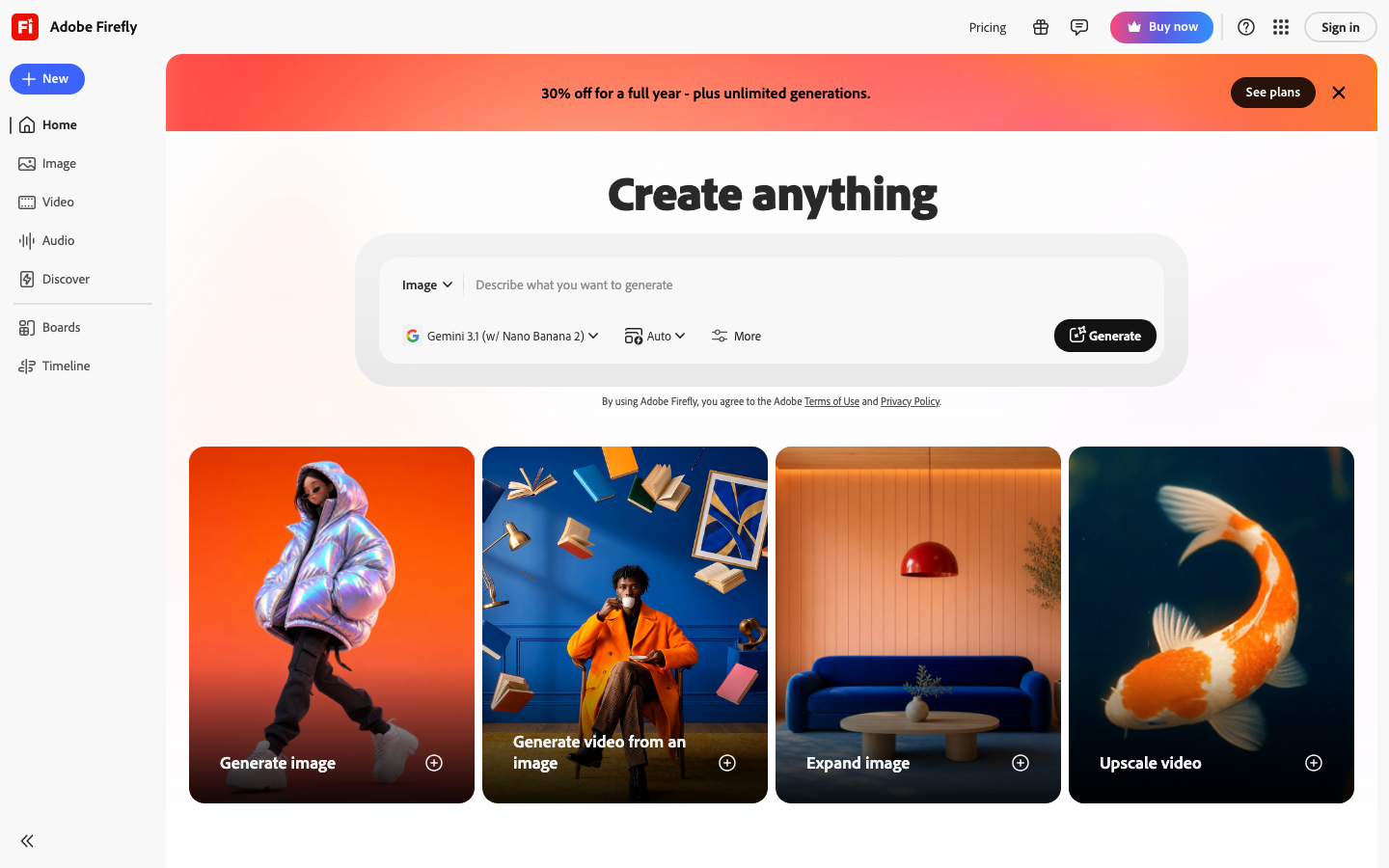
Adobe Firefly earns the commercial-safety badge because no other major image AI can match its indemnification posture. Trained on licensed Adobe Stock and public-domain content with Adobe taking legal responsibility for copyright claims, it is the safest pick for client-facing ad production where clean commercial rights matter. 337 G2 reviews average 4.4/5; the consistent praise is around the Photoshop integration and Generative Fill, the consistent complaint is about credit burn rate and the ‘where does Firefly end and Creative Cloud begin’ pricing confusion. Standalone plans verified on June 20, 2026: Standard $9.99/mo (2,000 credits), Pro $19.99/mo (4,000 credits), Pro Plus $49.99/mo (10,000 credits), Premium $199.99/mo (50,000 credits). If your team is already on Creative Cloud, check whether your plan includes Firefly credits before buying standalone. For teams outside Adobe’s ecosystem who want clean commercial rights, Firefly Standard is still the right first step.
Pricing breakdown
| Plan | Price | Best for |
|---|---|---|
| Standard | $9.99/mo | Individuals, 2,000 generative credits/mo |
| Pro | $19.99/mo | Frequent creators, 4,000 credits, unlimited standard image gen |
| Pro Plus | $49.99/mo | High-volume teams, 10,000 credits, video credits |
| Premium | $199.99/mo | Agencies, 50,000 credits, priority generation |
Security & compliance
| Standard | Availability |
|---|---|
| SOC 2 Type II | Yes |
| GDPR | Yes |
| HIPAA | No |
| SSO / SAML | Enterprise CC |
| Audit logs | Enterprise CC |
Adobe Firefly compliance summary: SOC 2 Type II is yes, GDPR is yes, HIPAA is no, SSO/SAML is enterprise cc, and audit logs is enterprise cc.
Key integrations
| Integration | Type |
|---|---|
| Gmail | N/A |
| Outlook | N/A |
| Slack | No |
| LinkedIn Sales Navigator | N/A |
| Outreach / Salesloft | N/A |
Adobe Firefly integration summary: Gmail is not specified, Outlook is not specified, Slack is no, LinkedIn Sales Navigator is not specified, and Outreach or Salesloft is not specified.
Feature availability
| Feature | Status |
|---|---|
| Free tier | trial only |
| API access | paid credits |
| Inpainting | ✓ Generative Fill |
| Style consistency | reference image |
| Text in image | limited |
Adobe Firefly feature availability summary: Free tier (trial only), API access (paid credits), Inpainting (✓ Generative Fill), Style consistency (reference image), and Text in image (limited).
Loading reviews…
Ideogram
Best AI image generator for text rendering inside imagesWhat's great
- Text rendering inside generated images is the best of any tool in this guide; product labels, event posters, presentation slides, and social graphics with readable type are production-ready without Photoshop touch-up
- Character consistency feature (Plus plan and above) locks a character or subject across multiple generations, solving one of the hardest problems in AI image workflows for serialized content
- Free plan gives 10 slow generations per day with API access included, letting developers integrate Ideogram into workflows before committing to a paid tier
Watch-outs
- No meaningful G2 or Capterra listing; social proof is thin outside the designer community on X, which makes it a harder internal sell at risk-averse enterprise buyers who want review-site validation
- At $60/mo for Pro (3,500 priority credits), the cost-per-image math gets unfavorable for high-volume teams compared to tools with "unlimited relaxed" generation modes
- Pure photorealism and "editorial photography" style work is not Ideogram strength; for anything requiring cinematic realism, Midjourney or Firefly Image 4 Ultra produce better results
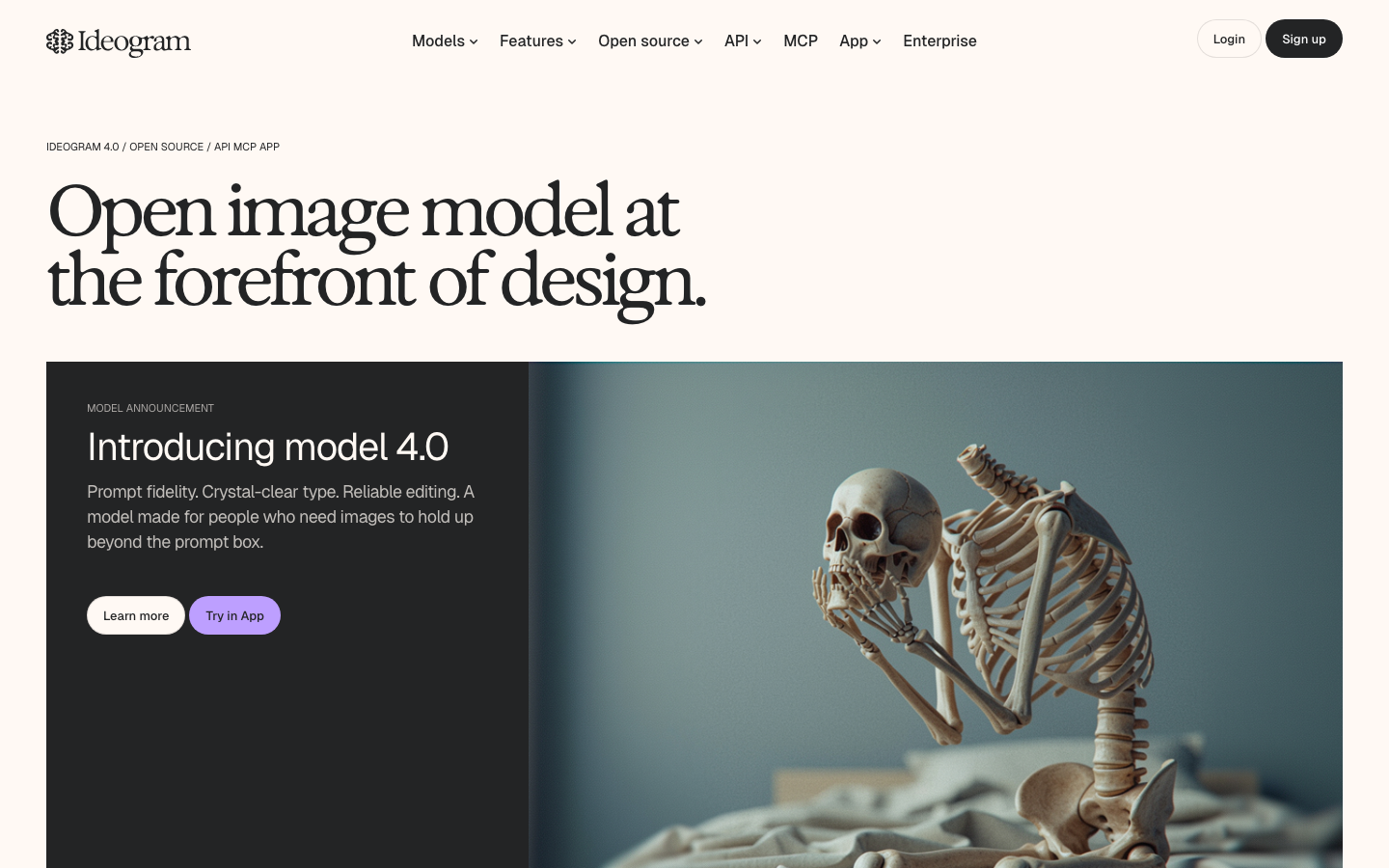
Ideogram is the answer to a specific but very common marketing problem: you need a generated image with readable text inside it. Every other major image AI in this guide struggles with this. Midjourney produces beautiful gibberish characters. Firefly is improving but still inconsistent. Ideogram gets it right reliably enough to ship to clients without correction. There is no meaningful G2 listing for Ideogram as of June 2026, so we are omitting a rating chip rather than citing a placeholder. The Ideogram pricing page shows Free ($0, 10 slow generations/day, API access), Plus at $20/mo monthly ($15/mo annual, 1,000 priority credits, character consistency), and Pro at $60/mo monthly ($42/mo annual, 3,500 credits). The free plan is genuinely useful for evaluation. For marketing teams building social content with text overlays, product announcement graphics, or event fliers where the copy needs to be inside the image rather than overlaid in Canva after, Ideogram is the first tool to reach for.
Pricing breakdown
| Plan | Price | Best for |
|---|---|---|
| Free | $0 | 10 slow generations/day, API access |
| Plus | $20/mo ($15 annual) | 1,000 priority credits, character consistency |
| Pro | $60/mo ($42 annual) | 3,500 priority credits, best cost/credit |
Security & compliance
| Standard | Availability |
|---|---|
| SOC 2 Type II | No |
| GDPR | Yes |
| HIPAA | No |
| SSO / SAML | No |
| Audit logs | No |
Ideogram compliance summary: SOC 2 Type II is no, GDPR is yes, HIPAA is no, SSO/SAML is no, and audit logs is no.
Key integrations
| Integration | Type |
|---|---|
| Gmail | N/A |
| Outlook | N/A |
| Slack | No |
| LinkedIn Sales Navigator | N/A |
| Outreach / Salesloft | N/A |
Ideogram integration summary: Gmail is not specified, Outlook is not specified, Slack is no, LinkedIn Sales Navigator is not specified, and Outreach or Salesloft is not specified.
Feature availability
| Feature | Status |
|---|---|
| Free tier | yes, 10/day |
| API access | free tier |
| Character consistency | Plus+ |
| Inpainting | ✓ |
| Text in image | best in class |
Ideogram feature availability summary: Free tier (yes, 10/day), API access (free tier), Character consistency (Plus+), Inpainting (✓), and Text in image (best in class).
Loading reviews…
Recraft
Best AI image generator for brand consistency and professional design workflowsWhat's great
- 4.7/5 on G2 across 455 reviews, the highest-rated AI image generator in this guide with meaningful review volume; reviewers consistently cite the style-lock system and vector export as the differentiating features
- Native SVG export, AI-generated vector illustrations, and custom brand style libraries (set brand colors, textures, and aesthetics once and all generations respect them) make Recraft the right tool for production design teams, not just individual creatives
- Recraft v3 and r1 models (2025/2026) consistently score at the top of text-to-image quality benchmarks on public leaderboards for instruction following, especially on clean product visuals and UI mockups
Watch-outs
- Free plan generates public images with no commercial rights; commercial use requires a paid plan, and teams that discover this mid-project have to re-generate under a subscription
- The style library and brand-locking features that make Recraft powerful also require setup time upfront; a solo creator on a deadline will get faster first results from Midjourney or Ideogram
- API pricing is usage-based with no flat-rate tier, which makes monthly cost unpredictable for high-volume automated workflows
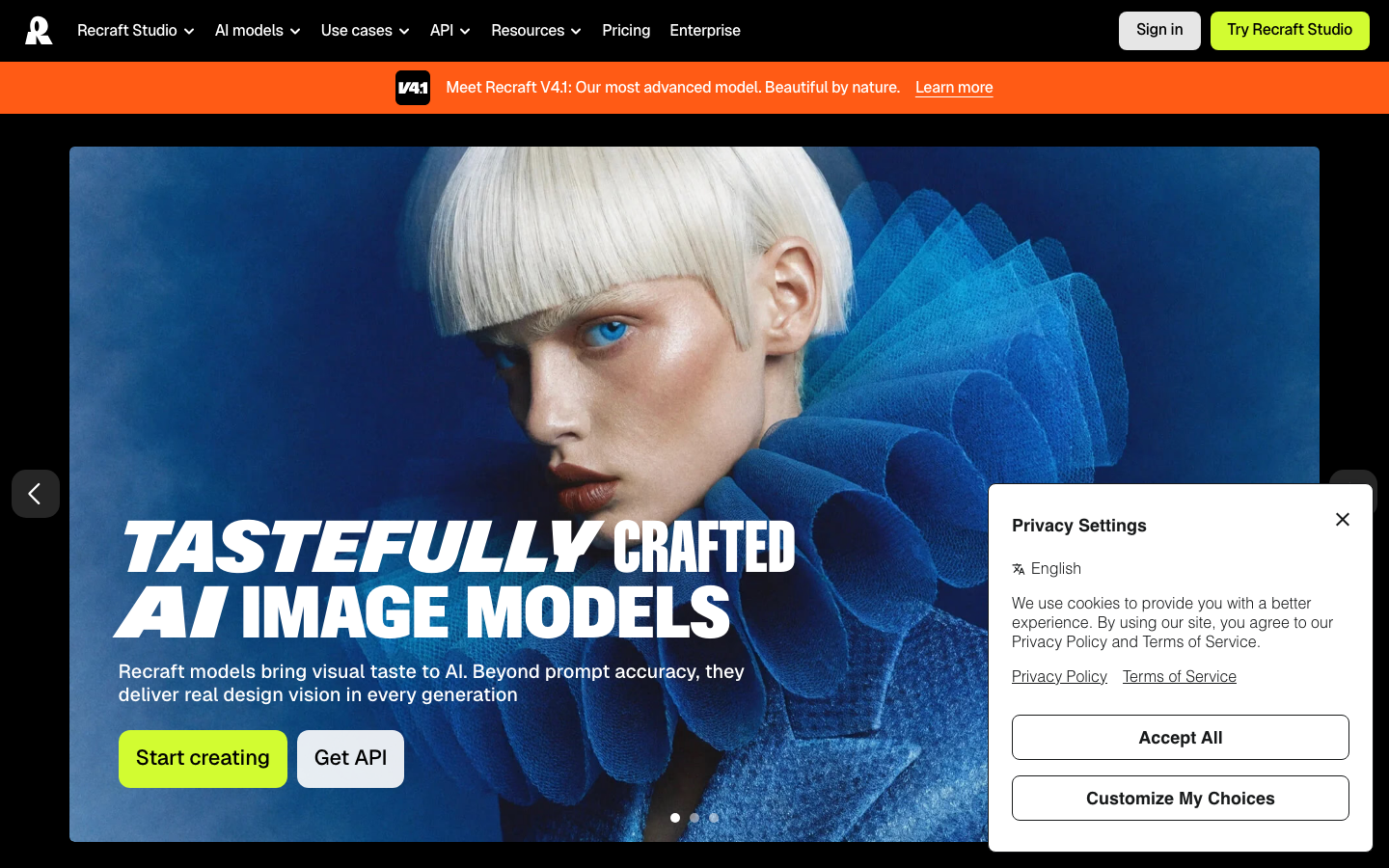
Recraft is the strongest G2 signal in this category. 455 reviews at 4.7/5 with a claimed company profile says a real user base is writing real reviews, which is unusual in the AI image gen space where most tools have thin or unclaimed G2 listings. The product earned those reviews by solving a genuine workflow problem: generating images that stay on-brand without a designer reformatting each one. The style library feature means you upload your brand kit once and every generation inherits the color, texture, and aesthetic rules. SVG export makes it the only subscription AI image tool that integrates cleanly into an SVG-first design system. Pricing: Free ($0, 30 credits/day, personal use only, no commercial rights), Basic at $10/mo billed annually ($120/yr, 1,000 credits/mo, commercial rights), Pro at $16/mo annually. Teams doing regular branded content production should evaluate Recraft alongside Firefly; the brand-consistency tools are better here, the legal indemnification is better there.
Pricing breakdown
| Plan | Price | Best for |
|---|---|---|
| Free | $0 | Personal use only, 30 credits/day, no commercial rights |
| Basic | $10/mo (annual) | 1,000 credits/mo, commercial rights, private gen |
| Pro | $16/mo (annual) | Professional creators, 2,500+ credits, video gen |
| Teams | Custom | Shared brand libraries, team management |
Security & compliance
| Standard | Availability |
|---|---|
| SOC 2 Type II | No |
| GDPR | Yes |
| HIPAA | No |
| SSO / SAML | No |
| Audit logs | No |
Recraft compliance summary: SOC 2 Type II is no, GDPR is yes, HIPAA is no, SSO/SAML is no, and audit logs is no.
Key integrations
| Integration | Type |
|---|---|
| Gmail | N/A |
| Outlook | N/A |
| Slack | No |
| LinkedIn Sales Navigator | N/A |
| Outreach / Salesloft | N/A |
Recraft integration summary: Gmail is not specified, Outlook is not specified, Slack is no, LinkedIn Sales Navigator is not specified, and Outreach or Salesloft is not specified.
Feature availability
| Feature | Status |
|---|---|
| Free tier | yes, 30/day personal |
| Inpainting | ✓ |
| Style library | ✓ |
| Svg export | ✓ |
| Text in image | strong |
Recraft feature availability summary: Free tier (yes, 30/day personal), Inpainting (✓), Style library (✓), Svg export (✓), and Text in image (strong).
Loading reviews…
Leonardo.Ai
Best AI image generator for game developers and multi-model creative platformsWhat's great
- The widest model selection of any subscription tool in this guide; runs first-party models (Phoenix, Lucid Origin, Lucid Realism) alongside third-party models (GPT-Image-1, Nano Banana, Flux Kontext, Ideogram, Sora 2, Veo 3) in a single interface
- Fine-tuning tools let you train your own custom image model on 10-20 images for character or style consistency, a capability game studios and branded content teams use heavily without needing their own ML infrastructure
- Canva Business includes the Essential plan at no extra charge; if your team is already on Canva Business, Leonardo.Ai is functionally free at the entry tier
Watch-outs
- Third-party models (GPT-Image-1, Nano Banana, Flux Kontext Max) do not qualify for Relaxed Generation mode and consume tokens every time, even after your monthly allocation runs out, making cost unpredictable for teams that use those models heavily
- G2 review base is thin at 34 reviews; the 4.5/5 rating signals quality but not the volume-level confidence you get from Recraft or Canva
- The platform breadth (image, video, motion, Blueprints, Realtime Canvas) adds cognitive load; if you only need image generation, simpler tools get you to output faster
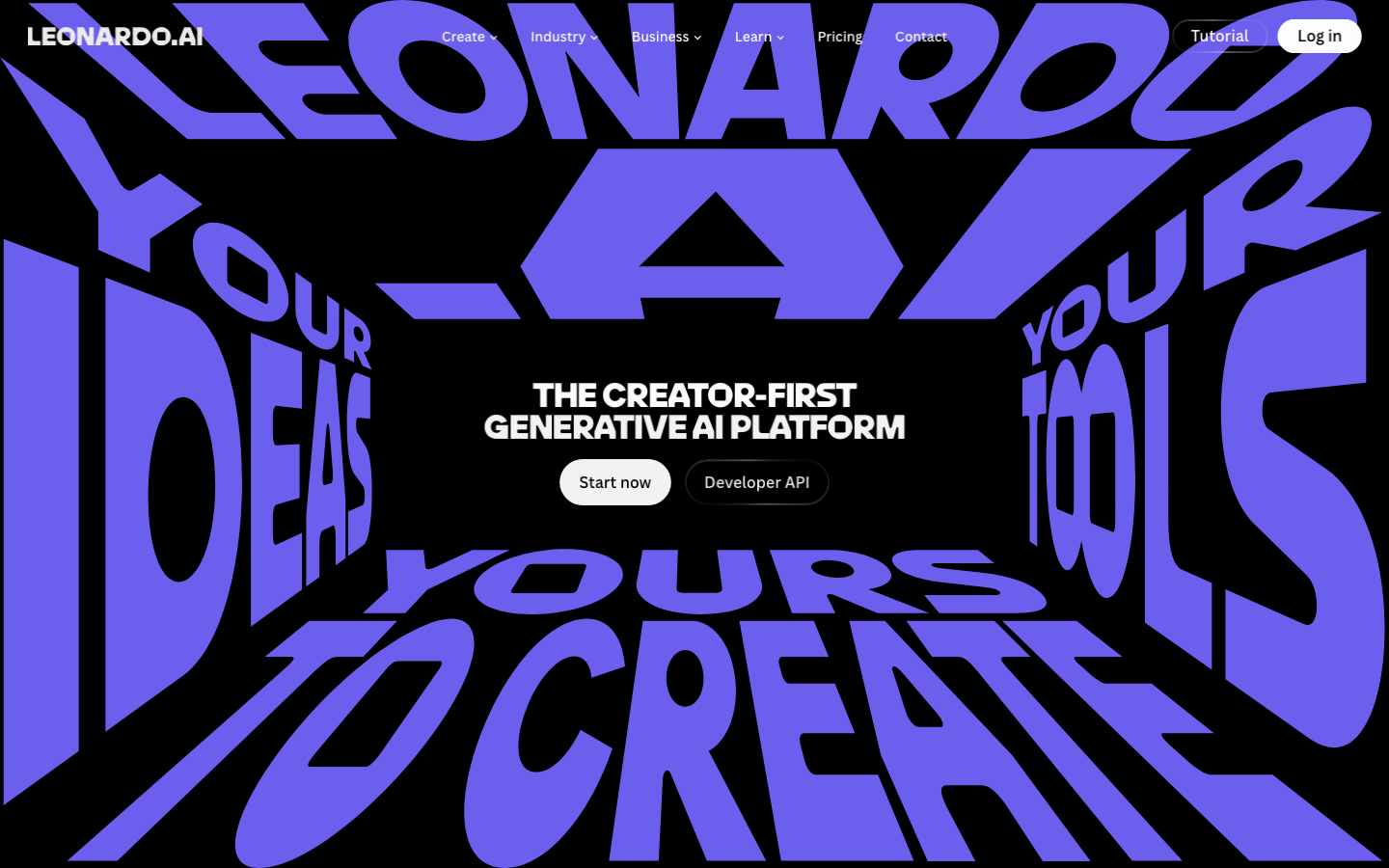
Leonardo.Ai is the right pick if you need to run multiple image models from a single account and compare outputs side-by-side. The marketing team I was advising for a game studio needed to generate concept art (Lucid Origin), in-game UI mockups (Phoenix), and photorealistic character references (GPT-Image-1) in the same session. Leonardo was the only tool that handled all three without exporting and re-importing. The 34 G2 reviews at 4.5/5 are a small sample but the sentiment is strong. Pricing from the Leonardo.Ai pricing page : Free ($0, 150 tokens/day, public images), Essential at $12/mo (8,500 tokens/mo, private, unlimited relaxed on first-party models), Premium at $30/mo (25,000 tokens, unlimited relaxed image + video), Ultimate at $60/mo (60,000 tokens). The Canva Business bundle is real and worth noting: Essential tier included with Canva Business at no extra line-item. For game developers, branded content studios, and anyone who wants to test multiple frontier models before committing to one, Leonardo is the platform to evaluate first.
Pricing breakdown
| Plan | Price | Best for |
|---|---|---|
| Free | $0 | 150 tokens/day, public images only |
| Essential | $12/mo | 8,500 tokens/mo, private, unlimited relaxed image gen |
| Premium | $30/mo | 25,000 tokens, unlimited relaxed image + video gen |
| Ultimate | $60/mo | 60,000 tokens, highest concurrency, video generation |
Security & compliance
| Standard | Availability |
|---|---|
| SOC 2 Type II | ✓ Type I and II |
| GDPR | Yes |
| HIPAA | No |
| SSO / SAML | Teams+ |
| Audit logs | Teams+ |
Leonardo.Ai compliance summary: SOC 2 Type II is ✓ type i and ii, GDPR is yes, HIPAA is no, SSO/SAML is teams+, and audit logs is teams+.
Key integrations
| Integration | Type |
|---|---|
| Gmail | N/A |
| Outlook | N/A |
| Slack | No |
| LinkedIn Sales Navigator | N/A |
| Outreach / Salesloft | N/A |
Leonardo.Ai integration summary: Gmail is not specified, Outlook is not specified, Slack is no, LinkedIn Sales Navigator is not specified, and Outreach or Salesloft is not specified.
Feature availability
| Feature | Status |
|---|---|
| Free tier | yes, 150/day |
| Fine tuning | ✓ Essential+ |
| Multi model | ✓ 10+ models |
| Text in image | via Ideogram model |
| Video gen | Premium+ |
Leonardo.Ai feature availability summary: Free tier (yes, 150/day), Fine tuning (✓ Essential+), Multi model (✓ 10+ models), Text in image (via Ideogram model), and Video gen (Premium+).
Loading reviews…
Canva Magic Media
Best AI image generator for non-designers and marketing teams in the Canva ecosystemWhat's great
- 4.7/5 on G2 from 7,549 reviews, the largest review base of any tool in this guide by a factor of 10, reflecting Canva mainstream adoption across small business, SMB, and enterprise marketing teams
- Magic Media generates images directly inside the Canva design canvas, so the output is immediately positioned, resized, and layered into the final deliverable without an export-import cycle
- Access to third-party models (including Stable Diffusion, and optionally Nano Banana via Leonardo inside Canva Business) means generation quality improves without switching platforms
Watch-outs
- AI generation quality is secondary to the platform value; if pure image quality is the goal, dedicated tools like Midjourney or Firefly Image 4 Ultra will outperform Canva Magic Media on the same prompt
- Free plan generation limits are generous for text but tight for AI image generation; Magic Media credit allocation resets monthly and runs out faster than the overall Canva usage suggests
- AI Pass add-on required for priority access to newer AI models on Pro and Business plans, adding an undisclosed monthly cost on top of the base Pro fee
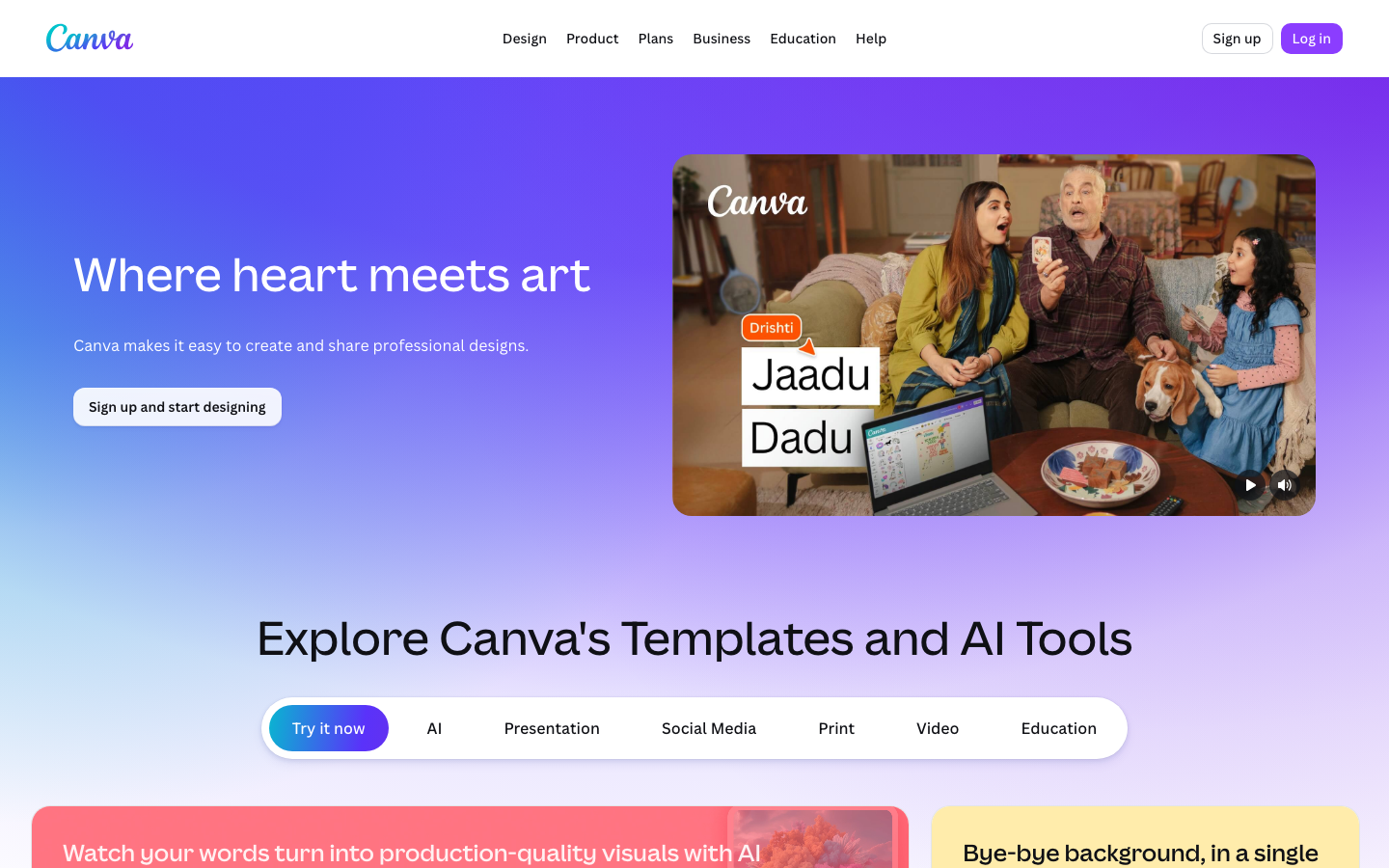
Canva Magic Media is not the best AI image generator in a head-to-head quality comparison. It is the right one for the 30-person marketing team that runs their content calendar entirely inside Canva and needs to generate a social banner, an email header, and a presentation slide in the same session without switching apps. The 7,549 G2 reviews at 4.7/5 reflect the Canva platform, not Magic Media in isolation; but the context is the point. The marketing ops directors I keep seeing choose Canva are choosing it because the team already knows it, the brand kit is already there, and the approval workflow is already set up. Adding Magic Media takes one click. Pricing verified June 20, 2026: Free ($0, limited features), Pro at $15/mo (full platform + Magic Media credits), Business at $30/user/mo (teams, brand kits, AI features). For pure AI image quality, Midjourney or Recraft. For a team that lives in Canva and needs good-enough images fast, Magic Media is already there.
Pricing breakdown
| Plan | Price | Best for |
|---|---|---|
| Free | $0 | Solo creators, limited Magic Media generation |
| Pro | $15/mo | Individuals, full platform + AI credits, brand kit |
| Business | $30/user/mo | Teams, shared brand kits, approval workflows |
| Enterprise | Custom | Org-wide deployment, SSO, advanced controls |
Security & compliance
| Standard | Availability |
|---|---|
| SOC 2 Type II | Yes |
| GDPR | Yes |
| HIPAA | No |
| SSO / SAML | Enterprise |
| Audit logs | Business+ |
Canva Magic Media compliance summary: SOC 2 Type II is yes, GDPR is yes, HIPAA is no, SSO/SAML is enterprise, and audit logs is business+.
Key integrations
| Integration | Type |
|---|---|
| Gmail | N/A |
| Outlook | N/A |
| Slack | Yes |
| LinkedIn Sales Navigator | N/A |
| Outreach / Salesloft | N/A |
Canva Magic Media integration summary: Gmail is not specified, Outlook is not specified, Slack is yes, LinkedIn Sales Navigator is not specified, and Outreach or Salesloft is not specified.
Feature availability
| Feature | Status |
|---|---|
| Free tier | yes limited |
| Brand kit | Pro+ |
| Inpainting | ✓ Magic Eraser |
| Multi model | via AI Pass add-on |
| Text in image | via model choice |
Canva Magic Media feature availability summary: Free tier (yes limited), Brand kit (Pro+), Inpainting (✓ Magic Eraser), Multi model (via AI Pass add-on), and Text in image (via model choice).
Loading reviews…
FLUX (Black Forest Labs)
Best open-weight AI image model for developers and self-hosted pipelinesWhat's great
- FLUX.1 Pro, Dev, and Schnell models are available via the bfl.ai API with per-image pay-as-you-go pricing, giving developers clean API access without a subscription commitment; FLUX.1 Kontext (image editing) and FLUX.1 Kontext Max are the most-used inpainting/editing models across the third-party image platform ecosystem in 2026
- Open-weight FLUX.1 Dev and FLUX.1 Schnell variants can be run locally or on private cloud infrastructure, the most important capability for organizations with data-sovereignty or privacy requirements
- Prompt adherence on FLUX models tests consistently stronger than Stable Diffusion XL on instruction-following benchmarks; the gap is visible on multi-element scenes where older diffusion models break down
Watch-outs
- No consumer-facing subscription interface; FLUX is a model/API product accessed through bfl.ai or through third-party platforms (Leonardo.Ai, Freepik, Replicate, Fal.ai), which adds a layer of platform dependency
- No G2 or Capterra listing as of June 2026; social proof for enterprise procurement is thin, though the technical community adoption is substantial
- Fine-tuning FLUX models for custom style or character consistency requires ML engineering resources; this is not a no-code workflow, and the LoRA training ecosystem is still less mature than Stable Diffusion
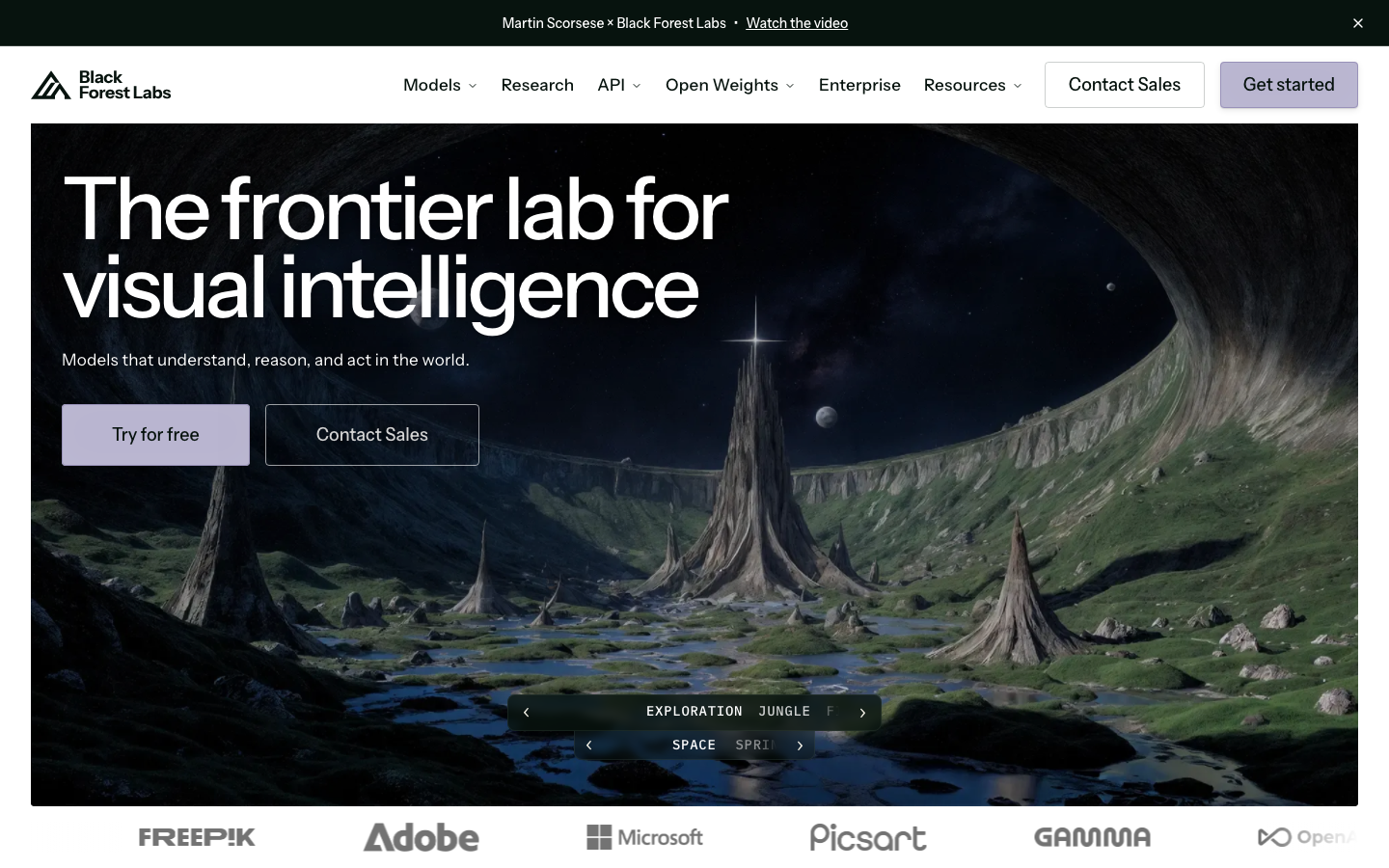
Black Forest Labs shipped FLUX in August 2024 and by mid-2026 it has become the most-deployed image model across third-party AI platforms. Check the model options on Leonardo.Ai, Freepik, Replicate, or Fal.ai and FLUX variants dominate the high-instruction-following use cases. There is no consumer subscription, no G2 listing, and no rating chip in this guide as a result. What there is: a pay-per-use API at bfl.ai that development teams use to build image generation into their own products, and open-weight models that data-sensitive organizations can self-host. FLUX.1 Kontext (released 2025) is particularly strong for in-context image editing, changing specific elements of an existing image while preserving the rest. For developers building an image product who do not want to take a dependency on OpenAI or Adobe, FLUX Pro via the bfl.ai API is the first model to evaluate. For everyone else, access it through Leonardo.Ai or Freepik where the UX layer is already built.
Pricing breakdown
| Plan | Price | Best for |
|---|---|---|
| FLUX.1 Schnell API | $0.003/image | High-speed, cost-efficient batch generation |
| FLUX.1 Dev API | $0.025/image | Quality + speed balance for production pipelines |
| FLUX.1 Pro API | $0.055/image | Highest quality per-image, API-first teams |
| Self-hosted | Infra cost only | Data-sovereign orgs, private cloud pipelines |
Security & compliance
| Standard | Availability |
|---|---|
| SOC 2 Type II | No |
| GDPR | Yes |
| HIPAA | No |
| SSO / SAML | No |
| Audit logs | No |
FLUX (Black Forest Labs) compliance summary: SOC 2 Type II is no, GDPR is yes, HIPAA is no, SSO/SAML is no, and audit logs is no.
Key integrations
| Integration | Type |
|---|---|
| Gmail | N/A |
| Outlook | N/A |
| Slack | N/A |
| LinkedIn Sales Navigator | N/A |
| Outreach / Salesloft | N/A |
FLUX (Black Forest Labs) integration summary: Gmail is not specified, Outlook is not specified, Slack is not specified, LinkedIn Sales Navigator is not specified, and Outreach or Salesloft is not specified.
Feature availability
| Feature | Status |
|---|---|
| Free tier | no |
| API access | ✓ |
| Inpainting | ✓ Kontext |
| Open weight | ✓ Dev/Schnell |
| Text in image | moderate |
FLUX (Black Forest Labs) feature availability summary: Free tier (no), API access (✓), Inpainting (✓ Kontext), Open weight (✓ Dev/Schnell), and Text in image (moderate).
Loading reviews…
Stable Diffusion (Stability AI)
Best open-source AI image foundation for self-hosted and custom workflowsWhat's great
- Fully open-source weights mean any organization can run Stable Diffusion models locally with no per-image cost, no data leaving the premises, and no dependency on a vendor API staying operational
- The AUTOMATIC1111 and ComfyUI ecosystems have thousands of community models, LoRAs, and extensions built on top of SD; the customization depth is unmatched by any closed API
- Stability AI Stable Image API is available at commercial tiers ($0.065/credit for Stable Image Ultra, $0.020/credit for Core) for teams who want the model quality without self-hosting infra
Watch-outs
- Stability AI has faced significant company instability (leadership departures, layoffs) through 2024-2026; the open-source model weights persist regardless, but the commercial API and company roadmap are less predictable than alternatives
- G2 listing has only 10 reviews (4.3/5), reflecting that Stable Diffusion users rarely engage with enterprise review platforms; the review base is not representative of actual adoption
- Self-hosting requires GPU infrastructure, Docker, model management, and someone to maintain the environment; the total cost including engineering time is often higher than a subscription for teams without existing ML infra
Stable Diffusion is not a product you buy; it is a model you operate. The open-source weights are free, the community ecosystem is enormous, and the customization ceiling is higher than any closed tool in this guide. The 10 G2 reviews at 4.3/5 say almost nothing about real-world adoption, which is massive, just in channels that do not generate G2 reviews. The relevant question is whether your team has the infrastructure and engineering bandwidth to run it. If yes, SD is the right choice for privacy-sensitive workloads, custom fine-tuned style models, and workflows where per-image cost at scale would be prohibitive under any subscription. If not, access the same underlying models through third-party platforms like Leonardo.Ai, or use Stability AI’s own commercial API. Stability AI’s enterprise future is a legitimate risk to monitor; the open-source weights are not going away, but API reliability and new model development depend on a company that has had a rough two years commercially.
Pricing breakdown
| Plan | Price | Best for |
|---|---|---|
| Open Source | $0 | Self-hosted, any scale, requires own GPU infra |
| Stability API Core | $0.020/credit | Fast commercial API generation |
| Stability API Ultra | $0.065/credit | Highest quality commercial API output |
| Enterprise | Custom | SLAs, dedicated capacity, private deployment |
Security & compliance
| Standard | Availability |
|---|---|
| SOC 2 Type II | No |
| GDPR | Yes |
| HIPAA | No |
| SSO / SAML | No |
| Audit logs | No |
Stable Diffusion (Stability AI) compliance summary: SOC 2 Type II is no, GDPR is yes, HIPAA is no, SSO/SAML is no, and audit logs is no.
Key integrations
| Integration | Type |
|---|---|
| Gmail | N/A |
| Outlook | N/A |
| Slack | N/A |
| LinkedIn Sales Navigator | N/A |
| Outreach / Salesloft | N/A |
Stable Diffusion (Stability AI) integration summary: Gmail is not specified, Outlook is not specified, Slack is not specified, LinkedIn Sales Navigator is not specified, and Outreach or Salesloft is not specified.
Feature availability
| Feature | Status |
|---|---|
| Free tier | yes open source |
| Custom models | ✓ LoRA |
| Inpainting | ✓ |
| Open weight | ✓ |
| Text in image | moderate |
Stable Diffusion (Stability AI) feature availability summary: Free tier (yes open source), Custom models (✓ LoRA), Inpainting (✓), Open weight (✓), and Text in image (moderate).
Loading reviews…
ChatGPT / GPT-Image
Best AI image generator for ChatGPT users and conversational prompt workflowsWhat's great
- GPT-Image-2 (released 2026) sits at the top of public quality benchmarks for text-to-image, particularly on instruction-following for complex multi-element scenes and realistic product renders; accessible via ChatGPT Plus at $20/mo
- Conversational image editing via ChatGPT lets you refine an image through follow-up prompts ("make the background blue," "add a shadow") without learning dedicated editing tools
- GPT-Image-1 and GPT-Image-2 API access via OpenAI platform (token-based pricing) is the most widely integrated image generation API in the developer ecosystem; if your team uses the OpenAI API already, adding image generation is a config change, not a new vendor
Watch-outs
- ChatGPT Plus gives broad image access but the G2 listing under DALL-E (4.1/5, 52 reviews) reflects older model versions; the review volume is thin for a tool at this adoption scale
- Per-image API cost for GPT-Image-2 is token-based and harder to model than per-image flat fees; GPT-Image-2 API input is $8/1M tokens, output $30/1M tokens, and image complexity drives significant cost variance
- Content policy restrictions are enforced more tightly than Midjourney or Stable Diffusion, which limits creative uses involving stylized violence, provocative subject matter, or specific real-person likenesses
GPT-Image-2 generates the most accurate instruction-following output of any model in 2026 quality benchmarks. The DALL-E G2 listing (4.1/5, 52 reviews) is a proxy for an older product and undersells the current capability. For teams already paying for ChatGPT Plus at $20/mo, it is the easiest image generation upgrade with zero additional cost. For developers on the OpenAI API, adding GPT-Image-2 generation to an existing pipeline is minimal lift. The content policy constraints are real and matter for some creative workflows. The conversational editing workflow is the genuine differentiator: telling ChatGPT to change one element of a generated image and having it understand which element you meant, without rewriting the full prompt, is a workflow improvement that matters in iteration-heavy production. For standalone image generation quality without the ChatGPT context, Midjourney and Recraft still have more consistent community enthusiasm.
Pricing breakdown
| Plan | Price | Best for |
|---|---|---|
| ChatGPT Free | $0 | Limited image generation via GPT-4o |
| ChatGPT Plus | $20/mo | Unlimited GPT-Image generation, priority access |
| ChatGPT Pro | $200/mo | Highest capacity, extended limits, o3 Pro access |
| API (GPT-Image-2) | $8-30/1M tokens | Developer integration, pay-per-use |
Security & compliance
| Standard | Availability |
|---|---|
| SOC 2 Type II | Yes |
| GDPR | Yes |
| HIPAA | Enterprise |
| SSO / SAML | Enterprise |
| Audit logs | Enterprise |
ChatGPT / GPT-Image compliance summary: SOC 2 Type II is yes, GDPR is yes, HIPAA is enterprise, SSO/SAML is enterprise, and audit logs is enterprise.
Key integrations
| Integration | Type |
|---|---|
| Gmail | N/A |
| Outlook | N/A |
| Slack | via API |
| LinkedIn Sales Navigator | N/A |
| Outreach / Salesloft | N/A |
ChatGPT / GPT-Image integration summary: Gmail is not specified, Outlook is not specified, Slack is via api, LinkedIn Sales Navigator is not specified, and Outreach or Salesloft is not specified.
Feature availability
| Feature | Status |
|---|---|
| Free tier | yes limited |
| API access | ✓ |
| Content policy | strict |
| Conversational edit | ✓ |
| Text in image | strong |
ChatGPT / GPT-Image feature availability summary: Free tier (yes limited), API access (✓), Content policy (strict), Conversational edit (✓), and Text in image (strong).
Loading reviews…
Freepik AI Image Generator
Best AI image generator for marketing teams who also need stock assetsWhat's great
- A single Freepik subscription gives access to AI image generation (via Flux, Stable Diffusion, and proprietary models), plus the Freepik stock library with over 50M assets; the content team does not need two separate vendor contracts
- Free tier is genuinely generous at 100 AI generations per day with access to multiple model choices, making Freepik one of the highest daily-limit free options in this guide
- Freepik AI Suite includes background removal, image upscaling, face retouching, and object removal alongside generation, covering the full content production workflow in one platform
Watch-outs
- No G2 or Capterra listing for the AI generator specifically; the broader Freepik platform has review presence but the AI product is newer and not separately tracked on enterprise review sites
- Generation quality on Freepik models is solid but does not match the top-tier creative output of Midjourney v7 or Firefly Image 4 Ultra; the value proposition is breadth, not peak quality
- Premium plan pricing starts at $9/mo (Essential), but unlimited AI generation requires the $29/mo plan; the free tier generation limit can make trial evaluation difficult for heavy users
Freepik is the right pick for marketing teams that run both stock-asset-heavy workflows and AI generation. The $9/mo Essential plan covers the stock library access most content teams need, and the AI generation tools are included. For teams spending $50-100/mo on stock licenses plus a separate image AI subscription, consolidating on Freepik often saves money without sacrificing quality for standard social and ad content. No G2 listing exists for the AI product specifically, so we are omitting a rating chip. The free tier at 100 generations per day is real and useful for evaluation. The Freepik pricing page lists Essential at $9/mo (annual, stock + 100 AI generations), Premium at $29/mo (unlimited stock + unlimited AI), and Teams plans at custom pricing. For agencies running large content volumes who need stock and AI in one contract, Freepik is underrated.
Pricing breakdown
| Plan | Price | Best for |
|---|---|---|
| Free | $0 | 100 AI generations/day, limited stock downloads |
| Essential | $9/mo (annual) | Stock library + AI generation, 100 images/day |
| Premium | $29/mo (annual) | Unlimited stock + unlimited AI generation |
| Teams | Custom | Team seats, shared libraries, brand management |
Security & compliance
| Standard | Availability |
|---|---|
| SOC 2 Type II | No |
| GDPR | Yes |
| HIPAA | No |
| SSO / SAML | No |
| Audit logs | No |
Freepik AI Image Generator compliance summary: SOC 2 Type II is no, GDPR is yes, HIPAA is no, SSO/SAML is no, and audit logs is no.
Key integrations
| Integration | Type |
|---|---|
| Gmail | N/A |
| Outlook | N/A |
| Slack | No |
| LinkedIn Sales Navigator | N/A |
| Outreach / Salesloft | N/A |
Freepik AI Image Generator integration summary: Gmail is not specified, Outlook is not specified, Slack is no, LinkedIn Sales Navigator is not specified, and Outreach or Salesloft is not specified.
Feature availability
| Feature | Status |
|---|---|
| Free tier | yes 100/day |
| Background removal | ✓ |
| Stock library | 50M+ assets |
| Text in image | moderate |
| Upscaling | ✓ |
Freepik AI Image Generator feature availability summary: Free tier (yes 100/day), Background removal (✓), Stock library (50M+ assets), Text in image (moderate), and Upscaling (✓).
Loading reviews…
More top-rated AI Image Generators worth checking out
Highly rated AI Image Generators that didn't crack our top 10 but are still strong contenders, especially for specific use cases and team sizes.
Google Imagen / ImageFX
For Google Workspace teams testing frontier image gen via AI Test Kitchen
Standout: Imagen 4 (Nano Banana / Gemini 3.1 Flash Image) tops public quality benchmarks in 2026 for photorealism and instruction-following across complex multi-subject scenes; accessible free via ImageFX
Krea AI
For creative directors who need real-time canvas generation and AI upscaling
Standout: Real-time canvas generation (draw a rough sketch, the AI renders it to a finished image in seconds) is the most interactive image gen workflow in any tool in this guide
NightCafe Studio
For hobbyists and art communities wanting multi-model generation with social features
Standout: Access to FLUX, Stable Diffusion XL, and multiple other models in one platform with a community gallery and prompt sharing, the most social of any tool in this guide
Pika
For creative teams bridging static AI image generation and AI video in one workflow
Standout: Pika generates images and immediately allows conversion to video clips, giving creative teams a single workflow from still to motion without platform-switching
getimg.ai
For developers and power users wanting API-first access to 60+ AI models
Standout: Access to 60+ models via a single API key covering Stable Diffusion variants, FLUX, and fine-tuned community models; the most model-dense API platform in this guide
Bing Image Creator (Microsoft Designer)
For Microsoft 365 teams wanting AI image generation built into Copilot
Standout: Powered by GPT-Image (DALL-E integration) and free with any Microsoft account; zero additional cost for Microsoft 365 subscribers who are already paying for Copilot
Clipdrop (Stability AI)
For marketing teams needing fast AI background removal, retouching, and generation in one tool
Standout: Best-in-class AI background removal and clean-cut extraction on product photography, the specific task that marketing teams with e-commerce workflows do dozens of times daily
Artbreeder
For concept artists and world-builders wanting collaborative and evolutionary image creation
Standout: Collage and Composer tools let you assemble images from reference images and shapes, then generate in a direction; the closest thing in AI image gen to a moodboard-to-image workflow
Playground (playground.com)
For social media creators wanting fast text-to-image with a no-code canvas
Standout: Free tier gives 100 images per day via Stable Diffusion-based models, one of the highest daily free limits outside Freepik and Ideogram
Picsart AI Image Generator
For mobile-first content creators wanting AI generation inside a full editing suite
Standout: Best mobile app experience for AI image generation in this guide; iOS and Android apps with full generation and editing capability, not just a mobile-responsive web view
Tools we considered but excluded
We evaluated more tools than the 20 you see above. These did not make the cut. Saying what we rejected, and why, is the editorial muscle most listicles skip.
- DALL-E 3 (standalone via OpenAI API): Superseded by GPT-Image-2; covered under the ChatGPT / GPT-Image entry above
- Playground AI: Site showed access issues during research window; insufficient live data to verify current product state
- Jasper Art: Image generation is a secondary feature inside a writing tool; not a standalone image generator competing at the same level as this list
- Writesonic Photosonic: Same rationale as Jasper Art; image gen bundled inside an AI writing platform, not a purpose-built generator
- Craiyon (DALL-E mini): Free but extremely limited quality; not competitive with any entry-tier paid tool in 2026
- Bing DALL-E (Copilot, old version): Replaced by the current Bing Image Creator / Microsoft Designer entry above
Honorable mentions
Solid tools that did not crack the main list but are worth tracking, especially for niche use cases.
- Runway (image mode): Runway is primarily a video tool covered in the best-ai-video-generators guide, but its image generation capability has improved and deserves a mention for creative teams already using Gen-4 for video
- Magnific AI: The highest-quality AI upscaler on the market; not a generator, but the post-processing tool most professional AI image creators reach for before final delivery
- Adobe Firefly for Enterprise (Creative Cloud Teams): The enterprise version of Firefly with centralized administration, SSO, and compliance controls deserves a separate mention for IT-controlled deployments
What this guide covers
The AI image generator market in 2026 has fractured into five distinct segments, each solving a different problem.
Creative quality tools (Midjourney, Google Imagen) are the benchmark for visual aesthetics. They train on massive image datasets and optimize for outputs that look stunning, with no particular concern for commercial training-data provenance. Designers use them to generate concepts that clients approve on sight.
Commercial-safe generators (Adobe Firefly) solve the legal problem, not just the quality problem. Brands that have had IP conversations with legal can only deploy Firefly in commercial production, because it is the only tool with formal indemnification. Quality has caught up to creative tools with Image Model 4 Ultra.
Text-in-image specialists (Ideogram, GPT-Image via ChatGPT) solve the hardest problem in the category: readable typography inside the generated image. Every other tool produces approximate characters. These two produce real words that don’t need correction.
Brand-consistency platforms (Recraft, Canva Magic Media) solve the team production problem. Individual quality matters less when you need 50 variations of the same visual concept, all on-brand, generated and placed in a design canvas in one sitting.
Developer and API models (FLUX, Stable Diffusion, getimg.ai) solve the integration problem. These are not consumer tools. They are model APIs that developers embed inside their own products, or open-source weights that data-sensitive organizations run inside their own infrastructure.
The tools in this guide are not all competing for the same buyer. The right tool depends entirely on which problem you are trying to solve.
Which AI image generator fits which team
1. What does “quality” mean for your use case?
Quality in AI image generation means different things depending on the brief. For advertising photography and editorial illustration, Midjourney v7 wins. For product renders that need photorealistic lighting on a white background, Firefly Image 4 Ultra or GPT-Image-2 are better.
For text-overlay graphics where the AI needs to render an actual headline inside the image, Ideogram is the only reliable choice.
The tool you pick first should match the dominant output type in your workflow. Running Midjourney on a social graphic brief where half the image needs readable text will produce beautiful, unusable output every time.
2. Who owns the copyright on generated images?
Ownership on free plans varies widely. On Recraft’s free plan, generated images are public and not commercially licensed to you. On Leonardo.Ai’s free plan, you receive a non-exclusive royalty-free commercial license but Leonardo retains the right to use and distribute your public outputs.
On Midjourney Basic and Standard, images are publicly visible and technically licensed back to Midjourney for display; Stealth mode (private images) requires Pro at $60/mo.
For any client-facing or paid-media deployment, verify the commercial use terms for your specific plan before shipping. The only tool that provides explicit legal indemnification against copyright claims is Adobe Firefly.
3. Do you need an API or a UI?
FLUX via bfl.ai, Stable Diffusion via the Stability API, and getimg.ai are API-first products. They are the right choice if you are building image generation into another product or automating a high-volume workflow. If you need a web interface to generate and iterate manually, use Midjourney, Recraft, Ideogram, or Adobe Firefly.
Leonardo.Ai bridges both: solid web UI plus clean API access on paid plans.
4. Is your team already inside an ecosystem?
The “best AI image generator” for your team might be the one that is already embedded in the tools you use daily. Adobe Creative Cloud teams get Firefly integration inside Photoshop and Illustrator at no separate interface cost. Microsoft 365 teams on Copilot get Bing Image Creator at no extra subscription cost.
Canva Business teams get Leonardo.Ai Essential bundled. Evaluate these embedded options against the cost of adding a standalone subscription before signing up for a fifth SaaS tool.
5. What is your expected monthly generation volume?
Credit models create cost traps that subscription headlines don’t show. Firefly Standard at $9.99/mo sounds cheap until you discover that a single Firefly Image 4 Ultra generation (2K) costs more credits than a standard generation, and a team running 50 images per week blows through the 2,000-credit monthly budget in five business days.
Similarly, Midjourney Basic’s 200-generation limit is gone by Friday if a designer is in exploration mode. Map your expected volume against the plan’s actual allocation, not the headline price.
Which one for which team
Small business owner, solo founder: Canva Magic Media (design + generation in one subscription you probably already have), or Ideogram free tier (for social graphics with text inside).
Marketing team of 3-10 people: Adobe Firefly if you are already on Creative Cloud. Recraft if you need brand-consistent output at scale. Canva Business if the team runs content production inside Canva.
Agency producing client work: Adobe Firefly for any client with IP sensitivity. Midjourney v7 for creative concepting and presentations. Recraft for brand system production.
E-commerce brand with product photography workflow: Clipdrop for background removal at scale. Firefly for product placement in lifestyle scenes via Generative Fill.
Game studio or entertainment production: Leonardo.Ai for multi-model access and character fine-tuning. Midjourney for concept art quality.
Developer building an image product: FLUX via bfl.ai API. getimg.ai for multi-model API access with fine-tuning.
Data-sovereign enterprise (legal, financial services, health): Stable Diffusion self-hosted on private infrastructure. Google Imagen via Vertex AI under a Google Cloud contract with DPA.
The 2026 AI image generation market
The model quality gap narrowed dramatically in 2025. A year ago, Midjourney was clearly the quality leader by a visible margin. Today, Adobe Firefly Image 4 Ultra, GPT-Image-2, and Google Imagen 4 all produce photorealistic output that is competitive with or better than Midjourney on specific task types like product photography and multi-element scenes.
The creative quality advantage Midjourney holds is now specifically in subjective aesthetics: the “editorial illustration” look, the cinematic lighting, the visual decisions that a talented art director would make. On pure instruction-following and photorealism for commercial applications, the gap is gone.
Text-in-image rendering became a first-class capability in 2025. Ideogram was the pioneer, and the other tools have been trying to catch up. GPT-Image-2 is the only other model in this guide that renders text reliably enough for production marketing use without correction. The rest of the field still treats text as an approximate rendering problem.
Training data provenance became a procurement conversation in 2024-2026 as class-action copyright litigation against AI image companies moved through courts. Adobe Firefly’s positioned itself around “commercially safe” and “indemnified” as the defining differentiator.
Most creative agencies working for Fortune 500 clients now require either Firefly or a documented rights review before deploying AI-generated images in paid media.
Open-weight models gained real traction in 2026 for regulated industries. The pattern is: use FLUX or Stable Diffusion models running on private cloud or on-premises GPU infrastructure, with no data leaving the organization. Healthcare, financial services, and legal sectors are running these deployments at meaningful scale.
The per-generation API market is real and growing. Developers building apps with image generation are routing through OpenAI API (GPT-Image-2), bfl.ai (FLUX), or Stability AI API at per-image pricing. The subscription model for this buyer profile makes less sense than consumption pricing, and all three vendors have leaned into per-request billing.
What to test before committing to an AI image generator plan
One, run your actual brief, not their demo prompt. Every AI image tool has a gallery of its best outputs. What matters is whether your specific prompt produces usable output on the first try. Take the creative brief you will run most often, write it as a prompt, and test it on your shortlist tools before paying for anything. The free tiers on Ideogram, Freepik, and Canva are large enough for a real evaluation.
Two, test text rendering if your content has any copy inside images. Write a prompt that includes a specific headline, tagline, or label as part of the image. Screenshot the output. If the text is unreadable or shows garbled characters, that tool is not suitable for your text-overlay use case regardless of how beautiful the surrounding image is.
Three, test editing and inpainting, not just generation. Prompt-to-image is the starting point. Production work usually requires “change this one thing” iterations. Test whether the tool lets you select an element of a generated image and change it without regenerating the entire scene. Adobe Firefly’s Generative Fill, FLUX Kontext, and Ideogram’s inpainting are the strongest; Midjourney’s inpainting is less precise.
Four, calculate the actual cost per month at your expected volume. Take your expected weekly generation count, multiply by 4.5, and map it against the plan’s credit allocation or GPU hour limit. If you hit the ceiling before the billing period ends, model what the overage costs.
Five, check the commercial rights terms for your specific plan. Log in, find the Terms of Service, and read the section on ownership of generated content and commercial use. Free plan terms differ from paid plan terms at every tool in this guide. Do not assume “paid plan = commercial rights” without verifying the specific language.
Six, test how it handles your brand. Upload your brand style guide, color palette, and reference images. Use whatever style-locking or brand-kit features the tool offers. Check whether three consecutive generations with the same prompt produce outputs that look like they belong to the same visual system.
AI image generation moves faster than almost any other software category. This guide will be refreshed monthly. Pricing was verified directly from vendor pages on June 20, 2026. G2 ratings were pulled live the same day. For corrections or updated pricing, contact corrections@topickz.com . This guide cross-links with best AI video generators , best AI writing tools , and best AI marketing tools for teams building a full AI creative stack.
Frequently asked questions
Which AI image generator produces the best quality in 2026?
Midjourney v7 for creative/editorial work. Adobe Firefly Image 4 Ultra for photorealistic commercial content. Ideogram for text inside images.
Which AI image generator is safe for commercial use?
Adobe Firefly is the only tool with commercial indemnification and licensed training data. Recraft and Canva have clear commercial rights on paid plans.
Is there a free AI image generator that is actually good?
Ideogram free (10/day), Freepik AI (100/day), and Google ImageFX (free via AI Test Kitchen) are the strongest free tiers for actual image quality in 2026.
Which AI image generator is best for marketing teams?
Canva Magic Media if the team lives in Canva already. Adobe Firefly for brand safety. Ideogram for social graphics needing text inside images.
Does Midjourney have a free trial?
No. Midjourney removed the free trial in March 2023. Minimum spend is $10/mo for the Basic plan with 200 generations.
What is the best AI image generator for generating text inside images?
Ideogram. It is the only tool in this guide that consistently renders readable typography inside generated images without manual correction.
How much does Adobe Firefly cost in 2026?
Standalone plans start at $9.99/mo (Standard, 2,000 credits). Pro is $19.99/mo, Pro Plus $49.99/mo, Premium $199.99/mo. Verified June 20, 2026.
What is FLUX and how do I access it?
FLUX is an open-weight model from Black Forest Labs. Access via bfl.ai API or through Leonardo.Ai, Freepik, or Replicate. No consumer subscription.
Which AI image generator works best with Adobe Photoshop?
Adobe Firefly is the only tool with native Photoshop integration. Generative Fill and Generative Expand work directly in the Photoshop toolbar.
Can I use AI-generated images for commercial projects without legal risk?
Yes on paid plans for most tools. Only Adobe Firefly provides explicit legal indemnification. Always check each tools commercial terms before shipping client work.
Related helpful reads
Write a review
Posts to the page right away. Keep it real — no links or email addresses.