
Comparing the best Employee Training Software of 2026 includes 1. TalentLMS 2. Trainual 3. 360Learning 4. iSpring Learn 5. WorkRamp 6. SC Training (EdApp) 7. Seismic Learning 8. Continu 9. Absorb LMS 10. Docebo 11. LearnUpon 12. Cornerstone Learning 13. SAP Litmos 14. Tovuti LMS 15. Bridge by Instructure 16. Northpass (Gainsight).
TL;DR
- Best overall employee training: TalentLMS, fast to launch, honest flat-rate pricing, 4.6/5 on G2, AI authoring on every paid plan.
- Best for SOPs and onboarding: Trainual, the SOP-and-training tool that replaces "just watch me do it" onboarding.
- Best for collaborative and peer training: 360Learning, turns subject-matter experts into course creators at $8/user/mo.
- Best for course authoring: iSpring Learn, PowerPoint-to-course in under 10 minutes plus the best mobile app in the category.
- Best free and mobile microlearning: SC Training (EdApp), free for unlimited learners, built for frontline staff.
Sixteen training platforms scored for the L&D or HR lead who has to onboard new hires, run mandatory compliance training, and upskill existing staff without a full instructional-design team. The pick for onboarding, compliance, sales enablement, upskilling, and budget-zero programs.
Best Employee Training Software comparison: features, pricing and verdicts
| Tool | Best for | Starting price | Free trial | External rating |
|---|---|---|---|---|
The fastest path to a working employee training program | $119/mo | Free up to 5 users and 10 courses | G2 4.6/5 (700+ reviews) | |
SOP documentation and role-based onboarding in one tool | Custom | Demo only | G2 4.5/5 (700+ reviews) | |
Peer-built training that subject-matter experts keep current | $8/user/mo | 30-day free trial | G2 4.6/5 (450+ reviews) | |
Turn existing PowerPoint into trackable employee courses fast | From low-single-digits/user/mo | 30-day free trial | G2 4.6/5 (500+ reviews) | |
Built for rep ramping and revenue-team enablement training | Custom | Demo only | G2 4.6/5 (300+ reviews) | |
Free, mobile-first microlearning for frontline staff | $0 | Free plan available | G2 4.6/5 (300+ reviews) | |
Coaching and readiness scoring for sales enablement training | Custom | Demo only | G2 4.7/5 (598 reviews) | |
Training that lands in Slack where staff already work | Custom | Demo only | G2 4.7/5 (200+ reviews) | |
Audit-ready training for regulated and compliance-heavy teams | Custom | Demo only | G2 4.6/5 (829 reviews) | |
AI that personalizes training at 250+ learners | Custom | Demo only | G2 4.4/5 (746 reviews) | |
One platform for employee, customer, and partner training | Custom | Demo only | G2 4.6/5 (300+ reviews) | |
Enterprise training tied to skills and career development | Custom | Demo only | G2 4.3/5 (800+ reviews) | |
The biggest off-the-shelf compliance course library | Custom | 14-day free trial | G2 4.2/5 (500+ reviews) | |
Gamified, interactive training that drives completion | Custom | Demo only | G2 4.6/5 (200+ reviews) | |
Training connected to performance and career growth | Custom | Demo only | G2 4.4/5 (300+ reviews) | |
Branded training academies for external learners | Custom | Demo only | G2 4.7/5 (150+ reviews) |
How we chose these tools
These are the same training platforms we ran in our 20-tool LMS testing program, re-scored here specifically for employee training: onboarding new hires, mandatory compliance and certification, SOP and process documentation, and upskilling existing staff. We tested each tool across three real scenarios: a 75-person professional services firm running compliance and onboarding, a 400-person SaaS company running product training and manager development, and an 1,100-person financial-services firm with audit and recertification requirements. For each tool we uploaded 15 real courses, enrolled 50 learners across three groups, ran a compliance completion report, tested the mobile experience, and attempted a full data export before contract renewal. We weighted five things an employee-training buyer cares about most: time-to-first-published-course, authoring without an instructional designer, compliance reporting and certifications, learner mobile experience, and HRIS integration. Pricing was verified directly with vendors in May 2026. All G2 and Capterra ratings cited were pulled on May 28, 2026.
Read the full TopickZ.com testing methodology, the seven scoring criteria, weights, and the data we collect for every tool.
Detailed reviews
TalentLMS
The fastest path to a working employee training programWhat's great
- Free tier supports 5 users and 10 courses, the only real "test it yourself" option in the mid-market LMS category
- TalentCraft AI authoring tool ships on every paid plan, turns a PowerPoint deck into an interactive course in under 20 minutes
- Flat-rate tier pricing (Core at $119/mo for up to 100 users), no per-seat gotchas until you exceed the Pro base tier; the head of HR I talked to last week called it 'the only LMS where the bill matched the quote'
Watch-outs
- Reporting on Core and Grow is basic; custom reports require the Pro plan ($449/mo), a cliff that catches teams by surprise when they outgrow standard analytics
- Course authoring tools are functional but not competitive with iSpring or 360Learning for complex interactive scenarios
- G2 reviewers consistently flag the mobile experience as below Absorb and iSpring; learners on iOS report the app feeling dated
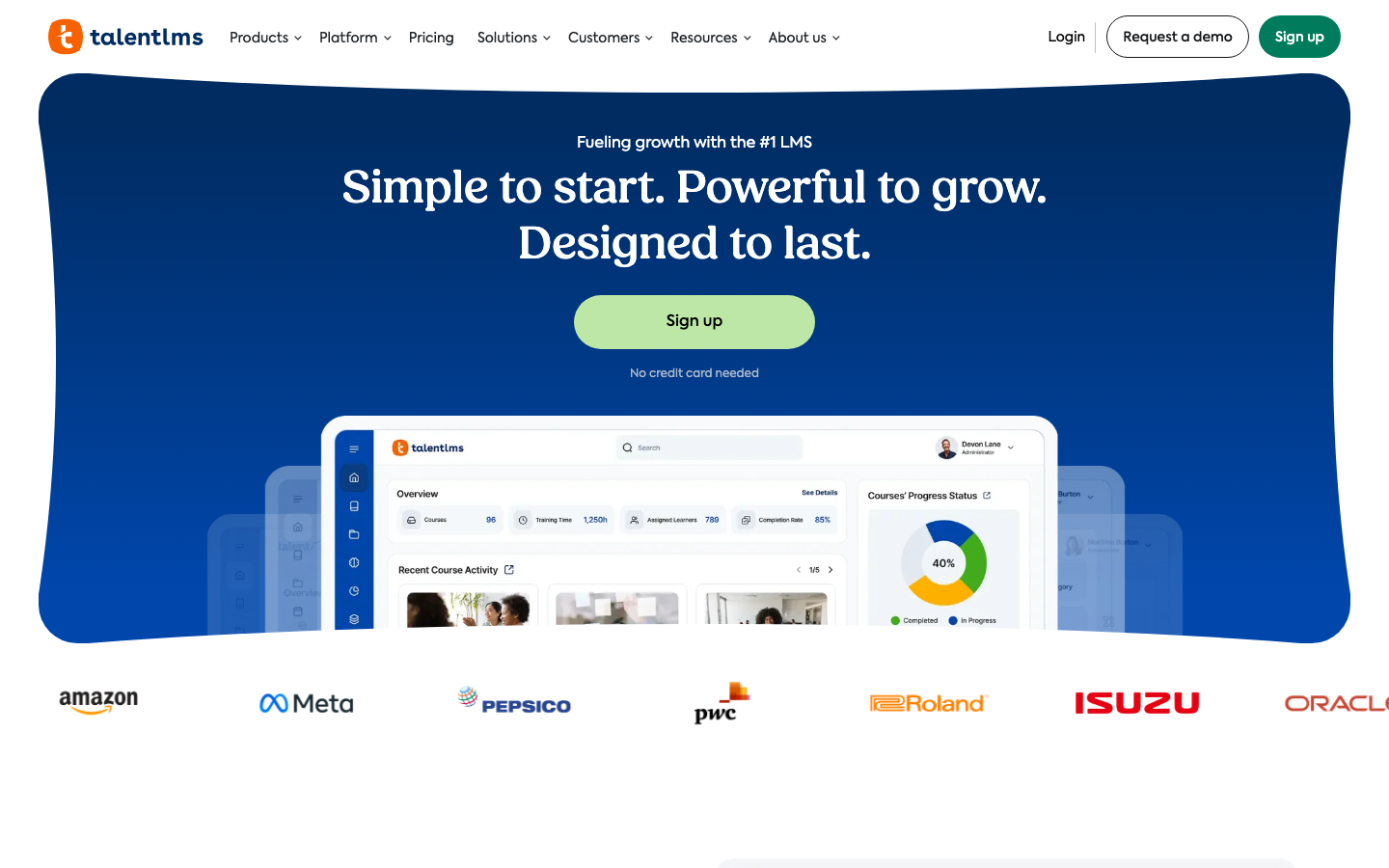
TalentLMS is the default employee training platform for a small or mid-sized team because it actually deploys in days. A new hire can be enrolled in onboarding and compliance courses within a single sprint, no instructional designer required. 700+ G2 reviews average 4.6/5, with the consistent praise being setup speed and the free tier’s actual usability. TalentCraft AI is the 2025-2026 differentiator for training teams: a subject-matter expert can build a passable 15-minute course from an existing slide deck without L&D involvement. The watch-out is the Pro-tier jump ($449/mo) when you need custom reports. TalentLMS’s own pricing page shows the Core plan at $119/mo annual for up to 100 active users; the Grow plan at $229/mo for up to 500 users; Pro at $449/mo for up to 500 users (with $6 per additional user beyond the base tier). If you want flat-rate pricing and a training program live this week, TalentLMS is the cleanest value in the segment.
Pricing breakdown
| Plan | Price | Best for |
|---|---|---|
| Free | $0 | Up to 5 users and 10 courses |
| Core | $119/mo annual | up to 100 active users |
| Grow | $229/mo annual | up to 500 users |
| Pro | $449/mo annual | up to 500 users (then $6 per additional user) |
Security & compliance
| Standard | Availability |
|---|---|
| SOC 2 Type II | ✗ (ISO 27001) |
| GDPR | Yes |
| HIPAA | No |
| SSO / SAML | Grow+ |
| Audit logs | Pro+ |
TalentLMS compliance summary: SOC 2 Type II is ✗ (iso 27001), GDPR is yes, HIPAA is no, SSO/SAML is grow+, and audit logs is pro+.
Key integrations
| Integration | Type |
|---|---|
| Gmail | N/A |
| Outlook | N/A |
| Slack | Native integration |
| LinkedIn Sales Navigator | N/A |
| Outreach / Salesloft | N/A |
TalentLMS integration summary: Gmail is not specified, Outlook is not specified, Slack is native integration, LinkedIn Sales Navigator is not specified, and Outreach or Salesloft is not specified.
Feature availability
| Feature | Status |
|---|---|
| Free tier | 5 users + 10 courses |
| AI authoring | ✓ TalentCraft |
| Course library | ✗ |
| Custom branding | Grow+ |
| Mobile app | ✓ iOS/Android |
TalentLMS feature availability summary: Free tier (5 users + 10 courses), AI authoring (✓ TalentCraft), Course library (✗), Custom branding (Grow+), and Mobile app (✓ iOS/Android).
Loading reviews…
Trainual
SOP documentation and role-based onboarding in one toolWhat's great
- Process documentation and LMS in one tool; teams stop splitting SOPs across Google Docs and a separate training platform
- Role-based training assignments auto-enroll the right content when a new hire is added to a specific role in the org chart
- 700+ G2 reviews at 4.5/5 with consistent praise for onboarding speed and the role-playbook structure
Watch-outs
- Core plan starts at a 10-seat base (vendor-quoted only); the per-seat math gets expensive past 50 employees compared to TalentLMS flat-rate tiers
- Not built for formal compliance training; no SCORM import path on the Core plan, no audit-grade completion logs
- $1,000 one-time implementation fee applies to all plans; factor into year-one budget
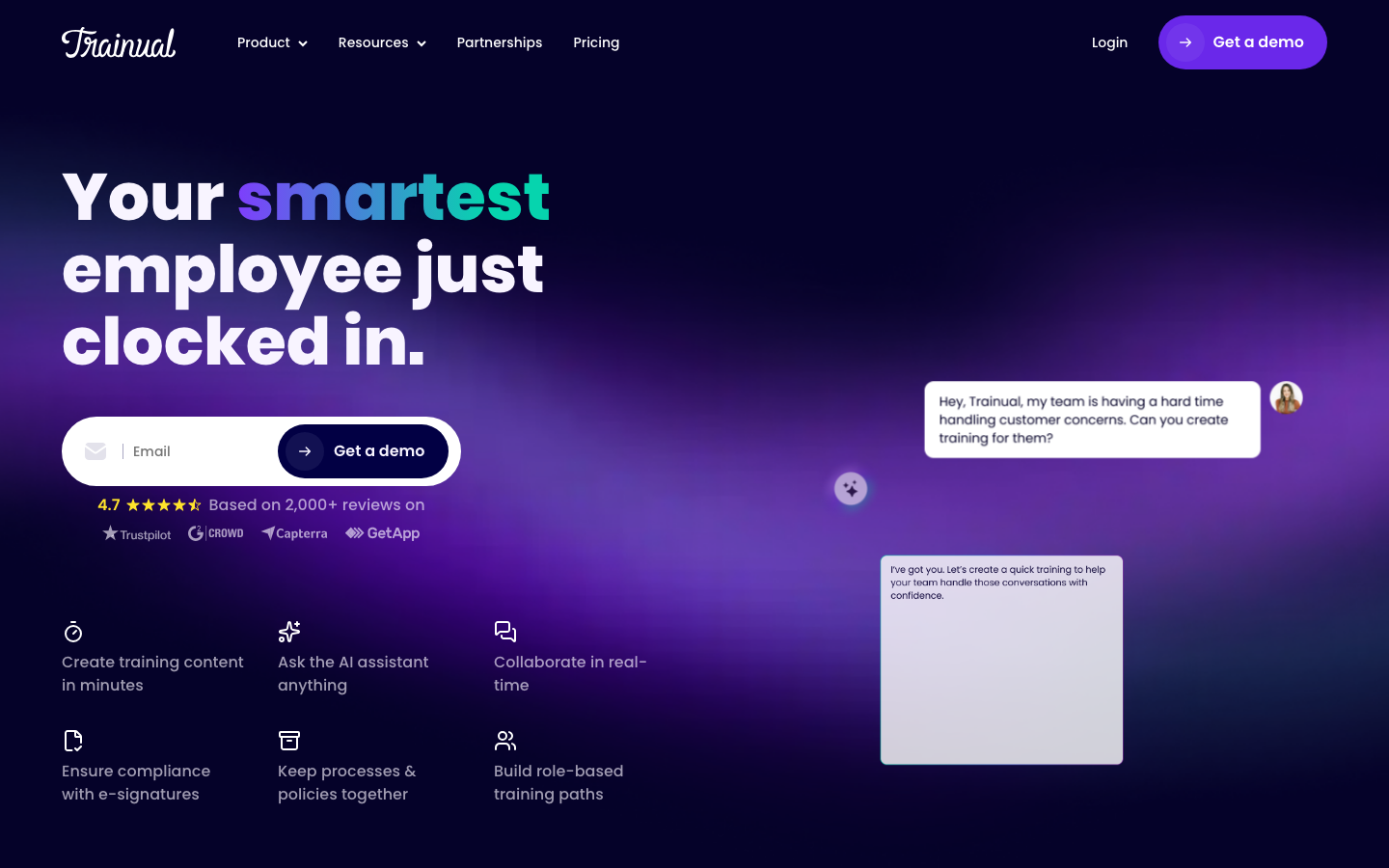
Trainual is the employee training tool for the company whose real problem is onboarding chaos, not a course catalog. It replaces the ‘just watch me do it’ model by turning every role into a documented playbook a new hire works through on day one. 700+ G2 reviews at 4.5/5; the product works best for 10-100 employee companies with a process-documentation problem as much as a training problem. Trainual’s pricing page currently routes buyers to a demo for the Core, Pro, and Premium tiers rather than publishing per-seat figures; the model bills off a 10-seat base on annual billing and steps up as features expand. If your primary need is compliance tracking or SCORM-based formal courses, TalentLMS or iSpring serve that better; for SOPs and repeatable onboarding, Trainual is purpose-built.
Pricing breakdown
| Plan | Price | Best for |
|---|---|---|
| Core | Demo-only (10-seat base) | Under 50 employees |
| Pro | Demo-only (10-seat base) | 50-100 employees |
| Premium | Demo-only (10-seat base) | 100+ employees |
| Enterprise | Custom | 250+ employees |
Security & compliance
| Standard | Availability |
|---|---|
| SOC 2 Type II | Yes |
| GDPR | Yes |
| HIPAA | No |
| SSO / SAML | Enterprise |
| Audit logs | No |
Trainual compliance summary: SOC 2 Type II is yes, GDPR is yes, HIPAA is no, SSO/SAML is enterprise, and audit logs is no.
Key integrations
| Integration | Type |
|---|---|
| Gmail | N/A |
| Outlook | N/A |
| Slack | Native integration |
| LinkedIn Sales Navigator | N/A |
| Outreach / Salesloft | N/A |
Trainual integration summary: Gmail is not specified, Outlook is not specified, Slack is native integration, LinkedIn Sales Navigator is not specified, and Outreach or Salesloft is not specified.
Feature availability
| Feature | Status |
|---|---|
| Free tier | no |
| AI authoring | ✓ Premium+ |
| Course library | ✗ |
| Custom branding | Pro+ |
| Mobile app | ✓ iOS/Android |
Trainual feature availability summary: Free tier (no), AI authoring (✓ Premium+), Course library (✗), Custom branding (Pro+), and Mobile app (✓ iOS/Android).
Loading reviews…
360Learning
Peer-built training that subject-matter experts keep currentWhat's great
- Collaborative authoring model lets any subject-matter expert create and update courses in the flow of work; L&D teams at 200+ person companies report reducing course-creation time by 40%
- Reaction buttons and peer-discussion threads on every course make content freshness a team responsibility, not an L&D bottleneck
- $8/user/mo Team plan with no minimum, transparent pricing with a 30-day trial; the clearest pricing offer in the collaborative LMS segment
Watch-outs
- The collaborative model requires cultural buy-in; teams where "L&D owns everything" find the peer-authoring workflow confusing rather than empowering
- Advanced customization and branding options are limited on the Team plan; Business and Enterprise tiers require custom quotes
- Analytics depth is adequate but not strong; teams needing compliance-grade reporting will find 360Learning's data export lighter than Absorb or Cornerstone
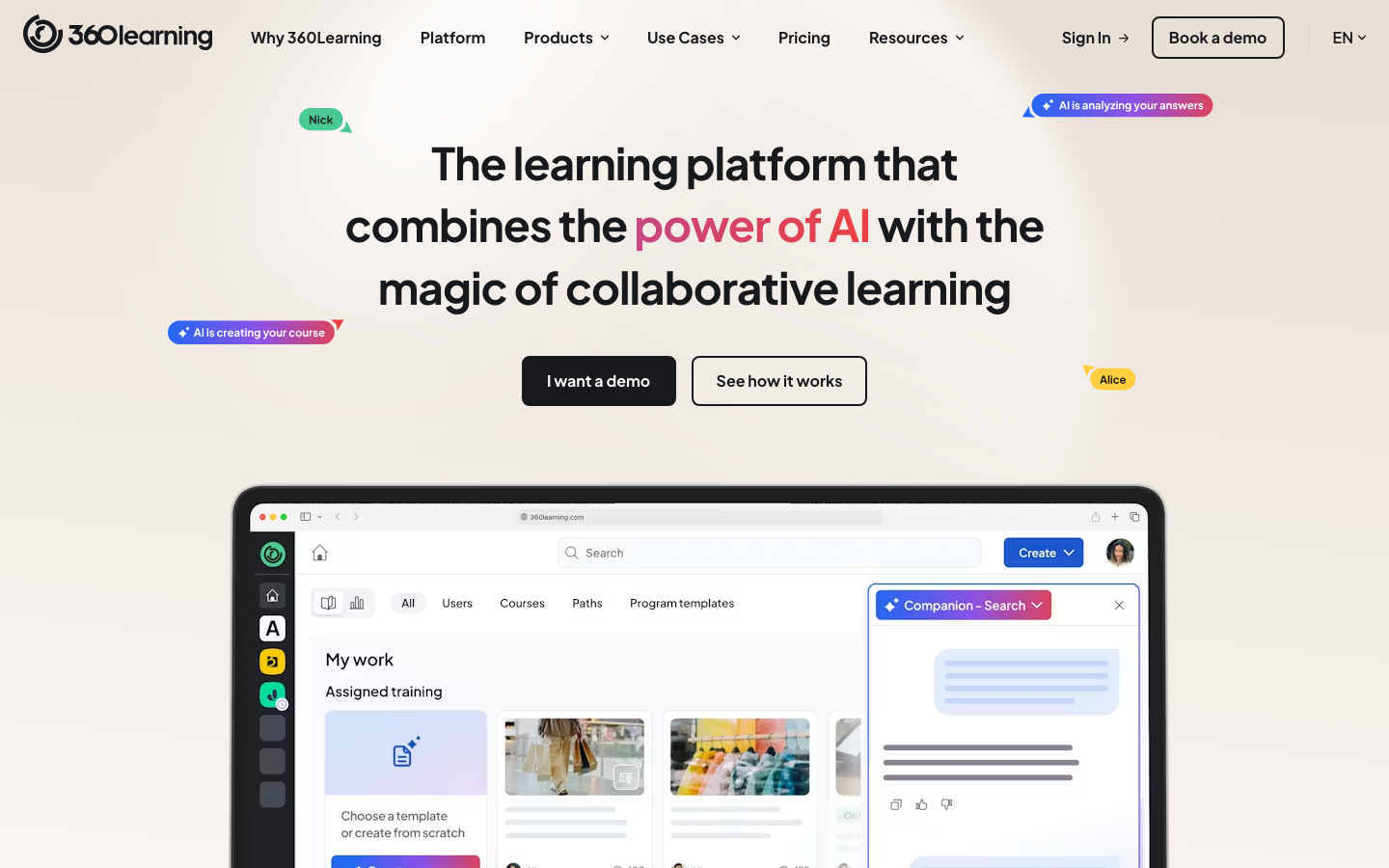
360Learning was built from the observation that most employee training content goes stale within 18 months because L&D is the only team allowed to edit it. The platform puts course creation in the hands of the people who actually do the job. Training teams use it specifically for fast-changing content like product knowledge and competitive battlecards, where the subject-matter expert updates the course the day a new feature ships. 450+ G2 reviews at 4.6/5. The 360Learning pricing page shows the Team plan at $8/user/mo for up to 100 users with no minimum; Business and Enterprise plans are custom. The pricing model alone is a reason to evaluate it versus TalentLMS if your team is under 100 users and your SMEs will help author.
Pricing breakdown
| Plan | Price | Best for |
|---|---|---|
| Team | $8/user/mo | Up to 100 users |
| Business | Custom | 100-500 users |
| Enterprise | Custom | 500+ users |
| 30-day trial | Free | Full feature access |
Security & compliance
| Standard | Availability |
|---|---|
| SOC 2 Type II | Yes |
| GDPR | Yes |
| HIPAA | ✓ (HIPAA-ready) |
| SSO / SAML | Business+ |
| Audit logs | Business+ |
360Learning compliance summary: SOC 2 Type II is yes, GDPR is yes, HIPAA is ✓ (hipaa-ready), SSO/SAML is business+, and audit logs is business+.
Key integrations
| Integration | Type |
|---|---|
| Gmail | N/A |
| Outlook | N/A |
| Slack | Native integration |
| LinkedIn Sales Navigator | N/A |
| Outreach / Salesloft | N/A |
360Learning integration summary: Gmail is not specified, Outlook is not specified, Slack is native integration, LinkedIn Sales Navigator is not specified, and Outreach or Salesloft is not specified.
Feature availability
| Feature | Status |
|---|---|
| Free tier | 30-day trial |
| AI authoring | ✓ AI authoring |
| Course library | ✗ |
| Custom branding | Business+ |
| Mobile app | ✓ iOS/Android |
360Learning feature availability summary: Free tier (30-day trial), AI authoring (✓ AI authoring), Course library (✗), Custom branding (Business+), and Mobile app (✓ iOS/Android).
Loading reviews…
iSpring Learn
Turn existing PowerPoint into trackable employee courses fastWhat's great
- PowerPoint-to-course conversion takes under 10 minutes; organizations with years of existing slide decks launch training programs faster than any other LMS in this guide
- Mobile app is consistently rated the best in category on G2 and Capterra, with offline mode supporting field technicians and frontline workers with no internet access
- At the Business-tier 100+ user breakpoint on annual billing, iSpring lands at one of the lowest per-user prices among full-featured platforms in this guide
Watch-outs
- Collaborative authoring is limited; iSpring is an admin-driven model where L&D creates and learners consume, the opposite of 360Learning's approach
- The platform requires iSpring Suite (the authoring tool, sold separately) for the most interactive content; the LMS alone can't create branching scenarios or complex simulations
- G2 review volume is thinner than TalentLMS or Absorb; fewer public third-party perspectives to validate claims
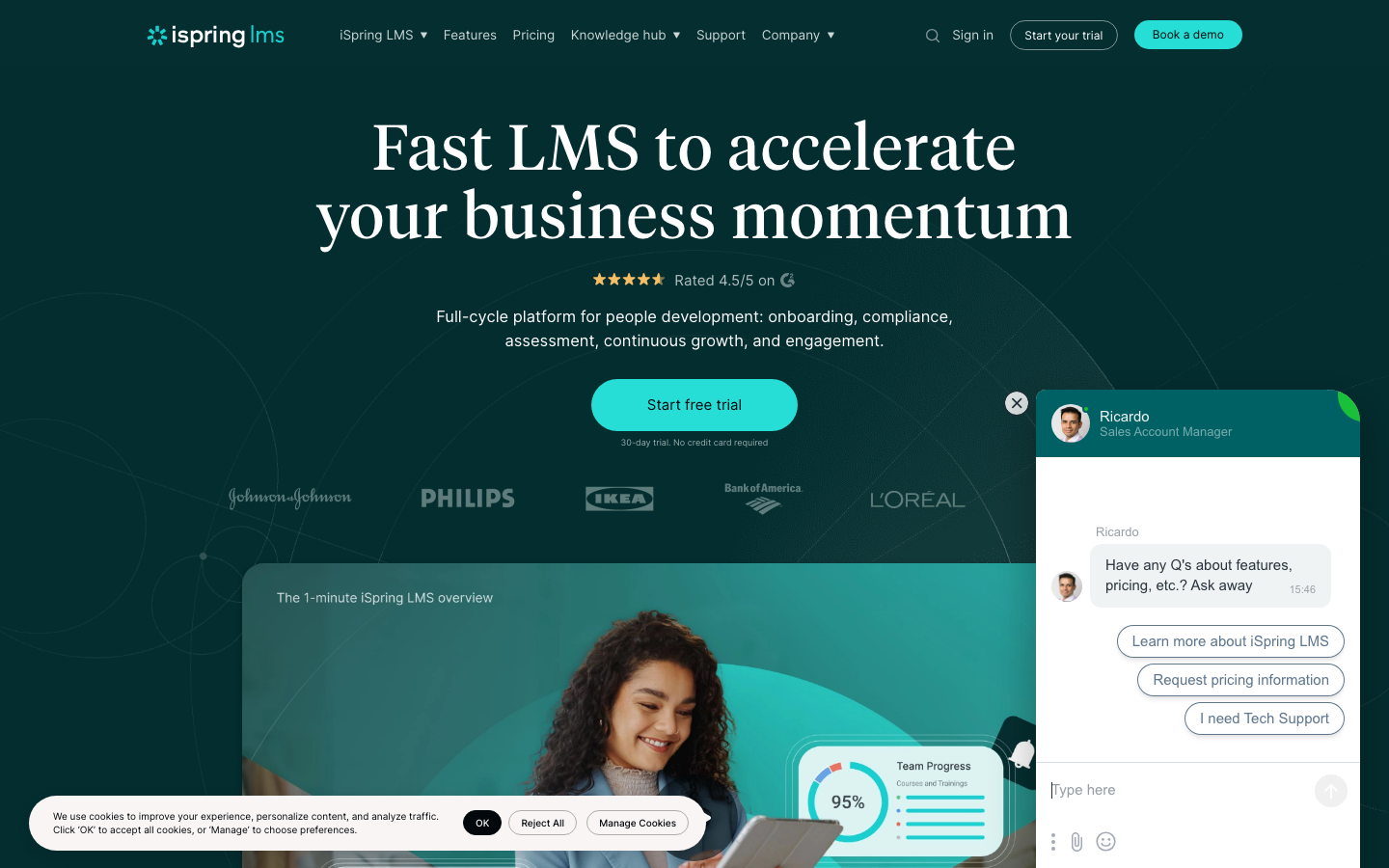
iSpring Learn is the fastest path from ‘we have all these existing materials’ to ‘our staff is actually trained on them.’ Manufacturing and construction training teams reach for iSpring specifically because those industries built years of training on PowerPoint and can’t rebuild everything from scratch. 500+ G2 reviews at 4.6/5. The pricing is a genuine standout: iSpring’s pricing page lists Business-tier annual billing in the low-single-digit-dollars-per-user range once you cross 100 active users, which undercuts TalentLMS’s per-user math at comparable user counts. The mobile app is where iSpring consistently wins in head-to-head tests with TalentLMS and Docebo, which matters when you train frontline staff who never sit at a desk.
Pricing breakdown
| Plan | Price | Best for |
|---|---|---|
| Business (50 users) | Vendor-quoted (annual) | Small teams |
| Business (100 users) | Vendor-quoted (annual) | 100-user mark |
| Business (500 users) | Vendor-quoted (annual) | Mid-market |
| Enterprise (1 | Custom | Large organizations |
Security & compliance
| Standard | Availability |
|---|---|
| SOC 2 Type II | Yes |
| GDPR | Yes |
| HIPAA | No |
| SSO / SAML | Business+ |
| Audit logs | ✓ all tiers |
iSpring Learn compliance summary: SOC 2 Type II is yes, GDPR is yes, HIPAA is no, SSO/SAML is business+, and audit logs is ✓ all tiers.
Key integrations
| Integration | Type |
|---|---|
| Gmail | N/A |
| Outlook | N/A |
| Slack | Marketplace add-on |
| LinkedIn Sales Navigator | N/A |
| Outreach / Salesloft | N/A |
iSpring Learn integration summary: Gmail is not specified, Outlook is not specified, Slack is marketplace add-on, LinkedIn Sales Navigator is not specified, and Outreach or Salesloft is not specified.
Feature availability
| Feature | Status |
|---|---|
| Free tier | 30-day trial |
| AI authoring | ✓ iSpring Suite add-on |
| Course library | ✗ |
| Custom branding | ✓ all tiers |
| Mobile app | ✓ iOS/Android + offline |
iSpring Learn feature availability summary: Free tier (30-day trial), AI authoring (✓ iSpring Suite add-on), Course library (✗), Custom branding (✓ all tiers), and Mobile app (✓ iOS/Android + offline).
Loading reviews…
WorkRamp
Built for rep ramping and revenue-team enablement trainingWhat's great
- GTM-specific features including ramping paths, product certification tracks, and competitive battlecard libraries; no other LMS in this guide has this depth of go-to-market training structure
- AI builder generates learning paths from a job description or onboarding checklist in minutes; the tool was built for modern rev-ops and L&D teams who need fast iteration
- Customer education module ships alongside internal training; one contract covers employee onboarding and customer certification without separate platform fees
Watch-outs
- External training (customer/partner) is a separately licensed Customer Education line that adds a platform fee on top of per-user pricing; the total cost jumps fast if you need both audiences
- Reporting is the most-cited limitation in 2026 G2 reviews; custom dashboards and advanced analytics require the Enterprise tier
- Not designed for compliance-heavy regulated training; no SCORM audit trail depth comparable to Absorb or Litmos
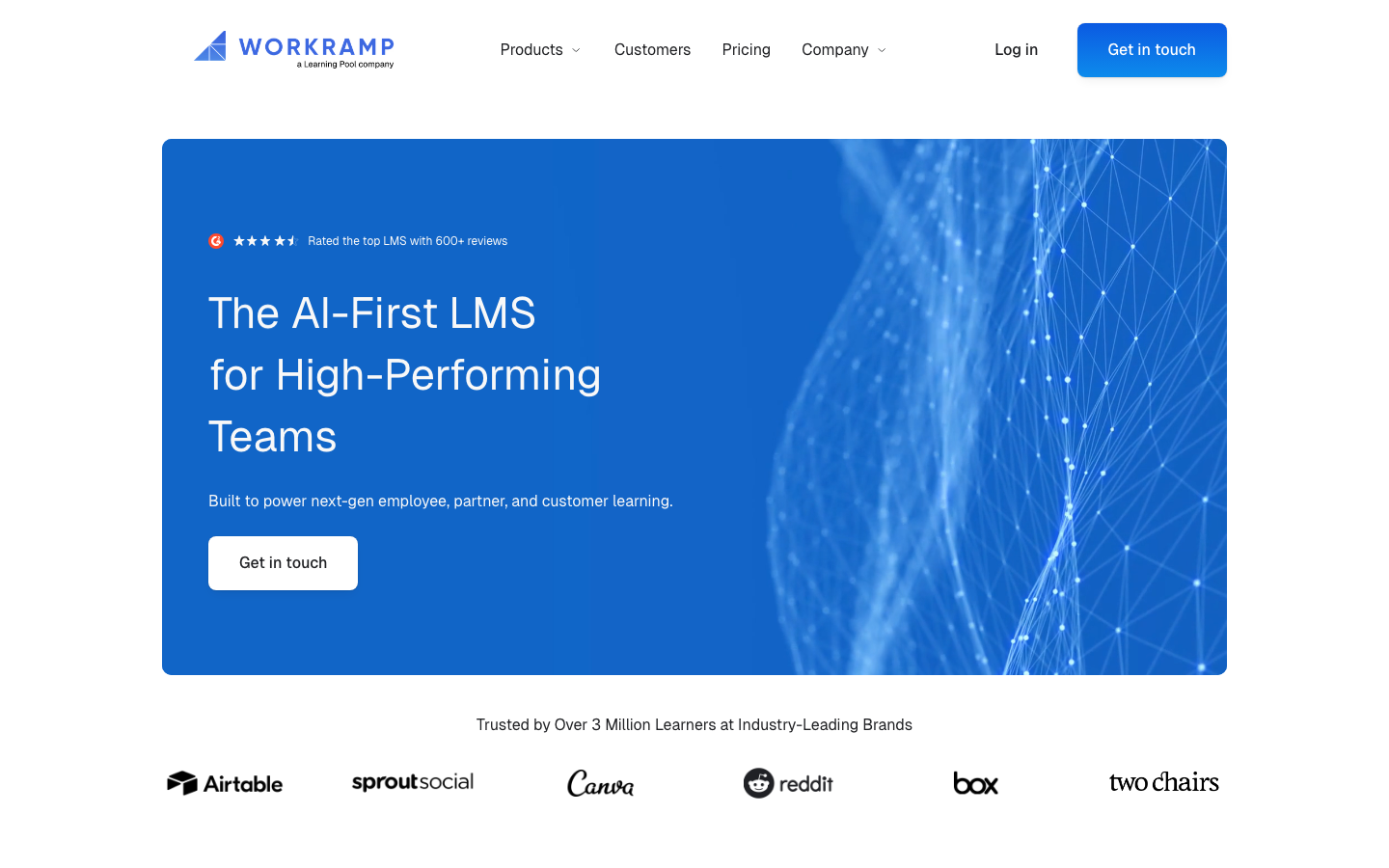
WorkRamp is the employee training platform revenue leaders actually buy, rather than L&D teams. The CMO or VP of Sales is often the internal champion because the tool speaks their language: rep ramp time, product certification rates, competitive readiness, and customer success onboarding. 300+ G2 reviews at 4.6/5. WorkRamp’s pricing page is gated behind a sales conversation; the model bundles internal employee training with a separate Customer Education line, and teams running both audiences should expect a meaningful platform fee on top of per-user costs. For a pure sales enablement and onboarding program, WorkRamp is the clearest value. For compliance-heavy regulated training, Absorb or Litmos are the better picks.
Pricing breakdown
| Plan | Price | Best for |
|---|---|---|
| Professional (internal) | Custom | Employee onboarding and enablement |
| Enterprise (internal) | Custom | Advanced analytics |
| Customer Education | Custom (platform fee plus usage) | External customer and partner training |
| Enterprise bundle | Custom | Internal plus external under one contract |
Security & compliance
| Standard | Availability |
|---|---|
| SOC 2 Type II | Yes |
| GDPR | Yes |
| HIPAA | No |
| SSO / SAML | Enterprise |
| Audit logs | Enterprise |
WorkRamp compliance summary: SOC 2 Type II is yes, GDPR is yes, HIPAA is no, SSO/SAML is enterprise, and audit logs is enterprise.
Key integrations
| Integration | Type |
|---|---|
| Gmail | N/A |
| Outlook | N/A |
| Slack | Native integration |
| LinkedIn Sales Navigator | N/A |
| Outreach / Salesloft | N/A |
WorkRamp integration summary: Gmail is not specified, Outlook is not specified, Slack is native integration, LinkedIn Sales Navigator is not specified, and Outreach or Salesloft is not specified.
Feature availability
| Feature | Status |
|---|---|
| Free tier | no |
| AI authoring | ✓ WorkRamp AI |
| Course library | ✗ |
| Custom branding | ✓ all tiers |
| Mobile app | ✓ iOS/Android |
WorkRamp feature availability summary: Free tier (no), AI authoring (✓ WorkRamp AI), Course library (✗), Custom branding (✓ all tiers), and Mobile app (✓ iOS/Android).
Loading reviews…
SC Training (EdApp)
Free, mobile-first microlearning for frontline staffWhat's great
- Free plan covers unlimited learners with microlearning course authoring, gamification, and basic reporting; the most generous free tier in the frontline LMS category
- Mobile-first design with bite-sized lessons (3-7 minutes); designed for workers who train between shifts or on the floor, not at a desk
- 300+ pre-built editable course templates across safety, compliance, and soft skills; teams launch training programs before building custom content
Watch-outs
- Analytics and reporting are limited on free and lower tiers; the features L&D teams need for compliance documentation live behind the paid plans
- Content authoring is designed around microlearning; organizations with long-form compliance courses or SCORM-heavy libraries will find SC Training limiting
- Rebrand from EdApp to SC Training in 2023 created some confusion in the market; some enterprise procurement teams still search for "EdApp"
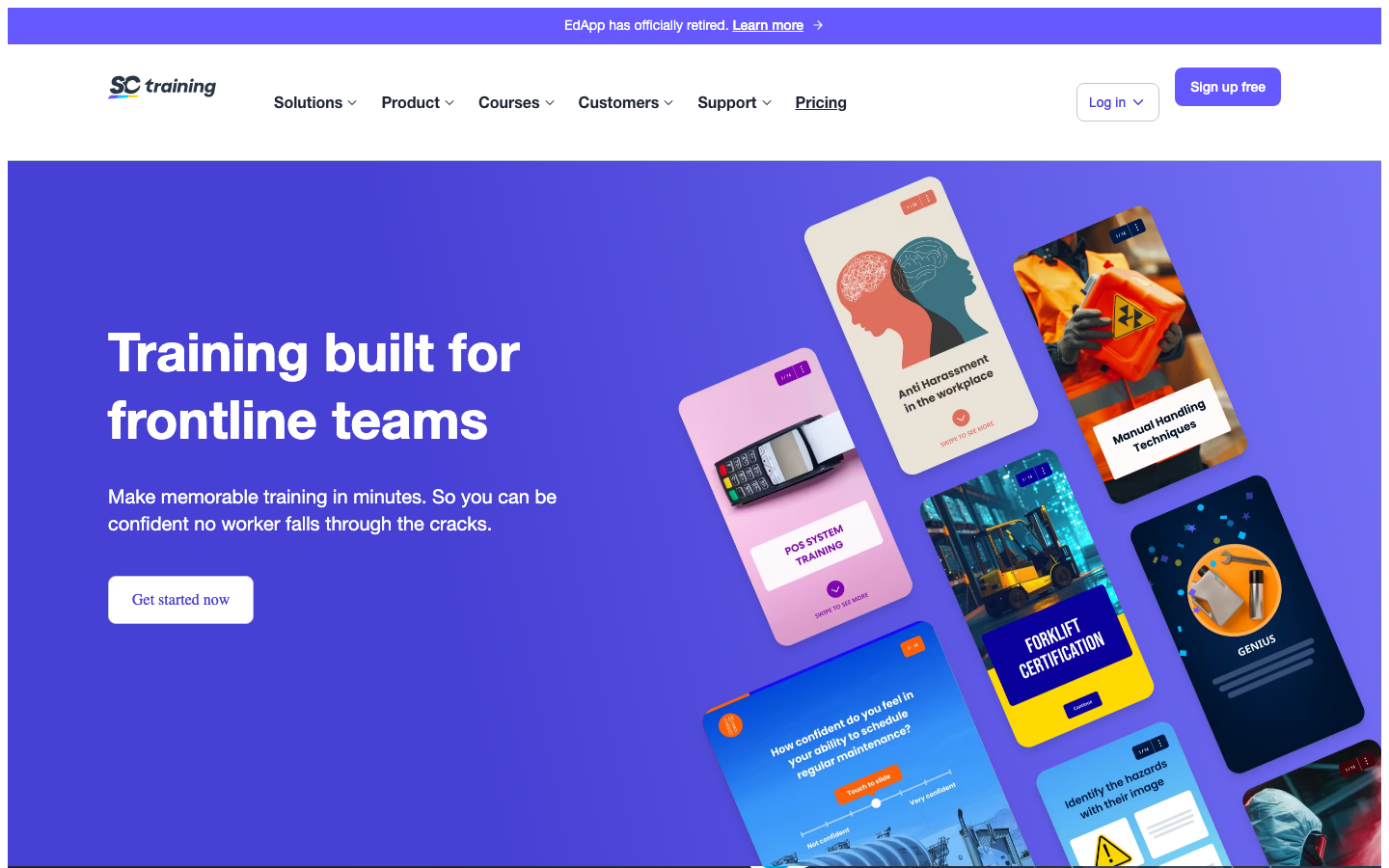
SC Training (EdApp) is the employee training tool for frontline staff in retail, logistics, hospitality, and manufacturing where the learner works a shift and doesn’t have a laptop. The free plan covers unlimited learners, which makes it genuinely easy to pilot a training program before spending a cent. 300+ G2 reviews at 4.6/5. The microlearning format works for safety briefings, product knowledge, and process updates that staff actually finish on a phone between tasks. For formal compliance certification programs that need SCORM audit trails, the free tier isn’t sufficient and the paid tiers compete on price with Litmos and TalentLMS.
Pricing breakdown
| Plan | Price | Best for |
|---|---|---|
| Free | $0 | Unlimited learners |
| Plus | Custom | Advanced analytics |
| Enterprise | Custom | SSO |
Security & compliance
| Standard | Availability |
|---|---|
| SOC 2 Type II | Yes |
| GDPR | Yes |
| HIPAA | No |
| SSO / SAML | Enterprise |
| Audit logs | Plus+ |
SC Training (EdApp) compliance summary: SOC 2 Type II is yes, GDPR is yes, HIPAA is no, SSO/SAML is enterprise, and audit logs is plus+.
Key integrations
| Integration | Type |
|---|---|
| Gmail | N/A |
| Outlook | N/A |
| Slack | Marketplace add-on |
| LinkedIn Sales Navigator | N/A |
| Outreach / Salesloft | N/A |
SC Training (EdApp) integration summary: Gmail is not specified, Outlook is not specified, Slack is marketplace add-on, LinkedIn Sales Navigator is not specified, and Outreach or Salesloft is not specified.
Feature availability
| Feature | Status |
|---|---|
| Free tier | unlimited learners |
| AI authoring | ✓ AI course creator |
| Course library | ✓ 300+ templates |
| Custom branding | Plus+ |
| Mobile app | ✓ iOS/Android |
SC Training (EdApp) feature availability summary: Free tier (unlimited learners), AI authoring (✓ AI course creator), Course library (✓ 300+ templates), Custom branding (Plus+), and Mobile app (✓ iOS/Android).
Loading reviews…
Seismic Learning
Coaching and readiness scoring for sales enablement trainingWhat's great
- 4.7/5 on G2 from 598 reviews, the highest satisfaction score among sales-enablement LMS platforms
- Manager coaching workflows with video submission, AI scoring, and feedback loops built in; reps record practice pitches and get scored on talk tracks
- Native integration with Seismic's content management platform; training and selling content share a unified library
Watch-outs
- Pricing requires a custom quote; no published tiers, estimated at $300/mo for 25 users scaling to $20K-$60K/yr for mid-market teams
- Bundled with Seismic's broader platform, making it hard to evaluate or price as a standalone LMS
- Not designed for compliance training or certification programs outside of sales context
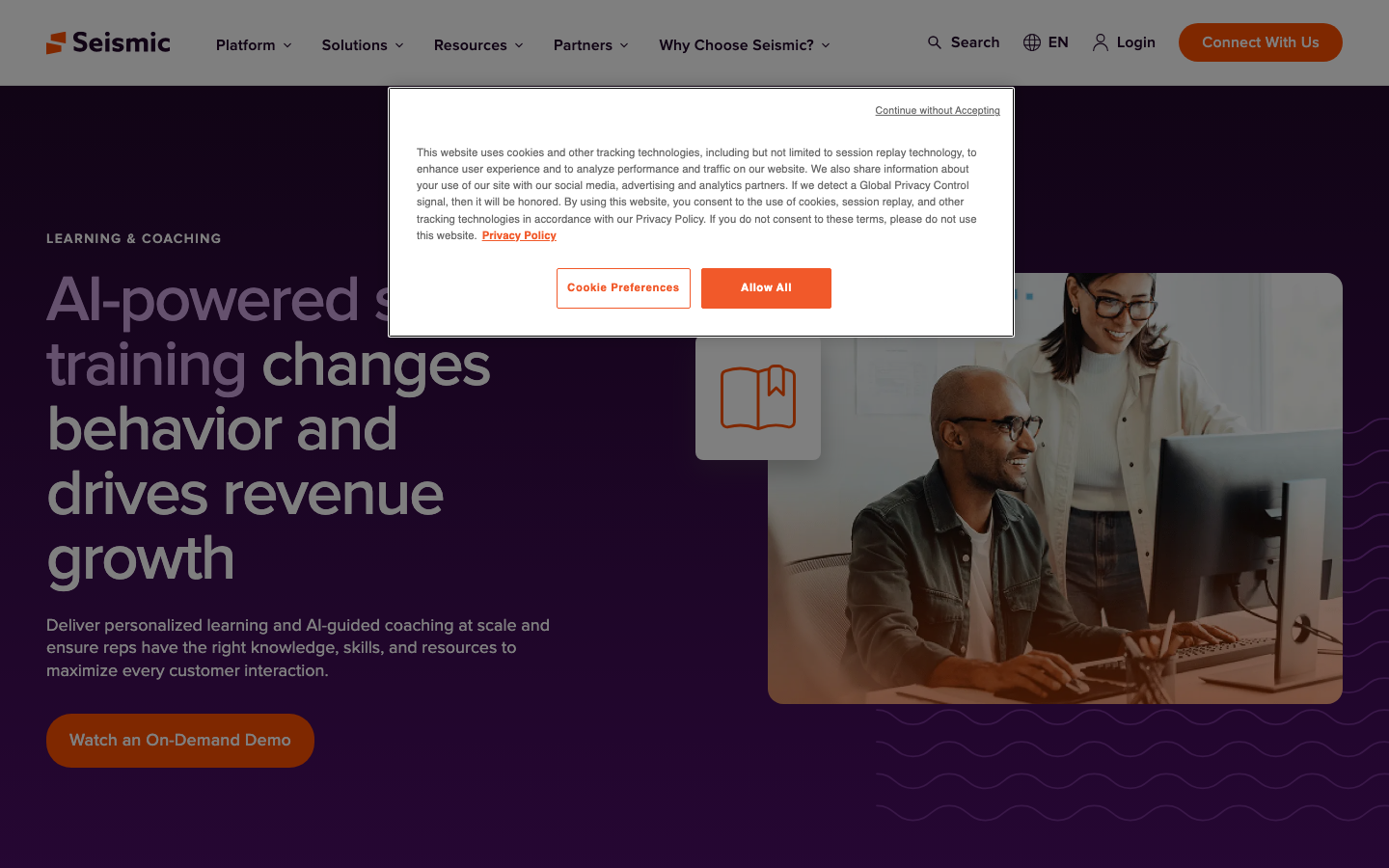
Seismic Learning (formerly Lessonly) is the employee training platform built for the VP of Sales, not the CHRO. The coaching workflow is the differentiator: reps record sales calls or product demos, managers review and score them using AI-assisted rubrics, and the platform tracks readiness scores at the team level. 598 G2 reviews at 4.7/5. The trade-off is pricing opacity and the bundling with Seismic’s enablement platform; teams not already on Seismic will pay for features they don’t need. WorkRamp is a cleaner standalone sales-enablement training tool for teams not in the Seismic ecosystem.
Pricing breakdown
| Plan | Price | Best for |
|---|---|---|
| Pro | Custom (est. $300/mo for 25 users) | Core LMS |
| Pro + Coaching | Custom (est. 50-100% premium) | AI coaching |
| Enterprise bundle | Custom ($20K-$100K+/yr) | Full Seismic enablement + learning |
Security & compliance
| Standard | Availability |
|---|---|
| SOC 2 Type II | Yes |
| GDPR | Yes |
| HIPAA | No |
| SSO / SAML | Enterprise |
| Audit logs | Enterprise |
Seismic Learning compliance summary: SOC 2 Type II is yes, GDPR is yes, HIPAA is no, SSO/SAML is enterprise, and audit logs is enterprise.
Key integrations
| Integration | Type |
|---|---|
| Gmail | N/A |
| Outlook | N/A |
| Slack | Native integration |
| LinkedIn Sales Navigator | N/A |
| Outreach / Salesloft | N/A |
Seismic Learning integration summary: Gmail is not specified, Outlook is not specified, Slack is native integration, LinkedIn Sales Navigator is not specified, and Outreach or Salesloft is not specified.
Feature availability
| Feature | Status |
|---|---|
| Free tier | no |
| AI authoring | ✓ AI coaching scoring |
| Course library | ✗ |
| Custom branding | ✓ all tiers |
| Mobile app | ✓ iOS/Android |
Seismic Learning feature availability summary: Free tier (no), AI authoring (✓ AI coaching scoring), Course library (✗), Custom branding (✓ all tiers), and Mobile app (✓ iOS/Android).
Loading reviews…
Continu
Training that lands in Slack where staff already workWhat's great
- Slack and Teams integrations are first-party and genuinely deep; learners get course assignments and completion nudges in the tools they already live in, not in a separate app
- Ranked
- Clean modern UX with a short admin onboarding path; IT and L&D teams consistently report going from contract to live in under 3 weeks
Watch-outs
- Review count is thinner than TalentLMS or Absorb; harder to validate at specific use cases outside the tech-company L&D profile
- Basic-to-Plus tier step-up adds per-user cost; the pricing model can outpace TalentLMS's flat-rate tiers at 100-200 users
- Strong for informal and social learning; lighter on compliance-grade audit trails than Absorb or Litmos
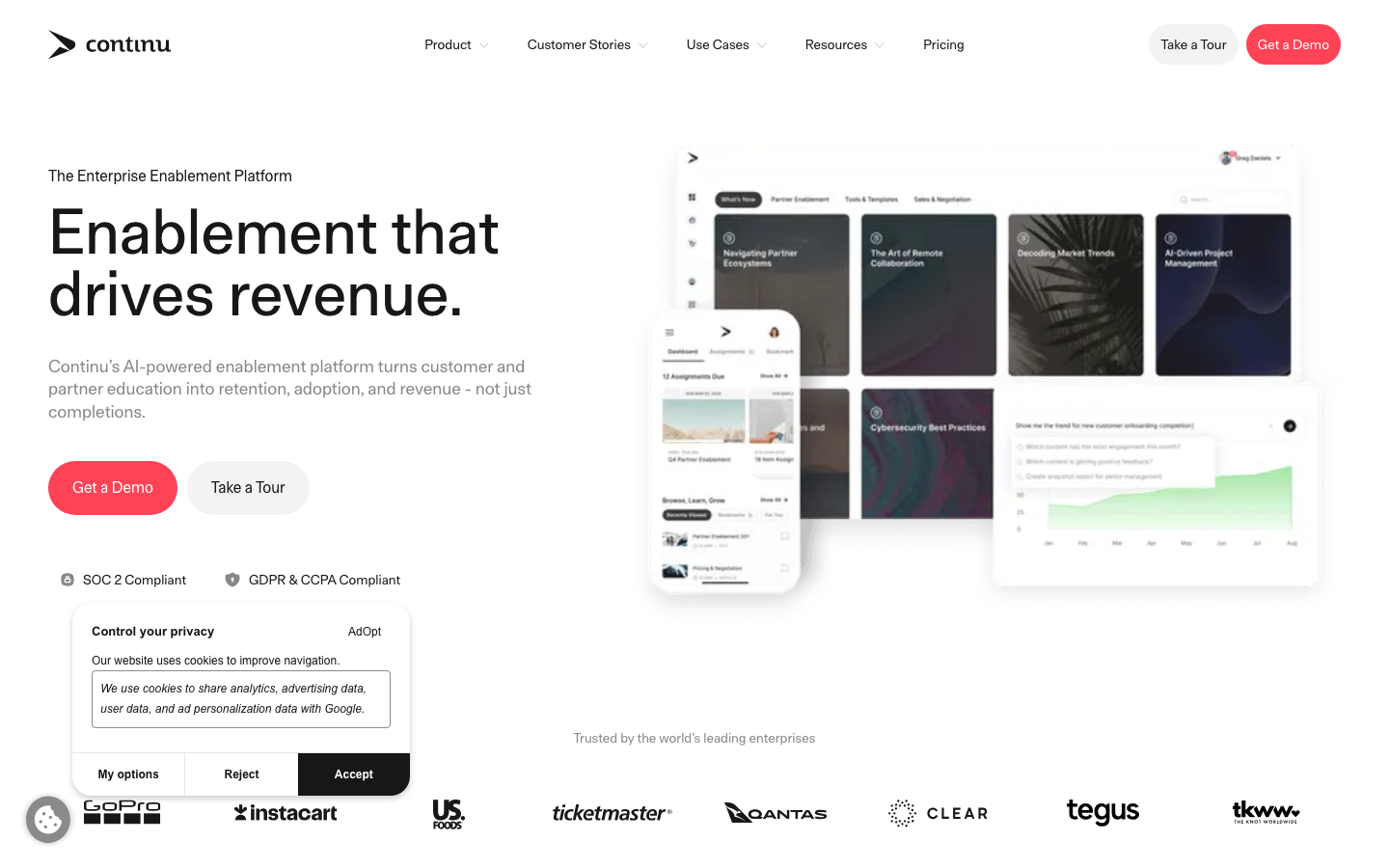
Continu is the employee training platform for the tech-forward team that wants training to happen where people already work. The head of HR I talked to last week at a 300-person SaaS company said her team’s course completion rate jumped from 42% to 71% after switching from a legacy LMS to Continu, because assignments landed in Slack instead of a forgotten email. 200+ G2 reviews at 4.7/5; the Winter 2026 #1 ranking across G2, Capterra, and Gartner Peer Insights is the validation signal. Continu does not publish per-user pricing on the public website ; the model runs Basic and Plus tiers for SMB and mid-market with Growth and Professional tiers for larger deployments, all quoted via the sales team.
Pricing breakdown
| Plan | Price | Best for |
|---|---|---|
| Basic | Custom (annual) | Up to 500 users |
| Plus | Custom (annual) | Advanced analytics |
| Growth | Custom (500-1 | Enterprise reporting |
| Professional | Custom (1 | Full enterprise |
Security & compliance
| Standard | Availability |
|---|---|
| SOC 2 Type II | Yes |
| GDPR | Yes |
| HIPAA | No |
| SSO / SAML | Plus+ |
| Audit logs | Plus+ |
Continu compliance summary: SOC 2 Type II is yes, GDPR is yes, HIPAA is no, SSO/SAML is plus+, and audit logs is plus+.
Key integrations
| Integration | Type |
|---|---|
| Gmail | N/A |
| Outlook | N/A |
| Slack | Native integration |
| LinkedIn Sales Navigator | N/A |
| Outreach / Salesloft | N/A |
Continu integration summary: Gmail is not specified, Outlook is not specified, Slack is native integration, LinkedIn Sales Navigator is not specified, and Outreach or Salesloft is not specified.
Feature availability
| Feature | Status |
|---|---|
| Free tier | no |
| AI authoring | ✓ AI authoring |
| Course library | ✗ |
| Custom branding | Plus+ |
| Mobile app | ✓ iOS/Android |
Continu feature availability summary: Free tier (no), AI authoring (✓ AI authoring), Course library (✗), Custom branding (Plus+), and Mobile app (✓ iOS/Android).
Loading reviews…
Absorb LMS
Audit-ready training for regulated and compliance-heavy teamsWhat's great
- Automated certificate management and recertification workflows with audit-ready reporting; the only LMS in this list where 100% of compliance documentation holds up in an actual external audit without manual cleanup
- Absorb Infuse embeds the LMS inside Salesforce, Workday, or any SaaS app; learners train in context without switching tabs
- 4.6/5 across 829 G2 reviews, one of the highest satisfaction rates in the enterprise-to-mid-market LMS category, with 79% five-star ratings
Watch-outs
- Course authoring requires the paid Absorb Create add-on; the base platform has no native authoring beyond simple uploads
- Social learning features (peer Q&A, discussion threads) are a separate paid module, not included in the core platform
- Implementation runs 2-3 months for mid-size deployments; teams expecting a fast launch will be frustrated
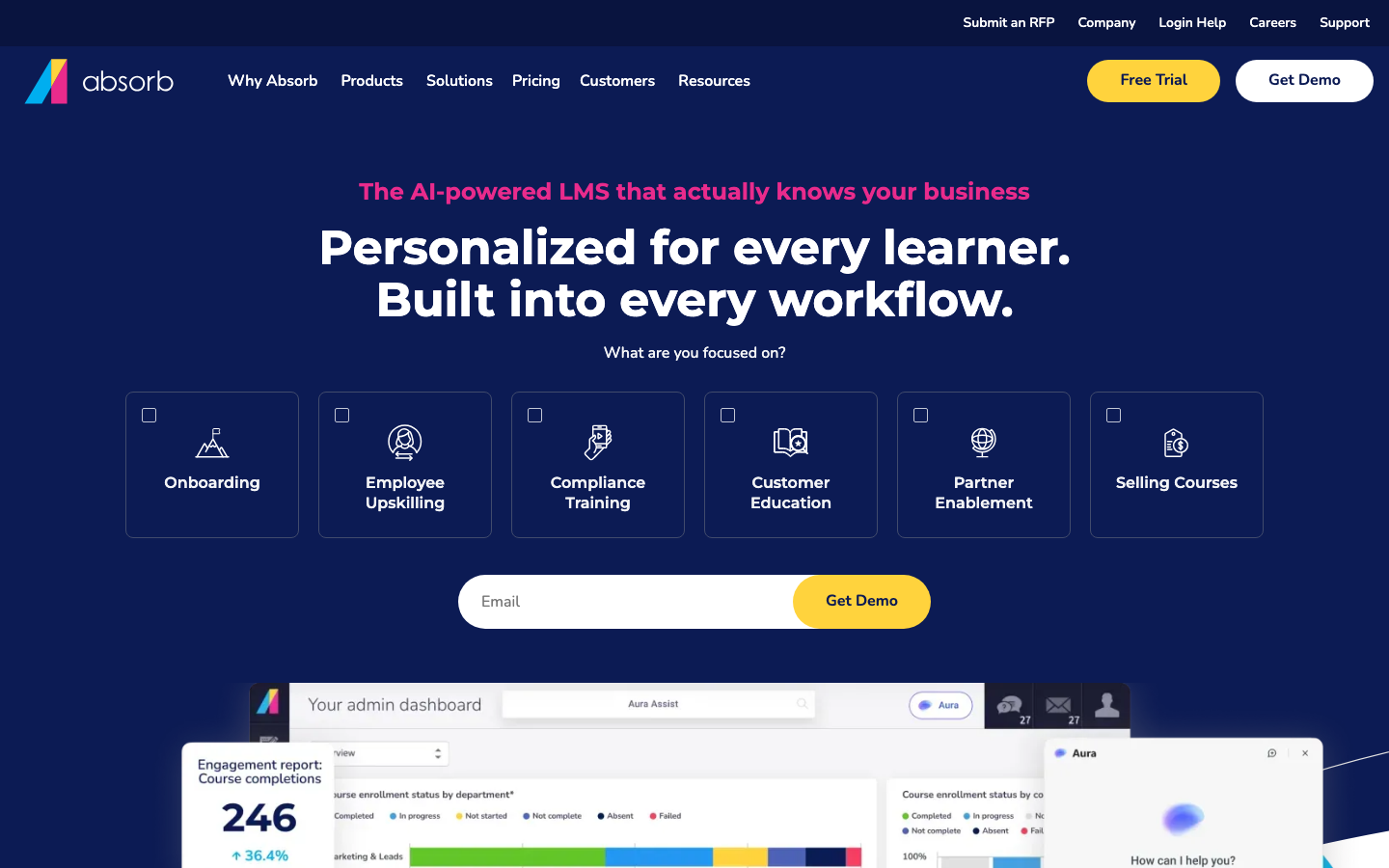
Absorb LMS earns its place for any team scaling training where completion is a legal requirement, not just an L&D KPI. Healthcare, financial services, life sciences, and construction are the industries where Absorb consistently shows up. The automated recertification workflows kill the compliance coordinator’s most painful monthly task: chasing down expiring certificates. 829 G2 reviews at 4.6/5 across Essentials, Professional, and Enterprise tiers (all custom-priced). Absorb does not publish per-learner figures; mid-market deployments quoted to teams I’ve worked with land in the low-to-mid five figures annually for a 500-learner footprint, varying with feature mix. The Create add-on (custom-priced) is worth the cost if your team creates original content; skip it if you’re running pre-built courses.
Pricing breakdown
| Plan | Price | Best for |
|---|---|---|
| Essentials | Custom (est. $6-9/learner/mo) | Core LMS |
| Professional | Custom (est. $8-11/learner/mo) | AI recommendations |
| Enterprise | Custom | Multi-tenant |
| Create add-on | Custom | Native course authoring for content-building teams |
Security & compliance
| Standard | Availability |
|---|---|
| SOC 2 Type II | Yes |
| GDPR | Yes |
| HIPAA | ✓ Enterprise |
| SSO / SAML | ✓ all tiers |
| Audit logs | ✓ all tiers |
Absorb LMS compliance summary: SOC 2 Type II is yes, GDPR is yes, HIPAA is ✓ enterprise, SSO/SAML is ✓ all tiers, and audit logs is ✓ all tiers.
Key integrations
| Integration | Type |
|---|---|
| Gmail | N/A |
| Outlook | N/A |
| Slack | Marketplace add-on |
| LinkedIn Sales Navigator | N/A |
| Outreach / Salesloft | N/A |
Absorb LMS integration summary: Gmail is not specified, Outlook is not specified, Slack is marketplace add-on, LinkedIn Sales Navigator is not specified, and Outreach or Salesloft is not specified.
Feature availability
| Feature | Status |
|---|---|
| Free tier | no |
| AI authoring | ✓ Absorb Create add-on |
| Course library | M (third-party) |
| Custom branding | ✓ all tiers |
| Mobile app | ✓ iOS/Android |
Absorb LMS feature availability summary: Free tier (no), AI authoring (✓ Absorb Create add-on), Course library (M (third-party)), Custom branding (✓ all tiers), and Mobile app (✓ iOS/Android).
Loading reviews…
Docebo
AI that personalizes training at 250+ learnersWhat's great
- Harmony AI copilot auto-tags content, surfaces personalized course recommendations, and generates learning paths from a job role description in under five minutes
- Extended enterprise architecture supports up to 10 branded sub-domains on the Enterprise tier; customer, partner, and employee training run in separate portals from one contract
- Docebo Content catalog ships 30,000+ pre-built courses across compliance, leadership, and technical topics; organizations with no existing library can launch in weeks
Watch-outs
- Minimum contract threshold sits around $25K/yr; mid-market teams under 250 learners routinely get priced out during the demo phase
- Average enterprise contract runs $7-10/active user/mo, meaning a 500-learner deployment lands $42K-$60K before professional services
- Implementation takes 8-12 weeks at mid-market; the L&D admin load during setup is the top complaint in G2 reviews across 2025-2026
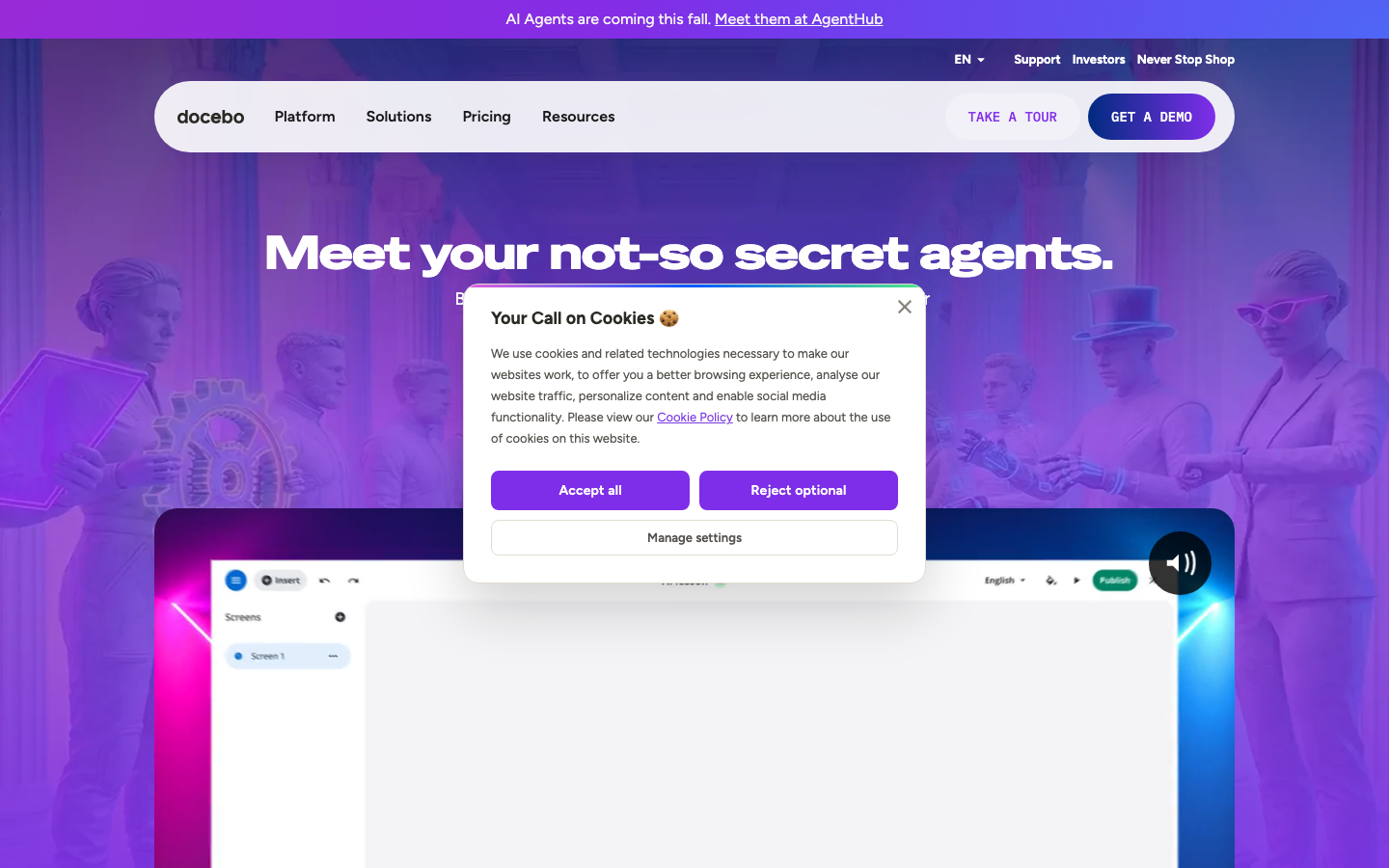
Docebo is the employee training platform the enterprise L&D org picks when learning is a strategic function, not an admin checkbox. The Harmony AI layer actually works: it watches what learners complete, skips what they already know based on assessment scores, and surfaces the next course without a curator touching anything. 746 G2 reviews average 4.4/5; the consistent praise is around the AI recommendations and the multi-audience architecture. The consistent gripe is implementation complexity and the contract floor. Per Docebo’s pricing page , the platform targets companies training 250+ learners and typically signs 1-5 year contracts. For teams under 250 learners, TalentLMS or Absorb LMS will cost 60-70% less with 80% of the functionality.
Pricing breakdown
| Plan | Price | Best for |
|---|---|---|
| Elevate tier | Custom (est. $7-9/active user/mo) | 250-1 |
| Enterprise | Custom (est. $9-12/active user/mo) | 1 |
| Skills Intelligence add-on | Custom | AI-native skills taxonomy |
| Content add-on | Custom | 30 |
Security & compliance
| Standard | Availability |
|---|---|
| SOC 2 Type II | Yes |
| GDPR | Yes |
| HIPAA | Yes |
| SSO / SAML | ✓ all tiers |
| Audit logs | ✓ all tiers |
Docebo compliance summary: SOC 2 Type II is yes, GDPR is yes, HIPAA is yes, SSO/SAML is ✓ all tiers, and audit logs is ✓ all tiers.
Key integrations
| Integration | Type |
|---|---|
| Gmail | N/A |
| Outlook | N/A |
| Slack | Native integration |
| LinkedIn Sales Navigator | N/A |
| Outreach / Salesloft | N/A |
Docebo integration summary: Gmail is not specified, Outlook is not specified, Slack is native integration, LinkedIn Sales Navigator is not specified, and Outreach or Salesloft is not specified.
Feature availability
| Feature | Status |
|---|---|
| Free tier | no |
| AI authoring | ✓ Harmony AI |
| Course library | ✓ 30K+ courses add-on |
| Custom branding | ✓ all tiers |
| Mobile app | ✓ iOS/Android |
Docebo feature availability summary: Free tier (no), AI authoring (✓ Harmony AI), Course library (✓ 30K+ courses add-on), Custom branding (✓ all tiers), and Mobile app (✓ iOS/Android).
Loading reviews…
More top-rated Employee Training Software worth checking out
Highly rated Employee Training Software that didn't crack our top 10 but are still strong contenders, especially for specific use cases and team sizes.
LearnUpon
One platform for employee, customer, and partner training
Standout: White-labeled portals let you run employee, customer, and partner training under separate branded experiences from one account; no separate contracts or data silos
Cornerstone Learning
Enterprise training tied to skills and career development
Standout: Skills ontology engine maps 53,000+ skills to job roles, courses, and career paths; the most mature skills-infrastructure in the enterprise LMS category
SAP Litmos
The biggest off-the-shelf compliance course library
Standout: 2,000+ pre-built compliance courses across 35 languages; the broadest out-of-the-box compliance library in the category, covering OSHA, HIPAA, HR compliance, and cybersecurity
Tovuti LMS
Gamified, interactive training that drives completion
Standout: Interactive video with embedded quizzes, hotspots, and branching scenarios ships natively without a separate authoring tool subscription
Bridge by Instructure
Training connected to performance and career growth
Standout: Learning and performance management under one platform; managers can see direct reports' training completion alongside their performance reviews without platform-switching
Northpass (Gainsight)
Branded training academies for external learners
Standout: Purpose-built for customer education; white-labeled training academies with custom branding, eCommerce, and certificate issuance built in
Tools we considered but excluded
We evaluated more tools than the 16 you see above. These did not make the cut. Saying what we rejected, and why, is the editorial muscle most listicles skip.
- Moodle Workplace: Open-source and the cheapest on paper, but it needs an in-house technical owner with PHP/MySQL familiarity to self-host and maintain; most employee-training teams don't have that, and the hosted version is thin at SMB tiers
- D2L Brightspace: Better known as an academic LMS for universities and K-12; the roadmap prioritizes education features corporate training teams don't need, and the learner UX lags modern employee-training tools
- Skilljar: Purpose-built for paid customer-education academies with a revenue model, not internal staff training; teams evaluating it for employee L&D will find LearnUpon or TalentLMS better aligned
- Whatfix: A digital-adoption platform that overlays in-app guidance on your software, adjacent to training but not a training platform; no course catalog, compliance tracking, or certification management
Honorable mentions
Solid tools that did not crack the main list but are worth tracking, especially for niche use cases.
- Notion or a team wiki: For a very small team documenting SOPs before it needs real training software; a structured wiki captures process knowledge cheaply, but there's no enrollment, completion tracking, or certification, so you outgrow it the moment training has to be proven
- LinkedIn Learning: An off-the-shelf course library to pair with a training platform; great for general upskilling on soft skills and software, but it lacks the SCORM tracking, compliance reporting, and admin workflows a real employee-training program needs on its own
- Google Classroom-style free tools: For micro teams that just need to assign a few lessons and quizzes at zero cost; fine as a stopgap, but no role-based onboarding, compliance certificates, or HRIS sync, so plan to migrate once headcount grows
What counts as employee training software
Most “best LMS” lists rank platforms for education and multi-audience learning, which leaves an HR or L&D lead who just needs to train their own staff sorting through tools built for universities and customer academies. This guide scores the same training platforms from our full 20-tool LMS test specifically for employee training: onboarding new hires, running mandatory compliance courses, documenting SOPs, and upskilling existing staff.
The tools split into five practical buckets. Most teams lead with one and add a second later.
Onboarding and SOP tools. Trainual is the clearest example. Process documentation and role-based training in one place, so a new hire works through a playbook instead of shadowing someone for two weeks. TalentLMS and WorkRamp also do structured onboarding well.
Compliance training. Mandatory, recurring, and audit-tracked. Absorb LMS and SAP Litmos own this end, with automated recertification and large pre-built libraries. TalentLMS Pro covers most SMB compliance needs.
Skills and upskilling LMS. Ongoing staff development, not just day-one training. 360Learning, Docebo, and Cornerstone lead here, with skills mapping and collaborative authoring that keep content current.
Sales and revenue enablement. Rep ramping, product certification, and coaching. WorkRamp and Seismic Learning are built for the revenue org, not general HR.
Microlearning and mobile. Short lessons for frontline staff who train on a phone between shifts. SC Training (EdApp) and iSpring Learn win on the mobile experience.
If you need a full learning platform that runs customer and partner training alongside employees, that’s a wider buy. Our best LMS software guide covers all five LMS segments including the multi-audience and education tools we deliberately scoped out here.
What to test in an employee training software trial
An HR or L&D lead rarely has a full instructional-design team, so the trial has to prove the tool runs without one. Eight things to check before you put your staff and your courses into anything.
If you also have to defend the spend to a CFO or a department head, the companion guide to evaluating LMS and training software has the cost math and a free downloadable scorecard.
One, build a real course or SOP on day one. Not a toy. Take an actual onboarding module or a 40-slide compliance deck and build it in the tool. If it fights you for an hour, every future course update will too.
Two, time how long to your first published course. From signup to a course a learner can actually take. TalentLMS and iSpring get there in an afternoon; some enterprise tools add a week of configuration. That number predicts your whole content velocity.
Three, take the course as a learner on mobile. Grab your phone, log in as a test learner, and complete a lesson. Frontline staff and busy managers train on a phone, not a desktop. iSpring and SC Training are the strongest here; some desktop-first tools feel cramped on a small screen.
Four, pull a compliance completion report. Assign a course to a 10-person test group, have half complete it, and run the report. Check that it exports to CSV, shows completion percentage and certification status, and lets a manager see their team without admin access.
Five, author a course without an instructional designer. Hand the authoring task to a regular team member. If a subject-matter expert can build a usable 15-minute course from a slide deck or an AI prompt without specialist help, your content stays current. If it needs an expert, it won’t.
Six, import a SCORM package or existing content. If you’ve bought pre-built compliance courses or have legacy SCORM files, test the import on day one. Trainual’s Core plan has no SCORM path; that’s a dealbreaker for some compliance programs and irrelevant for others.
Seven, test the HRIS integration end-to-end. Add a user in your HRIS and time how long until they appear in the training tool with the right role, manager, and assigned courses. More than 24 hours on auto-sync, multiplied by your quarterly hiring, is real admin load.
Eight, measure the admin overhead. Count the clicks to enroll a cohort, assign a recurring compliance course, and chase incomplete learners. The gap between a clean and a clumsy tool is felt every week by whoever runs training, usually a person with a different day job.
How to choose: five questions for an L&D or HR lead
Answer these in order and the 16 tools collapse to two or three real options.
1. What kind of training is the priority: onboarding, compliance, or upskilling?
- Onboarding and SOPs. Trainual for role-based playbooks, or TalentLMS and WorkRamp for structured learning paths.
- Mandatory compliance. Absorb LMS or SAP Litmos for audit-grade trails and pre-built libraries; TalentLMS Pro for SMB-level compliance.
- Ongoing upskilling. 360Learning for SME-built content, Docebo or Cornerstone for skills-based development at scale.
2. How many people will you train in 12 months?
- Under 100 staff. TalentLMS Core ($119/mo), 360Learning Team ($8/user/mo), or SC Training free. Don’t overpay for enterprise architecture.
- 100-500 staff. TalentLMS Pro, iSpring Learn (Business tier), or Absorb LMS once compliance gets serious.
- 500+ staff. Docebo, Cornerstone Learning, or Absorb for AI personalization, skills mapping, and recertification at volume.
3. In-house authoring or off-the-shelf courses?
If your subject-matter experts will help build content, 360Learning’s collaborative model and TalentLMS’s TalentCraft AI are the fastest. If you’d rather buy pre-built courses, SAP Litmos (2,000+ compliance courses) and Cornerstone (100,000+) ship the largest libraries. Trying to build from scratch with no author is how training programs stall.
4. What’s the budget, flat-rate or per-seat?
Flat-rate is easiest to forecast: TalentLMS Core is one predictable number up to 100 users. Per-seat (360Learning at $8, Absorb and Docebo on quotes) scales with headcount and can overtake flat tiers fast. SC Training free and Moodle self-hosted are the zero-license options, with the trade-offs noted above.
5. Does it need to sync with your HRIS?
If new hires should appear in the training tool automatically with the right role and assigned courses, HRIS integration is a purchase requirement, not a nice-to-have. Absorb, Docebo, Cornerstone, and LearnUpon handle this on standard tiers; lighter SMB tools may route through Zapier or need manual imports. Decide whether manual user management is a burden you’ll carry.
Employee training software vs an LMS
The terms get used interchangeably, and for most buyers the practical difference is small. Employee training software is the use case: onboarding, compliance, SOPs, and upskilling for your own staff. An LMS is the broader platform category that delivers and tracks courses for any audience, including customers, partners, and students.
Almost every tool in this guide is technically an LMS, scoped here to the internal employee-training job. The distinction matters when you have more than one audience. If you also train customers or partners, or you need an education-grade platform, you’re buying a wider LMS, and tools like LearnUpon, Docebo, and the customer-education specialists come into play.
If that’s you, read the best LMS software guide next. It covers all five LMS segments, including the multi-audience, customer-education, and academic tools we deliberately left off this employee-training list.
What’s changed in employee training software for 2026
AI course authoring crossed a usable threshold. TalentCraft (TalentLMS), Tovuti’s generator, Docebo’s AI suite, and WorkRamp’s path builder all produce first-draft courses from a prompt that are good enough to publish with light editing. Six months ago the output needed a full rewrite. Today it’s a 20-minute review, which lets a team without an instructional designer keep training current.
Microlearning and mobile are now the default for frontline staff. Short lessons on a phone, completed between shifts, beat hour-long desktop courses for retail, logistics, and field teams. SC Training (EdApp) and iSpring built around this, and completion rates show the gap.
Skills-based training is the enterprise pitch. Cornerstone, Docebo, and SAP Litmos are selling skills ontology as the reason to upgrade, mapping training to demonstrated skill gaps instead of a curriculum calendar. The tools that do it well need enterprise contracts; SMB tools aren’t there yet.
Consolidation is pulling onboarding, training, and performance together. Bridge ties training to performance reviews, Trainual folds SOPs and onboarding into one tool, and HRIS-native learning modules are improving. Fewer teams want three separate logins for what feels like one workflow.
Final pick by training need
- New-hire onboarding: Trainual for role-based SOP playbooks; TalentLMS or WorkRamp for structured onboarding learning paths.
- Mandatory compliance: Absorb LMS for audit-grade recertification; SAP Litmos for the biggest pre-built compliance library; TalentLMS Pro for SMB compliance on a budget.
- Sales and revenue enablement: WorkRamp for a modern GTM team; Seismic Learning if you’re already in the Seismic ecosystem.
- Upskilling existing staff: 360Learning for SME-built courses; Docebo or Cornerstone for skills-based development at scale.
- Budget-zero: SC Training (EdApp) free for unlimited learners; TalentLMS free for up to 5 users and 10 courses to start.
- Mobile-first frontline: iSpring Learn for the best mobile app; SC Training (EdApp) if budget is the binding constraint.
If two or three tools are still standing, run their free plans or trials side by side with the same person building the same course on each, and decide by time-to-first-published-course and how the least technical author felt, not by the demo. For corrections or to flag a pricing change, email hello@topickz.com . We re-test the full shortlist every six months; the next refresh ships in November 2026.
Frequently asked questions
What is the best employee training software in 2026?
TalentLMS is the best overall for most teams; it launches fast, prices flat at $119/mo for up to 100 users, and ships AI authoring on every paid plan. Trainual is the best pick if your real problem is SOP documentation and new-hire onboarding, 360Learning if subject-matter experts will help build courses, and iSpring Learn if you have years of PowerPoint to convert.
What is the best free employee training software?
SC Training (EdApp) has the most generous free plan, unlimited learners with microlearning authoring, gamification, and basic reporting. TalentLMS is free for up to 5 users and 10 courses, and 360Learning offers a 30-day full-feature trial. For formal compliance certification with audit trails, you'll need a paid tier.
What is the difference between employee training software and an LMS?
They overlap heavily. Employee training software is the use-case framing, onboarding, compliance, SOPs, and upskilling for your own staff. An LMS is the broader platform category that can also run customer, partner, and academic training. Most employee-training buyers are buying an LMS scoped to internal staff; if you need a full learning platform across multiple audiences, see our [best LMS software guide](/list/hr-recruiting/best-lms-software/).
What is the best employee training software for a small business?
TalentLMS for most small businesses, the flat $119/mo Core plan covers up to 100 users and a free tier lets you test first. Trainual if onboarding and SOPs are the pain, and SC Training (EdApp) if your staff is frontline and mobile and budget is zero.
What is the cheapest employee training software?
SC Training (EdApp) is free for unlimited learners on microlearning. 360Learning's Team plan is $8/user/mo with no minimum. TalentLMS Core is $119/mo flat for up to 100 users, often the cheapest per-head once you have more than a handful of staff. Moodle is free to self-host but only if you have a technical owner.
What is the best software for new-hire onboarding training?
Trainual is purpose-built for it, role-based playbooks auto-enroll a new hire in the right SOPs the day they're added to the org chart. TalentLMS and WorkRamp also handle onboarding well with structured learning paths. For the wider onboarding workflow beyond training (paperwork, provisioning, first-week tasks), see our [best onboarding software guide](/list/hr-recruiting/best-onboarding-software/).
Can you run compliance training on these tools?
Yes, but the depth varies. Absorb LMS and SAP Litmos are built for audit-grade compliance with automated recertification and a large pre-built course library. TalentLMS Pro covers SCORM tracking for most SMB compliance needs. Trainual and SC Training's free tier are weaker on audit trails; healthcare and finance teams should use Absorb or Litmos.
Related helpful reads
Write a review
Posts to the page right away. Keep it real — no links or email addresses.