Comparing the best Workflow Automation Tools of 2026 includes 1. Zapier 2. Make 3. n8n 4. Workato 5. Tray.ai 6. Pipedream 7. Microsoft Power Automate 8. Boomi 9. Pabbly Connect.
TL;DR
- Best overall (SMB + mid-market): Zapier, 9,000+ app coverage and the lowest friction for non-technical ops builders.
- Best visual builder at lower cost: Make, 5-10x cheaper per operation than Zapier at volume.
- Best self-hosted: n8n, open-source, data stays on your infra, fair cloud pricing.
- Best enterprise iPaaS: Workato, recipe governance and audit depth nothing else in the mid-market touches.
- Best for developer-led teams: Pipedream, code-native event-driven automation now backed by Workday.
Nine workflow automation platforms stress-tested across lead routing, onboarding orchestration, billing-event handling, and cross-system data sync. What held up at scale, what buckled under real volume, and which tool is actually right for where your team sits right now.
Best Workflow Automation Tools comparison: features, pricing and verdicts
| Tool | Best for | Starting price | Free trial | External rating |
|---|---|---|---|---|
Best overall for SMB and mid-market automation | $19.99/mo | Free tier (100 tasks/mo) | G2 4.5/5 (1,754 reviews) | |
Best visual builder and best value above 1K ops/mo | $9/mo | Free tier (1,000 ops/mo) | G2 4.7/5 (702 reviews) | |
Best self-hosted automation for engineering-led teams | $24/mo | Free self-hosted (unlimited) | G2 4.8/5 (233 reviews) | |
Best enterprise iPaaS for IT-governed automation programs | Custom | Demo only | G2 4.7/5 (628 reviews) | |
Best for RevOps and product-embedded integration workflows | Custom | Demo only | G2 4.5/5 (157 reviews) | |
Best developer-first event-driven automation | $29/mo | Free tier (100 credits/day) | G2 4.6/5 (47 reviews) | |
Best for Microsoft 365 shops and RPA automation | $15/user/mo | Free with M365 (standard connectors) | G2 4.4/5 (1,029 reviews) | |
Best mid-market iPaaS with broad packaged connectors | Custom | Free trial available | G2 4.5/5 (587 reviews) | |
Best flat-rate value pick for budget-constrained ops teams | $16/mo | Free (100 tasks/mo) | G2 4.7/5 (312 reviews) |
How we chose these tools
We ran each platform through four real operational workflows across our partner network, lead routing from CRM to outreach sequences, customer onboarding orchestration across 6 systems, billing-event handling triggered by Stripe webhooks, and incident-escalation chains. We measured workflow reliability under load, debugging speed when triggers misfired, total cost at 50K operations per month, time-to-first-working-workflow for a non-technical ops builder, and data-residency options for teams with compliance requirements. Pricing was verified directly on vendor pricing pages in May 2026. All G2 ratings were pulled fresh on May 25, 2026. Enterprise iPaaS pricing ranges come from contracts in our partner network.
Read the full TopickZ testing methodology, the seven scoring criteria, weights, and the data we collect for every tool.
Detailed reviews
Zapier
Best overall for SMB and mid-market automationWhat's great
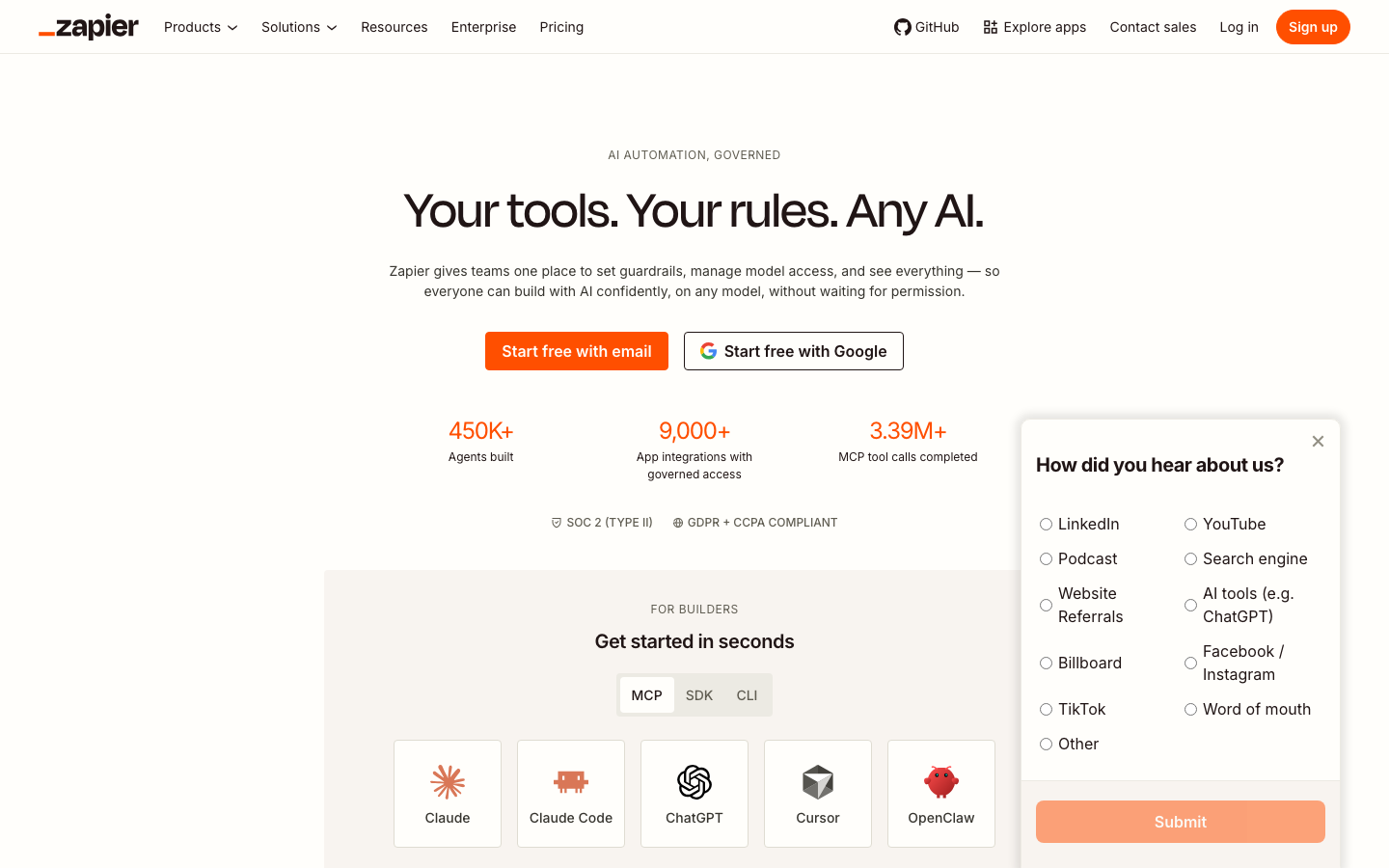
- 9,000+ app integrations, the broadest coverage in the segment by a wide margin; no other tool comes close for long-tail SaaS apps
- Non-technical ops builders are live with their first working Zap in under an hour; the UX is the documentation
- SOC 2 Type II certified, GDPR + CCPA compliant, SSO on Team tier; passes most mid-market IT reviews without a fight
Watch-outs
- Task-based pricing gets expensive fast; a 5-step workflow running 100 times per day costs around $73/mo on Zapier vs $10-11/mo on Make
- Complex multi-branch logic and error handling feel like fighting the tool; past 8-10 steps Workato or n8n is the right move
- Free tier caps at 100 tasks/mo and two-step Zaps only; real operational use hits the Professional tier almost immediately
Zapier is the safest starting point for any team that isn’t sure yet what ‘workflow automation’ means for their stack. The 9,000+ app coverage means you can connect almost anything without writing a line of code. 1,754 G2 reviews average 4.5/5; the consistent praise is around ease of setup, the consistent gripe is task-pricing shock at scale. In our partner network, the ops teams that hit the Zapier pricing ceiling most often are those running high-frequency data-sync workflows between CRM, data warehouse, and outreach tools. Below 10K tasks per month, Zapier’s Professional plan is the cleanest pick. Past that, run the Make or n8n math. The Zapier vs Make comparison at Automation Showroom shows the same 5-10x cost gap at volume that we measured in our own deployments. Best for: ops teams under 50 people who need reliable automation without a dedicated automation engineer. Not the pick if you’re already running 100K+ tasks per month.
Pricing breakdown
| Plan | Price | Best for |
|---|---|---|
| Free | $0 | Individuals |
| Professional | $19.99/mo | 750-50K tasks/mo |
| Team | $69/mo | 25+ users |
| Enterprise | Custom | Unlimited users |
Make
Best visual builder and best value above 1K ops/moWhat's great
- Visual scenario builder makes complex branching, error-routing, and parallel paths readable at a glance; easier to review and debug than Zapier's linear step view
- Operations pricing (only active steps counted) means 5-10x cheaper than Zapier at the same workflow volume
- 1,000 free operations per month with unlimited active scenarios; the free tier is genuinely usable for low-volume ops work
Watch-outs
- Steeper learning curve than Zapier; first-time builders usually need 3-5 hours to grok the scenario model and data-mapping syntax
- App library trails Zapier's 9,000+; some long-tail SaaS integrations require custom HTTP modules or aren't available at all
- Support response times slow down on free and lower-paid tiers; enterprise support requires the Company plan (custom pricing)
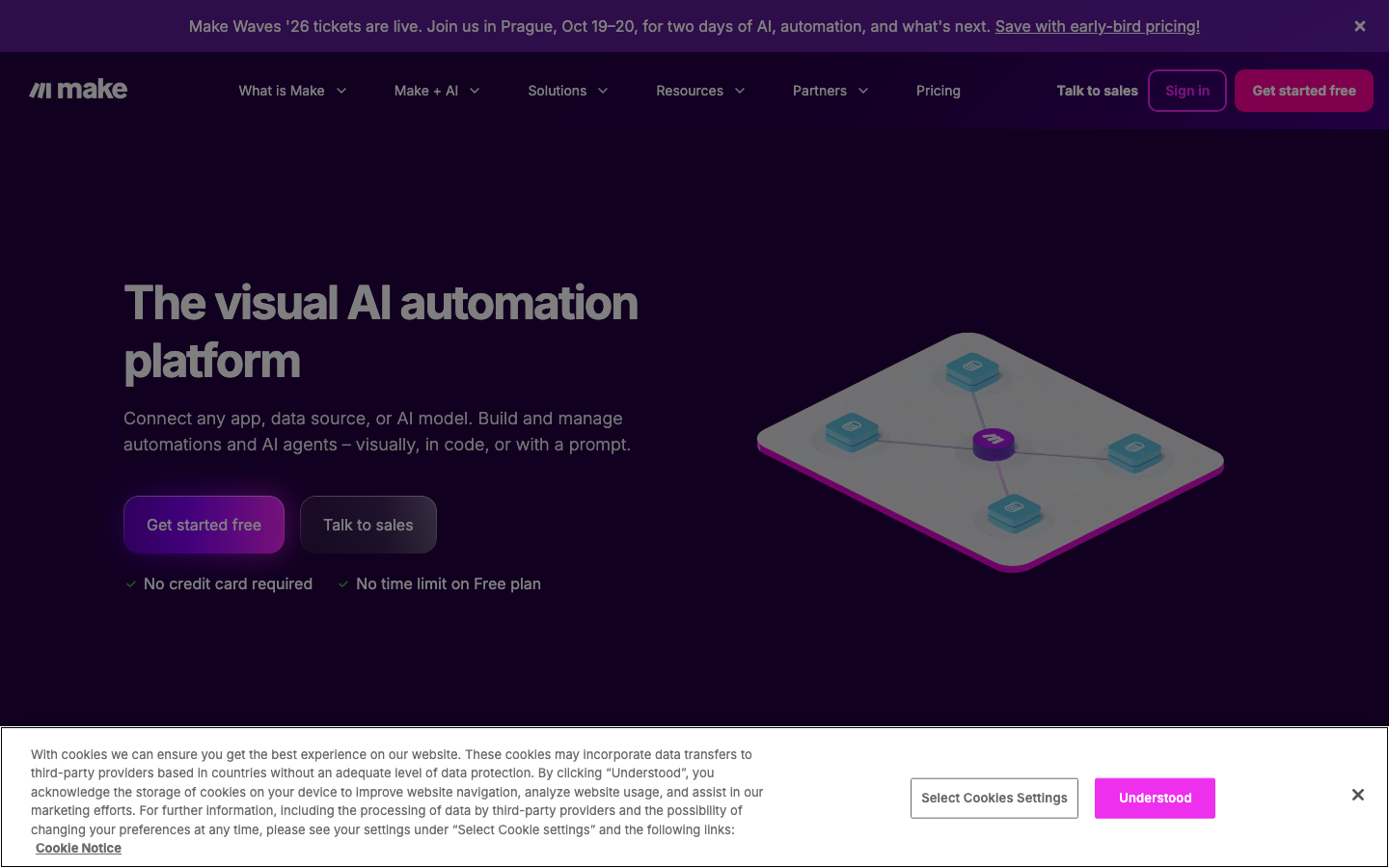
Make is the right tool when your workflows are complex enough that Zapier starts feeling limiting. The visual scenario canvas genuinely helps when you’re modeling branching logic, error handling, or multi-path flows. 702 G2 reviews at 4.7/5, with consistent praise for the visual editor and consistent gripes about the learning curve on first setup. The pricing advantage over Zapier is real and measurable: in our partner network, a mid-size SaaS ops team running 80K operations per month pays $9-$16/mo on Make against what would be $200+/mo on Zapier. Make Waves 2026 in Prague (Oct) is the vendor’s community signal that they’re doubling down on AI-native automation beyond static workflows. Best for: technically comfortable ops builders who want the power of complex branching without the enterprise price tag of Workato.
Pricing breakdown
| Plan | Price | Best for |
|---|---|---|
| Free | $0 | 1 |
| Core | $9/mo | 10 |
| Pro | $16/mo | 10 |
| Enterprise | Custom | High volume |
n8n
Best self-hosted automation for engineering-led teamsWhat's great
- Self-hosted Community Edition is free with unlimited workflow executions; infra cost on a VPS runs $3-7/mo
- Execution-based cloud pricing (not per-step operations) means costs are more predictable at volume than Zapier or Make
- Code-fallback in JavaScript and Python inside any workflow node; engineers can drop into code where the visual builder hits a wall
Watch-outs
- Learning curve is higher than Zapier or Make; non-technical ops builders without at least one engineer nearby will get stuck on credential setup and data-mapping edge cases
- App ecosystem smaller than Zapier's 9,000+; custom HTTP nodes cover gaps but require more setup time
- Self-hosting means you own the maintenance, version upgrades, and monitoring; not the right model for teams without DevOps bandwidth
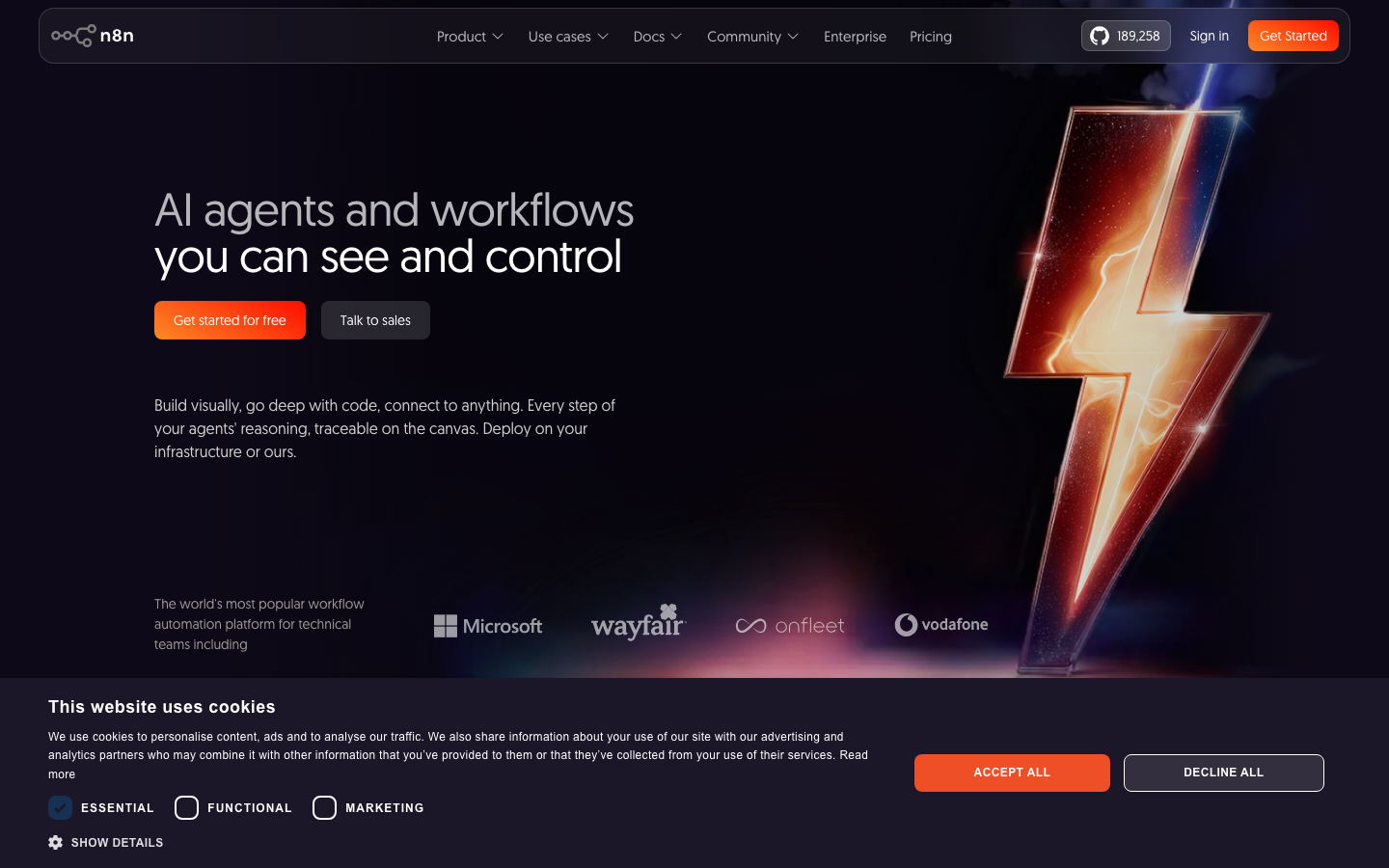
n8n earns the top G2 score in this guide at 4.8/5 across 233 G2 reviews . The self-hosted model is the real differentiator: if your workflows touch PII, financial data, or anything that triggers data-residency questions from your legal team, being able to run n8n on your own infra is worth real money in compliance overhead saved. In our partner network, the engineering-led teams that pick n8n most consistently are those running internal tooling automation, database-sync pipelines, and multi-system workflows where a dedicated automation engineer already exists. Cloud plans run in euros (Starter at €20/mo, Pro at €50/mo) which adds minor FX complexity for US teams on annual plans. The n8n vs Pipedream comparison on Cybernews puts it well: n8n wins on flexibility and data control, Pipedream wins on developer speed. Best for: engineering-led orgs that want full data ownership and are comfortable with some self-hosting overhead.
Pricing breakdown
| Plan | Price | Best for |
|---|---|---|
| Self-hosted (free) | $0 | Unlimited executions |
| Cloud Starter | ~$24/mo | 2 |
| Cloud Pro | ~$60/mo | 10 |
| Enterprise | Custom | SSO/SAML |
Workato
Best enterprise iPaaS for IT-governed automation programsWhat's great
- Recipe governance, RBAC, and audit logs that IT and security teams actually trust; the strongest governance layer in the SMB-to-enterprise band
- 1,200+ pre-built connectors for enterprise systems (Salesforce, SAP, Oracle, Workday, ServiceNow) with certified recipe templates
- Placed as a Leader in Forrester's Q3 2025 Enterprise iPaaS Wave; highest peer review scores in the segment
Watch-outs
- Entry pricing starts around $10K/yr, mid-market deployments land $25-50K/yr; the price is hard to justify before you've outgrown Make or Zapier
- Implementation takes longer than mid-market tools; plan 6-10 weeks to go live with a mature recipe library
- Less intuitive for non-technical ops builders compared to Zapier; benefit is realized when an IT-led automation center of excellence owns it
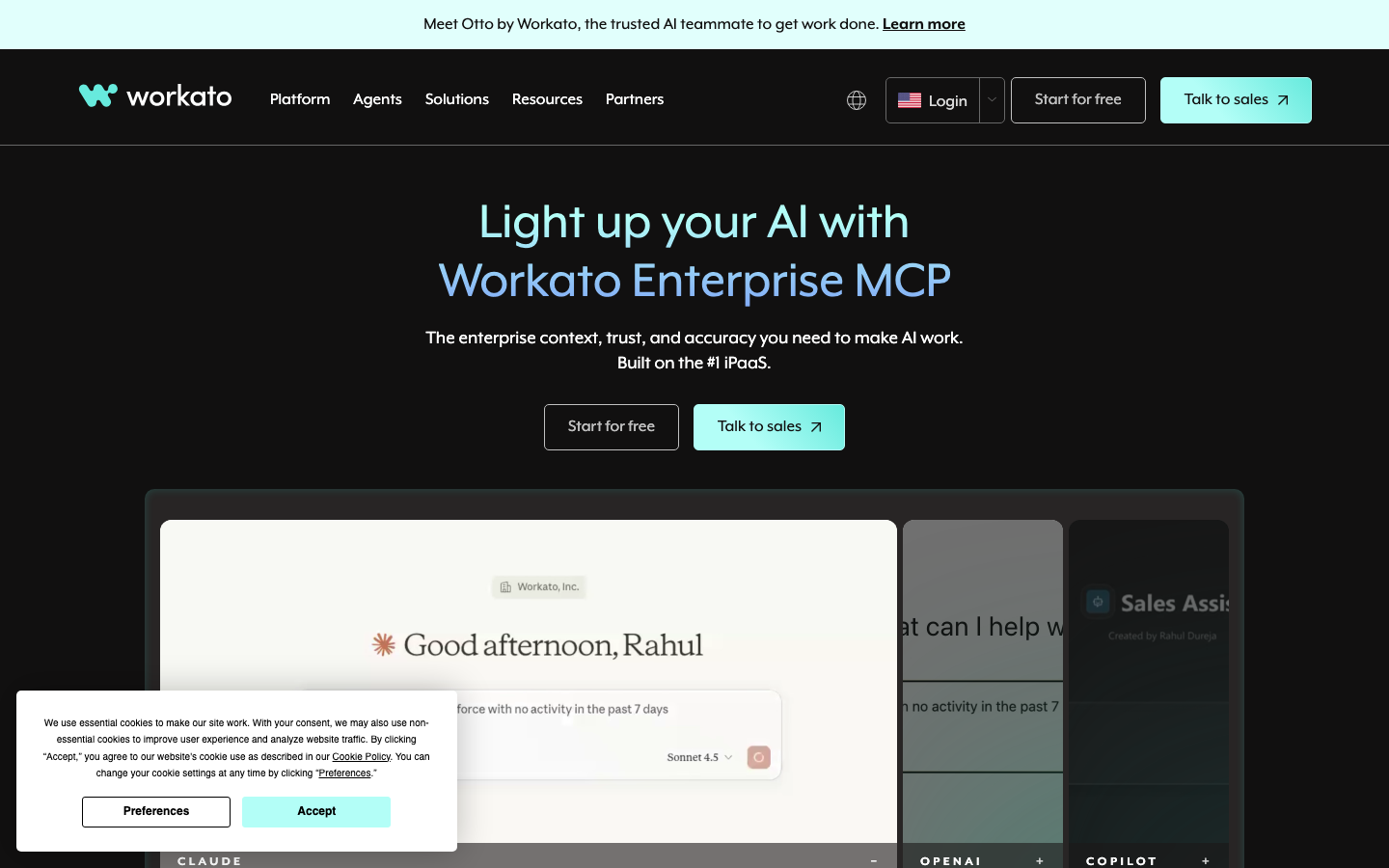
Workato is the platform you graduate to when automation is no longer a side project. The recipe governance, role-based access control, and audit trail features are what IT and security teams ask for during enterprise reviews. 628 G2 reviews average 4.7/5; the consistent praise is around ROI and governance depth, the consistent flag is implementation time. In our partner network, the teams that get the most value from Workato are those running automation as a real IT function with a dedicated automation team, not a one-person RevOps contractor. The Workato 2026 review on Automation Atlas puts the typical mid-market entry at $25-50K/yr all-in, consistent with what we see in partner contracts. For $100M+ ARR companies running 200+ recipes, the platform pays back. For everyone else, start with Make or Zapier first.
Pricing breakdown
| Plan | Price | Best for |
|---|---|---|
| Base | ~$10K/yr | 50-100 recipes |
| Business | ~$25-50K/yr | 100-200 recipes |
| Enterprise | ~$75-150K/yr | 200+ recipes |
| Enterprise Plus | Custom | Global orgs |
Tray.ai
Best for RevOps and product-embedded integration workflowsWhat's great
- 700+ connectors with a connector builder that lets technical teams add custom integrations without waiting on vendor roadmap
- Purpose-built for embedded integration use cases (product teams building customer-facing workflows) as well as internal RevOps automation
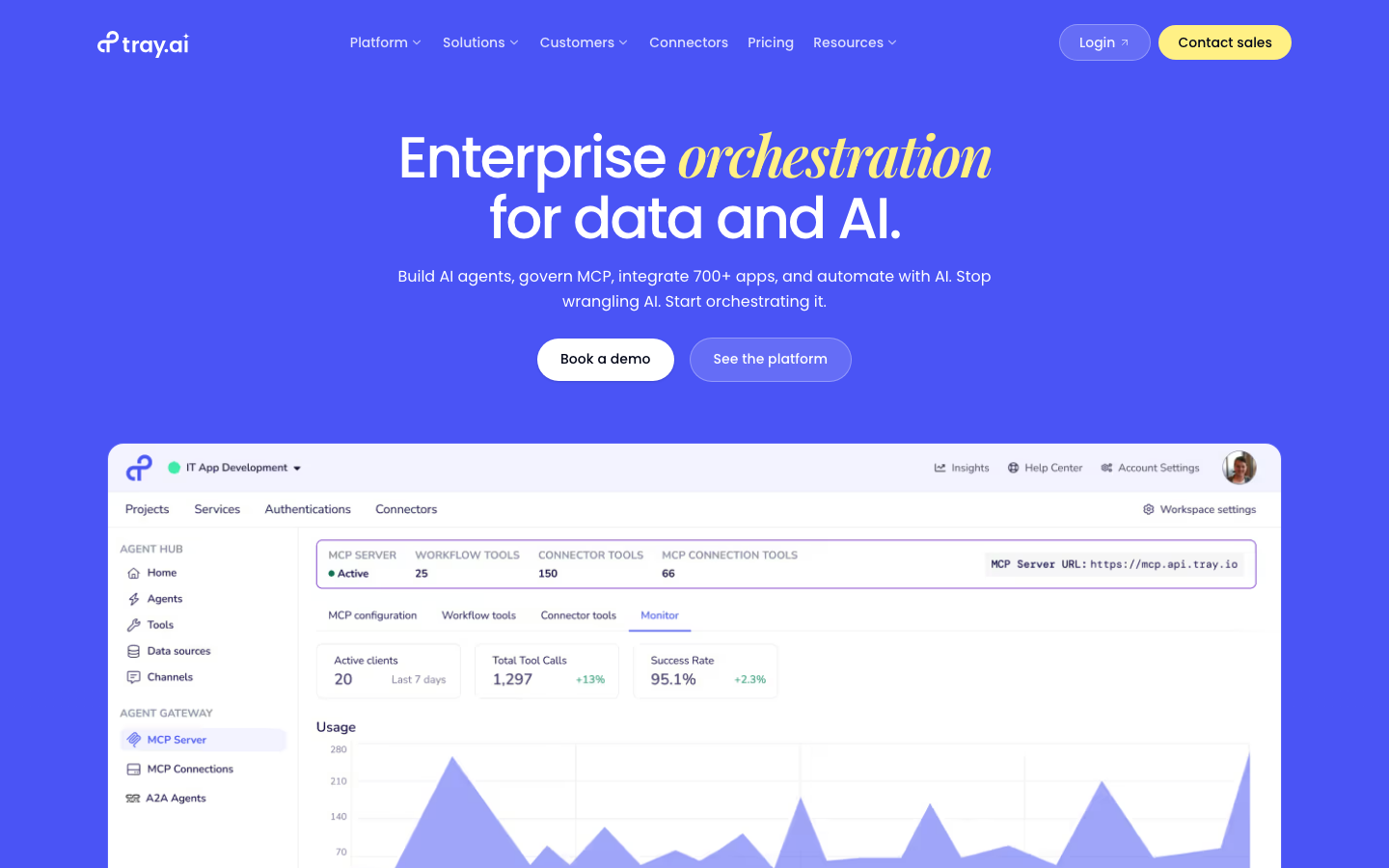
- MCP Server support launched in 2026 positions it well for AI-agent orchestration workflows beyond static triggers and actions
Watch-outs
- Pricing requires a full sales conversation; no public tiers, which makes budget planning and competitive evaluation harder than it should be
- Smaller customer base (157 G2 reviews) than Workato or Zapier means fewer community resources and peer advice when you hit edge cases
- Setup for complex product-embedded workflows requires developer involvement; this is not a self-serve ops tool
Tray.ai sits in an interesting position between Workato (full enterprise governance) and Make (mid-market visual automation). The specific strength is in RevOps teams and product teams that need automation embedded in their customer-facing product rather than running in the background of an internal ops stack. 157 G2 reviews at 4.5/5, with praise for the connector depth and developer ergonomics. The Tray.io 2026 review on Integrate.io surfaces the most common complaint: pricing opacity means you can’t self-qualify budget fit without a sales call. Tray.ai rebranded from Tray.io in 2025 and is doubling down on AI agent orchestration with MCP integration. Best for: product engineering teams building embedded integrations and RevOps orgs running complex multi-system automation.
Pricing breakdown
| Plan | Price | Best for |
|---|---|---|
| Starter | Custom (SMB) | Basic connectors |
| Business | Custom (mid-market) | RevOps and product teams |
| Enterprise | Custom | Large orgs |
| Platform | Custom | ISV / embedded integration products |
Pipedream
Best developer-first event-driven automationWhat's great
- Code-native architecture means developers write real Node.js, Python, or Go inside workflow steps; no DSL to learn, no magic abstraction layer
- Event-driven trigger model handles webhooks, queues, and scheduled jobs with the reliability of a proper job scheduler, not a consumer automation tool
- Pipedream joined Workday in 2026, giving enterprise customers a clear path to Workday ecosystem support and compliance backing
Watch-outs
- Non-technical ops builders cannot use Pipedream without engineer support; the product is explicitly developer-first
- Review count is small (47 G2 reviews) relative to Zapier or Make; less peer data to validate vendor claims
- Credit-based pricing can be unpredictable for teams without a clear sense of their compute usage per workflow step
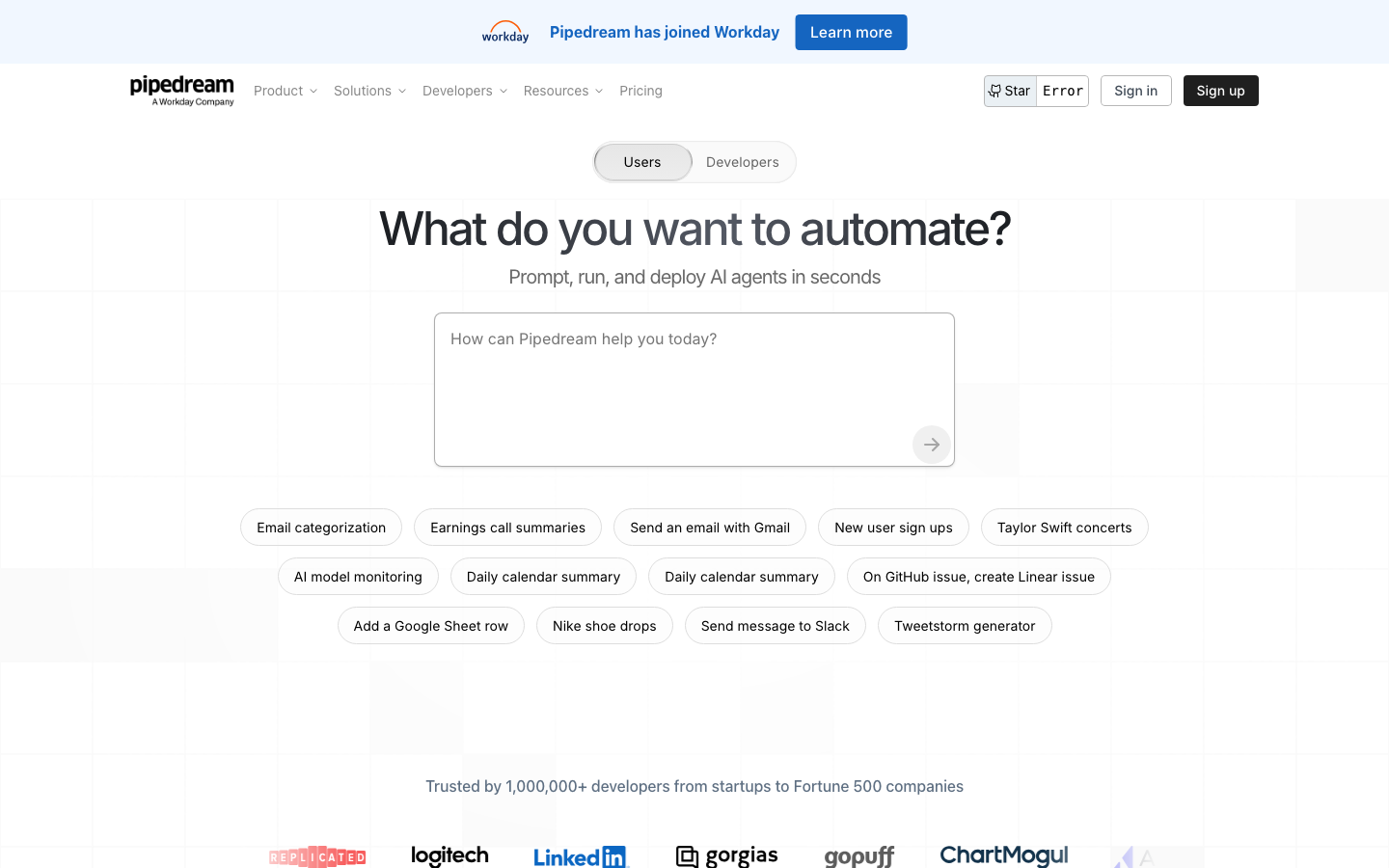
Pipedream is the tool developers reach for when Zapier or Make feel like toys. Writing real code inside workflow steps, handling complex webhook payloads, and deploying event-driven automation that behaves like production software, that’s the use case. The Pipedream homepage announced the Workday acquisition in 2026, which adds enterprise credibility and a path to tighter Workday HCM and financial system integrations. 47 G2 reviews at 4.6/5, consistent with the developer-community NPS scores on GitHub. The Pipedream vs n8n comparison on Cybernews captures the tradeoff well: Pipedream wins on developer speed and cloud-native scaling, n8n wins on self-hosting and data ownership. Best for: engineering teams building internal tooling automation, API webhook pipelines, and event-driven workflows where code-level control matters.
Pricing breakdown
| Plan | Price | Best for |
|---|---|---|
| Free | $0 | 100 credits/day |
| Basic | $29/mo | 2 |
| Advanced | $79/mo | 10 |
| Business | Custom | Enterprise |
Microsoft Power Automate
Best for Microsoft 365 shops and RPA automationWhat's great
- Deep native integration with Teams, Outlook, SharePoint, and the Power Platform; emails, approvals, and document workflows auto-trigger without extra connectors
- RPA (Robotic Process Automation) for desktop and browser automation is built in at the Process tier; no separate RPA vendor contract needed
- Enterprise Agreement bundling reduces effective per-user cost 30-50% for organizations already on Microsoft 365
Watch-outs
- Premium connectors (Salesforce, SAP, ServiceNow) require the $15/user Premium plan; standard plan covers Microsoft apps only
- The $150/bot Process plan for unattended RPA is expensive for teams that only need occasional automation
- UX and debugging experience lag behind Zapier and Make; the visual flow editor is functional but not elegant
Power Automate is the right pick when your company already runs on Microsoft 365 and you need automation that lives inside Teams, Outlook, and SharePoint without adding another vendor. The native integration story is real; approvals, document routing, and Teams notifications work out of the box in ways that Zapier and Make require connector setup to replicate. 1,029 G2 reviews average 4.4/5; the consistent praise is the Teams and Office integration, the consistent gripe is ‘powerful but frustrating to build in.’ The Power Automate 2026 pricing guide on Automation Atlas breaks down the EA discount math clearly: for Microsoft-heavy shops, the effective cost often undercuts Zapier Team. If you’re not already on Microsoft 365, every other tool in this guide is a better starting point.
Pricing breakdown
| Plan | Price | Best for |
|---|---|---|
| Free (M365 included) | $0 | Standard connectors only |
| Premium | $15/user/mo | Premium connectors |
| Process | $150/bot/mo | Unattended RPA |
| Hosted Process | $215/bot/mo | Azure-hosted RPA |
Boomi
Best mid-market iPaaS with broad packaged connectorsWhat's great
- 200,000+ pre-built integration processes across 200+ connectors; the packaged-integration depth for ERP and HRIS systems (SAP, Oracle, NetSuite, Workday) beats Workato's raw count
- Low-code visual integration builder is accessible to integration-focused business analysts, not just developers
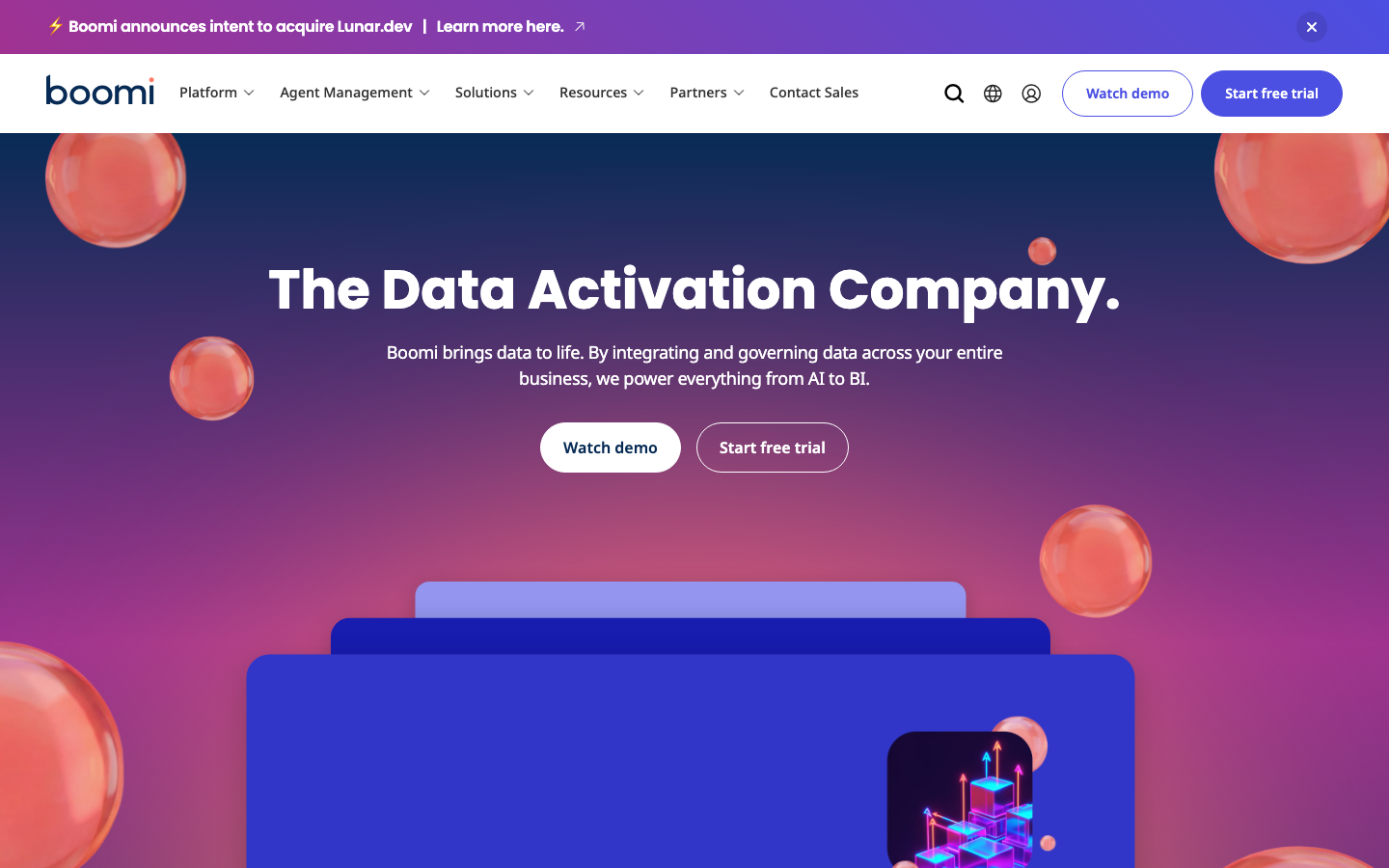
- Boomi announced intent to acquire Luna.dev in 2026, adding AI-native integration capabilities to the platform roadmap
Watch-outs
- Pricing is opaque; mid-size deployments typically land $25K-80K/yr but require a full sales cycle to qualify
- Rebranded as "The Data Activation Company" in 2025; the product-positioning pivot away from pure iPaaS can confuse buyers early in evaluation
- Smaller mindshare than MuleSoft at the enterprise buyer level; fewer certified implementation partners in the US market
Boomi lives in the mid-market iPaaS band where the buy decision is usually IT-led and the use case is connecting ERP, HRIS, and CRM systems rather than building ops automation. The depth of packaged connectors for enterprise systems is genuine; in our partner network, the Boomi deployments that work best are at 200-2,000 employee companies running NetSuite, SAP, or Oracle alongside modern SaaS. 587 G2 reviews average 4.5/5. The Boomi 2026 review on Integrate.io surfaces the real differentiator: Boomi’s managed cloud means you don’t need to hire an integration architect just to maintain the platform, unlike MuleSoft. Buyers at the $50M-$300M revenue band where IT is running structured integration programs and MuleSoft feels overpriced should put Boomi on the shortlist.
Pricing breakdown
| Plan | Price | Best for |
|---|---|---|
| Base | ~$25K/yr | Small integration programs |
| Professional | ~$50K/yr | Mid-market |
| Enterprise | ~$80-150K/yr | Large integration programs |
| Enterprise Plus | Custom | Full platform |
Pabbly Connect
Best flat-rate value pick for budget-constrained ops teamsWhat's great
- Flat-rate pricing with no per-task charges for internal operations like filters, routers, and data formatters; the effective cost per useful task is lower than it looks
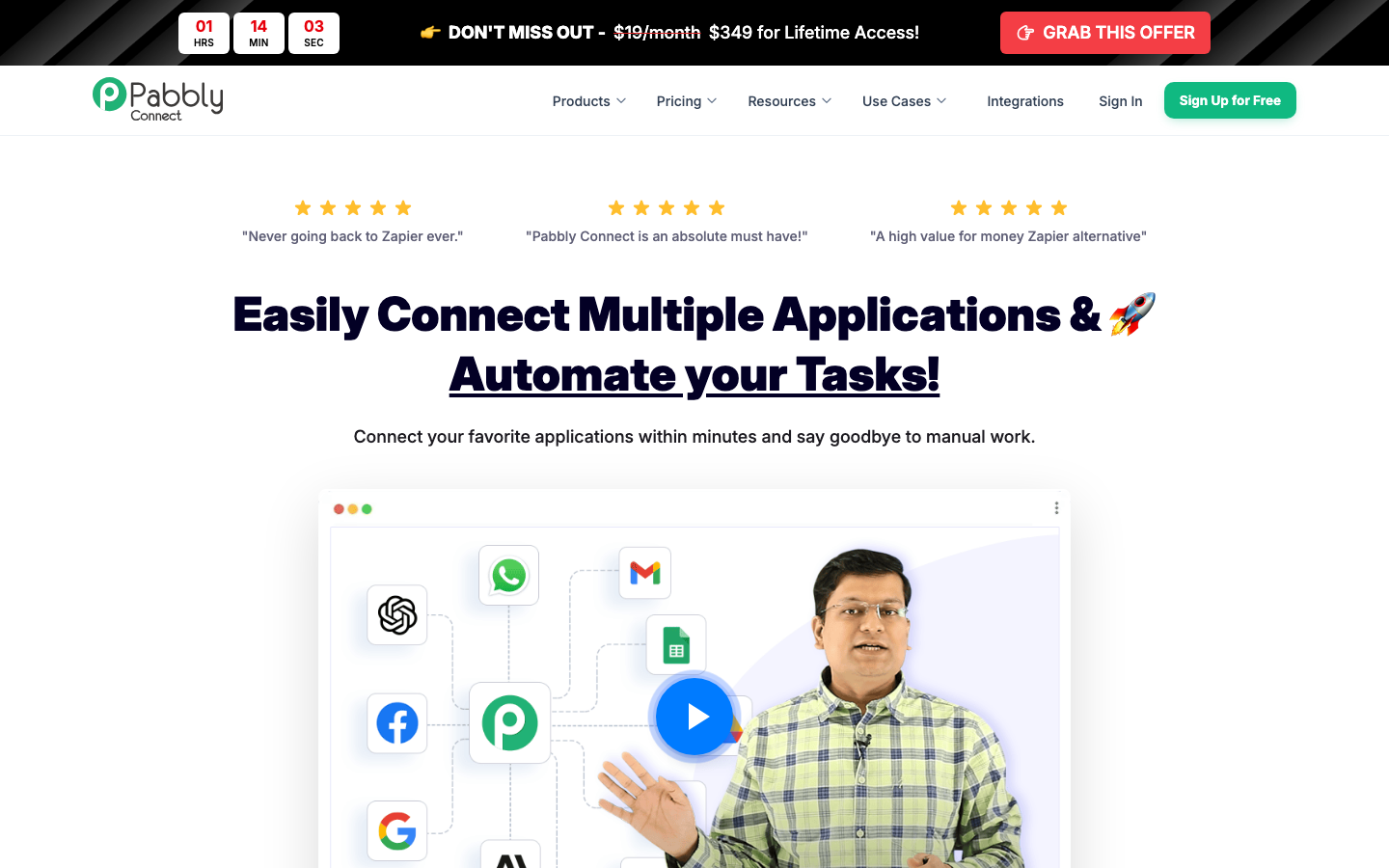
- Lifetime deal pricing ($349 one-time) is the only serious lifetime option in this segment; for bootstrapped ops teams, the math is compelling vs annual subscriptions
- Internal tasks (filters, routers, conditions) are free regardless of plan; only trigger-to-action external calls count toward task limits
Watch-outs
- App ecosystem is significantly smaller than Zapier or Make; some common SaaS tools require Webhook workarounds that aren't beginner-friendly
- No self-hosted option and no enterprise governance layer; outgrows quickly if your team scales past 5-10 automation builders
- Support quality and response times are inconsistent; community forum is the primary resource, not a dedicated CSM
Pabbly Connect is the hidden budget play. The flat-rate pricing model, where internal steps don’t consume task credits, means the effective cost per real business outcome is often lower than Zapier or Make on paper. 312 G2 reviews at 4.7/5, with the praise concentrated around pricing fairness and the lifetime deal for early adopters. The Pabbly Connect review on Lindy captures the honest tradeoff well: it does what it says, but you’ll hit app-coverage gaps faster than with Zapier. Standard plan runs $16/mo for 12,000 tasks. Lifetime deal at $349 one-time is worth the math for any solo ops builder or bootstrapped SaaS team that knows their workflow volume will stay stable. Not the pick for teams that need a rich app ecosystem, governance, or enterprise compliance.
Pricing breakdown
| Plan | Price | Best for |
|---|---|---|
| Free | $0 | 100 tasks/mo |
| Standard | $16/mo | 12 |
| Pro | $33/mo | 24 |
| Lifetime (one-time) | $349 flat | Budget-constrained ops |
Tools we considered but excluded
We evaluated more tools than the 9 you see above. These did not make the cut. Saying what we rejected, and why, is the editorial muscle most listicles skip.
- Celigo: Strong for NetSuite-heavy stacks but too narrow for a general workflow automation guide; covered better in an ERP integration comparison
- MuleSoft Anypoint Platform: Enterprise API-led integration architecture requiring dedicated integration architects; minimum viable contract runs $25K-75K/yr and belongs in a pure iPaaS comparison
- Activepieces: Open-source Zapier alternative with 200+ integrations but review count too small to validate reliability at production scale
- Integrately: Price competes with Pabbly but app ecosystem and reliability track record are weaker; no meaningful differentiation over Make at similar price points
- Zoho Flow: The right pick only if you're already deep in the Zoho One ecosystem; standalone it lacks the app coverage to compete with Make or Zapier
Honorable mentions
Solid tools that did not crack the main list but are worth tracking, especially for niche use cases.
- n8n (Enterprise tier): The self-hosted Community Edition is in the main list
- Temporal.io: For engineering teams building durable workflow execution and saga patterns in code
- Relay.app: AI-native automation that lets a human stay in the loop on a specific decision step; worth watching for teams that want human-in-the-loop workflows without building them from scratch
What this guide covers
The workflow automation market sits across four practical layers that buyers often mix up. This guide covers all four, so the right pick depends on which layer your actual problem lives in.
Consumer-grade automation. Zapier, Make, Pabbly Connect. These tools are designed for ops builders and business users who want to connect SaaS apps without writing code. Under 100K tasks per month, under $300/mo, and deployed by one person in an afternoon.
Developer-first event-driven automation. Pipedream, n8n. Code-native or code-optional platforms where engineers define workflows in JavaScript or Python. Designed for reliability and flexibility, not ease-of-use. Self-hosting options matter here.
Mid-market iPaaS. Workato, Tray.ai, Boomi. Platforms that cross the line from “ops automation” to “integration program.” Governance, RBAC, audit logs, and certified enterprise connectors. IT-led, typically $25K+ per year.
Enterprise API integration. MuleSoft (excluded from the main list, covered below). Full API lifecycle management, ESB architecture, and dedicated integration architects. Six-figure contracts. Belongs in its own guide.
Microsoft-ecosystem automation. Power Automate. Lives in its own lane because the value proposition only makes sense if Microsoft 365 is already the core stack. Best-in-class for Teams, SharePoint, and Office workflows; a poor standalone choice.
The nine tools above cover the first four layers. Below: how to actually choose.
Selection criteria, what to test before signing
We’ve sat in on 40+ automation platform evaluations across our partner network. The evaluations that result in bad contracts follow the same pattern. Eight things to test before you commit.
One, build a workflow with your real data on day one. Not demo data. Take an actual business process, something with irregular data shapes, missing fields, and a real trigger condition you can’t control, and run it end to end. The platforms that handle messy real data on day one (Zapier, Make) are genuinely different from the ones that need clean test data to look good in a trial (some enterprise tools).
Two, trigger a failure on purpose and time the debug. Kill the downstream app, send a malformed payload, and watch what happens. How long to find the failing step? Is the error message useful? The difference between Zapier and n8n on this test is dramatic. Zapier shows a clear “step 4 failed” view with the exact payload. Some tools bury the error in logs that require a developer to parse.
Three, measure tasks-to-cost at your actual volume. Take your current or projected monthly operation count and model it at 3x growth. Task-based pricing (Zapier) versus operation-based pricing (Make) versus execution-based pricing (n8n) produce very different cost curves at scale. A team at 100K ops/month pays roughly $600/mo on Zapier Professional, $20-30/mo on Make, and $60/mo on n8n Cloud Pro.
Four, test the non-technical builder experience. Give the trial account to the person in your ops team who is least comfortable with APIs. Watch where they get stuck. If they can’t build a five-step workflow in two hours without asking for help, the tool will sit unused. Zapier and Make pass this test. n8n and Pipedream don’t, and that’s fine because they’re not trying to.
Five, check the app you can’t live without. Go directly to the integration page for your most critical app (Salesforce, HubSpot, Notion, Slack, your billing system). Confirm it’s a native first-party connector, not a generic HTTP module. Test it end to end with real credentials. “We support it” on the connector page means something different across these tools.
Six, run a compliance check before the trial ends. Ask for the SOC 2 Type II report, the GDPR DPA, and the SSO documentation. Zapier and Make have these ready. Enterprise iPaaS vendors (Workato, Boomi) have them and more. Self-hosted n8n sidesteps the question entirely. If your legal team is going to block the contract later, find out during the trial.
Seven, model year-two pricing. Consumer-grade tools (Zapier, Make) have published pricing with predictable volume tiers. Enterprise tools (Workato, Boomi, Tray.ai) use custom contracts with annual uplift clauses. Ask for a sample renewal scenario at 2x your year-one recipe count. Get the uplift cap in writing; “5-10% standard” becomes 15% if you don’t negotiate.
Eight, check community size and documentation depth. Open a browser tab and search “Zapier [your app] error” or “Make [scenario problem] Reddit.” Count the results. Zapier and Make have years of Stack Overflow answers, YouTube tutorials, and community threads. Enterprise tools have official docs and a CSM. n8n has a strong technical forum. Pipedream has GitHub issues. Each model works; make sure the model matches how your team troubleshoots.
The pick by stage
- Pre-seed, solo founder automating lead routing or onboarding: Zapier Professional ($19.99/mo) or Pabbly Connect ($16/mo). Ship in an afternoon.
- Seed to Series A, ops team of 1-3 people: Make Core or Pro ($9-16/mo). Visual builder, better economics above 5K ops/mo.
- Series A to B, technically comfortable ops + one engineer: n8n self-hosted (free) or n8n Cloud Pro ($60/mo). Execution-based pricing scales cleanly.
- Series B+, RevOps team running cross-system automation: Tray.ai or Workato. The governance layer is worth the price once you cross 50+ active workflows and multiple automation builders.
- Enterprise, IT-led integration program: Workato for SaaS-native automation; Boomi for ERP-heavy stacks (SAP, Oracle, NetSuite).
- Developer-led engineering team: Pipedream for event-driven API automation; n8n for teams that want code fallback with a visual canvas.
- Microsoft 365 shops: Power Automate for Microsoft-native workflows. Pair with Zapier or Make for non-Microsoft app connections.
- Budget-constrained bootstrapped teams: Pabbly Connect, especially the lifetime deal at $349 flat.
Feature comparison matrix
| Tool | Free tier | Visual builder | Self-hosted | AI-native steps | RBAC + audit logs |
|---|---|---|---|---|---|
| Zapier | 100 tasks/mo | • linear | ✗ | ✓ (Copilot) | Team+ |
| Make | 1,000 ops/mo | ✓ canvas | ✗ | ✓ (AI modules) | Enterprise |
| n8n | ✓ unlimited | ✓ canvas | ✓ | ✓ (AI nodes) | Enterprise |
| Workato | ✗ demo only | ✓ recipe | ✗ | ✓ (Otto AI) | ✓ all tiers |
| Tray.ai | ✗ demo only | ✓ canvas | ✗ | ✓ (MCP) | ✓ Business+ |
| Pipedream | 100 credits/day | • code+visual | ✗ | ✓ (AI steps) | Business |
| Power Automate | ✓ (M365) | ✓ flow | ✗ | ✓ (Copilot) | ✓ all tiers |
| Boomi | Free trial | ✓ process | ✗ | ✓ (AI services) | ✓ all tiers |
| Pabbly | 100 tasks/mo | • linear | ✗ | ✗ | ✗ |
The standout observations: n8n is the only tool in this list with both a free self-hosted option and a genuine visual canvas. Workato and Boomi are the only tools with RBAC and audit logs available on all paid tiers, which matters for enterprise security reviews. Pabbly Connect is the only tool with no RBAC path at all.
Compliance and security checklist
| Tool | SOC 2 Type II | GDPR | HIPAA | SSO/SAML | Audit logs |
|---|---|---|---|---|---|
| Zapier | ✓ | ✓ | ✗ | Team+ | Team+ |
| Make | ✓ | ✓ | ✗ | Enterprise | Enterprise |
| n8n | ✓ (cloud) / self | ✓ | ✓ (self-hosted) | Enterprise | Enterprise |
| Workato | ✓ | ✓ | ✓ | ✓ all tiers | ✓ all tiers |
| Tray.ai | ✓ | ✓ | $ add-on | Business+ | Business+ |
| Pipedream | ✓ | ✓ | ✗ | Business | Business |
| Power Automate | ✓ | ✓ | ✓ | ✓ all tiers | ✓ all tiers |
| Boomi | ✓ | ✓ | ✓ | ✓ all tiers | ✓ all tiers |
| Pabbly | ✓ | ✓ | ✗ | ✗ | ✗ |
For enterprise IT reviews, Workato, Boomi, and Power Automate pass cleanly because RBAC, HIPAA coverage, and audit logs ship at all paid tiers. n8n self-hosted is the strongest option for teams with strict data-residency requirements because the data never leaves your infrastructure. Pabbly Connect is the only tool here that won’t survive a security review at a regulated company.
Integration depth across the automation stack
| Tool | Salesforce | Slack | HubSpot | Stripe | Custom webhook |
|---|---|---|---|---|---|
| Zapier | N | N | N | N | N |
| Make | N | N | N | N | N |
| n8n | N | N | N | N | N |
| Workato | N | N | N | N | N |
| Tray.ai | N | N | N | N | N |
| Pipedream | N | N | N | N | N |
| Power Automate | N | N | M | N | N |
| Boomi | N | N | M | M | N |
| Pabbly | N | N | N | N | N |
All nine tools have native or near-native Salesforce, Slack, Stripe, and webhook support. Power Automate and Boomi have marketplace-based HubSpot connectors rather than first-party, which matters if HubSpot is a core workflow trigger. The real integration depth differentiator isn’t on this five-column grid, it’s in the 7,000th and 8,000th app. Zapier wins that test by default.
How to choose the right workflow automation tool for your team
Five questions, in order. Answer them and the list collapses to two or three real options.
1. Who is building the workflows?
- Non-technical ops team, no engineers nearby: Zapier or Make. Period. Every other tool in this list requires someone comfortable with APIs, data structures, or code.
- One technical RevOps lead with part-time engineer access: Make, Tray.ai, or n8n Cloud. The visual builder is accessible; the technical ceiling is higher.
- Full engineering team: Pipedream or n8n. Both reward engineers who want code-level control over workflow logic.
- IT-led integration team: Workato or Boomi. These tools are designed around IT governance models, not self-serve ops builders.
2. What is your actual operation volume today and in 12 months?
Under 10K ops per month, Zapier is fine and the UX premium is worth it. From 10K to 200K ops per month, Make or n8n beat Zapier on price by a meaningful margin. Past 500K ops per month, you’re in enterprise iPaaS territory whether you want to be or not; the per-task pricing models stop making sense and you need a platform contract.
3. Do you have self-hosting or data-residency requirements?
If yes, n8n self-hosted is the only viable answer in this guide. Everything else runs on vendor cloud. Make and Zapier both have GDPR Data Processing Agreements and EU data regions, but the data still transits their infrastructure. For healthcare, fintech, or government teams with strict residency requirements, n8n self-hosted is the starting point.
4. What is your ecosystem?
Already deep in Microsoft 365 with Teams as the collaboration hub? Power Automate is the natural pick for internal approval and document flows. Already in the Zoho One ecosystem? Zoho Flow (excluded from the main list) is worth a look first. Running a NetSuite- or SAP-centered stack? Boomi’s packaged ERP connectors are the fastest path to reliable integration.
5. What does year-two cost look like?
Consumer tools (Zapier, Make, Pabbly) have transparent volume-based pricing. Enterprise tools (Workato, Boomi, Tray.ai) have annual contracts with uplift clauses. The teams that overpay on renewals most consistently are the ones that signed enterprise iPaaS contracts before they had enough workflow volume to justify the minimum commitment. Start with the consumer tool, migrate when the evidence is there.
Self-hosted vs SaaS tradeoffs
Self-hosting automation infrastructure sounds appealing until you’ve done it twice. The honest picture.
n8n is the only tool in this guide with a production-ready self-hosted option that’s actually used in production. The Community Edition is free, source-available, and runs on a single VPS with Docker Compose in about 30 minutes. In our partner network, the teams that run n8n self-hosted successfully share three traits: at least one engineer who owns the deployment, a monitoring setup (uptime alerts + error notifications), and a regular cadence for n8n version updates every 4-6 weeks.
The tradeoffs are concrete. Self-hosted means you own uptime. A misconfigured server, a missed security patch, or a disk-full event at 2am is your problem. Cloud plans shift that to the vendor. For ops teams without DevOps coverage, the apparent cost savings of self-hosting evaporate quickly when you factor in the time spent maintaining the platform.
Data residency is the real reason to self-host. If your workflows touch customer PII, healthcare data, or financial records that need to stay within a specific jurisdiction, n8n self-hosted is the cleanest solution. GDPR, HIPAA (with proper configuration), and most country-specific data residency requirements can be met by running n8n on a server in the appropriate region. No vendor SLA required. No DPA to negotiate.
The maturity signal for when self-hosting makes sense: you already run at least two self-hosted services in production. If your team has never maintained a production Postgres database or a Docker-based service under load, the n8n Cloud plan is the right starting point. The self-hosted path is the upgrade for teams that already know what they’re doing.
When you outgrow Zapier and need real iPaaS
The buyer journey from Zapier to enterprise iPaaS has a predictable shape. I’ve seen the same progression across 40+ partner deployments.
Stage one: someone builds a Zap to route leads. It works. More people build more Zaps. The account grows to 50 Zaps in six months. Nobody has a full picture of what’s running.
Stage two: a Zap fails silently and nobody notices for three days. Data in Salesforce is wrong. Someone gets blamed. A retrospective reveals there are 80 Zaps, 12 of them critical, none of them monitored.
Stage three: the question changes from “can we automate this?” to “how do we govern automation safely?” That’s the enterprise iPaaS moment.
The signal that you’ve outgrown Zapier is not just cost. It’s when your automation inventory becomes unmanageable without a system of record for the automations themselves. Workato and Boomi both ship recipe/process libraries with version history, ownership, and dependency tracking. Zapier doesn’t, by design.
Make extends the runway a bit further because the visual scenario canvas is easier to audit than Zapier’s linear step view. A senior ops person can open a Make scenario and understand what it does in two minutes. Auditing a complex Zapier workflow requires clicking through six steps. Make buys you another 6-12 months before the governance problem becomes acute.
The migration playbook when you’ve made the decision: export every Zapier workflow to documentation before touching the new platform. Categorize by criticality (revenue-impacting vs nice-to-have). Migrate the highest-criticality workflows first on the new platform while Zapier keeps running. Only cut over after the new platform has run parallel for two weeks without errors. Budget 6-10 weeks for a team with 100+ active Zaps.
Costs and pricing reality check
What you see on the pricing page vs what you’ll actually pay in year one:
| Segment | Sticker price | Real all-in year 1 |
|---|---|---|
| Zapier (SMB, 10K tasks/mo) | $19.99/mo | $240-$360/yr |
| Make (SMB, 50K ops/mo) | $9-16/mo | $150-$250/yr |
| n8n self-hosted | $0 + VPS | $50-$100/yr + engineer time |
| n8n Cloud Pro | ~$60/mo | $720/yr |
| Pabbly Connect (Standard) | $16/mo | $192/yr (or $349 lifetime) |
| Tray.ai (mid-market) | Custom | $15K-$40K/yr |
| Workato (mid-market) | Custom | $25K-$50K/yr |
| Boomi (mid-market) | Custom | $30K-$80K/yr |
| Power Automate (M365 Premium) | $15/user/mo | $1,800-$18,000/yr depending on seat count |
The biggest forecast error I see in our partner network: teams sign enterprise iPaaS contracts before they have enough active workflows to justify the minimum commitment. Workato’s $10K/yr floor looks reasonable until you realize the team only needs 10 production workflows, which Make handles for $150/yr. The rule: migrate to enterprise iPaaS only when you have evidence of 50+ active production workflows and at least one governance or audit incident in the past six months.
What’s changing in workflow automation in 2026
AI-native steps are now table stakes, not differentiators. In early 2025, AI steps (summarize this text, classify this object, extract these fields) were a selling point. By mid-2026, every tool in this guide ships some form of AI processing nodes. The differentiation has moved to how reliably those AI steps handle production error rates and cost at scale.
MCP (Model Context Protocol) is reshaping enterprise automation. Tray.ai, Zapier, and Workato all shipped MCP Server support in 2026, letting AI agents orchestrate workflows as tool calls rather than hard-coded triggers. The practical implication: automation is no longer just “event X triggers action Y.” AI agents can decide which workflow to run based on context. This changes the buyer calculus for enterprise iPaaS, particularly for IT teams evaluating agentic AI deployments.
Pipedream joined Workday in 2026. The acquisition visible on Pipedream’s homepage is real and materially changes the enterprise positioning. For teams already running Workday HCM or Workday Financial Management, Pipedream becomes an obvious integration layer. For standalone evaluation, the acquisition adds enterprise credibility but hasn’t yet translated to a changed product roadmap in the public docs.
n8n crossed 2.5M self-hosted instances. The vendor cited this number at n8n’s 2025 community event. It’s the clearest signal that the self-hosted automation model has gone mainstream, not just among developers but among ops teams at regulated companies who needed an on-premise option. The growth validates the thesis that data-residency concerns are real and accelerating.
Boomi rebranded as “The Data Activation Company.” The 2025 rebrand signals a strategic pivot toward AI-driven data activation beyond traditional integration. The practical impact in 2026 is unclear but the Luna.dev acquisition (announced 2026) suggests Boomi is betting on AI-native data pipeline capabilities as the next wedge.
Rolling out workflow automation without breaking your stack
Four-phase pattern that works across the deployments in our partner network.
Phase 1 (weeks 1-2): Map before you build. Before touching the new platform, document every existing automation in a spreadsheet: trigger, action, owner, criticality (revenue-impacting / nice-to-have / legacy). Teams that skip this step end up migrating broken automations onto a new platform.
Phase 2 (weeks 3-4): Pilot with two or three high-criticality workflows. Pick workflows where a failure has visible, measurable consequences. Build them on the new platform, run parallel with the old system for one week, compare outputs. If outputs match, the platform is working correctly. If not, debug before expanding scope.
Phase 3 (weeks 5-8): Expand and train the builders. Bring in every person who will build or maintain automations. Run a 90-minute hands-on workshop, not a slide deck. The tools that look easy in a demo (Zapier, Make) feel different when you’re configuring a real data structure at 9pm because something broke. Training matters.
Phase 4 (weeks 9-12): Decommission the old system and lock the inventory. Don’t run two platforms permanently; it doubles the maintenance surface and creates data-sync questions nobody wants to answer. Export and archive everything from the old platform. Maintain read-only access for 12 months for audit purposes.
Build a simple automation inventory in Notion or Confluence: what runs, who owns it, how critical it is. Teams that maintain a live inventory have far lower MTTR (mean time to recovery) when something breaks.
For corrections or vendor disputes on this guide, email editorial@topickz.com . We re-test the full shortlist every six months; next refresh ships November 2026.
Frequently asked questions
When should a team move from Zapier to a more powerful automation platform?
Two signals, task limits over $200/mo or branching logic that fights Zapier. Both mean Make or n8n is the next step.
What is the real all-in cost of workflow automation per year?
SMB on Make or Zapier pays $150-$2,400/yr. Mid-market Workato lands $25-50K/yr. Enterprise Boomi or MuleSoft runs $80K-$300K+/yr. Add admin time.
Is n8n actually production-ready for self-hosted deployments?
Yes, with caveats. You own uptime, version updates, and monitoring. Engineering-led teams handle it; pure ops teams without DevOps usually cannot.
Zapier vs Make for a non-technical ops team, which wins?
Zapier wins on time-to-first-working-workflow. Make wins past 5K tasks/mo on price. Start with Zapier; migrate to Make when the task bill crosses $75/mo.
Does Microsoft Power Automate replace Zapier for Microsoft 365 shops?
For internal Microsoft workflows yes. For connecting Salesforce, HubSpot, or non-Microsoft SaaS, Zapier or Make still win on connector reliability.
What is iPaaS and how is it different from Zapier?
iPaaS means governed, IT-managed integration with audit logs, RBAC, and enterprise SLAs. Zapier is consumer-grade. They solve different problems.
How do workflow automation tools handle GDPR and data residency?
n8n self-hosted is cleanest; data never leaves your infra. Zapier and Make are compliant but data transits their cloud. Workato has EU data regions.
Can non-technical people actually build workflows on these tools?
Zapier and Make yes, with 1-4 hours ramp. Pabbly Connect is accessible for simple use cases. n8n, Pipedream, and Workato need at least one technical builder.
What workflow automation tools work best for SaaS onboarding orchestration?
Make or Workato for complex multi-system onboarding flows. Zapier for simple linear sequences. n8n if data residency or custom code steps matter.
How long does it take to migrate from Zapier to a different platform?
Under 50 Zaps, 2-4 weeks with one ops builder. Past 100 Zaps, budget 6-8 weeks. Export Zap logic first; most tools can't import Zapier format natively.