
Comparing the best Team Chat Software for B2B of 2026 includes 1. Slack 2. Microsoft Teams 3. Google Chat 4. Mattermost 5. Rocket.Chat 6. Zoom Team Chat 7. Pumble 8. Twist 9. Element.
TL;DR
- Slack: Best overall for B2B tech teams. With 2,600+ app integrations, every major SaaS vendor ships a quality Slack app before any other chat platform, so whatever your stack runs, the connector already exists.
- Microsoft Teams: Best for Microsoft 365 shops. It ships inside every M365 Business and Enterprise license, so your effective marginal cost is $0, which is how it holds 37% of the enterprise messaging market.
- Google Chat: Best for Google Workspace orgs. It lives inside Gmail with links straight to Drive and Meet, and its 4.6/5 on G2 is the highest rating in this shortlist.
- Mattermost: Best self-hosted for regulated industries. It runs fully self-hosted with an air-gapped option, so your data never leaves your network.
- Pumble: Best free plan for budget-constrained teams. Unlimited message history and users on the free tier (Slack cuts off at 90 days), and the Pro plan runs $2.49/user/mo, the cheapest paid tier here.
Nine team chat platforms compared on pricing, real review themes, and hands-on feature checks, from seed-stage startups to enterprise software companies. What the Slack vs Teams debate actually looks like in practice, when self-hosted tools make sense, and which platform your team will still be on in three years.
What Is team chat software?
Team chat software helps companies communicate in real time, organizing conversations into channels and threads so teams share updates and files without endless email.
Tools like Slack, Microsoft Teams, Google Chat, and Mattermost differ on integrations, video, security, and price per user.
Best Team Chat Software for B2B comparison: features, pricing and verdicts
| Tool | Best for | Starting price | Free trial | External rating |
|---|---|---|---|---|
Best overall for B2B tech teams | $7.25/user/mo | Free tier | G2 4.5/5 (38,199 reviews) | |
Best for Microsoft 365 shops | $4/user/mo | Free tier (limited) | G2 4.4/5 (17,822 reviews) | |
Best for Google Workspace orgs | $7/user/mo | 14-day trial | G2 4.6/5 (42,897 reviews) | |
Best self-hosted for regulated industries | $10/user/mo | Free self-hosted tier | G2 4.3/5 (364 reviews) | |
Best open-source with omnichannel | Custom | Free (Starter, up to 50 users) | G2 4.2/5 (357 reviews) | |
Best for video-first hybrid teams | $13.33/user/mo | Free tier (basic meetings + chat) | G2 4.5/5 (56,368 reviews) | |
Best free plan for budget-constrained teams | $2.49/user/mo | Free tier (unlimited users, unlimited history) | G2 4.5/5 (412 reviews) | |
Best for async-first distributed teams | $6/user/mo | Free tier (1-month history) | G2 4.3/5 (96 reviews) | |
Best Matrix-based sovereign chat | $5/user/mo | Free (self-hosted Matrix server) | G2 4.4/5 (89 reviews) |
How we chose these tools
We compared the tools on pricing, real G2 review themes, and hands-on feature checks, focusing on the trade-offs that matter for B2B teams: integration depth (Jira, GitHub, Salesforce, Zoom), compliance posture, admin overhead, and the self-hosting vs cloud decision. Pricing was verified directly on vendor pricing pages in May 2026. All G2 ratings and review counts cited in this guide were pulled on May 28, 2026.
How we weight team chat software for b2b for the Topickz score
Every tool above is scored against the fixed rubric below and combined using these weights into the Topickz score on each card. The weights are set for team chat software for b2b specifically, they are not copied from another category, and we publish them so you can see what moved a ranking and re-weight for your own priorities.
| Criterion | Weight | What we checked |
|---|---|---|
| Integration depth | 25% | Connectors to the tools B2B teams route through chat, Jira, GitHub, Salesforce, and Zoom among them. The platform with the app your stack already ships wins real time back. |
| Message search and history | 15% | How far back search reaches and how fast it surfaces an old thread or file. Free tiers that cap history at 90 days lose this fast. |
| Compliance and security posture | 14% | Retention controls, encryption, and the certifications a regulated buyer checks. This is where self-hosted options earn their place. |
| Channels, threads, and messaging UX | 13% | Whether channels and threads keep conversations organized or bury them. Notification overload is the most common complaint, so we looked at how well each tool tames it. |
| Deployment model | 10% | Cloud versus self-hosted, including an air-gapped option for teams whose data cannot leave the network. The choice narrows the field quickly for some buyers. |
| Admin overhead and governance | 9% | User management, permissions, and the channel-hygiene work a growing team needs. Governance tooling helps, but it will not enforce itself. |
| Pricing and cost per user | 9% | Per-seat cost as headcount grows, and what bundling into an existing suite changes. A tool free inside a license you already own shifts the math. |
| Voice, video, and huddles | 5% | Built-in calling and quick huddles for teams that do not want a separate meeting tool. A lighter factor for chat-first buyers. |
| Total | 100% |
Read the full TopickZ.com testing methodology for how we run each test, score every criterion, and combine them into a single rating.
Detailed reviews
Slack
Best overall for B2B tech teams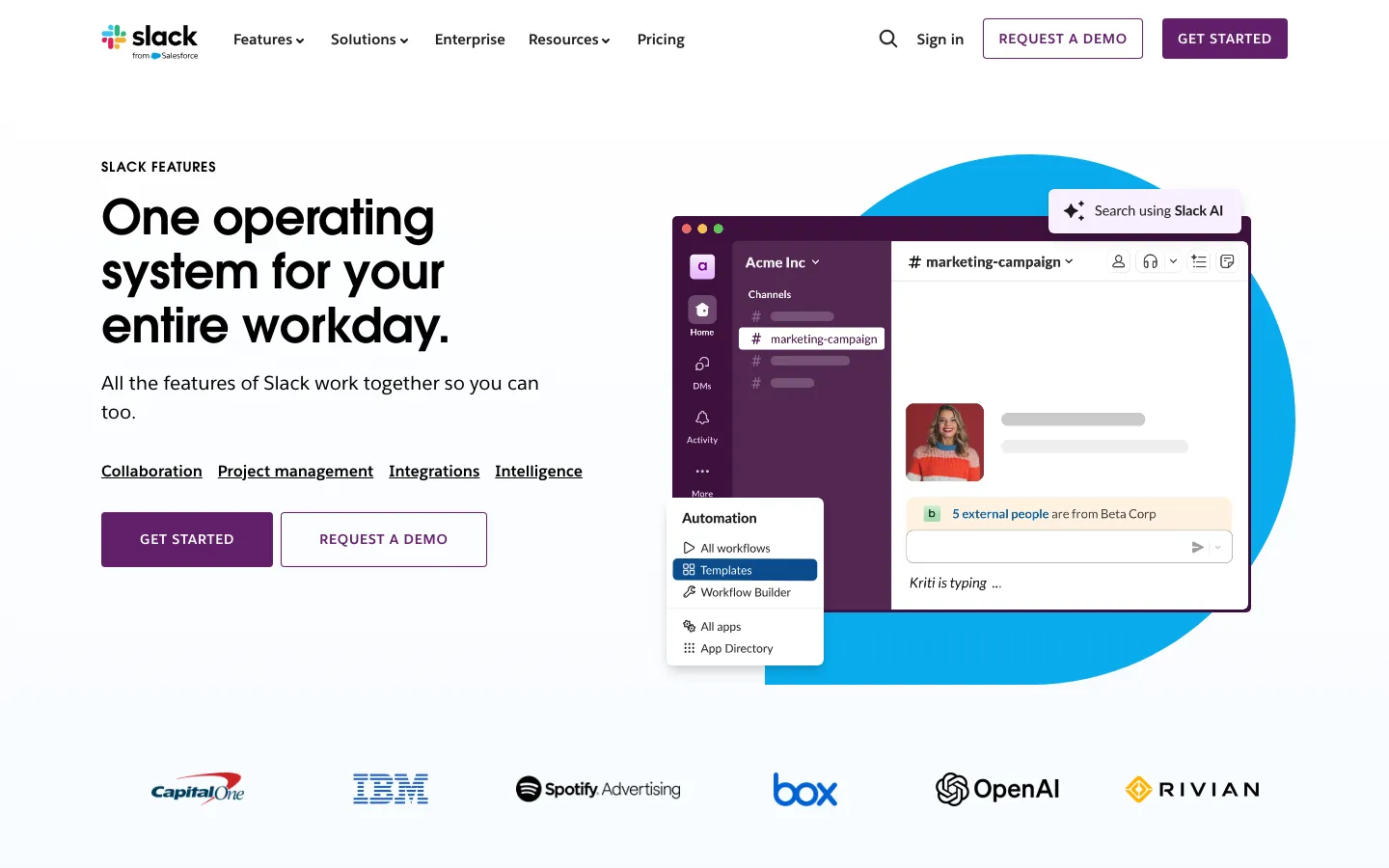
Screenshots of Slack 3 images
What's great
- 2,600+ app integrations; every major SaaS vendor ships a quality Slack app before building for any other chat platform
- Workflow Builder lets non-technical ops teams automate approval flows, standup bots, and alert routing without writing code
- Slack Connect allows external channel sharing with customers and vendors; 80% of Fortune 100 companies use Slack Connect per Salesforce 2025 data
Watch-outs
- Free tier cuts off at 90 days of searchable message history; growing teams hit the wall fast and the jump to Pro ($7.25/user/mo) is abrupt
- Per-seat cost adds up at scale; a 200-person org on Business+ runs $36K/yr before any add-ons, materially more than Teams bundled in M365
- Notification overload is the
Slack is the default answer for B2B tech companies that run a diverse SaaS stack. 38,199 G2 reviews averaging 4.5/5 is the largest review corpus in the team chat category by a wide margin.
The integration depth is the real story: the Salesforce-owned platform reports nearly 80% of Fortune 100 companies rely on Slack Connect for external collaboration, not just internal chat.
The consistent G2 complaint is notification overload on large teams; the fix is a deliberate channel governance policy, which the tool supports via focus modes and notification schedules but won’t enforce by default. For teams under 15 people, the free tier is genuinely usable for months.
Past that, budget $7.25/user/mo annually and plan for the cost to compound as headcount grows.
Pricing breakdown
| Plan | Price | Best for |
|---|---|---|
| Free | $0 | Under 15 users |
| Pro | $7.25/user/mo | 15-100 users |
| Business+ | $15/user/mo | 100-500 users |
| Enterprise Grid | Custom | 500+ users |
Loading reviews…
Microsoft Teams
Best for Microsoft 365 shops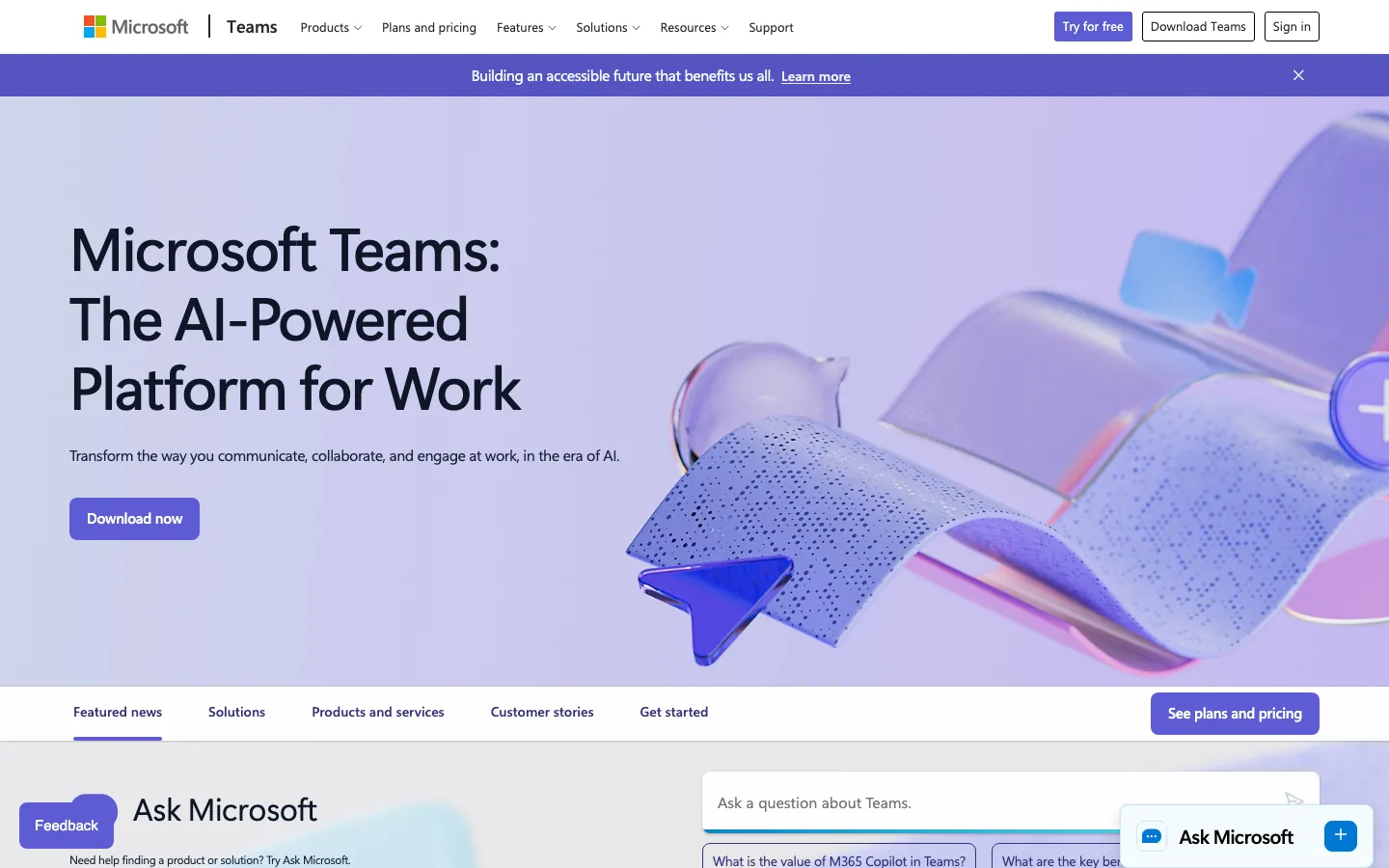
Screenshots of Microsoft Teams 3 images
What's great
- Teams ships inside every Microsoft 365 Business and Enterprise license; for M365 shops the effective marginal cost is $0
- Video meetings, phone calls, and file storage live in one place; organizations that run heavy meeting volume save the Zoom subscription entirely
- Enterprise governance depth: retention policies, DLP, eDiscovery, and legal hold all connect to the same Microsoft Purview compliance stack
Watch-outs
- Standalone Teams Essentials starts at $4/user/mo; the bundled M365 path is cheaper, but a non-M365 org buying chat and meetings alone still pays for it
- Interface consistently rated as cluttered; G2 reviewers describe channels, chats, and meetings tabs as overlapping, with notifications that are harder to tame than Slack's
- Integration ecosystem outside Microsoft tools is notably thinner; non-Microsoft SaaS apps often ship Slack-first with Teams as an afterthought
Microsoft Teams holds 37% of the enterprise messaging market per 2026 Statista data , and the reason is bundling economics more than product superiority.
17,822 G2 reviews average 4.4/5; the consistent praise is tight M365 integration and the consistent complaint is a UI that feels crowded.
In November 2025 Microsoft re-bundled Teams back into M365 and Office 365 Enterprise plans (E1, E3, E5), reversing the 2024 EU-driven unbundling, so enterprise subscribers can again buy M365 with Teams included, and enterprise agreement pricing still makes it materially cheaper than Slack at scale.
For orgs already running Exchange, SharePoint, and Azure AD, the compliance stack integration alone often justifies the choice. For Google Workspace shops or mixed-stack startups, Slack almost always wins on actual user experience.
Pricing breakdown
| Plan | Price | Best for |
|---|---|---|
| Essentials | $4/user/mo | Chat and meetings without full M365 |
| M365 Business Basic | $7/user/mo | Full M365 + Teams + web apps |
| M365 Business Standard | $14/user/mo | Full M365 + desktop apps + Teams Phone |
| Enterprise E3/E5 | Custom | 300+ users |
Loading reviews…
Google Chat
Best for Google Workspace orgs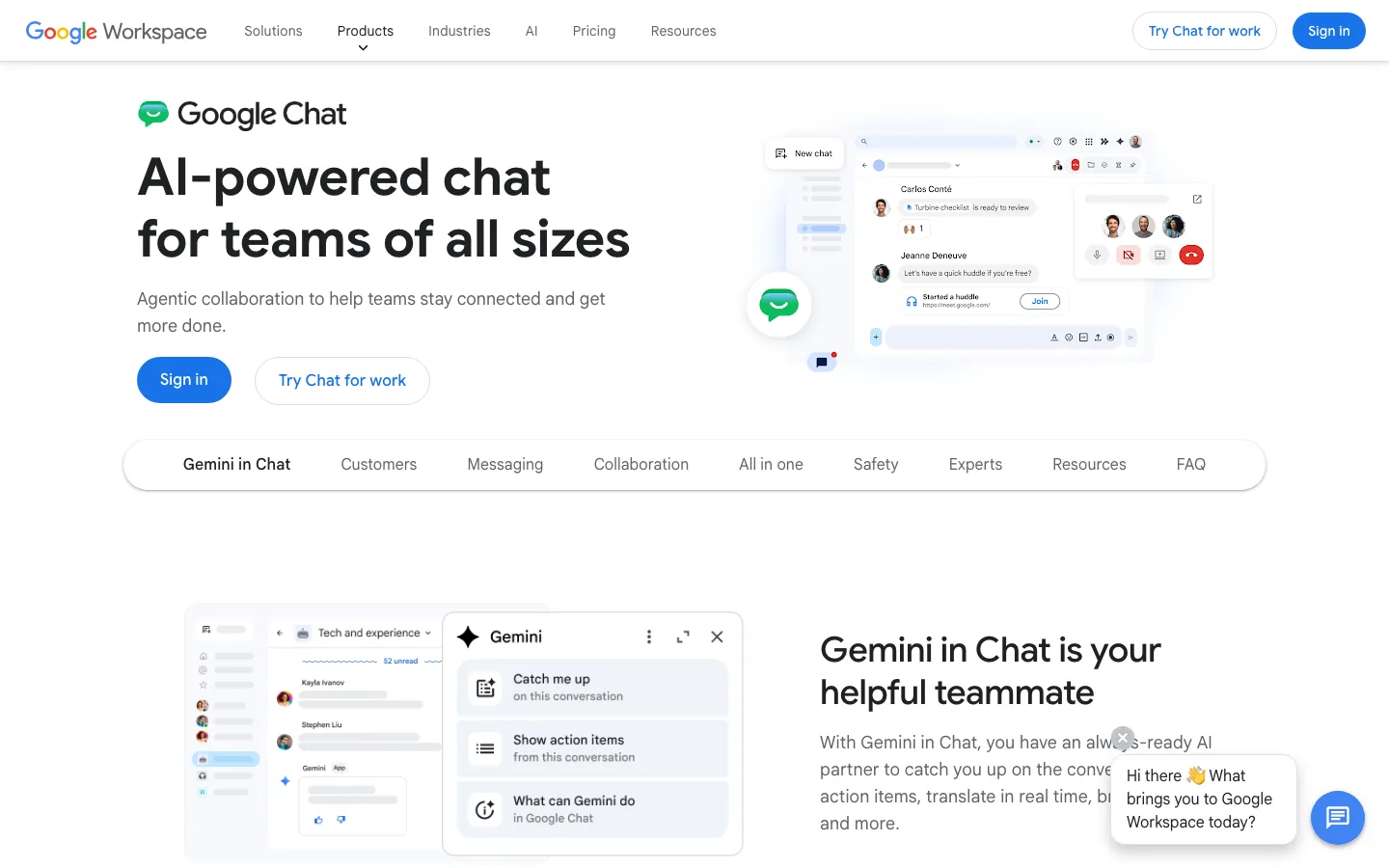
Screenshots of Google Chat 3 images
What's great
- Zero context switching for Workspace orgs; Chat lives inside Gmail, every conversation links directly to Drive files and Meet calls
- Gemini AI included in all paid Workspace tiers from 2026; meeting summaries, message drafting, and smart replies without a separate license
- 4.6/5 on G2 is the highest rating in this shortlist, driven by setup simplicity and Google Meet integration scores
Watch-outs
- Weak standalone; Google Chat without Google Workspace is a stripped product, you can't reasonably buy Chat in isolation
- Integration ecosystem is significantly smaller than Slack; third-party bots and workflow automations require more DIY work with Apps Script
- The "Spaces" structure confuses teams migrating from Slack channels; the mental model is different enough that onboarding takes longer than expected
Google Chat is the right answer exactly one time: when your company already runs Google Workspace and Gmail is where work actually happens. G2 rates it 4.6/5 , the top mark in this comparison, and setup is fast for a Workspace org since provisioning runs through the directory you already have.
The 2026 addition of Gemini AI across all Workspace tiers adds meeting summaries and message drafting at no additional cost, a meaningful edge over Teams (where Copilot runs $18/user/mo extra through June 2026, $21 from July 2026) and Slack (where the same advanced AI features only land at Business+, not Pro).
Outside the Workspace ecosystem, Chat is underpowered compared to Slack and Teams. If your engineering team is on GitHub, your CRM is Salesforce, and your support team is on Zendesk, the integration gaps will surface within a week.
Pricing breakdown
| Plan | Price | Best for |
|---|---|---|
| Workspace Business Starter | $7/user/mo | Full Chat + Gmail + Meet + Drive |
| Workspace Business Standard | $14/user/mo | 150-person Meet + 2TB storage |
| Workspace Business Plus | $22/user/mo | eDiscovery + advanced audit |
| Workspace Enterprise | Custom | 300+ users |
Loading reviews…
Mattermost
Best self-hosted for regulated industries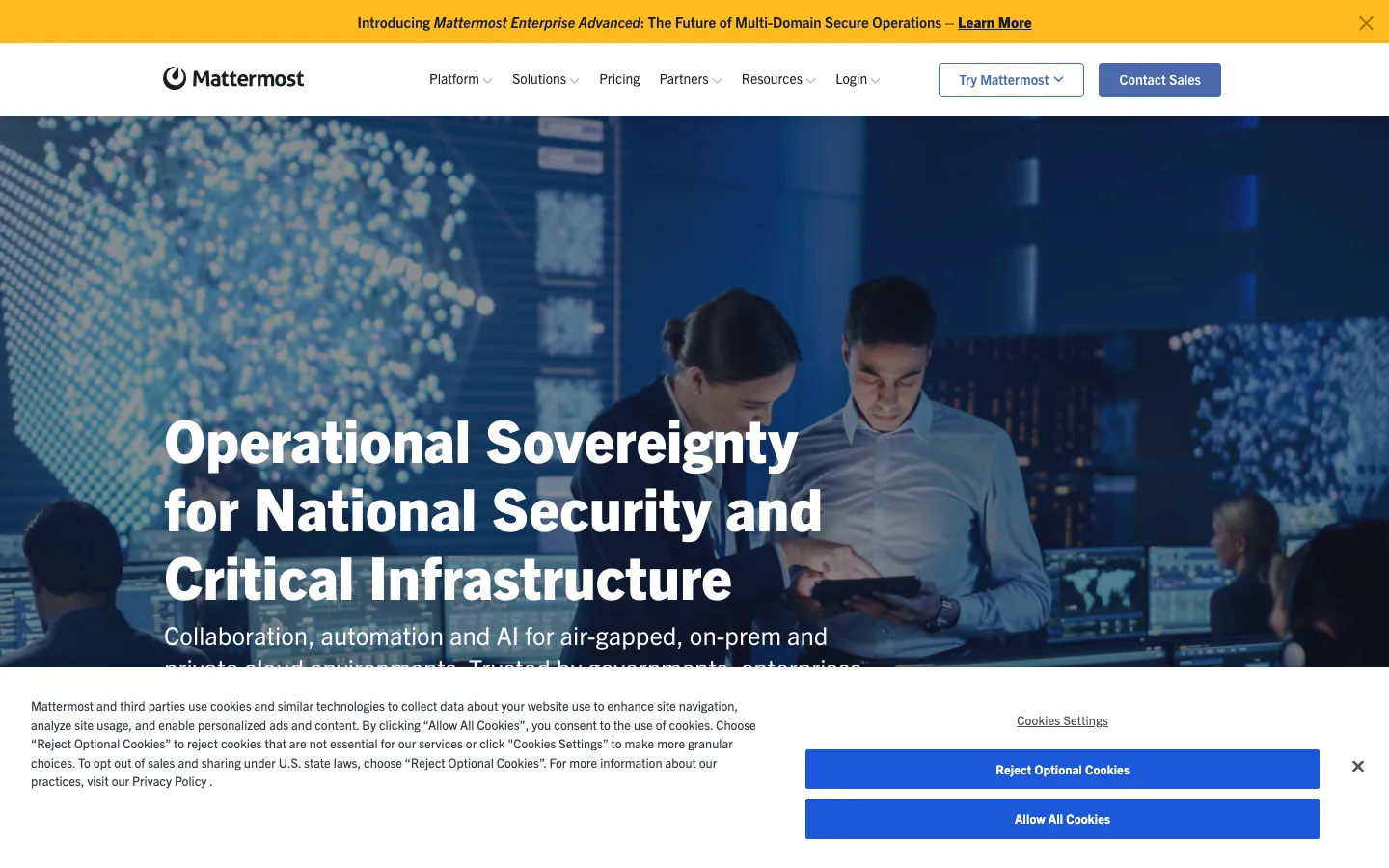
Screenshots of Mattermost 3 images
What's great
- Full self-hosted deployment with air-gapped option; defense contractors and financial services orgs run it with zero data leaving the corporate perimeter
- Open-source core with a real developer API; engineering teams can build custom slash commands, bots, and integrations without platform restrictions
- LDAP/AD sync, SAML SSO, and MFA enforcement at the Professional tier ($10/user/mo); Slack requires Enterprise Grid for equivalent identity governance
Watch-outs
- Self-hosting is non-trivial; a production deployment needs an ops person to own initial setup, upgrades, and backups
- Mobile app experience lags Slack and Teams by about 18 months; push notifications are reliable but the interface is functional rather than polished
- Smaller app ecosystem; 75+ integrations versus Slack's 2,600+; custom integrations via webhooks are workable but require engineering time
Mattermost is the right call when your data cannot leave your network. The platform serves defense agencies, financial services firms, and healthcare organizations that face HIPAA, FINRA, or FedRAMP requirements that rule out cloud-hosted chat entirely.
364 G2 reviews average 4.3/5; the consistent praise from reviewers is data sovereignty and the reliable uptime of self-hosted deployments. Mattermost Enterprise Advanced scales to 200,000 concurrent users per published benchmarks.
The tradeoff is real: someone on your team owns the infrastructure. For companies that can’t accept that overhead, Slack or Teams is the better pick. For defense, healthcare, and regulated finance, Mattermost is often the only option that passes security review.
Pricing breakdown
| Plan | Price | Best for |
|---|---|---|
| Free (self-hosted) | $0 | Tech evaluation |
| Professional | $10/user/mo | Up to 250 users |
| Enterprise | Custom | 250+ users |
| Enterprise Advanced | Custom | 200K+ concurrent users |
Loading reviews…
Rocket.Chat
Best open-source with omnichannel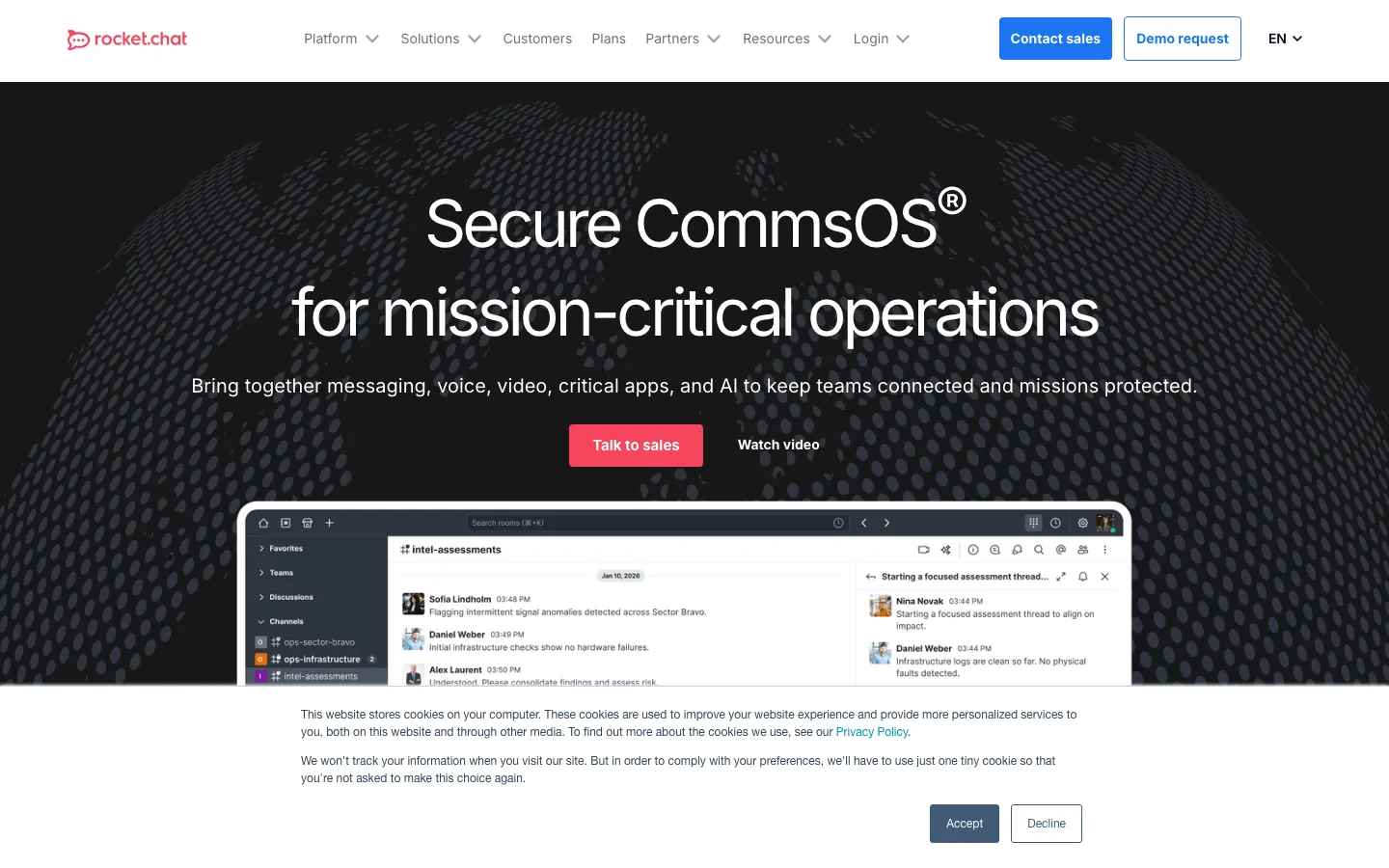
Screenshots of Rocket.Chat 3 images
What's great
- Omnichannel inbox built in; Rocket.Chat handles internal team chat plus customer-facing live chat, email, SMS, and WhatsApp from one workspace
- Fully open-source (MIT license); source code is auditable, no vendor lock-in, and the community has shipped 1,600+ contributors on GitHub
- HIPAA-ready self-managed deployment; healthcare organizations use it for patient communication alongside internal team chat
Watch-outs
- Pricing became opaque in April 2026 when the Pro plan was retired; enterprise plans now require contacting sales with no published per-seat rates
- The community edition requires meaningful DevOps investment to run in production; upgrades between major versions (6.x to 7.x) can break plugins
- UI is the weakest in this shortlist; G2 reviewers consistently cite interface clutter and a steeper learning curve than Slack or Pumble
Rocket.Chat fills a gap that Slack, Teams, and Mattermost all miss: genuinely integrated omnichannel messaging where internal team chat and external customer communication live in one workspace. 357 G2 reviews average 4.2/5; the specific praise is the omnichannel story and open-source flexibility.
The April 2026 retirement of the Pro plan introduced pricing opacity that bothers procurement teams; the free self-managed Starter covers up to 50 users, and every tier above that (Commercial, Government, Defense) is now a custom quote with no published per-seat rate.
For regulated industries that also run customer support communications, Rocket.Chat is worth a serious evaluation. For internal-chat-only use cases, Mattermost’s cleaner architecture and better enterprise support tier makes it the better self-hosted pick.
Pricing breakdown
| Plan | Price | Best for |
|---|---|---|
| Starter (self-managed) | $0 | Up to 50 users |
| Commercial | Custom | Enterprise deployment with compliance needs |
| Government | Custom | Sovereign cloud and on-premises |
| Defense | Custom | Air-gapped |
Loading reviews…
Zoom Team Chat
Best for video-first hybrid teams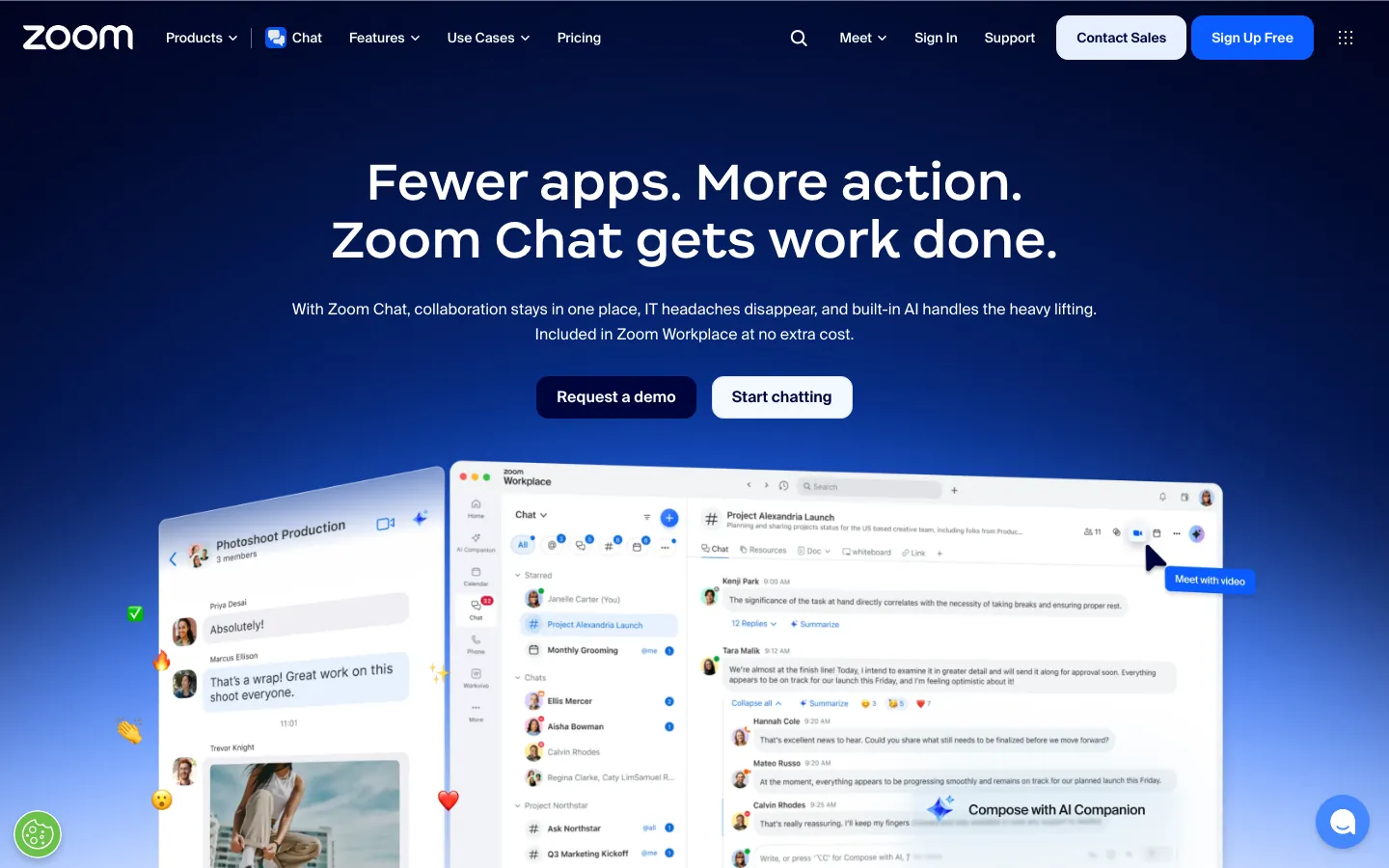
Screenshots of Zoom Team Chat 3 images
What's great
- One-click escalation from a chat thread to a Zoom call; the meeting experience is native, not a third-party integration
- AI Companion (thread summaries, meeting recaps, message drafts) included in paid Workplace plans at no extra license fee
- 56,368 G2 reviews on Zoom Workplace give it the largest external validation set in this guide, though the reviews cover meetings as much as chat
Watch-outs
- Chat is secondary to meetings in the product hierarchy; UI decisions that make sense for video (rooms, webinars, phone) create clutter in the chat experience
- Integration ecosystem for chat-specific workflows is thinner than Slack; most third-party SaaS tools build for Slack first, Zoom second
- Pricing is meeting-centric; at $13.33/user/mo for Workplace Pro, you're buying a full UCaaS platform when you may only need persistent chat
Pricing breakdown
| Plan | Price | Best for |
|---|---|---|
| Zoom Workplace Free | $0 | Under 100 attendees |
| Workplace Pro | $13.33/user/mo | 1-99 users |
| Workplace Business | $18.33/user/mo | 10-250 users |
| Workplace Enterprise | Custom | 250+ users |
Loading reviews…
Pumble
Best free plan for budget-constrained teams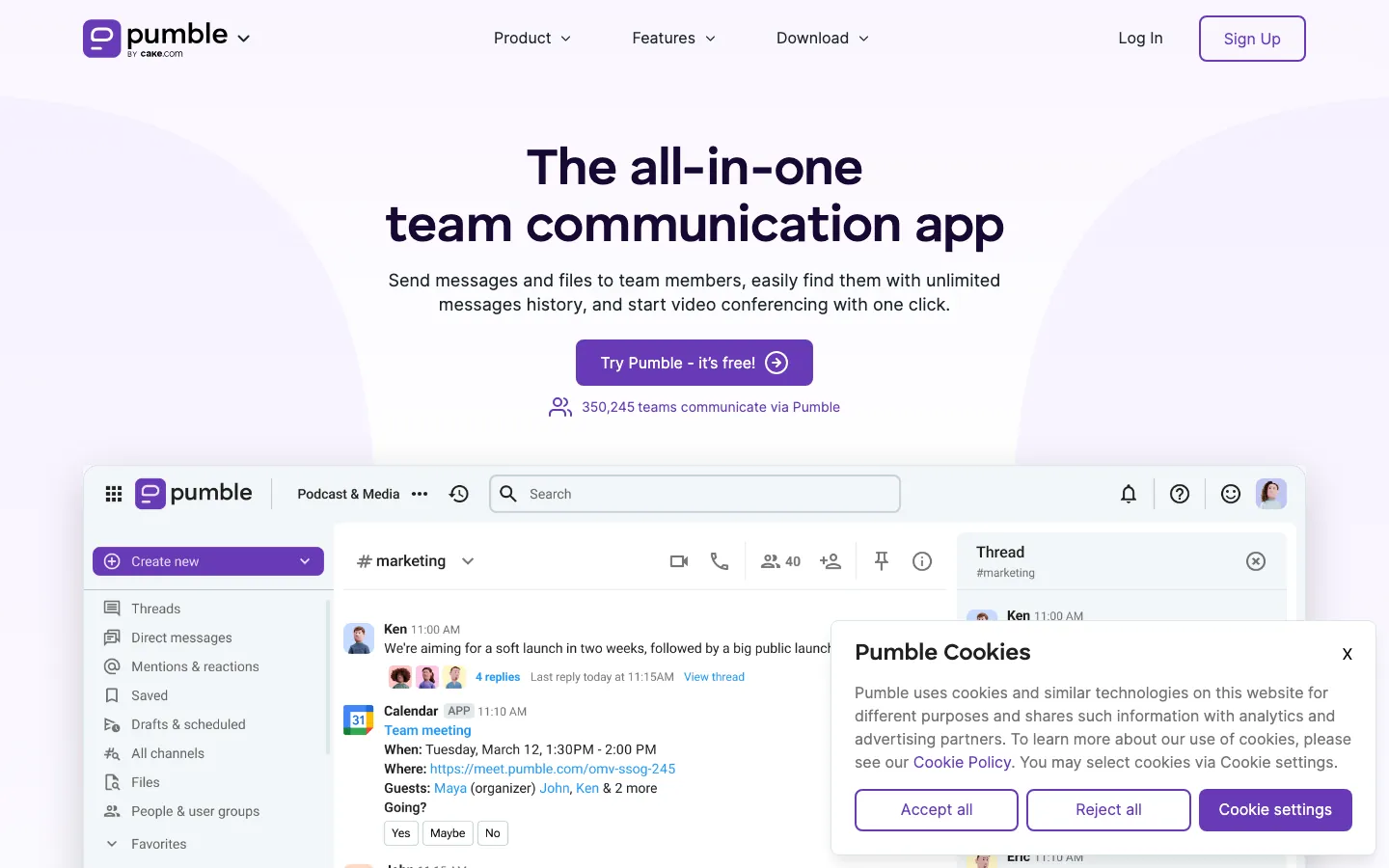
Screenshots of Pumble 3 images
What's great
- Unlimited message history and unlimited users on the free plan; Slack cuts off at 90 days, Pumble never does
- Pro plan at $2.49/user/mo is the cheapest paid tier in this shortlist; a 50-person team costs $125/mo annually versus Slack Pro at $362.50/mo
- Quality of support rated 10.0/10 on G2 ease-of-support metrics, meaningfully higher than Slack's 8.8/10 in the same category
Watch-outs
- Native integrations cap at 10 on the Pro plan and are unlimited only on Business+; Slack's 2,600+ app ecosystem makes Pumble look sparse
- Video and voice calls max out at 50 participants; not viable for all-hands or large team meetings without a separate tool
- The product is built and maintained by Cake.com (the company behind Clockify); a niche vendor compared to Salesforce-backed Slack or Microsoft Teams
Pumble is the honest answer for budget-constrained teams that need more than the Slack free tier but aren’t ready to pay $7+ per seat.
The free plan’s unlimited message history is the single feature that separates it from Slack Free, and it’s a real differentiator for organizations that need to search conversations from 18 months ago without paying for a Pro subscription.
412 G2 reviews average 4.5/5, consistent with its Capterra score of 4.7/5 across a similar base.
The integration gap becomes a real problem past 30 people; teams that rely heavily on GitHub, Jira, and Salesforce webhooks will feel the difference within a few weeks. Below 50 seats with a simple SaaS stack, Pumble is a legitimate Slack alternative at a fraction of the cost.
Pricing breakdown
| Plan | Price | Best for |
|---|---|---|
| Free | $0 | Unlimited users |
| Pro | $2.49/user/mo | 10-50 users |
| Business | $3.99/user/mo | 50-200 users |
| Enterprise | $6.99/user/mo | 200+ users |
Loading reviews…
Twist
Best for async-first distributed teams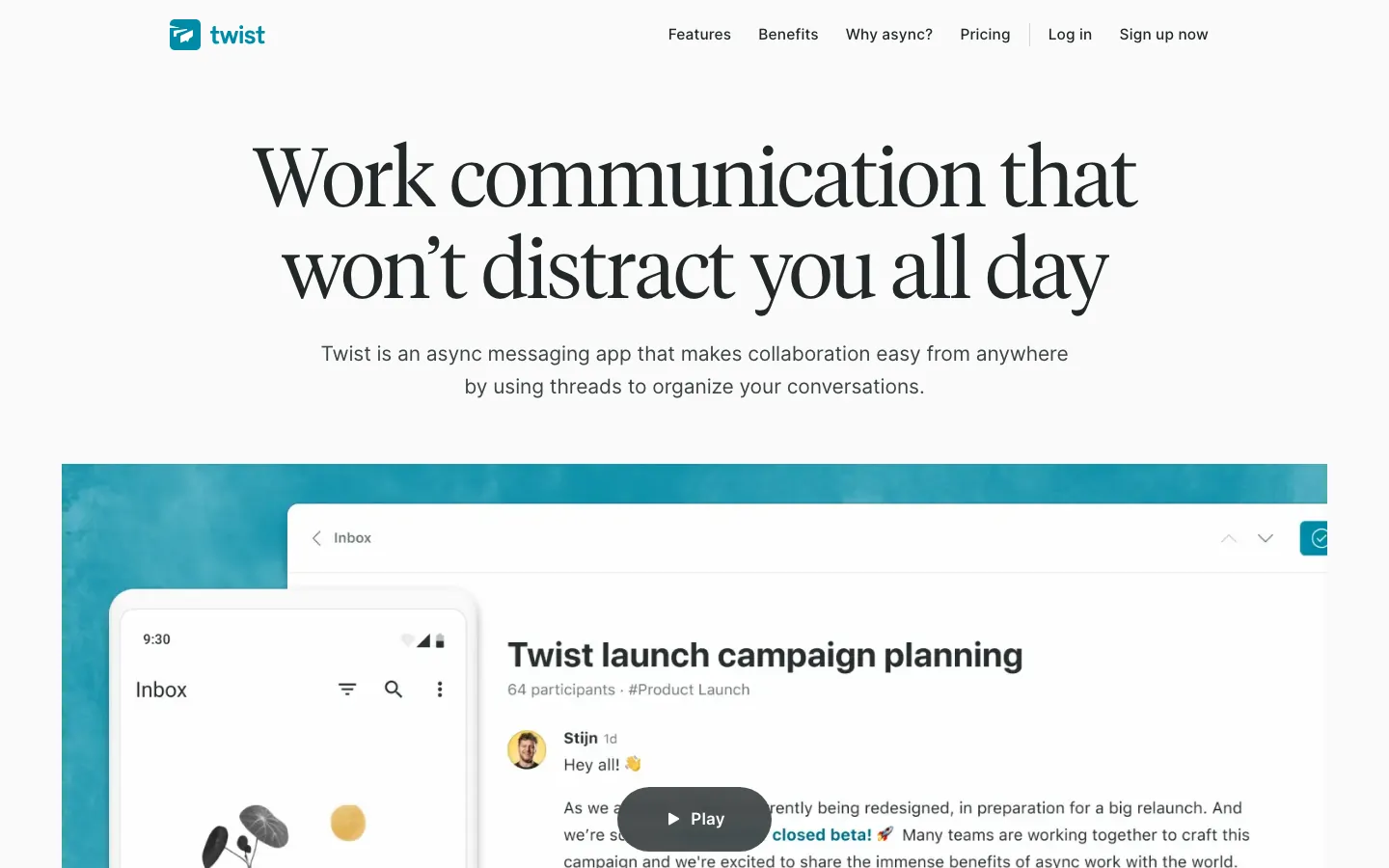
Screenshots of Twist 3 images
What's great
- Threads are the primary unit of communication, not channels; every message belongs to a topic thread, which prevents the scroll-to-context problem that plagues Slack channels
- No presence indicators, no read receipts by default; the UI is designed to reduce urgency cues that drive reactive communication patterns
- Two-tier pricing with no feature gating between tiers; the only thing that changes at $6/user/mo is history length and integration count
Watch-outs
- 96 G2 reviews is the smallest review corpus in this guide; limited external validation relative to Slack or Teams
- Not suitable for fast-moving incidents; the async-first model works against on-call engineering teams that need real-time status threads
- Integration count caps at 5 on the free tier and unlimited only on paid; the ecosystem never approaches Slack depth regardless of tier
Pricing breakdown
| Plan | Price | Best for |
|---|---|---|
| Free | $0 | Up to 500 users |
| Unlimited | $6/user/mo | Full history |
| Enterprise | Custom | 200+ users |
| Nonprofit/Education | Discounted | Qualifying organizations |
Loading reviews…
Element
Best Matrix-based sovereign chat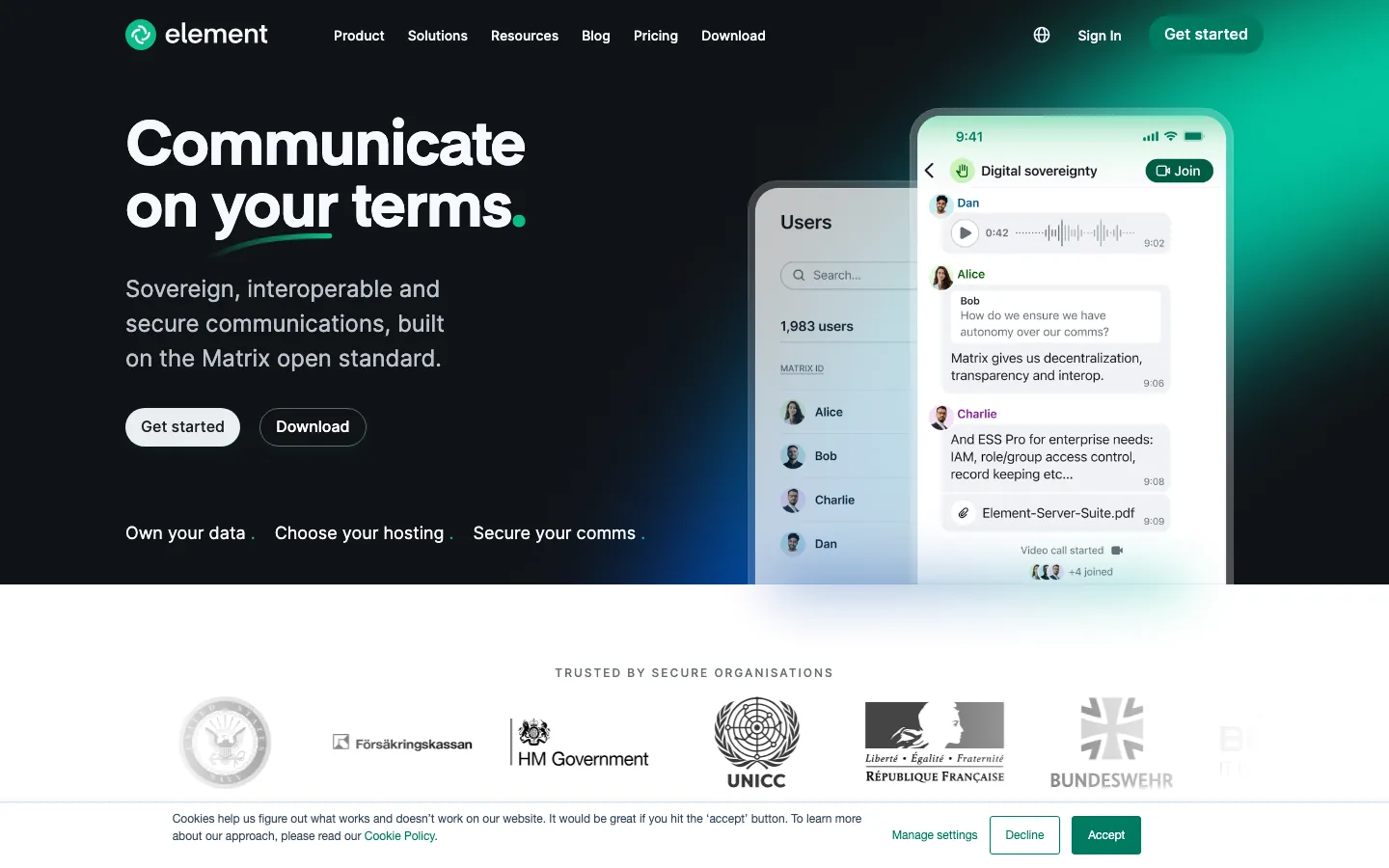
Screenshots of Element 3 images
What's great
- Built on the open Matrix protocol; organizations can federate with other Matrix servers, bridging to Slack or Teams without giving either vendor platform control
- End-to-end encryption by default across all messages and calls; not an add-on, not a compliance tier feature, on for every user by default
- Government and defense deployments globally; UK NCSC, German Bundeswehr, and UNICC (United Nations) all use Element for sensitive communications
Watch-outs
- 89 G2 reviews is the smallest corpus in this guide; adoption among mainstream B2B SaaS teams is minimal compared to Slack or Teams
- E2E encryption, while strong for security, creates friction around message search and ediscovery; compliance teams sometimes fight the default encryption settings
- Matrix federation, while powerful, requires technical understanding; most B2B IT teams don't have the familiarity to run it confidently
Element is for organizations where data sovereignty and cryptographic message security are non-negotiable requirements, not nice-to-haves. The Matrix protocol means your messages can never be accessed by a US cloud vendor’s trust-and-safety team, a legal hold at Salesforce, or a government data request to Microsoft.
G2 rates Element at 4.4/5 across 89 reviews, a small sample dominated by security professionals and government IT teams. The $5/user/mo Business cloud tier is honest pricing; the $10/user/mo Enterprise tier adds self-hosting, custom DNS, and Slack/Teams migration bridges.
For 95% of B2B SaaS companies, Element is the wrong tool: the complexity is overhead they’ll never need. For the 5% that face genuine data sovereignty requirements (defense contractors, EU-regulated firms under GDPR data-residency requirements, healthcare companies outside the US), Element is often the most defensible technical choice.
Pricing breakdown
| Plan | Price | Best for |
|---|---|---|
| Free (Matrix) | $0 | Self-hosted Matrix server |
| Business | $5/user/mo | Cloud-hosted |
| Enterprise | $10/user/mo | Self-hosted |
| Government/Defense | Custom | Air-gapped |
Loading reviews…
Tools we considered but excluded
We evaluated more tools than the 9 you see above. These did not make the cut. Saying what we rejected, and why, is the editorial muscle most listicles skip.
- Discord: Server-first model creates governance gaps that enterprise IT won't accept; no audit logs on the free plan and permission structures don't map to org hierarchies
- Chanty: Actively maintained but integration ecosystem is too thin for teams past 50 people; no meaningful differentiator over Pumble at the same price point
- Flock: Strong in India-based SMBs but negligible North American adoption, which puts it out of scope for the US-focused readership of this guide
- Workplace from Meta: Meta announced end-of-life for Workplace in 2026; existing customers are migrating off the platform, not onto it
- Wire for Business: Genuinely secure but almost no B2B adoption outside European government agencies; effectively out of scope for the US-focused readership of this guide
Honorable mentions
Solid tools that did not crack the main list but are worth tracking, especially for niche use cases.
- Lark: ByteDance-owned platform with unusually tight video, docs, and calendar integration; worth tracking for APAC-headquartered companies but data sovereignty concerns block US enterprise adoption
- Notion Chat: Notion launched threaded chat in late 2024 and it's maturing; teams already on Notion for docs may consolidate to avoid a separate Slack subscription by 2027
- Webex Messaging: Cisco Webex holds strong in large enterprise IT departments already on Webex infrastructure; not a standalone buy for most readers but relevant for Cisco-heavy organizations
The five team chat buyer segments
The team chat market in 2026 looks unified on the surface but fractures into five distinct buyer segments once you look past the feature marketing. Picking the wrong one means a 12-month re-migration when the mismatch becomes painful.
The duopoly. Slack and Microsoft Teams together hold roughly 50% of the business messaging market. Slack commands deep loyalty in B2B tech, fintech, and marketing-led SaaS companies. Teams dominates enterprise IT departments, financial services, and healthcare organizations that are already Microsoft-licensed.
Every other tool in this guide competes for the remaining half of the market, or addresses needs the duopoly explicitly doesn’t serve.
Google Workspace-native chat. Google Chat sits in its own category: not meaningfully competitive outside Google Workspace shops, but genuinely excellent inside them. If your company runs on Gmail, Drive, and Meet, Chat is effectively free and tightly integrated. Outside Workspace, it’s underpowered compared to Slack.
Video-first UCaaS chat. Zoom Team Chat is a persistent chat layer bolted onto a meetings platform. That’s not a criticism; for hybrid organizations where synchronous video meetings drive most collaboration, the one-click chat-to-call escalation is a real workflow win. It’s the wrong tool for teams that primarily work in long async threads.
Self-hosted and sovereign chat. Mattermost, Rocket.Chat, and Element share a common rationale: the data must not leave your control. The use cases are regulated (financial services, healthcare, defense) or philosophically sovereignty-focused.
The tools are genuinely different in architecture and target market: Mattermost is best for enterprise internal chat, Rocket.Chat adds omnichannel customer communication, and Element is for organizations where cryptographic sovereignty is the primary requirement.
Budget and async-first alternatives. Pumble and Twist compete in different dimensions. Pumble competes on price (the Slack free tier’s 90-day history limit creates a real opening). Twist competes on philosophy: it’s the only tool in this guide built around the thesis that real-time chat actively harms distributed team performance.
Selection criteria, what to test in your team chat trial
The evaluations that lead to confident choices all tend to test the same eight things. Skip any of these and buyer’s remorse usually shows up around month six.
One, import your actual user directory on day one. Don’t use demo accounts. Connect your real LDAP/Active Directory or Google Directory, provision real users, and set up your first three channels with actual team members. If provisioning 50 users takes more than 2 hours, the ongoing admin overhead will compound. Slack and Google Chat provision in under 30 minutes via SSO; Mattermost and Rocket.Chat self-hosted take longer and require a tested runbook.
Two, run a 10-person thread on a real work topic. Start a decision thread with actual stakeholders on a live business question. Watch how the tool handles replies, notifications, and thread summaries after 48 hours. Channel-first platforms (Slack, Teams) keep people checking the thread, while thread-first tools (Twist) keep context findable without scrolling. Searchability after 48 hours tells you more than any demo.
Three, test the single most-important integration end-to-end. Not five integrations. The one your team uses daily. For engineering teams, that’s usually GitHub or Jira. For sales teams, Salesforce. For support teams, Zendesk. Test the full round-trip: trigger an event in the source system, verify the notification lands correctly in chat, and confirm the link back to the source record works. This test eliminates tools with Zapier-only integration paths before you sign a 12-month contract.
Four, count the clicks from received notification to resolved action. Pick a realistic workflow: a GitHub PR review request arrives, the reviewer clicks through to the PR, leaves a comment, and the PR author sees the response. Count the total clicks. A native integration (Slack with a good GitHub app) needs far fewer clicks than a middleware-bridged one (Teams with a Jira connector). Multiply by dozens of workflows per engineer per day and the productivity math is real.
Five, test mobile for one week with three people. Assign three actual users to use only mobile for one work week. Track the friction points. Slack and Google Chat score highest here; Mattermost mobile is the consistent weak point. Field sales teams, executives who travel, and on-call engineers all have mobile-dependent workflows that the desktop-centric demo never reveals.
Six, run a compliance and security scan with your IT team. Pull the vendor’s SOC 2 Type II report, data processing agreement, and subprocessor list. Run it past your security lead before the 14-day trial expires. Pumble and Twist don’t currently hold SOC 2 Type II; if your procurement process requires it, that eliminates them before product testing begins. Don’t discover this in week eight.
Seven, price out year-one all-in cost including onboarding. Most team chat tools advertise per-seat pricing with no onboarding fees.
The real cost includes: your IT admin’s time to configure SSO, channel structure, and integrations (budget 20-40 hours for a 100-person org); migration from the old tool (budget an additional 10-20 hours plus potential third-party tool fees); and any compliance export add-ons (Slack charges extra for compliance exports on Business+).
Add those to the per-seat number before comparing quotes.
Eight, ask three reference customers in your size band. Not the vendor’s provided references. Find them via LinkedIn or your network, specifically at companies that made the same migration you’re considering (e.g., Slack to Teams, or Slack to Mattermost). Ask: “What do you know now that you wish you’d known at the start?” The answers from real operators are worth more than any benchmark report.
How to choose the right team chat tool for your team
Five questions, in order. Answer them honestly and the shortlist shrinks to two or three real options.
1. The infrastructure your company already runs
This is the single biggest decision driver, not product features. Microsoft 365 shops should default to Teams and only move off if the UX friction becomes a real adoption problem. Google Workspace shops should default to Google Chat and only evaluate Slack if integration depth is critical.
Mixed-stack or AWS-native companies have no bundling pull; Slack is the default for them and the right choice for most.
- Microsoft 365 with 50+ seats: Teams, bundled pricing is too good to ignore.
- Google Workspace with 50+ seats: Google Chat, native integration beats any third-party tool.
- AWS or mixed-stack: Slack, best ecosystem depth for non-Microsoft SaaS stacks.
- Under 50 seats, budget-sensitive: Pumble Free, Slack Free, or Twist depending on whether async matters.
2. How real-time your work is
Engineering teams doing on-call incident response need real-time alert delivery and quick escalation to voice. That pattern favors Slack (PagerDuty integration is native and mature), Teams (for Microsoft shops), or Zoom Team Chat (for video-first orgs).
Sales teams that do most work in CRM and email but need a chat layer for internal coordination can tolerate Twist’s async model without friction. The async question is cultural, not technical; be honest about whether your team will actually adopt asynchronous norms or will just route around the tool.
3. Whether your data must stay in your network
For most B2B SaaS companies, cloud-hosted chat from Slack, Teams, or Google is fine.
For healthcare organizations handling PHI, financial services firms subject to FINRA message archival, government contractors with data residency requirements, or EU companies with strict GDPR data-sovereignty mandates: the answer is self-hosted Mattermost or Rocket.Chat, or cryptographically sovereign Element.
The evaluation process for these organizations is a compliance audit first, a product evaluation second.
4. Your integration depth requirement
- Under 20 SaaS tools in your stack: Any tool in this guide works. Pumble or Twist covers the integrations you need.
- 20-50 SaaS tools, standard B2B stack: Slack is the only tool with deep enough native integrations. Google Chat handles Google-ecosystem tools well but gaps appear outside it.
- 50+ SaaS tools, complex workflows: Slack or Teams. The 2,600+ Slack app ecosystem and the Power Platform automations in Teams are genuinely different in capability from any alternative.
5. Seats you will have in 24 months
- Under 50 seats for 24 months: Pumble Free or Slack Free covers you. Don’t pay for chat at this size.
- 50-300 seats: Slack Pro ($7.25/user/mo) or Teams via M365 Basic ($7/user/mo). The pricing is nearly identical; choose on ecosystem fit.
- 300-2,000 seats: Slack Business+ ($15/user/mo), Teams Enterprise, or Google Workspace Business Plus ($22). Factor in the compliance requirements at this size; SOC 2 Type II becomes a procurement requirement.
- 2,000+ seats: Slack Enterprise Grid (custom) or Teams E3/E5 (custom). Hire a dedicated collaboration admin before the contract starts.
The team chat tool to pick by company stage
The quick reference, in case you’ve read enough and just want the answer.
- Pre-seed and seed, under 25 seats: Slack Free or Pumble Free. Pay nothing for team chat at this stage; the money is better spent elsewhere.
- Seed to Series A, 25-100 seats, tech-led: Slack Pro. $7.25/user/mo is worth it for the integration ecosystem at this growth stage.
- Seed to Series A, 25-100 seats, Microsoft-heavy: Microsoft Teams via M365 Business Basic. The bundled economics win.
- Series A, Google Workspace shop: Google Chat via Workspace Business Starter. Don’t pay twice for a separate chat tool.
- Series A to B, async-distributed team: Twist Unlimited ($6/user/mo). Worth the forced async cultural shift if the team is genuinely distributed across 3+ time zones.
- Series B+, enterprise compliance needs: Slack Business+ or Teams Enterprise. Both hold SOC 2 Type II; choose on ecosystem.
- Regulated industry (healthcare, financial services, defense): Mattermost Enterprise self-hosted. The only self-hosted tool with a real 24x7 support tier.
- Open-source/sovereignty-focused: Element Business. Matrix protocol, E2E encryption by default, federated architecture.
- Video-first hybrid team: Zoom Team Chat via Workplace Pro. The one-click chat-to-Zoom escalation justifies the $13.33/user/mo if meetings are the primary collaboration mode.
- Budget-constrained (any stage): Pumble Business ($3.99/user/mo). Unlimited history, reasonable integrations, and a fraction of Slack’s price.
Where the nine team chat tools differ on core features
| Tool | Unlimited history | Native SSO/SAML | AI summaries | Self-hosted | Guest access |
|---|---|---|---|---|---|
| Slack | Pro+ | Business+ | Pro+ (basic), Business+ (advanced) | ✗ | Pro+ |
| Microsoft Teams | ✓ all | ✓ all | $ Copilot | ✗ | ✓ all |
| Google Chat | ✓ all | ✓ all | ✓ Workspace | ✗ | ✓ all |
| Mattermost | ✓ all | Professional+ | ✗ | ✓ | Professional+ |
| Rocket.Chat | ✓ all | Custom | ✗ | ✓ | ✓ |
| Zoom Team Chat | ✓ paid | Business+ | ✓ paid | ✗ | ✓ paid |
| Pumble | ✓ all | Enterprise | ✗ | ✗ | Business+ |
| Twist | Unlimited+ | ✗ | ✗ | ✗ | ✓ paid |
| Element | ✓ all | Business+ | ✗ | Enterprise | ✓ all |
The AI-summaries row still reveals a real pricing gap in 2026, just not the one most buyers expect. Google Chat includes Gemini summaries in every paid Workspace tier. Zoom bundles AI Companion free.
Since June 2025 Slack folded its AI into the base plans, so thread and huddle summaries now come with Pro, but the advanced AI (search, recaps, translations) only lands at Business+ ($15/user/mo), which is $7.75/user/mo above Pro. Microsoft’s Copilot for Teams is the expensive one: $18/user/mo on top of M365 through June 2026, rising to $21 from July 2026.
For teams that want advanced AI without a tier jump or an add-on, Google Chat and Zoom still hold a structural cost advantage.
Team chat security and compliance, tier by tier
| Tool | SOC 2 Type II | GDPR | HIPAA | SSO/SAML | Audit logs |
|---|---|---|---|---|---|
| Slack | ✓ | ✓ | Business+ | Business+ | Business+ |
| Microsoft Teams | ✓ | ✓ | ✓ E3+ | ✓ all | ✓ all |
| Google Chat | ✓ | ✓ | ✓ Workspace | ✓ all | Business Plus+ |
| Mattermost | ✓ (cloud) | ✓ | ✓ self-hosted | Professional+ | Enterprise |
| Rocket.Chat | ✓ (self-hosted) | ✓ | ✓ self-hosted | Custom | ✓ |
| Zoom Team Chat | ✓ | ✓ | ✓ Business+ | Business+ | Business+ |
| Pumble | ✗ | ✓ | ✗ | Enterprise | Enterprise |
| Twist | ✗ | ✓ | ✗ | ✗ | ✗ |
| Element | ✓ (cloud) | ✓ | ✓ | Business+ | Enterprise |
Pumble and Twist fail the enterprise IT compliance review immediately: neither holds SOC 2 Type II certification as of May 2026. That’s a hard stop for any company with a security questionnaire in procurement.
Mattermost’s SOC 2 certification covers the cloud-hosted tier; self-hosted deployments require customers to maintain their own compliance posture, which some regulated organizations actually prefer because they own the audit artifacts.
Microsoft Teams and Google Workspace have the deepest compliance coverage in the list, with HIPAA, eDiscovery, and legal hold all included at Enterprise tiers.
Integration depth across the team chat stack
| Tool | GitHub/GitLab | Jira | Salesforce | Zoom | Google Meet |
|---|---|---|---|---|---|
| Slack | N | N | N | N | M |
| Microsoft Teams | N | N | M | M | ✗ |
| Google Chat | M | M | M | M | N |
| Mattermost | N | N | • | M | ✗ |
| Rocket.Chat | M | M | M | M | ✗ |
| Zoom Team Chat | M | M | M | N | M |
| Pumble | • | • | ✗ | M | ✗ |
| Twist | • | • | ✗ | M | ✗ |
| Element | M | ✗ | ✗ | ✗ | ✗ |
(N = native first-party, M = marketplace/official app, • = Zapier only, ✗ = no path)
Slack’s integration story is the strongest in the comparison by a significant margin: native first-party integrations with GitHub, Jira, Salesforce, and Zoom are all maintained by the respective vendors, not Slack. Microsoft Teams has native GitHub and Zoom apps (via Microsoft’s own partnerships) but leans on Salesforce via a marketplace connector.
Pumble and Twist, without native connectors to Jira or Salesforce, require Zapier for any meaningful workflow automation into those systems; at scale that adds both latency and cost.
What team chat really costs in year one
A 100-person organization, annual billing, Year 1:
| Tool | Sticker (100 seats) | Setup/Onboarding | Year-2 uplift | True Year-1 |
|---|---|---|---|---|
| Slack Pro | $8,700 | $2,000 IT config | 5-10% | $10,700 |
| Teams via M365 Basic | $8,400 | $1,200 IT config | 3-5% | $9,600 |
| Google Chat via Workspace | $8,400 | $800 (already in Workspace) | 0-3% | $9,200 |
| Mattermost Professional | $12,000 | $8,000 ops setup | 0% self-hosted | $20,000 |
| Zoom Team Chat | $15,996 | $1,500 IT config | 5% | $17,496 |
| Pumble Business | $4,788 | $500 IT config | 0-3% | $5,288 |
| Twist Unlimited | $7,200 | $500 onboarding | 0-3% | $7,700 |
Mattermost’s self-hosted total cost is the one that surprises buyers consistently. The $10/user/mo Professional cloud tier is priced competitively, but any team choosing Mattermost for its self-hosting capability needs to budget the real ops cost: server setup, SSL configuration, database backups, and the engineer hours for version upgrades.
Teams routinely underestimate this in their initial ROI models, which is what makes the self-hosted total cost the line that surprises buyers most.
The biggest single forecast error buyers make: planning for per-seat cost and forgetting to budget for the AI upsell when it becomes the next contract renewal ask.
Slack changed the shape of this in June 2025; AI is now bundled into the paid plans , so the renewal surprise is the jump from Pro to Business+ for advanced AI, which for 100 seats adds $9,300/yr ($15 versus $7.25/user/mo).
Microsoft Copilot is a real add-on: at $18/user/mo through June 2026 that adds $21,600/yr for 100 seats, climbing to $25,200/yr once the price hits $21 in July 2026. Build the AI scenario into year-2 modeling before signing year-1 contracts.
Rolling out team chat without a two-month productivity dip
The rollouts that go well share one pattern: they treat the move as a culture change project, not a software installation.
Phase 1 (weeks 1-2): Build the architecture before anyone touches it. Your IT lead and one department head build the full channel structure, configure SSO, connect the three most-used integrations, and document the naming convention. Nobody else gets access. Teams that opened the tool to 100 people on day one without channel governance ended up with 200 channels and three people who knew how to search effectively. Lock the schema first.
Phase 2 (weeks 3-4): Pilot with one team on real work. Your engineering team, your sales team, or whichever function handles the most cross-functional communication. Run real projects through the new tool for two full weeks. Document what the channel structure gets wrong, what the integration misses, and which workflows don’t translate from the old tool. Fix these before the rest of the company sees the product.
Phase 3 (weeks 5-8): Full company rollout with channel norms published. Send a one-page channel guide to every employee the day access is provisioned. The guide answers: which channel to use for which type of communication, expected response times (four hours, not four minutes), and how to use threads. Orgs that skip this step produce a chat environment indistinguishable from email: everyone in one channel, no threading, notifications going to everyone all day.
Phase 4 (weeks 9-12): Shut down the old tool. Set a hard date to turn off the old channel (Slack, Teams, email distribution lists, whatever). Keep a read-only archive for 12 months for compliance and history search. Do not let the old and new tool coexist indefinitely; two tools for the same purpose means nothing gets done in either.
What’s changing in team chat software in 2026
AI message summaries became the primary pricing battlefield. Slack spent 2024 selling AI as a $10/user/mo add-on, then reversed course in June 2025 and folded it into the paid plans, with basic summaries in Pro and advanced AI gated to Business+.
Google Chat and Zoom still bundle their AI summaries across every paid tier at no tier jump, so the pressure point shifted from Slack’s add-on price to Slack’s Business+ upgrade cliff. Microsoft Copilot remains the priciest path at $18/user/mo (rising to $21 in July 2026).
Microsoft re-bundled Teams with Office 365 globally in November 2025. On November 1, Microsoft folded Teams back into the M365 and Office 365 Enterprise plans (E1, E3, E5), reversing the 2024 EU-driven unbundling. Enterprise subscribers can once again buy M365 with Teams included.
The standalone path stays open for orgs that want chat and meetings without a full M365 subscription (Teams Essentials starts at $4/user/mo), and Microsoft kept the Teams-free bundles around at reduced prices. The whiplash from “unbundled” back to “included” still rattled procurement teams who rebuilt their 2025 budgets around standalone Teams.
Some M365 shops ran their first Slack evaluations since 2019 during that window.
Self-hosted chat gained enterprise legitimacy in 2026. The combination of high-profile data breaches at cloud SaaS vendors and tighter EU data residency enforcement under GDPR drove meaningful growth in Mattermost and Element deployments across financial services, healthcare, and defense.
Mattermost’s Enterprise Advanced tier, purpose-built for air-gapped defense deployments, shipped significant new features in Q1 2026 including automated compliance exports and sub-50ms latency at 200,000 concurrent users.
Rocket.Chat’s April 2026 pricing restructure created a procurement gap. The retirement of the transparent Pro plan and the move to all-custom-pricing for enterprise tiers frustrated procurement teams who relied on published rates for budget modeling. See Rocket.Chat’s current pricing page for the latest structure.
Some organizations running Rocket.Chat evaluations paused them pending pricing clarity. This may resolve by Q3 2026 but is worth watching.
Async-first tools are winning in distributed organizations post-RTO. Return-to-office mandates pushed by large enterprises in 2024-2025 did not eliminate distributed teams at B2B tech companies; they compressed office time to 2-3 days and left the other 2-3 days fully remote.
This creates the exact usage pattern Twist was designed for: deep async work mid-week, synchronous collaboration on office days. That hybrid rhythm is where async-first tools find their opening, even if the category is still small next to the Slack and Teams duopoly.
Chat is only one async channel. Recorded video updates carry the context that does not fit a thread, which is why many distributed teams pair a chat tool with the picks in our async video guide .
For corrections or feedback on this guide, email hello@topickz.com . We re-test the full shortlist every six months; the next refresh ships in November 2026.
Frequently asked questions
Slack vs Teams, which one wins for a 50-person tech startup in 2026?
Slack wins on integrations and UX. Teams wins if you pay for M365. At 50 seats, Slack Pro costs $4,350/yr; M365 Basic with Teams costs $4,200/yr.
What does team chat actually cost per seat for a 100-person company?
Slack Pro runs $8,700/yr. Teams via M365 Basic costs $8,400/yr. Pumble Business costs $4,788/yr. Google Chat via Workspace Starter runs $8,400/yr.
When does self-hosted team chat make sense?
When data must not leave your network: defense, healthcare, financial services under FINRA archival rules, or EU firms with GDPR data-residency mandates.
Can we migrate from Slack to Teams without losing message history?
Partial migration via CloudFuze or AvePoint recovers channels and files but loses reaction history, thread structure, and slash-command configs.
Is the Slack free tier enough for a team under 15 people?
For 3-6 months, yes. Past that, the 90-day history cutoff is the wall. Pumble Free is the better long-term pick for teams that cannot pay.
Does async team chat actually reduce meeting volume?
Only if the culture commits to it. Twist's thread-first model is built to push work async; channel tools like Slack help only when the team enforces async norms.
Which team chat tools pass SOC 2 Type II audit for enterprise procurement?
Slack, Teams, Google Chat, Zoom, and Mattermost cloud all hold SOC 2 Type II. Pumble and Twist do not; check before enterprise rollout.
How long does it take to migrate a 200-person company from Slack to a new chat tool?
Allow 8-12 weeks: config in weeks 1-2, pilot in weeks 3-4, full rollout in weeks 5-8, decommission old tool in weeks 9-12.
What is the biggest hidden cost in Slack Enterprise Grid?
Compliance exports, data residency, and DLP add up fast. Slack AI itself is no longer a separate add-on (it was folded into the paid plans in June 2025), but reaching the advanced AI features means moving up to Business+ at $15/user/mo, which at 500 seats is $90K/yr versus $43,500/yr on Pro.
Which team chat tool has the best mobile app?
Slack and Google Chat both score above 4.5 on iOS/Android. Mattermost mobile sits at roughly 3.8 stars, the weakest in this comparison.
Related helpful reads
Write a review
Posts to the page right away. Keep it real — no links or email addresses.