
Comparing the best Payroll Software of 2026 includes 1. Gusto 2. Rippling 3. ADP Run 4. Justworks 5. QuickBooks Payroll 6. OnPay 7. Paychex Flex 8. Deel 9. Paylocity 10. Paycom 11. Dayforce 12. BambooHR Payroll 13. Patriot Software 14. SurePayroll 15. Paycor 16. Square Payroll 17. Roll by ADP 18. TriNet 19. Wave Payroll 20. ADP Workforce Now.
TL;DR
- Best overall for SMBs (5-100 employees): Gusto, transparent pricing and the cleanest onboarding in the category.
- Best platform consolidation: Rippling, payroll plus HR plus IT on one employee record.
- Best for multi-state compliance heavy teams: ADP Run, 40+ years of tax filing infrastructure.
- Best PEO for under-200 headcount: Justworks, co-employment benefits access without the enterprise price tag.
- Best global payroll for distributed teams: Deel, 110+ countries and owned entities in most major markets.
Nine payroll platforms compared on pricing, real G2 review themes, and feature and compliance checks. What actually runs payroll without drama, what hides the real cost in year two, and the pick for your headcount, motion, and compliance exposure.
What Is payroll software?
Payroll software helps businesses pay employees accurately and on time, automating wage calculations, tax filing, and direct deposit while keeping records compliant.
Tools like Gusto, Rippling, ADP Run, and Justworks differ on tax automation, benefits, global payroll, and price per employee.
Best Payroll Software for SMB and Mid-Market comparison: features, pricing and verdicts
| Tool | Best for | Starting price | Free trial | External rating |
|---|---|---|---|---|
Best overall for SMBs (5-100 employees) | $49/mo + $6/employee | No free trial, 1-month money back | G2 4.6/5 (11,246 reviews) | |
Best platform consolidation (HR, payroll, and IT in one record) | $8/employee/mo + platform fee | Demo only | G2 4.8/5 (14,195 reviews) | |
Best for multi-state compliance and tax audit protection | $79/mo + $4/employee | 3-month free trial (promotional) | G2 4.5/5 (2,693 reviews) | |
Best PEO for SMBs wanting enterprise benefits access | $8/employee/mo | Demo only | G2 4.6/5 (1,126 reviews) | |
Best for teams already in the QuickBooks accounting ecosystem | $50/mo + $6/employee | 30-day free trial | G2 4.4/5 (8,800 reviews) | |
Best value for single-state SMBs and accountant-managed payroll | $49/mo + $6/employee | First month free | G2 4.8/5 (650 reviews) | |
Best for mid-market teams (50-500 employees) with compliance overhead | $39/mo + $5/employee | Demo only | G2 4.2/5 (1,500 reviews) | |
Best global payroll for distributed and international teams | $29/employee/mo | Demo only | Capterra 4.9/5 (4,252 reviews) | |
Best HR and payroll bundle for mid-market teams (100-500 employees) | $20/employee/mo | Demo only | G2 4.4/5 (2,800 reviews) | |
For mid-market teams wanting a single-database HR and payroll system | $26/employee/mo | Demo only | G2 4.5/5 (6,302 reviews) | |
For enterprise teams (350-10,000 employees) needing HCM and global payroll | $24/employee/mo | Demo only | G2 4.2/5 (900 reviews) | |
For HR-first teams already using BambooHR who want payroll in the same system | $10/employee/mo | 7-day free trial | G2 4.4/5 (4,100 reviews) | |
For budget-conscious micro businesses (under 100 employees) wanting the lowest all-in price | $37/mo + $5/employee | 30-day free trial | G2 4.8/5 (563 reviews) | |
For households, nannies, and very small teams wanting sub-$30 full-service payroll | $29/mo + $7/employee | 1-month free trial | G2 4.0/5 (3,042 reviews) | |
For mid-market HR leaders who need recruiting, payroll, and analytics in one platform | $19/employee/mo | Demo only | G2 3.9/5 (1,318 reviews) | |
For Square POS retailers who want payroll in the same ecosystem as their register | $35/mo + $6/employee | 30-day free trial | Capterra 4.7/5 (577 reviews) | |
For mobile-first micro businesses (under 50 employees) who run payroll from a phone | $39/mo + $5/employee | 3 months free | G2 4.3/5 (180 reviews) | |
For VC-backed startups and tech companies that want PEO services with industry-specific benefits | $100/employee/mo | Demo only | G2 4.0/5 (1,250 reviews) | |
For solo founders and pre-revenue startups who want payroll bundled with free accounting software | $20/mo + $6/employee | Free accounting tier, payroll on paid add-on | G2 4.1/5 (34 reviews) | |
For mid-market companies (50-1000 employees) wanting ADP compliance depth with a modern HR platform | $8-$15/employee/mo | Self-guided demo available | G2 4.1/5 (4,118 reviews) |
How we chose these tools
We compared each platform on what a payroll buyer actually decides on: published pricing and the real all-in cost, the themes that recur across G2 reviews, the depth of tax filing, multi-state handling, benefits admin, and self-service features, and compliance posture (SOC 2, GDPR, HIPAA, SSO, and PEO credentials where relevant). Pricing was verified directly on each vendor’s pricing page in May 2026. All G2 ratings were pulled on May 28, 2026.
How we weight payroll software for the Topickz score
Every tool above is scored against the fixed rubric below and combined using these weights into the Topickz score on each card. The weights are set for payroll software specifically, they are not copied from another category, and we publish them so you can see what moved a ranking and re-weight for your own priorities.
| Criterion | Weight | What we checked |
|---|---|---|
| Tax filing accuracy and guarantee | 22% | Payroll lives or dies on correct filings, so this leads. We checked federal, state, and local filing, and whether the vendor covers penalties when a return is wrong. |
| Multi-state and jurisdiction handling | 16% | What happens the day you hire in a second state. ADP Run's decades of tax infrastructure anchor the deep end here. |
| Pay run reliability and self-service | 13% | Whether the actual run is fast and boring, and how much employees handle themselves. Gusto's run flow is the most-praised in reviews. |
| Benefits administration | 11% | Health, retirement, and workers comp built in or brokered cleanly, so payroll and benefits stay in sync. |
| Pricing and all-in cost | 13% | Published pricing was verified on vendor pages in May 2026, from about $39/mo base plans up to per-employee PEO rates near $59. |
| Compliance posture | 10% | SOC 2, SSO, and PEO credentials where relevant. Payroll data is sensitive and audited. |
| Integration and HRIS fit | 8% | How cleanly payroll connects to the HRIS, accounting, and time tracking already in place. |
| Review signal | 7% | G2 ratings were pulled on May 28, 2026, and read for recurring themes rather than a single number. |
| Total | 100% |
Read the full TopickZ.com testing methodology for how we run each test, score every criterion, and combine them into a single rating.
Detailed reviews
Gusto
Best overall for SMBs (5-100 employees)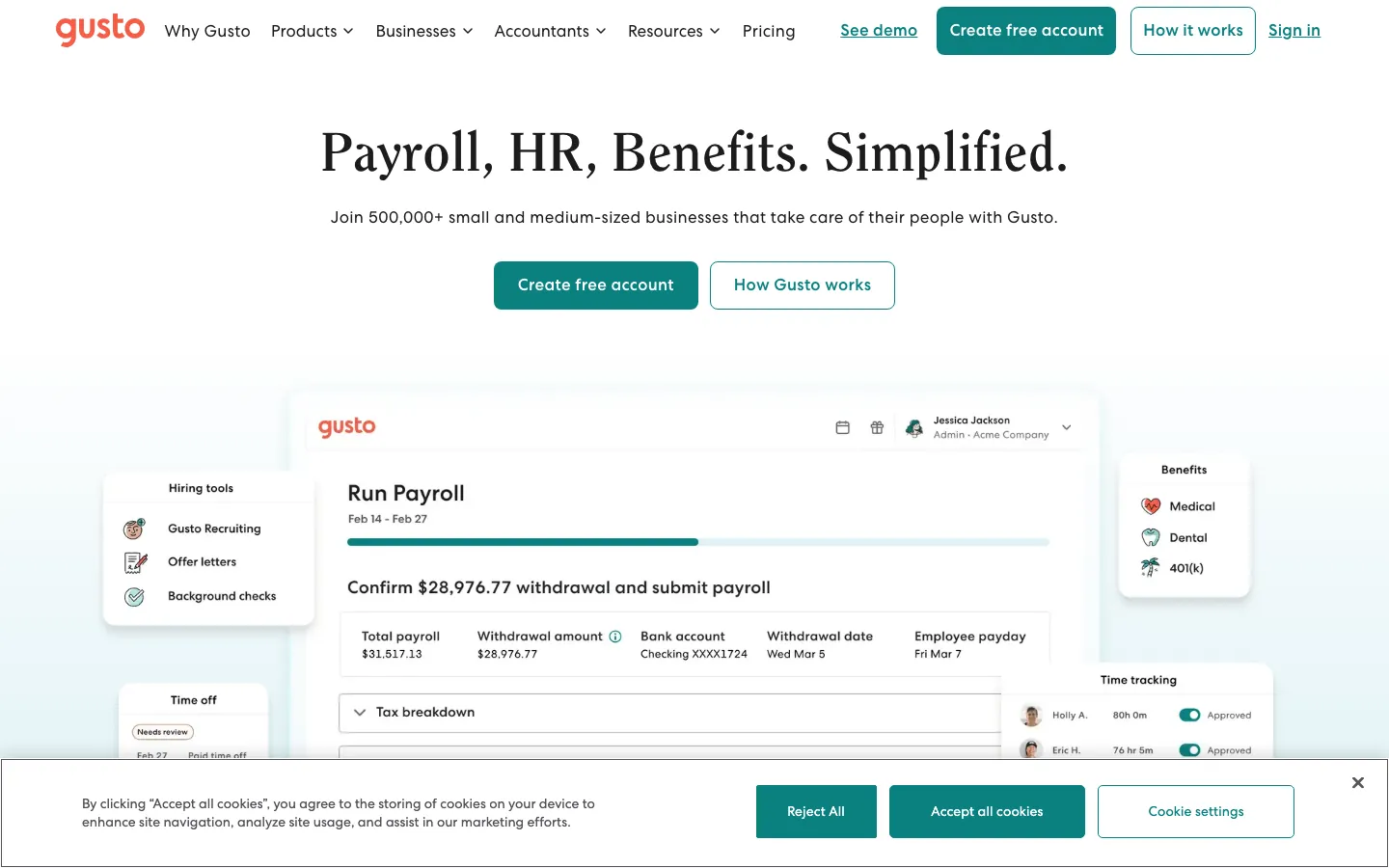
Screenshots of Gusto 3 images
What's great
- Unlimited payroll runs on every plan, no per-run fee on top of the monthly base
- Automated state and federal tax filing with penalty protection on Plus and Premium tiers
- Employee self-service portal covers paystubs, W-2 access, PTO requests, and benefits enrollment in one place
Watch-outs
- In March 2026 the Simple plan jumped from $40 to $49/mo base, a 23% increase with no notice to existing accounts
- Multi-state payroll requires the Plus plan ($80 base, $12/employee), nearly double Simple, the upgrade cliff surprises growing companies
- Trustpilot sits at 2.5/5 from 2,364 reviews, support becomes a serious bottleneck when tax filings go wrong
Pricing breakdown
| Plan | Price | Best for |
|---|---|---|
| Simple | $49/mo + $6/employee | Single-state payroll under 25 employees |
| Plus | $80/mo + $12/employee | Multi-state or teams needing time tracking |
| Premium | $180/mo + $22/employee | HR advisory access and compliance alerts |
| Contractor Only | $35/mo + $6/contractor | Businesses paying contractors without W-2 employees |
What reviewers say about Gusto
Recurring themes across ~10,486 G2 reviews (4.6/5), cross-checked against Capterra, Trustpilot, and BBB complaints, 2024-2026.
What reviewers praise
- Ease of use is the standout theme: small-business admins repeatedly say payroll and onboarding are quick to set up and simple to run without a dedicated HR person.
- Automated payroll runs and automatic federal, state, and local tax filing are praised for removing the manual filing burden that trips up first-time employers.
- The all-in-one bundle of payroll, benefits administration, and basic HR at an approachable price is cited as strong value for companies under roughly 100 employees.
- The employee self-service portal, where staff view pay stubs, W-2s, and benefits on their own, is frequently called out for cutting down admin back-and-forth.
What reviewers fault
- Support is the most common complaint by far: no dedicated account manager, inconsistent agent quality, and slow resolution exactly when it hurts, on tax notices, W-2 corrections, and reversed direct deposits (a pattern that pulls the Trustpilot score far below G2).
- Reviewers report payment-processing errors: incorrect tax withholdings, delayed or reversed deposits, and onboarding staff mishandling tax setup despite information being provided in writing.
- Advanced reporting and customization are thin compared with enterprise HR systems, so growing teams outgrow the reporting depth.
- Recent price increases draw complaints, with the base plan and EOR rates both raised inside a single year.
- W-2 handling on mid-year cancellation is a documented pain point, with the option to file buried in the cancellation flow and former employees affected when it is missed.
Loading reviews…
Rippling
Best platform consolidation (HR, payroll, and IT in one record)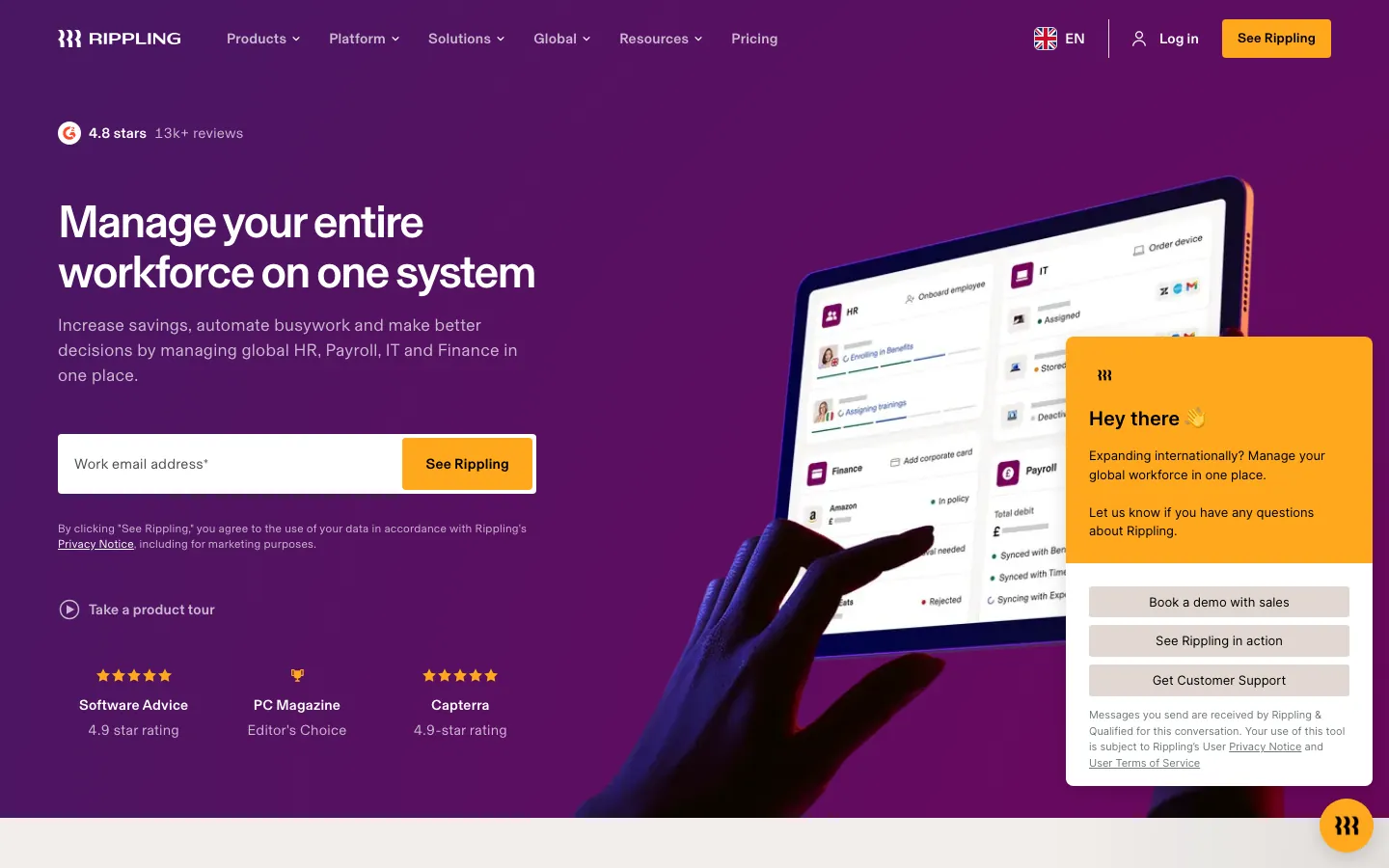
Screenshots of Rippling 4 images
What's great
- Unified employee record ties payroll, benefits, PTO, device management, and app provisioning to the same data source
- 650+ native integrations, deepest in the HR-payroll segment by a wide margin
- Workflow automation cuts average onboarding from 60 minutes to under 10 once configured, per published Stacklet case study
Watch-outs
- No published pricing; the $8/employee base is the floor and most HR-plus-payroll setups land at $25-$50/employee/mo after modules
- Implementation complexity is real, steep learning curve and implementation fees of 5-15% of annual contract reported by mid-market buyers
- EOR coverage spans 80 countries vs Deel's 160+, which matters once you hire outside the core markets
Pricing breakdown
| Plan | Price | Best for |
|---|---|---|
| Core (HRIS + payroll) | ~$25-$35/employee/mo | HR and payroll on one platform |
| Plus IT management | ~$50-$65/employee/mo | Teams needing device and app management |
| EOR add-on | $499-$599/employee/mo estimated | Hiring internationally without a local entity |
| Custom enterprise | Custom quote | 500+ employees with complex workflows |
What reviewers say about Rippling
Recurring themes across ~12,729 G2 reviews (4.8/5), cross-checked against Capterra, Trustpilot, and Reddit/BBB threads, 2024-2026.
What reviewers praise
- The unified data model draws the most consistent praise: because HRIS, payroll, benefits, time, and IT all sit on one employee record, a promotion or address change flows automatically into payroll and benefits instead of being re-keyed in five tools.
- Reviewers repeatedly call the setup and day-to-day interface clean and fast, with automation that removes manual steps for teams running payroll across multiple states or entities.
- The integration breadth (650+ app connections) and the ability to bundle IT provisioning, device management, and app access alongside HR is cited as a genuine reason teams consolidate onto Rippling.
- Global and multi-state payroll compliance is praised as reliable, including detailed local tax handling, so finance teams report fewer manual overrides at pay-run time.
What reviewers fault
- Opaque, escalating pricing is the single most common gripe: you buy the base Unity platform per employee first, then stack paid modules on top, and reviewers say true all-in cost is hard to compare against competitors before a sales call.
- Support is ticket and chat only with no general phone line, and reviewers report slow or inconsistent resolution once a ticket is routed to the wrong queue.
- The sheer feature depth creates a real learning curve, and configuring advanced workflows or integrations can feel overly complex during onboarding.
- Botched implementations recur in BBB and Reddit accounts: paid onboarding that left teams to self-configure, difficult historical tax-data migration, and account managers who go quiet after the sale.
- The mobile app is described as buggy and missing features that exist on desktop, and reviewers note occasional sync delays between modules on time-sensitive payroll tasks.
Loading reviews…
ADP Run
Best for multi-state compliance and tax audit protection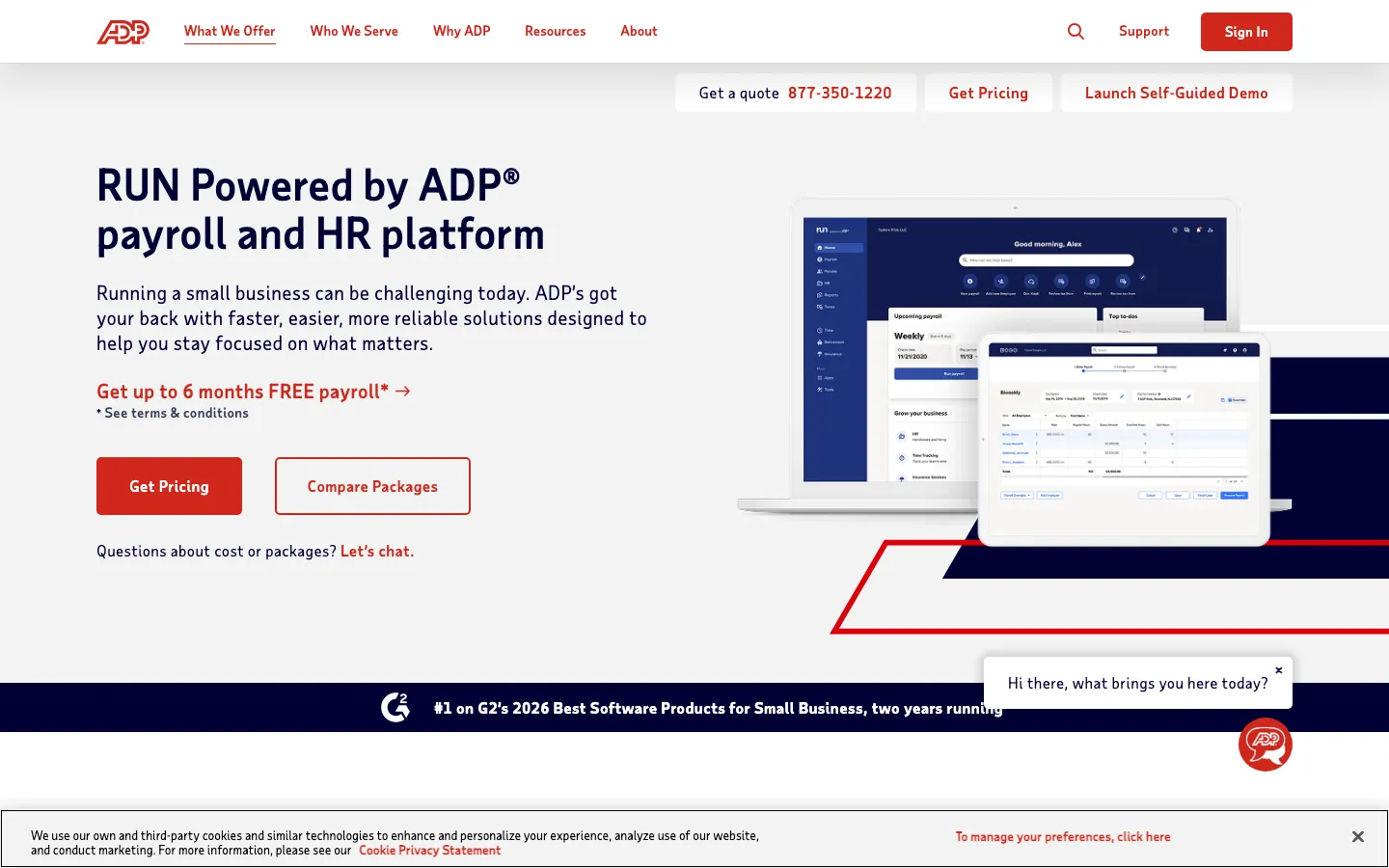
Screenshots of ADP Run 3 images
What's great
- Ranked
- Background check tooling included across all plans, the only payroll provider in this list that ships this natively
- 40+ years of automated federal, state, and local tax filing infrastructure with penalty guarantee
Watch-outs
- UI is dated versus Gusto or Rippling; the learning curve is steeper and the experience feels like it was built in 2012
- All plans above Essential require a custom quote; the published $79 base is a floor, not a typical price for most buyers
- Setup fee ranges from $500 to $2,000 depending on complexity; not disclosed upfront in most sales conversations
Pricing breakdown
| Plan | Price | Best for |
|---|---|---|
| Essential | $79/mo + $4/employee | 1-49 employees |
| Enhanced | Custom quote | Background checks and onboarding tools included |
| Complete | Custom quote | HR toolkit and employee handbook builder |
| HR Pro | Custom quote | Full HR advisory and compliance support |
What reviewers say about ADP Run
Recurring themes across ~4,219 G2 reviews (4.2/5), cross-checked against Capterra, GetApp, Gartner Peer Insights, and Reddit, 2024-2026.
What reviewers praise
- Core payroll, tax, and benefits administration are the recognized strength: reviewers trust ADP to run accurate multi-state payroll and handle tax filing at a scale few competitors match.
- Consolidating payroll, benefits, and time and attendance in one platform with employee self-service is praised for cutting admin work across a large workforce.
- The outsourcing layers, letting companies hand off payroll tax, garnishments, and compliance to ADP-managed services, are called out as valuable for teams without a big internal HR bench.
- The employee-facing mobile app and self-service for pay stubs, tax forms, and time-off requests get steady positive mentions for everyday convenience.
What reviewers fault
- Poor customer support is the single most cited complaint (tagged over 100 times in recent G2 reviews): long hold times, transfers between departments, and slow resolution on urgent issues.
- The interface and reporting feel dated and clunky, with reviewers describing awkward navigation and a report-building process that is hard to learn.
- Customization is limited, so reports and workflows are inflexible for teams with non-standard requirements.
- Opaque pricing and hidden fees recur across accounts: implementation charges, annual platform fees, and per-item costs like W-2 printing and garnishment processing that were not clear during the sale.
- Costs creep upward each renewal as modules are added, and BBB threads document early-termination and post-cancellation billing disputes.
Loading reviews…
Justworks
Best PEO for SMBs wanting enterprise benefits access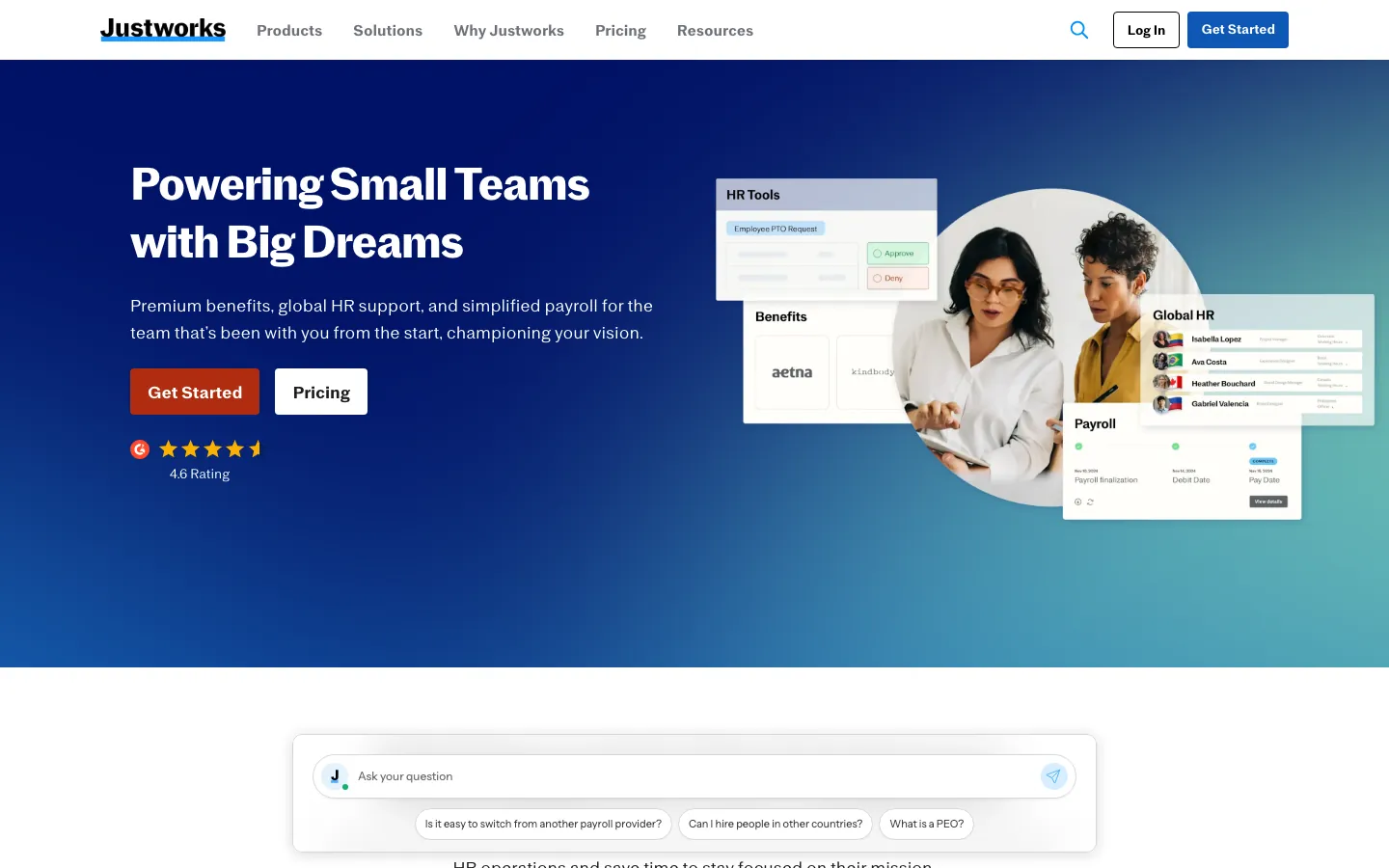
Screenshots of Justworks 3 images
What's great
- IRS-Certified PEO (CPEO) and ESAC-accredited, the highest compliance bar in the PEO segment
- Group health insurance access at Fortune 500 rates through co-employment, meaningful for 10-50 employee teams that can't negotiate their own rates
- Month-to-month billing with no long-term contracts or setup fees, rare in the PEO space
Watch-outs
- Does not serve high-risk industries (heavy construction) or companies above 500 employees
- Reporting and advanced analytics are shallow; teams that need headcount modeling or FP&A integration will hit limits fast
- PEO Basic at $79/employee/mo looks steep versus standalone payroll tools; the ROI case relies entirely on the benefits savings offsetting the fee
Pricing breakdown
| Plan | Price | Best for |
|---|---|---|
| Payroll | $8/employee/mo + $50 base | Payroll-only for teams not needing PEO benefits |
| PEO Basic | $79/employee/mo | Full co-employment with HR tools and 401k access |
| PEO Plus | $109/employee/mo | Health insurance administration and wellness benefits included |
| EOR | $599/employee/mo | International hiring in countries where you lack an entity |
What reviewers say about Justworks
Recurring themes across ~1,126 G2 reviews (4.6/5) for Justworks and Justworks Payroll, cross-checked against Capterra, TrustRadius, Trustpilot, and Reddit, 2024-2026.
What reviewers praise
- Transparent, publicly listed pricing is a genuine differentiator that reviewers repeatedly note, since PEO rivals like Paychex, TriNet, and ADP all hide rates behind a sales call.
- Ease of use is a dominant theme: straightforward setup, clean organization, and a design simple enough that a small team can run payroll and HR without specialists.
- Access to Fortune-500-caliber benefits, big-carrier medical plus 401(k) through co-employment pooling, lets 20 to 200 person companies offer plans they could not negotiate alone.
- Customer support is rated highly for routine questions, with reviewers citing human, multi-channel help and answers within hours.
What reviewers fault
- Per-employee PEO fees feel steep, and reviewers note that once you pass roughly 50 to 100 employees the model gets expensive versus a standalone HRIS plus broker.
- Integrations are very limited (a handful of connectors), so teams relying on a wider software stack hit walls versus platforms with hundreds of integrations.
- Support quality falls off a cliff during real escalations: missed payroll runs, W-2 errors needing IRS follow-up, and tickets going unanswered surface in Trustpilot and Reddit accounts.
- The platform trades flexibility for simplicity, so reviewers flag limited customization and missing features for teams with non-standard needs.
- Recurring app bugs (freezing, crashes, login issues) disrupt time tracking, and eligibility restrictions exclude high-risk or heavily contractor-based businesses from the workers' comp policy.
Loading reviews…
QuickBooks Payroll
Best for teams already in the QuickBooks accounting ecosystem
Screenshots of QuickBooks Payroll 3 images
What's great
- Real-time payroll sync to QuickBooks accounting means zero manual journal entries or CSV imports between payroll and books
- 30-day free trial, the longest in the category and the only major provider with a no-card-required test period
- Tax penalty protection at the Elite tier ($130/mo base), where Intuit covers the penalty if their system files late or incorrectly
Watch-outs
- Value proposition is thin if you're not already on QuickBooks; Gusto and OnPay are better standalone options at a comparable price
- Intuit's pricing promotions (often 50% off for three months) make year-one look cheap but year-two prices land significantly higher
- HR features are shallow across all three tiers; teams wanting benefits admin, onboarding, or performance tools need a separate HR tool
Pricing breakdown
| Plan | Price | Best for |
|---|---|---|
| Core | $50/mo + $6/employee | Basic payroll with next-day direct deposit |
| Premium | $85/mo + $9/employee | Same-day deposit and time tracking integration |
| Elite | $130/mo + $11/employee | Tax penalty protection and personal HR advisor |
| Payroll add-on (existing QBO) | Variable | Teams already on QuickBooks Online |
What reviewers say about QuickBooks Payroll
Recurring themes across ~3,825 G2 reviews (4.0/5) and ~8,471 Capterra reviews (4.3/5), 2024-2026.
What reviewers praise
- Reviewers across company sizes call it the accounting category default, with widespread accountant familiarity reducing onboarding friction.
- Automated bank syncing and transaction import eliminate most manual data entry; reconciliation that once took days runs in minutes.
- Cloud accessibility lets owners and their accountants work from the same live data without file transfers or version conflicts.
- The breadth of integrations with payroll, e-commerce, and POS systems makes it a hub that connects most small business stacks.
- Invoicing and payment collection flows get strong marks for being fast to set up, with direct payment links inside invoices.
What reviewers fault
- Pricing escalates steeply between tiers, with users citing large per-seat cost jumps that arrive without meaningful new features.
- Customer support quality draws the most consistent criticism, with reviewers describing long waits, AI-first routing, and reps who cannot resolve complex billing or technical issues.
- Frequent UI changes and forced updates disrupt learned workflows; users report features moving or disappearing after updates.
- Performance degrades noticeably as transaction volume grows, with bank disconnections and system lag cited by higher-volume businesses.
- Advanced users and accountants find the online version too restrictive compared to Desktop, with limited batch tools and report customization.
Loading reviews…
OnPay
Best value for single-state SMBs and accountant-managed payroll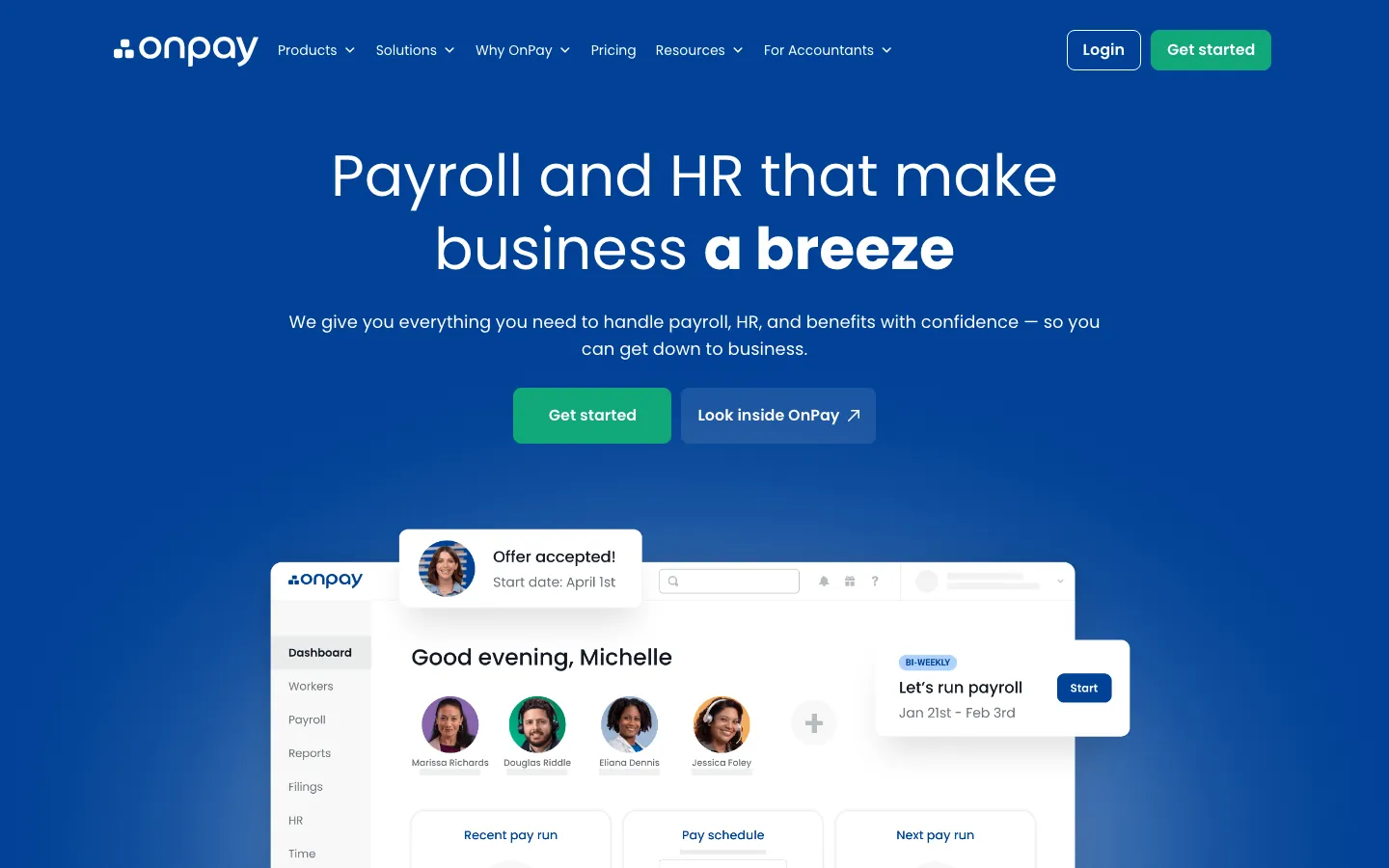
Screenshots of OnPay 3 images
What's great
- Single transparent tier with no hidden add-ons; multi-state payroll, unlimited runs, and W-2/1099 filing all included at $49 base
- Error-free tax filing guarantee backed by OnPay covering any penalties caused by their system
- First month free with no credit card required, the most risk-free onboarding in the comparison
Watch-outs
- HR feature set is limited compared to Gusto or Justworks; benefits administration is basic and performance tools don't exist
- Review count is lower than the category leaders; 650 G2 reviews is thin for enterprise or mid-market procurement due diligence
- No dedicated mobile app; the responsive web interface works on mobile but does not match the native iOS/Android experience of Gusto or Rippling
Pricing breakdown
| Plan | Price | Best for |
|---|---|---|
| OnPay (single tier) | $49/mo + $6/employee | All SMBs up to ~100 employees |
| Accountant partner pricing | Discounted rates | Accountant firms managing multiple client payrolls |
| Agriculture plan | Same base + $6/employee | Farm workers and H-2A visa workers |
| Nonprofit plan | Same base | 501(c)(3) organizations |
What reviewers say about OnPay
Recurring themes across ~460 OnPay Capterra reviews (4.8/5) and G2 reviews (4.8/5, ~408 reviews), 2024-2026.
What reviewers praise
- Flat pricing at a base fee plus a per-person charge with unlimited monthly pay runs is the most repeated reason small businesses switch to OnPay, since add-on tiers and surprise year-end fees are absent.
- US-based phone and chat support actually reaches a knowledgeable human, and reviewers specifically credit OnPay staff with entering prior-year payroll history for them during setup.
- Multi-state payroll, multiple pay schedules, and contractor plus W2 workers in one run are handled without the tier upsell that Gusto and QuickBooks push.
- Non-accountants describe running their first payroll in under an hour, and the tax filing plus automatic new-hire state reporting removes the piece most owners fear.
What reviewers fault
- There is no dedicated mobile app, so running payroll on a phone means using the responsive website, which several reviewers find clumsy compared to Roll or Square.
- Reporting is basic and the export options are limited, so finance teams that want custom or scheduled reports outgrow OnPay quickly.
- The integration list is shorter than Gusto's, and reviewers using less common accounting or time-tracking tools report manual CSV workarounds.
- Built-in HR and benefits administration are thin, so companies wanting an all-in-one HCM eventually pair OnPay with a separate benefits broker.
Loading reviews…
Paychex Flex
Best for mid-market teams (50-500 employees) with compliance overhead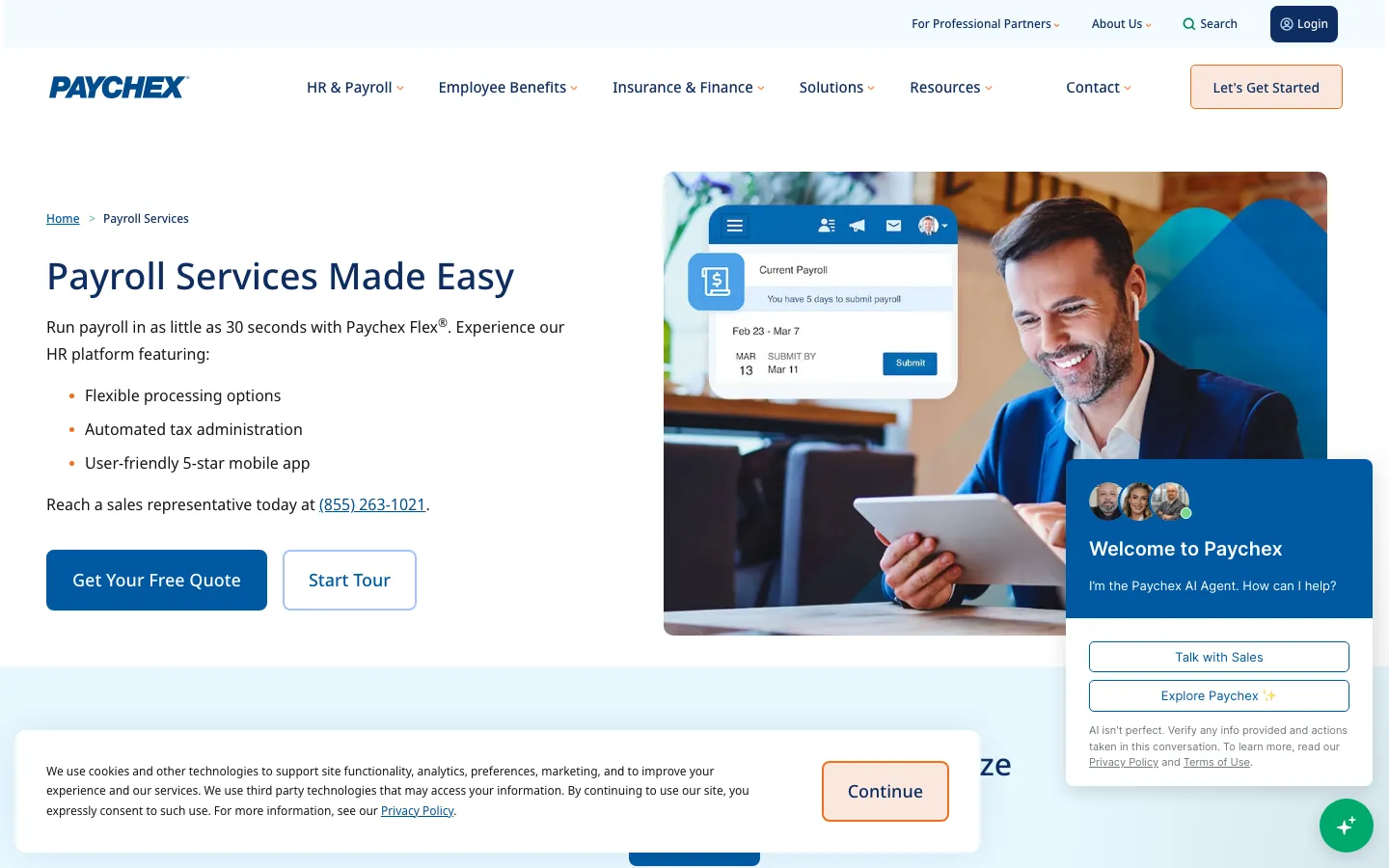
Screenshots of Paychex Flex 2 images
What's great
- Dedicated payroll specialist assigned to each account from day one, unlike pure-SaaS tools where support is a chat queue
- Strong workers' comp, retirement plan, and benefits-admin depth that mid-market HR teams actually use
- 50+ years of multi-state tax compliance history; Paychex covers 44,000+ tax jurisdictions in the US
Watch-outs
- 4.2/5 G2 rating is the lowest in this guide; the dominant complaint is that the mobile app and admin UX haven't kept pace with modern expectations
- Contract lock-in is common on mid-tier plans; read the cancellation terms before signing, the early termination fee surprises buyers
- Pricing above Flex Essentials requires custom quote; expect $70-$120/employee/mo all-in on the mid-tier plans
Pricing breakdown
| Plan | Price | Best for |
|---|---|---|
| Flex Essentials | $39/mo + $5/employee | Under 20 employees |
| Flex Pro | Custom quote | 20-100 employees with HR tools and onboarding |
| Flex Enterprise | Custom quote | 100-500 employees |
| Flex Select | Custom quote | Mid-market with workers comp and retirement integration |
What reviewers say about Paychex Flex
Recurring themes across ~1,699 G2 reviews (4.1/5), cross-checked against Capterra and BBB complaints, 2024-2026.
What reviewers praise
- Reviewers find core payroll straightforward to run day to day, with a self-service portal that makes pay, time, and employee data easy to manage for small and mid-size teams.
- Full-service tax filing and compliance handling are cited as reliable, which is the main reason smaller employers stay with an established provider like Paychex.
- Many reviewers call it good value for time tracking plus payroll, and note it can come in cheaper than some other national payroll companies.
- When you reach a knowledgeable rep, support and onboarding help are praised, and the breadth of add-on HR services (401(k), benefits, HR advisory) suits growing teams.
What reviewers fault
- Support is inconsistent and a frequent complaint: slow response times, high rep turnover, and the recent cut from 24/7 to 8am-8pm coverage frustrate users who need urgent help.
- Pricing is opaque and reviewers report invoices exceeding the quote because of undisclosed add-ons for W-2s, integrations, and time tracking.
- Early-termination fees and continued billing after cancellation are documented in BBB complaints, catching customers who tried to leave.
- The platform is described as glitchy, with slow performance and recurring errors that disrupt payroll workflows and need repeated fixes.
- Login is a recurring pain point, with frequent lockouts and multi-step verification, and reviewers call the overall interface dated compared with newer competitors.
Loading reviews…
Deel
Best global payroll for distributed and international teams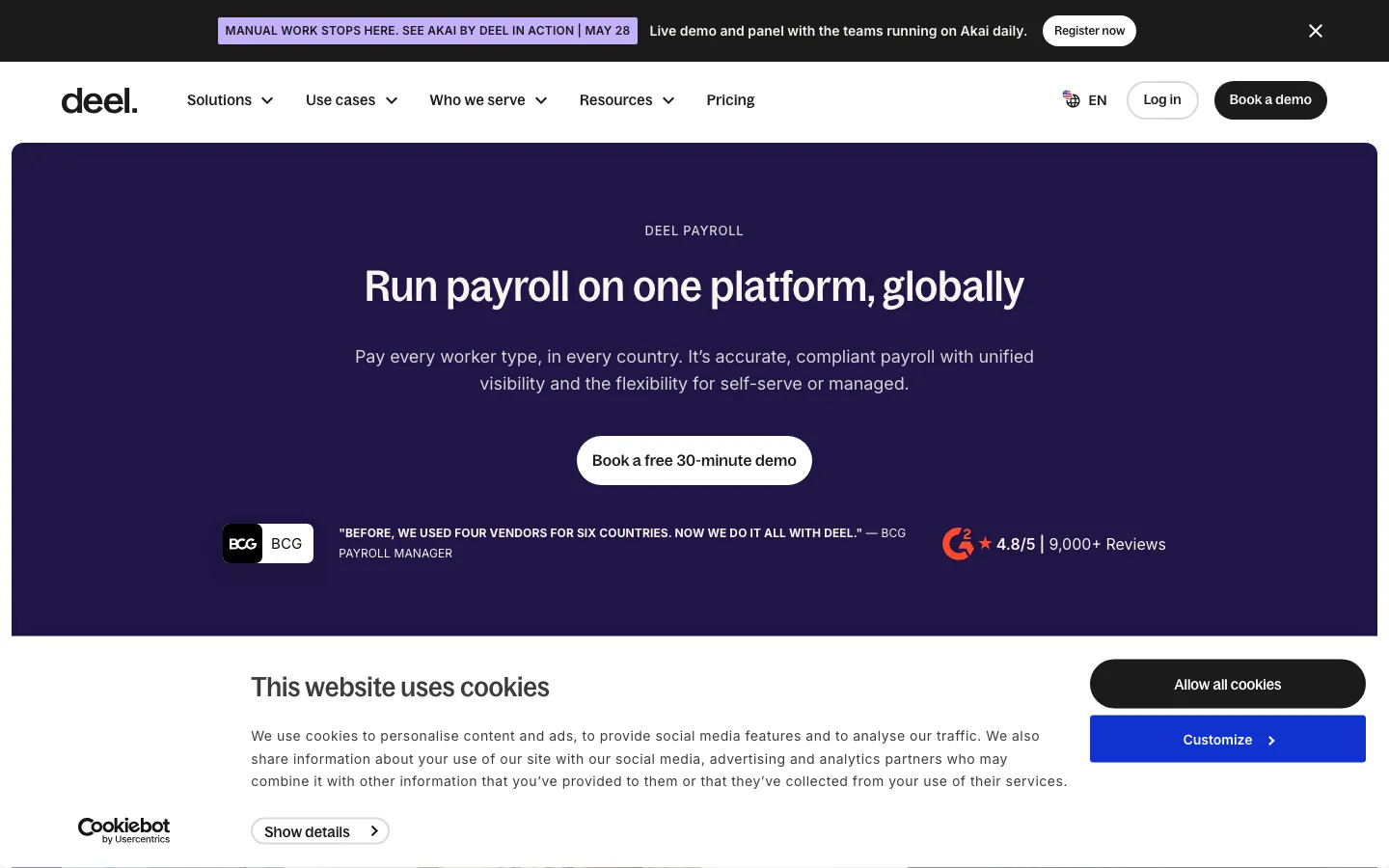
Screenshots of Deel 3 images
What's great
- 250 owned entities across 110+ countries; most competitors use third-party partners and lose control of the employee experience
- BCG's SEA payroll manager Rajes Rajamorganan went on record in Deel's case study: 'Before 2019, we had to use four vendors for six countries, and each had a different way of operating.'
- Global payroll at $29/employee/mo for companies with existing entities, the cheapest entry point for multi-country consolidation
Watch-outs
- EOR at $599/employee/mo is one of the highest published rates in the segment; Remote and Papaya Global are often 10-15% cheaper
- A refundable deposit of 1-1.5x monthly costs is required at contract signing but not disclosed on the pricing page
- Contractor payments outside of EOR countries can hit country-specific surcharges ($50-$150 in Brazil, France, and India) that inflate the per-person math
Pricing breakdown
| Plan | Price | Best for |
|---|---|---|
| Core HRIS | $5/employee/mo | US-only HRIS with no payroll |
| Global Payroll | $29/employee/mo | Multi-country payroll for companies with local entities |
| EOR Standard | $599/employee/mo | Hiring in countries without a local entity |
| Contractor Management | $49/contractor/mo | Managing international independent contractors |
What reviewers say about Deel
Recurring themes across ~4,252 Capterra reviews (4.9/5) and G2 reviews (4.8/5), 2024-2026.
What reviewers praise
- Global payment reliability is the top praised theme: reviewers across 150+ countries consistently describe payments as on-time, accurate, and handled in local currency without manual intervention.
- Contractor and EOR onboarding speed draws consistent praise, with reviewers noting that getting a new hire or contractor fully set up takes hours rather than the weeks typical of legacy payroll providers.
- Contract and compliance document management is cited as genuinely useful: reviewers appreciate centralized storage, e-signature workflows, and country-specific compliance templates in one dashboard.
- The customer support team earns high marks for 24/7 availability and responsiveness, with many reviewers noting chat support resolving issues faster than expected.
- The HR dashboard clarity is praised by operations and finance reviewers who use it to track PTO, payslips, and contractor spend without needing separate spreadsheets.
What reviewers fault
- Withdrawal and transfer fees frustrate contractors: currency conversion charges and per-transfer fees add up, especially for monthly payees in markets with limited withdrawal options.
- Two-factor authentication friction is a recurring complaint: reviewers describe repetitive verification steps on every login as unnecessary given the existing security layer.
- EOR contract rigidity is flagged when company policy is more favorable than local legal minimums: the platform defaults to local law, and adjusting upward requires back-and-forth with the compliance team.
- Feature discoverability is a complaint for new users: advanced functionality like off-cycle payments and compliance document requests is available but requires digging through the settings hierarchy.
- Mobile app feature gaps are called out repeatedly: reviewers say the web platform and the mobile app are not at parity, with several workflows only completable via browser.
Loading reviews…
Paylocity
Best HR and payroll bundle for mid-market teams (100-500 employees)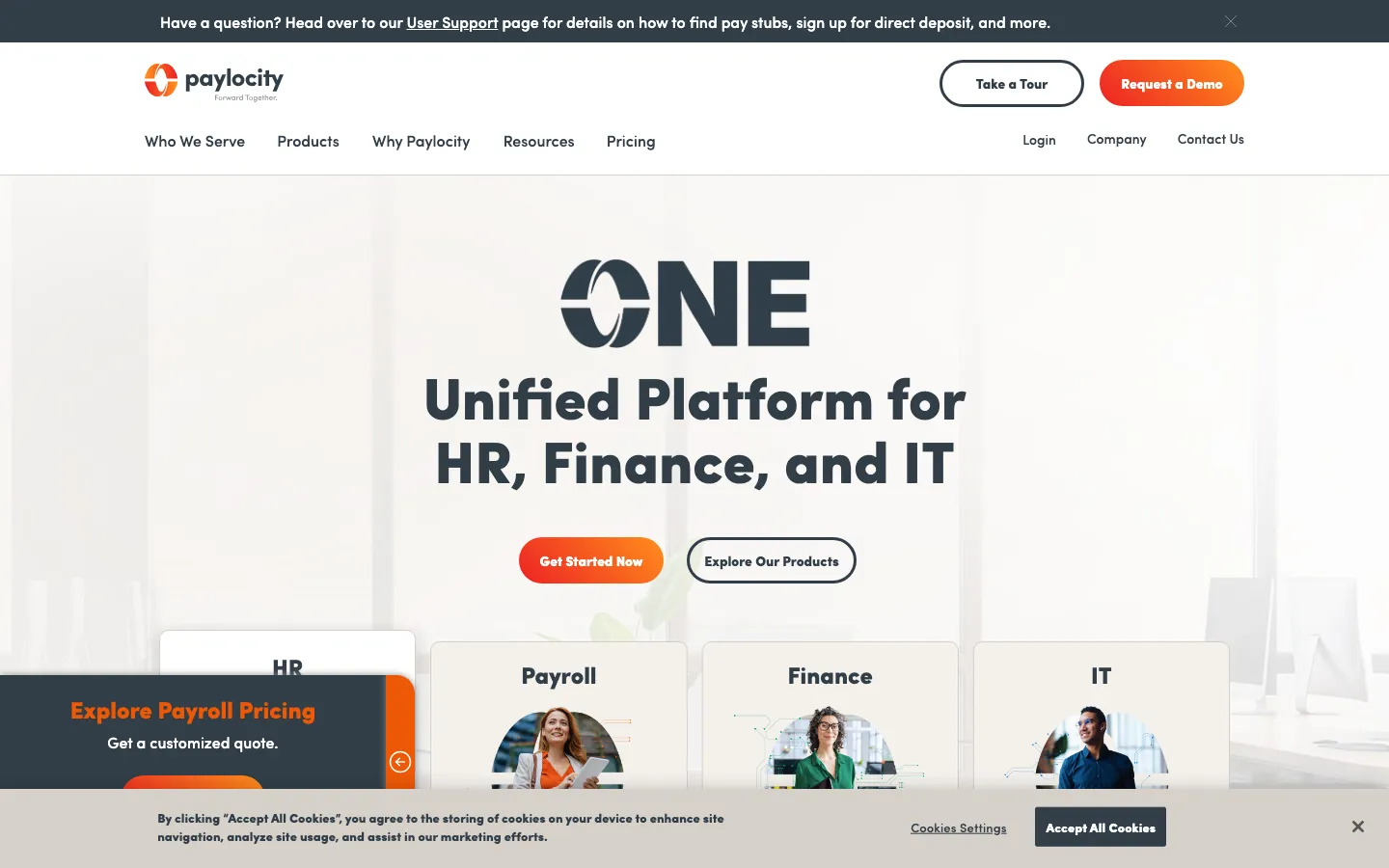
Screenshots of Paylocity 3 images
What's great
- Recognized as G2 Leader across Enterprise, Mid-Market, and Small Business segments for 30 consecutive quarters through Spring 2026
- Payroll, time and attendance, benefits admin, talent management, and employee engagement on one platform with shared data
- Modern employee-experience layer (Community, Impressions, peer recognition) that Gusto and ADP don't ship natively
Watch-outs
- Pricing is entirely quote-based; published estimates of $22-$32/employee/mo don't reflect add-on modules that most teams buy
- Implementation timeline is 8-16 weeks for a full deployment; not the pick if you need payroll running next month
- Reporting is powerful but complex; teams without a dedicated HR Ops person struggle to get value from the analytics layer
Pricing breakdown
| Plan | Price | Best for |
|---|---|---|
| Core | ~$20/employee/mo | SMBs needing payroll and basic HR |
| Professional | ~$30/employee/mo | Growing teams adding talent management |
| Enterprise | ~$40/employee/mo | Large organizations with complex workflows |
| Custom bundles | Quote required | Specific module combinations above 500 employees |
Loading reviews…
More top-rated Payroll Software worth checking out
Highly rated Payroll Software that didn't crack our top 10 but are still strong contenders, especially for specific use cases and team sizes.
Paycom
For mid-market teams wanting a single-database HR and payroll system
Standout: Beti payroll automation lets employees review and approve their own paycheck before processing, reducing payroll errors by up to 90% per Paycom's published case data
What reviewers say ★ 4.4 · 1,170
Praised
- Everything from payroll to time, benefits, and onboarding lives in one database, so reviewers stop reconciling data between separate HR and payroll systems.
- The Beti self-service model pushes each employee to review and approve their own paycheck before submission, which admins say catches errors that used to surface after direct deposit.
- Once configured, the reporting engine and custom report builder get strong marks from HR teams that need headcount, labor cost, and compliance data on demand.
- The single-vendor setup with a named specialist appeals to mid-market companies replacing a stack of point tools.
Faulted
- Aggressive sales tactics, long contract lock-ins, and pressure to buy every module come up constantly, and several reviewers regret signing before seeing the full price.
- Implementation is heavy and slow, and the burden of data entry and testing falls largely on the customer's own HR staff.
- Assigned specialist quality is inconsistent and turnover is high, so companies report re-explaining their setup to a new rep every few months.
- Beti shifts payroll checking onto employees, and smaller teams complain that fixing a mistake still requires routing everything back through the specialist.
Dayforce
For enterprise teams (350-10,000 employees) needing HCM and global payroll
Standout: Single unified data model connects payroll, scheduling, benefits, and talent; no nightly syncs or batch jobs
What reviewers say ★ 4.2 · 947
Praised
- The single continuous-calculation engine handles complex, union, and multi-state pay rules in real time, which large hourly employers cite as the main reason they picked Dayforce over ADP or Workday.
- Workforce management and scheduling are strong, so retail, healthcare, and manufacturing teams run time, attendance, and payroll off one record.
- Payroll, benefits, and time sharing one database means data entered once flows everywhere, cutting the reconciliation work of stitched-together systems.
- For very large, high-complexity workforces the platform scales in ways SMB payroll tools cannot, and reviewers running thousands of employees credit its pay accuracy.
Faulted
- Implementation is long, costly, and heavily dependent on the assigned partner, and botched configurations are hard to unwind after go-live.
- Support is slow and tickets get bounced between tiers, with reviewers describing weeks to resolve a payroll issue.
- The report builder has a steep learning curve, so teams lean on consultants or Dayforce services for anything beyond canned reports.
- Frequent platform updates occasionally break existing configurations, forcing admins to retest workflows they thought were stable.
BambooHR Payroll
For HR-first teams already using BambooHR who want payroll in the same system
Standout: 4.5/5 G2 usability score and 92% support satisfaction; consistently the easiest HRIS to onboard for non-technical HR teams
What reviewers say ★ 4.6 · 3,429
Praised
- The interface is the most-praised aspect by a wide margin: reviewers across company sizes call it one of the cleanest HR UIs they have used, with new employees self-serving from day one.
- Onboarding automation earns consistent praise for pre-boarding packet delivery, e-signature workflows, and automated task checklists that reduce HR coordinator workload.
- Time-off management is called out specifically: the system accounts for company holidays automatically, which reviewers say eliminates a common manual error.
- Mobile app performance is praised as reliable and responsive, with employees able to request leave, view pay stubs, and update personal info without calling HR.
- Customer support response times are rated highly, with most reviewers noting fast, knowledgeable help on initial tickets during business hours.
Faulted
- Payroll module limitations are the top complaint: reviewers say it lacks automation depth and often requires manual reconciliation steps, especially for multi-state payroll.
- Pricing opacity frustrates buyers, with per-employee charges, separate add-on fees for payroll and performance modules, and no public rate card on the website.
- Reporting customization is limited: building non-standard reports requires more clicks than expected and export formatting options are narrow.
- The platform shows strain at scale, with reviewers at larger organizations (500+ employees) noting it lacks the workflow complexity their HR operations require.
- Support quality outside US business hours draws complaints, with slower response times flagged by international teams and US offices needing after-hours help.
Patriot Software
For budget-conscious micro businesses (under 100 employees) wanting the lowest all-in price
Standout: Full Service plan at $37/mo base includes automated federal, state, and local tax filing; the cheapest fully-managed payroll in the US market
What reviewers say ★ 4.8 · 630
Praised
- The price is the headline draw, with full-service tax-filing payroll running far below Gusto or QuickBooks, and reviewers running small firms call it the best value in the category.
- Setup is quick for a small team, and accountants managing multiple client payrolls praise the clean multi-company view.
- US-based support answers the phone and helps directly, which reviewers contrast against the hold times at bigger providers.
- The interface is simple enough that owners with no payroll background run it themselves without training.
Faulted
- Integrations are limited beyond Patriot's own accounting product, so teams on other stacks fall back to manual exports.
- HR and benefits features are thin, so growing companies eventually migrate to a fuller HCM.
- Direct deposit funding on lower tiers takes several days rather than same-day or next-day, which catches new users off guard.
- Reporting is basic, and finance staff wanting custom or detailed reports find the options shallow.
SurePayroll
For households, nannies, and very small teams wanting sub-$30 full-service payroll
Standout: Flat $9.99/month multi-state fee regardless of how many states, the best multi-state pricing structure for 1-5 person teams
What reviewers say ★ 4.0 · 1,832
Praised
- SurePayroll is a common pick for household and nanny payroll, and reviewers in that niche say it handles the tax filing that most business-focused tools skip.
- Pricing is affordable for very small and single-employee payrolls, which owners contrast against pricier full HCM suites.
- The tax-filing guarantee, where SurePayroll covers penalties for its own filing errors, gives small employers peace of mind they call out directly.
- Self-service payroll is simple to run, so non-accountants get through a pay run without help.
Faulted
- Customer service quality dropped for many reviewers, with long hold times and offshore support named repeatedly since the Paychex era.
- Tax filing mistakes and resulting IRS or state notices show up in negative reviews, which is the worst-case failure for a payroll tool.
- Extra fees for multi-state filing, year-end forms, and add-ons are described as showing up beyond the advertised base price.
- The interface feels dated compared to Gusto or Square, and reviewers wanting a modern mobile experience are disappointed.
Paycor
For mid-market HR leaders who need recruiting, payroll, and analytics in one platform
Standout: Unified platform covering payroll, ATS, onboarding, performance, and analytics; one of the most complete mid-market HCM stacks
What reviewers say ★ 3.9 · 1,363
Praised
- Paycor pairs payroll with a full HR suite that mid-market companies use for recruiting, onboarding, and performance in one place.
- The recruiting and onboarding modules get specific praise from HR teams replacing separate applicant-tracking tools.
- Analytics and reporting cover the labor-cost and headcount views growing companies need to plan.
- The platform scales with headcount, so reviewers moving off SMB tools cite room to grow without another migration.
Faulted
- Customer support is the dominant complaint, with slow responses, unresolved tickets, and constant rep turnover dragging the overall rating down.
- Implementation is rocky, and reviewers describe payroll or tax setup errors that surfaced only after go-live.
- Add-on pricing feels nickel-and-dimed, with modules that buyers expected to be included quoted as extras.
- System glitches after platform updates and a clunky report-building experience come up across recent reviews.
Square Payroll
For Square POS retailers who want payroll in the same ecosystem as their register
Standout: Native sync with Square POS ties hourly tip tracking, time clock, and payroll together without any export or third-party connector
What reviewers say ★ 4.7 · 577
Praised
- For businesses already on Square POS, timecards and tips flow straight into payroll, and reviewers running restaurants and retail call this the reason they stay.
- Flat, predictable pricing with a low contractor-only option makes it a favorite for hourly and tipped teams that pay by the shift.
- Tax filing runs automatically, so small owners with no payroll experience get through a run in minutes.
- Handling tipped wages and shift workers is smoother here than on general payroll tools not built for that pattern.
Faulted
- HR and benefits features are bare-bones, so companies needing anything beyond pay and basic filing outgrow it fast.
- Reporting is limited, and finance staff wanting detailed or custom exports find the options shallow.
- Support is hard to reach beyond chat, and reviewers describe slow responses when a payroll issue is time sensitive.
- It is not built for complex multi-state payroll, and occasional sync bugs between the POS and payroll frustrate users.
Roll by ADP
For mobile-first micro businesses (under 50 employees) who run payroll from a phone
Standout: Chat-based interface lets you run payroll in under 60 seconds from any device; the fastest payroll UX in the category by a wide margin
What reviewers say ★ 4.6 · 22
Praised
- Payroll runs entirely by chat from a phone, and micro-business owners describe typing run payroll and finishing in a minute without a desktop.
- Setup is fast, and the ADP tax engine behind the app handles filing, which owners trust more than a brand-new startup.
- Deadline reminders and text-based support inside the app suit solo operators who never open a laptop.
Faulted
- It is mobile-only with no full desktop experience, which reviewers managing more than a couple of employees find limiting.
- Reporting and HR features are minimal, so anything beyond a simple pay run is out of scope.
- The chat assistant sometimes misreads commands, and pricing feels high for a very small headcount once fees are added.
TriNet
For VC-backed startups and tech companies that want PEO services with industry-specific benefits
Standout: Industry-specific benefits packages designed for tech, life sciences, and financial services; TriNet's expertise in VC-backed startups is a genuine differentiator
What reviewers say ★ 4.0 · 775
Praised
- As a full PEO, TriNet gets small companies large-group health and 401k benefits through co-employment that they could not access on their own.
- Offloading compliance, payroll tax, and HR liability to TriNet is the payoff reviewers name most, freeing lean teams from managing it in-house.
- Industry-specific expertise for verticals like tech, finance, and nonprofits comes up from customers who wanted a PEO that understood their space.
- The benefits marketplace and plan options are broader than what an SMB could negotiate directly.
Faulted
- Cost is the top complaint, with percentage-of-payroll pricing that reviewers say climbs at renewal without clear justification.
- Support turned impersonal as TriNet scaled, and customers describe rotating contacts and slow issue resolution.
- The technology platform feels dated and clunky next to modern HCM tools, which reviewers flag when comparing to Rippling or Gusto.
- Benefit cost jumps at annual renewal catch companies off guard and drive some to leave the PEO model.
Wave Payroll
For solo founders and pre-revenue startups who want payroll bundled with free accounting software
Standout: Wave accounting software is genuinely free, and the payroll add-on at $20/mo base is the lowest entry point for fully automated payroll in the US
What reviewers say ★ 4.3 · 323
Praised
- The free plan with unlimited invoices, bills, and bookkeeping records is the most-praised feature; reviewers call it genuinely useful rather than a crippled trial.
- Non-accountants can send invoices, track expenses, and reconcile transactions without any accounting background or paid training.
- Recurring invoice automation and duplicate transaction detection reduce repetitive data entry for businesses with predictable billing cycles.
- The clean interface and fast learning curve make it accessible to solo operators and micro-businesses who need accounting basics without complexity.
- Direct integration with bank accounts and automatic transaction imports keep records current without requiring daily manual entry.
Faulted
- The 2024-2025 shift of automated bank transaction imports from free to the Pro tier ($16/month) is the most-cited complaint in recent reviews.
- Customer support is consistently described as inadequate, with long response times and limited channels; several reviewers say poor support was the reason they switched tools.
- Integration options are narrow compared to paid competitors; reviewers who need inventory management or advanced third-party connections hit walls quickly.
- Receipt scanning produces blurry or misread results frequently enough that manual correction takes almost as long as entering receipts by hand.
- Payroll is a paid add-on with limited state availability, and the pricing structure for payroll plus Pro features erodes the free-plan value proposition for growing teams.
ADP Workforce Now
For mid-market companies (50-1000 employees) wanting ADP compliance depth with a modern HR platform
Standout: Same ADP tax-filing infrastructure as ADP Run but built for 50-1,000 employees with full HCM modules including talent and learning
What reviewers say ★ 4.2 · 4,219
Praised
- Core payroll, tax, and benefits administration are the recognized strength: reviewers trust ADP to run accurate multi-state payroll and handle tax filing at a scale few competitors match.
- Consolidating payroll, benefits, and time and attendance in one platform with employee self-service is praised for cutting admin work across a large workforce.
- The outsourcing layers, letting companies hand off payroll tax, garnishments, and compliance to ADP-managed services, are called out as valuable for teams without a big internal HR bench.
- The employee-facing mobile app and self-service for pay stubs, tax forms, and time-off requests get steady positive mentions for everyday convenience.
Faulted
- Poor customer support is the single most cited complaint (tagged over 100 times in recent G2 reviews): long hold times, transfers between departments, and slow resolution on urgent issues.
- The interface and reporting feel dated and clunky, with reviewers describing awkward navigation and a report-building process that is hard to learn.
- Customization is limited, so reports and workflows are inflexible for teams with non-standard requirements.
- Opaque pricing and hidden fees recur across accounts: implementation charges, annual platform fees, and per-item costs like W-2 printing and garnishment processing that were not clear during the sale.
- Costs creep upward each renewal as modules are added, and BBB threads document early-termination and post-cancellation billing disputes.
Tools we considered but excluded
We evaluated more tools than the 20 you see above. These did not make the cut. Saying what we rejected, and why, is the editorial muscle most listicles skip.
- Homebase Payroll: Built around hourly/shift workers in retail and food service; not the right fit for salaried knowledge-worker teams in the SMB software segment
- Remote: EOR alternative to Deel but owned-entity coverage is narrower; at similar pricing, Deel's 110+ country footprint wins for most global-first buyers
Honorable mentions
Solid tools that did not crack the main list but are worth tracking, especially for niche use cases.
- Papaya Global: Worth watching for mid-market multinationals; competitive EOR pricing and a strong analytics layer for headcount spend, though not yet at Deel's country coverage
- Insperity: Premium PEO for established mid-market companies (50-300 employees) that want on-site HR support and Workday HRIS access; pricing runs $150-$210/employee/mo, which limits the audience
- Gusto for Accountants: Gusto's accountant partner program offers discounted pricing and a multi-client dashboard; if your accountant already uses it, that's the path in
The five categories of payroll software
Payroll software breaks into five practical categories that get confused during vendor selection. This guide tests across all five.
SMB payroll-first. Tools built to run payroll cleanly for 5-100 US employees. Gusto, OnPay, and QuickBooks Payroll live here. Priority is ease of setup, transparent pricing, and automated tax filing.
Platform consolidation. Products that tie payroll to a broader HRIS platform , IT, and benefits on one employee record. Rippling is the standout; Paylocity competes at the mid-market band. The value is eliminating the data-sync problem between separate tools.
Compliance-heavy mid-market. ADP Run and Paychex Flex, built for companies where multi-state tax filing complexity, audit risk, and benefits-admin depth matter as much as the payroll run itself. Dedicated support reps are part of the product.
PEO services. Justworks sits here. Co-employment means the PEO is technically the employer of record, giving your team access to group health insurance rates you can’t negotiate at 15-50 people on your own.
Global payroll. Deel is the category leader. When your team spans three or more countries, consolidating onto a single platform with owned entities beats managing three local vendors. The EOR tier and the global-payroll tier are different products at very different price points.
The nine tools in this guide cover all five categories. The right pick depends on your headcount, states, and whether payroll is your whole problem or just part of a bigger HR stack question.
How to choose the right payroll software for your team
Four questions that narrow the field fast.
1. Employee count and the number of states you run
- Under 25 employees, single state. OnPay or Gusto Simple. Both handle tax filing automatically, both are honest on pricing.
- 25-100 employees, single state. Gusto Plus if you need multi-state eventually; OnPay if you want the flattest pricing in the segment.
- Under 100, multi-state. Gusto Plus, ADP Run, or Paychex Flex Essentials. The multi-state tax filing automation is non-negotiable.
- 100-500 employees. Paylocity or Paychex Flex. This is where platform depth pays back; standalone payroll tools start showing cracks.
- 500+ or global. Rippling, Deel, or Workday. The platform consolidation math starts winning clearly.
2. A PEO versus a plain payroll processor
A payroll processor files your taxes and cuts checks; you remain the employer of record. A PEO co-employs your workers, which means accessing their group health rates. At 10-50 employees, Justworks’ PEO at $79/employee/mo often saves more on health premiums than the platform costs.
Run the group health quote comparison before deciding; it takes 20 minutes and the math is usually decisive.
3. Payroll as the whole people-ops problem versus one piece
Teams that only need payroll should shortlist Gusto, OnPay, or ADP Run. Teams where payroll is one piece of a broader HR stack question (onboarding, performance management, time tracking, benefits, engagement) should look at Rippling or Paylocity first. Buying a payroll tool and bolting HR tools on top later is a migration you’ll eventually regret.
Companies that also reimburse employee card and travel spend usually keep that in a dedicated expense management tool rather than stretching payroll to cover it. The two systems talk to each other; they aren’t the same purchase.
4. International hiring in the next 12 months
If yes, add Deel or Rippling EOR to the evaluation now, even if international hiring is six months away. The onboarding window for EOR contracts is 4-6 weeks, and trying to move quickly when you have an offer out to a candidate in Germany is the worst possible time to evaluate vendors.
Selection criteria, what to test in your payroll trial
Six things worth testing before you commit. Not all platforms offer self-serve trials; where they don’t, run these in the demo.
One, run a real payroll cycle from scratch. Not the vendor’s sample data. Take your actual employee list, pay rates, and deduction schedules and run one payroll end-to-end. Measure wall-clock time from login to confirmation. Gusto averages under five minutes once configured; some mid-market platforms can stretch to 45 minutes for the same task.
Two, test the W-2 and 1099 generation flow. Ask the vendor to walk you through year-end filing, specifically how W-2s are generated, corrected (W-2c), and distributed. This is where the UX gaps between platforms are most visible. Platforms that make corrections easy in January matter more than platforms that look clean during the demo in October.
Three, verify multi-state tax handling in the states you actually operate. Don’t test New York and California exclusively because they’re well-known. Test the actual states where your employees work. Some platforms handle local city taxes (Philadelphia, NYC) automatically; others require manual setup. Find out before an employee moves.
Four, time the new-hire onboarding flow from the employee’s perspective. Create a test employee, trigger the self-service onboarding, and run through it as the employee. Count the screens. Measure how long it takes to complete W-4, direct deposit, and benefits selection. The best platforms do this in under 10 minutes; some older platforms require 25-30 minutes and a phone call.
Five, run a payroll reversal. Intentionally pay an employee the wrong amount and then reverse and reprocess. The platforms that handle this cleanly (Gusto, OnPay) process reversals in one business day. The platforms that require a support call and a 5-7 business day wait teach you that lesson expensively in production.
Six, test support response time. Send a non-urgent support question through whatever channel the platform offers. Measure the response time. For Gusto and OnPay the target is under four hours on live chat; ADP Run routes you to a dedicated specialist. Platforms where the support queue is 48+ hours are a liability once something goes wrong in payroll.
Where the payroll tools differ on core features
Six features HR managers ask about in almost every payroll evaluation. What ships in the standard paid tier is noted below.
| Tool | Unlimited payroll runs | Multi-state auto-tax | Benefits admin | Same-day/next-day deposit | New hire reporting | Year-end W-2/1099 |
|---|---|---|---|---|---|---|
| Gusto | ✓ all tiers | Plus+ | ✓ all tiers | Plus+ | ✓ | ✓ |
| Rippling | ✓ | ✓ | ✓ | ✓ | ✓ | ✓ |
| ADP Run | ✓ | ✓ | Enhanced+ | ✓ | ✓ | ✓ |
| Justworks | ✓ | ✓ | ✓ PEO plans | ✓ | ✓ | ✓ |
| QuickBooks Payroll | ✓ | ✓ | • limited | Core+ | ✓ | ✓ |
| OnPay | ✓ | ✓ | • basic | Next-day | ✓ | ✓ |
| Paychex Flex | ✓ | ✓ | ✓ Pro+ | ✓ | ✓ | ✓ |
| Deel | ✓ | ✓ (global) | ✓ | Per country SLA | ✓ | ✓ |
| Paylocity | ✓ | ✓ | ✓ | ✓ | ✓ | ✓ |
OnPay is the standout for value: every line item above is included in the single $49/mo base tier with no upgrade required. The only limitation is next-day (not same-day) direct deposit.
Gusto’s multi-state tax handling requires the Plus upgrade, which is the trip wire most growing companies hit unexpectedly.
Payroll tax filing and security, tool by tool
Enterprise HR teams will ask about these before signing. This reflects each vendor’s publicly documented posture as of May 2026.
| Tool | SOC 2 Type II | GDPR | HIPAA | SSO/SAML | IRS CPEO | ESAC-accredited |
|---|---|---|---|---|---|---|
| Gusto | ✓ | ✓ | ✗ | Plus+ | ✗ | ✗ |
| Rippling | ✓ | ✓ | ✓ | ✓ | ✗ | ✗ |
| ADP Run | ✓ | ✓ | ✓ | ✓ | ✗ | ✗ |
| Justworks | ✓ | ✓ | ✓ | ✓ | ✓ | ✓ |
| QuickBooks Payroll | ✓ | ✓ | ✗ | • limited | ✗ | ✗ |
| OnPay | ✓ | ✓ | ✗ | ✗ | ✗ | ✗ |
| Paychex Flex | ✓ | ✓ | ✓ | ✓ | ✗ | ✗ |
| Deel | ✓ | ✓ | ✓ | ✓ | ✗ | ✗ |
| Paylocity | ✓ | ✓ | ✓ | ✓ | ✗ | ✗ |
Justworks is the only platform in this list carrying both IRS CPEO certification and ESAC accreditation. Those two credentials are the compliance floor that co-employment attorneys check first; without them, a PEO’s financial liability protections don’t fully transfer to the client company.
OnPay is the only platform here with no HIPAA path and no SSO. For healthcare employers or companies where IT requires SSO as a standard, OnPay is off the table. For straightforward SMBs without those requirements, neither gap matters.
Integration depth across the payroll stack
Five integrations that appear in almost every payroll evaluation. N = native first-party connector. M = marketplace add-on. $ = paid third-party required. • = Zapier only path.
| Tool | QuickBooks | Xero | Slack | Workday | BambooHR |
|---|---|---|---|---|---|
| Gusto | N | N | N | M | N |
| Rippling | N | N | N | N | N |
| ADP Run | N | M | M | N | M |
| Justworks | N | N | • | M | M |
| QuickBooks Payroll | N (native) | ✗ | • | ✗ | ✗ |
| OnPay | N | N | • | ✗ | M |
| Paychex Flex | N | M | M | N | M |
| Deel | N | N | N | N | N |
| Paylocity | N | N | N | N | N |
QuickBooks Payroll’s native QuickBooks sync is a genuine differentiator and the only reason to pick it over Gusto at the same price point. The Xero absence matters for international or Australian-headquartered teams.
Rippling and Deel both maintain native connectors across the full stack; for mid-market and enterprise evaluations, this is where they earn their keep over the SMB-first tools.
What payroll software really costs in year one
Sticker price vs what you’ll actually pay in year one. The gap is bigger in payroll than almost any other SaaS category.
| Scenario | Listed monthly cost | Real year-1 all-in | Main variance driver |
|---|---|---|---|
| Gusto Simple, 15 employees | $139/mo ($1,668/yr) | $2,000-$2,400 | Setup time; no setup fee but year-2 price increase likely |
| Gusto Plus, 15 employees (multi-state) | $260/mo ($3,120/yr) | $3,500-$4,200 | Platform jump from Simple is 87%; most don’t forecast it |
| OnPay, 15 employees | $139/mo ($1,668/yr) | $1,668 | Cleanest pricing in the comparison; no surprises |
| ADP Run Essential, 15 employees | $139/mo ($1,668/yr) | $2,800-$4,200 | Setup fee + potential per-run charges on some plans |
| Justworks PEO Basic, 15 employees | $1,185/mo ($14,220/yr) | $14,000-$18,000 | Health premium savings often offset the fee |
| QuickBooks Payroll Core, 15 employees | $140/mo ($1,680/yr) | $2,200-$3,000 | Intro pricing discount expires after 3 months |
| Paychex Flex, 50 employees | Custom | $42,000-$65,000 | Mid-tier quote-only plans + dedicated specialist cost |
| Paylocity, 200 employees | Custom | $62,000-$80,000 | Implementation fee adds $6K-$16K to year-1 |
| Deel EOR, 5 international employees | $2,995/mo ($35,940/yr) | $40,000-$50,000 | Country surcharges + deposit requirement |
The single biggest forecasting error HR teams make: assuming Gusto Simple will stay Simple. The moment a second employee moves to a different state, the platform auto-upgrades to Plus and the base fee jumps from $49 to $80 before the next billing cycle. Budget for Plus from day one if you’re growing.
What’s changing in payroll software in 2026
Gusto raised prices 23% in March 2026. The Simple plan moved from $40 to $49/mo base, the largest single price increase in the SMB payroll segment in three years. Gusto positioned it as a “platform investment” but the Trustpilot score took a hit. Existing customers were not grandfathered. Buyers evaluating Gusto now should assume further increases are possible and negotiate a price-lock clause before signing.
ADP Run ranked #1 on G2 for small business, second year running. The ranking surprised some HR practitioners given the dated UI, but it reflects real satisfaction with the compliance infrastructure, background checks, and the dedicated specialist model. ADP’s investment in the Run product line is real; the 2026 UI refresh is ongoing.
Rippling’s EOR module now competes directly with Deel. Launched in 2023 and now covering 80+ countries, Rippling’s EOR is the first credible challenger to Deel for teams already on Rippling for domestic payroll. Coverage still trails Deel’s 110+ owned-entity count, but the integration story (one platform for US and international) is winning mid-market deals.
PEO demand keeps climbing into 2026. Rising health insurance costs are pushing more 20-100-employee companies toward PEO co-employment as a cost-management lever rather than a compliance one. Justworks and TriNet are the beneficiaries; both raised prices in late 2025 as demand increased.
AI-assisted payroll is arriving but slowly. Rippling shipped an AI anomaly-detection feature in Q1 2026 that flags unusual payroll inputs before processing. Gusto has an AI-powered HR advisor in the Premium tier. Neither materially changes how payroll runs; they reduce error rates at the edges. The next two years will see more substantive AI integration but the 2026 version is incremental.
How to implement payroll software without a compliance gap
Finance ops leads consistently botch the same two phases. Here’s what works.
Phase 1 (weeks 1-2): Configure before you migrate. Set up all employee records, pay schedules, deduction codes, and tax jurisdictions in the new platform before running a single paycheck. Most teams shortcut this and discover state tax jurisdiction errors on the first real payroll run. Don’t let the vendor convince you to go live before you’ve verified every state tax ID in the new system.
Phase 2 (weeks 3-4): Run parallel payroll. Run one full payroll cycle in both the old and the new platform simultaneously. Compare the gross-to-net math for five employees manually. The parallel run catches calculation differences before an IRS notice does. Yes, it costs the time to process payroll twice; the cost of a tax penalty or a corrected W-2 in January is far higher.
Phase 3 (weeks 5-6): Audit the year-to-date data. Transfer all YTD earnings, withholdings, and benefits deductions accurately from the old platform. This is the step that causes the most year-end pain; incorrect YTD data generates incorrect W-2s. Verify against the last few payroll reports from the prior provider before cutting over completely.
Phase 4 (weeks 7-8): Close the old account at the right time. Do not cancel the old payroll platform until you have confirmed the final W-2 run or until you’re post-Q2 where carry-forward is cleanest. Read the cancellation terms on the old contract; early termination fees are common on Paychex and ADP mid-tier plans.
The right payroll tool for each company stage
- Solo founder or sub-5 employees, US only: Wave Payroll (free accounting + $20 payroll add-on) or Gusto Simple at $49/mo
- 5-25 employees, single state: OnPay for the cleanest pricing; Gusto Simple if you want more HR features out of the box
- 5-25 employees, multi-state: Gusto Plus from day one; don’t buy Simple and migrate to Plus in three months
- 25-100 employees, payroll-first: Gusto Plus or ADP Run Essential; decision depends on whether background checks or UI quality matters more
- 25-100 employees, HR-plus-payroll: Rippling if you also want IT management; Justworks PEO if group health savings are the priority
- 100-500 employees: Paylocity or Paychex Flex; Paylocity wins on modern UX, Paychex wins on the dedicated specialist and workers’ comp depth
- 100-500 employees with QuickBooks accounting: QuickBooks Payroll Premium or Elite; the accounting sync alone is worth the slightly higher per-employee cost
- Any size, international team (3+ countries): Deel for EOR and global payroll; Rippling if you want the domestic and international payroll on one platform
- 10-50 employees, benefits are the real problem: Justworks PEO; the group health rate access at 15 employees typically saves $200-$400/employee/year on premiums
- Microsoft shop or finance-team-run HR: ADP Run or Paychex Flex; both integrate cleanly with Microsoft 365 and your existing finance workflow
For corrections, vendor disputes, or feedback, email hello@topickz.com . We re-review the full shortlist every six months; next refresh is November 2026.
Frequently asked questions
How much does payroll software actually cost per employee in 2026?
SMBs pay $6-$12/employee/mo plus a base fee. PEO runs $79-$109/employee/mo. Global EOR is $499-$599/employee/mo. Year-1 all-in typically runs 1.4-2x sticker.
Gusto vs ADP Run, which one is better for a 20-person company?
Gusto for modern UX and transparent pricing. ADP Run for background checks and deeper tax infrastructure. Most 20-person teams pick Gusto and never look back.
What is a PEO and do I need one?
A PEO co-employs your workers, giving access to group health rates you can't get at 15-50 headcount. If premium savings exceed the $79/employee/mo fee, buy it.
How do I switch payroll providers without missing a payroll cycle?
Start mid-quarter, not at year-end. Run one parallel payroll cycle. Export all YTD earnings before cutover. Six weeks is the minimum safe transition window.
Does payroll software handle contractor 1099s automatically?
Most do. Gusto, ADP Run, OnPay, and QuickBooks file 1099s automatically. Verify the $600 threshold tracks correctly. Gusto has a contractor-only plan at $35/mo.
What payroll software is best for multi-state employees?
Gusto Plus, ADP Run, and OnPay all handle multi-state tax filing. OnPay includes it in one flat tier. All three deposit state taxes without any manual setup.
Is global payroll worth consolidating into one platform?
Past three countries, yes. Three vendors means three support contracts and compliance owners. Deel at $29/employee/mo consolidates it and pays back fast.
How long does payroll software implementation take?
Gusto and OnPay go live in under a week. ADP Run takes 2-4 weeks. Paylocity and Paychex Flex take 8-16 weeks for a full mid-market deployment. Plan accordingly.
What is the biggest hidden cost in payroll software contracts?
Three traps. Annual hikes of 8-20% at renewal, per-run fees on ADP and Paychex tiers, and the Gusto Simple-to-Plus cliff when you hire in a second state.
Can payroll software integrate with our HRIS and accounting system?
Yes. Gusto natively syncs to QuickBooks and Xero. Rippling covers 650+ tools. Test the sync end-to-end during the trial; don't discover gaps after go-live.
Related helpful reads
Write a review
Posts to the page right away. Keep it real — no links or email addresses.