
Comparing the best HR Analytics Tools of 2026 includes 1. Visier 2. ChartHop 3. Culture Amp 4. Rippling 5. Lattice 6. HiBob 7. One Model 8. Crunchr 9. Workday People Analytics 10. Insightful 11. OrgVue 12. SAP SuccessFactors Workforce Analytics 13. SplashBI 14. Orgnostic 15. ActivTrak 16. Personio Analytics 17. BambooHR Reporting 18. Agentnoon 19. Eightfold AI 20. Deel HR Analytics.
TL;DR
- Best standalone people analytics (enterprise): Visier, the most complete prebuilt analytics library in the market with 30M+ employee benchmarks, custom pricing scales from $50K/yr.
- Best for mid-market teams without a data science function: ChartHop, self-serve org analytics at $5/employee/mo with scenario modeling built in.
- Best engagement plus analytics bundle: Culture Amp, 4.5/5 on G2 across 1,518 reviews, strongest for orgs treating engagement data as a first-class analytics input.
- Best for HR teams inside a Rippling deployment: Rippling Analytics, real-time reports across payroll, benefits, and headcount from the same platform, no ETL required.
- Best people analytics for Lattice customers: Lattice Analytics, 4.7/5 on G2 across 4,062 reviews, tight integration with performance and OKR data.
Twenty HR analytics platforms tested across headcount reporting, attrition modeling, DEI tracking, and workforce planning. What each one gets right, where each one breaks down for mid-market and enterprise HR teams, and the pick for your maturity level, HRIS stack, and people team size.
What Are HR analytics tools?
HR analytics tools help people teams turn workforce data into insight, tracking headcount, attrition, and engagement so leaders can make better hiring and retention decisions.
Tools like Visier, ChartHop, Culture Amp, and Rippling differ on analytics depth, planning features, and whether they double as a core HR system.
Best HR Analytics Tools comparison: features, pricing and verdicts
| Tool | Best for | Starting price | Free trial | External rating |
|---|---|---|---|---|
Best standalone people analytics for enterprise teams (500+ employees) | Custom | Demo only | G2 4.6/5 (223 reviews) | |
Best self-serve people analytics for mid-market (200-2,000 employees) | $5/employee/mo | Demo-led trial available | G2 4.3/5 (159 reviews) | |
Best engagement and performance analytics with people data benchmarking | Custom | Demo only | G2 4.5/5 (1,518 reviews) | |
Best HR analytics for teams running Rippling as their all-in-one platform | Custom | Demo-led | G2 4.8/5 (14,195 reviews) | |
Best people analytics integrated with performance management and OKRs | $8/seat/mo | Demo only | G2 4.7/5 (4,062 reviews) | |
Best HRIS with native people analytics for modern mid-market companies | Custom | Demo only | G2 4.5/5 (1,100+ reviews) | |
Best people analytics for data-mature teams using Microsoft infrastructure | Custom | Demo only | G2 4.3/5 (45 reviews) | |
Best self-service HR analytics for HR teams without a dedicated data function | Custom | Demo only | G2 4.9/5 (38 reviews) | |
Best analytics for organizations already running Workday HCM | Custom | Demo only | G2 4.3/5 (1,102 reviews) | |
Best workforce productivity analytics for remote and hybrid team visibility | $8/seat/mo | 7-day trial with ROI guarantee | G2 4.6/5 (289 reviews) | |
For organizational design and workforce transformation projects | Custom | Demo only | G2 4.5/5 (62 reviews) | |
For SAP-ecosystem enterprises needing embedded HR analytics at scale | Custom | Demo only | G2 4.0/5 (200+ reviews) | |
For Oracle HCM and Fusion customers who need pre-built HR analytics | Custom | Demo only | G2 4.6/5 (85 reviews) | |
For growing companies wanting analytics insights without a full-time analyst | $4/employee/mo | Free tier available | G2 4.5/5 (32 reviews) | |
For IT and HR teams tracking productivity in hybrid and remote workplaces | $10/user/mo | Free plan (3 users) | G2 4.4/5 (265 reviews) | |
For European SMBs and mid-market companies on Personio HRIS | Custom | Demo only | G2 4.3/5 (450+ reviews) | |
For SMBs needing HR reporting without a dedicated analytics function | Custom | 7-day trial | G2 4.6/5 (3,100+ reviews) | |
For real-time org design and headcount cost modeling at scale | $4/record/mo | Demo-led trial | G2 4.6/5 (45 reviews) | |
For enterprise talent intelligence and skills-based workforce analytics | Custom | Demo only | Capterra 4/5 (14 reviews) | |
For global distributed teams tracking workforce analytics across 150+ countries | Custom | Demo only | G2 4.7/5 (7,800+ reviews) |
How we chose these tools
Most HR analytics buyers hit the same wall: every vendor demos a beautiful dashboard, almost none of them explain what the numbers are supposed to tell you to do. That’s the gap this guide tries to close. We compared the 20 platforms on published pricing, real G2 review themes, and feature and compliance checks across headcount reporting, attrition modeling, DEI tracking, and workforce planning at three company sizes. Pricing was verified directly on vendor pages in May 2026. All G2 and Capterra ratings cited were pulled on May 28, 2026.
How we weight hr analytics tools for the Topickz score
Every tool above is scored against the fixed rubric below and combined using these weights into the Topickz score on each card. The weights are set for hr analytics tools specifically, they are not copied from another category, and we publish them so you can see what moved a ranking and re-weight for your own priorities.
| Criterion | Weight | What we checked |
|---|---|---|
| Data model and metric library | 26% | A prebuilt library of workforce metrics is what lets a new analyst pull attrition and DEI reports on day one. Visier's question library anchors the top of this dimension. |
| Reporting and dashboards | 20% | Dashboards are easy; dashboards that tell you what to do are not. We weighted clarity and drill-down over how pretty the demo looked. |
| Attrition and predictive modeling | 16% | Whether the tool actually models flight risk and headcount, or just charts the past. We checked how the predictions are built and explained. |
| Workforce planning and scenario modeling | 14% | Headcount planning and what-if scenarios finance will accept. ChartHop's scenario modeling is the mid-market reference here. |
| HRIS data integration | 13% | Native connectors to Workday, SAP SuccessFactors, ADP, and the rest, so the numbers are current without a manual ETL job. |
| Pricing and total cost | 11% | Published and estimated pricing was verified in May 2026, from about $5/employee/mo self-serve up to enterprise deals starting near $50K/yr. |
| Total | 100% |
Read the full TopickZ.com testing methodology for how we run each test, score every criterion, and combine them into a single rating.
Detailed reviews
Visier
Best standalone people analytics for enterprise teams (500+ employees)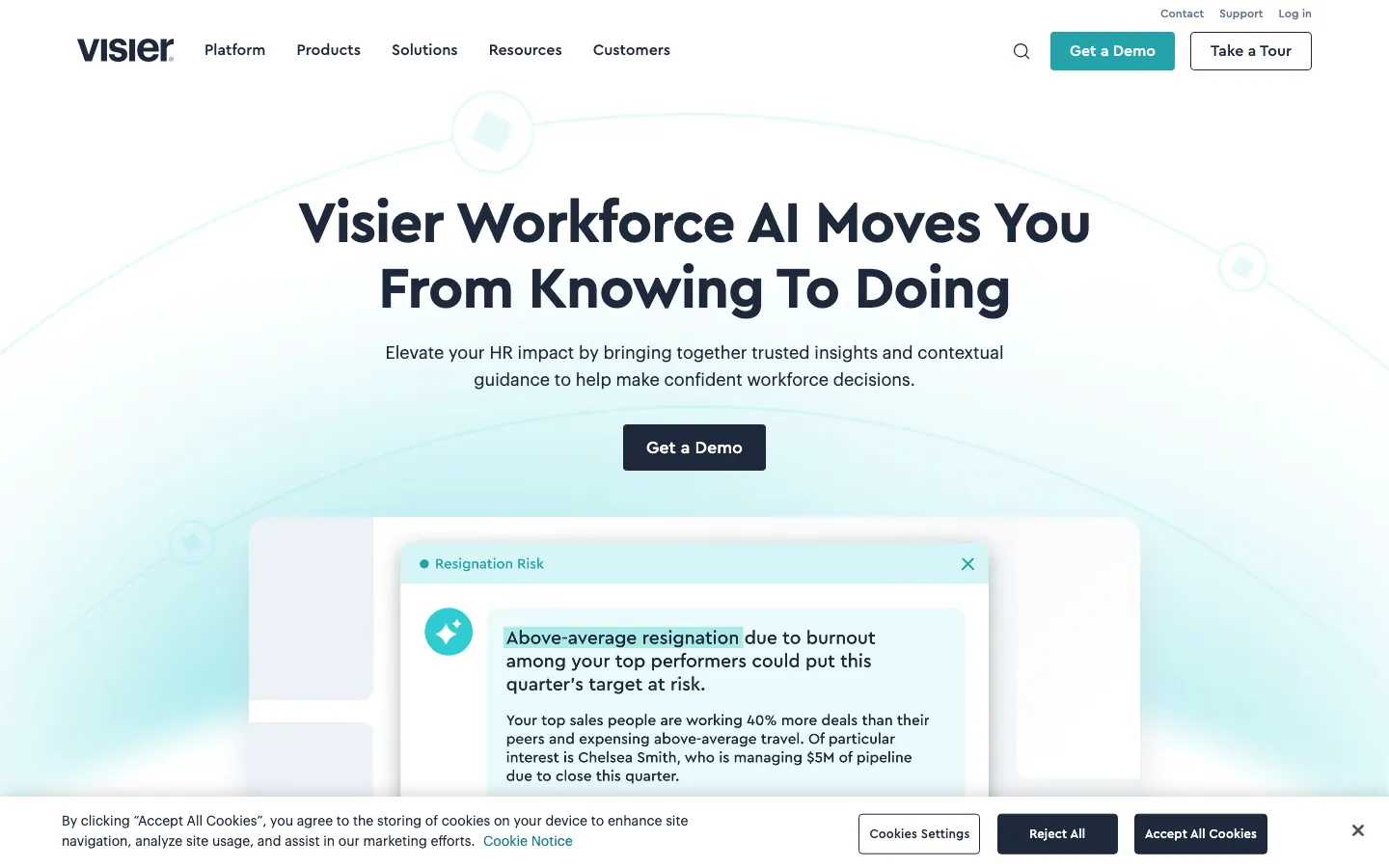
Screenshots of Visier 3 images
What's great
- Pre-built question library covers 250+ workforce questions out of the box; a new HR analyst can pull attrition cohort, DEI representation, and compensation equity reports on day one without configuring anything
- Benchmarking dataset draws from 30M+ employee records across 3,000+ organizations; showing a CFO real external compensation benchmarks carries more weight than a Glassdoor estimate
- Native connectors to Workday, SAP SuccessFactors, Oracle HCM, ADP, and Ceridian reduce integration time to days rather than weeks for the major HRIS stacks
Watch-outs
- Customer support is the most-cited gripe in G2 reviews; users report delays getting timely help after implementation, especially for custom configuration requests
- Less flexibility than Power BI or Tableau for manipulating the underlying data model; advanced analytics like chi-square analysis typically require Visier team involvement
- Pricing starts around $50K/yr and scales toward six figures for large deployments; mid-market teams under 500 employees routinely get priced out during the demo phase
Pricing breakdown
| Plan | Price | Best for |
|---|---|---|
| Core Analytics | Custom (est. $50K-$120K/yr) | 500-2,000 employees, core workforce analytics |
| Workforce Planning add-on | Custom | Headcount planning, scenario modeling, FTE forecasting |
| Compensation Intelligence add-on | Custom | Pay equity analysis, market benchmarking |
| Enterprise | Custom (est. $150K-$300K+/yr) | 5,000+ employees, full module suite |
Security & compliance
| Standard | Availability |
|---|---|
| SOC 2 Type II | Yes |
| GDPR | Yes |
| HIPAA | No |
| SSO / SAML | ✓ all tiers |
| Audit logs | ✓ all tiers |
Visier compliance summary: SOC 2 Type II is yes, GDPR is yes, HIPAA is no, SSO/SAML is ✓ all tiers, and audit logs is ✓ all tiers.
Key integrations
| Integration | Type |
|---|---|
| Gmail | N/A |
| Outlook | N/A |
| Slack | N/A |
| LinkedIn Sales Navigator | N/A |
| Outreach / Salesloft | N/A |
Visier integration summary: Gmail is not specified, Outlook is not specified, Slack is not specified, LinkedIn Sales Navigator is not specified, and Outreach or Salesloft is not specified.
Feature availability
| Feature | Status |
|---|---|
| Free tier | no |
| API | ✓ REST API |
| Custom metrics | • limited without Visier support |
| DEI dashboards | ✓ built-in |
| Predictive models | ✓ attrition + retention risk |
Visier feature availability summary: Free tier (no), API (✓ REST API), Custom metrics (• limited without Visier support), DEI dashboards (✓ built-in), and Predictive models (✓ attrition + retention risk).
What reviewers say about Visier
Recurring themes across 223 G2 reviews (4.4/5) and Gartner Peer Insights enterprise reviews, 2024-2026. Capterra count too small to report.
What reviewers praise
- Centralized people data is the headline value: HR and finance reviewers cite Visier as their single source of truth for headcount reporting, ending the spreadsheet reconciliation they did before.
- Pre-built analytics depth is praised specifically for enabling end users to run their own analyses without waiting on a data team, with filtering and grouping options that cover most standard HR queries.
- Workforce planning support during annual budget cycles draws consistent positive mentions from HR business partners and finance teams who use Visier to model headcount scenarios collaboratively.
- Predictive attrition and talent gap analysis features are called out as genuinely useful for long-horizon planning, not just retrospective reporting.
- Executive-ready reporting output is valued by HR leaders who use the built-in presentation views to bring people data to the C-suite without reformatting data in PowerPoint.
What reviewers fault
- Customer support inconsistency is the most-cited frustration: reviewers describe difficulty getting timely, expert help on advanced features like Visier Extend and custom business rules.
- Graph and dashboard customization is more constrained than tools like Tableau or Power BI, and reviewers with heavy custom visualization needs report hitting the platform ceiling quickly.
- Implementation is time-intensive, particularly when source HRIS data is fragmented across legacy systems: reviewers note the data modeling phase takes longer than vendor estimates suggest.
- The mobile experience is flagged by multiple reviewers as noticeably worse than the desktop product, described as clunky and lacking the filtering depth available in the browser version.
- Cost is a barrier flagged by smaller enterprise teams: reviewers in organizations with under 1,000 employees question whether the analytics depth justifies the price relative to HRIS-native reporting tools.
Loading reviews…
ChartHop
Best self-serve people analytics for mid-market (200-2,000 employees)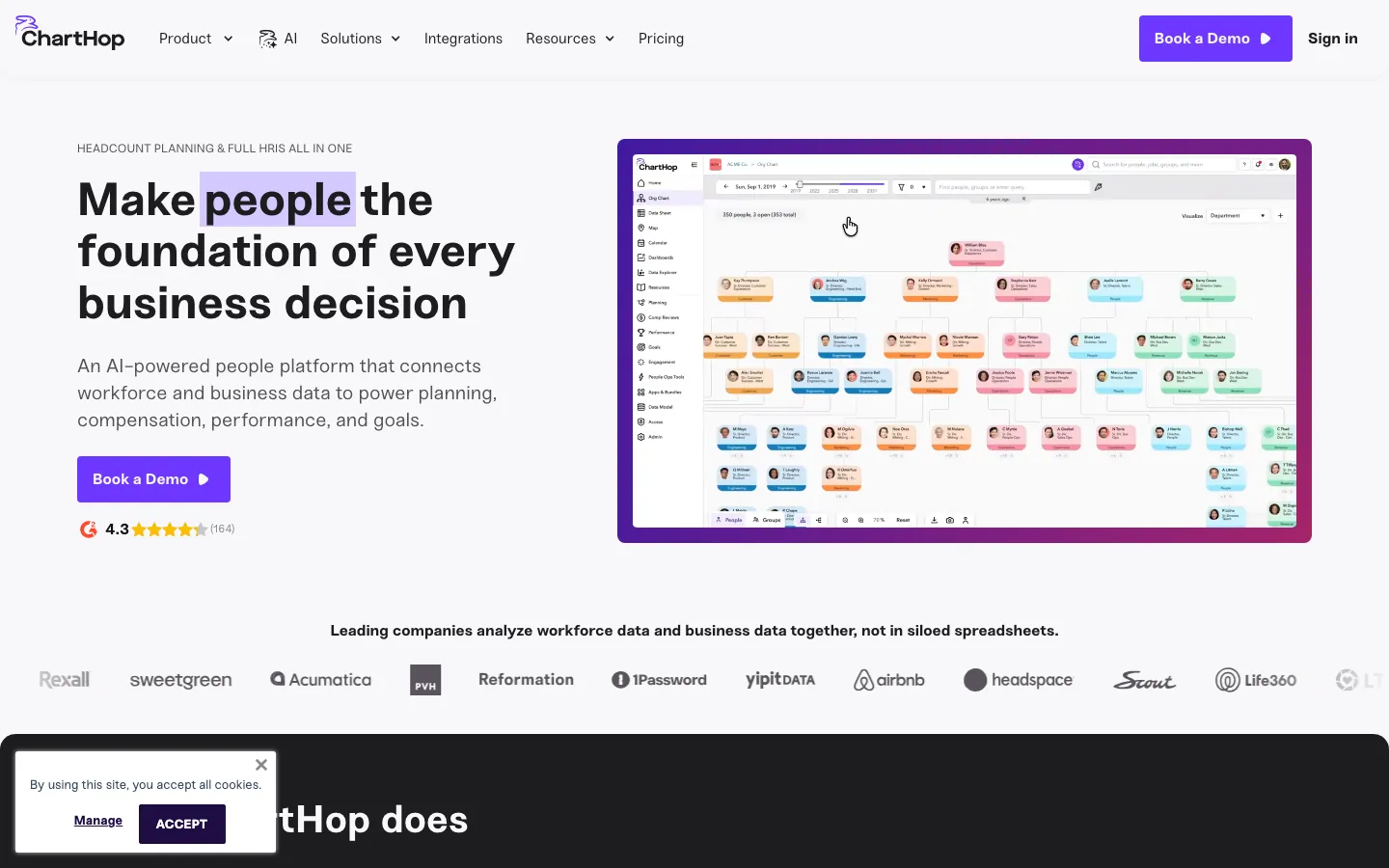
Screenshots of ChartHop 1 images
What's great
- Published per-employee pricing at $5/mo for Core gives procurement a real number to work with; no custom-quote runaround for orgs under 2,000 employees
- Scenario planning with real-time cost modeling lets HR model a reorg and see the headcount cost impact within minutes, not weeks, without touching a spreadsheet
- The interactive org chart syncs live from HRIS data; finance, HR, and managers can all see the same view of the org structure without anyone exporting CSVs
Watch-outs
- 159 G2 reviews is thin for a mid-market anchor decision; Visier has more social proof at scale
- Advanced HRIS functionality (payroll, benefits admin) requires purchasing additional modules at $3-$4/employee/mo each, which adds up fast for a fully stacked deployment
- Implementation requires careful data mapping with your HRIS source; teams with messy job architecture in their HRIS report a 2-4 week setup effort before dashboards are trustworthy
Pricing breakdown
| Plan | Price | Best for |
|---|---|---|
| Core | $5/employee/mo annual | People analytics, org chart, dashboards, AI insights |
| Core + Headcount Planning | $9/employee/mo annual | Scenario planning, headcount forecasting |
| Core + Comp + Planning | $13/employee/mo annual | Full workforce analytics + compensation management |
| Enterprise | Custom | Thousands of employees, multiple entities, dedicated support |
Security & compliance
| Standard | Availability |
|---|---|
| SOC 2 Type II | Yes |
| GDPR | Yes |
| HIPAA | No |
| SSO / SAML | ✓ all paid |
| Audit logs | ✓ all paid |
ChartHop compliance summary: SOC 2 Type II is yes, GDPR is yes, HIPAA is no, SSO/SAML is ✓ all paid, and audit logs is ✓ all paid.
Key integrations
| Integration | Type |
|---|---|
| Gmail | N/A |
| Outlook | N/A |
| Slack | N/A |
| LinkedIn Sales Navigator | N/A |
| Outreach / Salesloft | N/A |
ChartHop integration summary: Gmail is not specified, Outlook is not specified, Slack is not specified, LinkedIn Sales Navigator is not specified, and Outreach or Salesloft is not specified.
Feature availability
| Feature | Status |
|---|---|
| Free tier | no |
| API | ✓ REST API |
| Custom metrics | ✓ |
| DEI dashboards | ✓ built-in |
| Predictive models | • scenario modeling only |
ChartHop feature availability summary: Free tier (no), API (✓ REST API), Custom metrics (✓), DEI dashboards (✓ built-in), and Predictive models (• scenario modeling only).
What reviewers say about ChartHop
Recurring themes across roughly 79 Capterra reviews (4.6/5) and about 160 G2 reviews (4.3/5), 2024-2026.
What reviewers praise
- The dynamic org chart with sandbox planning is the feature people keep coming back to for designing and reshaping teams.
- It syncs data from several HR systems into one view, so headcount decisions run off current numbers.
- Real-time headcount planning shows the budget impact of each hire as you model it.
- Reviewers find the org chart easy to read and quick for pulling up who reports to whom.
- Customer service scores well (4.7 on Capterra), and users mention responsive onboarding help.
What reviewers fault
- Onboarding is a 2 to 3 month project, and several teams found the ramp longer than expected.
- Pricing sits at a roughly $9,000 annual minimum, which prices out small teams and micro-businesses.
- The workforce planning module gets clunky for orgs with non-standard headcount patterns.
- Loading employee-level pay data is noticeably more fiddly than importing other data types.
- A few reviewers say the org chart zooms and pans too easily, which feels disorienting.
Loading reviews…
Culture Amp
Best engagement and performance analytics with people data benchmarking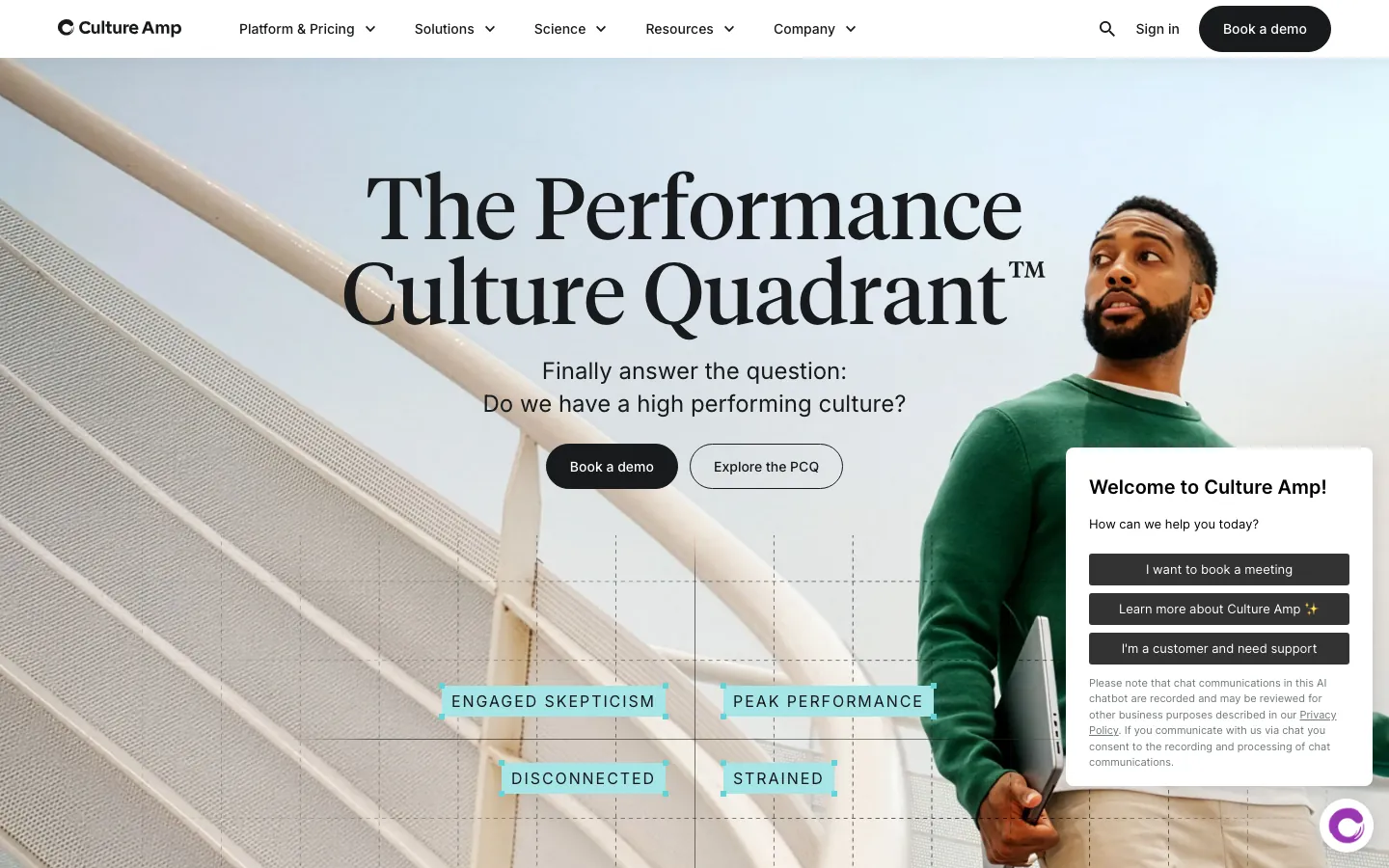
Screenshots of Culture Amp 3 images
What's great
- Industry benchmarking library draws from 3,000+ organizations and 25M+ survey responses, so engagement score comparisons against peers are statistically meaningful rather than directional
- The three-module structure (Engage, Perform, Develop) lets HR teams start with engagement and add performance analytics on the same data model without switching vendors
- G2 ranked Culture Amp
Watch-outs
- Pricing is custom and opaque; based on partner conversations, expect $10-$20/employee/yr for Engage alone, rising steeply when Perform and Develop are added
- Analytics depth on the HR reporting side is engagement-first; for headcount, attrition cohort, or compensation equity analysis, you'll pair it with a separate people analytics tool or HRIS reports
- Implementation requires dedicated effort from an HR project manager for 6-10 weeks to set up survey cadences, configure benchmark groups, and train managers
Pricing breakdown
| Plan | Price | Best for |
|---|---|---|
| Engage | Custom (est. $10-$20/employee/yr) | Engagement surveys, benchmarking, manager insights |
| Perform | Custom add-on | Performance reviews, calibration, 360 feedback, analytics |
| Develop | Custom add-on | Career development, skills, individual development plans |
| Full suite | Custom (est. $25-$40/employee/yr all three modules) | 200-5,000 employees, full people analytics suite |
Security & compliance
| Standard | Availability |
|---|---|
| SOC 2 Type II | Yes |
| GDPR | Yes |
| HIPAA | No |
| SSO / SAML | ✓ all tiers |
| Audit logs | Yes |
Culture Amp compliance summary: SOC 2 Type II is yes, GDPR is yes, HIPAA is no, SSO/SAML is ✓ all tiers, and audit logs is yes.
Key integrations
| Integration | Type |
|---|---|
| Gmail | N/A |
| Outlook | N/A |
| Slack | N/A |
| LinkedIn Sales Navigator | N/A |
| Outreach / Salesloft | N/A |
Culture Amp integration summary: Gmail is not specified, Outlook is not specified, Slack is not specified, LinkedIn Sales Navigator is not specified, and Outreach or Salesloft is not specified.
Feature availability
| Feature | Status |
|---|---|
| Free tier | no |
| API | ✓ |
| Custom metrics | ✓ |
| DEI dashboards | ✓ built-in |
| Predictive models | ✓ flight risk in Perform |
Culture Amp feature availability summary: Free tier (no), API (✓), Custom metrics (✓), DEI dashboards (✓ built-in), and Predictive models (✓ flight risk in Perform).
Loading reviews…
Rippling
Best HR analytics for teams running Rippling as their all-in-one platform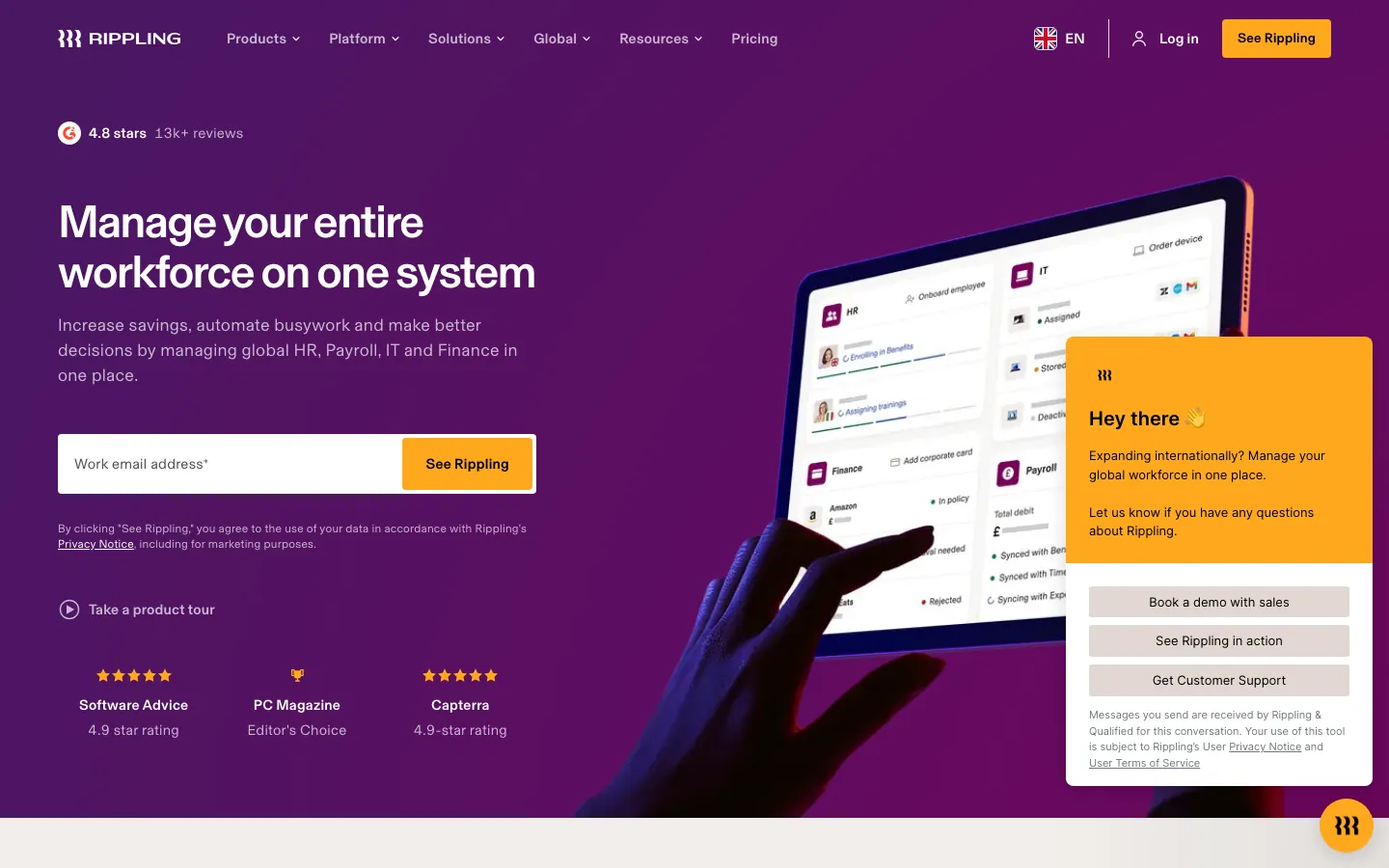
Screenshots of Rippling 4 images
What's great
- Analytics pull from every Rippling module in real time: payroll, benefits, time tracking, expenses, and device usage in one data model with no ETL, no sync lag
- Custom reports are drag-and-drop from any data field across HR and IT; an HR business partner can build a headcount + turnover + comp report without a data analyst or IT ticket
- 4.8/5 on G2 with 14,000+ reviews, the highest combined score and review volume in this comparison; the satisfaction signal at scale is stronger than any other tool in the guide
Watch-outs
- Analytics are only as powerful as the Rippling modules you're paying for; orgs using Rippling for HR but running payroll elsewhere lose most of the data depth advantage
- No dedicated people analytics layer with predictive modeling; attrition risk, DEI benchmarking, and cohort analysis require exporting data to a separate tool like Visier
- Pricing is modular and non-public; partner estimates put a full HR plus IT plus analytics deployment at $15-$25/employee/mo, which can exceed a Visier contract for large orgs
Pricing breakdown
| Plan | Price | Best for |
|---|---|---|
| Rippling Platform | Custom (required base) | Required foundation for all modules |
| HCM module | Custom (est. $8-$12/employee/mo) | HR, payroll, benefits, analytics |
| IT module | Custom add-on | Device management, app access, identity, analytics |
| Full platform | Custom (est. $18-$28/employee/mo total) | 200-5,000 employees, full HR+IT+Finance analytics |
Security & compliance
| Standard | Availability |
|---|---|
| SOC 2 Type II | Yes |
| GDPR | Yes |
| HIPAA | Yes |
| SSO / SAML | ✓ all tiers |
| Audit logs | ✓ all tiers |
Rippling compliance summary: SOC 2 Type II is yes, GDPR is yes, HIPAA is yes, SSO/SAML is ✓ all tiers, and audit logs is ✓ all tiers.
Key integrations
| Integration | Type |
|---|---|
| Gmail | N/A |
| Outlook | N/A |
| Slack | N/A |
| LinkedIn Sales Navigator | N/A |
| Outreach / Salesloft | N/A |
Rippling integration summary: Gmail is not specified, Outlook is not specified, Slack is not specified, LinkedIn Sales Navigator is not specified, and Outreach or Salesloft is not specified.
Feature availability
| Feature | Status |
|---|---|
| Free tier | no |
| API | ✓ REST + webhooks |
| Custom metrics | ✓ drag-and-drop |
| DEI dashboards | ✓ built-in reports |
| Predictive models | ✗ no native attrition model |
Rippling feature availability summary: Free tier (no), API (✓ REST + webhooks), Custom metrics (✓ drag-and-drop), DEI dashboards (✓ built-in reports), and Predictive models (✗ no native attrition model).
What reviewers say about Rippling
Recurring themes across ~12,729 G2 reviews (4.8/5), cross-checked against Capterra, Trustpilot, and Reddit/BBB threads, 2024-2026.
What reviewers praise
- The unified data model draws the most consistent praise: because HRIS, payroll, benefits, time, and IT all sit on one employee record, a promotion or address change flows automatically into payroll and benefits instead of being re-keyed in five tools.
- Reviewers repeatedly call the setup and day-to-day interface clean and fast, with automation that removes manual steps for teams running payroll across multiple states or entities.
- The integration breadth (650+ app connections) and the ability to bundle IT provisioning, device management, and app access alongside HR is cited as a genuine reason teams consolidate onto Rippling.
- Global and multi-state payroll compliance is praised as reliable, including detailed local tax handling, so finance teams report fewer manual overrides at pay-run time.
What reviewers fault
- Opaque, escalating pricing is the single most common gripe: you buy the base Unity platform per employee first, then stack paid modules on top, and reviewers say true all-in cost is hard to compare against competitors before a sales call.
- Support is ticket and chat only with no general phone line, and reviewers report slow or inconsistent resolution once a ticket is routed to the wrong queue.
- The sheer feature depth creates a real learning curve, and configuring advanced workflows or integrations can feel overly complex during onboarding.
- Botched implementations recur in BBB and Reddit accounts: paid onboarding that left teams to self-configure, difficult historical tax-data migration, and account managers who go quiet after the sale.
- The mobile app is described as buggy and missing features that exist on desktop, and reviewers note occasional sync delays between modules on time-sensitive payroll tasks.
Loading reviews…
Lattice
Best people analytics integrated with performance management and OKRs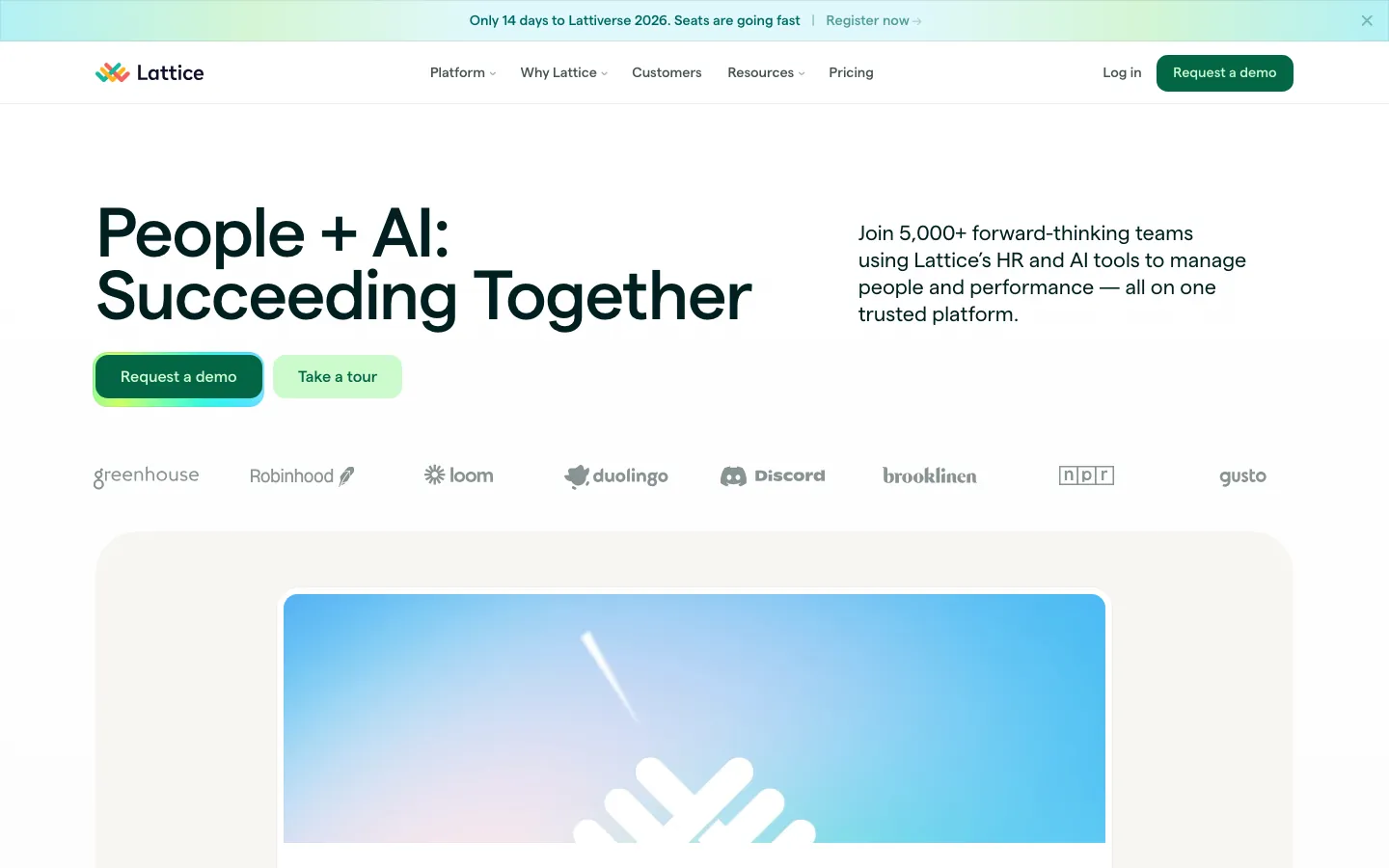
Screenshots of Lattice 4 images
What's great
- Analytics layer connects performance review scores, engagement pulse data, and OKR completion rates in one view; orgs can finally correlate high engagement with high performance without a data join
- DEI representation dashboards track gender, ethnicity, and pay equity with cohort-level breakdowns by department, level, and tenure, with no additional analytics tool required
- At $8/seat/mo for Performance, Lattice is the most affordable analytics-inclusive performance management tool in the comparison; the $4,000/yr minimum still makes it a real contract
Watch-outs
- People analytics depth is optimized for performance and engagement data; standalone headcount, attrition cohort, and workforce planning analysis is basic compared to Visier or ChartHop
- The full Lattice suite (Performance + Engagement + Compensation + Grow) can reach $18-$22/seat/mo fully loaded, which exceeds the cost of a standalone analytics tool for smaller teams
- HRIS integrations are read-only for most major systems; Lattice pulls data from your HRIS but doesn't write back, so there's still a source-of-record gap
Pricing breakdown
| Plan | Price | Best for |
|---|---|---|
| Performance | $8/seat/mo annual + $4K minimum | Performance reviews, succession, analytics, DEIB reports |
| Performance + Engagement | $12/seat/mo annual | Pulse surveys, onboarding, feedback, combined analytics |
| Full suite | $18-$22/seat/mo annual | Performance + Engagement + Compensation + Grow |
| Compensation add-on | +$6/seat/mo | Pay equity analysis, compensation benchmarking, global bands |
Security & compliance
| Standard | Availability |
|---|---|
| SOC 2 Type II | Yes |
| GDPR | Yes |
| HIPAA | No |
| SSO / SAML | ✓ all tiers |
| Audit logs | ✓ all tiers |
Lattice compliance summary: SOC 2 Type II is yes, GDPR is yes, HIPAA is no, SSO/SAML is ✓ all tiers, and audit logs is ✓ all tiers.
Key integrations
| Integration | Type |
|---|---|
| Gmail | N/A |
| Outlook | N/A |
| Slack | N/A |
| LinkedIn Sales Navigator | N/A |
| Outreach / Salesloft | N/A |
Lattice integration summary: Gmail is not specified, Outlook is not specified, Slack is not specified, LinkedIn Sales Navigator is not specified, and Outreach or Salesloft is not specified.
Feature availability
| Feature | Status |
|---|---|
| Free tier | no |
| API | ✓ |
| Custom metrics | ✓ |
| DEI dashboards | ✓ built-in |
| Predictive models | ✓ attrition signals |
Lattice feature availability summary: Free tier (no), API (✓), Custom metrics (✓), DEI dashboards (✓ built-in), and Predictive models (✓ attrition signals).
What reviewers say about Lattice
Recurring themes across ~205 Capterra reviews (4.5/5) and G2 reviews (4.7/5), 2024-2026.
What reviewers praise
- The 1:1 meeting module is the most consistently praised feature: reviewers say the shared agenda builder keeps both manager and employee accountable without extra prep overhead.
- Goal and OKR tracking lands well for mid-size companies, with reviewers citing the alignment visualization that shows how individual goals connect to team and company objectives.
- Performance review workflows are praised for keeping both sides in one place, with manager and employee sections completing in parallel rather than sequentially.
- Slack integration is specifically called out for enabling timely peer recognition without switching tabs, which reviewers say increases actual usage rates.
- Customer support is rated highly for response speed and quality, with onboarding tutorials described as practical and useful for new admins.
What reviewers fault
- Navigation complexity is the top complaint: features are buried across multiple menus, and new users consistently report needing multiple clicks to find basic functions.
- The OKR framework becomes unwieldy at scale: reviewers say goals get tangled when parent-child linking is done incorrectly, and fixing mis-linked OKRs is painful.
- Pricing is the most common reason reviewers say they considered switching: at roughly $14-22 per employee per month, the cost is hard to justify for teams under 50.
- Growth and development plan features feel disconnected from the rest of the platform, lacking smooth integration with OKR and review sections.
- Employee engagement surveys have limited question format flexibility, with reviewers noting they cannot customize survey logic or branching as freely as in dedicated survey tools.
Loading reviews…
HiBob
Best HRIS with native people analytics for modern mid-market companies
What's great
- Analytics are native to the HRIS: headcount, attrition, diversity, and compensation reporting are built on live payroll and HR data with no sync required, unlike bolt-on analytics tools
- People Analytics module includes customizable dashboards, trend analysis, and predictive attrition models at no extra licensing cost for HRIS subscribers
- The 92% ease-of-use rating on G2 is validated by teams ranging from 100 to 2,000 employees; managers, not just HR analysts, can actually use the dashboards
Watch-outs
- Analytics depth is appropriate for HR reporting, not enterprise-grade people analytics; orgs that need network analysis, external benchmarking, or ML-based models will outgrow HiBob's analytics layer
- Global payroll is a recent addition and still maturing; orgs with complex multi-country payroll plus analytics requirements may find the data model gaps frustrating
- Pricing is not publicly listed; the custom-quote model means comparisons require a sales call, which adds friction for buyers doing early-stage research
Pricing breakdown
| Plan | Price | Best for |
|---|---|---|
| Core | Custom (est. $6-$8/employee/mo) | HRIS, people analytics, basic reporting, 100-2,000 employees |
| Core + Payroll | Custom add-on | Multi-country payroll data inside the analytics layer |
| Performance add-on | Custom add-on | Performance reviews + performance analytics |
| Enterprise | Custom (est. $9-$12/employee/mo full stack) | 2,000+ employees, multi-entity, dedicated CSM |
Security & compliance
| Standard | Availability |
|---|---|
| SOC 2 Type II | Yes |
| GDPR | Yes |
| HIPAA | No |
| SSO / SAML | ✓ Core+ |
| Audit logs | ✓ Core+ |
HiBob compliance summary: SOC 2 Type II is yes, GDPR is yes, HIPAA is no, SSO/SAML is ✓ core+, and audit logs is ✓ core+.
Key integrations
| Integration | Type |
|---|---|
| Gmail | N/A |
| Outlook | N/A |
| Slack | N/A |
| LinkedIn Sales Navigator | N/A |
| Outreach / Salesloft | N/A |
HiBob integration summary: Gmail is not specified, Outlook is not specified, Slack is not specified, LinkedIn Sales Navigator is not specified, and Outreach or Salesloft is not specified.
Feature availability
| Feature | Status |
|---|---|
| Free tier | no |
| API | ✓ |
| Custom metrics | ✓ |
| DEI dashboards | ✓ built-in |
| Predictive models | ✓ attrition signals |
HiBob feature availability summary: Free tier (no), API (✓), Custom metrics (✓), DEI dashboards (✓ built-in), and Predictive models (✓ attrition signals).
What reviewers say about HiBob
Recurring themes across ~2,334 G2 reviews (4.5/5), cross-checked against Capterra and Trustpilot, 2024-2026.
What reviewers praise
- The modern, visual, engaging interface is the most repeated praise: reviewers say Bob is genuinely pleasant to use and easy for employees to navigate, which lifts adoption over legacy HRIS tools.
- Built-in culture and engagement tools, shoutouts, clubs, pulse surveys, and a social feed running natively on the HR record, are called a real differentiator that other core HRIS products do not match.
- Customization of fields, homepage, and the org view is praised for letting mid-market teams shape the system to their own structure without heavy IT work.
- The support team earns frequent positive mentions for quick responses and for actually acting on product feedback.
What reviewers fault
- Missing native payroll (outside the US and UK) and a weak built-in ATS force third-party integrations and manual workarounds, which reviewers say is the biggest functional gap.
- Pricing is quote-only with nothing published, and reviewers find it frustrating to have to book a sales demo before knowing whether Bob fits their budget.
- Reporting and analytics depth is limited, so teams needing advanced or deeply custom reports hit a ceiling in the built-in tools.
- Workflow and time-off configuration are seen as inflexible in places, with reviewers citing gaps like not being able to reassign an absent employee's tasks.
- Implementation and data import can take significant time or vendor help for larger or more complex organizations.
Loading reviews…
One Model
Best people analytics for data-mature teams using Microsoft infrastructure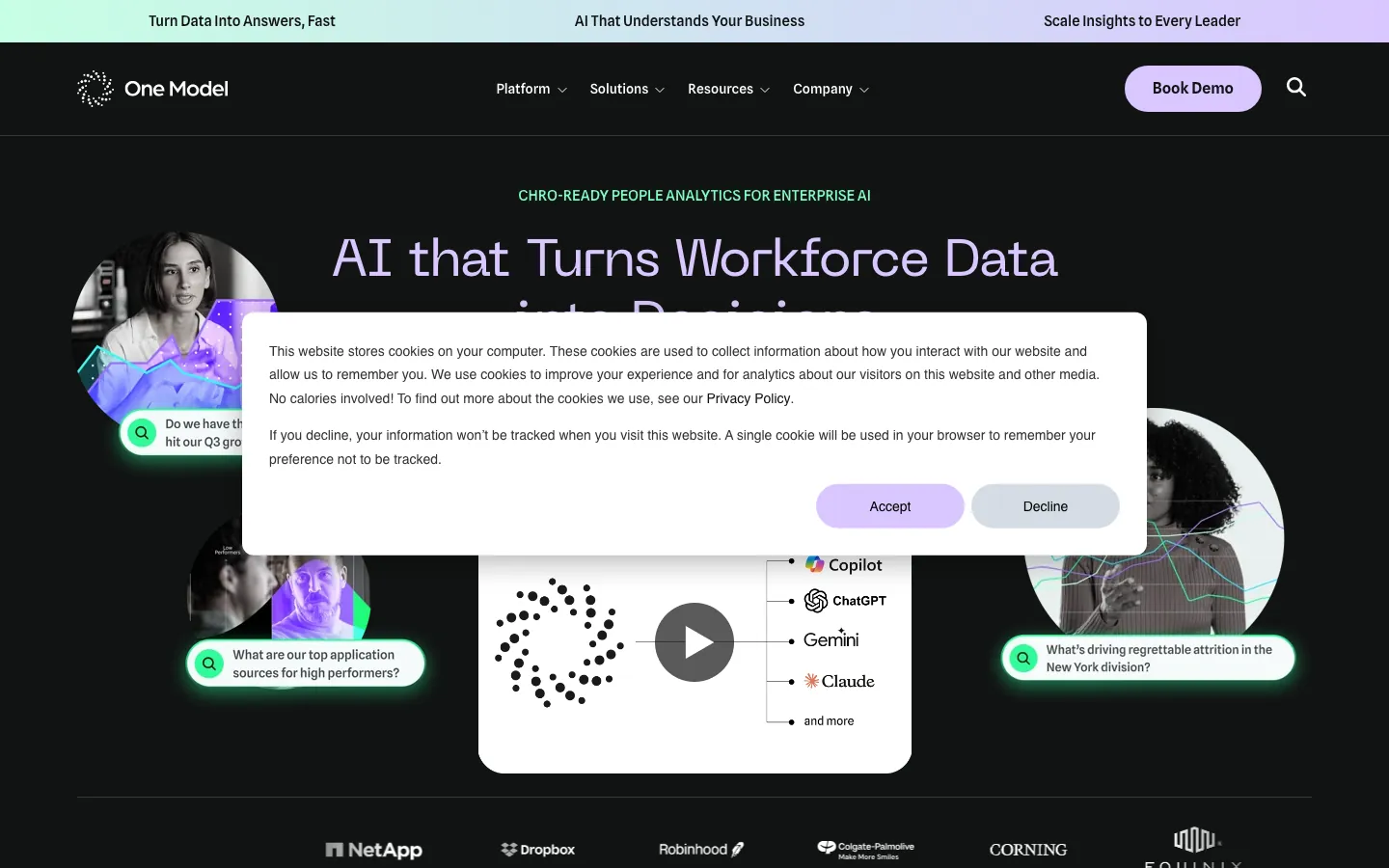
Screenshots of One Model 1 images
What's great
- Azure-based architecture with native Power BI integration lets analytics teams use their existing BI skillset; no new visualization tool to learn alongside the data model
- Essentials edition focuses a single HRIS data source (Workday, SuccessFactors, or Greenhouse), which gets an analytics function operational in 4-8 weeks versus 8-16 weeks for Visier
- Pre-built metrics cover headcount, attrition, mobility, DEI, compensation equity, and workforce cost with predictive models in the Enterprise tier; the data model is purpose-built for HR, not adapted from a generic BI framework
Watch-outs
- 45 G2 reviews is the thinnest social proof in the deep-tool tier; the product is strong but it's a harder sell to a committee that wants volume validation
- Power BI dependency means orgs that standardized on Tableau or Looker need to either maintain a second BI tool or invest in migration
- The People Data Mesh tier (for teams running in-house BI) is powerful but requires a data engineering function; it's not self-serve for an HR team without technical resources
Pricing breakdown
| Plan | Price | Best for |
|---|---|---|
| People Analytics Essentials | Custom (est. $30K-$60K/yr) | Single HRIS source, unlimited users, pre-built metrics |
| People Analytics Enterprise | Custom (est. $60K-$150K/yr) | Multiple HR systems, predictive models, AI assistant |
| People Data Mesh | Custom | Data engineering teams, in-house BI, unlimited data sources |
Security & compliance
| Standard | Availability |
|---|---|
| SOC 2 Type II | Yes |
| GDPR | Yes |
| HIPAA | No |
| SSO / SAML | ✓ Enterprise |
| Audit logs | ✓ Enterprise |
One Model compliance summary: SOC 2 Type II is yes, GDPR is yes, HIPAA is no, SSO/SAML is ✓ enterprise, and audit logs is ✓ enterprise.
Key integrations
| Integration | Type |
|---|---|
| Gmail | N/A |
| Outlook | N/A |
| Slack | N/A |
| LinkedIn Sales Navigator | N/A |
| Outreach / Salesloft | N/A |
One Model integration summary: Gmail is not specified, Outlook is not specified, Slack is not specified, LinkedIn Sales Navigator is not specified, and Outreach or Salesloft is not specified.
Feature availability
| Feature | Status |
|---|---|
| Free tier | no |
| API | ✓ |
| Custom metrics | ✓ |
| DEI dashboards | ✓ |
| Predictive models | ✓ Enterprise+ |
One Model feature availability summary: Free tier (no), API (✓), Custom metrics (✓), DEI dashboards (✓), and Predictive models (✓ Enterprise+).
What reviewers say about One Model
Recurring themes across a small pool of about 12 G2 reviews (4.8/5), near-uniformly positive, 2024-2026.
What reviewers praise
- Customer support and the customer success team are the most repeated strength in reviews.
- The flexible data modeling adapts to a company's own people data instead of forcing a fixed schema.
- It cuts the time to build predictive models, which reviewers call a real analyst time-saver.
What reviewers fault
- Pricing scales with employee headcount, so cost climbs as the org grows.
- Getting full value assumes some analytics maturity and upfront work to configure the data.
Loading reviews…
Crunchr
Best self-service HR analytics for HR teams without a dedicated data function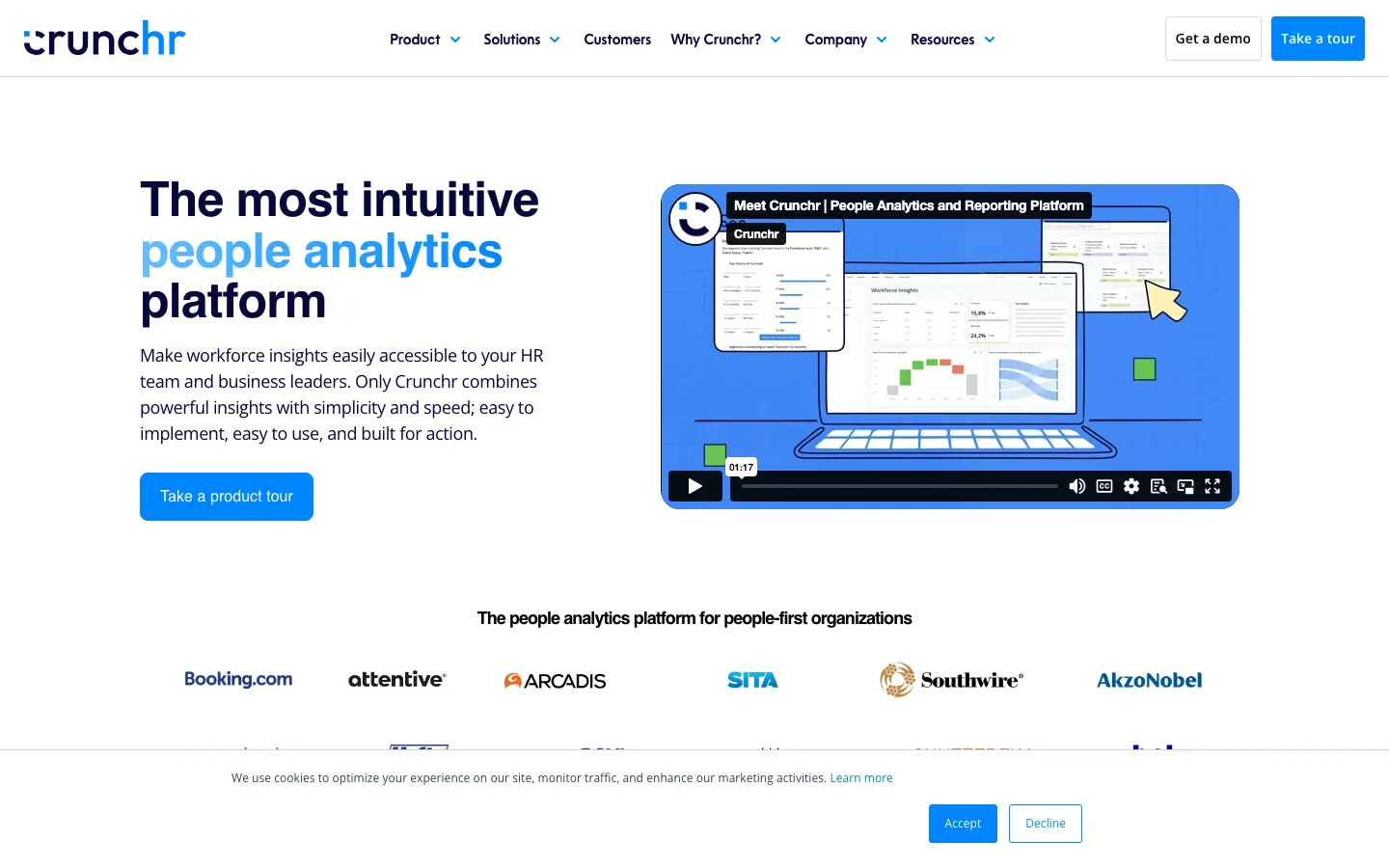
Screenshots of Crunchr 1 images
What's great
- HR teams consistently report they can build and publish a workforce dashboard in their first week without IT involvement or a data engineering ticket
- Pre-configured analytics library covers headcount, turnover, diversity, engagement, and workforce planning without requiring custom metric configuration from day one
- 4.9/5 G2 rating with uniformly positive reviews on support responsiveness; the Crunchr customer success team is cited as a differentiator versus larger platforms
Watch-outs
- Only 38 G2 reviews; the product has strong fans but the review volume is insufficient for teams that rely on G2 validation as a procurement signal
- Integration ecosystem is narrower than Visier or ChartHop; some HRIS connectors route through middleware rather than native APIs, which can introduce sync lag
- Advanced predictive modeling and external benchmarking require custom configuration; it's not as plug-and-play for sophisticated analytics use cases as the UI suggests
Pricing breakdown
| Plan | Price | Best for |
|---|---|---|
| Core | Custom (est. $5-$8/employee/mo) | Headcount, turnover, diversity, workforce planning dashboards |
| Analytics Plus | Custom add-on | Advanced scenario modeling, custom metrics, additional connectors |
| Enterprise | Custom | 2,000+ employees, dedicated implementation, SLAs |
Security & compliance
| Standard | Availability |
|---|---|
| SOC 2 Type II | Yes |
| GDPR | ✓ EU-hosted |
| HIPAA | No |
| SSO / SAML | Yes |
| Audit logs | Yes |
Crunchr compliance summary: SOC 2 Type II is yes, GDPR is ✓ eu-hosted, HIPAA is no, SSO/SAML is yes, and audit logs is yes.
Key integrations
| Integration | Type |
|---|---|
| Gmail | N/A |
| Outlook | N/A |
| Slack | N/A |
| LinkedIn Sales Navigator | N/A |
| Outreach / Salesloft | N/A |
Crunchr integration summary: Gmail is not specified, Outlook is not specified, Slack is not specified, LinkedIn Sales Navigator is not specified, and Outreach or Salesloft is not specified.
Feature availability
| Feature | Status |
|---|---|
| Free tier | no |
| API | ✓ |
| Custom metrics | ✓ |
| DEI dashboards | ✓ |
| Predictive models | ✓ standard models |
Crunchr feature availability summary: Free tier (no), API (✓), Custom metrics (✓), DEI dashboards (✓), and Predictive models (✓ standard models).
What reviewers say about Crunchr
Recurring themes across about 29 G2 reviews (4.8/5), a small mostly-enterprise pool, plus a thin Capterra pool, 2024-2026.
What reviewers praise
- Implementation is fast compared with typical analytics rollouts, and reviewers call the setup easy.
- Prebuilt visualizations let HR, business and finance users explore data without waiting on the analytics team.
- The interface supports real-time collaboration while people work through workforce questions together.
- Customer success gets repeated praise for being responsive and hands-on.
What reviewers fault
- The internal mobility module lacks a clean single overview of employees and their internal moves.
- The review pool skews almost entirely enterprise, so fit for smaller HR teams is less documented.
Loading reviews…
Workday People Analytics
Best analytics for organizations already running Workday HCM
Screenshots of Workday People Analytics 1 images
What's great
- Zero-ETL analytics for Workday HCM customers; People Analytics reads directly from the Workday data model without a separate integration, sync schedule, or data warehouse
- Augmented analytics use natural language to surface "surprising" workforce trends the HR team didn't know to ask about, including attrition risk clusters and pay equity outliers
- Skill Cloud and talent marketplace analytics provide workforce capability tracking that standalone tools like Visier can't replicate without exporting Workday data
Watch-outs
- Pricing is add-on cost on top of the Workday HCM contract, which already starts at $100-$300/employee/yr; the People Analytics add-on can add 20-40% to an existing contract
- Value-for-money rating is 3.9/5 on G2 across 1,102 reviews, the lowest value rating in this comparison; the data quality is excellent but the cost-to-insight ratio is questioned
- Analytics are limited to Workday data only; orgs that want to blend in ATS data from Greenhouse, engagement data from Culture Amp, or external market benchmarks need a separate analytics layer
Pricing breakdown
| Plan | Price | Best for |
|---|---|---|
| People Analytics (add-on) | Custom (est. 20-40% of HCM contract) | Workday HCM customers, AI-powered workforce insights |
| Prism Analytics (add-on) | Custom | Blending external data sources with Workday data |
| Adaptive Planning (add-on) | Custom | FP&A-grade workforce planning and headcount modeling |
Security & compliance
| Standard | Availability |
|---|---|
| SOC 2 Type II | Yes |
| GDPR | Yes |
| HIPAA | Yes |
| SSO / SAML | ✓ all tiers |
| Audit logs | ✓ all tiers |
Workday People Analytics compliance summary: SOC 2 Type II is yes, GDPR is yes, HIPAA is yes, SSO/SAML is ✓ all tiers, and audit logs is ✓ all tiers.
Key integrations
| Integration | Type |
|---|---|
| Gmail | N/A |
| Outlook | N/A |
| Slack | N/A |
| LinkedIn Sales Navigator | N/A |
| Outreach / Salesloft | N/A |
Workday People Analytics integration summary: Gmail is not specified, Outlook is not specified, Slack is not specified, LinkedIn Sales Navigator is not specified, and Outreach or Salesloft is not specified.
Feature availability
| Feature | Status |
|---|---|
| Free tier | no |
| API | ✓ REST |
| Custom metrics | ✓ Prism required for external data |
| DEI dashboards | ✓ built-in |
| Predictive models | ✓ augmented analytics |
Workday People Analytics feature availability summary: Free tier (no), API (✓ REST), Custom metrics (✓ Prism required for external data), DEI dashboards (✓ built-in), and Predictive models (✓ augmented analytics).
What reviewers say about Workday People Analytics
Recurring themes across ~1,752 Capterra reviews (4.5/5) and G2 reviews (4.0/5), 2024-2026.
What reviewers praise
- Unified platform coverage is the top praise: HR, payroll, talent management, and learning in a single system eliminates the multi-tool sprawl that mid-market buyers were trying to escape.
- Employee self-service is consistently valued by non-HR reviewers: viewing pay stubs, submitting time-off, and updating personal info without contacting HR saves time across the org.
- Reporting and analytics depth draws praise from HR analysts and finance teams who use Workday for headcount planning and compliance tracking with real-time data.
- Payroll accuracy earns strong marks once the system is fully configured, with reviewers citing consistent, on-time payroll runs as a reliable baseline.
- The permissions and role-based access model is called out as genuinely granular, useful for larger orgs that need to separate HR, manager, and employee data views.
What reviewers fault
- The learning curve is the most-cited frustration: even technically comfortable users say full platform fluency takes months, and admin configuration requires specialist knowledge.
- Customization is constrained relative to the price point: reviewers flag inability to customize themes, limited report layout flexibility, and workflow rigidity when policy needs are non-standard.
- Support response times draw repeated criticism, with reviewers describing multi-day ticket turnarounds and difficulty reaching someone who understands their specific configuration.
- Performance issues surface under load: slow report generation on large datasets, page lag during peak hours, and authentication friction from multi-step login flows frustrate daily users.
- Administrative overhead surprises buyers: profile changes and certain HR actions require admin involvement rather than direct self-service, slowing down routine tasks.
Loading reviews…
Insightful
Best workforce productivity analytics for remote and hybrid team visibility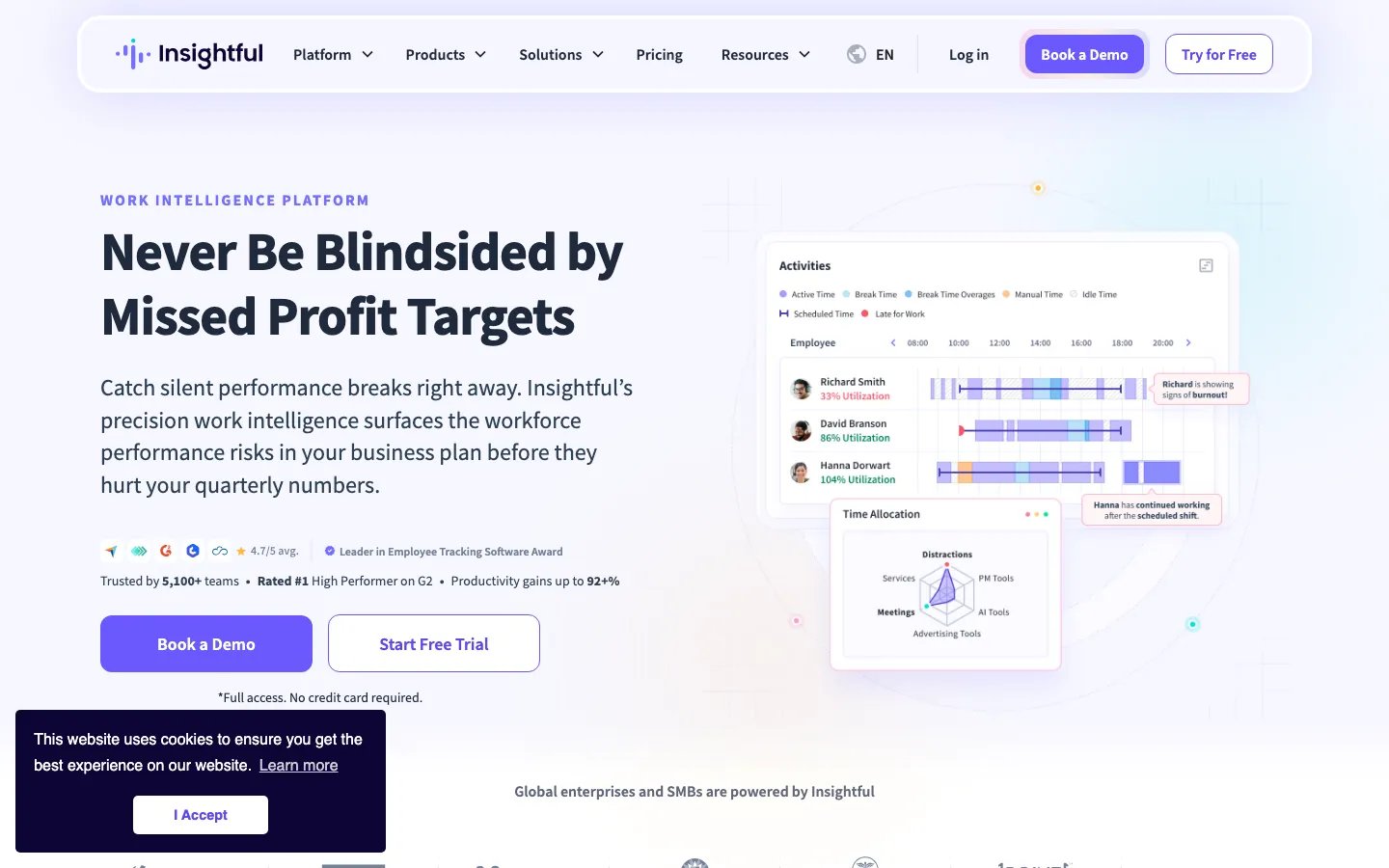
Screenshots of Insightful 1 images
What's great
- Real-time app and website usage tracking across individuals and teams gives HR and COO visibility into where working hours actually go versus where managers assume they go
- Published transparent pricing at $8/seat/mo for Workforce Analytics; the combo plan at $16/seat/mo is the only all-inclusive tier in the comparison that combines time tracking and workflow optimization
- 7-day ROI promise with full feature access during trial; a 50-person team can run a complete productivity baseline before signing a contract
Watch-outs
- Screenshot and activity monitoring features are useful for some COO use cases but routinely cause employee relations friction when HR deploys them without explicit policy communication
- The product is workforce monitoring first, HR analytics second; headcount planning, DEI reporting, and compensation equity analysis are not in scope
- Using Insightful for traditional HR analytics (turnover cohorts, DEI representation) requires exporting data to a separate tool; it doesn't replace Visier or ChartHop for those use cases
Pricing breakdown
| Plan | Price | Best for |
|---|---|---|
| Workforce Analytics | $8/seat/mo annual | Productivity tracking, capacity analysis, app usage |
| Workflow Optimization | $12/seat/mo annual | Process analysis, PM integrations, workflow mapping |
| Combo | $16/seat/mo annual | Both products combined, work location insights |
| Enterprise | Custom | Insider threat detection, SSO, audit logs, team-based utilization |
Security & compliance
| Standard | Availability |
|---|---|
| SOC 2 Type II | Yes |
| GDPR | Yes |
| HIPAA | No |
| SSO / SAML | Enterprise |
| Audit logs | Enterprise |
Insightful compliance summary: SOC 2 Type II is yes, GDPR is yes, HIPAA is no, SSO/SAML is enterprise, and audit logs is enterprise.
Key integrations
| Integration | Type |
|---|---|
| Gmail | N/A |
| Outlook | N/A |
| Slack | N/A |
| LinkedIn Sales Navigator | N/A |
| Outreach / Salesloft | N/A |
Insightful integration summary: Gmail is not specified, Outlook is not specified, Slack is not specified, LinkedIn Sales Navigator is not specified, and Outreach or Salesloft is not specified.
Feature availability
| Feature | Status |
|---|---|
| Free tier | no (7-day trial) |
| API | ✓ |
| Custom metrics | ✓ Workflow+ |
| DEI dashboards | ✗ |
| Predictive models | ✗ descriptive only |
Insightful feature availability summary: Free tier (no (7-day trial)), API (✓), Custom metrics (✓ Workflow+), DEI dashboards (✗), and Predictive models (✗ descriptive only).
What reviewers say about Insightful
Recurring themes across roughly 226 Capterra reviews (4.8/5) and G2 reviews (4.6/5), 2024-2026.
What reviewers praise
- Clock in and out plus break-time logging is precise, which teams use for task tracking.
- Setup is intuitive and the rollout is quick, a point new admins raise often.
- Screenshots as frequent as every 30 seconds give managers real activity visibility.
- Support responds fast and follows up with actual technical help.
- Automatic time tracking feeds real-time productivity dashboards without manual entry.
What reviewers fault
- Timezone handling is messy for distributed teams since each person sets their own zone.
- The employee-monitoring optics and periodic screenshots make some staff wary about privacy.
- Occasional app crashes and clock-in glitches show up in reviews.
- Users want scheduled Excel and CSV exports and better month-over-month comparison reporting.
- Update notifications interrupt the workflow for some people.
Loading reviews…
More top-rated HR Analytics Tools worth checking out
Highly rated HR Analytics Tools that didn't crack our top 10 but are still strong contenders, especially for specific use cases and team sizes.
OrgVue
For organizational design and workforce transformation projects
Standout: Purpose-built for org design use cases: restructuring scenarios, spans and layers analysis, and workforce demand-supply gap modeling in one platform
What reviewers say ★ 4.4 · 16
Praised
- It turns org data into clear visuals that stakeholders actually engage with, well past what Excel or PowerPoint manage.
- Scenario modeling is strong, auto-calculating the cost and headcount impact of each reorg option.
- The support team gets called out repeatedly as excellent to work with.
- It handles hierarchy visualization and workforce planning that used to live in offline slide decks.
Faulted
- The learning curve is steep, and the expression logic reads trickier than Excel formulas.
- Data comes in through manual uploads because system integration is limited.
- Large datasets, screen sharing and complex links can slow the tool down or freeze it.
- The interface feels dated, and permission management gets complicated at scale.
SAP SuccessFactors Workforce Analytics
For SAP-ecosystem enterprises needing embedded HR analytics at scale
Standout: Native to the SAP ecosystem with zero-ETL analytics for SuccessFactors HCM customers, eliminating sync risk for organizations already running SAP infrastructure
What reviewers say
Praised
- The prebuilt library of workforce metrics and benchmarks is deep, which large HR teams rely on.
- It pulls from the wider SuccessFactors HCM data set for enterprise-grade people reporting.
- Analysts can build custom reports and dashboards once they know the query model.
- It fits large, global enterprises that already run mature, centralized HR data.
Faulted
- Implementation runs long and usually needs consultants to stand it up.
- The interface feels dated and reviewers describe it as not user-friendly.
- There is a steep learning curve to build queries and shape reports.
- The cost and setup effort are overkill for smaller organizations.
SplashBI
For Oracle HCM and Fusion customers who need pre-built HR analytics
Standout: Purpose-built for Oracle HCM Cloud and Fusion with 300+ pre-built HR reports out of the box; Oracle shops can deploy against their existing data without starting from scratch
What reviewers say ★ 4.6 · 5
Praised
- Prebuilt HR and finance reports and dashboards get teams to insight without building from scratch.
- Connectors to Oracle EBS and Cloud, Salesforce and other sources pull data from across the stack.
- Reviewers cite good value against pricier enterprise BI suites.
Faulted
- Most of the value sits in the prebuilt content, so bespoke reports still take configuration work.
- The strength skews toward Oracle-centric stacks, so non-Oracle data gets less out of it.
Orgnostic
For growing companies wanting analytics insights without a full-time analyst
Standout: Narrative-style reports present analytics as story-driven insights rather than raw data tables, making it easier for HR generalists and managers to act on findings
What reviewers say
Praised
- Flexible connectors cover most HR tech stacks, with native HRIS and ATS links plus spreadsheet upload.
- Survey and eNPS templates are research-backed and cover onboarding, exit and pulse checks.
- The UI is intuitive and well-designed, with strong search and each metric carrying its own definition and formula.
- Reporting is story-driven rather than dashboard-first, and it runs automated data-health audits.
Faulted
- Non-integrated systems still need manual data setup, which limits the trial-phase experience.
- Advanced insights sit behind the paid Pro tier rather than the free plan.
- Custom dashboard building is limited for teams that want to shape their own views.
ActivTrak
For IT and HR teams tracking productivity in hybrid and remote workplaces
Standout: Workforce Productivity Lab features include benchmarking against what ActivTrak calls "healthy work patterns," giving HR context for interpreting individual productivity data
What reviewers say ★ 4.5 · 591
Praised
- Real-time productivity dashboards surface workload distribution and inefficiency patterns quickly.
- The agent installs easily and runs invisibly without slowing machines down.
- Reviewers like the granular daily, weekly and per-person data with Excel export.
- Website blocking, snapshots and shift-based monitoring get called out as useful.
- The support team is responsive and earns repeated mentions.
Faulted
- Activity classification misfires, flagging legitimate work as unproductive on certain sites or tools.
- Pulling clean data means clicking through many screens, and reviewers describe reporting as painful.
- Auto-renewal and cancellation friction come up in several billing complaints.
- Snapshot-only capture lacks context, and some users want video for workflow analysis.
- Higher tiers and scaling team size push the cost up.
Personio Analytics
For European SMBs and mid-market companies on Personio HRIS
Standout: HR analytics are native to the Personio HRIS; turnover, headcount, absence, and recruitment analytics are available from day one without a separate analytics tool purchase
What reviewers say ★ 4.4 · 771
Praised
- Custom reports are easy to build, with conditions layered in and no technical skill needed.
- Personio pushes HR data to downstream tools automatically through its workflows.
- Centralized HR data makes standard people reporting fast to produce.
- The interface is friendly enough for everyday HR reporting without training.
Faulted
- The range of built-in reports is limited for larger orgs that need deeper analysis.
- Modules are not fully linked, so absence and report data can mismatch (sickness counted in days, not hours).
- Recruiting KPI tracking is weak, and a lot of that data has to be pulled manually.
- Multi-country and multi-location reporting is hard to adapt to varying local rules.
BambooHR Reporting
For SMBs needing HR reporting without a dedicated analytics function
Standout: 3,100+ G2 reviews at 4.6/5 gives the largest social proof base in this compact section; the platform's reliability and support quality are well-documented at scale
What reviewers say ★ 4.6 · 3,429
Praised
- The interface is the most-praised aspect by a wide margin: reviewers across company sizes call it one of the cleanest HR UIs they have used, with new employees self-serving from day one.
- Onboarding automation earns consistent praise for pre-boarding packet delivery, e-signature workflows, and automated task checklists that reduce HR coordinator workload.
- Time-off management is called out specifically: the system accounts for company holidays automatically, which reviewers say eliminates a common manual error.
- Mobile app performance is praised as reliable and responsive, with employees able to request leave, view pay stubs, and update personal info without calling HR.
- Customer support response times are rated highly, with most reviewers noting fast, knowledgeable help on initial tickets during business hours.
Faulted
- Payroll module limitations are the top complaint: reviewers say it lacks automation depth and often requires manual reconciliation steps, especially for multi-state payroll.
- Pricing opacity frustrates buyers, with per-employee charges, separate add-on fees for payroll and performance modules, and no public rate card on the website.
- Reporting customization is limited: building non-standard reports requires more clicks than expected and export formatting options are narrow.
- The platform shows strain at scale, with reviewers at larger organizations (500+ employees) noting it lacks the workflow complexity their HR operations require.
- Support quality outside US business hours draws complaints, with slower response times flagged by international teams and US offices needing after-hours help.
Agentnoon
For real-time org design and headcount cost modeling at scale
Standout: Dynamic workforce cost modeling updates headcount plan costs in real time as hiring and departure scenarios are adjusted, giving Finance and HR a shared live model
What reviewers say
Praised
- Large org charts load fast, with reviewers noting a 3,000-person chart rendering in seconds.
- Scenario modeling is strong, flagging span-of-control exceptions and exporting ready-made stakeholder decks.
- It consolidates data from several HR sources into one org view with good filtering.
- The drag-to-move interface is intuitive, and users call setup and support helpful.
Faulted
- There is no write-back to HRIS, so changes need manual exports like Workday EIB files.
- It is desktop-only and English-only, which limits some global teams.
- Occasional bugs tie to fast feature releases, and a few users hit data-import issues.
Eightfold AI
For enterprise talent intelligence and skills-based workforce analytics
Standout: Skills-based workforce analytics map employee capabilities against future business roles using AI, giving CHROs a view of internal talent mobility opportunities that HRIS reports can't produce
What reviewers say ★ 4.0 · 14
Praised
- AI-powered candidate matching is the headline praise: reviewers credit the skills-inference engine with surfacing candidates that keyword search would miss.
- Internal mobility use case lands well with enterprise HR teams who cite meaningful productivity gains per recruiter from the talent rediscovery feature.
- Diversity analytics draw consistent positive mentions from talent acquisition leads targeting inclusion hiring goals with actual data.
- Customer success teams receive praise for responsiveness and proactive guidance, especially during initial deployment phases.
- Integration with SAP and other enterprise HRIS platforms is flagged as a working strength by reviewers who got it configured correctly.
Faulted
- Workday sync failures surface repeatedly, with multiple reviewers reporting integration issues that persisted weeks or months after go-live.
- The platform is not a standalone ATS, so teams must maintain a separate applicant tracking system alongside it, adding workflow friction.
- AI match accuracy draws complaints when the model infers skills incorrectly, generating candidate shortlists that require significant manual review.
- Pricing is enterprise-only with no published tiers, and the implementation timeline of weeks to months catches buyers off guard post-sale.
- Customer support quality is inconsistent after the initial onboarding period, with reviewers noting high support-team turnover and slow escalation paths.
Deel HR Analytics
For global distributed teams tracking workforce analytics across 150+ countries
Standout: The only platform in this guide that tracks both employee and contractor workforce data in a single analytics model across 150+ countries of employment
What reviewers say ★ 4.9 · 4,252
Praised
- Global payment reliability is the top praised theme: reviewers across 150+ countries consistently describe payments as on-time, accurate, and handled in local currency without manual intervention.
- Contractor and EOR onboarding speed draws consistent praise, with reviewers noting that getting a new hire or contractor fully set up takes hours rather than the weeks typical of legacy payroll providers.
- Contract and compliance document management is cited as genuinely useful: reviewers appreciate centralized storage, e-signature workflows, and country-specific compliance templates in one dashboard.
- The customer support team earns high marks for 24/7 availability and responsiveness, with many reviewers noting chat support resolving issues faster than expected.
- The HR dashboard clarity is praised by operations and finance reviewers who use it to track PTO, payslips, and contractor spend without needing separate spreadsheets.
Faulted
- Withdrawal and transfer fees frustrate contractors: currency conversion charges and per-transfer fees add up, especially for monthly payees in markets with limited withdrawal options.
- Two-factor authentication friction is a recurring complaint: reviewers describe repetitive verification steps on every login as unnecessary given the existing security layer.
- EOR contract rigidity is flagged when company policy is more favorable than local legal minimums: the platform defaults to local law, and adjusting upward requires back-and-forth with the compliance team.
- Feature discoverability is a complaint for new users: advanced functionality like off-cycle payments and compliance document requests is available but requires digging through the settings hierarchy.
- Mobile app feature gaps are called out repeatedly: reviewers say the web platform and the mobile app are not at parity, with several workflows only completable via browser.
Tools we considered but excluded
We evaluated more tools than the 20 you see above. These did not make the cut. Saying what we rejected, and why, is the editorial muscle most listicles skip.
- IBM Watson Analytics for HR: Discontinued as a standalone product; IBM Cognos Analytics covers enterprise BI including HR use cases but is not a purpose-built people analytics tool
- ADP DataCloud: Useful for ADP Workforce Now customers but limited to ADP data, too narrow for teams that need cross-system analytics or external benchmarking
- Tableau for HR: General-purpose BI that requires data engineering to connect HR systems; not a people analytics platform and excluded to keep the list focused on purpose-built tools
- Power BI for HR: Same exclusion logic as Tableau; capable but not purpose-built for HR analytics and requires in-house data modeling expertise
- Sapience Analytics: Workforce monitoring product similar to Insightful with a thinner review base and less transparent pricing; Insightful covers the use case better in this guide
- Workday Adaptive Planning: FP&A and financial workforce planning tool; overlaps with people analytics but serves the finance function primarily, not the HR analytics use case this guide targets
Honorable mentions
Solid tools that did not crack the main list but are worth tracking, especially for niche use cases.
- Paylocity: The Modern Workforce Index delivers attrition prediction and DEIA analytics for Paylocity payroll customers; worth evaluating if you're already on Paylocity and don't want a separate analytics contract
- Deel HR Analytics: Global distributed workforce analytics for companies with 20+ countries of employment; the data model handles contractor and EOR analytics that most HRIS-native tools miss
- Amplitude People Analytics: Product analytics team at Amplitude recently launched internal people analytics capabilities; one to watch for product-led growth companies that already run Amplitude for product data
The five categories of HR analytics tools
The HR analytics market splits into five distinct categories. Knowing which one fits your situation cuts the shortlist from 20 tools to three or four real options.
Standalone people analytics platforms. These are purpose-built tools that sit above your HRIS and pull data from one or more HR systems. Visier, One Model, and Crunchr are the main players. Buy one of these when your HRIS reporting isn’t deep enough but you’re not ready to rebuild your data stack from scratch.
HRIS-native analytics. Analytics bundled into the HRIS subscription. Workday People Analytics, SAP SuccessFactors Workforce Analytics, HiBob Analytics, BambooHR Reporting, and Personio Analytics all fall here. Zero-ETL advantage. Limited to the HRIS data model. Best pick when the HRIS already has what you need and you don’t want a second contract.
Performance and engagement platforms with analytics. Lattice and Culture Amp both use analytics as a feature inside a broader performance management or engagement product. The data model connects survey responses, review scores, and HR events; neither replaces a headcount analytics tool, but both surface insights that pure HR reporting misses.
All-in-one HR platforms with analytics modules. Rippling falls here. The analytics are genuinely good when you’re running Rippling as the system of record across HR, payroll, and IT. The depth drops significantly if you’re using Rippling for HR but running payroll or IT in other systems.
Workforce productivity analytics. Insightful and ActivTrak track how work actually happens: app usage, time allocation, productivity patterns. These are not traditional HR analytics platforms. They serve a specific COO-HR use case around remote and hybrid team management that the HRIS-native tools don’t address.
The organizational design specialists (OrgVue, Agentnoon) and talent intelligence tools (Eightfold AI) are covered in the compact section below and serve episodic or specialized use cases rather than ongoing HR analytics programs.
2026 market shifts in HR analytics
The AI claims in HR analytics are running ahead of the results. Every vendor in this guide now has an “AI insights” feature. The ones that have earned the claim are Visier (attrition risk models trained on 30M+ employee records) and Workday (augmented analytics that surfaces trends the HR team didn’t know to look for).
The rest are using “AI” to describe statistical models that have been in the product for three years under different names. Ask the vendor: “Can you show me an attrition prediction that was correct, with the specific input variables?” The ones with real models can answer it in the demo.
Benchmarking data is becoming a genuine differentiator. The most common question CHROs are asking is not “what is our turnover rate” but “is our turnover rate high for our industry and size.” Culture Amp (3,000+ orgs, 25M+ survey responses) and Visier (30M+ employee records across 3,000+ organizations) are the only tools in this guide with statistically meaningful external benchmarks.
Every other platform gives you internal trend analysis, which answers the “what changed” question but not the “how do we compare” question.
The point-solution consolidation cycle has started but isn’t finished. Through 2024, HR analytics was a standalone purchase. In 2026, HRIS vendors (Workday, SAP, HiBob) have improved native analytics enough that the mid-market standalone analytics market is under pressure. The enterprise standalone market (Visier, One Model) is holding because the enterprise HRIS native tools can’t blend across multiple systems. Watch this gap narrow over the next 18-24 months.
DEI analytics moved from optional to board-level reporting. In 2024, DEI dashboards were a feature that HR teams evaluated but rarely prioritized. In 2026, HR teams increasingly have standing Q1 board requests for DEI representation trends by level, pay equity regression results, and promotion rate analysis by demographic group.
Every platform in this guide now includes some form of DEI reporting; the variation is in the benchmark comparison depth, not the basic dashboard presence.
Workforce planning is converging with FP&A. The traditional HR analytics use case is descriptive: what happened with headcount last quarter. The emerging use case is predictive and financial: what does the headcount plan cost, how does it track against the budget, and what happens to the headcount cost if attrition runs 5% higher than forecast.
Workday’s People Analytics plus Adaptive Planning combination, and tools like Agentnoon, are the early movers. Finance and HR are being asked to run on the same model, not separate spreadsheets.
Trial checklist for HR analytics platforms
The HR analytics evaluation almost always stalls on data quality and integration work rather than on product features. These are the seven things to test before you sign a contract.
One, connect your primary HRIS on day one of the trial. Don’t accept demo data. Pull a real headcount file from your HRIS into the trial environment, including manager hierarchies, job codes, cost centers, and any custom fields you actually use for reporting. Any platform that can’t ingest your real data structure in week one will take four weeks of professional services to get there post-signature.
Two, run your hardest recurring report. Every HR team has one report they dread: a quarterly attrition cohort by department and tenure band, or a pay equity analysis by gender and level with outlier flagging. Run that report in the trial. If you spend more than two hours configuring it, the platform won’t reduce your reporting workload after launch.
Three, test the HRIS sync cycle. Ask: how often does data sync from our HRIS, and what happens if a field is missing or mapped incorrectly? The answer distinguishes daily-batch platforms (most mid-market tools) from near-real-time platforms (Rippling, Workday native). Daily batch is fine for most HR reporting; it’s not fine for a CHRO who wants current headcount before a 9 AM all-hands.
Four, get a DEI report out of the box without configuring anything. Pull the basic gender representation by department and level report using the pre-built DEI dashboard. How many clicks does it take? If you can’t pull a representation report in under five minutes with zero configuration, the self-serve analytics claim is not real.
Five, build one custom metric that your HRIS doesn’t track. Something like voluntary attrition rate for employees in their first 18 months, filtered by manager. This tests whether the custom metric builder is actually self-serve or whether it requires a support ticket. Platforms that pass this test: Visier, ChartHop, Lattice. Platforms that send you to professional services: most HRIS-native analytics layers.
Six, request the security architecture documentation. For any platform handling sensitive HR data, you need SOC 2 Type II and GDPR compliance at minimum. For healthcare or financial services orgs, ask specifically about HIPAA coverage and whether it requires a Business Associate Agreement add-on. Get this in writing before the legal review starts.
Seven, ask three HR business partners to find one insight without training. Put three HRBPs in the tool with no walkthrough. Ask them to find attrition trends in their business unit for the last 12 months. Time it. If it takes more than 15 minutes per person, rep adoption will be under 30% at 90 days post-launch. The platforms that pass this test are the ones where the interface is actually designed for an HRBP, not an analyst.
Picking the right HR analytics platform for your team
Four questions that narrow the shortlist from 20 to 3.
1. Your HR data maturity
If job codes, cost centers, and manager hierarchies are inconsistent in your HRIS, no analytics tool will fix that. The platforms that surface this problem fastest (and have data quality tooling to help) are Visier and ChartHop. The ones that let you hide from it longest are HRIS-native analytics layers that accept whatever the HRIS exports.
Run a data quality audit before buying analytics software.
- Clean HRIS data, 200-2,000 employees: ChartHop, Lattice, or Crunchr; you’ll get value in weeks.
- Messy HRIS data: Clean it first. A 60-day Workday or BambooHR data cleanup project will return more value than any analytics platform built on top of bad data.
- Multiple HRIS sources (post-merger, multi-geo): Visier or One Model; both are built for multi-source data blending at enterprise scale.
2. The decisions the analytics must support
- Operational HR reporting (turnover rate, headcount counts, time-to-fill): HRIS-native analytics or BambooHR Reporting is sufficient.
- Strategic workforce planning (scenario modeling, headcount cost vs. budget): ChartHop or Agentnoon for mid-market; Workday Adaptive Planning or Visier for enterprise.
- DEI and compensation equity: Lattice for DEI tied to performance; Culture Amp for DEI benchmarked against industry; Visier for enterprise-grade compensation equity regression.
- Engagement insights as an analytics input: Culture Amp alone if engagement is the primary investment; Lattice if engagement plus performance data needs to be analyzed together.
- Talent intelligence and skills-based analytics: Eightfold AI for enterprise. No mid-market equivalent in this guide.
3. Your HRIS backbone
- Workday: Workday People Analytics first, then evaluate Visier or One Model if you need deeper analytics or multi-system blending.
- SAP SuccessFactors: SAP Workforce Analytics first, then SplashBI for Oracle or Visier if you need third-party benchmarks.
- Rippling: Rippling Analytics included; no additional purchase needed for operational reporting.
- BambooHR, HiBob, Personio: HRIS-native analytics are sufficient for orgs under 500 employees. Add ChartHop or Crunchr when the native analytics layer stops answering your questions.
- Multiple HRIS systems: Visier or One Model Enterprise; both are designed for multi-source architectures.
4. Presence of a dedicated people analytics function
- No analytics function (1-3 HR generalists): ChartHop, Lattice, Crunchr, or Orgnostic; all are designed to be self-serve.
- One dedicated analytics lead: Visier Core or One Model Essentials; the pre-built models reduce the analyst’s configuration burden.
- Two-plus analytics team members: Visier Enterprise or One Model Enterprise; the full model suite and AI insights justify the investment.
- Data engineering team in-house: One Model People Data Mesh or Workday Prism Analytics; route the analytics into your existing BI stack rather than buying another dashboard tool.
Final pick by team profile
- CHRO at a 500-person SaaS, no analytics function, on Workday: ChartHop Core plus Headcount Planning at $9/employee/mo. Scenario planning for board decks, self-serve DEI reports, no IT involvement required.
- Head of HR at a 300-person company on HiBob: HiBob native analytics covers operational reporting. Add Culture Amp for engagement benchmarking if board-level culture metrics are expected.
- People analytics lead at a 2,000-person company wanting attrition prediction: Visier. The 30M-record benchmark dataset is the reason you’re buying it.
- VP People at a 150-person Series B on BambooHR: BambooHR Reporting for now, upgrade to ChartHop when the board starts asking for headcount-cost scenarios or DEI trends by level.
- COO who wants hybrid-team productivity data without replacing the HRIS: Insightful at $8/seat/mo. It solves a different problem than the HRIS analytics and doesn’t require HR infrastructure changes.
- HR transformation lead at a 10,000-person enterprise running SAP SuccessFactors: SAP Workforce Analytics as the baseline, OrgVue for restructuring projects, Visier if cross-system analytics are needed.
- Finance-HR partnership building a real-time headcount cost model: Agentnoon at $4/record/mo for the scenario modeling layer; pair with the existing HRIS for source data.
- Global People Ops at a 500-person company in 30+ countries: Visier or One Model Enterprise; both handle multi-entity, multi-country data blending. HiBob for the HRIS if replacing it is on the roadmap.
- SMB founder, under 100 employees, on BambooHR or Gusto: BambooHR Reporting or Orgnostic free tier. Don’t overbuy analytics before you have a consistent HR data model to build on.
Corrections and pricing updates to hello@topickz.com . This guide is updated quarterly; pricing was verified directly with vendors in May 2026.
Frequently asked questions
What's the difference between HR analytics and people analytics software?
Same thing, different labels. People analytics is the newer term. Both track headcount, attrition, DEI, comp equity, and workforce planning from HR data.
How much does a people analytics platform cost in 2026?
Mid-market tools run $5-$15/employee/mo. Enterprise platforms like Visier start at $50K/yr and scale to $300K+. Published pricing is rare; most require a demo.
Can we do HR analytics in Excel or Power BI instead of buying a tool?
Yes for basic reporting. Past 500 employees or if you need predictive models or DEI benchmarking, a purpose-built tool saves 10-20 analyst hours per week.
Which HR analytics tool works best with Workday?
Workday People Analytics for existing Workday customers. Visier and One Model for orgs wanting a third-party layer with broader data coverage and faster time-to-insight.
How long does HR analytics implementation take?
Mid-market tools like ChartHop and Crunchr go live in 2-4 weeks. Enterprise platforms like Visier and SAP take 8-16 weeks. Data quality is the main variable.
What HR analytics tools are best for DEI tracking?
Lattice for DEI tied to performance data. Culture Amp for DEI benchmarked against industry peers. Visier for enterprise-grade DEI cohort analysis across multiple HRIS systems.
Do I need a data scientist to use people analytics software?
Not for modern tools. ChartHop, Crunchr, and Lattice are designed for HR business partners. Visier and One Model benefit from a dedicated analyst but don't require one.
What's the biggest mistake HR teams make when buying analytics tools?
Buying a dashboard tool before cleaning up job architecture and manager hierarchies in the HRIS. Garbage in, garbage out, regardless of which platform you buy.
Which people analytics tools have the strongest predictive attrition models?
Visier has the most validated attrition models with 30M+ employee benchmarks. Lattice and Culture Amp include attrition signals. One Model and ChartHop do scenario modeling.
Can HR analytics tools connect to both Workday and ADP at the same time?
Visier, One Model Enterprise, and ChartHop all support multiple HRIS data sources. Single-source tools like Workday People Analytics cannot blend across HCM systems.
Related helpful reads
Write a review
Posts to the page right away. Keep it real — no links or email addresses.