
Comparing the best Async Video Tools of 2026 includes 1. Loom 2. Vidyard 3. Scribe 4. Tella 5. Zight 6. Bubbles 7. Soapbox by Wistia 8. Berrycast 9. Komodo (Kommodo).
TL;DR
- Loom: Best overall for distributed teams. You get from record to a shareable link in under 30 seconds, the fastest in this segment, and 2,407 G2 reviews average 4.7/5.
- Vidyard: Best for sales-driven async video. Viewer-level analytics show you exactly which prospect watched, how far they got, and which section they rewound, though the CRM sync sits in the $99/user/mo Teams plan.
- Scribe: Best for process documentation and SOP generation. One screen capture becomes an annotated step-by-step guide with no manual editing, and its 836 G2 reviews at 4.8/5 are the highest score in this shortlist.
- Tella: Best for polished customer-facing video. Your 4-minute product update looks produced without editing software, and Pro at $13/user/mo bundles the AI summaries Loom charges $24/mo for.
- Zight: Best screenshot-plus-video combo tool. Screenshots, GIFs, and video live in one tool at $8/user/mo, the most affordable paid plan here, with 4M+ users and 1,200+ G2 reviews at 4.6/5.
Nine async video tools compared on pricing, real review themes, and hands-on feature checks, from small remote startups to large engineering orgs. Which one actually gets watched, which one kills the meeting habit, and what each tool costs when you stop reading the marketing page and look at the invoice.
What Is async video software?
Async video software helps teams record and share screen and camera messages, replacing live meetings with quick videos colleagues watch on their own schedule.
Tools like Loom, Vidyard, Scribe, and Tella differ on recording quality, sales features, and how they handle hosting and analytics.
Best Async Video Tools comparison: features, pricing and verdicts
| Tool | Best for | Starting price | Free trial | External rating |
|---|---|---|---|---|
Best overall for distributed teams | $15/user/mo (annual) | Free tier (25 videos, 5 min each) | G2 4.7/5 (2,407 reviews) | |
Best for sales-driven async video | $59/user/mo (Starter) | Free tier (5 videos/mo); CRM integration needs Teams at $99/user/mo | G2 4.5/5 (831 reviews) | |
Best for process documentation and SOP generation | $13/seat/mo | Free tier (web capture only) | G2 4.8/5 (836 reviews) | |
Best for polished customer-facing video | $13/user/mo | Free tier | Product Hunt 4.8/5 (34 reviews) | |
Best screenshot-plus-video combo tool | $8/user/mo | Free tier (25 captures, 1.5 min recording) | G2 4.6/5 (1,233 reviews) | |
Best for threaded async replies | $12/member/mo | Free Basic + 14-day Pro trial | Chrome Web Store 4.7/5 (400+ reviews) | |
Best free Chrome extension for quick async | $0 | Free Chrome extension | G2 4.4/5 (25 reviews) | |
Best for regulated industries and privacy-first teams | $9.99/user/mo | Free tier (10 videos/mo) | Capterra 4.6/5 (180+ reviews) | |
Best AI documentation and SOP recorder | Free Starter | Free Starter tier (60-day recording-history cap) | SaaSworthy 4.8/5 (1,811 reviews) |
How we chose these tools
We compared the tools on pricing, real G2 review themes, and hands-on feature checks across the four async-video use cases that matter: internal updates, customer-facing video, documentation and SOPs, and threaded async replies. The focus was record-to-share speed, AI transcription and summary quality, CRM and project-tool integration depth, and free-tier limits. Pricing verified directly on vendor pages in May 2026. G2 ratings pulled on May 28, 2026.
How we weight async video tools for the Topickz score
Every tool above is scored against the fixed rubric below and combined using these weights into the Topickz score on each card. The weights are set for async video tools specifically, they are not copied from another category, and we publish them so you can see what moved a ranking and re-weight for your own priorities.
| Criterion | Weight | What we checked |
|---|---|---|
| Record-to-share speed and capture | 22% | Seconds from hitting record to a shareable link, because friction here kills the habit fast. We timed the full capture-to-URL flow on every tool. |
| AI transcription and summary quality | 18% | Transcript accuracy, auto-summaries, and filler-word cleanup that make a video watchable without sitting through it. We checked what ships free versus behind an AI tier. |
| CRM and project-tool integrations | 15% | Connections to the CRM and project tools your team lives in, so videos land where the work happens. We looked at native integrations first. |
| Viewer analytics and engagement tracking | 14% | Who watched, how far they got, and which section they rewound, the data sales-driven teams need. Depth here varies widely across the category. |
| Free-tier limits and value | 13% | Video counts, length caps, and where the free plan forces an upgrade. We pushed each free tier until it hit a wall. |
| Hosting and sharing controls | 11% | Permissions, password protection, and where the video actually lives once shared. Customer-facing use makes this matter more. |
| Pricing and total cost | 7% | Per-seat cost at the tier that unlocks the features you need. Similar AI features price very differently across tools, so we compared like for like. |
| Total | 100% |
Read the full TopickZ.com testing methodology for how we run each test, score every criterion, and combine them into a single rating.
Detailed reviews
Loom
Best overall for distributed teams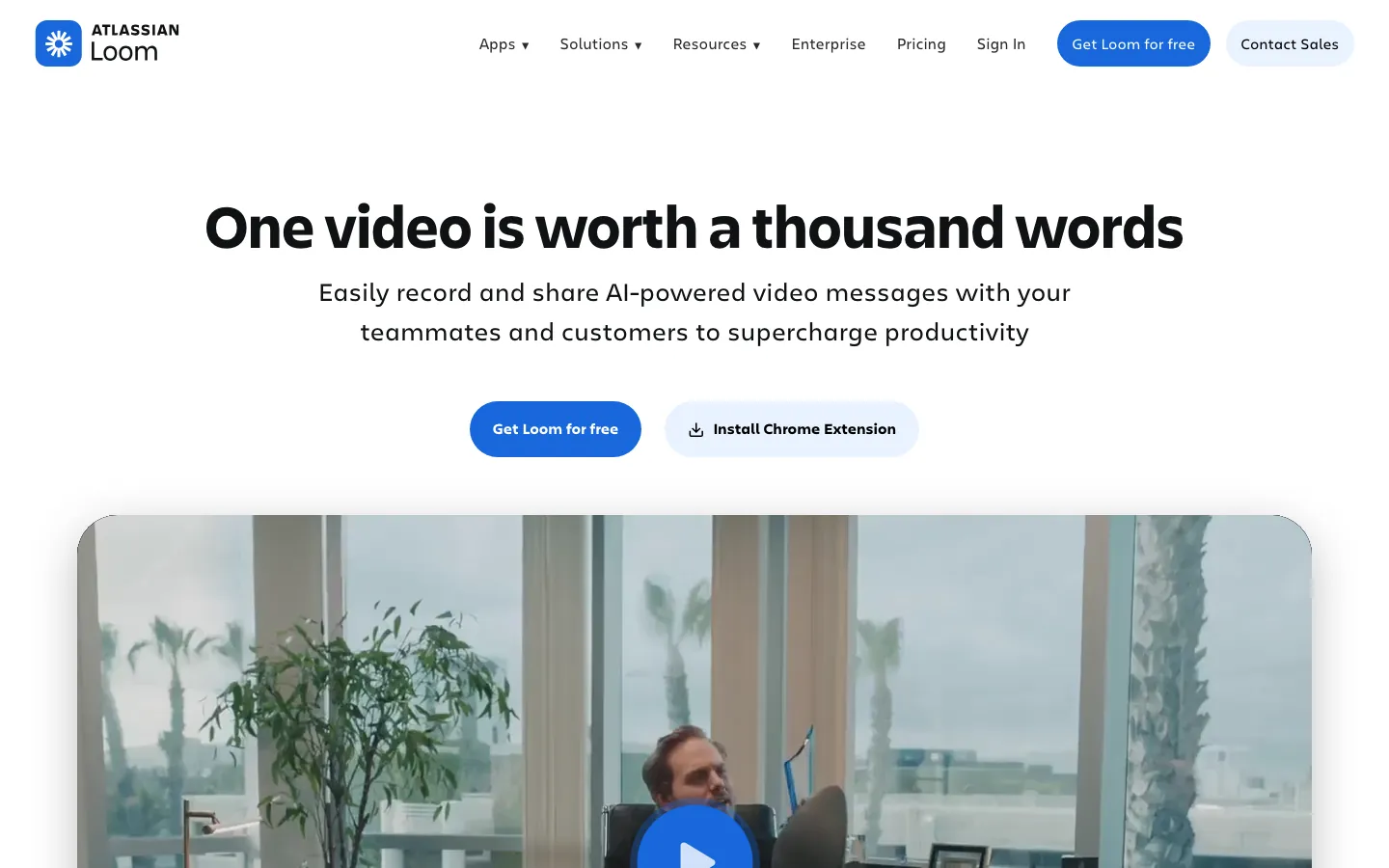
Screenshots of Loom 3 images
What's great
- Fastest record-to-shareable-link in the segment, under 30 seconds from recording to a watchable URL
- AI chapters, auto-summaries, and filler-word removal bundled at $20/user/mo on the Business + AI tier
- 1,000+ integrations including Notion, Slack, Jira, Linear, and GitHub via the Atlassian ecosystem post-acquisition
Watch-outs
- Free tier caps at 25 videos per person at 5 minutes each, power users hit the wall in week one
- G2's top complaint with 147 mentions is recording reliability, frozen uploads and audio sync failures on slower networks
- Business + AI tier at $24/mo monthly (or $20 annual) is materially more expensive than Tella Pro at $13 for similar AI features
Loom is the default async video tool for a reason. The record-and-share workflow is faster than anything else in this segment. 2,407 G2 reviews average 4.7/5, with ’ease of recording’ and ’easy sharing’ as the top-cited positives across 330 and 260 separate mentions respectively.
The Atlassian acquisition brought deeper Jira and Confluence integration, which makes Loom comments inside Jira tickets a faster code-review medium for engineering teams already on Atlassian.
The watch-out is the AI tier pricing: $24/user/mo monthly for Business + AI compared to Tella’s $13 for similar transcript and summary features. For teams already in the Atlassian ecosystem, Loom is the obvious pick. For teams counting seats on a budget, test Tella first.
Pricing breakdown
| Plan | Price | Best for |
|---|---|---|
| Starter | $0 | Solo and small teams |
| Business | $18/user/mo | Teams needing unlimited recording and 4K |
| Business + AI | $24/user/mo | Teams wanting AI summaries |
| Enterprise | Custom | SSO |
Loading reviews…
Vidyard
Best for sales-driven async video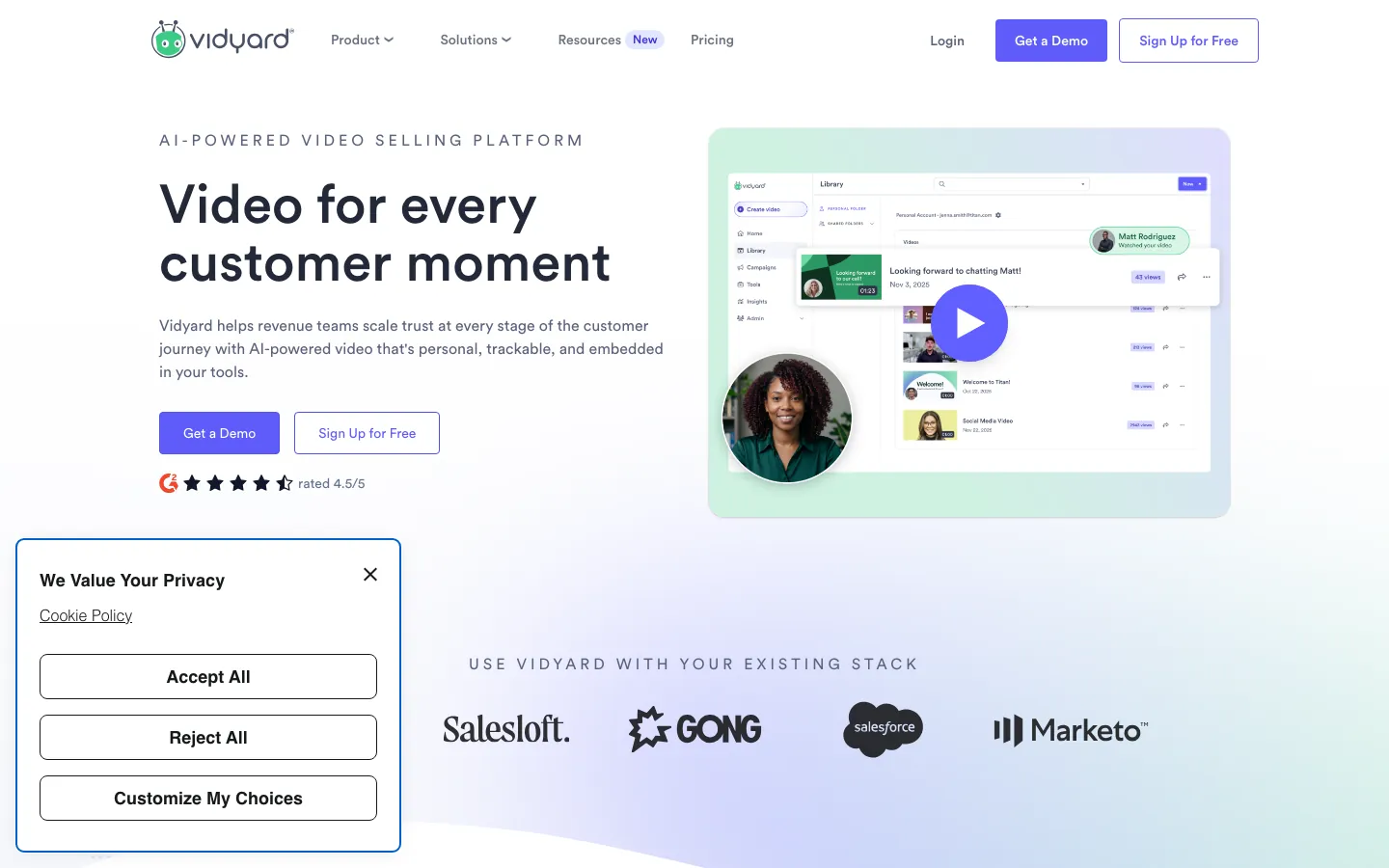
Screenshots of Vidyard 3 images
What's great
- Viewer-level analytics show who watched, when, and which sections they replayed, no other tool in this list ships this at equivalent depth
- CRM integrations with Salesforce, HubSpot, and Outreach push watch data directly into the lead record
- Video prospecting templates and AI-personalized video scripts designed specifically for SDR outbound workflows
Watch-outs
- CRM integration (Salesforce, HubSpot) is locked to the Teams tier at $99/user/mo, not the $59 Starter plan, so the sales use case costs more than the entry price suggests
- Less useful for pure internal documentation compared to Loom or Scribe
- AI features are newer and less polished than Loom's transcript and chapter quality as of May 2026
Vidyard is the right pick when async video is part of the sales motion. The view-tracking analytics are the genuine differentiator: you know exactly which prospect watched your 3-minute demo follow-up, how far they got, and which section they rewound.
831 G2 reviews at 4.5/5 cite ‘conversion-driven sharing’ and ‘CRM integration’ as the standout features, per MarketBetter’s 2026 Vidyard analysis .
Budget honestly: Starter is published at $59/user/mo, but the Salesforce and HubSpot integration that makes Vidyard worth it for sales sits in the Teams plan at $99/user/mo. For internal use or documentation, Loom or Scribe are cheaper and equivalent. For sales orgs where video is part of the sequence, Vidyard is the pick.
Pricing breakdown
| Plan | Price | Best for |
|---|---|---|
| Free | $0 | Individual reps testing async prospecting |
| Starter | $59/user/mo | Solo AEs with full analytics (no CRM integration) |
| Teams | $99/user/mo | SDR teams needing Salesforce and HubSpot integration |
| Enterprise | Custom | SSO |
Loading reviews…
Scribe
Best for process documentation and SOP generation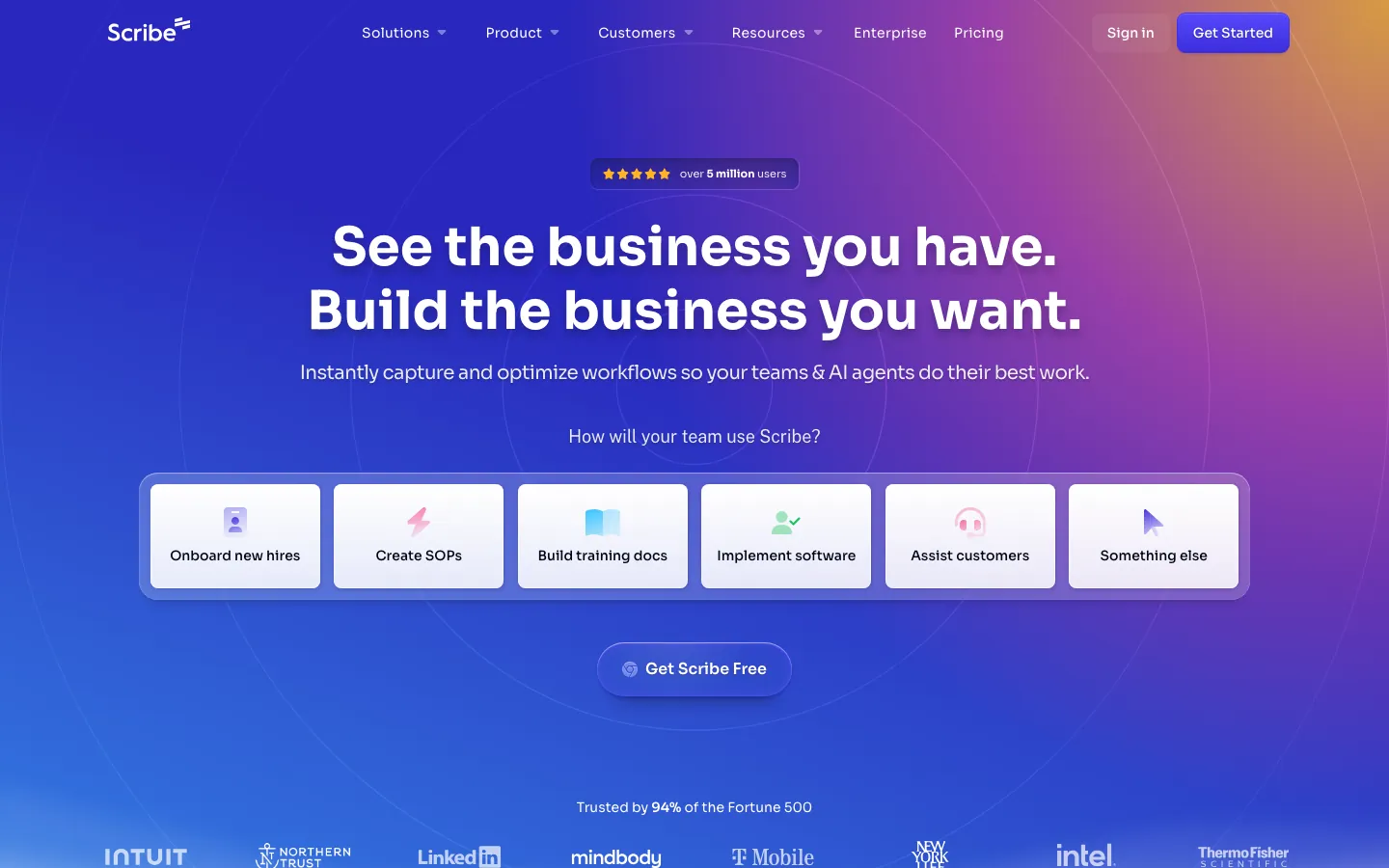
Screenshots of Scribe 3 images
What's great
- Auto-generates step-by-step text guides with annotated screenshots from a single recording capture, no manual editing
- 4.8/5 G2 rating across 836 reviews, the highest score in this shortlist, cited by 94% of Fortune 500 companies
- Exports to PDF, HTML, and Markdown, which means documentation lands in the format ops and engineering actually use
Watch-outs
- Pro Team tier requires a 5-seat minimum at $13/seat/mo, meaning entry cost is $65/mo even for a 2-person team
- Scribe is primarily a documentation generator, not a conversational async tool. No threaded replies, no watch analytics
- Enterprise pricing is reportedly $18,000+ per year based on G2 reviewer mentions, a steep jump for mid-market
Scribe sits at the edge of the async video category. It records your screen, but the primary output is annotated step-by-step documentation, not a video to watch. That distinction matters. If your async need is ‘watch me do this thing’, Loom is faster. If your async need is ‘here is the documented process for doing this thing’, Scribe is the right tool.
836 G2 reviews at 4.8/5 are the strongest scores in this guide. The Fortune 500 adoption is real: New York Life, T-Mobile, and LinkedIn are listed customers per Scribe’s own reviews page .
The 5-seat minimum at $13/seat makes it $65/mo minimum, worth it for ops teams building knowledge libraries, harder to justify for a 2-person team doing occasional walkthroughs.
Pricing breakdown
| Plan | Price | Best for |
|---|---|---|
| Basic | $0 | Web capture only |
| Pro Personal | $25/user/mo | Solo power users needing desktop capture |
| Pro Team | $13/seat/mo | Teams of 5+ building shared documentation libraries |
| Enterprise | Custom | SSO |
Loading reviews…
Tella
Best for polished customer-facing video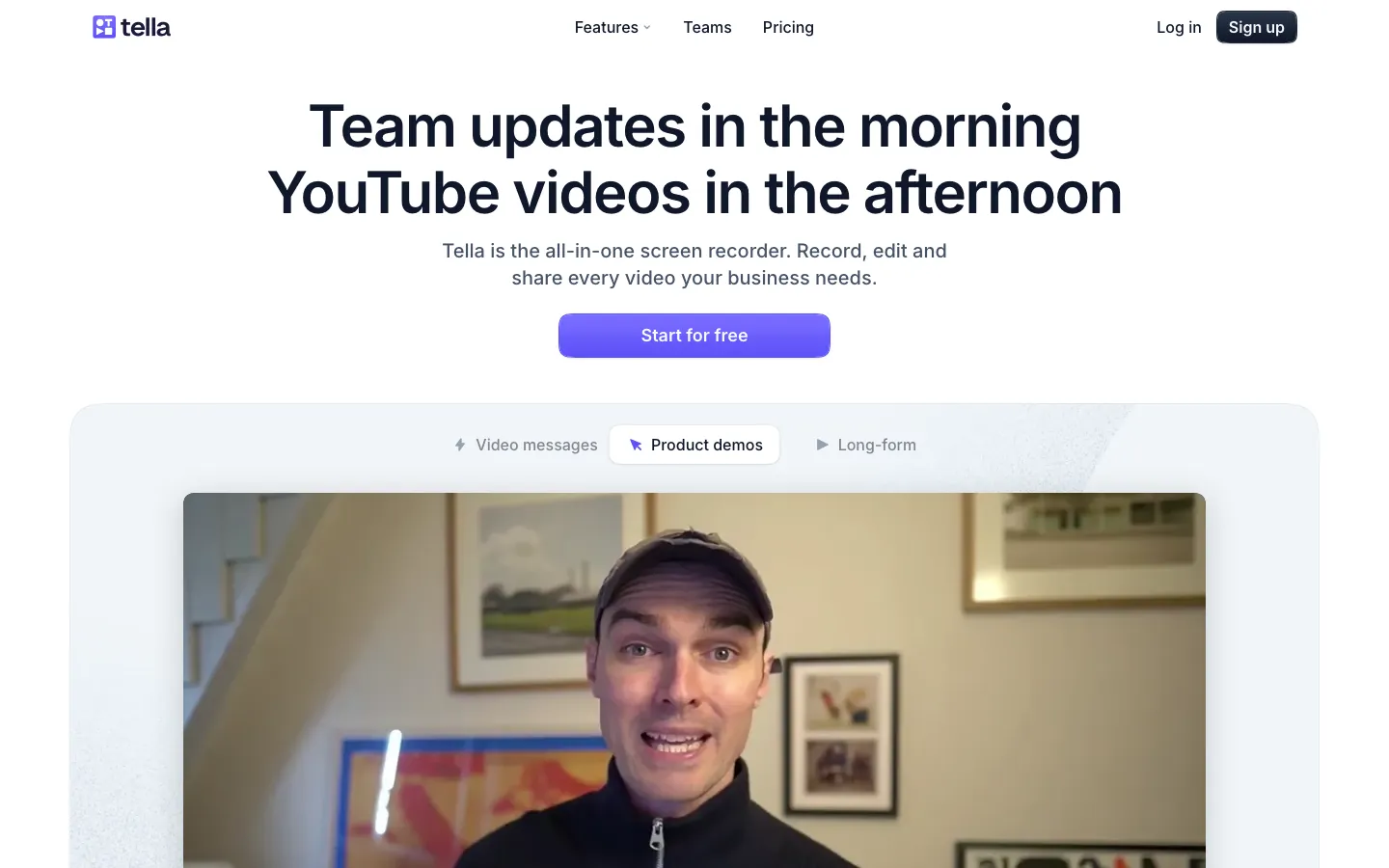
Screenshots of Tella 3 images
What's great
- Auto-zoom on cursor, custom backgrounds, multiple camera layouts, and AI filler-word removal built into the browser-based recording flow
- Pro tier at $13/user/mo includes AI summaries and transcript features that Loom charges $24/user/mo for
- No editing software needed. The output looks produced without a post-production step
Watch-outs
- Recording flow is slightly heavier than Loom's. Not the fastest for sub-90-second internal updates
- G2 review count is very small (only a handful as of May 2026), harder to validate sentiment at scale
- Premium tier at $19/user/mo adds custom domain and branding, which smaller teams won't need
Tella sits between Loom (fast internal async) and a full video editor. The production quality is noticeably better than a raw Loom recording without requiring any video editing knowledge.
The Loom vs Tella comparison done by WeAreFounders puts the output gap clearly: Tella’s auto-zoom, AI filler removal, and multiple layout options make a 4-minute product update look like it was produced rather than recorded. The AI pricing gap is real.
Tella’s pricing page shows Pro at $13/user/mo, which includes the same AI features Loom charges $24/mo for on Business + AI. A 10-seat team pays $1,440/yr less for comparable AI output quality.
That is Loom Business + AI at $24/user/mo versus Tella Pro at $13/user/mo, a 46% lower per-seat AI price by our math off both vendors’ published rates. For customer-facing video (sales demos, product updates, support walkthroughs), Tella’s polish pays back. For internal updates where speed matters more than aesthetics, Loom is still faster.
Pricing breakdown
| Plan | Price | Best for |
|---|---|---|
| Free | $0 | Basic recording and sharing |
| Pro | $13/user/mo | AI summaries |
| Premium | $19/user/mo | Custom branding |
| Enterprise | Custom | Team admin |
Loading reviews…
Zight
Best screenshot-plus-video combo tool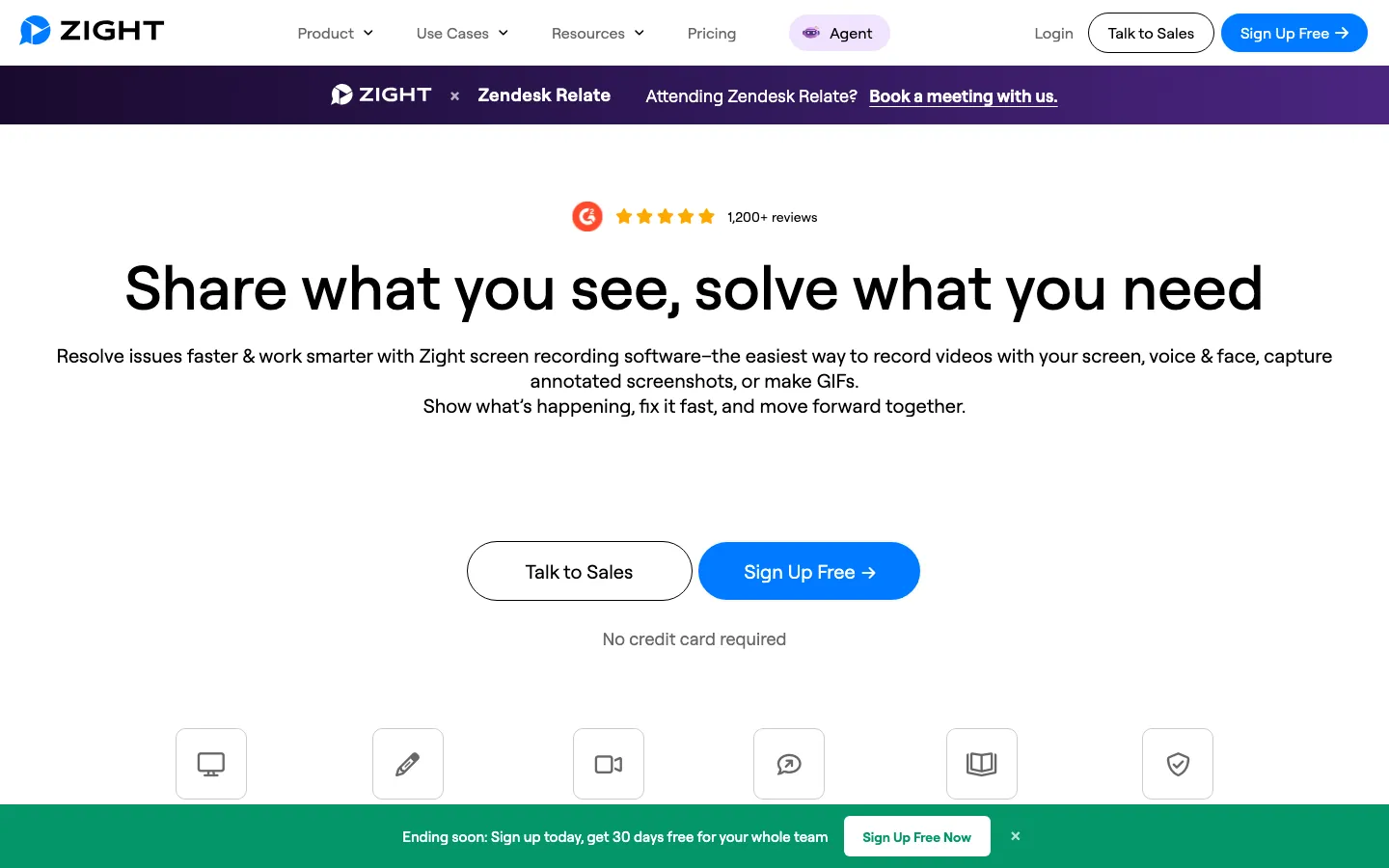
Screenshots of Zight 3 images
What's great
- Screenshot annotation, GIF creation, and video recording under one tool, covering the full visual communication stack
- 4M+ user base and 4.6/5 on G2 across 1,200+ reviews, one of the most widely adopted tools in this guide
- Team tier at $8/user/mo is the most affordable paid plan in this comparison for teams needing unlimited captures
Watch-outs
- AI transcription and summaries are newer and thinner than Loom or Tella
- Video-first features are weaker than Loom for long-form async. Zight wins on breadth, not depth
- Free tier caps at 25 captures and 1.5 minutes of recording, which runs out fast for a daily-use workflow
Zight, formerly CloudApp, is the right tool when async video is one piece of a larger visual communication workflow that also includes screenshots and GIFs. The 4M user base speaks to broad adoption, and 1,200+ G2 reviews at 4.6/5 show sustained satisfaction.
Zight’s pricing page confirms the Team tier at $8/user/mo for unlimited captures and recordings.
It fits support teams well for bug reports (screenshot with annotation) and quick explainers (short video) in the same tool, and TrustRadius reviewers consistently flag the annotation quality on screenshots as above average for the segment.
The $8/user/mo Team tier is genuinely affordable for a tool that covers three capture types. For teams that live in video-first communication with AI summaries as a core feature, Loom or Tella go deeper. For teams needing screenshots, GIFs, and occasional video, Zight is the right call.
Pricing breakdown
| Plan | Price | Best for |
|---|---|---|
| Free | $0 | Individuals |
| Pro | $9.95/user/mo | Solo users needing unlimited 4K captures |
| Team | $8/user/mo | Teams of 2+ |
| Enterprise | Custom | Advanced security |
Loading reviews…
Bubbles
Best for threaded async replies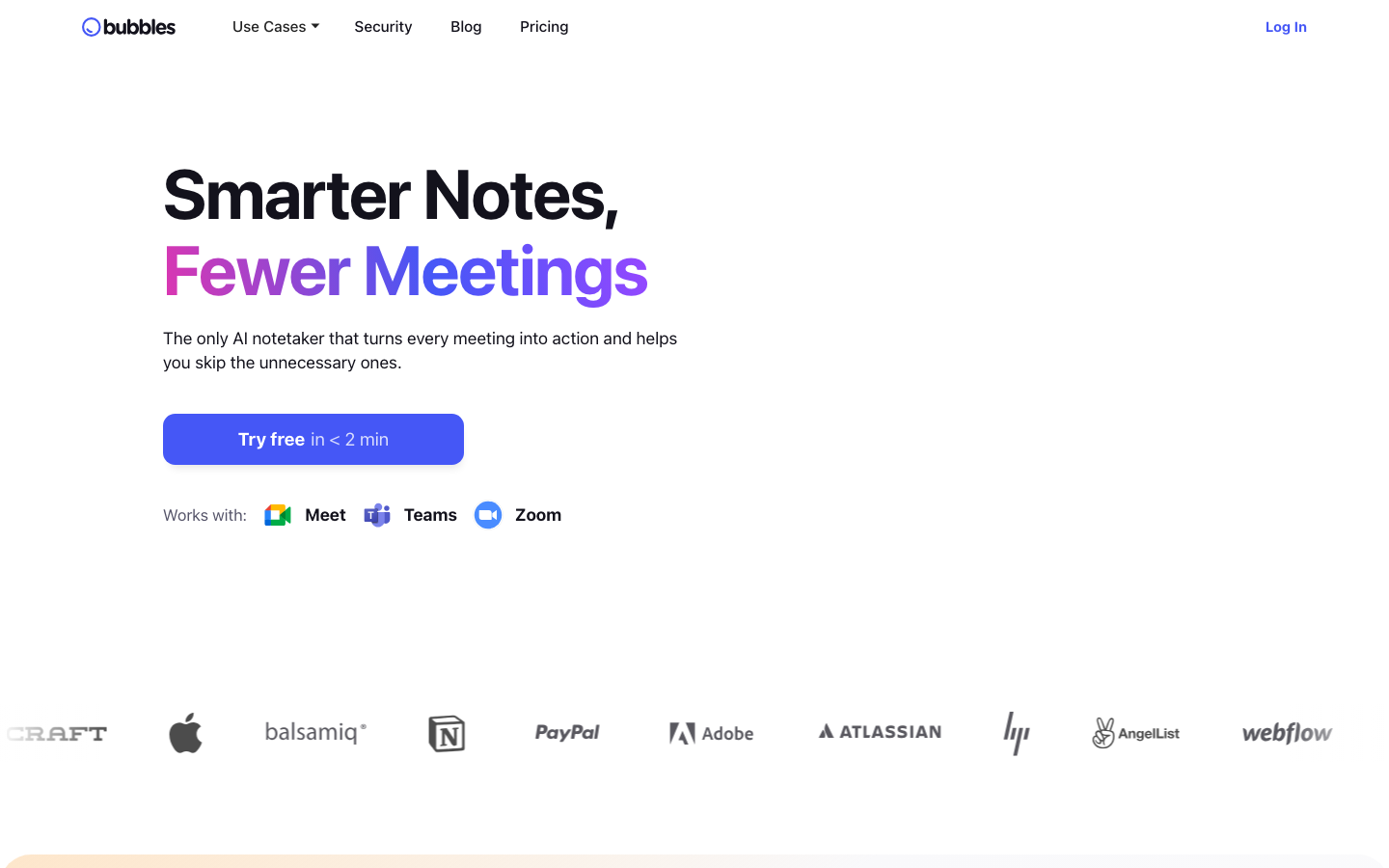
Screenshots of Bubbles 3 images
What's great
- Optimized for sub-2-minute contextual replies threaded into existing conversations, the quickest async reply format tested
- AI meeting summaries and action items from Zoom, Google Meet, and Teams recordings, not just standalone recordings
- Pro Teams tier at $12/member/mo (3+ seats) is among the most affordable full-featured async tools in the segment
Watch-outs
- Smaller ecosystem than Loom. Fewer native integrations outside Slack, Notion, and the meeting platforms
- G2 review count is small (9 reviews listed on G2 as of May 2026), making longitudinal satisfaction harder to measure
- Older recordings become inaccessible on the free tier without upgrading, a pain point cited in multiple user reviews
Bubbles is designed for a different use case than Loom. Where Loom optimizes for the record-and-broadcast workflow (one person records, many watch), Bubbles is built for the record-and-reply pattern, short contextual videos that thread into an ongoing conversation.
One user noted in a Chrome Web Store review that their team had ‘almost no meetings on the calendar’ after adopting Bubbles, with context delivered and acted on through short threaded video replies.
Bubbles’ pricing page shows Pro Teams at $12/member/mo for groups of 3+, down from $15/mo billed monthly, a meaningful difference for 10+ seat deployments.
Capterra’s 2026 Bubbles listing notes the tool is particularly strong for remote and distributed teams using async as the primary collaboration channel. Not the right tool for producing polished customer-facing content. The right tool when async video is your primary reply medium.
Pricing breakdown
| Plan | Price | Best for |
|---|---|---|
| Basic | $0 | Solo async communication |
| Pro Personal | $22/user/mo | Freelancers and solo power users |
| Pro Teams | $12/member/mo | Teams of 3+ |
| Enterprise | Custom | Custom retention |
Loading reviews…
Soapbox by Wistia
Best free Chrome extension for quick async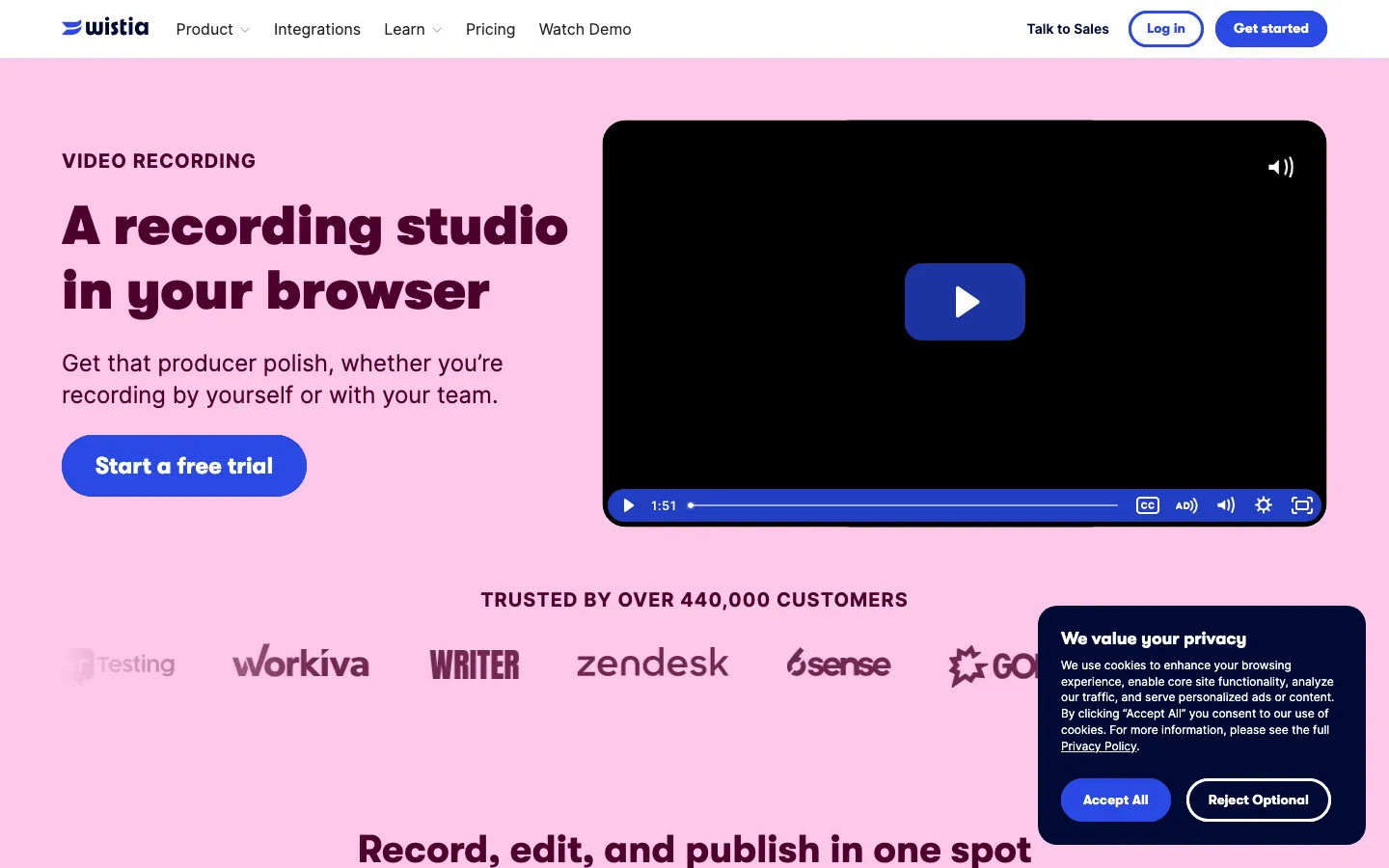
Screenshots of Soapbox by Wistia 3 images
What's great
- Zero cost for the core recording and sharing workflow. Chrome extension, no account setup required to record your first video
- Split-screen format (camera and screen side by side) is a genuine differentiator for walkthrough and explanation videos
- Backed by Wistia's video infrastructure, so sharing links are fast and reliable
Watch-outs
- G2 review count is very small (25 reviews), harder to assess reliability at scale
- Soapbox is positioned as an entry tool into the broader Wistia platform. Plus at $19/mo and Pro at $79/mo are aimed at marketing video hosting, not async team communication
- No AI summaries, no transcription on the free tier, no threaded reply format
Soapbox is the right pick for the team that wants to test async video without a budget conversation. The Chrome extension is free, the split-screen format is genuinely good for walkthroughs, and the Wistia backend keeps links stable.
25 G2 reviews at 4.4/5 is a limited sample, but Wistia’s overall G2 profile is substantially larger. The catch is that Soapbox is primarily a feeder tool for Wistia’s paid marketing-video platform.
If you want AI summaries, transcription, or team-level analytics, you’ll outgrow Soapbox within two months and need to pick one of the fuller-featured tools. Use it to prove the async video habit before committing budget.
Pricing breakdown
| Plan | Price | Best for |
|---|---|---|
| Free (Soapbox) | $0 | Individual use |
| Wistia Plus | $19/mo flat | Marketers needing video hosting and analytics |
| Wistia Pro | $79/mo flat | Marketing teams with branded video hosting |
| Wistia Advanced | $319/mo flat | Enterprise video marketing workflows |
Loading reviews…
Berrycast
Best for regulated industries and privacy-first teams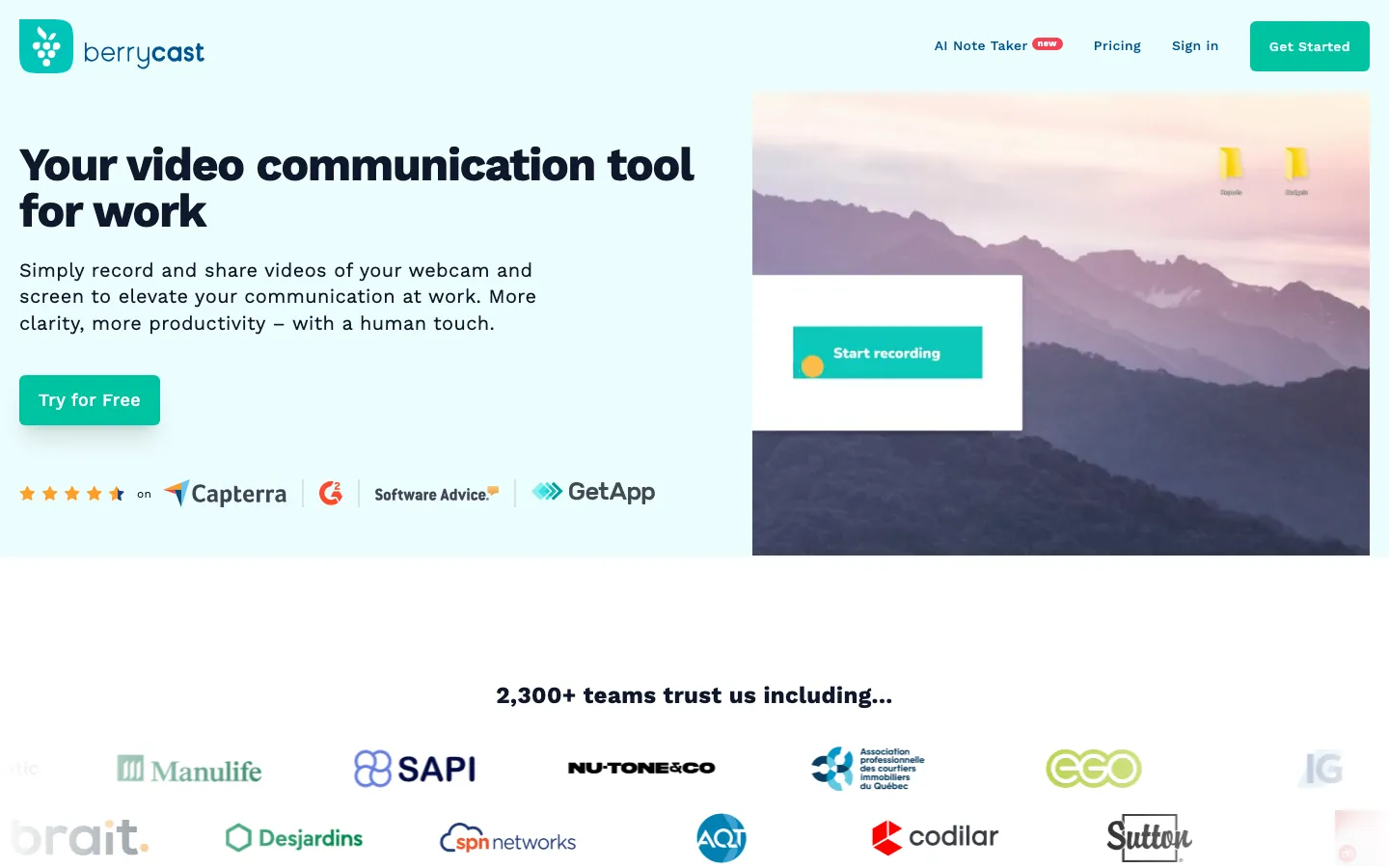
Screenshots of Berrycast 3 images
What's great
- Password protection, access controls, and end-to-end encryption on the Pro tier, features most async tools bury in Enterprise tiers
- Clean, no-distraction interface with custom branding and custom URLs on Pro, used in regulated industries where the link destination matters
- Honest flat pricing at $9.99/user/mo Pro with no per-video overages or contact-tier escalators
Watch-outs
- 10-video monthly cap on the free tier is the most restrictive limit in this guide
- Smaller integration ecosystem. Slack and email sharing work well; deeper integrations into project tools are weaker
- AI summary and transcription features are less developed than Loom, Tella, or Bubbles
Berrycast fills a specific gap in the async video market. The access control and encryption features that most tools reserve for Enterprise tiers are included in the $9.99/mo Pro plan, which is why it tends to clear IT review faster than tools that gate those controls behind Enterprise.
Capterra’s 2026 profile for Berrycast shows consistent praise for the intuitive interface and privacy controls.
G2’s Berrycast reviews page highlights the ease of sharing and fast upload times as the top-cited positives, with editing depth as the most common limitation.
GetApp’s 2026 Berrycast listing confirms the tool’s consistent positioning for distributed teams needing both visual clarity and access security. The trade-off is breadth: Berrycast does async recording and sharing well, but it doesn’t match Loom on AI features or Zight on capture breadth.
For teams in healthcare, legal, financial services, or any context where video links need password protection before sharing externally, Berrycast is the right pick.
Pricing breakdown
| Plan | Price | Best for |
|---|---|---|
| Free | $0 | Up to 10 videos per month |
| Pro | $9.99/user/mo | Unlimited recording |
| Enterprise | Custom | E2E encryption |
| Enterprise+ | Custom | Advanced security |
Loading reviews…
Komodo (Kommodo)
Best AI documentation and SOP recorder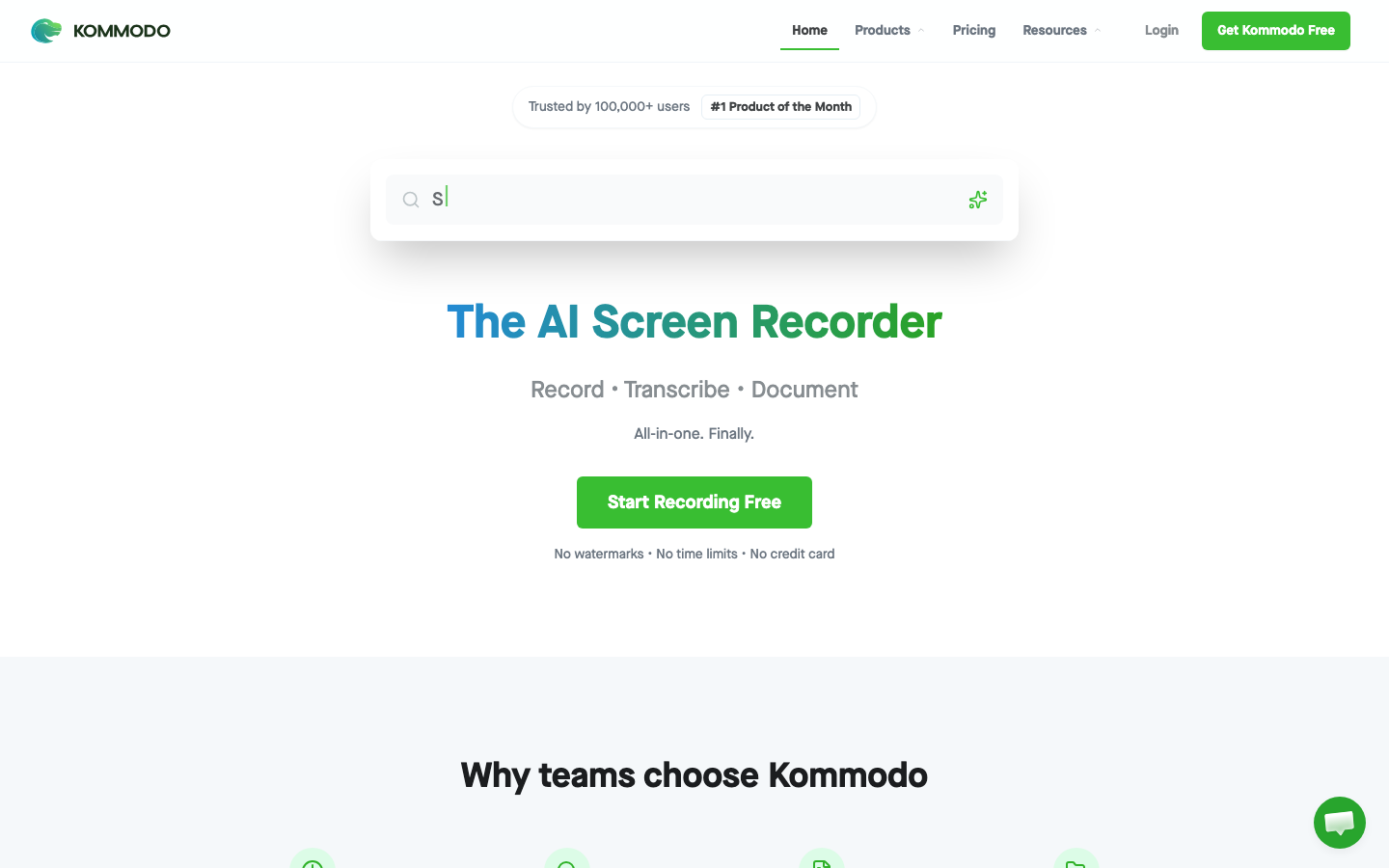
Screenshots of Komodo (Kommodo) 3 images
What's great
- Free Starter tier records with no watermark, useful for testing the section-based output before paying
- AI automatically converts recordings into navigable section-based presentations, viewers skip to relevant parts rather than scrubbing through video
- SaaSworthy rating of 4.8 across 1,811 ratings signals a strong early-adopter base for a tool this young
Watch-outs
- After the September 2025 Kommodo rebrand, the free tier added a 60-day access cap, recordings older than 60 days need a paid subscription to view, so it is no longer the free-forever archive it once was
- Browser extension has noted instability issues cited across AppSumo and G2 reviews
- AI documentation output works best for process walkthroughs; less useful for conversational or update-style async communication
Komodo rebranded as Kommodo in 2025 and pivoted harder into the AI SOP generation space. The key differentiator from Loom is the output format: Komodo converts a screen recording into a navigable, section-based presentation with AI-generated step-by-step guides, not just a video to watch passively.
1,811 ratings on SaaSworthy averaging 4.8 reflect a strong early-adopter base. Komodo’s G2 reviews page shows consistent praise for ease of use and affordability, with the browser extension instability cited as the primary limitation.
Droidcrunch’s Komodo review notes that the section-based navigation format is the strongest differentiator from traditional async video tools. One caveat since the rebrand: the free tier now caps recording-history access at 60 days, so it is no longer the free-forever archive earlier reviews described.
The section navigation is the real draw for longer walkthroughs, but until the extension reliability improves, plan for occasional re-records.
Pricing breakdown
| Plan | Price | Best for |
|---|---|---|
| Starter (Free) | $0 | Recording with no watermark; recording history capped at 60 days |
| Premium | See vendor | Unlimited videos |
| Enterprise | Custom | SSO |
Loading reviews…
Tools we considered but excluded
We evaluated more tools than the 9 you see above. These did not make the cut. Saying what we rejected, and why, is the editorial muscle most listicles skip.
- Yac: Pivoted to audio-first hybrid messaging. Audio-only async is a different category and Yac lost significant market share to Slack's voice message feature by 2025.
- CloudApp: Rebranded to Zight. Listed as Zight in this guide.
- Hippo Video: Strong on paper but the AI features trail Vidyard at a similar price point for sales-specific use cases.
- ScreenPal: Solid budget option at $3/mo but weak AI features and no team collaboration layer worth comparing to the tools in this list.
- Screencastify: Education-focused product that doesn't map cleanly to B2B team async communication workflows.
- Loom for Enterprise via Atlassian: Not a separate tool. Enterprise Loom is covered under the Loom entry above.
Honorable mentions
Solid tools that did not crack the main list but are worth tracking, especially for niche use cases.
- Descript: Full video editor with async collaboration features. Worth watching if async and video production are the same workflow for your team.
- Supademo: Interactive demo creation that overlaps with async video for product walkthroughs. Different enough to be its own category.
- Guidde: AI-generated video guides from screen capture, closer to Scribe than Loom. Useful for customer success and onboarding teams.
The four async video sub-categories these 9 tools cover
The async video market has split into four distinct sub-categories that get confused with each other. The right tool depends on what you’re actually replacing.
Broadcast async. One person records, many people watch. Updates, demos, product walkthroughs, training content. Loom, Tella, and Zight are built for this. The primary question is speed-to-shareable-link and whether you need production polish.
Conversational async. Video as a reply medium rather than a broadcast medium. Short contextual video notes threaded into conversations. Bubbles is the clearest example. This category overlaps with the voice-message features in team chat tools like Slack but adds screen context.
Sales async. Video designed for outbound prospecting and follow-up, with analytics that track who watched what and when. Vidyard dominates this sub-category. The CRM integration story is the differentiator here, not the recording quality.
Documentation async. Screen recordings that produce documentation artifacts, step-by-step guides, annotated screenshots, navigable SOP decks rather than videos to watch. Scribe and Komodo sit here. This is meaningfully different from Loom-style async; the output is a process document, not a video to watch.
The nine tools above cover all four sub-categories. Two tools (Scribe and Komodo) sit at the edge of the category, their output is documentation-first rather than video-first. They’re in this guide because buyers searching for async video tools often need them.
How to choose the right async video tool for your team
Five questions, answered honestly. The list collapses to two or three real options.
1. Your primary use case
- Internal updates and status communication. Loom or Bubbles. Loom wins on speed, Bubbles wins on threaded reply context.
- Customer-facing video (sales, support, onboarding). Tella or Vidyard. Tella for quality, Vidyard for sales analytics.
- Process documentation and SOPs. Scribe. If the output needs to be a searchable text document with screenshots, Scribe is the only purpose-built tool for that.
- Screenshot + GIF + video in one workflow. Zight.
- Regulated industry or privacy-sensitive content. Berrycast.
2. Whether you need AI summaries and transcription
If yes, verify what’s in the base tier before buying. Loom charges $24/user/mo (monthly) for AI features. Tella charges $13/user/mo for comparable AI. Bubbles includes AI meeting summaries at $12/member/mo on the Pro Teams plan. Zight and Berrycast have lighter AI implementations.
3. How much the free tier matters
For teams testing async video before committing budget, the free tier quality varies significantly. Komodo’s free Starter tier records with no watermarks but, since the September 2025 rebrand, caps access to recordings older than 60 days, so it works for testing more than for a permanent free archive. Loom’s 25-video cap is hit in week one by active users.
Soapbox is free indefinitely for basic recording. Berrycast caps at 10 videos per month.
4. The CRM and project tool integration depth
Vidyard’s Salesforce, HubSpot, and Outreach integrations are native and push view data into the lead record. Loom’s integrations with Jira, Notion, Confluence, and Slack are deeper post-Atlassian acquisition. Zight covers Slack and support tools. Berrycast is weaker on integrations.
5. Whether you outgrow it in 12 months
Loom, Scribe, and Vidyard scale to enterprise with SSO, SCIM, and governance controls. Soapbox and Berrycast at smaller scales are fine; past 100 users the admin overhead grows.
Komodo’s paid Premium tier covers shared workspaces and team features, but it hasn’t had the enterprise adoption track record that Loom has at the same scale, and its pricing shifted with the September 2025 Kommodo rebrand, so re-quote it before budgeting.
When async video replaces a sync meeting
This is the use case that justifies the tool purchase. But not every meeting type is replaceable. Understanding the timing math is what separates teams that cut 30% of meetings from teams that just add another notification stream.
The weekly status update. A 30-minute meeting with 8 people costs 4 hours of total calendar time. A 4-minute Loom watched at 1.5x speed takes 2.5 minutes per viewer, 20 minutes total for 8 people. Even accounting for re-watches, that’s an 80% reduction in time spent. This is the easiest win and where every team should start.
The code review or design feedback session. A Loom or Scribe walking through the PR or the mockup before the review meeting cuts the meeting itself from 60 minutes to 20. Engineering teams that build async-first code review habits tend to run shorter synchronous review sessions because the context is pre-loaded.
The customer demo follow-up. A 5-minute Vidyard or Tella video recapping the demo highlights, answering the top three objections, and showing the pricing scenario the buyer asked about. This replaces the 30-minute “recap call” that rarely happens anyway. Win-rate math on this is hard to attribute cleanly, but a short personalized video tends to pull better engagement than a plain-text follow-up.
What async video does not replace: Any meeting where the decision requires real-time negotiation, back-and-forth clarification, or emotional context reading. A performance conversation. A contract negotiation. A product roadmap debate where priorities need to shift in real-time. The teams that fail with async video try to replace these, hit friction, and blame the tool instead of the use case.
The practical test: for any meeting on your calendar, ask “does this meeting exist to transfer information, or to negotiate an outcome?” Information transfer is almost always async-replaceable. Outcome negotiation rarely is.
Selection criteria, what to test in your async video trial
Eight things that tell you whether a tool will stick before you commit to annual pricing.
One, time your first record-to-shareable-link. Take a real task, not a demo workflow. Open the tool, record a 3-minute screen walkthrough, and measure how long it takes from hitting record to having a link you’d actually send. Loom gets to shareable in under 30 seconds. Some tools take 3-5 minutes to process and upload. That latency matters; it’s why teams revert to Slack messages.
Two, send a video and measure the watch rate. Send the same update to your team via async video and via written message on the same day. Compare how many people watched versus how many opened the text. If the first few videos draw weak watch completion, the habit rarely survives the first month. If your first few videos don’t get watched, the tool doesn’t matter.
Three, test AI transcription quality on your real use case. Record yourself explaining a technical concept or a business process, then check the AI transcript for accuracy. Accuracy on product jargon and proper nouns varies significantly between tools. Loom’s AI is strong on general business language; Scribe handles process documentation; Vidyard’s AI transcript quality is newer.
Four, pull a complete export. Download all your videos and transcripts as raw files. If this takes a support ticket or requires an Enterprise upgrade, it’s a data-portability risk at contract renewal time.
Five, check the viewer experience on mobile. Over 40% of Vidyard view data shows videos being watched on mobile. A link that opens well on desktop but breaks on mobile means the person watching it on their phone skips it. Test the share link on iOS and Android before your team sends their first round of customer-facing videos.
Six, run the integration end-to-end. If you need Slack notifications, a Notion embed, or Salesforce sync, test these completely during the trial. “Integration available” is technically true for almost every tool. Whether it works without three extra steps and a Zapier middleman is a different question.
Seven, count clicks per video. Open the tool, record, trim, add a title, and send. Count clicks. The difference between four tools in this list is 8 clicks vs 18 clicks for the same workflow. Multiply by 200 videos a month across a 20-person team.
Eight, ask about the year-2 contract. Ask the sales rep what the average year-two rate increase was. If they can’t answer, budget for 8-15%. Negotiate an uplift cap before signing.
Where the 9 async video tools line up on core features
| Tool | Free tier | AI summaries | Transcript export | CRM integration | Screen + camera |
|---|---|---|---|---|---|
| Loom | 25 videos | Business + AI ($24) | ✓ | M (Zapier) | ✓ |
| Vidyard | ✓ unlimited | • (newer) | ✓ | N (Salesforce, HubSpot) | ✓ |
| Scribe | Web only | ✓ Pro ($25) | PDF/HTML/MD | • (Zapier) | Screenshots only |
| Tella | ✓ | ✓ Pro ($13) | ✓ | • (Zapier) | ✓ |
| Zight | 25 captures | • (limited) | ✓ | • (Zapier) | ✓ |
| Bubbles | ✓ | ✓ Pro ($12) | ✓ | • (Zapier) | ✓ |
| Soapbox | ✓ unlimited | ✗ | ✗ | ✗ | ✓ |
| Berrycast | 10 vids/mo | ✗ | ✓ | • (Zapier) | ✓ |
| Komodo | ✓ (60-day access cap) | ✓ Free | ✓ | • (Zapier/Make) | ✓ |
The standouts: Komodo includes AI documentation on its free Starter tier (though free access to recordings is now capped at 60 days). Tella’s AI-per-dollar ratio is the best in the paid segment. Vidyard is the only tool with native CRM integration that pushes viewer data into Salesforce and HubSpot.
Scribe is the only tool that exports to PDF and HTML natively.
Transcription and AI summary depth
This is the 2026 differentiator. In 2024 every tool was racing to ship an AI summary button. By mid-2026 the gap between shallow and deep AI implementation is measurable.
Loom’s AI. The Business + AI tier ($20/user/mo annually, $24 monthly) ships auto-chapters, auto-title generation, AI summary, filler-word removal, and AI-written responses to video comments. The chapters are stronger on business-language content and less reliable on dense technical product jargon, a pattern common to most of these AI summarizers.
Filler-word removal is clean. The AI summary format is good for sharing with someone who didn’t watch the video; it reads like a meeting note, not a transcript excerpt.
Tella’s AI. The Pro tier at $13/user/mo includes auto-captions, AI summary, and filler-word removal at the same quality tier as Loom for 46% less cost ($13 versus Loom’s $24 monthly Business + AI rate). The tradeoff is that Tella’s AI is better optimized for polished output (external-facing) and slightly less tuned for internal technical walkthroughs. The accuracy delta is small in practice. For teams where the AI tier is a budget line item per seat, Tella’s pricing wins.
Scribe’s AI. Scribe’s AI is different from the others. It doesn’t generate a video summary; it generates the documentation. Workflow AI identifies repetitive process steps, suggests standardized language, and auto-formats screenshots with numbered annotations. This is the most useful AI implementation in the group for ops teams, not because it’s the most capable but because it’s doing a job that would otherwise require manual effort rather than just summarizing a video.
Bubbles’ AI. The meeting-summary AI (from Zoom, Meet, Teams) works well as a meeting notetaker, though the dedicated AI meeting notes tools go deeper on that specific job. For standalone async recordings the summary is shorter and less structured than Loom’s. Worth using if your team wants to eliminate the note-taking overhead from live meetings while also adopting async for updates.
Komodo’s AI. Auto-generates step-by-step documentation from any recording on the free plan. The AI identifies distinct steps, numbers them, and produces a structured guide rather than a video to watch. This is closer to Scribe’s output than Loom’s. The distinction matters: if you want a video, use Loom. If you want the video converted into a process guide, use Komodo.
The practical summary: for AI summaries on a budget, Tella at $13/user/mo. For documentation generation from recordings, Scribe or Komodo. For meeting-notetaking AI bundled with async video, Bubbles. For the most polished business-language AI summaries at full price, Loom.
Async video compliance and security, tool by tool
| Tool | SOC 2 Type II | GDPR | Password protection | SSO-SAML | Audit logs |
|---|---|---|---|---|---|
| Loom | ✓ | ✓ | Enterprise | Enterprise | Enterprise |
| Vidyard | ✓ | ✓ | ✓ Teams | Enterprise | Enterprise |
| Scribe | ✓ | ✓ | ✓ Pro | Enterprise | Enterprise |
| Tella | ✓ | ✓ | Premium+ | Enterprise | Enterprise |
| Zight | ✓ | ✓ | Team+ | Enterprise | Enterprise |
| Bubbles | ✓ | ✓ | Pro | ✗ | ✗ |
| Soapbox | ✓ (Wistia) | ✓ | ✗ free | Plus+ | ✗ |
| Berrycast | ✓ | ✓ | ✓ Pro | Enterprise | Enterprise |
| Komodo | • | ✓ | Team+ | ✗ | ✗ |
For enterprise IT review, Loom, Vidyard, Scribe, and Zight are the tools most likely to pass. Berrycast passes for teams in regulated industries because password protection and encryption are included at the $9.99/mo Pro tier rather than locked to Enterprise.
Bubbles holds SOC 2 Type II (independently audited by Johanson Group LLP) but does not yet ship SSO or audit logs, so it clears data-handling review but not full enterprise access governance. Komodo is still building its compliance posture; check directly with the vendor before a regulated-industry deployment.
Integration depth across the async video stack
| Tool | Slack | Notion | Jira | Salesforce | HubSpot |
|---|---|---|---|---|---|
| Loom | N | N | N | M | M |
| Vidyard | N | M | M | N | N |
| Scribe | N | N | N | • | • |
| Tella | N | • | • | • | • |
| Zight | N | M | M | • | • |
| Bubbles | N | N | • | • | • |
| Soapbox | • | ✗ | ✗ | ✗ | ✗ |
| Berrycast | N | • | • | ✗ | ✗ |
| Komodo | M | M | • | ✗ | ✗ |
N = native first-party. M = marketplace or official add-on. • = Zapier/Make only. ✗ = no integration path.
The native integration story belongs to Loom (Atlassian ecosystem: Jira, Confluence, Notion, Slack) and Vidyard (CRM-first: Salesforce, HubSpot, Outreach). For teams in the Atlassian ecosystem, Loom’s integrations are the strongest argument for staying with it over cheaper alternatives.
For sales teams needing CRM data to flow without Zapier, Vidyard is the only option in this list.
How to implement async video without creating another ignored notification stream
Most async video rollouts fail not because the tool is wrong, but because the habit isn’t anchored to a specific, recurring use case.
Phase 1 (weeks 1-2): Replace one meeting type. Pick the lowest-stakes, most repetitive meeting on the team calendar. The Friday status update, the weekly sprint review, the product demo recap. Replace it with async video for four weeks. Don’t try to replace all meetings. Measure watch completion: if it’s under 60%, the videos are too long, too vague, or too frequent. Fix those before moving to Phase 2.
Phase 2 (weeks 3-4): Establish format conventions. Short titles that signal the type (UPDATE: sprint 24 / WALKTHROUGH: pricing page redesign / FYI: Q3 metrics). Chapter markers if the video is over 4 minutes. A clear call to action at the end: “lmk by Thursday if this approach works.” Videos without a CTA become passive FYI content that people watch when convenient, which often means never.
Phase 3 (weeks 5-8): Expand to customer-facing use cases. If async video is working internally, extend it to sales follow-ups, support explanations, and onboarding walkthroughs. This is where Vidyard or Tella earn their seat price versus Loom. The production quality difference between Loom and Tella matters more when the video is going to a prospect than when it’s going to a colleague.
Phase 4 (weeks 9-12): Measure adoption and decide on tooling. Pull watch completion rates from the tool’s analytics. Teams with healthy async video habits tend to keep videos short and watch completion high; when completion stays low, the cause is usually one of two things: videos that are too long, or videos sent without a clear ask.
What’s changing in async video software in 2026
AI summary quality is now a purchase criterion, not a bonus feature. In 2024, any async tool could ship an “AI summary” button and get credit for it. By 2026 the gap between Loom’s chapter-aware summaries, Scribe’s documentation AI, and the lighter implementations in Soapbox and Berrycast is wide enough to drive tool selection. Teams that rely on summaries rather than full video watches are now asking for AI quality in trials.
Atlassian’s ownership of Loom is changing the integration story. Post-acquisition integrations with Jira, Confluence, and Bitbucket are native and deepening. For teams already in the Atlassian ecosystem, Loom’s pull is stronger in 2026 than it was as a standalone product. For teams not in that ecosystem, the price comparison with Tella is harder to justify.
Sales async video is separating from general async video. Vidyard’s analytics and CRM features are optimized for a different workflow than Loom’s internal communication focus. Buyers are starting to see these as two different purchasing decisions: one tool for internal team communication, one tool for customer-facing video. Budget decisions are splitting accordingly.
Documentation-first tools are gaining traction in ops and CS teams. Scribe reached 94% Fortune 500 penetration by May 2026. Komodo’s free Starter tier, even with its new 60-day access cap after the Kommodo rebrand, is attracting teams that were using expensive screen recorders for SOP creation. The category is maturing into distinct use-case buckets.
Privacy and compliance features are moving down-market. Berrycast’s decision to include password protection and encryption in the $9.99/mo Pro tier reflects a broader market shift. Enterprise-level compliance features are becoming table stakes for mid-market tools as more regulated-industry buyers enter the async video market.
What async video tools really cost in year one
What you’ll actually pay in year one versus the marketing page:
| Segment | Listed price | Real year-1 all-in |
|---|---|---|
| Loom Business + AI (10 seats, annual) | $20/user/mo | $2,400 + possible onboarding |
| Vidyard Teams (10 seats) | $99/user/mo | $11,880 (Starter at $59 = $7,080 without CRM) |
| Scribe Pro Team (10 seats, annual) | $13/seat/mo | $1,560 (5-seat minimum applies) |
| Tella Pro (10 seats, annual) | $13/user/mo | $1,560 |
| Zight Team (10 seats, annual) | $8/user/mo | $960 |
| Bubbles Pro Teams (10 seats, annual) | $12/member/mo | $1,440 |
| Soapbox | $0 | $0 (or $228 if upgrading to Wistia Plus) |
| Berrycast Pro (10 seats) | $9.99/user/mo | $1,199 |
| Komodo (10 seats) | Free Starter / Premium (see vendor) | $0 on Starter; Premium re-priced post-rebrand, confirm with Kommodo |
The biggest forecast error buyers make: buying Loom Business at $18/user/mo and then discovering the AI summary features they saw in the demo require the Business + AI upgrade at $24/user/mo. Budget for the AI tier upfront or test Tella as the price-comparable alternative.
Vidyard publishes its Starter ($59/user/mo) and Teams ($99/user/mo) rates, so the trap is the tier, not the secrecy: the CRM integration that justifies Vidyard for sales lives in the $99 Teams plan, which is $11,880/yr for 10 seats before any Enterprise add-ons. Only the Enterprise tier still requires a sales conversation.
The async video pick for each company stage
- Pre-seed, solo founder: Komodo free or Loom free. Pay nothing, test the habit.
- Seed to Series A, under 20 people: Loom Business at $15/user/mo annual, or Tella Pro at $13/user/mo if the AI price difference matters.
- Series A, 20-80 people, internal comms focus: Loom Business + AI. The Jira and Notion integrations alone justify the Atlassian ecosystem bet.
- Series A, 20-50 people, sales-led motion: Vidyard for SDRs and AEs, Loom or Tella for the rest of the team.
- Series B+, ops or CS team building knowledge base: Scribe Pro Team. The documentation output is worth the $65/mo minimum.
- Any stage, regulated industry: Berrycast Pro. Passes IT review faster than any other tool in this list at a non-enterprise price.
- Any stage, screenshot + GIF + video in one workflow: Zight Team at $8/user/mo.
- Any stage, async-first reply culture: Bubbles Pro Teams at $12/member/mo.
- Large teams, 100+ people, enterprise governance: Loom Enterprise or Vidyard Enterprise. Both have SSO, SCIM, and audit logs; Loom’s Atlassian trust anchors enterprise IT faster.
For corrections, vendor pricing disputes, or feedback on this methodology, email hello@topickz.com . We re-test the async video shortlist every six months; the next full refresh ships in November 2026.
Frequently asked questions
Will async video actually replace our weekly sync meetings?
Status updates and one-way walkthroughs, yes. 30-50% meeting reduction is realistic. Decision-making meetings won't go away.
How long should an async video be?
2-5 minutes for updates, 5-10 for walkthroughs. Past 10 minutes watch completion drops sharply; split into segments.
Loom vs Tella in 2026, which one wins?
Loom for speed and Atlassian integrations. Tella for polished customer-facing output. Tella's AI tier costs $11 less per month.
What is the cheapest async video tool with AI summaries?
Tella Pro at $13/user/mo includes AI summaries and filler removal. Loom charges $24/mo monthly for the same features.
Is Scribe an async video tool?
Partially. Scribe records your screen but outputs step-by-step text documentation, not a video. Different use case from Loom.
Which async video tool is best for sales teams?
Vidyard. Viewer-level analytics showing who watched and how far they got are only available at depth in Vidyard.
What async video tool works for regulated industries?
Berrycast. Password protection and encryption are in the $9.99/mo Pro tier, not locked behind an Enterprise tier.
Can async video tools replace screen sharing in support tickets?
Yes. Zight is built for exactly this, screenshot with annotation plus a short recording in the same link.
Which tool has the best free tier?
Komodo's free Starter tier records with no watermarks, though since the 2025 rebrand it caps access to recordings older than 60 days. Soapbox is free indefinitely for basic recording. Loom free caps at 25 videos, 5 minutes each.
How do we get the team to actually watch async videos?
Keep them under 5 minutes, use chapter markers, and always end with a clear ask or decision. FYI videos don't get watched.
Related helpful reads
Write a review
Posts to the page right away. Keep it real — no links or email addresses.