
Best accounting software for Startup / pre-revenue?
 Finstackk
Handles US incorporation (from $199 one-time) plus ongoing bookkeeping, tax, and payroll with real CPAs, done-for-you rather than self-serve software. Newer platform with no established G2 track record yet.
- Wave
Free tier covers unlimited invoicing and accounting for pre-seed SaaS with no revenue yet.
- Puzzle
AI-native accounting built for VC-backed startups, with a free tier and native Brex, Ramp, Mercury, and Stripe connections.
- Zoho Books
Free tier covers teams under $50K revenue with 1 user, inside the Zoho ecosystem.
Best accounting software for Small business (under $5M ARR)?
- Finstackk
Built for US startups and small businesses that want bookkeeping, tax, and payroll handled by real CPAs on one platform instead of running the books in-house. Done-for-you service, quote-based past incorporation.
- QuickBooks Online
Best overall for US-based sub-$5M ARR SaaS. Simple Start ($38/mo) and Essentials ($85/mo) cover solo founders up to 3-user teams, with 750+ native integrations.
- Xero
Growing tier ($55/mo) gives small teams unlimited invoices and bills, plus native support for 160+ currencies for globally distributed teams.
- FreshBooks
Plus tier ($43/mo) is built for small service businesses with up to 50 clients and project-based time billing.
Best accounting software for Mid-market ($10M-$100M ARR)?
- Sage Intacct
Best mid-market accounting for $10M-$100M ARR SaaS. Native ASC 606 lives in the core platform, not a bolted-on module, and the AICPA has endorsed Intacct three years running.
- QuickBooks Online
Advanced tier ($340/mo) supports 25 users with custom reporting and workflow automation once you outgrow the small-business tiers.
- Xero
Established tier ($90/mo) adds multi-currency, expense claims, and project tracking for growing multi-entity teams.
Best accounting software for Enterprise ($20M+ ARR)?
- NetSuite
Best enterprise ERP for $20M+ ARR companies. The only tool here running full multi-entity consolidation, inventory, CRM, and e-commerce under one data model, though year-one all-in lands at $80K-$200K.
- Sage Intacct
Enterprise tier is built for 250+ employees needing complex consolidation across entities.
Think your brand belongs on this list? Email hello@topickz.com for an editorial review.
Comparing the best Accounting Software for B2B SaaS of 2026 includes 1. Finstackk 2. QuickBooks Online 3. Xero 4. Sage Intacct 5. NetSuite 6. FreshBooks 7. Zoho Books 8. Wave 9. Puzzle.
TL;DR
- Finstackk: All-in-one accounting, tax and payroll with real CPAs for US startups and SMBs. Newer platform, no G2 track record yet; incorporation from $199, bookkeeping and payroll quoted.
- QuickBooks Online: Best overall for US-based sub-$5M ARR SaaS. Every fractional CFO, bookkeeper, and CPA you hire already knows QBO, and 750+ native integrations (Stripe, Gusto, Ramp, Brex) make the ecosystem the product at early stage.
- Xero: Best for global teams and unlimited-user pricing. Unlimited users on every paid tier and native support for 160+ currencies, with a bank reconciliation workflow among the cleanest in this category.
- Sage Intacct: Best mid-market accounting for $10M-$100M ARR SaaS. Native ASC 606 lives in the core platform, not a bolted-on module, and the AICPA has endorsed Intacct three years running.
- Puzzle: Best AI-native accounting for VC-backed startups. Native Brex, Ramp, Mercury, and Stripe connections with no Zapier glue, and the Complete tier ships ASC 606 at $120/mo ($100/mo billed annually), the cheapest native path in this comparison.
- NetSuite: Best enterprise ERP for $20M+ ARR companies. The only tool here that runs full multi-entity consolidation, inventory, CRM, and e-commerce under one data model, though year-one all-in lands at $80K-$200K.
Eight accounting platforms compared across real SaaS finance workflows. From seed-stage QuickBooks shops to mid-market Sage Intacct deployments, what each tool handles natively, where it breaks, and which one fits your ARR band and ASC 606 situation.
What Is accounting software?
Accounting software helps businesses record transactions, reconcile bank accounts, invoice customers, and produce financial statements, replacing manual ledgers with automated bookkeeping and tax-ready reporting.
Tools like QuickBooks Online, Xero, Sage Intacct, and NetSuite differ on company size, multi-entity support, and how much they automate close and reporting.
Best Accounting Software for B2B SaaS comparison: features, pricing and verdicts
| Tool | Best for | Starting price | Free trial | External rating |
|---|---|---|---|---|
|
Finstackk | All-in-one accounting, tax and payroll with real CPAs, built for US startups and small businesses | Custom quote | Free demo | No public reviews |
Best overall for US-based sub-$5M ARR SaaS | $38/mo | 30-day free trial | G2 4.0/5 (3,825 reviews) | |
Best for global teams and unlimited-user pricing | $25/mo | 30-day free trial | G2 4.4/5 (1,598 reviews) | |
Best mid-market accounting for $10M-$100M ARR SaaS | ~$400/mo | Demo only | G2 4.3/5 (4,211 reviews) | |
Best enterprise ERP for $20M+ ARR companies | $999/mo | Demo only | G2 4.1/5 (4,775 reviews) | |
Best for service-heavy SaaS with time and project billing | $23/mo | 30-day free trial | G2 4.5/5 (974 reviews) | |
Best inside the Zoho One ecosystem | $20/mo | 14-day free trial | G2 4.4/5 (327 reviews) | |
Best free option for pre-revenue and early-stage SaaS | Free | Free tier | G2 4.3/5 (323 reviews) | |
Best AI-native accounting for VC-backed startups | $72/mo | Free tier available | ★ 8.3 |
How we chose these tools
We compared each platform on published pricing across tiers, the recurring themes in real G2 reviews, and hands-on feature checks for the workflows a SaaS finance team lives in, month-end close, ASC 606 handling, bank reconciliation, accountant friction, and CSV export fidelity. We weighed each tool against three rough company profiles, a seed-stage SaaS doing its first close, a Series B SaaS reconciling deferred revenue against a billing system, and a mid-market company consolidating two entities. Pricing was verified directly with each vendor or from publicly available pricing pages in May 2026. All G2 ratings and review counts were pulled on May 28, 2026.
How we weight accounting software for b2b saas for the Topickz score
Every tool above is scored against the fixed rubric below and combined using these weights into the Topickz score on each card. The weights are set for accounting software for b2b saas specifically, they are not copied from another category, and we publish them so you can see what moved a ranking and re-weight for your own priorities.
| Criterion | Weight | What we checked |
|---|---|---|
| Revenue recognition and ASC 606 | 24% | For a SaaS finance team this is the whole game. We checked whether deferred revenue and ASC 606 schedules run natively or need a billing tool bolted on, and how the tool handles a mid-term upgrade. |
| Month-end close | 18% | How many days it takes to close and how much of it is manual. We looked at accruals, close checklists, and where teams get stuck reconciling deferred revenue against the billing system. |
| Bank reconciliation | 16% | The daily grind. Bank feed quality, auto-matching, and how the tool copes when a Stripe payout bundles a hundred charges into one line. |
| Accountant fit and integrations | 14% | Your fractional CFO and CPA already know a handful of tools. We weighed how easily an outside accountant plugs in, plus native connections to Stripe, Gusto, Ramp, and Brex. |
| Pricing across tiers | 12% | Published pricing tier by tier, and what jumps when you add entities or users. We flagged anything that hides the real number behind a sales call. |
| Export and audit-ready data | 9% | When you outgrow the tool or an auditor asks, can you get clean data out. CSV export fidelity and how much breaks on the way to a diligence room. |
| Fit as ARR scales | 7% | We scored each tool against a seed shop, a Series B reconciling deferred revenue, and a mid-market company consolidating two entities, since the right pick shifts with ARR. |
| Total | 100% |
Read the full TopickZ.com testing methodology for how we run each test, score every criterion, and combine them into a single rating.
Detailed reviews
Finstackk
All-in-one accounting, tax and payroll with real CPAs, built for US startups and small businesses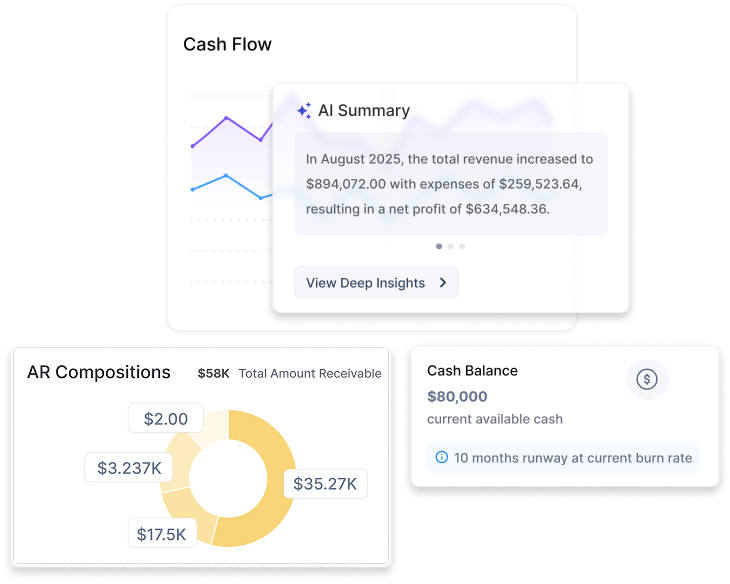
What's great
- You work with real CPAs on staff, not a chatbot, so bookkeeping, tax, payroll and compliance questions get answered by an actual accountant, which is the heart of what Finstackk sells
- One login spans incorporation, bookkeeping, tax, payroll, cap table and compliance, with a Fin-AI copilot that answers from your own financial data and hands off to a human, so a founder is not juggling five separate vendors
- It is built for US businesses, including foreign founders standing up a US entity, with SOC 2 highlighted and real integrations into QuickBooks Online, Gusto and Tax1099
Watch-outs
- Newer and smaller than the incumbents here, founded 2022, unfunded and around 40 people, with no established G2 or Capterra review base yet, so there is little independent evidence to check
- Everything past incorporation is quote-based behind a demo, with no published monthly rate card, so you cannot compare its ongoing price against the others here without a sales call
- It is a done-for-you service with software on top, not a self-serve accounting app, so a team that wants to run its own books on a fixed per-seat plan should look elsewhere on this list
Pricing breakdown
| Plan | Price | Best for |
|---|---|---|
| Incorporation (Fin-Start) | From $199 one-time | US company formation, EIN, banking setup, and corporate documents |
| Bookkeeping, tax and payroll | Custom quote | Ongoing books, filings, and payroll handled by real CPAs |
| Registered agent | $149 per year | Required registered-agent service for the entity |
Security & compliance
| Standard | Availability |
|---|---|
| SOC 2 Type II | Yes |
| GDPR | Not listed |
| HIPAA | No |
| SSO / SAML | Not listed |
| Audit logs | Not listed |
Finstackk compliance summary: SOC 2 Type II is yes, GDPR is not listed, HIPAA is no, SSO/SAML is not listed, and audit logs is not listed.
Key integrations
| Integration | Type |
|---|---|
| Gmail | N/A |
| Outlook | N/A |
| Slack | N/A |
| LinkedIn Sales Navigator | N/A |
| Outreach / Salesloft | N/A |
Finstackk integration summary: Gmail is not specified, Outlook is not specified, Slack is not specified, LinkedIn Sales Navigator is not specified, and Outreach or Salesloft is not specified.
Feature availability
| Feature | Status |
|---|---|
| Free tier | no |
| AI bookkeeping | ✓ AI + CPA |
| Asc 606 | ✗ |
| Multi currency | ✗ |
| Unlimited users | ✗ |
Finstackk feature availability summary: Free tier (no), AI bookkeeping (✓ AI + CPA), Asc 606 (✗), Multi currency (✗), and Unlimited users (✗).
Loading reviews…
QuickBooks Online
Best overall for US-based sub-$5M ARR SaaS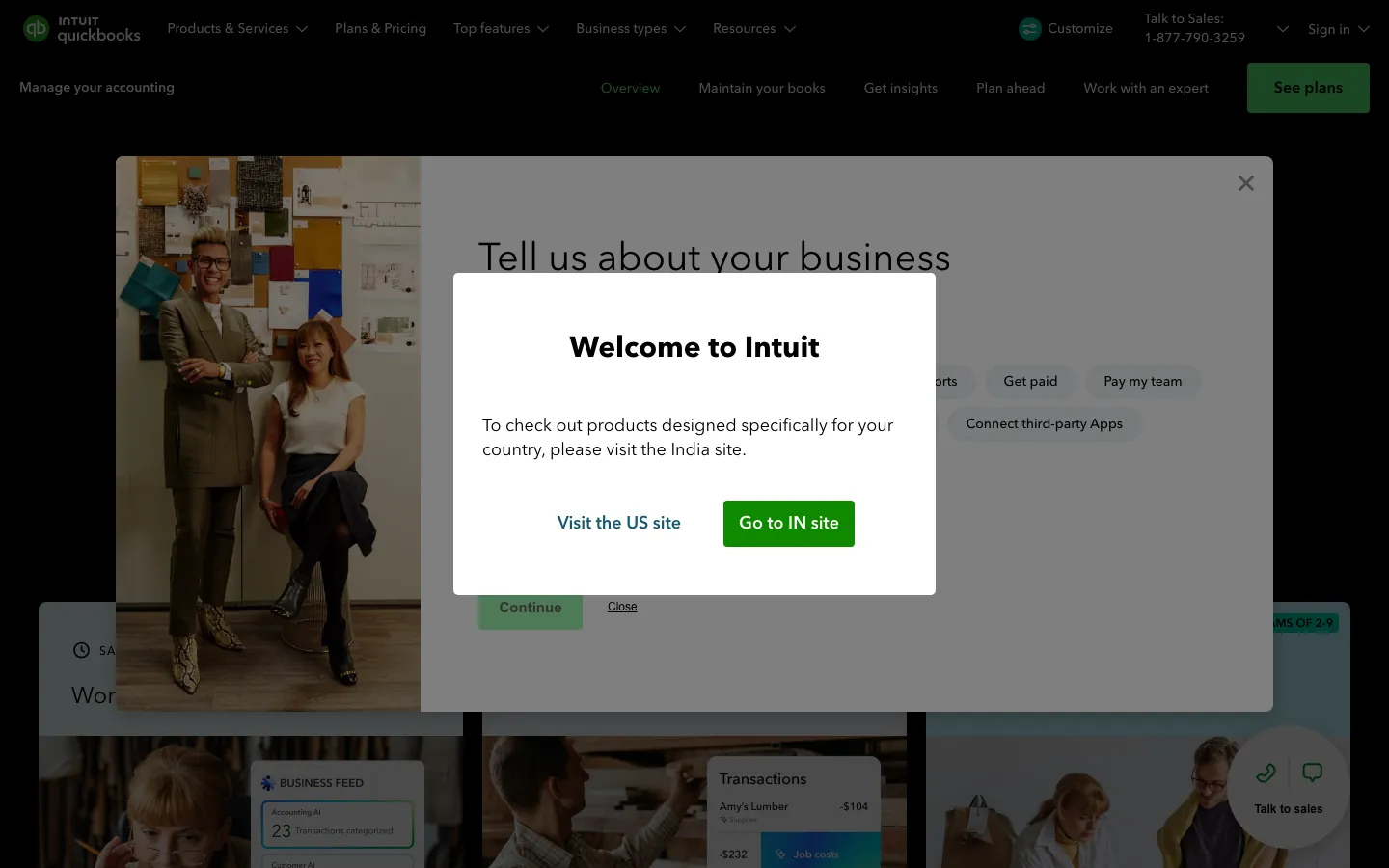
Screenshots of QuickBooks Online 3 images
What's great
- Deepest US accountant-network moat in the segment: most CPAs, bookkeepers, and fractional CFOs are already fluent in QBO, cutting onboarding friction to near zero
- 750+ native integrations including Stripe, Gusto, Ramp, Brex, Shopify, and Bill.com; the ecosystem is the product at early stage
- Intuit Assist AI categorizes transactions with documented accuracy improvements; the bank-matching algorithm is the most mature in the sub-$100/mo tier
Watch-outs
- No native ASC 606 revenue recognition; teams beyond $2M ARR typically layer Maxio or Chargebee on top, adding $500-$1,200/mo in stack cost
- Per-user pricing adds up past the Simple Start tier; Advanced at $340/mo covers 25 users but the jump from Plus ($140) is steep
- Annual price increases of 10-15% on renewal are routine; the CFO desk I was sitting at last month saw a 12% uplift at year two without warning
Pricing breakdown
| Plan | Price | Best for |
|---|---|---|
| Simple Start | $38/mo | Solo founder |
| Essentials | $85/mo | 3 users |
| Plus | $140/mo | 5 users |
| Advanced | $340/mo | 25 users |
What reviewers say about QuickBooks Online
Recurring themes across ~3,825 G2 reviews (4.0/5) and ~8,471 Capterra reviews (4.3/5), 2024-2026.
What reviewers praise
- Reviewers across company sizes call it the accounting category default, with widespread accountant familiarity reducing onboarding friction.
- Automated bank syncing and transaction import eliminate most manual data entry; reconciliation that once took days runs in minutes.
- Cloud accessibility lets owners and their accountants work from the same live data without file transfers or version conflicts.
- The breadth of integrations with payroll, e-commerce, and POS systems makes it a hub that connects most small business stacks.
- Invoicing and payment collection flows get strong marks for being fast to set up, with direct payment links inside invoices.
What reviewers fault
- Pricing escalates steeply between tiers, with users citing large per-seat cost jumps that arrive without meaningful new features.
- Customer support quality draws the most consistent criticism, with reviewers describing long waits, AI-first routing, and reps who cannot resolve complex billing or technical issues.
- Frequent UI changes and forced updates disrupt learned workflows; users report features moving or disappearing after updates.
- Performance degrades noticeably as transaction volume grows, with bank disconnections and system lag cited by higher-volume businesses.
- Advanced users and accountants find the online version too restrictive compared to Desktop, with limited batch tools and report customization.
Loading reviews…
Xero
Best for global teams and unlimited-user pricing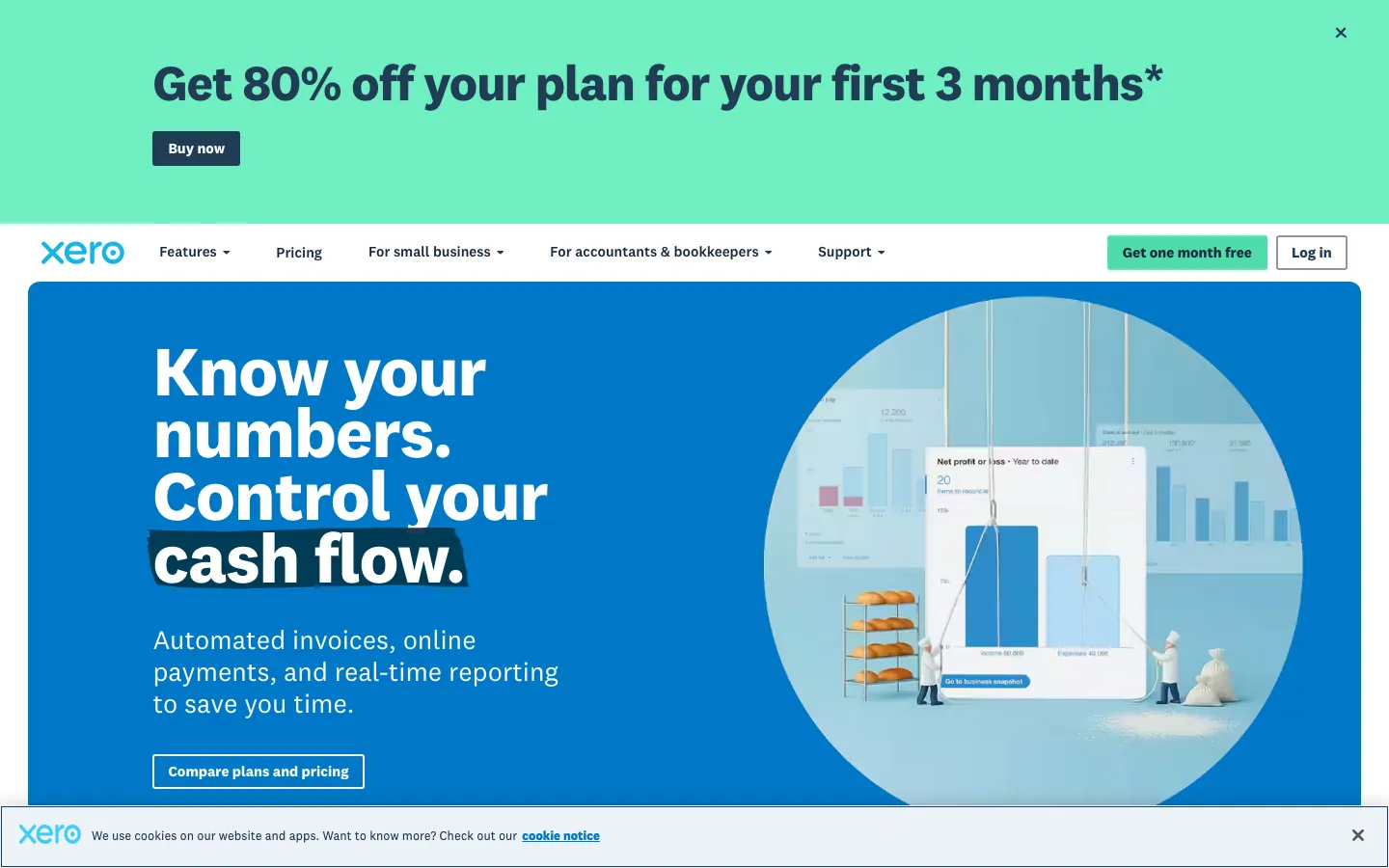
Screenshots of Xero 4 images
What's great
- Unlimited users on every paid tier; for a 15-person finance and ops team, this pricing model saves $300-$600/mo vs QuickBooks Plus scaling
- Native support for 160+ currencies with real-time FX revaluations; the strongest multi-currency implementation in the sub-enterprise tier
- Bank reconciliation workflow is among the cleanest in this category, with JAX AI matching that cuts down manual categorization time
Watch-outs
- US payroll requires a third-party integration (Gusto, ADP); not native, which adds $40-$80/mo and one more data sync to maintain
- Revenue recognition for subscription SaaS requires an add-on; same ceiling as QuickBooks at around $3-5M ARR before deferred revenue tracking becomes painful
- US accountant familiarity is lower than QuickBooks; finding a bookkeeper who's fluent in Xero rather than QBO takes longer in most US markets
Pricing breakdown
| Plan | Price | Best for |
|---|---|---|
| Early | $25/mo | Sole traders |
| Growing | $55/mo | Small teams |
| Established | $90/mo | Multi-currency |
What reviewers say about Xero
Recurring themes across ~1,598 G2 reviews (4.4/5) and ~3,301 Capterra reviews (4.4/5), 2024-2026.
What reviewers praise
- Unlimited users at all pricing tiers is the most-cited differentiator; teams avoid per-seat costs that inflate as headcount grows.
- Bank reconciliation is consistently described as fast and accurate, with automated matching that reduces manual review to exception handling.
- Non-accountants can navigate invoicing, bill payment, and expense tracking without relying on a bookkeeper for day-to-day tasks.
- Real-time financial dashboards give founders a live view of cash position and outstanding receivables without pulling a formal report.
- The ecosystem of third-party integrations covers payroll, inventory, and e-commerce apps, handled through the Xero app marketplace.
What reviewers fault
- Email-only customer support with no phone option is the most-cited frustration; resolution times stretch days for billing and technical issues.
- Entry-tier plan caps monthly invoices and bills, forcing small users onto a higher plan before they actually need advanced features.
- Multi-currency functionality draws repeated criticism for being limited and adding cost, a real problem for teams with international clients.
- Recurring price increases arrive with minimal notice; some reviewers report being charged hidden surcharges on top of monthly subscription fees.
- The 2025 invoicing redesign added steps rather than removing them, with reviewers saying the updated workflow requires more clicks than before.
Loading reviews…
Sage Intacct
Best mid-market accounting for $10M-$100M ARR SaaS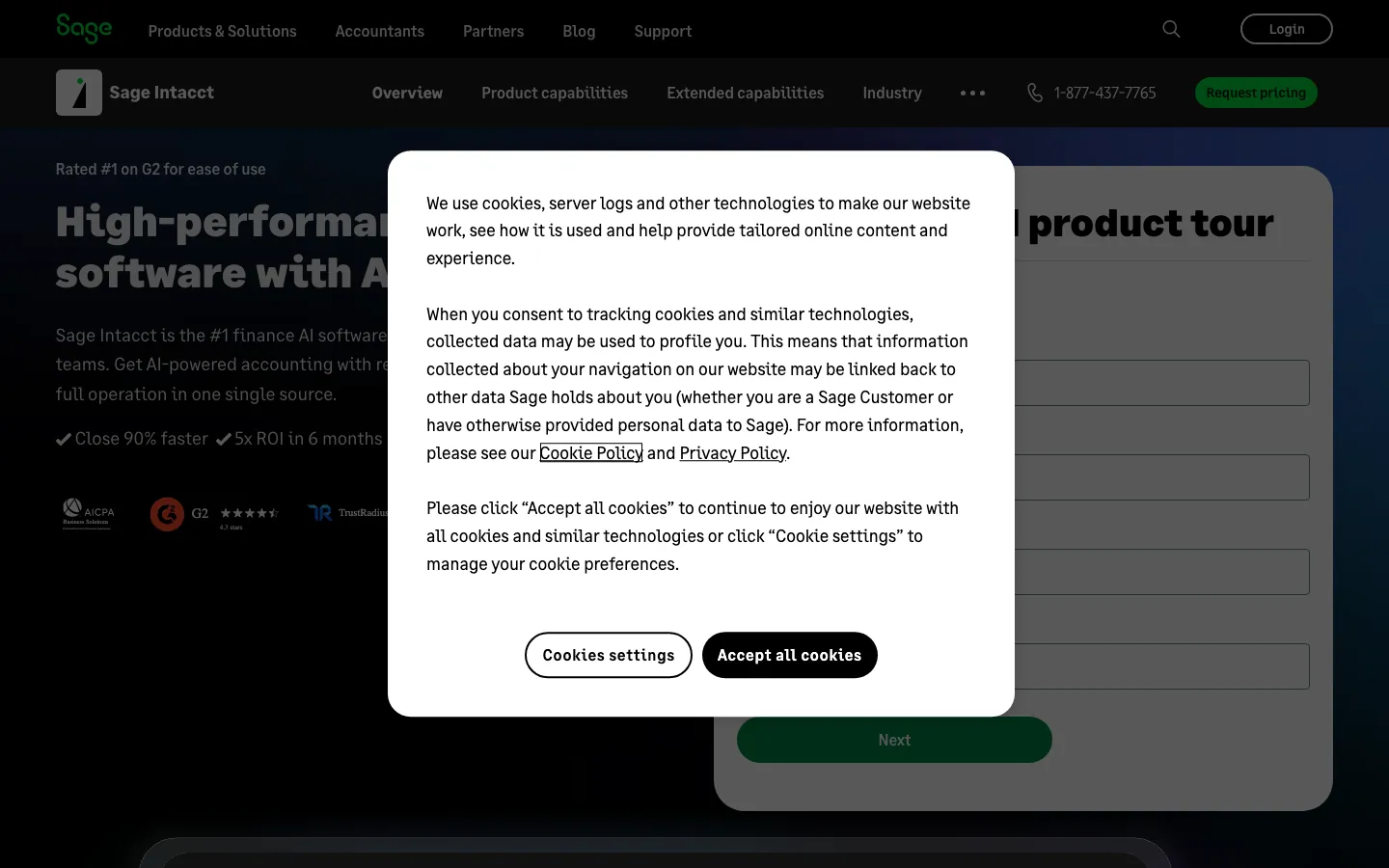
Screenshots of Sage Intacct 4 images
What's great
- Native ASC 606 revenue recognition built into the core platform, not a bolted-on module; the AICPA has publicly endorsed Intacct for three consecutive years
- Dimensional reporting lets finance teams slice P&L by department, project, location, or any custom dimension without the Excel pivot-table gymnastics most mid-market CFOs live in
- Multi-entity consolidation that actually works; teams migrating from QuickBooks Enterprise to Intacct routinely cite a faster month-end close as the payoff
Watch-outs
- Pricing is module-based and opaque; a realistic mid-market deployment with revenue recognition, multi-entity, and advanced reporting lands $1,500-$4,000/mo, not the $400 starting price
- Implementation takes 4-8 weeks with a certified Sage partner; plan $15K-$40K in professional services on top of year-one licensing
- The interface shows its age compared to NetSuite or modern tools; the UX is functional but not intuitive for non-accountants
Pricing breakdown
| Plan | Price | Best for |
|---|---|---|
| Base (estimate) | ~$400/mo | Small mid-market |
| Core modules | ~$1 | Multi-entity + revenue recognition |
| Full suite | ~$2 | 50-250 person SaaS |
| Enterprise | Custom quote | 250+ employees |
What reviewers say about Sage Intacct
Recurring themes across ~4,211 G2 reviews (4.3/5) and ~559 Capterra reviews (4.3/5), 2024-2026.
What reviewers praise
- Dimensional accounting replaces bloated chart-of-accounts structures; reviewers can slice reporting by entity, department, project, and location without creating duplicate GL accounts.
- Multi-entity consolidation handles intercompany eliminations and currency conversion in ways that comparable mid-market ERPs cannot match.
- Reporting depth and dashboard configurability are consistently praised, with finance teams building the custom views they need without outside help.
- Cloud-native architecture and role-based access controls make it practical for distributed finance teams and external auditors to work from the same data.
- The approval workflow engine and audit trail satisfy compliance requirements for nonprofits and professional services firms facing grant or government reporting.
What reviewers fault
- Implementation cost is the most-cited barrier; annual subscriptions typically run $8,000-$35,000 plus implementation fees of 1.0-1.75x the subscription.
- Almost every worthwhile feature sits behind an add-on module, and reviewers report that renewal quotes expand as Sage adds new billable capabilities.
- The learning curve is steep for non-finance staff; report customization and multi-entity setup require formal training rather than trial-and-error.
- Correcting posted transactions is difficult or impossible in some configurations, forcing workarounds that complicate audit trails.
- The user interface feels dated relative to modern SaaS tools; reviewers note the visual design has not kept pace with competing cloud platforms.
Loading reviews…
NetSuite
Best enterprise ERP for $20M+ ARR companies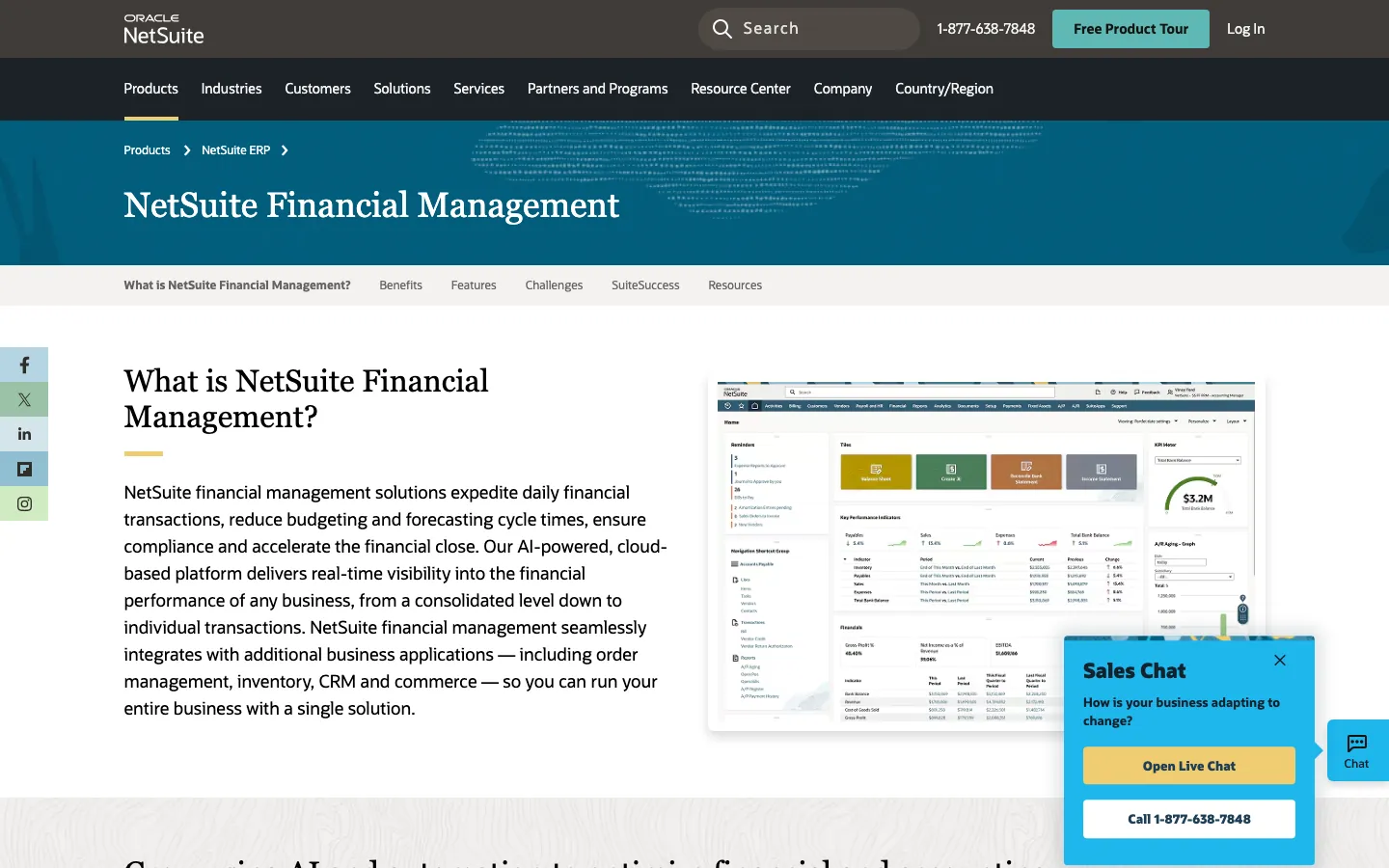
Screenshots of NetSuite 4 images
What's great
- The only tool in this list that handles full ERP scope natively: financial consolidation, inventory, CRM, professional services automation, and e-commerce under one data model
- Multi-entity and multi-subsidiary consolidation that SaaS companies with international entities or acquisition roll-ups actually rely on; nothing below the $5K/mo tier comes close
- Partner ecosystem of 400+ NetSuite Solution Providers means implementation support is available in every major US metro and most international markets
Watch-outs
- Year-one all-in cost for a 20-user mid-market deployment runs $80K-$200K once you add implementation ($25K-$100K), module add-ons, and training; the sticker price hides this
- Interface is the most dated in this comparison; the G2 reviews at 4.1/5 are among the lowest in this list, with the UI being the consistent complaint across the [4,775 reviews](https://www.g2.com/products/netsuite/reviews)
- NetSuite contracts are typically 3-year annual commitments; getting out before year three means paying termination fees that are rarely disclosed before signing
Pricing breakdown
| Plan | Price | Best for |
|---|---|---|
| Limited Edition | ~$999/mo + users | Under 50 employees |
| Mid-Market Edition | ~$2 | 50-250 employees |
| Enterprise Edition | Negotiated | 250+ employees |
| Add-on modules | $500-$2 | Advanced inventory |
What reviewers say about NetSuite
Recurring themes across ~4,775 G2 reviews (4.1/5) and verified Capterra reviews, 2024-2026.
What reviewers praise
- The ERP-native CRM is the core selling point: sales data, order history, fulfillment status, and revenue recognition all live in one database with no middleware, which eliminates reconciliation work that standalone CRM integrations require.
- Multi-entity and multi-currency support via OneWorld is praised by businesses operating across subsidiaries or countries, where the alternative is running separate systems per entity.
- Real-time financial visibility from anywhere on a cloud platform gets repeated positive mention, especially from teams that previously ran on-premise ERP systems.
- Customization flexibility is recognized at enterprise scale, with administrators noting the platform adapts to non-standard business processes through SuiteScript and custom records.
- Consolidated reporting across sales, inventory, and finance in a single dashboard is valued by operations and finance teams who previously extracted data from multiple systems.
What reviewers fault
- Renewal price shock is among the most common complaints: initial discounts expire and users report annual cost increases of 40 to 50 percent, with the Advanced Customer Support add-on alone running $24,000 per year for some accounts.
- Support quality scores lower than most enterprise peers, with G2 reviewers citing ticket escalation delays spanning weeks, frequent account manager turnover, and unresolved bugs that sit open for extended periods.
- The CRM module itself is considered secondary to the ERP core, and reviewers with complex sales processes frequently run Salesforce in parallel for pipeline management while using NetSuite only for post-sale operations.
- The interface is consistently described as dated and dense, with a 'Learning Curve' tag appearing over 380 times in G2 sentiment data and usability scores trailing Sage Intacct and Dynamics 365 BC.
- Year-one implementation costs range from $50,000 to over $200,000 when consultant fees are included, and 31 percent of implementations run longer than planned due to scope creep and SuiteSuccess methodology rigidity.
Loading reviews…
FreshBooks
Best for service-heavy SaaS with time and project billing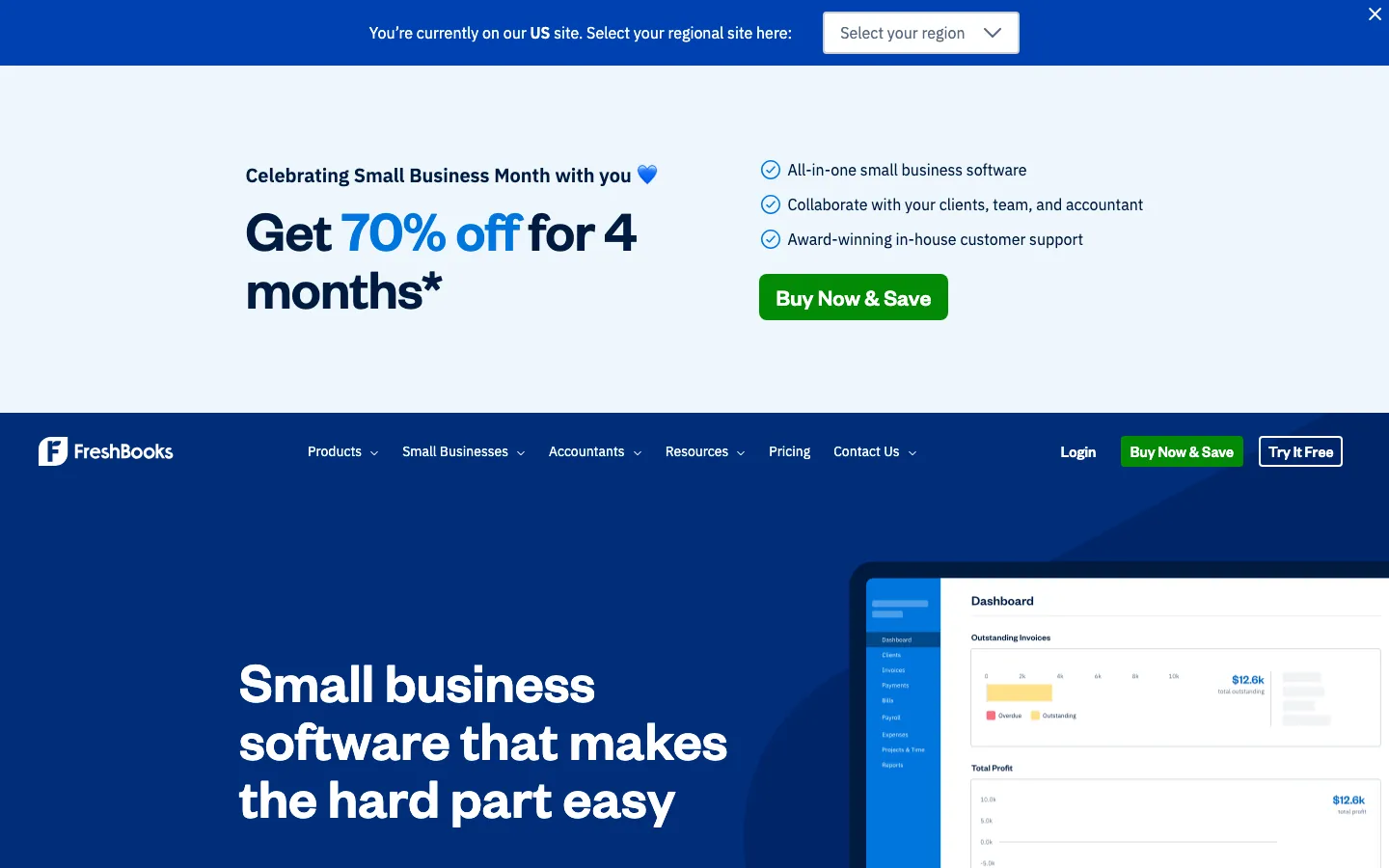
Screenshots of FreshBooks 4 images
What's great
- Cleanest time-tracking-to-invoice workflow in the comparison; for SaaS companies that bill by the hour or milestone on implementation and consulting contracts, this saves 2-4 hours/week per account manager
- 30-day free trial with no credit card; the most generous trial window in the segment, meaningful for small teams evaluating without a dedicated finance ops person
- G2 at 4.5/5 across 974 reviews is the highest satisfaction score in the sub-$100/mo tier; the consistent praise is around support responsiveness, with median first-response times under 2 hours
Watch-outs
- No deferred revenue support; professional services SaaS companies that sell annual contracts will need a manual workaround or a separate tool for revenue scheduling
- Per-client pricing model on lower tiers (Lite limits you to 5 clients, Plus to 50) is unusual and creates surprise upgrade triggers as the business grows
- Inventory and complex AP are absent; the right tool for consulting-model or services-wrapped SaaS, not pure subscription businesses with any physical component
Pricing breakdown
| Plan | Price | Best for |
|---|---|---|
| Lite | $23/mo | Freelancers and solo consultants |
| Plus | $43/mo | Small service businesses |
| Premium | $70/mo | Growing teams |
| Select | Custom | Larger teams needing lower transaction fees |
What reviewers say about FreshBooks
Recurring themes across ~974 G2 reviews (4.5/5) and Capterra reviews, 2024-2026.
What reviewers praise
- Invoicing is the standout feature; reviewers call it the fastest and cleanest invoice builder in the category, with automatic reminders and client payment portals built in.
- Built-in time tracking and project billing let service providers move from tracked hours to a sent invoice in the same tool without exporting data.
- Customer support quality is cited more positively than most accounting tools, with live chat availability and responsive staff mentioned repeatedly.
- Setup time is short; non-accountants report being fully operational with clients, invoices, and expense tracking in under an hour.
- The mobile app gets strong marks for covering core workflows including receipt capture, invoice sending, and time logging while away from a desk.
What reviewers fault
- Billable client caps on lower-tier plans force upgrades before small businesses need the extra features; the Lite plan limits users to five clients.
- Recurring invoices and client retainers sit behind the Plus plan at $38/month, which reviewers consider a basic feature locked behind an unnecessary paywall.
- Payment processing fees run above 3% per transaction, and ACH payment delays draw repeated complaints from users waiting on deposits.
- Reporting is too thin for growing businesses; reviewers moving past freelance scale say they outgrow FreshBooks before they outgrow QuickBooks.
- Bank feed sync breaks periodically, requiring manual re-authentication and leaving gaps that take time to reconcile and correct.
Loading reviews…
Zoho Books
Best inside the Zoho One ecosystem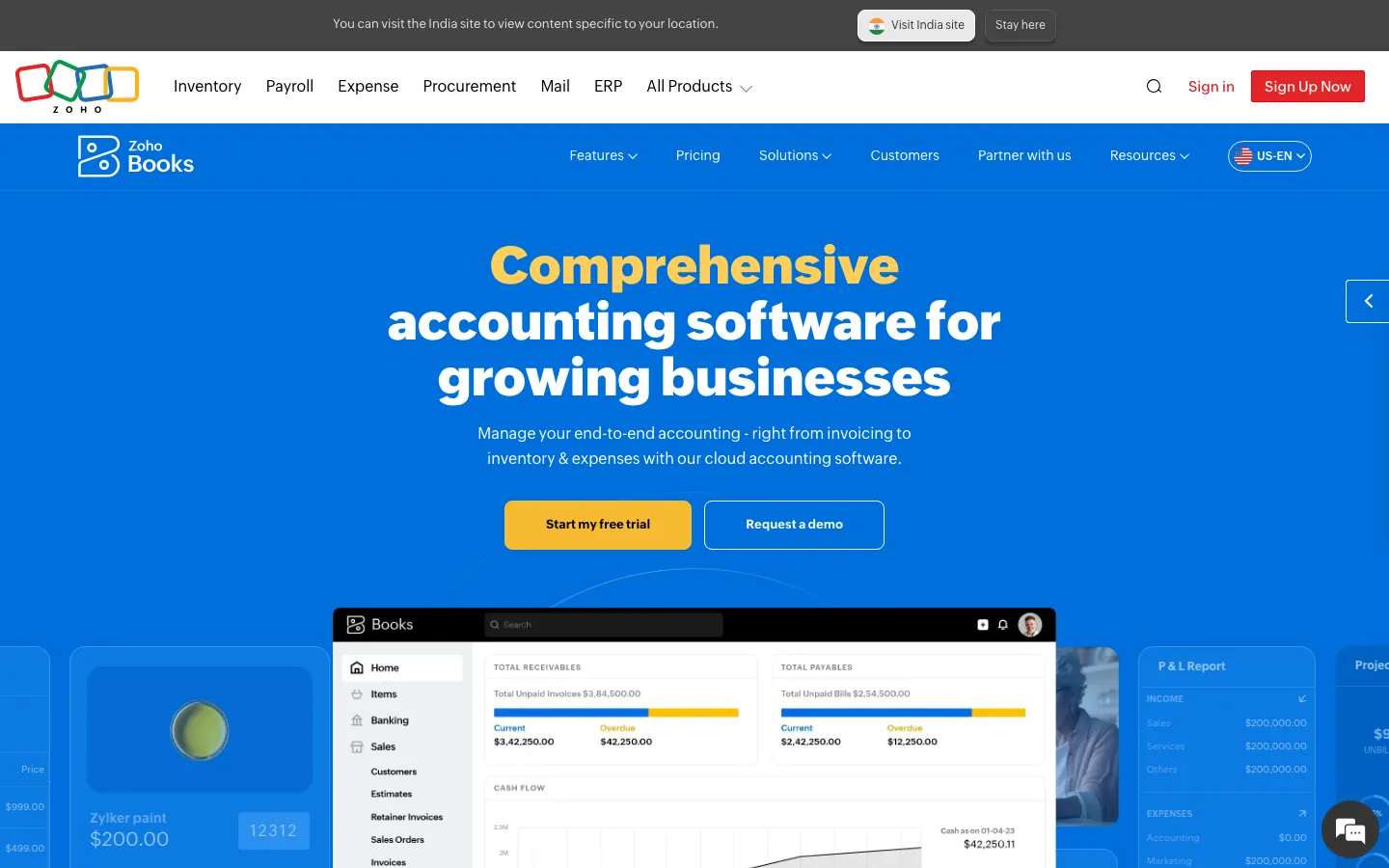
Screenshots of Zoho Books 4 images
What's great
- Genuine free tier for businesses under $50K annual revenue; the only tool in this list that gives a real free accounting product rather than a trial window
- Native integration with Zoho CRM, Zoho Inventory, Zoho Desk, and Zoho Projects; for SaaS companies already on Zoho One, the data model is shared and the sync is instantaneous
- Multi-currency support included from the Professional tier at $50/mo; lower entry point for international capability than Xero or QuickBooks
Watch-outs
- Review count on G2 is lower than the segment leaders at 327 reviews; the smaller feedback pool means less signal on edge cases and long-term reliability at scale
- No native revenue recognition; same ceiling as the other SMB tools, but the Zoho ecosystem doesn't have a clean Maxio-equivalent add-on, which means more manual work at the $1-5M ARR transition
- Third-party integrations outside the Zoho ecosystem are thinner; Brex and Ramp native connections require API work that QuickBooks and Xero handle out of the box
Pricing breakdown
| Plan | Price | Best for |
|---|---|---|
| Free | $0 | Under $50K revenue |
| Standard | $20/mo | Small teams |
| Professional | $50/mo | Growing SaaS |
| Premium | $70/mo | 10 users |
What reviewers say about Zoho Books
Recurring themes across ~2,900 G2 reviews (4.1/5) and Capterra reviews (4.3/5), 2024-2026.
What reviewers praise
- Price-to-feature ratio is the most repeated compliment: reviewers say Zoho delivers lead scoring, workflow automation, and multi-currency support at a fraction of the cost of HubSpot or Salesforce.
- Depth of the Zoho ecosystem is consistently praised by teams already using Zoho Books, Zoho Desk, or Zoho Campaigns, who describe the cross-app data flow as a genuine alternative to buying multiple point solutions.
- The Canvas drag-and-drop UI builder, added in recent years, appears in newer positive reviews as a meaningful upgrade, letting non-technical admins redesign the record layout without code.
- Workflow automation breadth gets strong marks, with reviewers pointing to multi-condition rules, scheduled actions, and blueprint approval processes as features competitors lock behind enterprise tiers.
- Lead management tools including assignment rules, scoring, and conversion tracking are frequently cited as thorough and configurable for teams with defined sales processes.
What reviewers fault
- Customer support is the single most common complaint across G2 and Capterra, with reviewers on standard plans describing slow ticket responses, inconsistent answers, and difficulty escalating urgent issues.
- The learning curve is steep enough that multiple reviewers recommend hiring a Zoho consultant for initial setup, especially for automation, Deluge scripting, and module customization.
- The mobile app has reliability problems that appear consistently in recent reviews, including bugs that prevent notes from displaying, missed call logs, and crashes under poor connectivity.
- Integration with non-Zoho tools is frequently described as more friction than the docs suggest, with third-party connectors requiring Zapier workarounds or custom API work for stable two-way sync.
- The interface, despite recent improvements, is still called cluttered and overwhelming by first-time CRM buyers, and the density of settings can make routine tasks harder to find than in leaner tools.
Loading reviews…
Wave
Best free option for pre-revenue and early-stage SaaS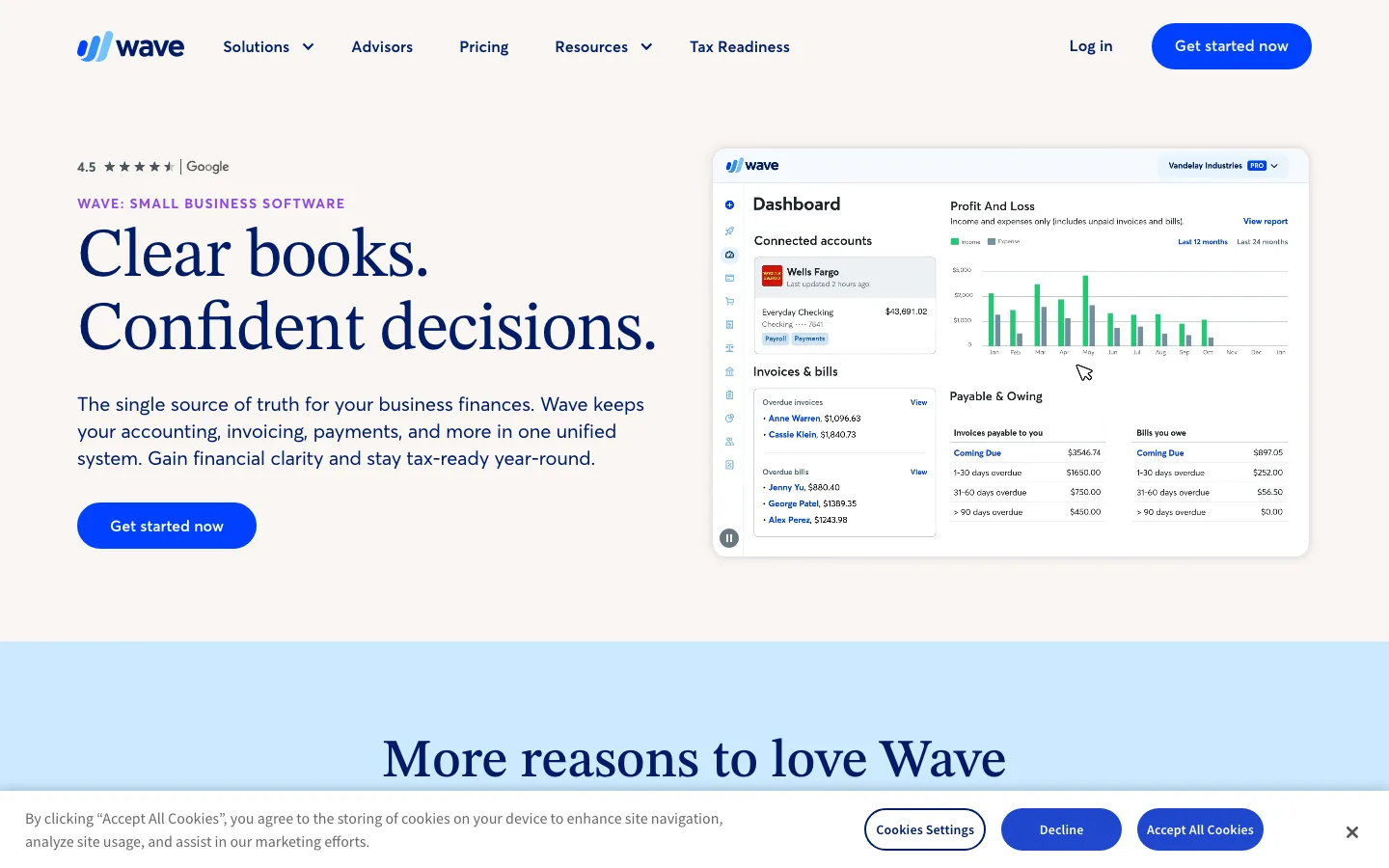
Screenshots of Wave 4 images
What's great
- Core accounting, invoicing, and bank feeds are permanently free; no time limit, no user cap, no hidden tier switch; a common pick at pre-seed stage for the zero-cost period before Series A
- Bank feed integration and transaction categorization work without any configuration; out-of-the-box accuracy is solid for low-volume operations under 200 transactions/month
- Modular paid add-ons (Wave Payroll at $40/mo + $6/employee, Wave Payments at 2.9% + $0.60/transaction) let teams pay only for what they actually need
Watch-outs
- No multi-currency support at any tier; a SaaS company with even one international customer will hit this ceiling within the first quarter
- No deferred revenue, no ASC 606, no accrual adjustments beyond basic journal entries; not designed for subscription SaaS revenue models
- Support is email-only on the free tier with response times measured in days rather than hours; not suitable once a real accounting need hits urgently
Pricing breakdown
| Plan | Price | Best for |
|---|---|---|
| Free | $0 | Pre-seed SaaS |
| Wave Pro | $19/mo | Faster receipt scanning |
| Wave Payroll | $40/mo + $6/employee | Teams with W-2 employees |
| Wave Payments | 2.9% + $0.60/transaction | Card payments on invoices |
What reviewers say about Wave
Recurring themes across ~323 G2 reviews (4.3/5) and ~308 Capterra reviews (4.4/5), 2024-2026.
What reviewers praise
- The free plan with unlimited invoices, bills, and bookkeeping records is the most-praised feature; reviewers call it genuinely useful rather than a crippled trial.
- Non-accountants can send invoices, track expenses, and reconcile transactions without any accounting background or paid training.
- Recurring invoice automation and duplicate transaction detection reduce repetitive data entry for businesses with predictable billing cycles.
- The clean interface and fast learning curve make it accessible to solo operators and micro-businesses who need accounting basics without complexity.
- Direct integration with bank accounts and automatic transaction imports keep records current without requiring daily manual entry.
What reviewers fault
- The 2024-2025 shift of automated bank transaction imports from free to the Pro tier ($16/month) is the most-cited complaint in recent reviews.
- Customer support is consistently described as inadequate, with long response times and limited channels; several reviewers say poor support was the reason they switched tools.
- Integration options are narrow compared to paid competitors; reviewers who need inventory management or advanced third-party connections hit walls quickly.
- Receipt scanning produces blurry or misread results frequently enough that manual correction takes almost as long as entering receipts by hand.
- Payroll is a paid add-on with limited state availability, and the pricing structure for payroll plus Pro features erodes the free-plan value proposition for growing teams.
Loading reviews…
Puzzle
Best AI-native accounting for VC-backed startups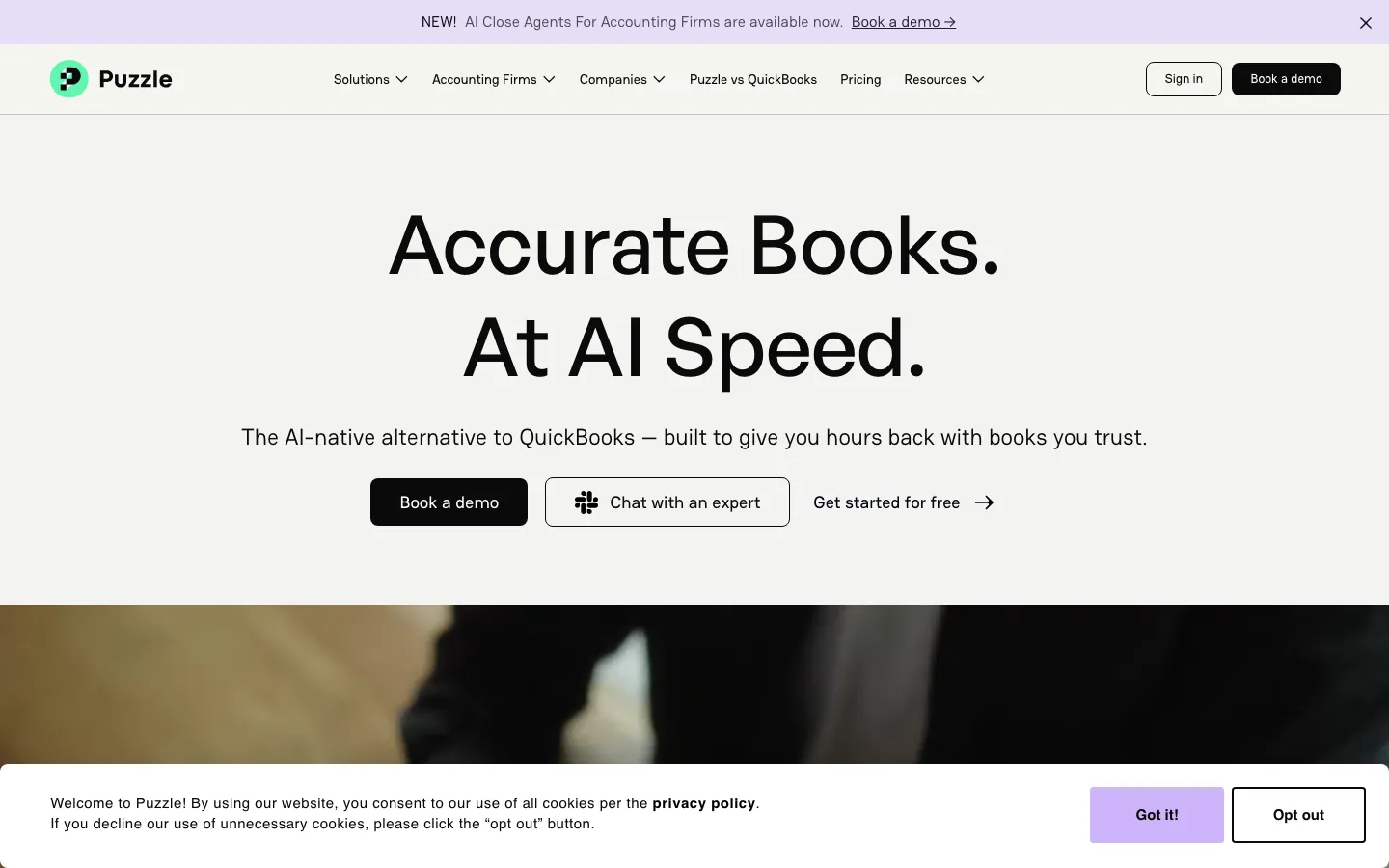
Screenshots of Puzzle 4 images
What's great
- Native integrations with Brex, Ramp, Mercury, and Stripe without any Zapier glue; the only tool in this list built around the fintech stack VC-backed startups actually run
- Built-in burn rate, runway, and cash flow dashboards that update in real time; a Series A CFO gets the investor-reporting metrics they need without building a Notion template or a Google Sheet on top of the GL
- Revenue recognition module ships in the Complete tier at $120/mo ($100/mo billed annually); the cheapest native ASC 606 implementation in this entire comparison
Watch-outs
- No third-party G2 review base yet as of May 2026; the platform is new and has not been battle-tested at $20M+ ARR scale the way Intacct or NetSuite have
- CPA and accountant familiarity is low; finding a bookkeeper or controller who's worked in Puzzle is harder than finding one who knows QuickBooks, which adds hiring friction at the $1-5M ARR stage
- US-only at the moment; international operations require a different tool or a Puzzle plus Xero combination
Pricing breakdown
| Plan | Price | Best for |
|---|---|---|
| Starter (Free) | $0 | Pre-revenue |
| Core | $72/mo ($60 annual) | Early-stage SaaS |
| Complete | $120/mo ($100 annual) | Series A/B |
| Scale | $360/mo ($300 annual) | High-volume |
What reviewers say about Puzzle
Recurring themes across 33 Product Hunt reviews (5.0/5), Reddit discussions, and independent review analyses, 2024-2026. No verifiable G2 presence found.
What reviewers praise
- Founders without accounting backgrounds say it is the first tool where they can understand their own financials without an accountant explaining the reports.
- Real-time cash runway and burn rate visibility on the main dashboard removes the need to run manual reports or build spreadsheet models.
- The free tier for companies under $5k monthly expenses is cited repeatedly as unusually generous for what the platform delivers.
- Native integrations with Stripe, Mercury, Ramp, Brex, Gusto, and Deel keep startup-standard financial tools in sync without manual exports.
- AI-driven transaction categorization handles the majority of bookkeeping automatically, cutting down month-end close time for early-stage teams.
What reviewers fault
- Correcting AI miscategorization errors is difficult; reviewers describe the override process as non-intuitive and sometimes impossible for certain transaction types.
- The platform still feels early-stage in places, with users encountering missing basics like memo or notes fields on individual transactions.
- Customer support responsiveness is inconsistent; at least one user reported scheduling an onboarding call that no Puzzle staff member attended.
- Professional accountants are cautious about trusting AI categorization for client books without a reliable manual correction layer.
- Feature depth does not yet match QuickBooks or Xero for complex accounting needs, making it unsuitable as a business grows past early startup stage.
Loading reviews…
Tools we considered but excluded
We evaluated more tools than the 9 you see above. These did not make the cut. Saying what we rejected, and why, is the editorial muscle most listicles skip.
- Ramp: Corporate card and expense management platform, not a general ledger; pairs with accounting tools rather than replacing them
- Brex Empower: Same as Ramp, the accounting layer is expense categorization and sync, not a full accounting system
- Pilot: Managed bookkeeping service built on top of QuickBooks, not a standalone accounting platform; relevant but out of scope for a software comparison
- Bench: Cash-basis bookkeeping service, not accrual-ready accounting software; SaaS companies need accrual from day one
- Microsoft Dynamics 365 Business Central: Strong for Microsoft 365 shops but implementation complexity rivals NetSuite without the ERP breadth; few pure-play SaaS companies choose it in 2026
- Acumatica: Strong mid-market option but implementation requires certified partner and pricing is opaque; Sage Intacct covers the same buyer with more accountant familiarity
Honorable mentions
Solid tools that did not crack the main list but are worth tracking, especially for niche use cases.
- Maxio: Purpose-built subscription billing and revenue recognition that plugs into QuickBooks or Intacct; the right tool to add once ASC 606 becomes a hard requirement at $2-10M ARR
- Chargebee: Subscription billing platform with a revenue recognition module; at $599/mo it's pricier than Maxio but ships stronger dunning and usage-based billing
- DualEntry: Modern mid-market accounting built for SaaS, native ASC 606, and a 4.9/5 G2 rating from 122 reviews; too new to make the main list but worth tracking at Series B+
The four tiers of B2B accounting software
The accounting software market for B2B SaaS companies splits into four practical tiers that serve different ARR stages and complexity levels. Confusing them is expensive.
Pre-revenue and early-stage (under $1M ARR). Wave, QuickBooks Simple Start, Xero Early. The goal is accrual accounting that your accountant can read, bank reconciliation that doesn’t take a weekend, and invoicing that goes out on time. You don’t need ASC 606 yet. You definitely don’t need NetSuite.
Growth-stage (sub-$10M ARR, US-native). QuickBooks Online Plus or Advanced, Xero Growing or Established, Zoho Books, Puzzle, FreshBooks. These tools cover the full bookkeeping and reporting needs of a 5-50 person SaaS company. The ceiling hits when deferred revenue schedules start breaking, when you add a second entity, or when your board asks for a 5-day close.
Mid-market (sub-$100M ARR, SaaS-specific needs). Sage Intacct is the dominant pick here. Native ASC 606, dimensional reporting, multi-entity consolidation, and the accountant familiarity at the Series B/C CFO level. The implementation cost and timeline are real; budget them honestly.
Enterprise ($20M+ ARR, ERP breadth needed). NetSuite. Once you’re consolidating multiple subsidiaries, running inventory or physical goods alongside SaaS, or planning an acquisition roll-up, the ERP coverage of NetSuite is the only option in this list that doesn’t require stitching together five separate tools.
Puzzle sits across the early to growth-stage break, purpose-built for VC-backed startups on modern fintech stacks. It doesn’t fit neatly into the ARR-based tiers above because the differentiator is the fintech integration story, not the revenue level.
Selection criteria, what to test in your accounting software trial
Finance teams that buy the wrong accounting platform almost always skip a few of these during the evaluation. Eight things to test before you sign a contract.
One, import six months of real bank transactions. Not the demo data. Connect your actual Brex, Ramp, Mercury, SVB, or Chase feed and import six months of real transactions. Watch how the AI categorization handles your actual vendor names (AWS, Stripe payouts, contractor payments, SaaS subscriptions). The categorization accuracy gap between a well-matched tool and a poor one can mean 3-5 extra hours of bookkeeping per month-end close.
Two, run a real month-end close from scratch. Pick your most recent completed month and close it from scratch in the trial environment. Count the hours. A modern tool at your volume should close in under 4 hours for a sub-$2M ARR SaaS company. If it takes 8+ hours in the trial, it will take 8+ hours in production.
Three, test deferred revenue manually. Book a single $24,000 annual contract received on June 15th. See how the tool handles recognizing $2,000/month over 12 months without an add-on. Every tool below Sage Intacct will require a manual journal entry or a spreadsheet schedule. That’s fine at $500K ARR. It breaks at $5M ARR with 200 contracts.
Four, invite your accountant or bookkeeper as a test user. The accounting software your finance team buys is the one your external accountant will work in every month. If your CPA spends 2 extra hours because the workflow is unfamiliar, that cost comes back to you in the form of a higher bill. Run the trial with your actual accountant, not just the internal team.
Five, export a trial balance and check the format. Pull a full trial balance and P&L in the format your accountant expects. The CSV structure matters; a poorly formatted export adds 45-60 minutes to every financial review. QuickBooks and Xero both export to standard formats your CPA can open without reformatting.
Six, test multi-currency if you have any international operations. Receive a single payment in GBP or EUR and watch how the tool handles the FX conversion, the realized/unrealized gain, and the bank reconciliation line. This is where Xero clearly outperforms QuickBooks at the same price tier.
Seven, ask the vendor directly about year-two pricing. Every accounting software vendor raises prices on renewal. Ask the sales rep to show you the contract language on annual uplifts. QBO typically raises 10-15% annually. NetSuite contracts often include 8-10% uplifts baked into 3-year agreements. Knowing this upfront changes the TCO math meaningfully.
Eight, check accountant network depth in your market. Search your local or virtual accountant network (Bench’s partner directory, Pilot’s partner page, your state CPA society directory) and see how many practitioners list the tool as a specialty. For QuickBooks this number is large everywhere in the US. For Xero it’s solid in coastal markets. For Puzzle it is very thin. This signals your future hiring optionality for finance roles.
Two checks before you sign
See above for the eight trial tests. Beyond the trial, two structural checks before contract signature.
The first is the implementation timeline. Anything below Sage Intacct can be live in under a week with a competent bookkeeper. Intacct takes 4-8 weeks with a partner. NetSuite takes 4-6 months.
Matching the go-live timeline to your fiscal calendar matters: starting a NetSuite implementation in October means your first full-year close in the new system lands in April at the earliest.
The second is the ASC 606 question. If your board, your auditors, or your investors have asked about revenue recognition, the answer to “what tool do you use” has to include a clear path to compliance. QuickBooks, Xero, Wave, and FreshBooks are not that path on their own. Sage Intacct, NetSuite, and Puzzle’s Complete tier are.
The accounting tool pick for each ARR stage
- Pre-seed, zero revenue, no investors: Wave free tier. Pay nothing until you have paying customers.
- Seed stage, US-only, $0-$2M ARR: QuickBooks Online Essentials or Plus. Your CPA already knows it.
- Seed stage, international customers or 5+ finance-adjacent users: Xero Growing. The unlimited-user pricing and multi-currency saves real money.
- Seed stage, VC-backed on Brex or Ramp: Puzzle Complete at $120/mo ($100/mo billed annually). The native fintech integrations eliminate a category of reconciliation work.
- Series A/B, $2-10M ARR, US-only, no multi-entity: QuickBooks Online Advanced or upgrade to Sage Intacct if ASC 606 is already a board-level conversation.
- Series A/B, $2-10M ARR, multi-currency or international entity: Xero Established or Sage Intacct depending on whether you need GAAP-grade ASC 606.
- Series B/C, $10-30M ARR, single entity, GAAP close required: Sage Intacct. This is the tier it’s built for.
- Series B/C, $10-30M ARR, multi-entity or acquisition: NetSuite. The ERP breadth becomes necessary here.
- Services-heavy SaaS at any stage under $5M ARR: FreshBooks Premium. The invoicing and time-tracking story is unmatched below the enterprise tier.
- Zoho One shops at any stage: Zoho Books. The ecosystem savings make the switch cost rational at any ARR band.
- Enterprise, $30M+ ARR: NetSuite. Nothing else handles the consolidation complexity at scale without forcing a second ERP purchase.
Where the accounting tools differ on core features
| Tool | ASC 606 native | Multi-entity | Multi-currency | Unlimited users | Bank reconciliation AI |
|---|---|---|---|---|---|
| QuickBooks Online | ✗ | ✗ | • Plus+ only | ✗ | ✓ |
| Xero | ✗ | ✗ | ✓ all tiers | ✓ | ✓ |
| Sage Intacct | ✓ | ✓ | ✓ | ✗ per seat | ✓ |
| NetSuite | ✓ | ✓ | ✓ | ✗ per seat | ✓ |
| FreshBooks | ✗ | ✗ | • Premium only | ✗ | • |
| Zoho Books | ✗ | ✗ | ✓ Professional+ | ✓ | • |
| Wave | ✗ | ✗ | ✗ | ✓ | • |
| Puzzle | ✓ Complete tier | • via integration | ✗ | ✓ | ✓ |
The two tools that genuinely differentiate on ASC 606 are Sage Intacct and NetSuite. Puzzle’s Complete tier at $120/mo ($100/mo billed annually) is the only sub-enterprise tool that ships it without a separate billing add-on.
Every other tool in this list requires Maxio, Chargebee, or a manual spreadsheet once deferred revenue becomes a material line item on your balance sheet.
Accounting software compliance and audit posture
| Tool | SOC 2 Type II | GDPR | HIPAA | SSO/SAML | Audit logs |
|---|---|---|---|---|---|
| QuickBooks Online | ✓ | ✓ | ✗ | Advanced only | ✓ |
| Xero | ✓ | ✓ | ✗ | ✗ no native | ✓ |
| Sage Intacct | ✓ | ✓ | ✓ | ✓ | ✓ full trail |
| NetSuite | ✓ | ✓ | ✓ | ✓ | ✓ full trail |
| FreshBooks | ✓ | ✓ | ✗ | ✗ | • limited |
| Zoho Books | ✓ | ✓ | ✗ | Premium+ | ✓ |
| Wave | ✓ | • limited | ✗ | ✗ | • limited |
| Puzzle | ✓ | ✓ | ✗ | ✓ | ✓ |
Enterprise IT and security teams at Series B+ companies will ask about SOC 2 Type II and SSO before signing off on any finance tool. Sage Intacct and NetSuite pass every check on this table. Wave and FreshBooks will not survive enterprise IT review; that’s fine, they’re not positioned for it.
QuickBooks Online Advanced is the only QBO tier with SSO support; if your company has an SSO policy, make sure you’re on the right tier before procurement signs the contract.
Xero has no native SSO/SAML as of May 2026 (Xero confirmed on its product forum that the feature is not on the roadmap), so enterprise buyers who require SSO have to bolt on a third-party identity bridge like miniOrange.
Integration depth across the accounting stack
| Tool | Stripe | Gusto/Rippling | Ramp/Brex | Salesforce | Maxio/Chargebee |
|---|---|---|---|---|---|
| QuickBooks Online | N | N | N | N | N |
| Xero | N | N | • API work | N | N |
| Sage Intacct | N | N | N | N | N |
| NetSuite | N | N | N | N | N |
| FreshBooks | N | N | ✗ | ✗ | ✗ |
| Zoho Books | N | • | • | Zoho CRM | ✗ |
| Wave | • | • | ✗ | ✗ | ✗ |
| Puzzle | N | N | N native | ✗ | ✗ |
N = native/first-party. • = limited or Zapier. ✗ = no current path.
QuickBooks wins on ecosystem breadth overall, with native connections to every major payroll, billing, and expense tool. Puzzle wins specifically on the Brex and Ramp native integration story; the sync is direct and real-time, not a nightly batch job.
Sage Intacct and NetSuite win at the enterprise layer with Salesforce CPQ connections for quote-to-cash workflows that smaller tools can’t replicate.
Revenue recognition for ARR companies (ASC 606)
This section exists because it’s the single most common gap I see in SaaS finance stacks, and it costs real money at audit time.
ASC 606 requires SaaS companies to recognize revenue when performance obligations are satisfied, not when cash is received. For an annual contract sold on October 1st for $24,000, you recognize $2,000/month for 12 months, not $24,000 in October.
Every VC-backed SaaS company needs to follow this standard once they have institutional investors or are preparing for an audit.
The tools that handle this natively, without a separate add-on, are Sage Intacct and NetSuite. Both ship contract and performance obligation tracking inside the GL itself. Your month-end close includes an automated revenue schedule, not a spreadsheet check.
The tools that handle it through a billing add-on are QuickBooks Online and Xero, typically paired with a dedicated subscription billing platform like Maxio ($599/mo minimum), Chargebee ($599/mo minimum), or Stripe Billing’s revenue recognition module. The integration works reliably once configured, but adds a tool and $500-$1,200/mo to your stack cost.
Puzzle’s Complete tier at $120/mo ($100/mo billed annually) ships revenue recognition inside the product. It is the cheapest path to native ASC 606 compliance available in 2026. The caveat is ecosystem maturity; your auditors may push back on a platform they haven’t seen in prior engagements.
Wave, FreshBooks, and Zoho Books do not support deferred revenue recognition in any meaningful way. For pre-revenue or sub-$500K ARR SaaS companies, this is manageable with quarterly journal entries. Past that point, the manual process is a liability.
A practical rule of thumb: if your deferred revenue balance sheet line exceeds $200K, you need either a billing tool with ASC 606 automation or a migration to Sage Intacct. The manual spreadsheet approach past that threshold creates audit risk and CFO credibility risk when the number is material.
How to choose the right accounting software for your team
Five questions. Answer them in order.
1. Your current ARR and where it lands in 18 months
Under $1M ARR: Wave or QuickBooks Simple Start. Under $5M ARR and US-native: QuickBooks Plus or Xero Growing. $5-15M ARR with GAAP requirements: Sage Intacct. Over $15M ARR with multi-entity: NetSuite.
2. ASC 606 requirements, today or within 12 months
If yes, the list narrows to Sage Intacct, NetSuite, or Puzzle Complete plus a billing layer (Maxio, Chargebee). If no, any tool in this list handles your current needs.
3. How many users need access to the accounting system
Under 5 users: tier pricing doesn’t differentiate much. Over 10 users: Xero’s unlimited-user model becomes meaningful vs QuickBooks per-seat pricing. Over 25 users: Sage Intacct or NetSuite with dedicated user roles.
4. Your fintech stack
Already on Brex or Ramp and VC-backed: Puzzle is the cleanest native integration. On QuickBooks already with a working accountant relationship: stay on QuickBooks until the ASC 606 ceiling hits. On Zoho One: Zoho Books, obviously.
5. What your accountant or controller prefers
This one matters more than people admit. A 15-minute call with your fractional CFO, bookkeeper, or CPA answering “which tool are you fastest in?” will save you 40 hours of migration work if the answer is clear. Tool preference at the accountant level is a real hiring and operational signal.
Migration playbook with year-end timing
The single biggest migration mistake finance teams make is starting a new accounting system in the middle of a fiscal year. The reconciliation work you inherit from the old system multiplies, the opening balances are harder to verify, and the year-end close lands in the new system without a clean prior-year comparison.
The right migration timing almost always aligns with a fiscal year boundary. For most SaaS companies on a December 31st fiscal year, that means starting the migration in October, going live January 1st of the new year, and maintaining read-only access to the old system through at least the first audit cycle.
Phase 1 (weeks 1-2): Extract and validate the current books. Export every GL entry, every customer record, every vendor, and every open AR/AP balance from the current system. Get your accountant to sign off on the trial balance before you move anything. Do not migrate until you have a clean closing trial balance that matches what you’ve filed.
Phase 2 (weeks 3-5): Set up the chart of accounts and opening balances. The most underestimated step. A SaaS company’s chart of accounts needs to map your subscription revenue, deferred revenue, professional services revenue, ARR/MRR tracking accounts, and cost centers correctly from day one. Getting this wrong in setup costs 3x the time to fix post-go-live.
If you’re moving to Intacct or NetSuite, your implementation partner sets this up; if you’re moving between SMB tools, your accountant handles it.
Phase 3 (weeks 6-8): Parallel close. Run a full month-end close in both systems simultaneously. Compare the trial balances. Any discrepancy above $100 needs investigation. This parallel period is uncomfortable but it is the only way to catch systematic errors in the data migration before you’re dependent on the new system.
Phase 4 (weeks 9-12): Cut over and decommission. Once you have two parallel closes with matching numbers, go live on the new system. Keep the old system in read-only mode for 13 months post-migration for audit purposes. Do not cancel the subscription until you’ve confirmed the audit trail question from your auditors.
Year-end migration timing works because the comparison period is clean: your prior year close is in the old system, your new year opens in the new one, and the auditors can trace both without reconciling mid-year transitions. The teams that migrate mid-year almost always regret it.
What’s changing in accounting software in 2026
AI-powered categorization is finally accurate enough to trust. QuickBooks Intuit Assist, Xero’s JAX, and Puzzle’s AI categorization engine are all delivering accuracy rates above 85% on recurring vendor categorization in real production environments. This cuts month-end categorization review time, and it isn’t marketing anymore; the time savings are real.
ASC 606 compliance is moving down-market. Three years ago, native ASC 606 support meant a $2,000/mo Intacct subscription. Puzzle’s Complete tier ships it at $120/mo ($100/mo billed annually). This is a structural shift that makes the “stay on QuickBooks until you need Intacct” advice less clean; for funded startups with 50+ contracts, the Puzzle Complete tier may be the right answer 18 months earlier than the old rule of thumb suggested.
Modern fintech stack integrations are becoming table stakes. Ramp and Brex combined processed over $10B in annualized spend across their user bases by early 2026. Teams trying to get card and travel spend under control before it hits the books usually pair accounting with a dedicated expense management tool . Accounting software that can’t sync natively with these platforms is creating reconciliation work that didn’t exist three years ago.
QuickBooks added native Ramp and Brex connections in 2025; Puzzle was built around them from the start. Xero still requires API configuration for both, which is a real gap for the VC-backed startup market.
Sage Intacct is pushing deeper into SaaS-specific reporting. The 2026 Sage Intacct product roadmap includes native MRR/ARR dashboard modules and a churn analytics add-on scheduled for Q3 2026. For finance teams that currently maintain a separate spreadsheet or BI tool for SaaS metrics, this reduces the stack by one tool at the mid-market tier.
NetSuite contract flexibility is loosening slightly. For the first time since 2019, NetSuite began offering 1-year contract options in early 2026 for companies under 50 employees, alongside the traditional 3-year commitment. The per-year pricing is 20-25% higher than the annual equivalent of a 3-year contract, but it reduces the lock-in risk for companies in the $5-20M ARR growth window evaluating whether to commit to a full ERP.
What accounting software really costs in year one
Sticker prices vs typical real all-in cost for year one (vendor pricing pages plus published implementation cost ranges, May 2026):
| Segment | Sticker price | Real year-1 all-in |
|---|---|---|
| Wave (pre-seed) | $0 | $0-$500 (CPA time to set up) |
| QuickBooks Plus | $140/mo | $1,680 + $500-$2,000 (bookkeeper onboarding) |
| Xero Established | $90/mo | $1,080 + $500-$1,500 (accountant onboarding) |
| Puzzle Complete | $100/mo annual | $1,200 (near zero setup) |
| FreshBooks Premium | $70/mo | $840 + $200-$500 onboarding |
| Zoho Books Professional | $50/mo | $600 + $200-$500 if outside Zoho ecosystem |
| Sage Intacct (mid-market) | ~$1,500/mo est. | $18,000 license + $15,000-$40,000 implementation |
| NetSuite (20-user mid-market) | ~$4,000/mo | $48,000 license + $50,000-$100,000 implementation |
The biggest forecast error buyers make is assuming the license cost is the year-one cost for enterprise tools. For Sage Intacct and NetSuite, the implementation cost frequently exceeds the first year of licensing. A $15,000 Intacct license with a $35,000 implementation is a $50,000 year-one decision, not a $15,000 one.
Budget both lines before the board asks.
For corrections or vendor disputes, email hello@topickz.com . We re-test the full shortlist every six months; the next refresh ships in November 2026.
Frequently asked questions
What accounting software do most SaaS companies use at seed stage?
QuickBooks Online. Most US CPAs know it and setup takes under a day. Switch to Intacct or NetSuite after $10M ARR.
Does accounting software handle ASC 606 revenue recognition natively?
Only Sage Intacct and NetSuite do it natively. QuickBooks and Xero require Maxio or Chargebee add-ons at around $500/mo extra.
When should a SaaS company move off QuickBooks Online?
Three signals: multi-entity consolidation, auditors requesting GAAP close under 5 days, or deferred revenue exceeding $500K manually tracked.
How much does NetSuite cost for a 20-person SaaS company in 2026?
Base $999/mo plus $129-199/user plus $25K-$100K implementation. Year-one all-in runs $80K-$200K.
Is Xero or QuickBooks better for B2B SaaS?
QuickBooks wins in the US for accountant network. Xero wins for global teams, unlimited users, and cleaner bank reconciliation UX.
What is Puzzle.io and is it ready for Series A companies?
Puzzle is an AI-native accounting tool with native Brex/Ramp/Mercury integrations. Ready for seed to Series A; too new for $20M+ ARR.
How long does migration from QuickBooks to Sage Intacct take?
4-8 weeks with a certified partner plus $15K-$40K in professional services. Do it at fiscal year-end to minimize reconciliation complexity.
What hidden costs should we budget for when buying accounting software?
Plan for implementation ($3K-$100K), per-user seat fees, module add-ons, annual uplift of 10-15%, and accountant onboarding time.
Do B2B SaaS companies need separate billing software alongside accounting?
Below $2M ARR, often no. Above that, tools like Maxio or Chargebee handle subscription billing and ASC 606 that basic accounting tools miss.
What accounting software does a VC-backed startup on Ramp or Brex actually need?
Puzzle integrates natively with both. QuickBooks works with a sync. Xero requires API work. Puzzle wins on zero-config fintech integration.
Related helpful reads
Write a review
Posts to the page right away. Keep it real — no links or email addresses.